
📈📊🚀🚀🚀An elegant modern declarative data visualization chart framework for iOS, iPadOS and macOS. Extremely powerful, supports line, spline, area, areaspline, column, bar, pie, scatter, angular gauges, arearange, areasplinerange, columnrange, bubble, box plot, error bars, funnel, waterfall and polar chart types. 极其精美而又强大的现代化声明式数据可视化图表框架,支持柱状图、条形图、折线图、曲线图、折线填充图、曲线填充图、气泡图、扇形图、环形图、散点图、雷达图、混合图等各种类型的多达几十种的信息图图表,完全满足工作所需.
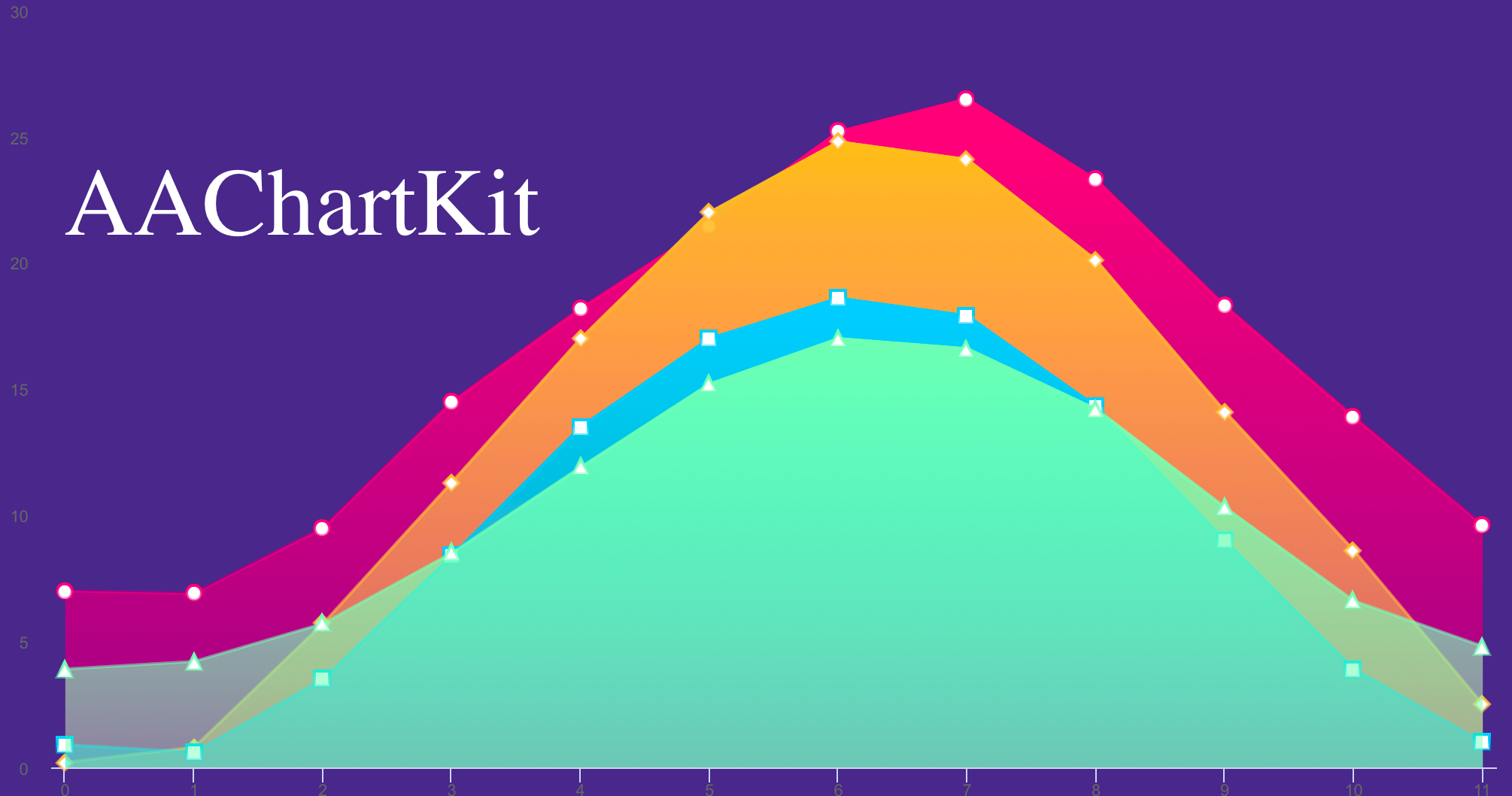
AAChartKit










English Document 🇬🇧 | 简体中文文档 🇨🇳
The Swift version of AAChartKit can be found here:
https://github.com/AAChartModel/AAChartKit-Swift
Preface
AAChartKit is an elegant and friendly (user-friendly && enviroment-friendly) chart framework for iOS, based on the open source Highcharts JS libraries. AAChartKit is extremely powerful, easy to configure and a pleasure to use. Currently AAChartKit includes support for the following chart types: column chart, bar chart, area chart, area spline chart, line chart, spline chart, radar chart, polar chart, pie chart, bubble chart, pyramid chart, funnel chart, column range and area range chart. More chart types are planned to be supported. AAChartKit gives you easy and fast access to a wide range of chart types, hassle-free and quick to integrate into your own project.
Features
- 🎂 Environment friendly. Support
iOS、iPadOSandmacOS. Totally supportObjective-Clanguage, and there are more types version such asSwiftlanguage version AAInfographics 、Javalanguage version AAChartCore 、Kotlinlanguage version AAInfographics . To get more details you can see the source code links list.
- 🚀 Powerful and easy to use. It supports
column chart,bar chart,area chart,areaspline chart,line chart,spline chart,radar chart,polar chart,pie chart,bubble chart,pyramid chart,funnel chart,columnrange chart,arearange chart,mixed chartand other graphics. Support for more chart types is planned.
- 🎮 Interactive and animated. The charts
animationeffect is exquisite, delicate, smooth and beautiful.
chain programming syntax like Masonry* .
- 🦋 Minimalist.
AAChartView + AAChartModel = Chart. The AAChartKit follows a minimalist formula: Chart view + Chart model = The chart you want, just like the powerful and beautiful charts lib AAInfographics.
- 🖱 Interaction event callback. Support for monitoring user click events and single finger move over events, which can be used to achieve double charts linked-working and even multiple charts linkage, as well as other more complex custom user interaction effects.
Beauty Appreciation
| Column Chart | Column Range Chart | Area Chart | | :----: | :----: | :----: | | 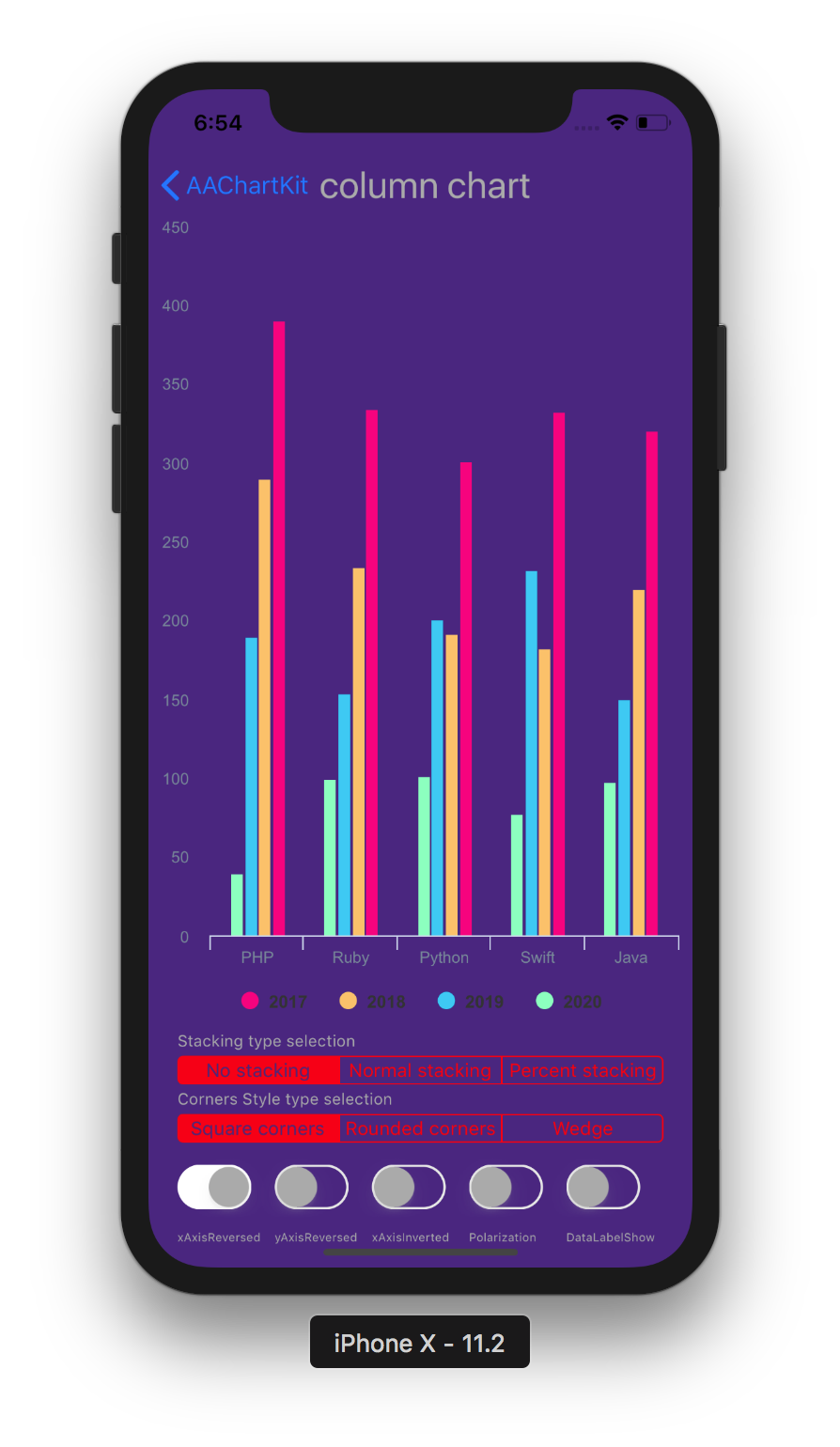 |
| 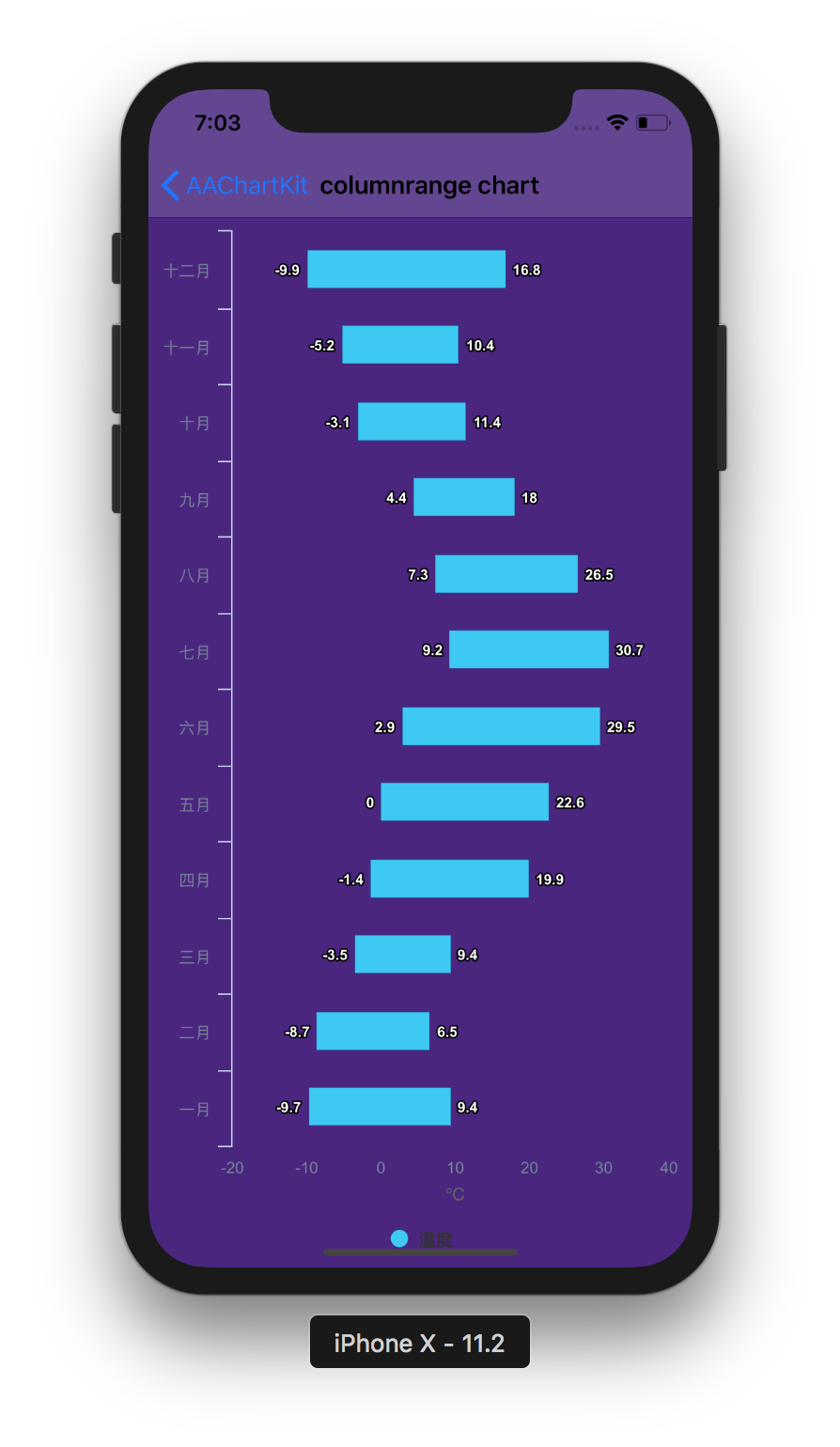 |
| 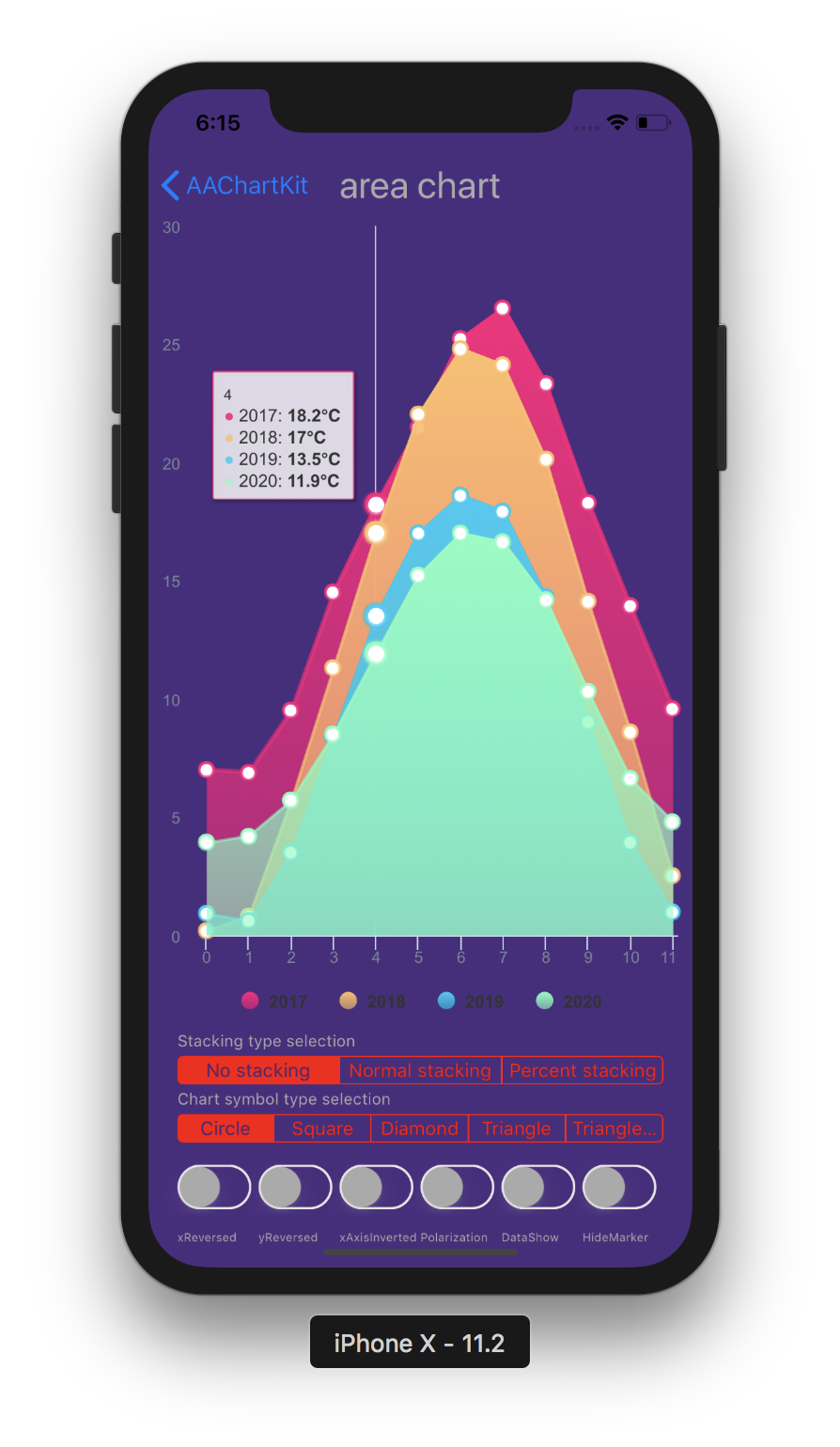 |
|
| Line Chart | Step Area Chart | Step Line Chart | | :----: | :----: | :----: | | 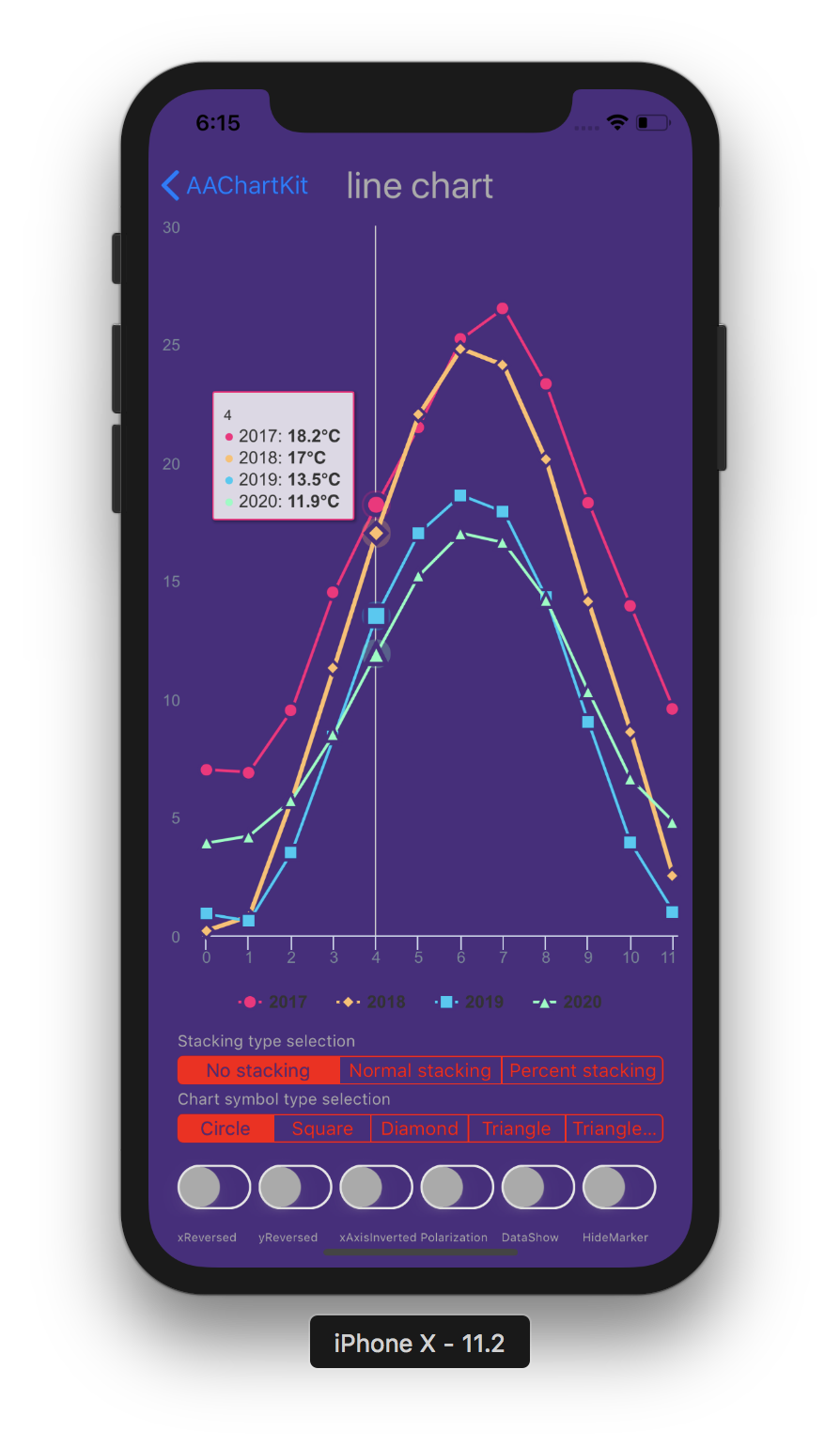 |
|  |
| 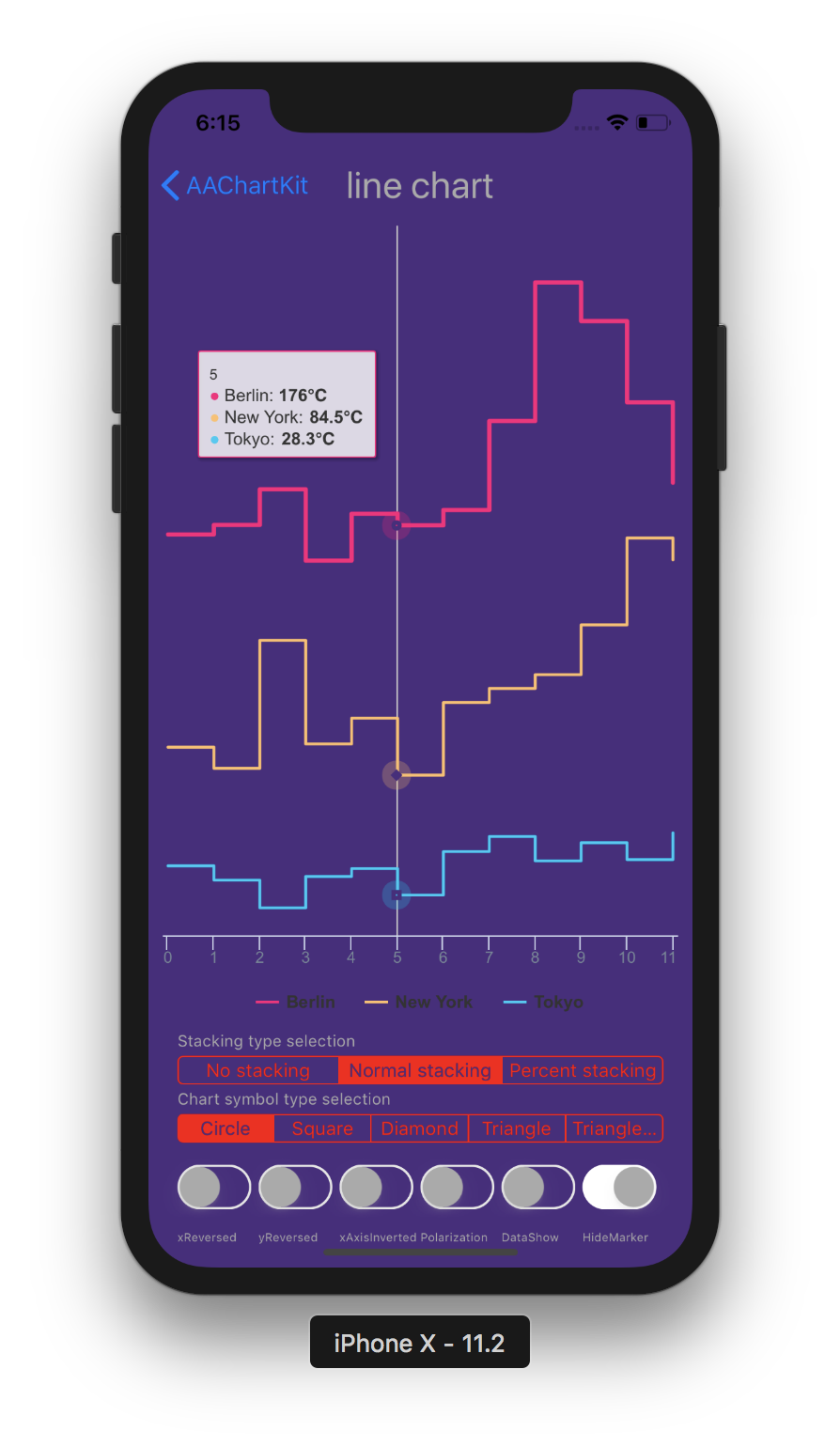 |
|
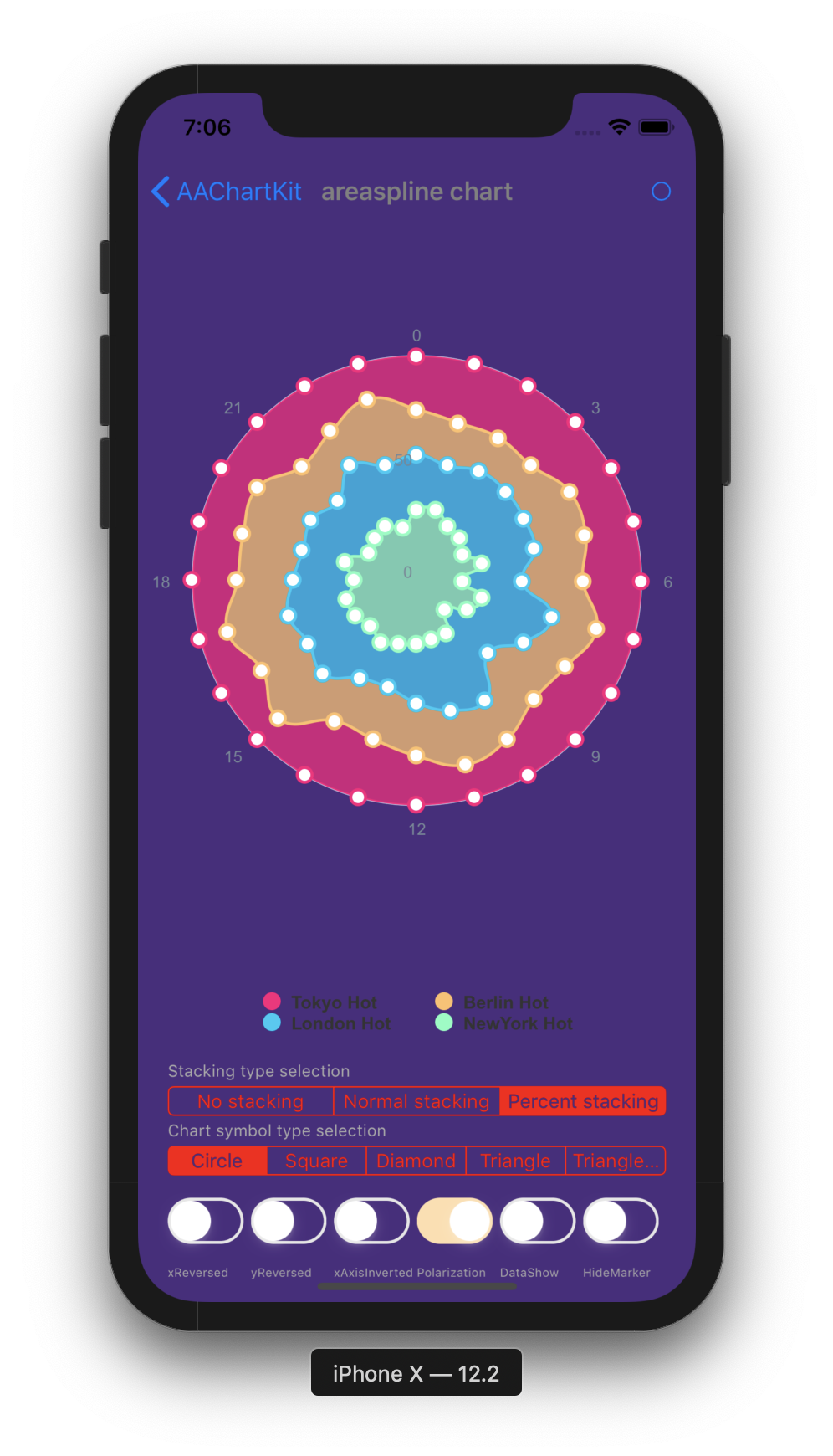
| Spline Chart | Areaspline Chart | Stacked Polar Chart | | :----: | :----: | :----: | | 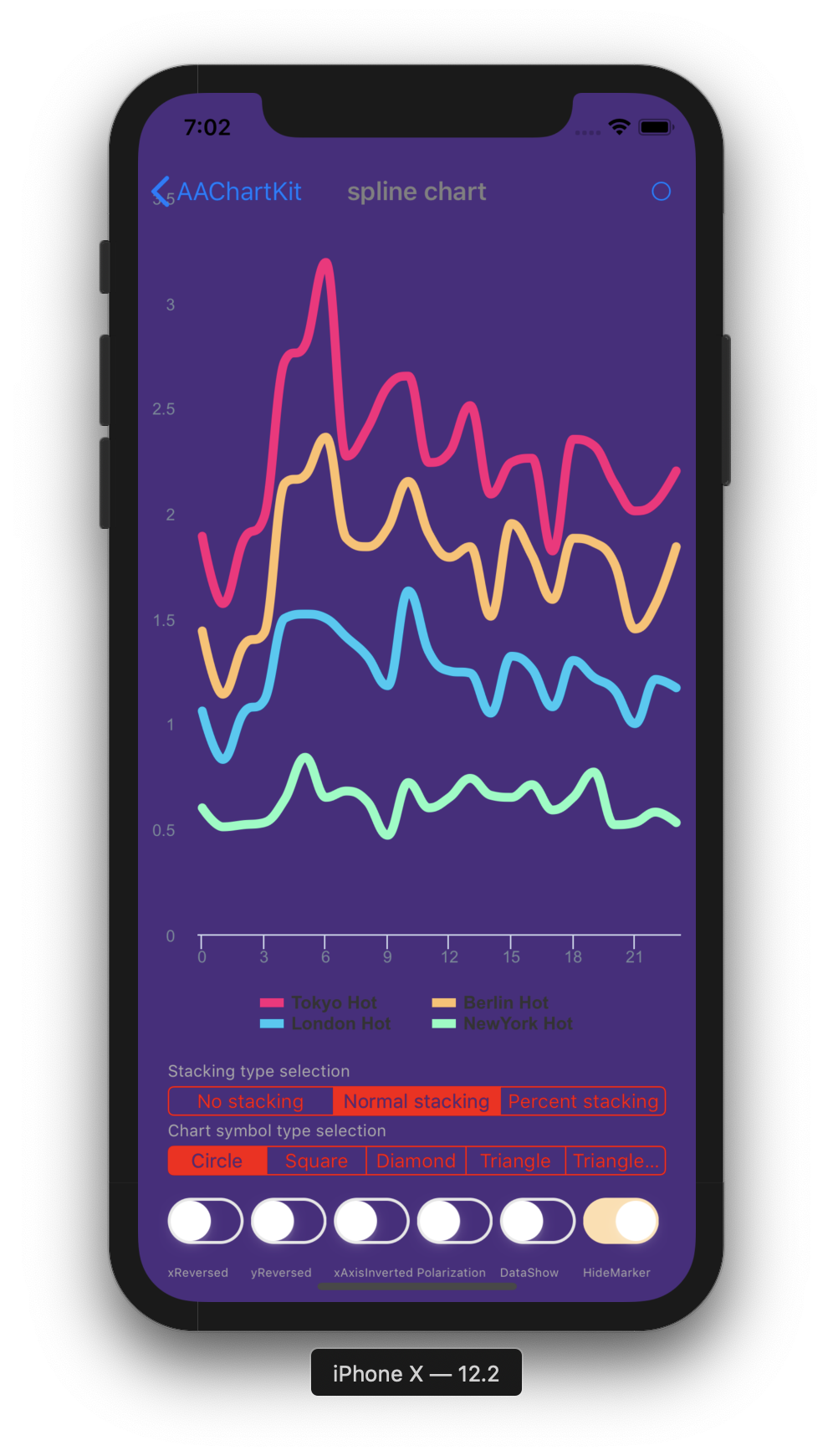 |
| 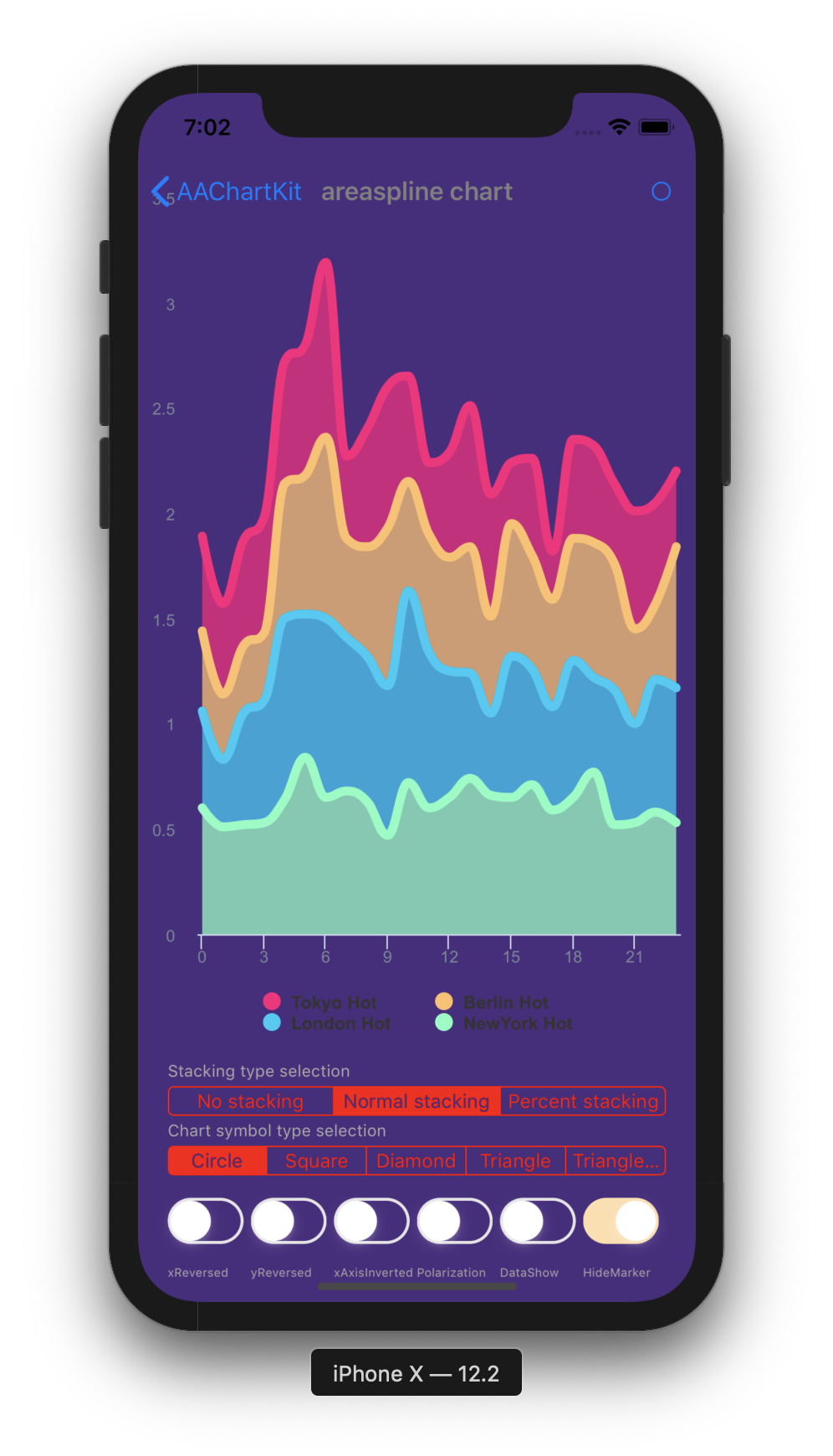 |
|  |
|
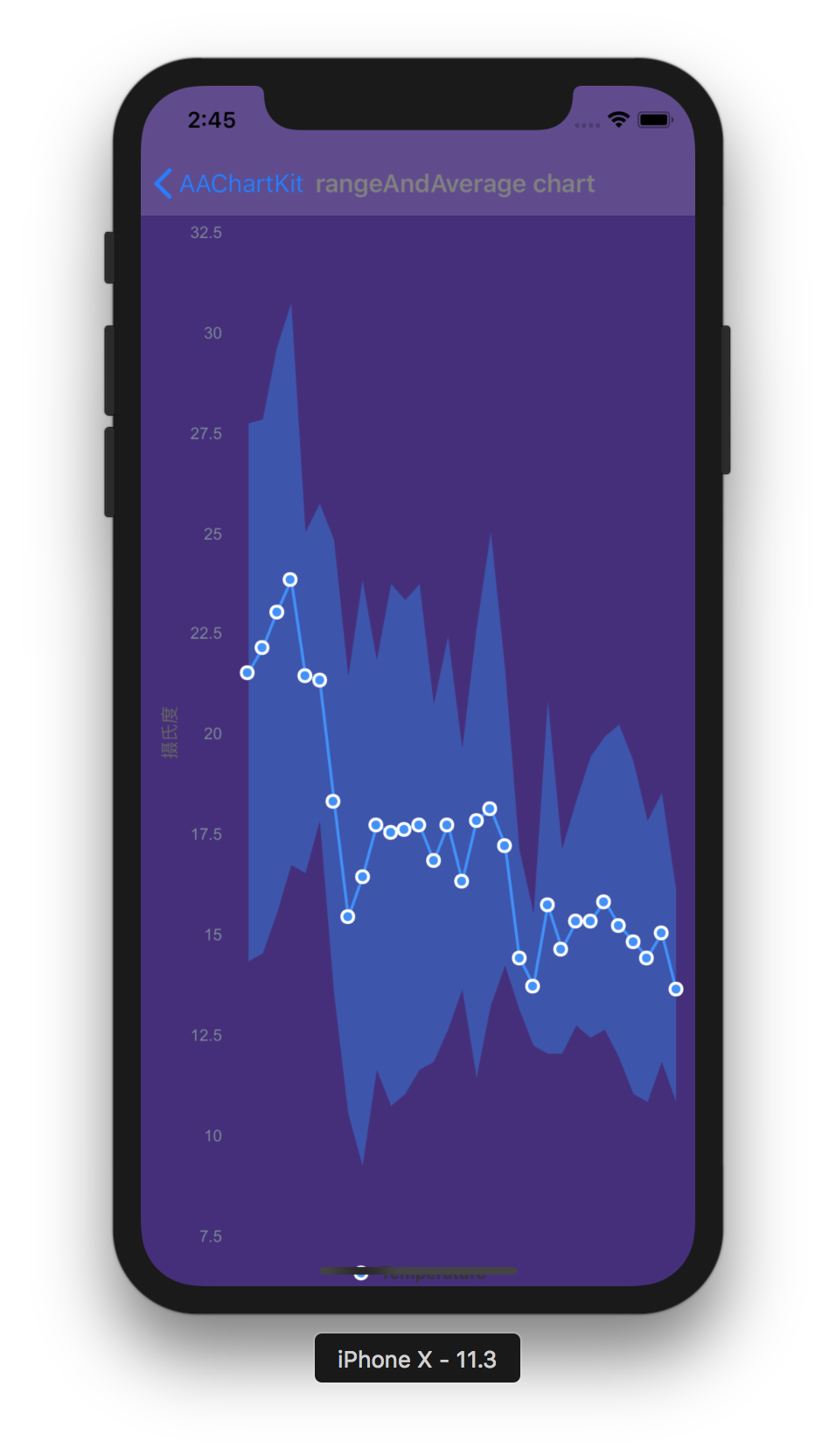
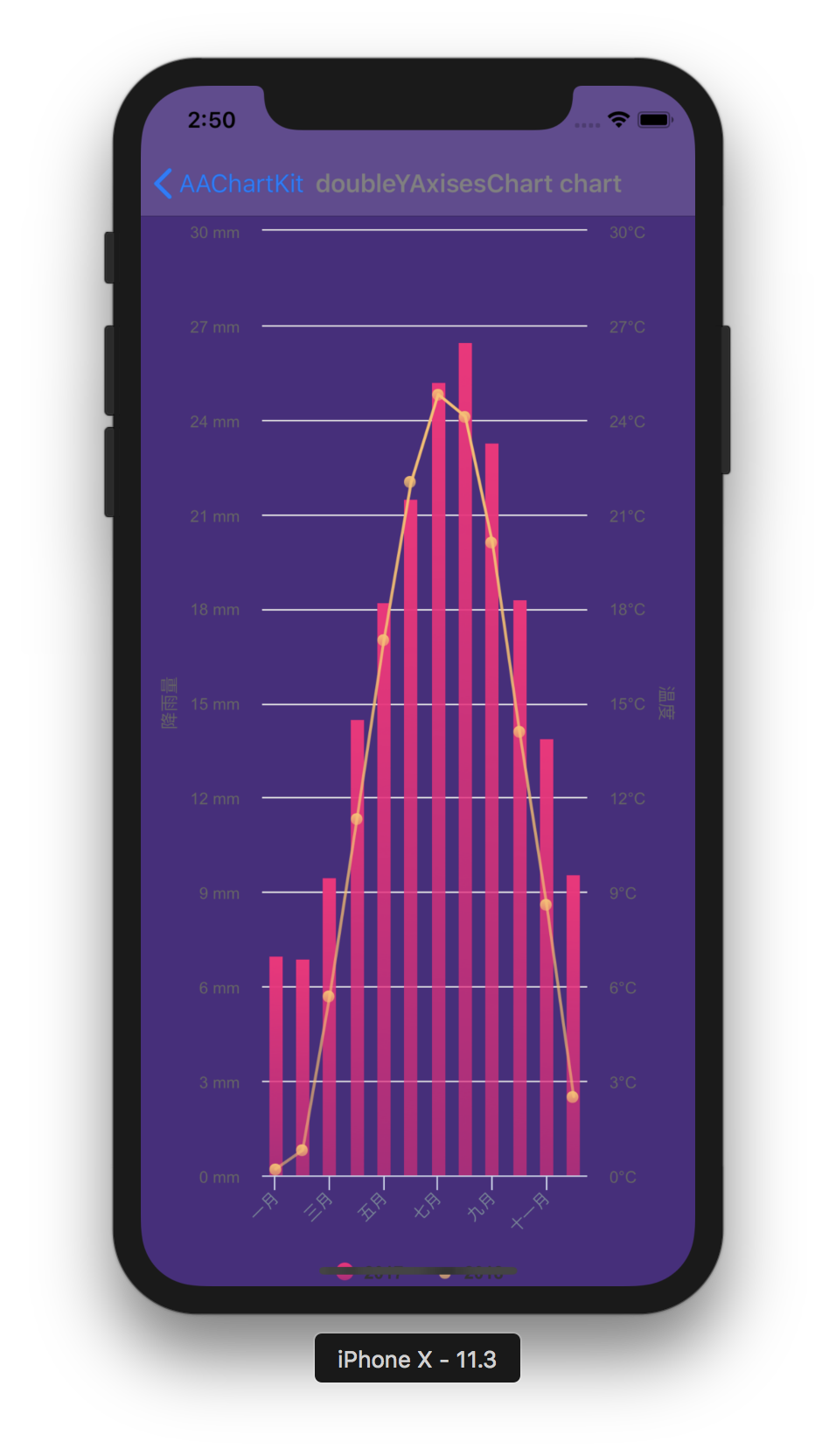
| Bubble Chart | Arearange Average Value Chart | Column Mixed Line Chart | | :----: | :----: | :----: | | 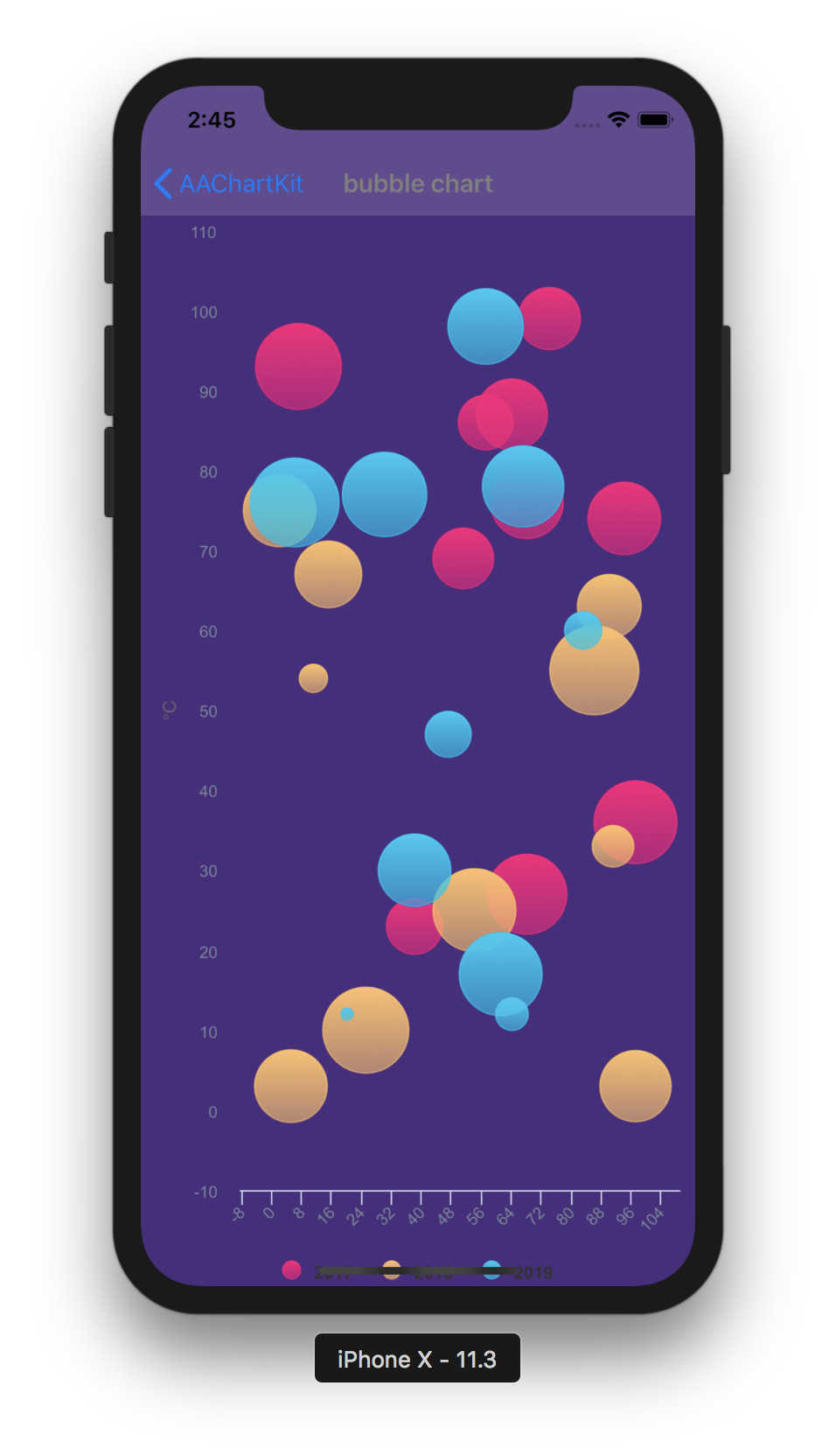 |
|  |
|  |
|
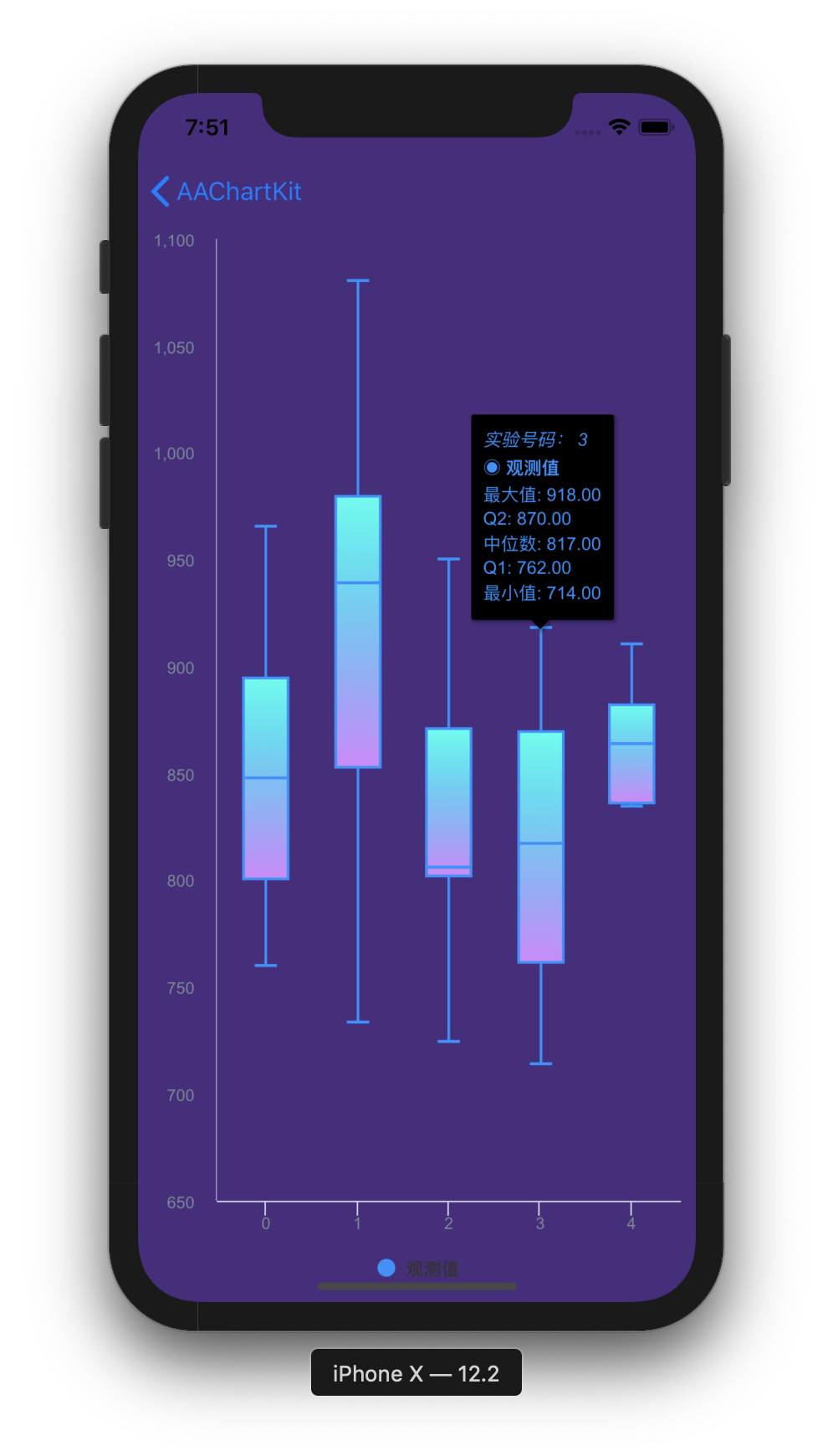
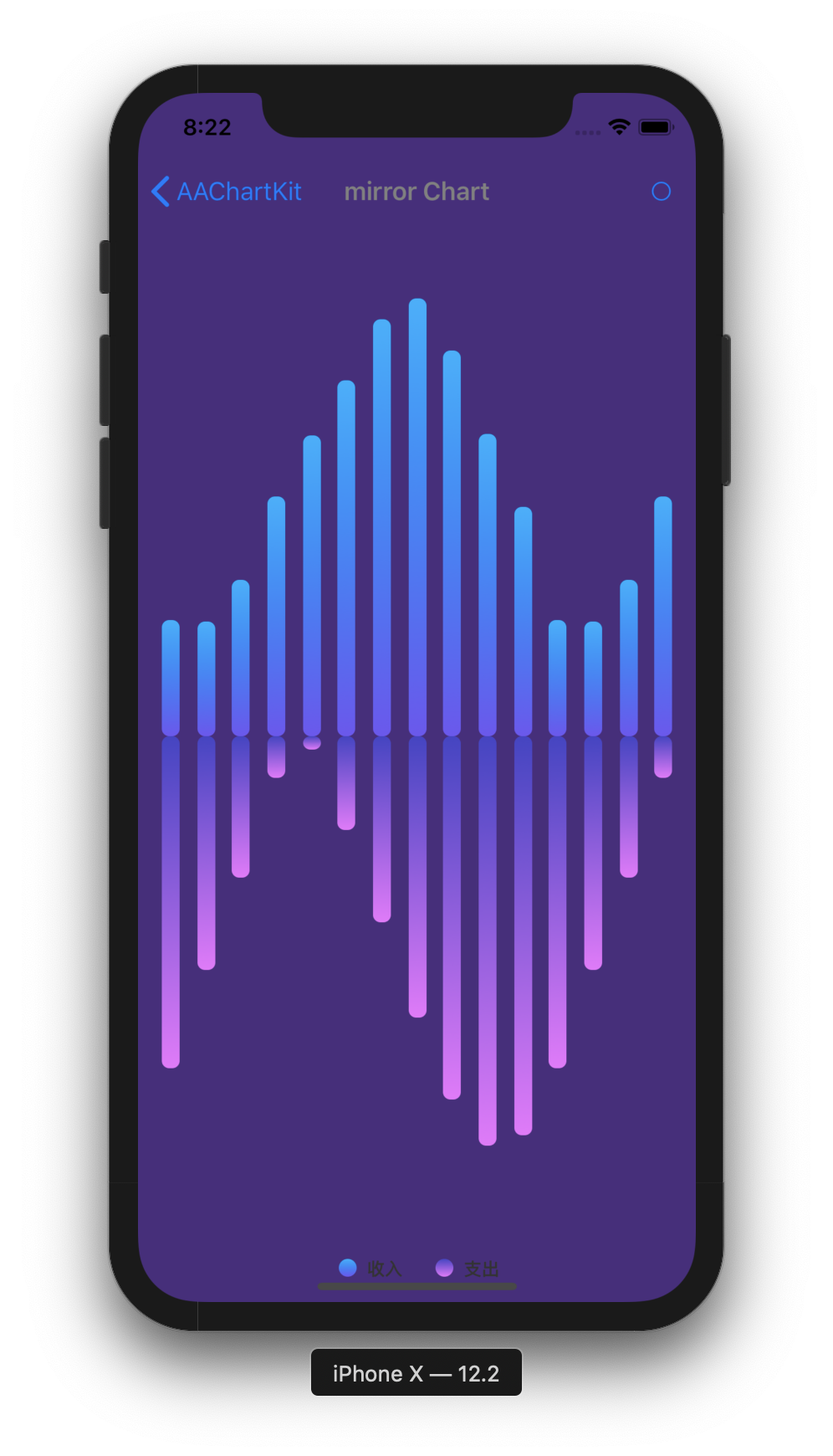
| Scatter Chart | Boxplot Chart | Mirror Column Chart | | :----: | :----: | :----: | | 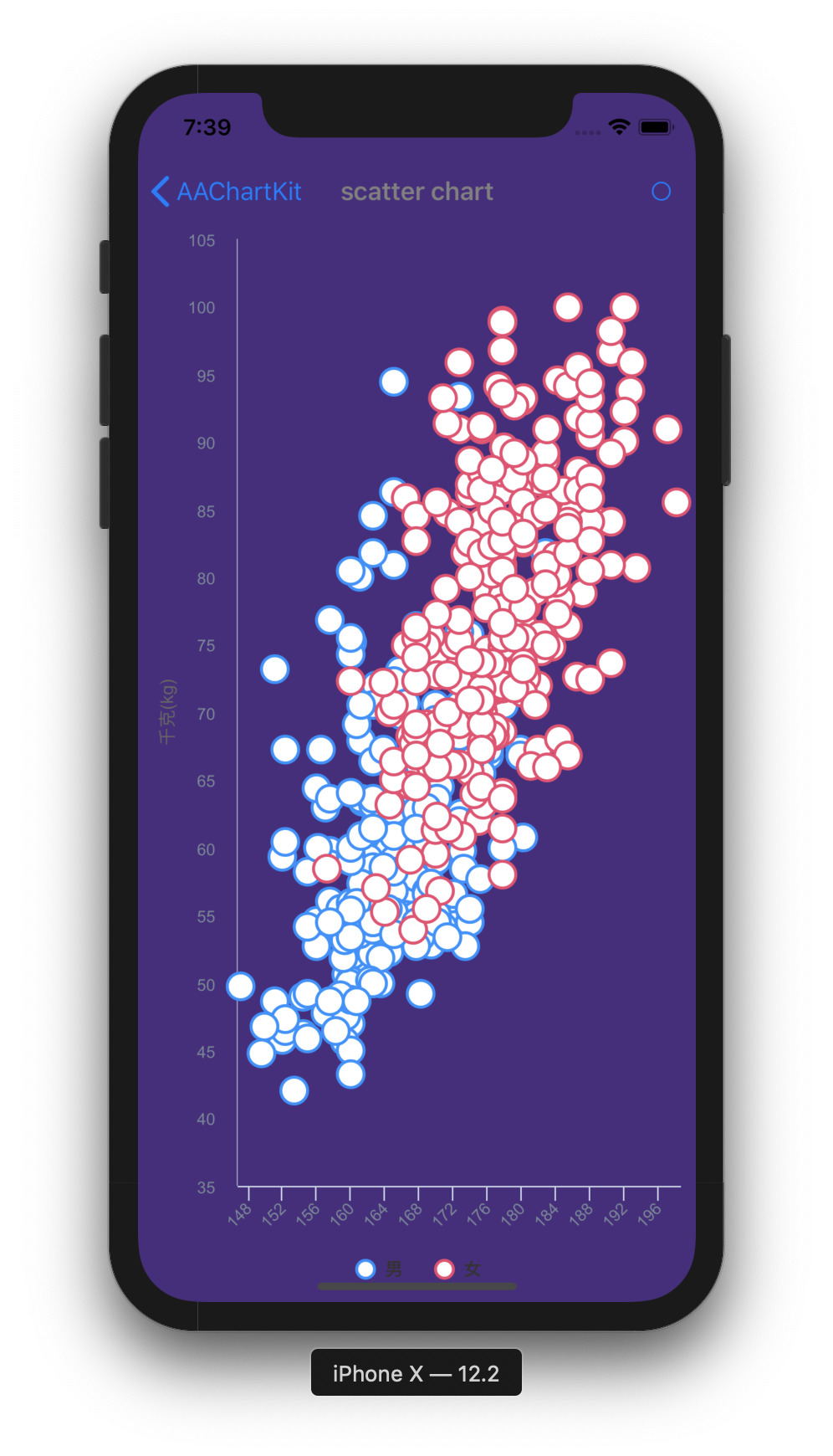 |
|  |
|  |
|
Installation
CocoaPods (recommended practice)
- Add following content
pod 'AAChartKit', :git => 'https://github.com/AAChartModel/AAChartKit.git'Podfile.
- Run
pod installorpod update.
Manually (old school way)
- Drag the
AAChartKitLibfolder into your project.
- Add the following to your
.pchfile.
-c
#import "AAGlobalMacro.h"
Usage
- Add the following to your view controller file:
-c
#import "AAChartKit.h"- Create an instance object of chart view:
AAChartView
-c
CGFloat chartViewWidth  = self.view.frame.size.width;
CGFloat chartViewHeight = self.view.frame.size.height - 250;
_aaChartView = [[AAChartView alloc]init];
_aaChartView.frame = CGRectMake(0, 60, chartViewWidth, chartViewHeight);
//_aaChartView.scrollEnabled = NO;
[self.view addSubview:_aaChartView];- Configure the chart model properties:
AAChartModel
-c
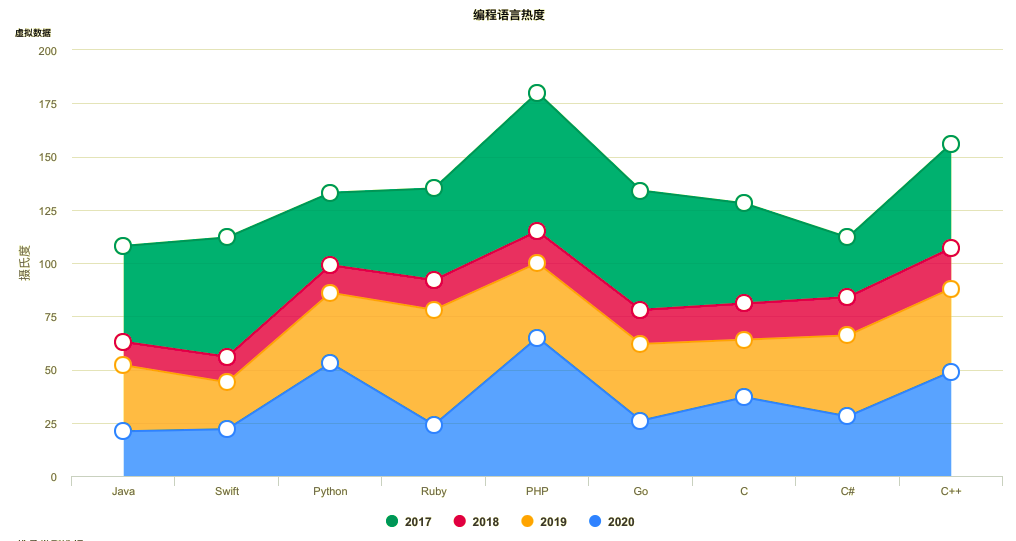
AAChartModel *aaChartModel = AAChartModel.new
.chartTypeSet(AAChartTypeArea)
.titleSet(@"THE HEAT OF PROGRAMMING LANGUAGE")
.subtitleSet(@"Virtual Data")
.categoriesSet(@[@"Java",@"Swift",@"Python",@"Ruby", @"PHP",@"Go",@"C",@"C#",@"C++"])
.yAxisTitleSet(@"Degrees Celsius")
.seriesSet(@[
    AASeriesElement.new
        .nameSet(@"2017")
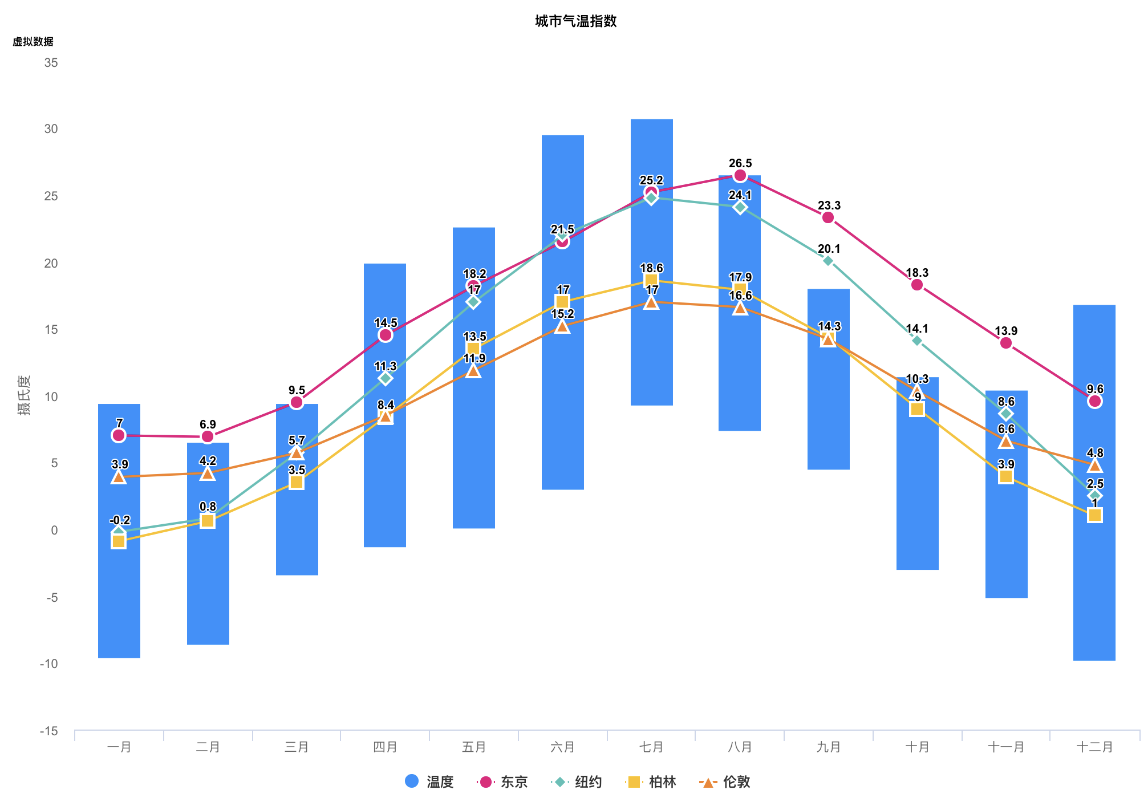
        .dataSet(@[@7.0, @6.9, @9.5, @14.5, @18.2, @21.5, @25.2, @26.5, @23.3, @18.3, @13.9, @9.6]),
    AASeriesElement.new
        .nameSet(@"2018")
        .dataSet(@[@0.2, @0.8, @5.7, @11.3, @17.0, @22.0, @24.8, @24.1, @20.1, @14.1, @8.6, @2.5]),
    AASeriesElement.new
        .nameSet(@"2019")
        .dataSet(@[@0.9, @0.6, @3.5, @8.4, @13.5, @17.0, @18.6, @17.9, @14.3, @9.0, @3.9, @1.0]),
    AASeriesElement.new
        .nameSet(@"2020")
        .dataSet(@[@3.9, @4.2, @5.7, @8.5, @11.9, @15.2, @17.0, @16.6, @14.2, @10.3, @6.6, @4.8]),
]);- Draw the chart (this method is only called the first time you create an AAChartView instance object)
-c
//The chart view object calls the instance object of AAChartModel and draws the final graphic
[aaChartView aadrawChartWithChartModel:aaChartModel];
🎉🎉🎉 Congratulations! Everything was done!!! You will get what you want!!! 🌈🌈🌈
Update chart content
If you want to refresh chart content, you should do something as follow. According to your actual needs, select the function that fits you.- Refresh the chart data (this method is recommended for updating the series data dynamically)
-c
//Refresh the chart dynamically only when the series attribute of the AAChartModel object is updated
[aaChartView aaonlyRefreshTheChartDataWithChartModelSeries:aaChartModelSeriesArray];- Refresh the chart, minus the chart data (this method is recommended for subsequent refreshes after the first drawing of graphics has completed. If you want to update the chart data only, you should use the function
aa_onlyRefreshTheChartDataWithChartModelSeries)
-c
//Refresh the chart after the AAChartModel content is updated
[aaChartView aarefreshChartWithChartModel:aaChartModel];
Samples
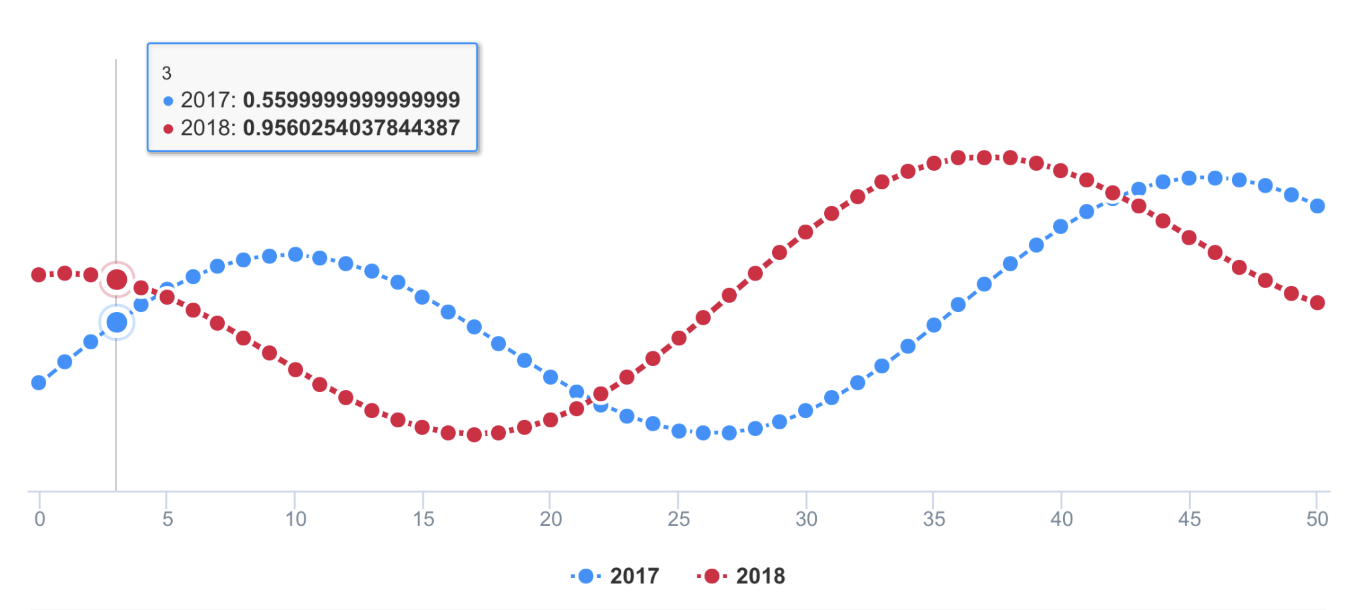
- ### line chart
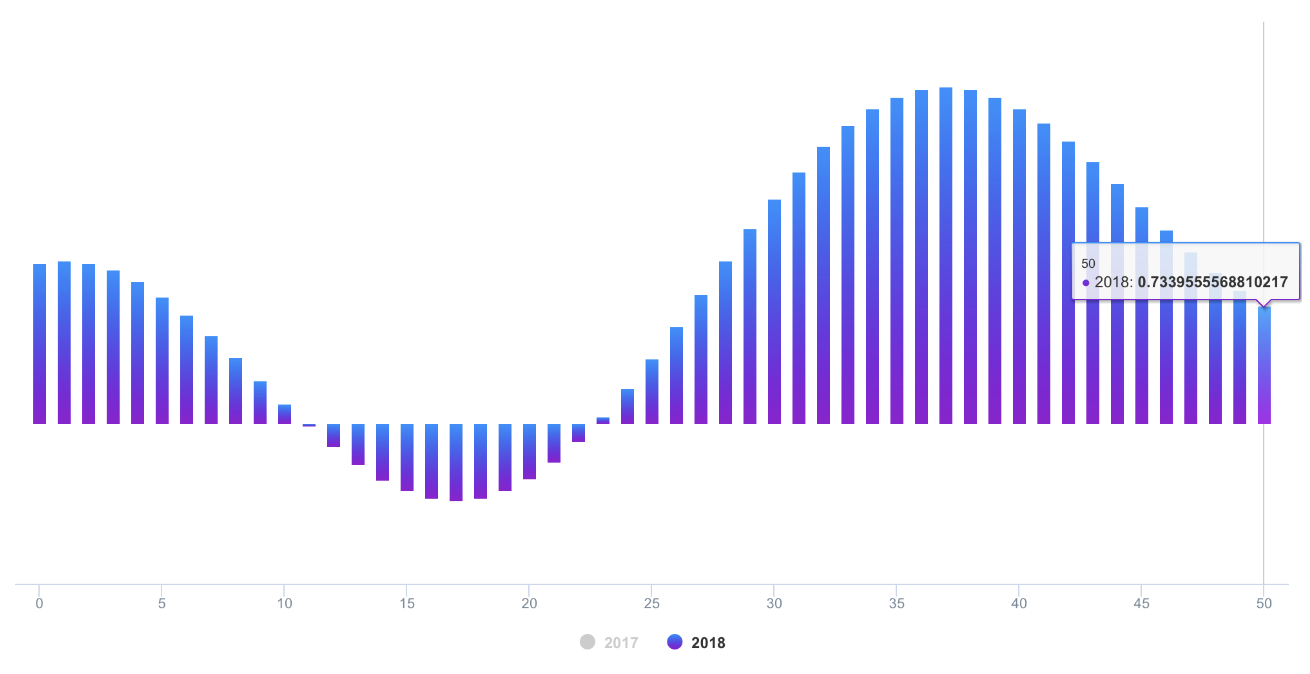
- ### column chart
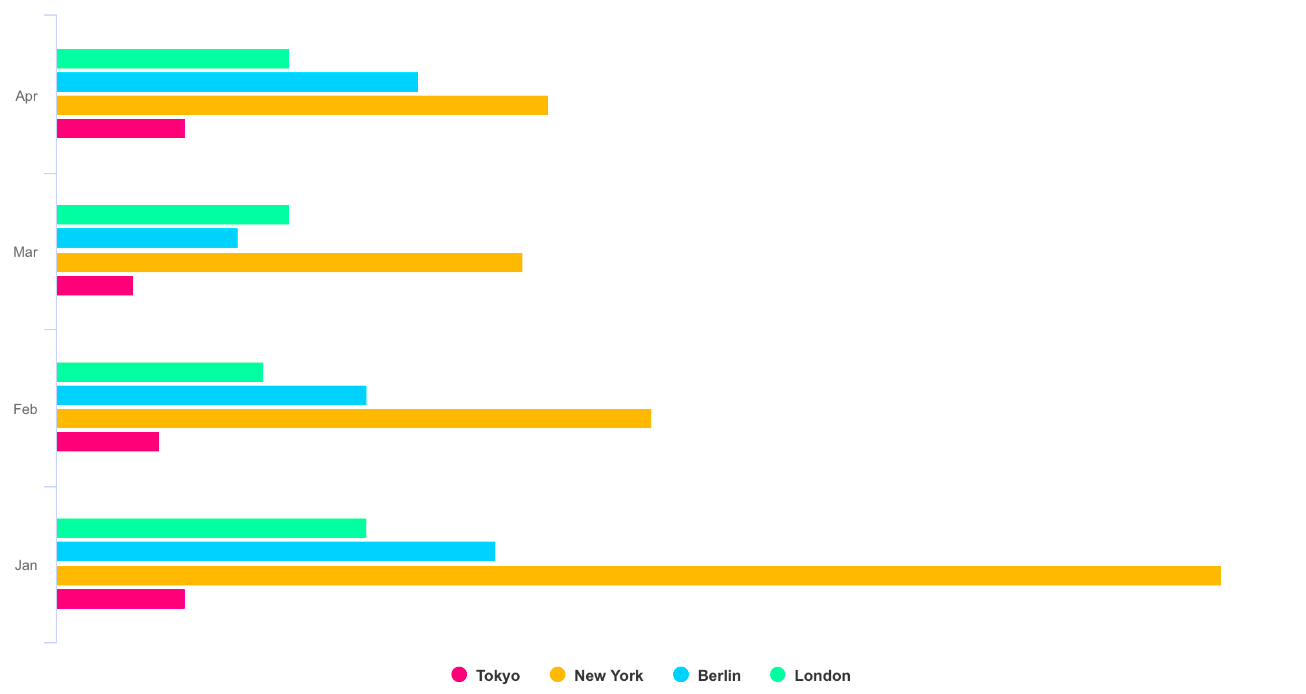
- ### bar chart
- ### special area chart one

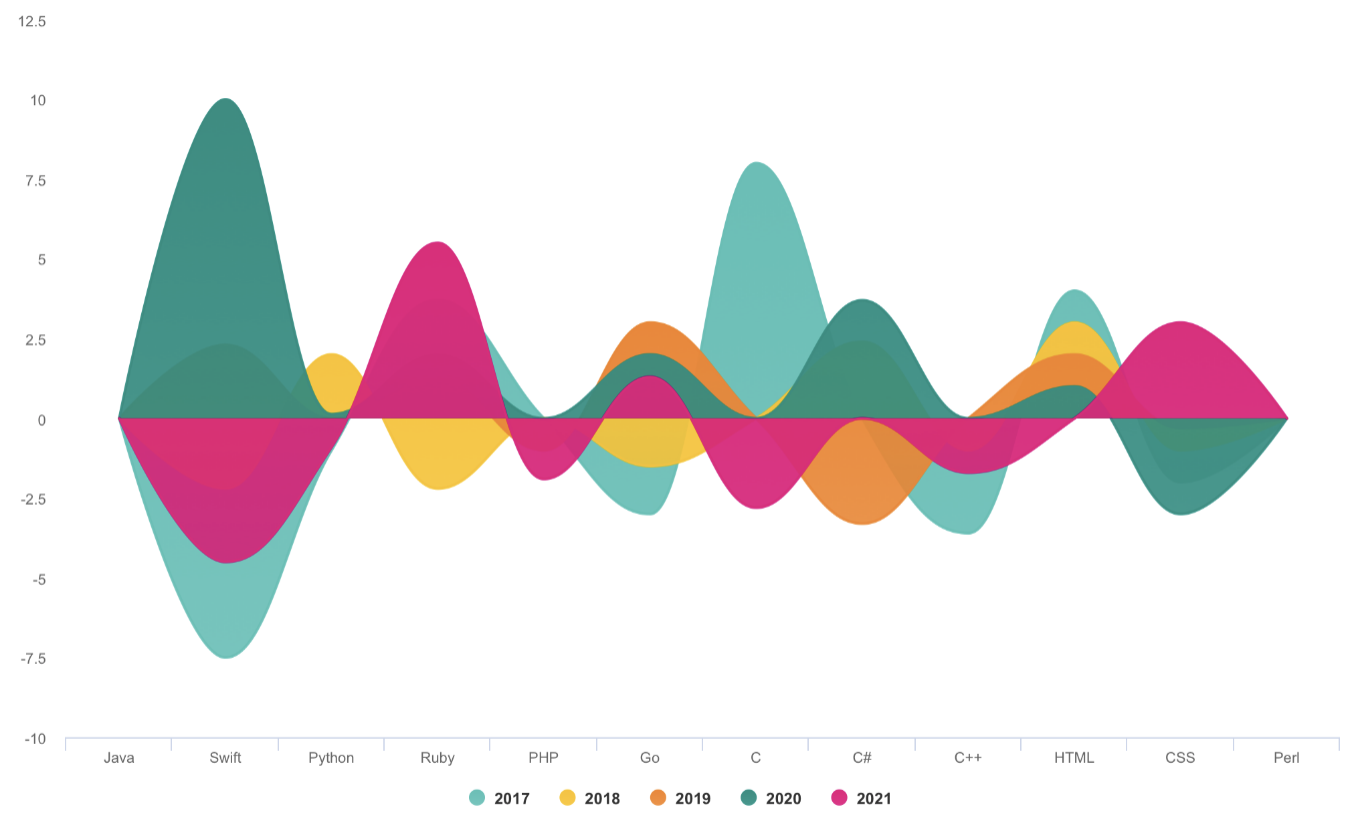
- ### special area chart two
- ### special area chart three
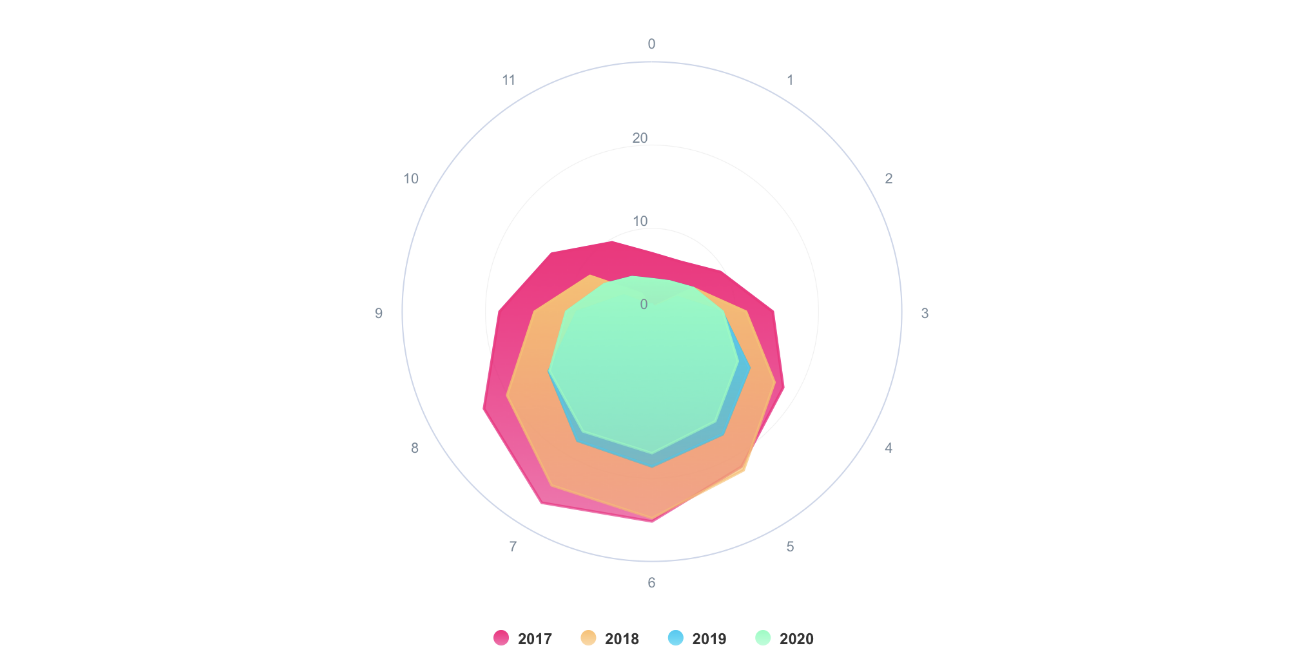
- ### radar chart
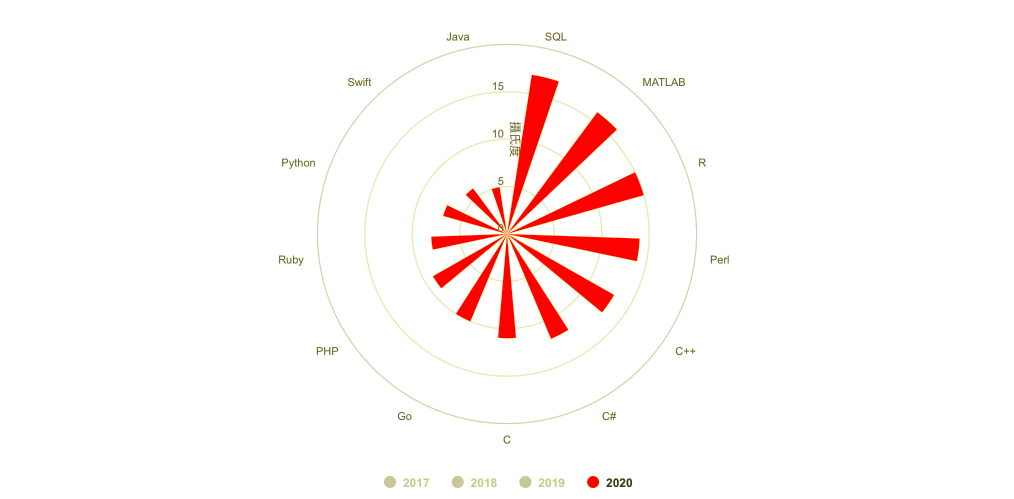
- ### polar chart
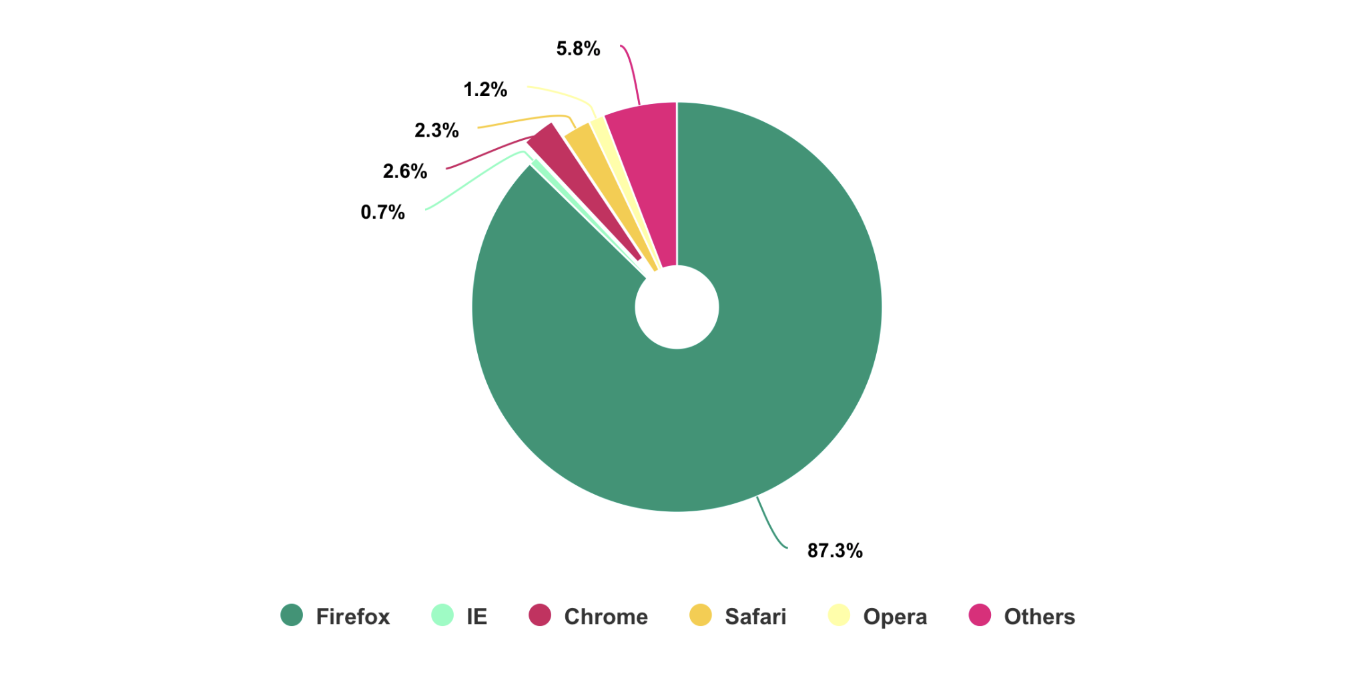
- ### pie chart
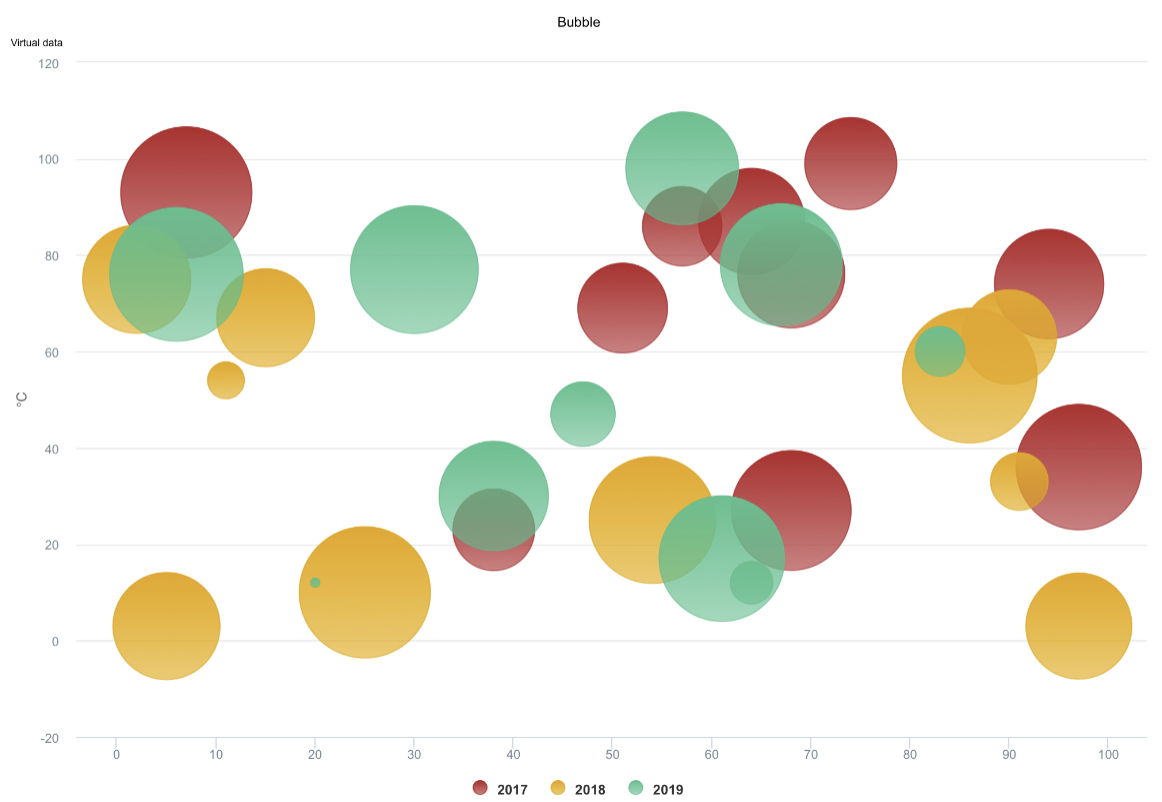
- ### bubble chart
- ### scatter chart
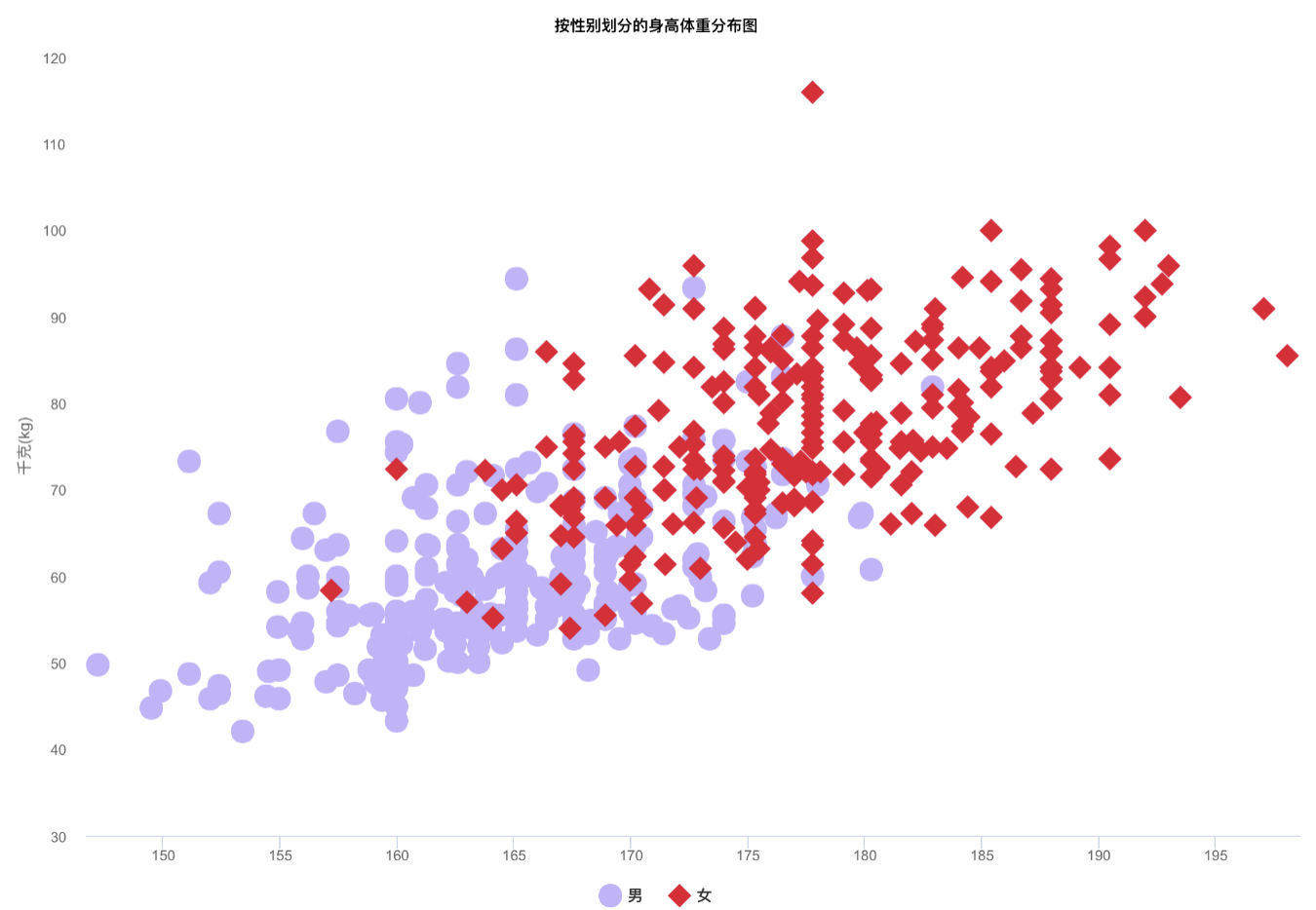
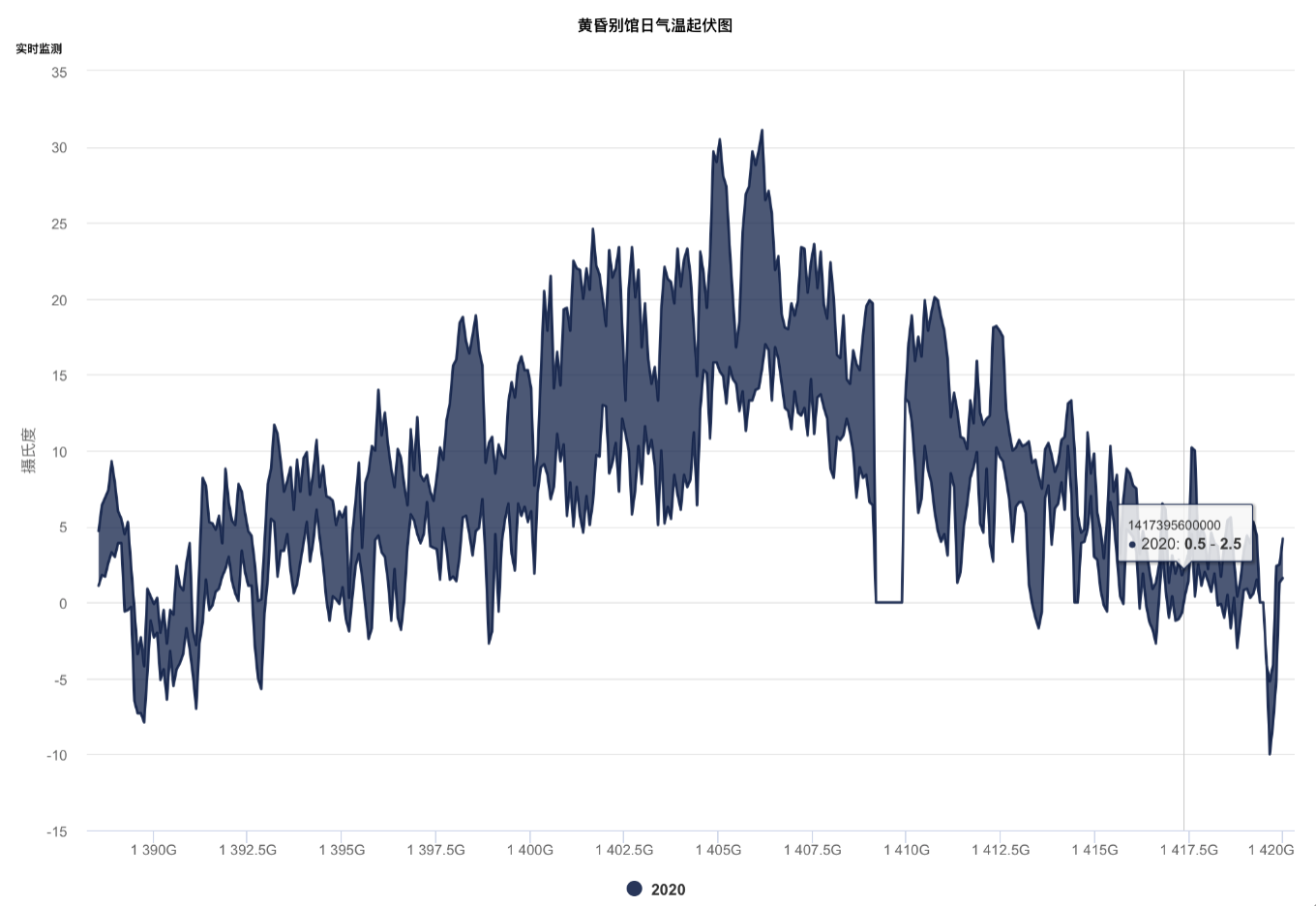
- ### arearange chart
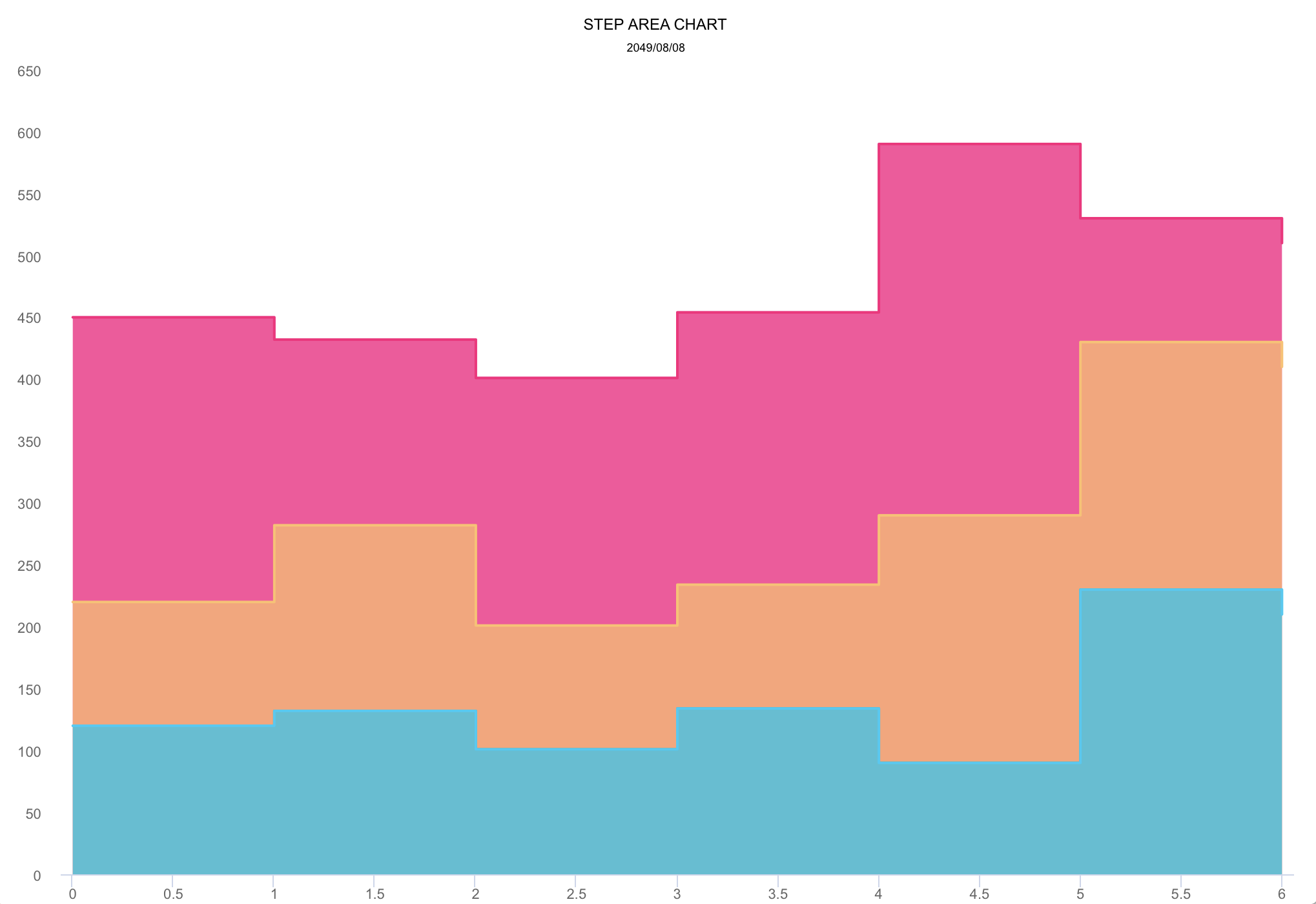
- ### step area chart
- ### mixed chart
More graphics
>>> Note: The following DEMO picture is a GIF dynamic picture which has a size of around 6M*. If you don't see any dynamic preview, then this is because the picture resources were not fully loaded. In such a case please be patient and wait for the contents to finish loading. Maybe you need to reload this page.
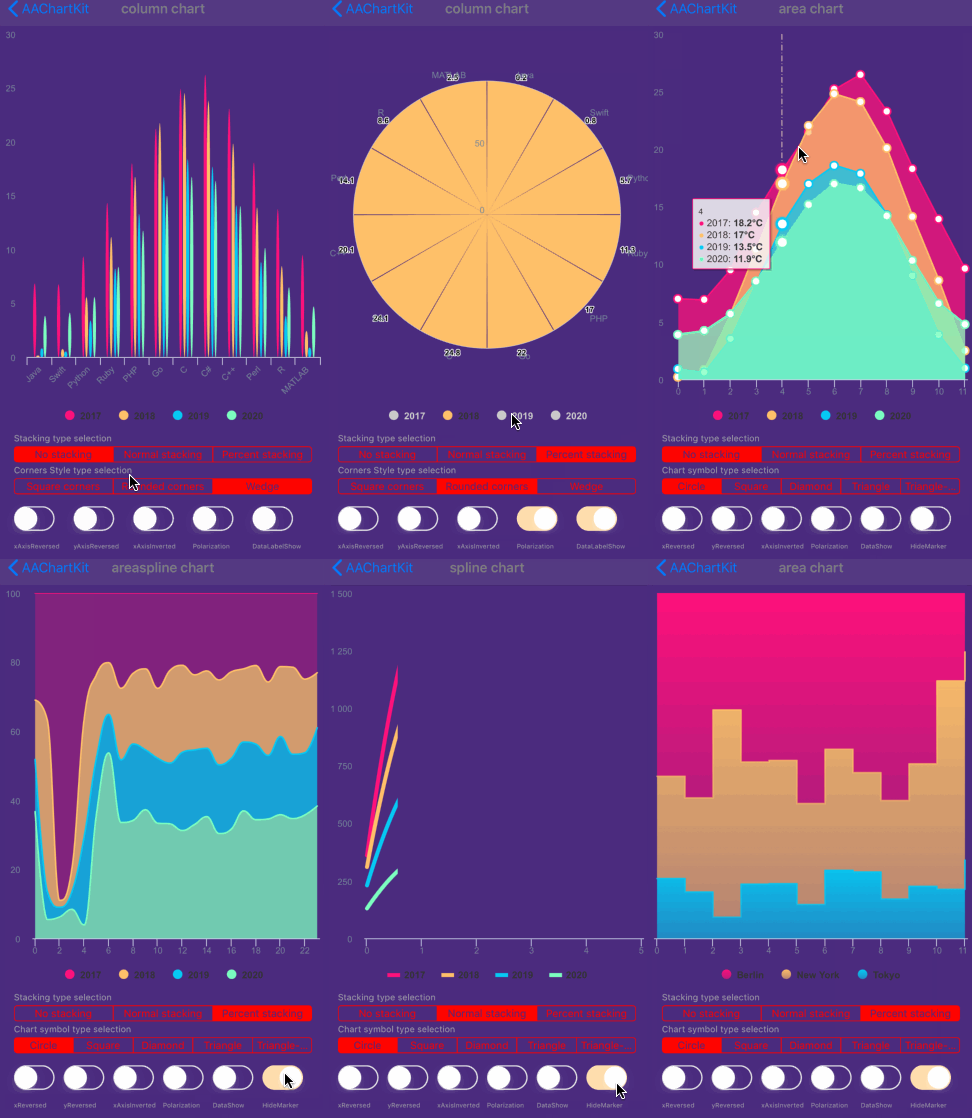
Special instructions
Support user click events and move over events
you can monitor the user touch events message through implementing delegate function for AAChartView instance object
//Set AAChartView events delegate
 self.aaChartView.delegate = self;
//implement AAChartView user touch events delegate function  #pragma mark -- AAChartView delegate  - (void)aaChartView:(AAChartView )aaChartView moveOverEventWithMessage:(AAMoveOverEventMessageModel )message {  NSLog(@"🚀selected point series element name: %@",message.name);  }
The received touch events message contain following content
@interface AAMoveOverEventMessageModel : NSObject
@property (nonatomic, copy)   NSString *name;  @property (nonatomic, strong) NSNumber *x;  @property (nonatomic, strong) NSNumber *y; @property (nonatomic, copy)   NSString *category; @property (nonatomic, strong) NSDictionary *offset; @property (nonatomic, assign) NSUInteger index;
@end
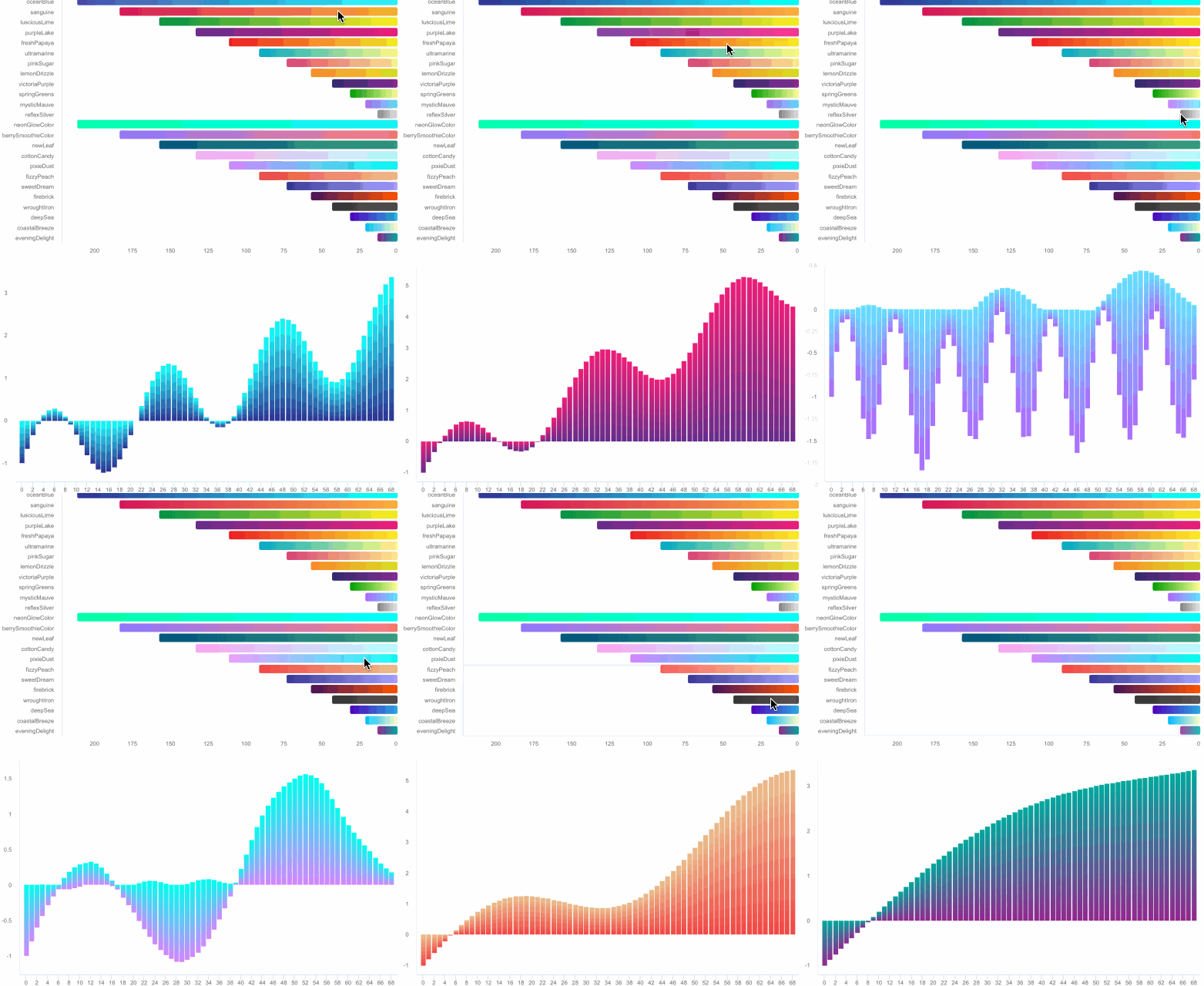
Monitoring user click events can achieve a variety of custom functions. For example, you can implement Double Charts Linkage through user click event callbacks. The example effects are as follows
Support for custom the style of chart AATooltip through JavaScript function
As we all know, AAChartKit support using HTML String. Most of time, the headerFormat 、pointFormat、footerFormat HTML string is enough for customizing chart tooltip string content, However, sometimes the needs of APP is so weird to satified, in this time, you can even customize the chart tooltip style via formatter JavaScript function.
For example
- configuring AATooltip instance object properties as follow:
/Custom Tooltip Style ---/
    AATooltip *tooltip = aaOptions.tooltip;
    tooltip
    .useHTMLSet(true)
    .formatterSet(@AAJSFunc(function () {
        return ' 🌕 🌖 🌗 🌘 🌑 🌒 🌓 🌔 <br/> '
        + ' Support JavaScript Function Just Right Now !!! <br/> '
        + ' The Gold Price For <b>2020 '
        +  this.x
        + ' </b> Is <b> '
        +  this.y
        + ' </b> Dollars ';
    }))
    .valueDecimalsSet(@2)
    .backgroundColorSet(@"#000000")
    .borderColorSet(@"#000000")
    .styleSet(AAStyleColorSize(@"#FFD700", 12))
    ;
you can get the customized tooltip style chart like this👇 
- configuring AATooltip instance object properties as follow:
aaOptions.tooltip
    .useHTMLSet(true)
    .formatterSet(@AAJSFunc(function () {
        let wholeContentStr ='<span style=\"' + 'color:lightGray; font-size:13px\"' + '>◉ Time: ' + this.x + ' year</span><br/>';
        let length = this.points.length;
        for (let i = 0; i < length; i++) {
            let thisPoint = this.points[i];
            let yValue = thisPoint.y;
            if (yValue != 0) {
                let spanStyleStartStr = '<span style=\"' + 'color:'+ thisPoint.color + '; font-size:13px\"' + '>◉ ';
                let spanStyleEndStr = '</span> <br/>';
                wholeContentStr += spanStyleStartStr + thisPoint.series.name + ': ' + thisPoint.y + '℃' + spanStyleEndStr;
            }
        }
        return wholeContentStr;
    }))
    .backgroundColorSet(@"#050505")
    .borderColorSet(@"#050505")
    ;
you can get the customized tooltip style chart like this👇 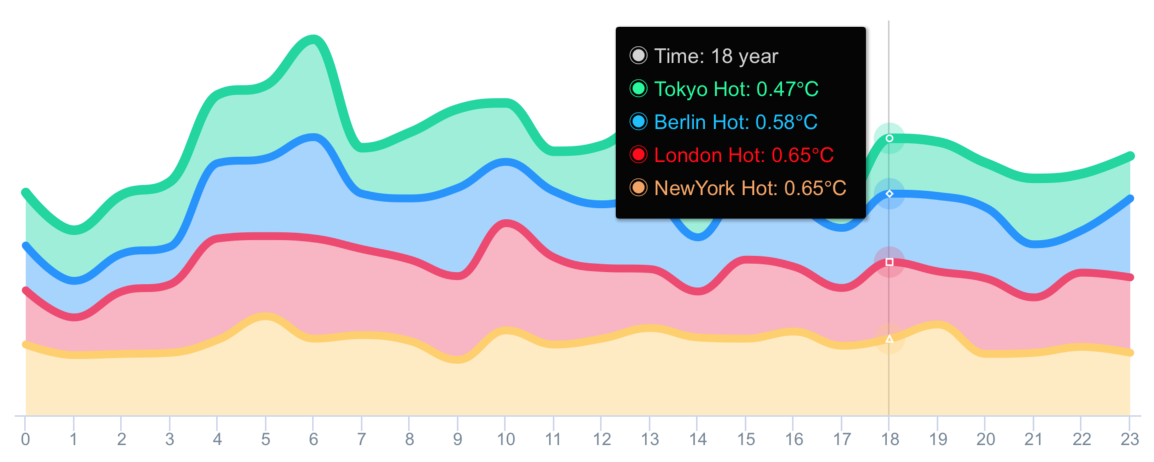
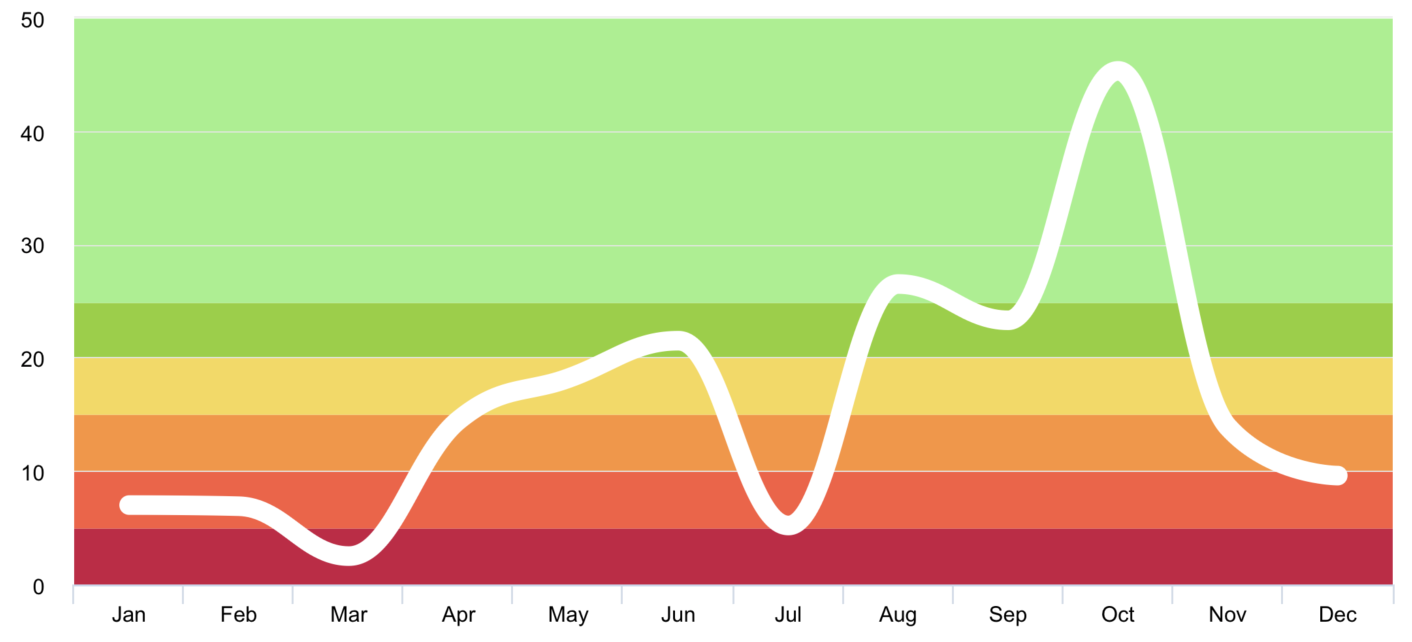
Support value range segmentation
- chart with value range segmentation
bands 🎀
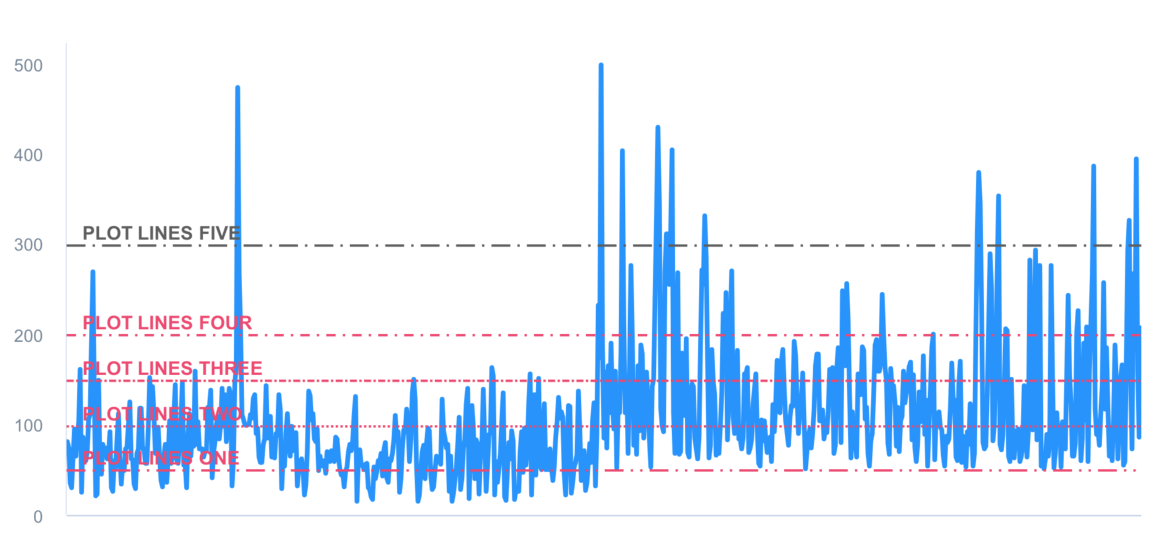
- chart with value range segmentation
lines 🧶
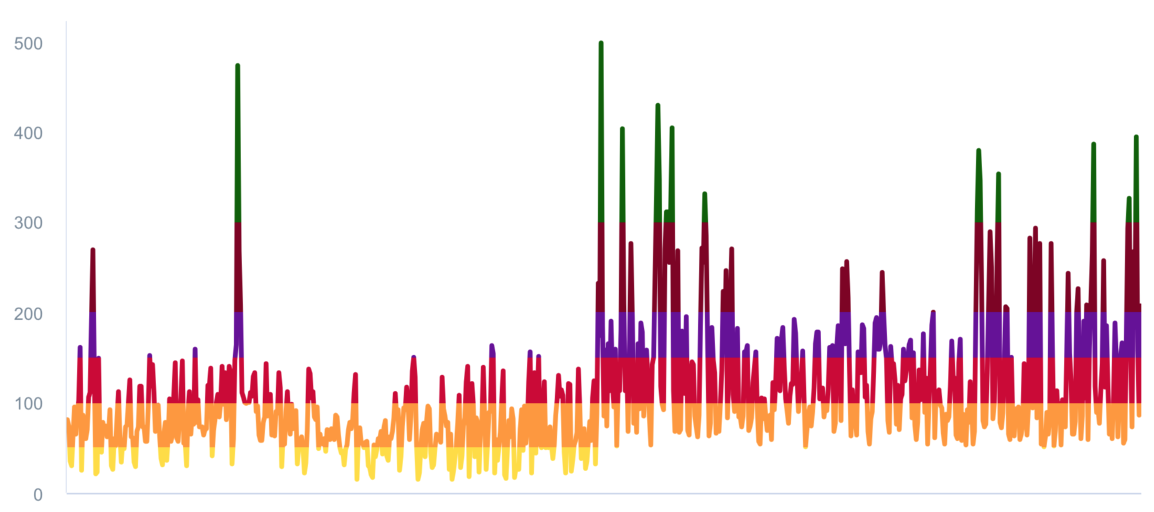
- chart with value range segmentation
zones 🧱
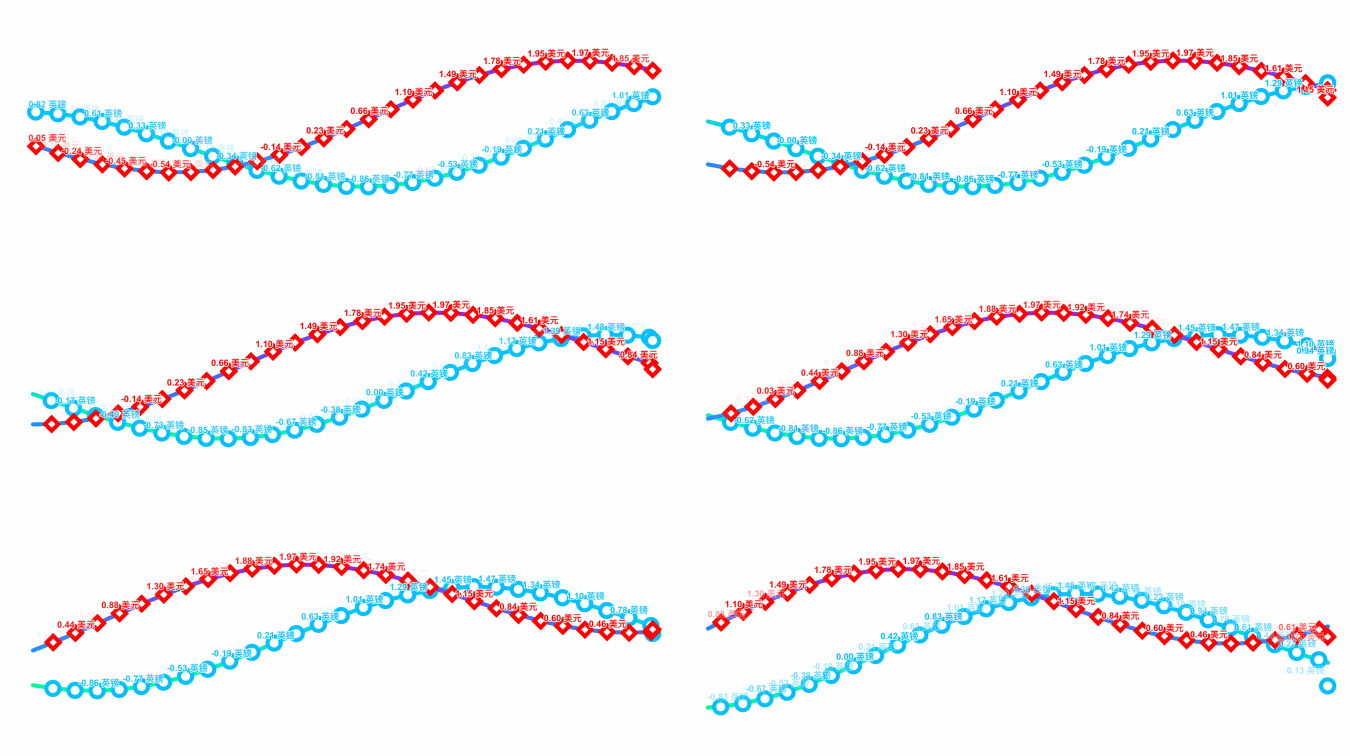
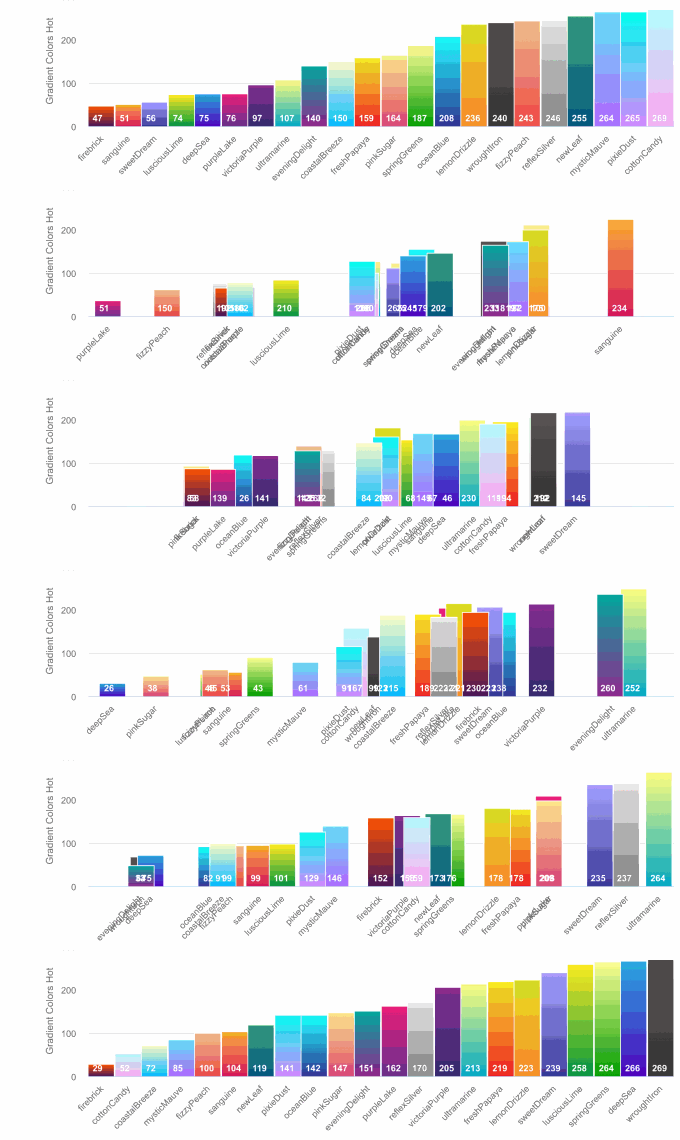
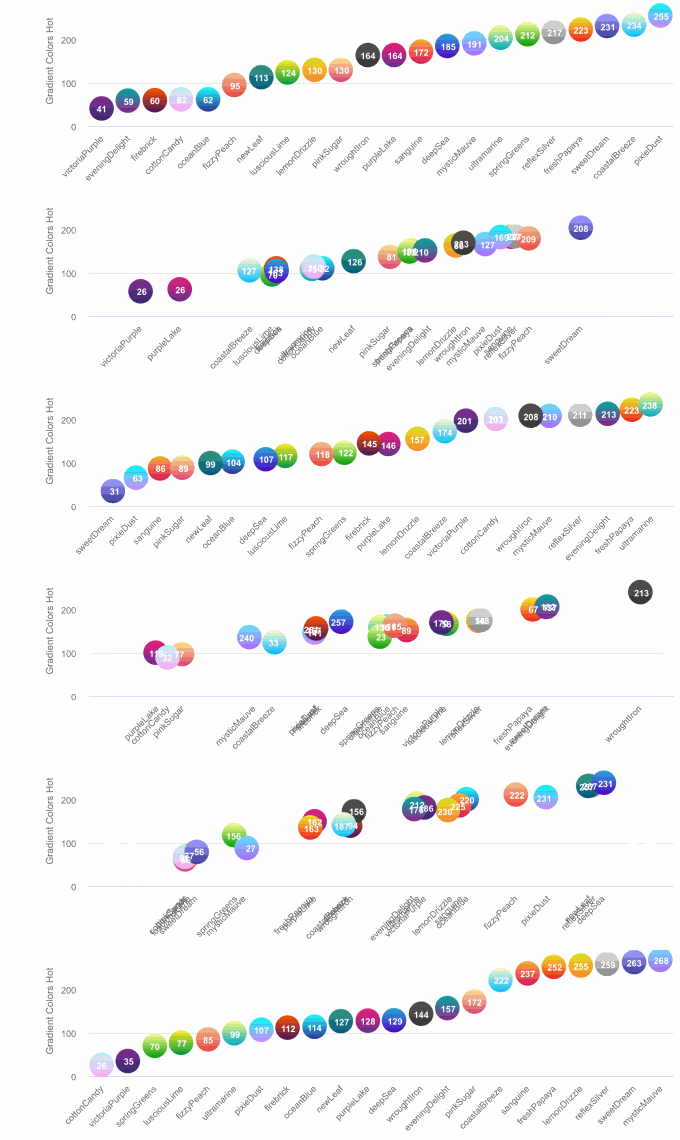
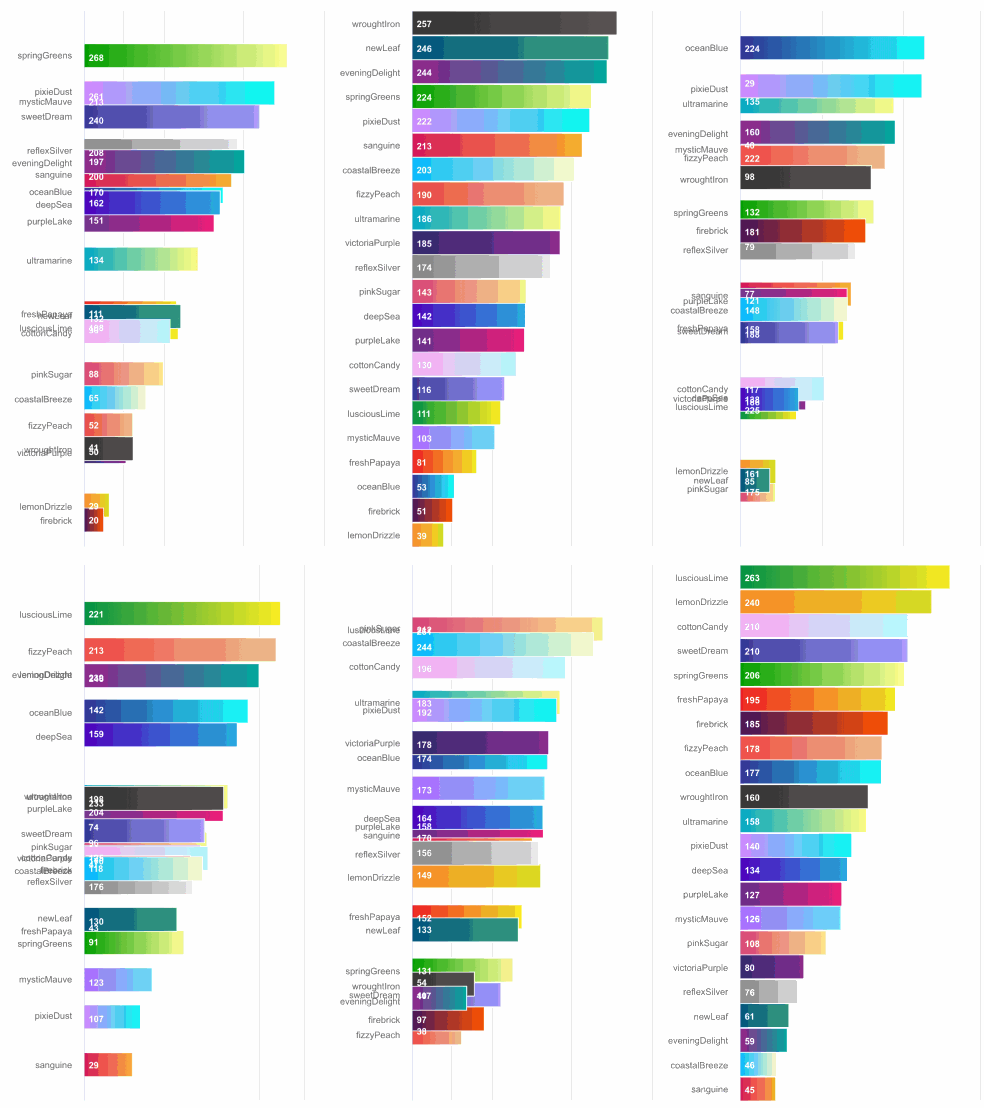
Support scrolling update chart data

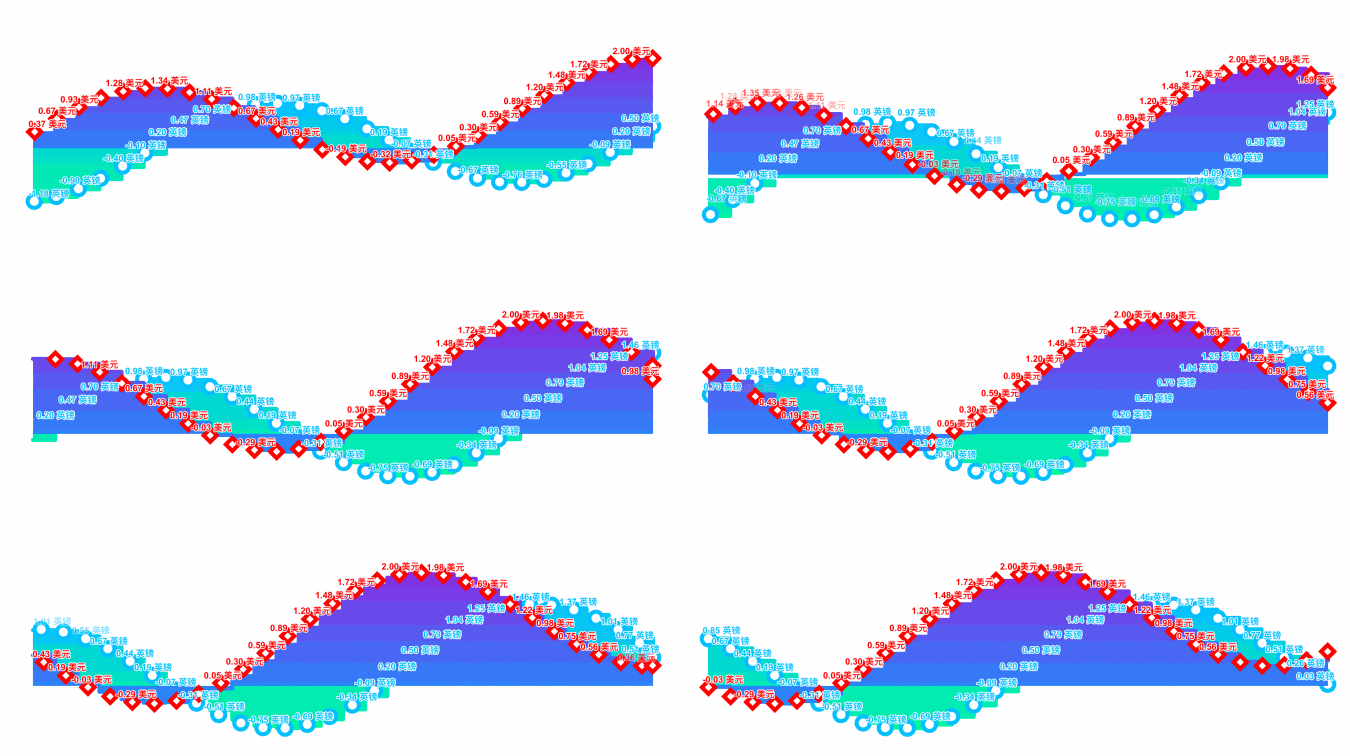
Support data sorting with animation effect
Supported chart types for now
-c
typedef NSString *AAChartType;
AACHARTKIT_EXTERN AAChartType const AAChartTypeColumn;          //column chart AACHARTKIT_EXTERN AAChartType const AAChartTypeBar;             //bar chart AACHARTKIT_EXTERN AAChartType const AAChartTypeArea;            //area chart AACHARTKIT_EXTERN AAChartType const AAChartTypeAreaspline;      //area spline chart AACHARTKIT_EXTERN AAChartType const AAChartTypeLine;            //line chart AACHARTKIT_EXTERN AAChartType const AAChartTypeSpline;          //spline chart AACHARTKIT_EXTERN AAChartType const AAChartTypeScatter;         //scatter chart AACHARTKIT_EXTERN AAChartType const AAChartTypePie;             //pie chart AACHARTKIT_EXTERN AAChartType const AAChartTypeBubble;          //bubble chart AACHARTKIT_EXTERN AAChartType const AAChartTypePyramid;         //pyramid chart AACHARTKIT_EXTERN AAChartType const AAChartTypeFunnel;          //funnel chart AACHARTKIT_EXTERN AAChartType const AAChartTypeColumnrange;     //column range chart AACHARTKIT_EXTERN AAChartType const AAChartTypeArearange;       //area range chart AACHARTKIT_EXTERN AAChartType const AAChartTypeAreasplinerange; //area spline range chart AACHARTKIT_EXTERN AAChartType const AAChartTypeBoxplot;         //box plot chart AACHARTKIT_EXTERN AAChartType const AAChartTypeWaterfall;       //Waterfall chart AACHARTKIT_EXTERN AAChartType const AAChartTypePolygon;         //polygon chart AACHARTKIT_EXTERN AAChartType const AAChartTypeGauge;           //gauge chart AACHARTKIT_EXTERN AAChartType const AAChartTypeErrorbar;        //error bar chart
Supported zoom guesture types for now
-c typedef NSString *AAChartZoomType;
AACHARTKIT_EXTERN AAChartZoomType const AAChartZoomTypeNone; AACHARTKIT_EXTERN AAChartZoomType const AAChartZoomTypeX; AACHARTKIT_EXTERN AAChartZoomType const AAChartZoomTypeY; AACHARTKIT_EXTERN AAChartZoomType const AAChartZoomTypeXY;
Suppported line dash style types for now
-c
AACHARTKIT_EXTERN AAChartLineDashStyleType const AAChartLineDashStyleTypeSolid;           //———————————————————————————————————
AACHARTKIT_EXTERN AAChartLineDashStyleType const AAChartLineDashStyleTypeShortDash;       //— — — — — — — — — — — — — — — — — —
AACHARTKIT_EXTERN AAChartLineDashStyleType const AAChartLineDashStyleTypeShortDot;        //ⵈⵈⵈⵈⵈⵈⵈⵈⵈⵈⵈⵈⵈⵈⵈⵈⵈⵈⵈⵈⵈⵈⵈⵈⵈⵈⵈⵈ
AACHARTKIT_EXTERN AAChartLineDashStyleType const AAChartLineDashStyleTypeShortDashDot;    //—‧—‧—‧—‧—‧—‧—‧—‧—‧—‧—‧—‧—‧—‧—‧—‧—‧—‧
AACHARTKIT_EXTERN AAChartLineDashStyleType const AAChartLineDashStyleTypeShortDashDotDot; //—‧‧—‧‧—‧‧—‧‧—‧‧—‧‧—‧‧—‧‧—‧‧—‧‧—‧‧—‧‧
AACHARTKIT_EXTERN AAChartLineDashStyleType const AAChartLineDashStyleTypeDot;             //‧‧‧‧‧‧‧‧‧‧‧‧‧‧‧‧‧‧‧‧‧‧‧‧‧‧‧‧‧‧‧‧‧‧‧
AACHARTKIT_EXTERN AAChartLineDashStyleType const AAChartLineDashStyleTypeDash;            //—— —— —— —— —— —— —— —— —— —— —— ——
AACHARTKIT_EXTERN AAChartLineDashStyleType const AAChartLineDashStyleTypeLongDash;        //——— ——— ——— ——— ——— ——— ——— ——— ———
AACHARTKIT_EXTERN AAChartLineDashStyleType const AAChartLineDashStyleTypeDashDot;         //——‧——‧——‧——‧——‧——‧——‧——‧——‧——‧——‧——‧
AACHARTKIT_EXTERN AAChartLineDashStyleType const AAChartLineDashStyleTypeLongDashDot;     //———‧———‧———‧———‧———‧———‧———‧———‧———‧
AACHARTKIT_EXTERN AAChartLineDashStyleType const AAChartLineDashStyleTypeLongDashDotDot;  //———‧‧———‧‧———‧‧———‧‧———‧‧———‧‧———‧‧
Supported animation types for now
-c
typedef NS_ENUM(NSInteger,AAChartAnimation) {
    AAChartAnimationLinear = 0,
    AAChartAnimationEaseInQuad,
    AAChartAnimationEaseOutQuad,
    AAChartAnimationEaseInOutQuad,
    AAChartAnimationEaseInCubic,
    AAChartAnimationEaseOutCubic,
    AAChartAnimationEaseInOutCubic,
    AAChartAnimationEaseInQuart,
    AAChartAnimationEaseOutQuart,
    AAChartAnimationEaseInOutQuart,
    AAChartAnimationEaseInQuint,
    AAChartAnimationEaseOutQuint,
    AAChartAnimationEaseInOutQuint,
    AAChartAnimationEaseInSine,
    AAChartAnimationEaseOutSine,
    AAChartAnimationEaseInOutSine,
    AAChartAnimationEaseInExpo,
    AAChartAnimationEaseOutExpo,
    AAChartAnimationEaseInOutExpo,
    AAChartAnimationEaseInCirc,
    AAChartAnimationEaseOutCirc,
    AAChartAnimationEaseInOutCirc,
    AAChartAnimationEaseOutBounce,
    AAChartAnimationEaseInBack,
    AAChartAnimationEaseOutBack,
    AAChartAnimationEaseInOutBack,
    AAChartAnimationElastic,
    AAChartAnimationSwingFromTo,
    AAChartAnimationSwingFrom,
    AAChartAnimationSwingTo,
    AAChartAnimationBounce,
    AAChartAnimationBouncePast,
    AAChartAnimationEaseFromTo,
    AAChartAnimationEaseFrom,
    AAChartAnimationEaseTo,
};
Here are the ten concrete animation types of AAChartKit
| Back | Bounce | Circ | Cubic | Elastic | |:---------:|:---------:|:---------:|:---------:|:---------:| | ![][1] | ![][2] | ![][3] | ![][4] | ![][5] |
| Expo | Quad | Quart | Quint | Sine | |:---------:|:---------:|:---------:|:---------:|:---------:| | ![][6] | ![][7] | ![][8] | ![][9] | ![][10] |
AAChartModel:chart attribute list
-c
AAPropStatementAndPropSetFuncStatement(copy,   AAChartModel, NSString *, title)
AAPropStatementAndPropSetFuncStatement(strong, AAChartModel, AAStyle  *, titleStyle)
AAPropStatementAndPropSetFuncStatement(copy,   AAChartModel, NSString *, subtitle) AAPropStatementAndPropSetFuncStatement(strong, AAChartModel, AAStyle  *, subtitleStyle) AAPropStatementAndPropSetFuncStatement(copy,   AAChartModel, AAChartAlignType, subtitleAlign)
AAPropStatementAndPropSetFuncStatement(copy,   AAChartModel, NSString *, backgroundColor) AAPropStatementAndPropSetFuncStatement(strong, AAChartModel, NSArray  *, colorsTheme) AAPropStatementAndPropSetFuncStatement(strong, AAChartModel, NSArray     <NSString >, categories) AAPropStatementAndPropSetFuncStatement(strong, AAChartModel, NSArray  *, series)
AAPropStatementAndPropSetFuncStatement(copy,   AAChartModel, AAChartType,            chartType)  AAPropStatementAndPropSetFuncStatement(copy,   AAChartModel, AAChartStackingType,    stacking)  AAPropStatementAndPropSetFuncStatement(copy,   AAChartModel, AAChartSymbolType,      markerSymbol)  AAPropStatementAndPropSetFuncStatement(assign, AAChartModel, AAChartSymbolStyleType, markerSymbolStyle) AAPropStatementAndPropSetFuncStatement(copy,   AAChartModel, AAChartZoomType,        zoomType)
AAPropStatementAndPropSetFuncStatement(assign, AAChartModel, AAChartAnimation,       animationType)  AAPropStatementAndPropSetFuncStatement(strong, AAChartModel, NSNumber *, animationDuration) AAPropStatementAndPropSetFuncStatement(assign, AAChartModel, BOOL,       inverted)  AAPropStatementAndPropSetFuncStatement(assign, AAChartModel, BOOL,       polar)  AAPropStatementAndPropSetFuncStatement(strong, AAChartModel, NSArray  *, margin)
AAPropStatementAndPropSetFuncStatement(assign, AAChartModel, BOOL,       dataLabelsEnabled)  AAPropStatementAndPropSetFuncStatement(strong, AAChartModel, AAStyle  *, dataLabelsStyle)
AAPropStatementAndPropSetFuncStatement(assign, AAChartModel, BOOL,       xAxisVisible)  AAPropStatementAndPropSetFuncStatement(assign, AAChartModel, BOOL,       xAxisReversed)  AAPropStatementAndPropSetFuncStatement(assign, AAChartModel, BOOL,       xAxisLabelsEnabled)  AAPropStatementAndPropSetFuncStatement(strong, AAChartModel, AAStyle  *, xAxisLabelsStyle) AAPropStatementAndPropSetFuncStatement(strong, AAChartModel, NSNumber *, xAxisTickInterval) AAPropStatementAndPropSetFuncStatement(strong, AAChartModel, AALineStyle *, xAxisGridLineStyle) AAPropStatementAndPropSetFuncStatement(strong, AAChartModel, AACrosshair *, xAxisCrosshair)
AAPropStatementAndPropSetFuncStatement(assign, AAChartModel, BOOL,       yAxisVisible)  AAPropStatementAndPropSetFuncStatement(assign, AAChartModel, BOOL,       yAxisReversed)  AAPropStatementAndPropSetFuncStatement(assign, AAChartModel, BOOL,       yAxisLabelsEnabled)  AAPropStatementAndPropSetFuncStatement(strong, AAChartModel, AAStyle  *, yAxisLabelsStyle) AAPropStatementAndPropSetFuncStatement(copy,   AAChartModel, NSString *, yAxisTitle) AAPropStatementAndPropSetFuncStatement(strong, AAChartModel, NSNumber *, yAxisLineWidth) AAPropStatementAndPropSetFuncStatement(assign, AAChartModel, BOOL,       yAxisAllowDecimals)  AAPropStatementAndPropSetFuncStatement(strong, AAChartModel, NSArray  *, yAxisPlotLines) AAPropStatementAndPropSetFuncStatement(strong, AAChartModel, NSNumber *, yAxisMax) AAPropStatementAndPropSetFuncStatement(strong, AAChartModel, NSNumber *, yAxisMin) AAPropStatementAndPropSetFuncStatement(strong, AAChartModel, NSNumber *, yAxisTickInterval) AAPropStatementAndPropSetFuncStatement(strong, AAChartModel, NSArray  *, yAxisTickPositions) AAPropStatementAndPropSetFuncStatement(strong, AAChartModel, AALineStyle *, yAxisGridLineStyle) AAPropStatementAndPropSetFuncStatement(strong, AAChartModel, AACrosshair *, yAxisCrosshair)
AAPropStatementAndPropSetFuncStatement(assign, AAChartModel, BOOL,       tooltipEnabled)  AAPropStatementAndPropSetFuncStatement(assign, AAChartModel, BOOL,       tooltipShared)  AAPropStatementAndPropSetFuncStatement(copy,   AAChartModel, NSString *, tooltipValueSuffix)
AAPropStatementAndPropSetFuncStatement(assign, AAChartModel, BOOL,       connectNulls)  AAPropStatementAndPropSetFuncStatement(assign, AAChartModel, BOOL,       legendEnabled)  AAPropStatementAndPropSetFuncStatement(strong, AAChartModel, NSNumber *, borderRadius) AAPropStatementAndPropSetFuncStatement(strong, AAChartModel, NSNumber *, markerRadius) AAPropStatementAndPropSetFuncStatement(strong, AAChartModel, AAScrollablePlotArea *, scrollablePlotArea)
Created By:

0 oo0oo o8888888o 88" . "88 (| -_- |) 0\ = /0 /. .' ."" '<---'\.' \\| |// '. / \\||| : |||// \ / _||||| -:- |||||- \ | | \\\ - /// | | | \| ''\---/'' |/ | \ .-\ '-' _/-. / '. .' /--.--\.\<|>/.' >' "". | | :- \.;\ _ /;./ -: | | \ \. \ \ / _/ .-/ / =====-._.\/.-_.-'======---='series
¥¥¥¥¥¥¥¥¥¥¥¥¥¥¥¥¥¥¥¥¥¥¥¥¥¥¥¥¥¥¥¥¥¥¥¥¥¥¥¥¥¥¥ €€€€€€€€€€€€€€€€€€€€€€€€€€€€€€€€€€ $$$$$$$$$$$$$$$$$$$$$$$ BUDDHABLESSYOU AWAY_FROM BUG</code></pre>Source Code⛓
Normal Versions
Language Version | Project Name | Target Platform | Source Code Link | ------------ | ------------- |------------- | ------------- | Swift | AAInfographics | iOS |https://github.com/AAChartModel/AAChartKit-Swift | Objective C | AAChartKit | iOS | https://github.com/AAChartModel/AAChartKit | Kotlin | AAInfographics | Android | https://github.com/AAChartModel/AAChartCore-Kotlin | Java | AAChartCore | Android | https://github.com/AAChartModel/AAChartCore |
Pro Versions
Pro Versions are more powerful data visualization frameworks that support more types beautiful chart like bellcurve, bullet, columnpyramid, cylinder, dependencywheel, heatmap, histogram, networkgraph, organization, packedbubble, pareto, sankey, series, solidgauge, streamgraph, sunburst, tilemap, timeline, treemap, variablepie, variwide, vector, venn, windbarb, wordcloud, xrange charts and so on.
Language | Project Name | Target Platform | Source Code Link | ------------ | ------------- | ------------- | ------------- | Swift | AAInfographics-Pro | iOS |https://github.com/AAChartModel/AAChartKit-Swift-Pro | Objective C | AAChartKit-Pro | iOS | https://github.com/AAChartModel/AAChartKit-Pro | Kotlin | AAInfographics-Pro | Android | Coming Soon... | Java | AAChartCore-Pro | Android | Coming Soon... |
LICENSE
AAChartKit is available under the MIT license. See the LICENSE file for more information.
Contact
*
- 🌕 🌖 🌗 🌘 WARM TIPS!!! 🌑 🌒 🌓 🌔
- Please contact me on GitHub, if there are any problems encountered in use.
- GitHub Issues : https://github.com/AAChartModel/AAChartKit/issues
- And if you want to contribute for this project, please contact me as well
- GitHub : https://github.com/AAChartModel
- StackOverflow : https://stackoverflow.com/users/12302132
- JianShu : http://www.jianshu.com/u/f1e6753d4254
- SegmentFault : https://segmentfault.com/u/huanghunbieguan
To-Do list
- [x] Support user to add delegate events after the graphics content loading was completed - [x] Support graphics to refresh global content dynamically - [x] Support graphics to refresh pure data (
) content dynamically - [x] Support graphics to refresh pure data in real time and scroll dynamically - [x] Support color layer gradient effects - [x] Support 3D graphics effects, valid only for partial graphics such ascolumn chart、bar chart、pie charts、scatterplot chart、bubble chart, etc. - [x] SupportCocoaPods- [ ] SupportCarthage- [x] Support setting graphics rendering animation freely - [x] Support user to configureAAOptions` model object properties freely - [x] Support stacking the graphics - [x] Support reversing the graphics axis - [x] Support rendering scatter chart - [x] Support rendering column range map - [x] Support rendering area range graph - [x] Support rendering the polar chart - [x] Support rendering the step line chart - [x] Support rendering the step area chart - [x] Support rendering the Nightingale rose 🌹chart - [x] Support rendering the circular progress bar chart - [x] Support adding clicked event callbacks for graphics - [x] Support adding finger✋🏻 or mouse🖱 move over event callbacks for graphics - [ ] Support code coverage test[1]: https://raw.githubusercontent.com/adad184/MMTweenAnimation/master/Images/1.gif [2]: https://raw.githubusercontent.com/adad184/MMTweenAnimation/master/Images/2.gif [3]: https://raw.githubusercontent.com/adad184/MMTweenAnimation/master/Images/3.gif [4]: https://raw.githubusercontent.com/adad184/MMTweenAnimation/master/Images/4.gif [5]: https://raw.githubusercontent.com/adad184/MMTweenAnimation/master/Images/5.gif [6]: https://raw.githubusercontent.com/adad184/MMTweenAnimation/master/Images/6.gif [7]: https://raw.githubusercontent.com/adad184/MMTweenAnimation/master/Images/7.gif [8]: https://raw.githubusercontent.com/adad184/MMTweenAnimation/master/Images/8.gif [9]: https://raw.githubusercontent.com/adad184/MMTweenAnimation/master/Images/9.gif [10]: https://raw.githubusercontent.com/adad184/MMTweenAnimation/master/Images/10.gif


