
Generation and validation of certificates using ethereum blockchain
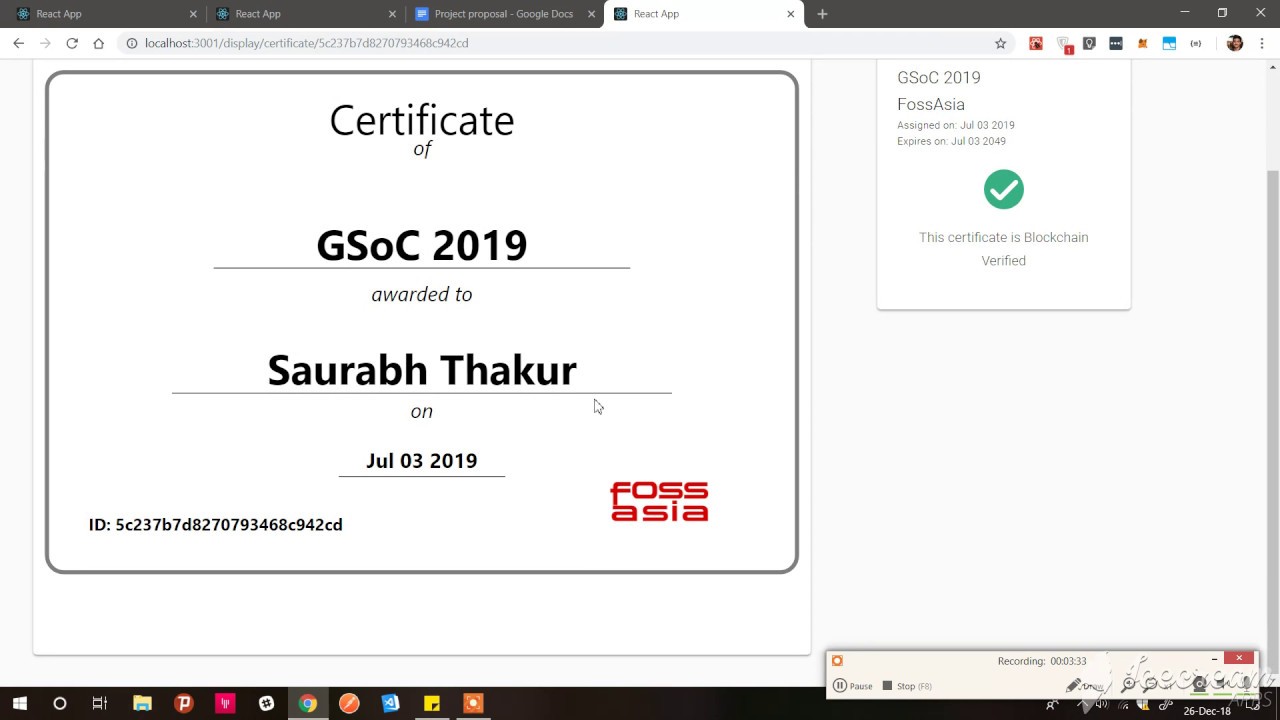
Certificate Generation and Validation Using Blockchain




Built using Ethereum on local blockchain setup and deployed on Rinkeby test network.
| Contract deployed at | 0x89c34c6a0d4c7587e9120a533757f380f4676887 | | -------------------- | ------------------------------------------ | | RPC Network | Rinkeby Test Network |
Steps to set up local development environment
Setting local blockchain
- We need to install CLI version of Ganache.
npm install -g ganache-cli> Ganache provides us our personal local blockchain network which we can use to develop our blockchain application. It also gives temporary test accounts with fake ethereum which we can use to run our apps. We need to start the RPC server before running our application.
- To start the RPC server run the command
npm run ganache> Windows user will need to run this command in separate command prompt or terminal.
- Deploy the smart contract to the local blockchain.
npm run contract-deployThe above 2 steps need to be run everytime you are running the project.
Setting local database
MongoDB server should be running as a background Process
- Open mongo in terminal using command
mongo
- Then change the db using command
use certification- Then set DB user and password with the following command
db.createUser({
     user: "<YOUR USER NAME>",
     pwd: "<YOUR USER PASSWORD>",
     roles: [{ role: "dbOwner", db: "certification" }]
});- Include these username and password in the
.envfile.
Now we can start the server
npm startDeploying Smart Contract
The contract can be deployed in any test networks. We are using Rinkeby test network with help of truffle.
- First of all we need to have a metamask account. When we create an account in metamask a mnemonic is given to us. You can read how to get a mnemonic here.
- After that create a project in Infura. This will help us to use rinkeby network through infura.
- You will get an endpoint like this
https://rinkeby.infura.io/yourapikey.
- Create a
.envfile in root directory and paste the previously genrated mnemonic and the endpoint URL in that. An example is also provided in .env.example file.
- Now you can deploy the smart contract using a single command:
npm run deploy- You will get a contract address of newly generated contract. Save this for further uses.
Testing app
To test the app run the command truffle test. RPC server should be running to run the tests.
Useful reads
Youtube Video for better understanding of the project
| Developers | | | ------------------------------------------------------ | ------------------------------------------------------------- | | Saurabh Thakur | 


