
🎞️ Animation Library for Rust
🎞️ animate
Lightweight Rust animation library with tweening and physics-based springs
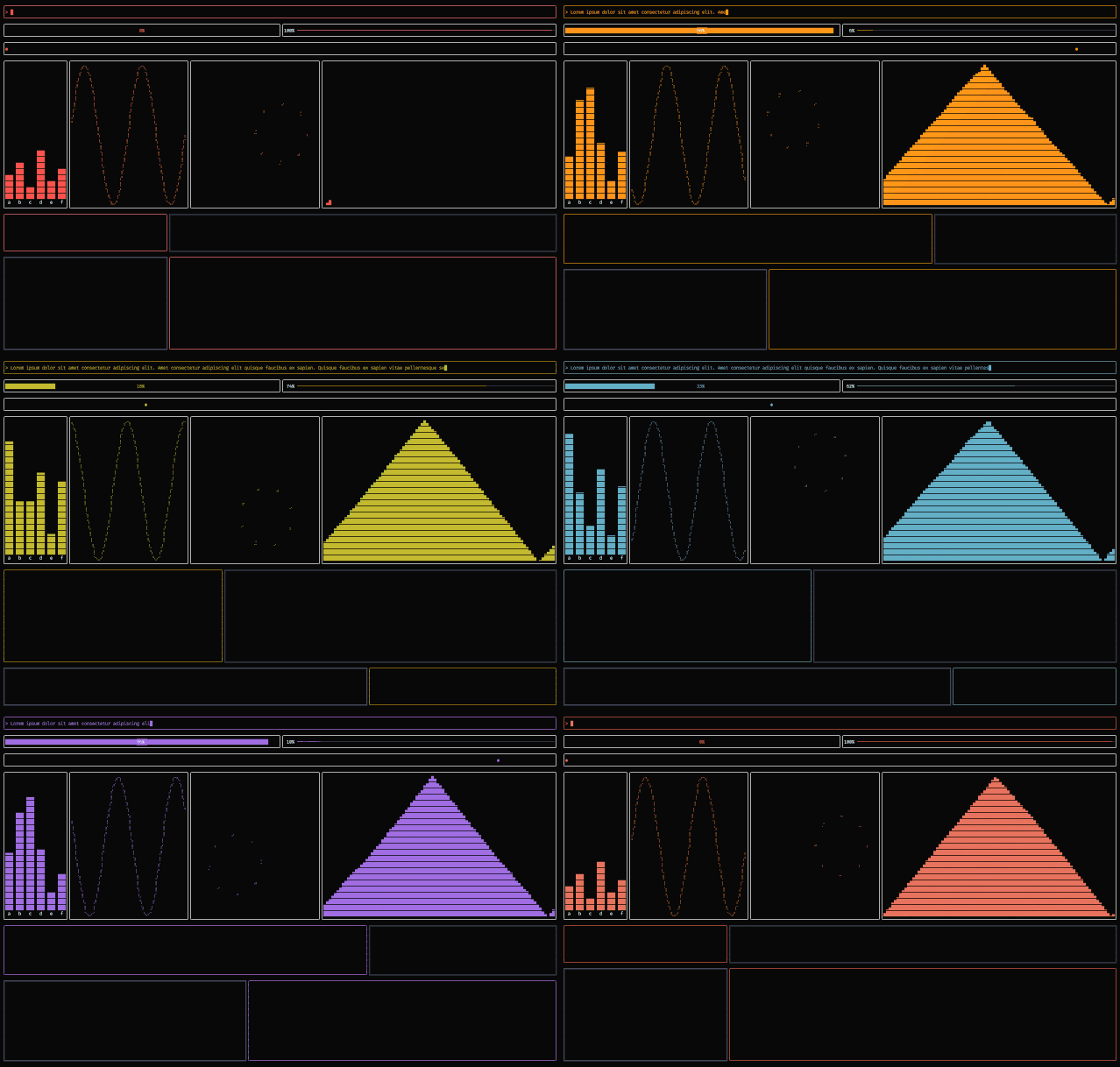
Features
- Lightweight: Zero dependencies by default.
- Ergonomic: Macro-driven API with minimal boilerplate.
- Extensible: Many built-in types with support for custom interpolators.
- Animation modes:
once,cycle,alternate. - Easing: Built-in and custom easing functions.
- Physics-based: Supports spring animations.
- Ratatui-friendly: Interpolators for ratatui types, gated behind the
ratatuifeature flag.
Installation
cargo add animateGetting started
Add #[animate] to a struct and mark the fields you want to animate:
#[animate]
pub struct MyWidget {
    #[tween(duration = 300)]
    progress: f64,
#[tween(mode = "cycle", duration = 400, easing = cubic_in)]     color: Color,
#[tween(mode = "alternate", duration = 500, easing = quadinout)]     status: String, }
By default the macro generates an update method named animate. It must be called at the top of your struct's render method.
#[animate]
pub struct MyWidget { ... }
impl MyWidget {     pub fn draw(&mut self, frame: &mut Frame) {         self.animate();
// rest of your code     } }
If the name conflicts with an existing method, rename it:
#[animate(update = "update_animations")]
pub struct MyWidget { ... }
Next, place animate::tick() before your struct's update call at the start of each frame:
let mut widget = MyWidget::new(...);
loop {     animate::tick(tickrate);     terminal.draw(|frame| {         widget.draw(frame);     })?; }
Use get() to read and set() to write animated fields.
Minimal example
use animate::animate;
use std::{io::{stdout, Write}, thread, time::Duration};
#[animate] struct Counter {     #[tween(duration = 400)]     value: u32, }
fn main() -> std::io::Result<()> {     let mut c = Counter::new(0);
loop {         animate::tick(8);  // advance global frame time by frame delta (ms)         c.animate();       // update all animated fields
let v = *c.value;         if v == 0 {             c.value.set(100);         }
print!("\rCounter value: {v}");         stdout().flush()?;
if v == 100 {             break;         }
thread::sleep(Duration::from_millis(8));     }
Ok(()) }
Animation modes
| Mode value | Behaviour | |----------------|-----------------------------------------------------| | "once" | Animates to target once, then holds. | | "cycle" | Loops continuously from start to target. | | "alternate" | Ping-pongs back and forth between start and target. |
Fields
#[tween(duration = 300, easing = quadinout, interp = myinterpfn)]| Option | Type | Default | Description | |------------|------------|---------------------|--------------------------------------------------| | duration | u64 (ms) | 0 | Animation duration in milliseconds. | | easing | path | linear | Easing function (fn(f64) -> f64). | | interp | path | <T as Lerp>::lerp | Interpolation function (fn(&T, &T, f64) -> T). |
Built-in easing functions
linear, quadin, quadout, quadinout, cubicin, cubicout, cubicinout
Spring animations
In addition to time-based animations, or Tweens, animate also supports physics-based spring animations.
#[animate]
pub struct Widget {
    #[spring(stiffness = 200.0, damping = 20.0, mass = 1.0)]
    x: f64,
}
Custom types
impl animate::Tween for MyColor {
    fn lerp(start: &Self, end: &Self, t: f64) -> Self {
        MyColor {
            r: u8::lerp(&start.r, &end.r, t),
            g: u8::lerp(&start.g, &end.g, t),
            b: u8::lerp(&start.b, &end.b, t),
        }
    }
}


