
Build HTML widgets for your desktop
Last updated Mar 17, 2026
96
Stars
5
Forks
0
Issues
0
Stars/day
Attention Score
3
Language breakdown
No language data available.
▸ Files
click to expand
README

Widget Builder



Develop, install, and distribute HTML widgets for your Windows desktop with a simple CLI
Table of Contents
1. Publishing 2. InstallingInstallation
Download, unzip, navigate to the folder, and install withnpm:
$ npm install -g
$ npm startnpm:
$ npm install -g widget-builderQuickstart Guide
1) Create a new folder 2)cd to the folder, enter widgets init, and fill in your project's name
3) Mess around with the generated HTML file to customize your widget's appearance
4) Add and link JavaScript or CSS files to your master HTML file
5) Modify the config file
6) Navigate to the folder and enter widgets build to locally build and install your widget
Samples
Check out Spotify listener, a widget for listening to your favorite tunes: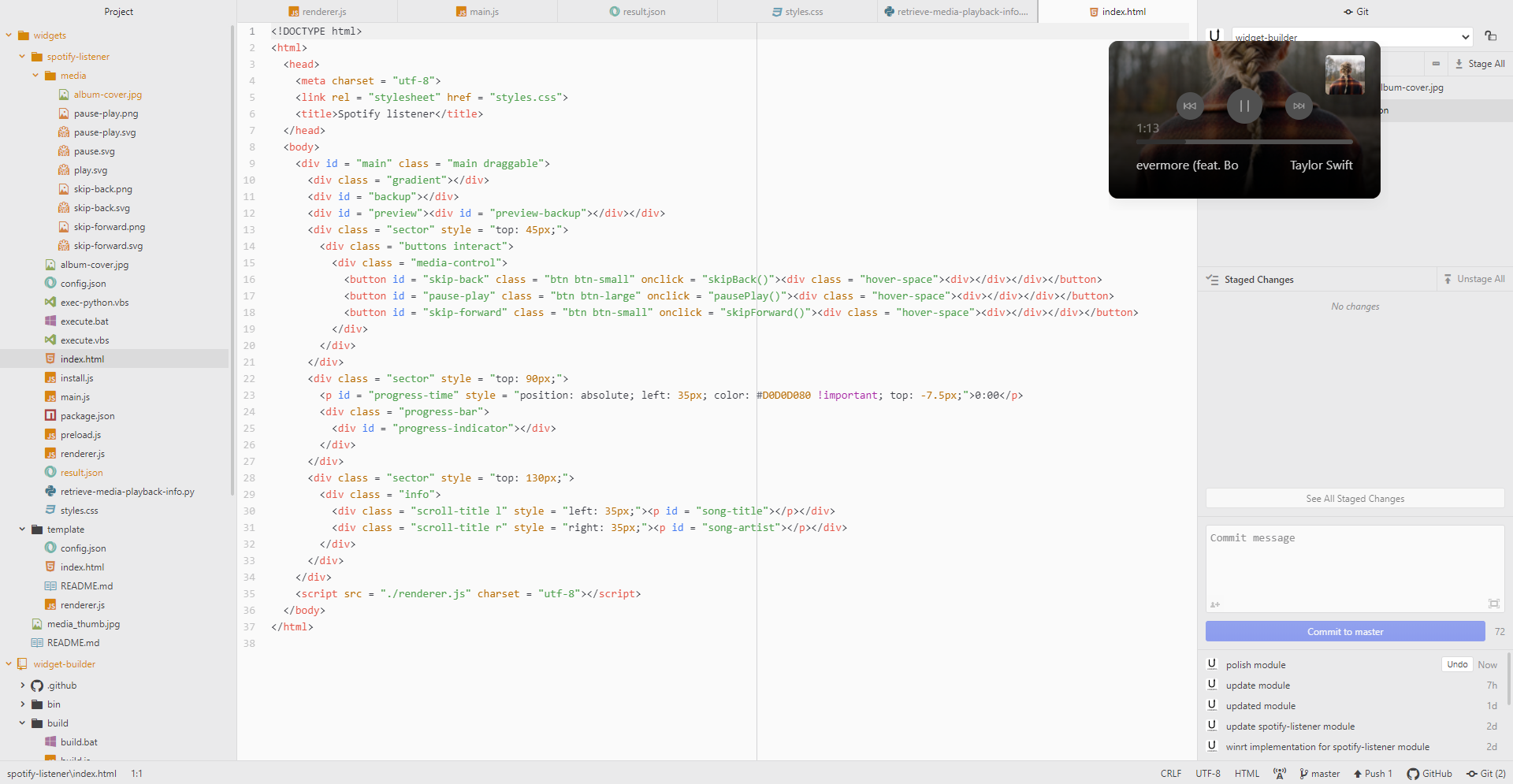
Publishing and installing widgets
Publishing
So you want to share your widget for distribution? Here's what to do: 1)cd to your project folder
2) Run widgets publish
3) A new dist folder will be generated in the same directory as your project folder. You can now distribute this folder, and others can install it with widgets install
Installing
Here's how to install a widget that was shared with you: 1) Navigate to the folder 2) Runwidgets install
The Config File
Every widgets project contains aconfig.json file. This file tells the program what settings you would like to use for your widget.Here's a standard config file:
{
  "name": "widget",
  "version": "1.0.0",
  "description": "Custom desktop widget",
  "index": "./index.html",
  "properties": {
    "x": 100,
    "y": 100,
    "width": 100,
    "height": 100,
    "transparent": false,
    "interact": true,
    "draggable": true
  }
}name (string) | Project name |
| version (string) | Project version |
| index (string) | The reference to your master HTML file. Other references (like JS or CSS) should be linked in this file. |
| x, y, width, and height (integers) | The position and dimensions of your widget when it is first start up |
| transparent (boolean) | Make the widget's background transparent |
| interact (boolean) | Make the widget interactable |
| draggable (boolean) | Make the widget draggable |
| top (boolean) | Make the widget stay on top of all windows |
| requirements (array) | npm packages required for the widget to function; these packages are locally installed when the widget is installed |
| install (string or array) | Script(s) to run during widget installation |
Using the CLI
Once widget builder is installed, the CLI can be accessed with the keywordwidgets
Commands
| Command | Definition | | ---- | ---- | |widgets build [folder] | Builds HTML files to desktop widget and installs |
| widgets publish [folder] | Generates a dist file that can be installed by the widgets cli |
| widgets install [folder] | Installs widget at folder |
| widgets init [folder] | Initializes widgets project |
| widgets list | Lists all installed widgets |
| widgets uninstall <widget> | Uninstall widget by name |
| widgets config <widget> | Configure widget by name |
| widgets start [folder] | Starts the widget at folder |
Options
| Command | Definition | | ---- | ---- | |widgets --help | Show help |
| widgets --version | Displays the current version |


