
A terminal-based AI assistant for Linux sysadmins.
Last updated May 22, 2026
39
Stars
3
Forks
0
Issues
0
Stars/day
Attention Score
41
Topics
Language breakdown
No language data available.
▸ Files
click to expand
README
c0admin
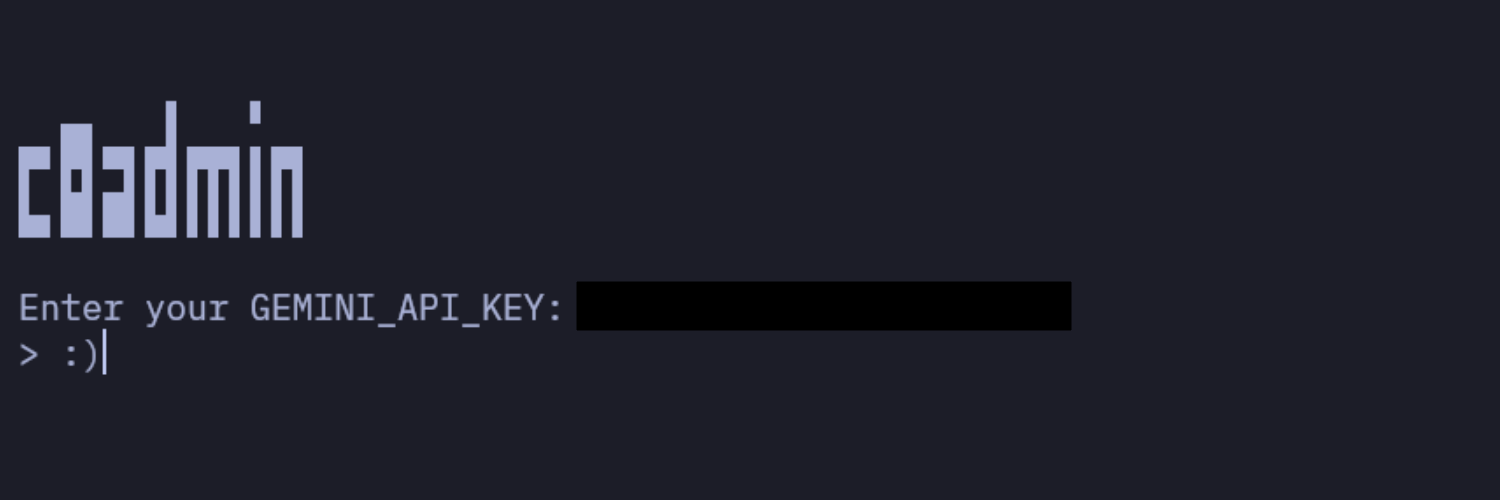
Suggests GNU/Linux terminal commands from natural language using AI.
[!WARNING]
For the automatic copy to clipboard feature to work, you must have the ‘xsel’ and ‘xclip’ packages installed on your system.
How to get personal Google Gemini API key?
Installation
To install c0admin system-wide on GNU/Linux:
curl -s https://raw.githubusercontent.com/ufuayk/c0admin/main/install.sh -o install.sh && bash install.sh- Download and install c0admin to ~/.c0admin/
- Set up a Python virtual environment
- Install dependencies
- Make c0admin available as a global terminal command
c0adminCommands
/help— Display help information./del— Delete the GEMINI API KEY./exit— Exit the app safely./history— Displays the command history (history.txt)./setinst <url>— Set a custom system instruction from a given URL./resetinst— Reset system instruction to the default one.
Custom System Instructions
From the system-instructions repo you can see all the community-created system instructions.
We welcome your contributions on this issue.
Contributing
- Fork the repository
- Create a feature branch (
git checkout -b feature/amazing-feature) - Commit your changes (
git commit -m 'Add amazing feature') - Push to the branch (
git push origin feature/amazing-feature) - Open a Pull Request


