
Edit directly a file on Amazon S3 in CLI
Last updated Aug 20, 2025
83
Stars
13
Forks
1
Issues
0
Stars/day
Attention Score
7
Language breakdown
No language data available.
▸ Files
click to expand
README
s3-edit
Edit directly a file on Amazon S3 in CLI.




Installation
Use go get
$ go get -u github.com/tsub/s3-editInstall with Homebrew
For macOS and Linux
$ brew install tsub/s3-edit/s3-editGet binary from GitHub releases
Download latest binary from https://github.com/tsub/s3-edit/releases
Requirements
- AWS credentials
- Upload files to S3 in advance
$ aws configure --profile myaccount
$ export AWS_PROFILE=myaccount
Other methods,
$ export AWSACCESSKEY_ID=xxxx
$ export AWSSECRETACCESS_KEY=xxxx
$ export AWS_REGION=ap-northeast-1
Usage
Upload the file to S3 in advance.
$ echo "This is a test file." > myfile.txt
$ aws s3 cp test.txt s3://mybucket/myfile.txt
To directly edit a file on S3, use edit subcommand.
$ s3-edit edit s3://mybucket/myfile.txtThen, open a file with the default editor specified by $EDITOR.
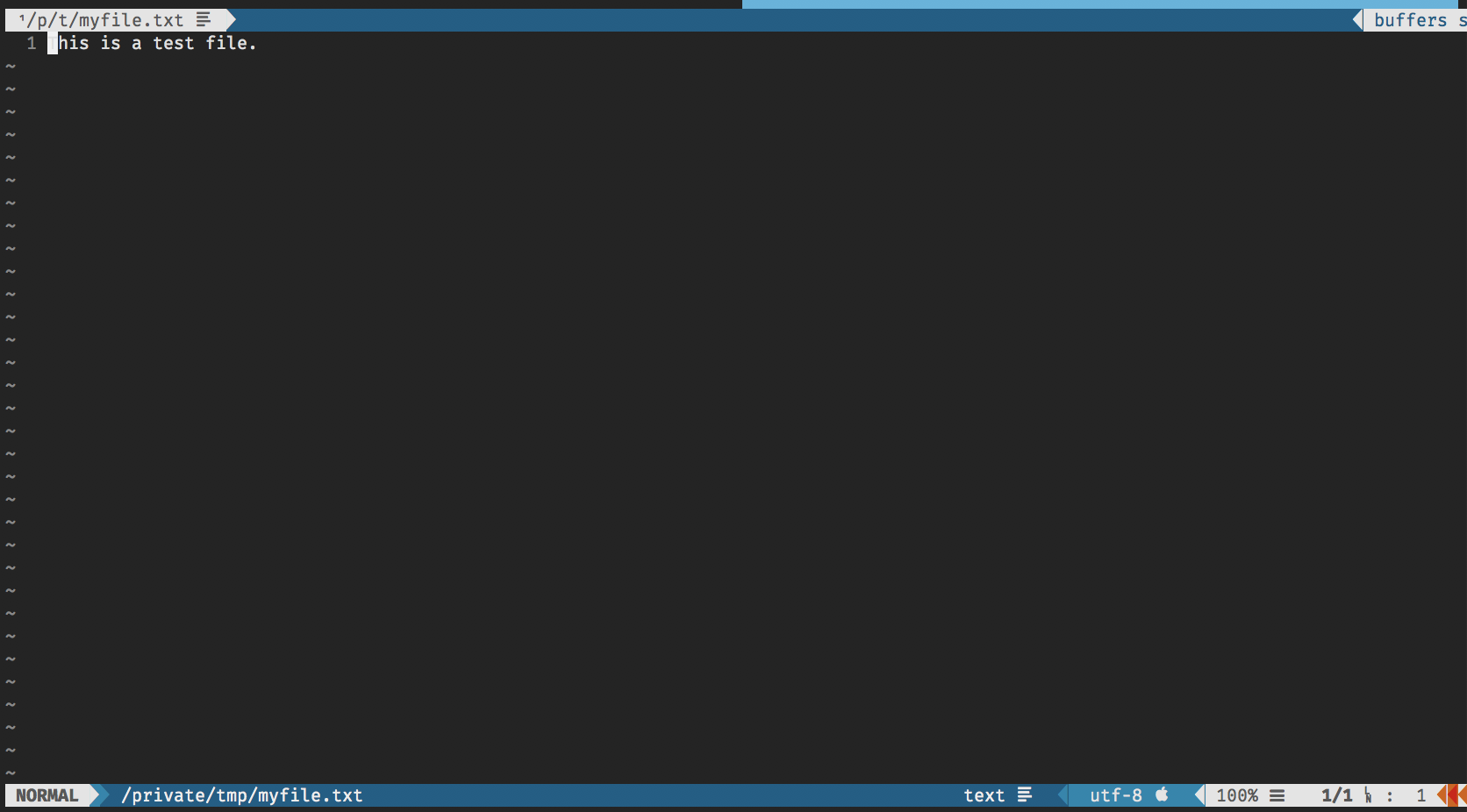
When you close the editor after edit, a file is automatically re-uploaded to S3.
$ aws s3 cp s3://mybucket/myfile.txt -
This is a test file.
Edited with s3-edit.
Development
Requirements
- Golang >= 1.17


