
💬 Unofficial WeChat client built with React, MobX and Electron.
Last updated Jul 8, 2026
5.7k
Stars
717
Forks
131
Issues
0
Stars/day
Attention Score
66
Language breakdown
JavaScript 75.9%
CSS 23.8%
HTML 0.1%
Shell 0.1%
▸ Files
click to expand
README
weweChat






Unofficial WeChat client built with React, MobX and Electron.
API from https://web.wechat.com/
Web API can not create room and invite members to room since 2018.
CHANGELOG
Feature
- Work on desktop
- On macOS, window vibrancy effect
- Block message recall(Default settings is not block)
- Desktop notifications
- Keyboard shortcuts supported
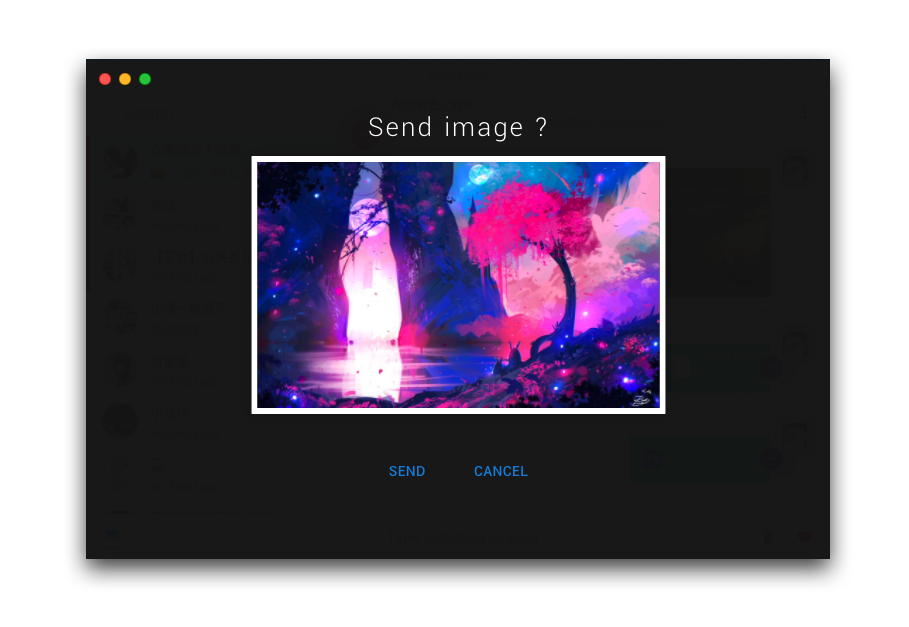
- Send image by paste
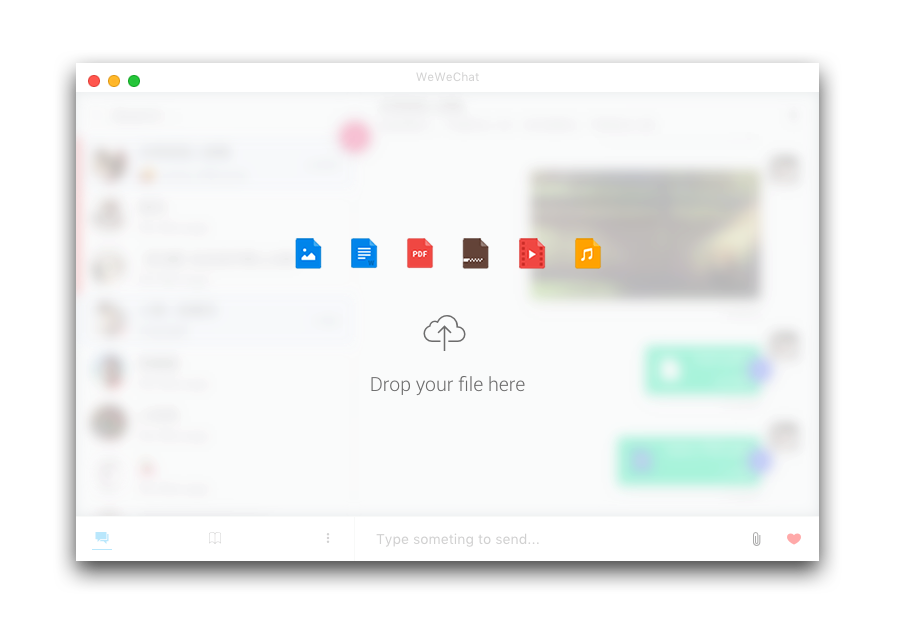
- Drag to send file
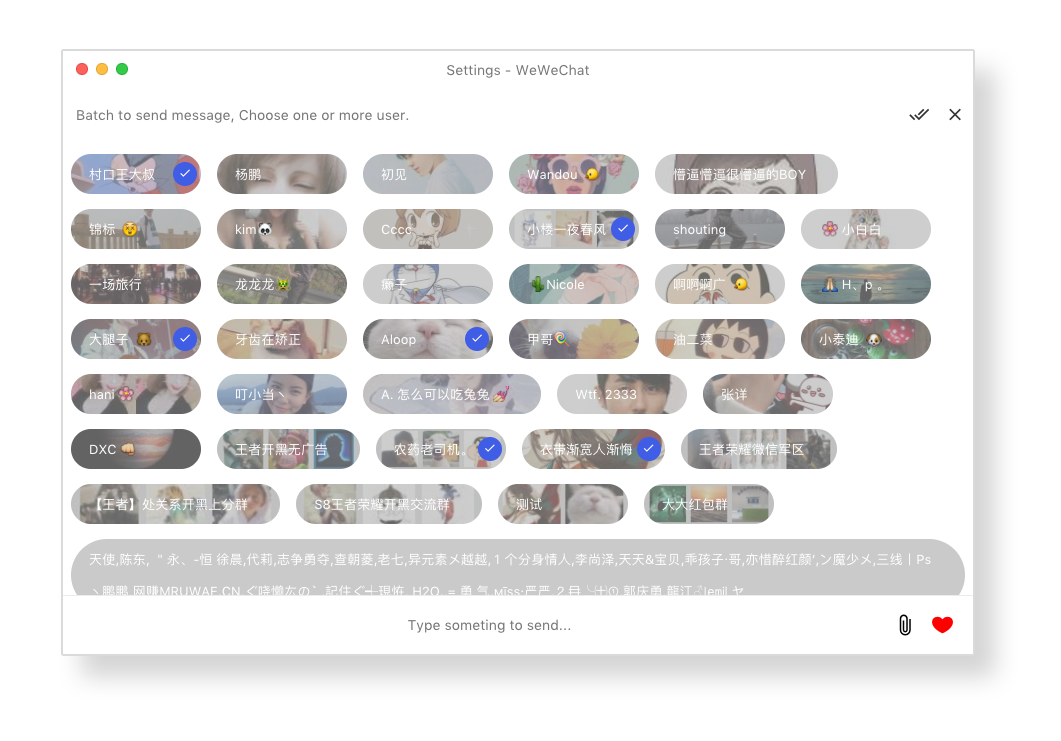
- Batch send message
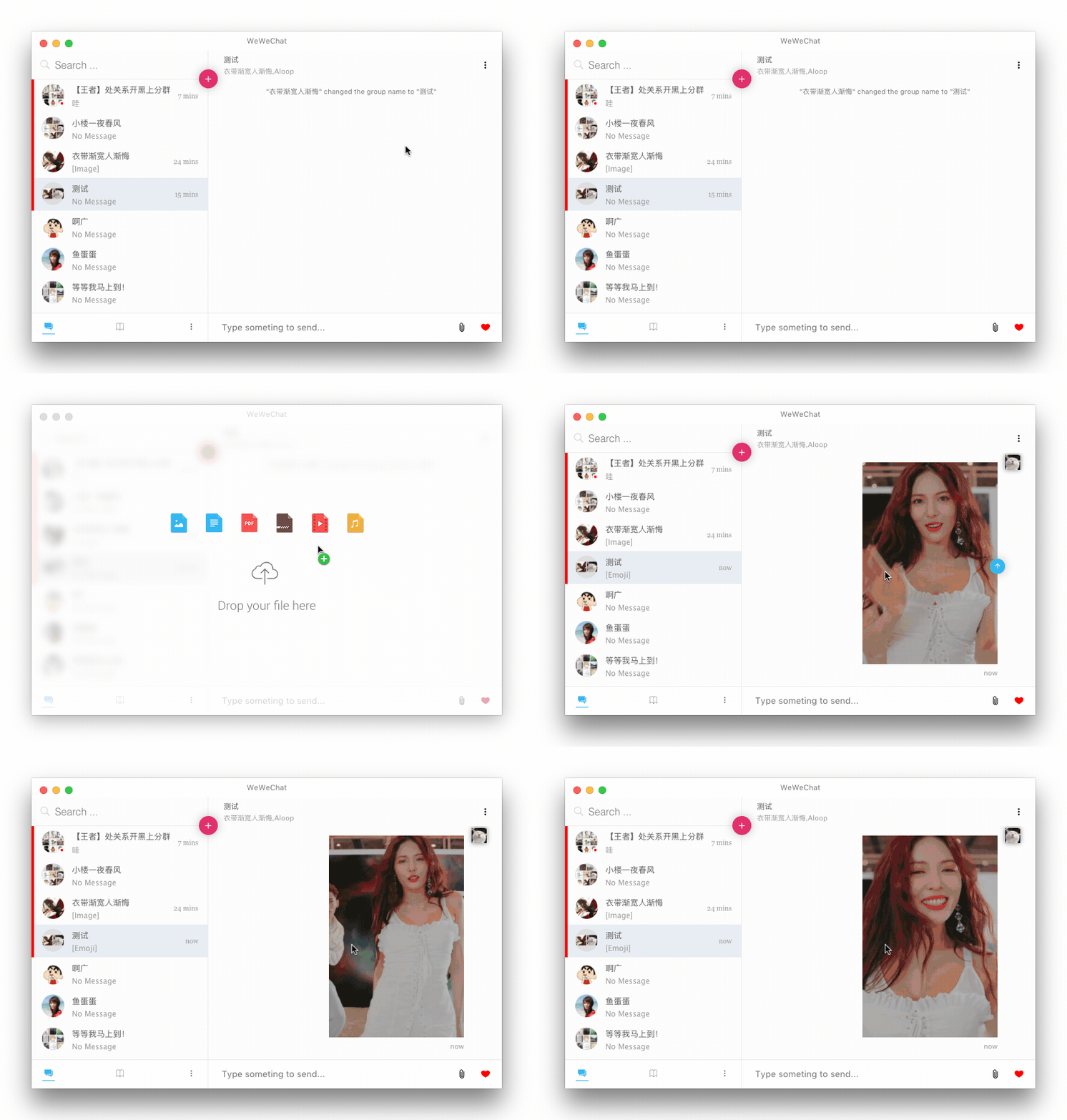
- Send GIF emoji
Install
Download the last version on the website or below.Mac(10.9+)
Download the.dmg file.
Or use Homebrew-Cask:
$ brew cask install wewechatLinux
Download Centos/RHEL please download.rpm packages.
Debian/Ubuntu please download .deb pacages.
Other linux distribution please download .AppImage packages.
Install deb package for Debian / Ubuntu:
$ sudo dpkg -i wewechat-1.1.7-amd64.debInstall rpm package for Centos / RHEL:
$ sudo yum localinstall wewechat-1.1.7-x86_64.rpmInstall AppImage package for other linux distribution:
$ chmod u+x wewechat-1.1.7-x86_64.AppImage $ ./wewechat-1.1.7-x86_64.AppImageWindows
Download the.exe file.
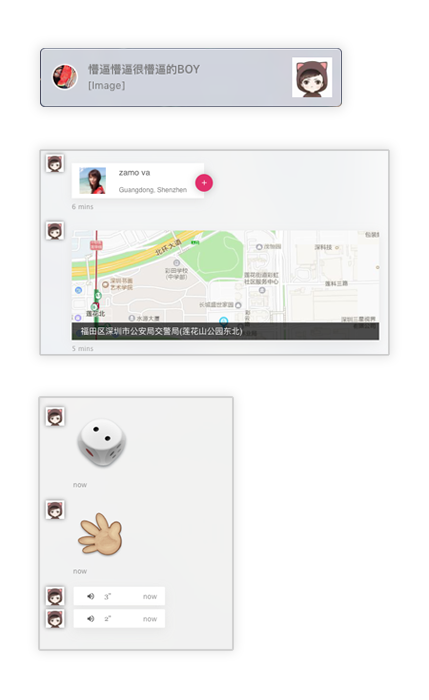
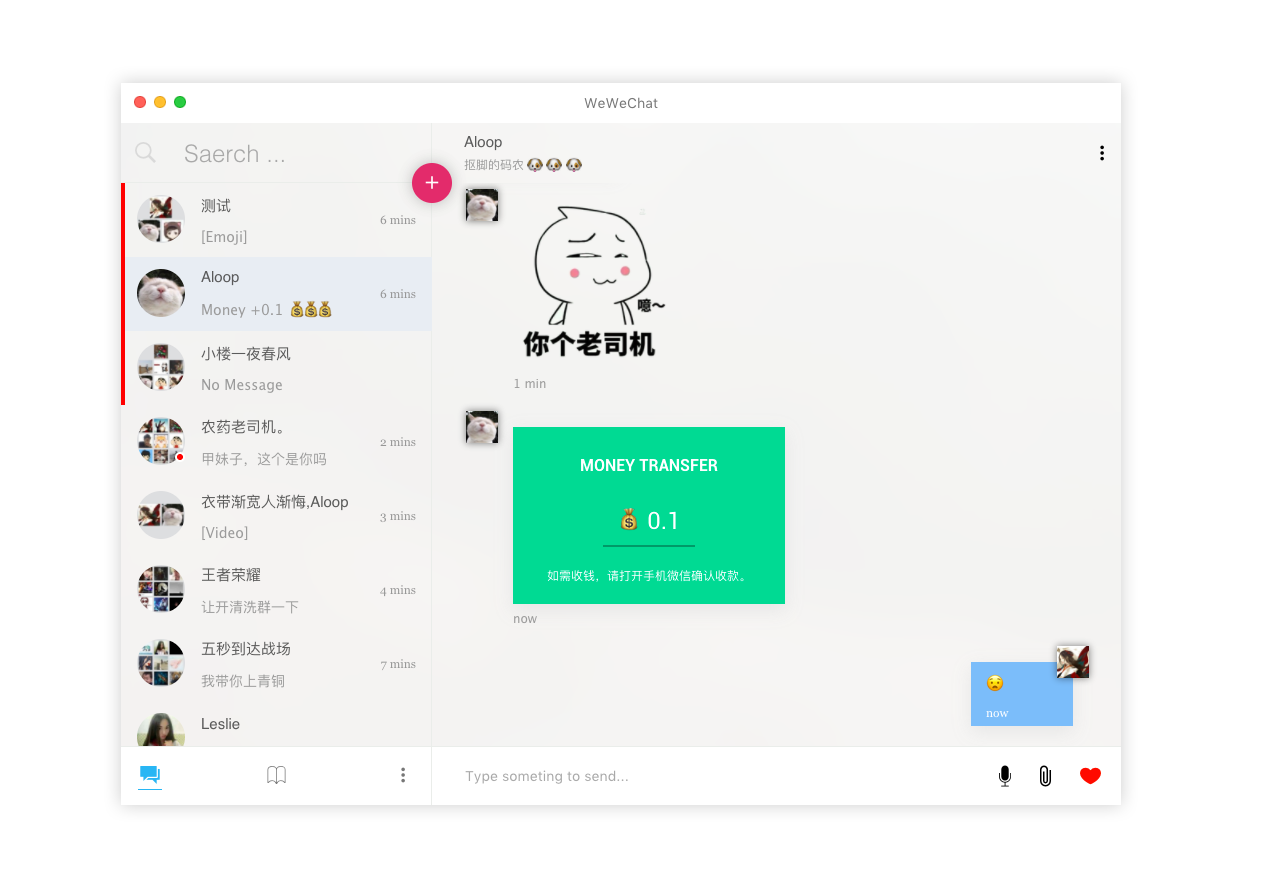
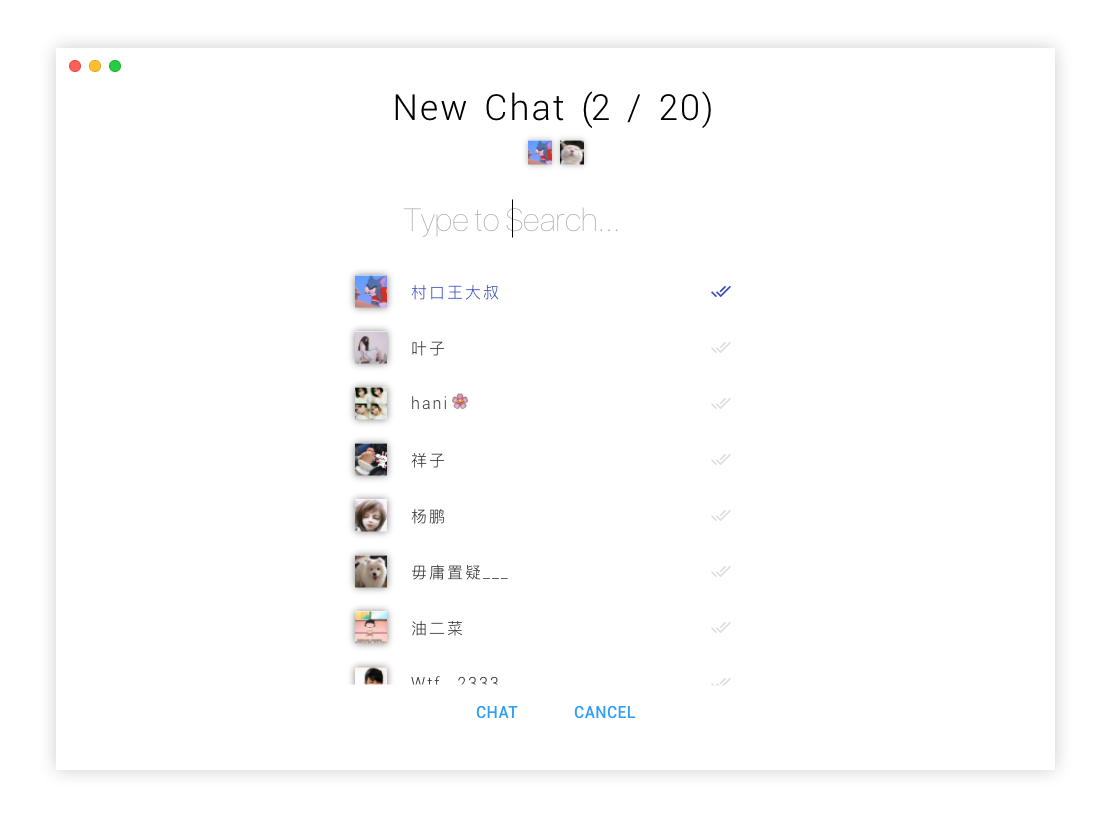
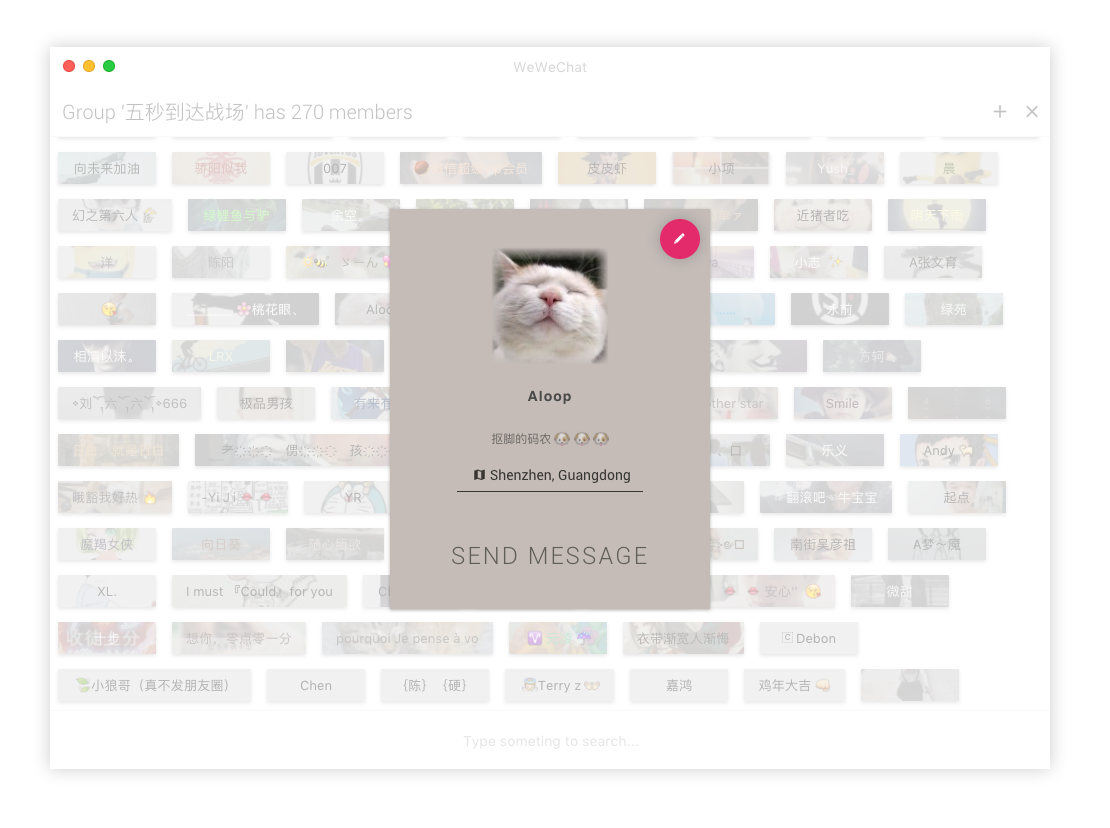
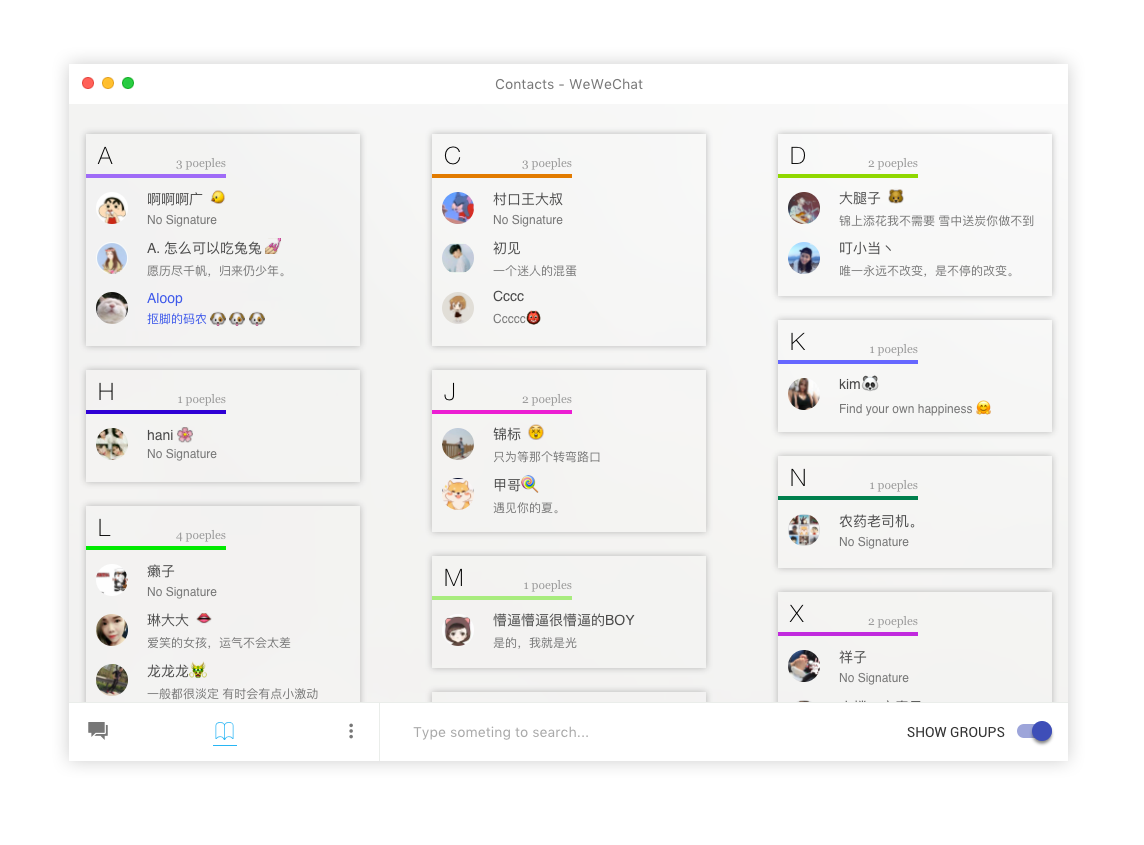
Screenshot
Development
$ npm install
$ npm run dev
Generate the binary:
- For Linux
$ npm run package-linux- For Mac
$ npm run package-mac./release folder
Keyboard shortcuts
Description | Keys -----------------------| ----------------------- New conversation | Cmd N Search conversations | Cmd F Hide conversation | Shift Cmd M Jump to conversation | Cmd 0 ... 9 Next conversation | Cmd J Previous conversation | Cmd K Batch message | Cmd B Toggle Full Screen | Shift Cmd F Insert QQ emoji | Cmd I Preferences | Cmd ,
TODO
- [x] Windows support
- [x] Linux support
- [x] Sticky on top
- [x] Delete chat session
- [x] Mark as Read
- [x] Chat Room
- [x] Receive message
- [x] Send message
- [x] Forward text message
- [x] Forward emoji
- [x] Forward image
- [x] Forward file
- [x] Forward video
- [x] Show QQ emoji
- [x] Search chat set
- [x] Search and create chat room
- [x] Desktop notification
- [x] Keep online
- [x] Logout
- [x] Autosart at login
- [x] Send image from clipboard
- [x] Drag to send file
- [x] Batch send message
- [ ] Mention a user
FAQ
Mac上如何修改图标,请参考 #39(另外问下,有没屌大的或者胸大的帮忙设计一个图标啊)- 关于历史记录的问题请参考 #30


