
Deploy a Dokploy instance along with some worker nodes in the Oracle Cloud Infrastructure (OCI) Free Tier. Dokploy is an open-source platform to manage your app deployments and server configurations.
Dokploy Deployment on OCI Free Tier
This Terraform project deploys a Dokploy instance along with worker nodes in Oracle Cloud Infrastructure (OCI) Free Tier. Dokploy is an open-source platform to manage your app deployments and server configurations.
Deploy

Clicking the "Deploy to Oracle Cloud" button will load the Oracle Cloud Resource Manager to deploy the infrastructure described in this Terraform project. During deployment, you'll be prompted to configure the stack parameters. Review the settings, then launch the stack deployment.
About Dokploy

Dokploy is an open-source deployment tool designed to simplify the management of servers, applications, and databases on your own infrastructure with minimal setup. It streamlines CI/CD pipelines, ensuring easy and consistent deployments.
For more information, visit the official page at dokploy.com.
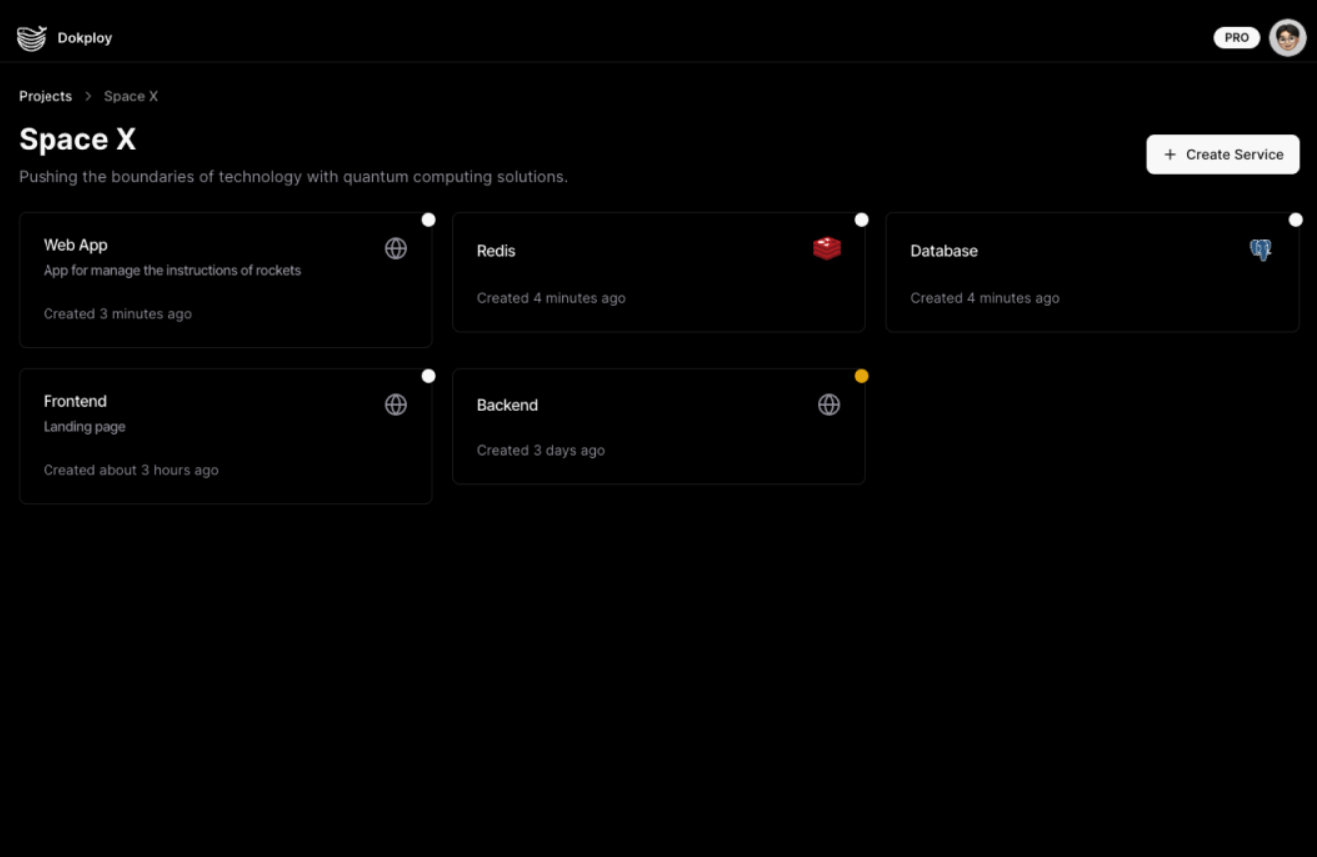
OCI Free Tier Overview
Oracle Cloud Infrastructure (OCI) offers a Free Tier with resources ideal for light workloads, such as the VM.Standard.E2.1.Micro instance. These resources are free as long as usage remains within the limits.
For detailed information about the free tier, visit OCI Free Tier.
Note: Free Tier instances are subject to availability, and you might encounter "Out of Capacity" errors. To bypass this, upgrade to a paid account. This keeps your free-tier benefits but removes the capacity limitations, ensuring access to higher-tier resources if needed.
Prerequisites
Before you begin, ensure you have the following:
- An Oracle Cloud Infrastructure (OCI) account with Free Tier resources available.
- An SSH public key for accessing the instances.
Servers & Cluster
Add Servers to Dokploy
To begin deploying applications, you need to add servers to your Dokploy cluster. A server in Dokploy is where your applications will be deployed and managed.
Steps to Add Servers:
- Login to Dokploy Dashboard:
- Generate SSH Keys:
- Navigate to Servers Section:
- Fill in Server Details:
root.
- Submit:
Configure a Dokploy Cluster with new workers
After setting up the main Dokploy instance, you can expand your cluster by adding worker nodes. These worker instances will help distribute the workload for your deployments.
See more info about configuring your cluster on the Dokploy Cluster Docs.
Updating the server IP in Dokploy (e.g. after switching to reserved IP)
If you change the instance’s public IP (for example from ephemeral to reserved), let Dokploy know about it:
- In the Dokploy dashboard, go to Servers.
- Click the server whose IP changed.
- Use Update server IP and the “set current public IP” control (double arrows) to set the server’s IP to the new public address.
Project Structure
-
bin/: Contains bash scripts for setting up Dokploy on both the main instance and the worker instances.
dokploy-main.sh: Script to install Dokploy on the main instance.
- dokploy-worker.sh: Script to configure necessary dependencies on worker instances.
-
helper.tf: Contains helper functions and reusable modules to streamline the infrastructure setup. -
doc/: Directory for images used in the README (e.g., screenshots of Dokploy setup). -
locals.tf: Defines local values used throughout the Terraform configuration, such as dynamic values or reusable expressions. -
main.tf: Core Terraform configuration file that defines the infrastructure for Dokploy's main and worker instances. -
network.tf: Configuration for setting up the required OCI networking resources (VCNs, subnets, security lists, etc.). -
output.tf: Specifies the output variables such as the IP addresses for the dashboard and worker nodes. -
reservedips.tf: Optional reserved (static) public IPs for the main and worker instances whenusereservedpublicipis enabled (see Reserved public IPs). -
providers.tf: Declares the required cloud providers and versions, particularly for Oracle Cloud Infrastructure. -
README.md: This file, providing instructions on deployment and usage. -
variables.tf: Defines input variables used in the project, including compartment ID, SSH keys, instance shape, and more.
Terraform Variables
Below are the key variables for deployment which are defined in variables.tf:
-
sshauthorizedkeys: Your SSH public key for accessing the instances. -
compartment_id: OCI compartment ID for instance deployment. -
numworkerinstances: Number of worker instances to deploy for Dokploy. -
availabilitydomainmain: Availability domain for the main instance. -
availabilitydomainworkers: Availability domains for worker instances. -
instance_shape: Instance shape (e.g., VM.Standard.E2.1.Micro) used for deployment. -
memoryingbs: Memory size (GB) per instance. -
ocpus: Number of OCPUs per instance. -
usereservedpublic_ip: Iftrue, assign reserved (static) public IPs to the main and worker instances instead of ephemeral IPs. Default isfalse. See Reserved (static) public IPs.


