
gif effects CLI. single binary, no dependencies. linux, osx, windows. #1 workplace productivity booster. #yeetgif #eggplant #golang
yeetgif
Composable GIF effects CLI, with reasonable defaults. Made for custom Slack/Discord emoji :)
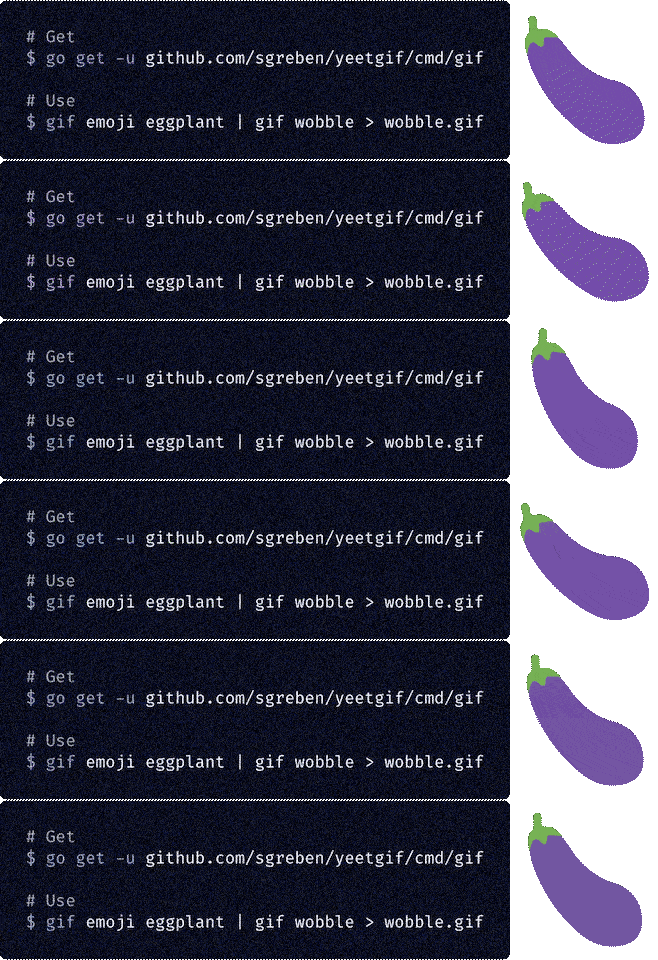
go get
- Alternative 2: just download the binary
- Alternative 3: docker
- Conventions & tips
- roll
- wobble
- pulse
- zoom
- shake
- woke
- fried
- hue
- tint
- resize
- crop
- optimize
- compose
- crowd
- erase
- chop
- text
- emoji
- rain
- cat
- meta
Get it
Alternative 1: go get
go get -u github.com/sgreben/yeetgif/cmd/gifAlternative 2: just download the binary
Either from the releases page, or from the shell:
# Linux
curl -L https://github.com/sgreben/yeetgif/releases/download/1.23.6/gif1.23.6linuxx8664.tar.gz | tar xz
OS X
curl -L https://github.com/sgreben/yeetgif/releases/download/1.23.6/gif1.23.6osxx8664.tar.gz | tar xz
Windows
curl -LO https://github.com/sgreben/yeetgif/releases/download/1.23.6/gif1.23.6windowsx8664.zip
unzip gif1.23.6windowsx8664.zipNOTE: To use the optimize command, you'll also need the giflossy fork of gifsicle installed:
brew install giflossyYou'll likely also want to have the binary in your $PATH. You can achieve this by adding this to your .bashrc (or .zshrc, ...):
export PATH=<directory-containing-the-gif-binary>:$PATHAlternative 3: docker
docker pull quay.io/sergey_grebenshchikov/yeetgif
docker tag quay.io/sergey_grebenshchikov/yeetgif gif # (optional)
Use it
<doc/yeet.png gif fried | gif wobble >doc/yeet.gif

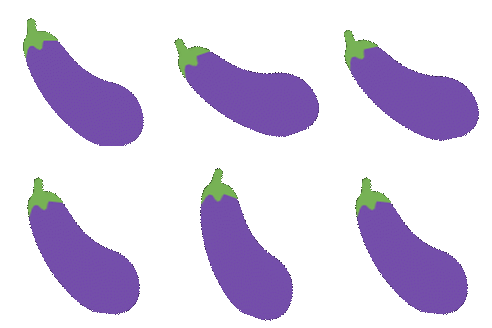
gif emoji aubergine | gif wobble >doc/eggplant_wobble.gif
Hall of Fame
Post a GIF made using yeetgif with either the
#yeetgifTwitter hashtag- and/or the
#yeetgifGiphy hashtag - and/or the
#yeetgifImgur hashtag
No entries yet. Be the first :)
Usage
Usage: gif [OPTIONS] COMMAND [arg...]
Options:                -n                 Duplicate a single input image this many times (default 30)   -q, --quiet        Disable all log output (stderr)   -p, --pad          Pad images (default true)       --write-meta   Write command line options into output GIF metadata (default true)   -r, --raw          Raw (lossless, not GIF) image output, for re-piping to yeetgif   -d, --delay-ms     Frame delay in milliseconds (default [25])                       Commands:               roll               (☭ ͜ʖ ☭)   wobble             🍆( ͡° ͜ʖ ͡°)🍆   pulse              ( ͡◉ ͜ʖ ͡◉)   zoom               (⌐▀͡ ̯ʖ▀)   shake              ˵(˵ ͡⚆ ͜ʖ ͡⚆˵)˵   woke               💯  W O K E F L A R E S ( ͡ 🅱️ ͜ʖ ͡ 🅱️ ) 💯   fried              fr͍͈i̗̟̲̻e͕̗d̬ m̷͔͊e̶̪̿m̷̙̈́é̵̤s̷̺͒   hue                ( ͡☆ ͜ʖ ͡☆)   tint               🎨༼ຈل͜ຈ༽   resize             (° ͜ʖ°)¯\( ͡☉ ͜ʖ ͡☉)/¯   crop               ┬┴┬┴┤ ͜ʖ ͡°)   optimize           👌( ͡ᵔ ͜ʖ ͡ᵔ )👌   compose            (ノ ͡° ͜ʖ ͡°)ノ*:・゚✧   crowd              (⟃ ͜ʖ ⟄) ͜ʖ ͡°)( ° ͜ʖ( ° ͜ʖ °)   erase              ( ͡° ͜ʖ ͡°)=ε/̵͇̿̿/'̿̿ ̿ ̿ ̿ ̿ ̿   chop               ✂️( ͡°Ĺ̯ ͡° )🔪   text               🅰️乁(˵ ͡☉ ͜ʖ ͡☉˵)┌🅱️   emoji              ╰( ͡° ͜ʖ ͡° )つ──☆*🤔   rain               。°。°( ͡° ͜ʖ ͡ °)°。°。°   scan               ( ͡ ⿳ ͜ʖ ͡ ⿳ )   noise              ·͙̩̩͙˚̩̥̩̥( ͡▓▒ ͜ʖ ͡█░ )̩̩͙:͙   cat                /ᐠ。ꞈ。ᐟ\   meta               (🧠 ͡ಠ ʖ̯ ͡ಠ)┌                       Run 'gif COMMAND --help' for more information on a command.
Conventions & tips
- To find out how a given example was made, try running
gif meta showon it (e.g.<yeet.gif gif meta show -pwill print the shell pipe of gif effects used to createyeet.gif). - Use the
--raw(-r) option for intermediate pipe steps -- this is faster than re-encoding as GIF every time. Also it's lossless. - Options with bracketed default values (e.g.
--noiseoffried) can take comma-separated values - the points will be spread over the animation length, with intermediate values linearly interpolated. - To figure out what a parameter does, try out some values around its default value, as well as much larger/smaller ones.
- To reduce GIF size, try specifying a smaller number of duplicates for static images (e.g.
gif -n 20),gif optimize, and dropping framesgif chop drop every <N>.
roll

Usage: gif roll [OPTIONS]
(☭ ͜ʖ ☭)                        Options:                 -r, --revolutions   (default 1)   -s, --scale         (default 1)   -p, --phase         (default 0)   -c, --crop-scale    (default 1)
wobble

Usage: gif wobble [OPTIONS] [CUSTOM]
🍆( ͡° ͜ʖ ͡°)🍆                      Arguments:             CUSTOM            comma-separated angles (°), e.g. 0,10,0,60,0 (default [])                      Options:               -f, --frequency   (default 1)   -a, --amplitude   (default 20)   -p, --phase       (default 0)   -t, --type        one of [sine snap saw sticky] (default sine)       --custom      (deprecated) (default [])
pulse
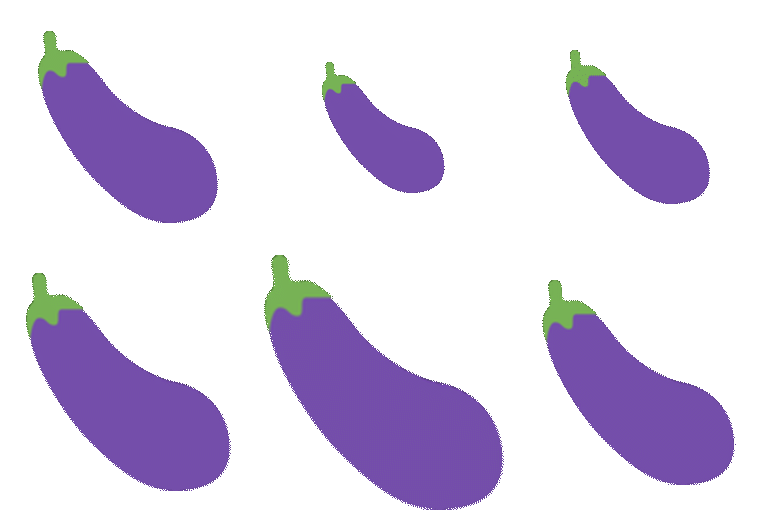
Usage: gif pulse [OPTIONS] [ZOOMLEVELSCSV]
( ͡◉ ͜ʖ ͡◉)                      Arguments:             ZOOMLEVELSCSV   (default [])                      Options:               -0, --from        (default 0.9)   -1, --to          (default 1)   -f, --frequency   (default 1)   -p, --phase       (default 0)
zoom

Usage: gif zoom [OPTIONS] [ZOOMLEVELSCSV]
(⌐▀͡ ̯ʖ▀)                      Arguments:             ZOOMLEVELSCSV   e.g. 1.0,1.5 to zoom from 100% to 150% (default [])
shake

Usage: gif shake [OPTIONS]
˵(˵ ͡⚆ ͜ʖ ͡⚆˵)˵                      Options:               -f, --frequency   (default [1])   -a, --amplitude   (default [7])   -r, --random      🌀 (default [0.75])
woke

Usage: gif woke [OPTIONS] POINTS
💯  W O K E F L A R E S ( ͡ 🅱️ ͜ʖ ͡ 🅱️ ) 💯                            Arguments:                   POINTS                  flare locations, JSON, e.g. "[[123,456],[-100,23]]" (default &[])                            Options:                     -c, --clip              clip flares to image alpha (default true)   -t, --type              (default full)   -s, --scale             (default 0.9)   -u, --hue               (default 0.8)   -l, --lightness         (default 1)   -a, --alpha             (default 0.8)   -p, --alpha-pow         (default 2)       --alpha-threshold   (default 0.15)   -r, --random            🌀 (default 0.5)
fried

Usage: gif fried [OPTIONS]
fr͍͈i̗̟̲̻e͕̗d̬ m̷͔͊e̶̪̿m̷̙̈́é̵̤s̷̺͒                       Options:                    --clip         (default true)   -w, --walk         🌀 (default 10)   -i, --iterations   (default 1)   -a                 🅰️ (default [0.33])   -b                 🅱️ (default [0.2])   -c                 🆑 (default [0.9])   -n, --noise        🌀️ (default [1])       --noise1       🌀️ (default [0.02])       --noise2       🌀️ (default [0.5])       --noise3       🌀 (default [0.1])   -j, --jpeg         [0,100] (default [84])   -u, --saturation   (default [3])   -o, --contrast     (default [6])   -t, --tint         tint (default [0.4])
hue

Usage: gif hue [OPTIONS] [HUEOFFSETSCSV]
( ͡☆ ͜ʖ ͡☆)                      Arguments:             HUEOFFSETSCSV   (default [])                      Options:               -f, --frequency   (default 1)   -a, --amplitude   (default 0.1)   -x                (default [1])   -y                (default [1])   -m, --mode        one of [mul add sub pow sin] (default add)
tint
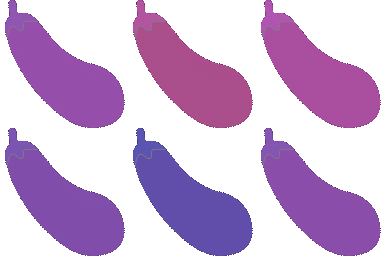
Usage: gif tint [OPTIONS] [TINTHUECSV]
🎨༼ຈل͜ຈ༽                      Arguments:             TINTHUECSV      (default [])                      Options:               -f, --frequency   (default 1)   -a, --amplitude   (default 0.95)   -x                (default [1])   -y                (default [1])   -m, --mode        one of [mul add sub pow sin] (default add)   -c, --center      (default 0.8608454902138696)
resize
Usage: gif resize [OPTIONS]
(° ͜ʖ°)¯\( ͡☉ ͜ʖ ͡☉)/¯                   Options:            -s, --scale    (default 1)   -x, --width    width (pixels) (default 0)   -y, --height   height (pixels) (default 0)
crop
Usage: gif crop [OPTIONS]
┬┴┬┴┤ ͜ʖ ͡°)                      Options:               -t, --threshold   (default 0)
optimize
Usage: gif optimize [OPTIONS]
👌( ͡ᵔ ͜ʖ ͡ᵔ )👌                      Options:                   --kb          target file size (KB) (default 128)   -n, --no-resize   don't resize the image   -x, --width       target width (pixels) (default 0)   -y, --height      target height (pixels) (default 0)
compose
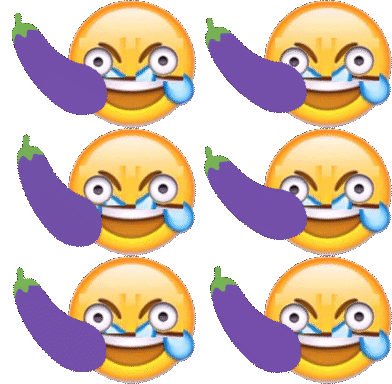
Usage: gif compose [OPTIONS] INPUT
(ノ ͡° ͜ʖ ͡°)ノ*:・゚✧                     Arguments:            INPUT                                 Options:              -x               (default [0])   -y               (default [0])   -z, --z-order    one of [under over] (default over)   -p, --position   one of [center left right top bottom abs] (default center)   -s, --scale      (default [1])
crowd
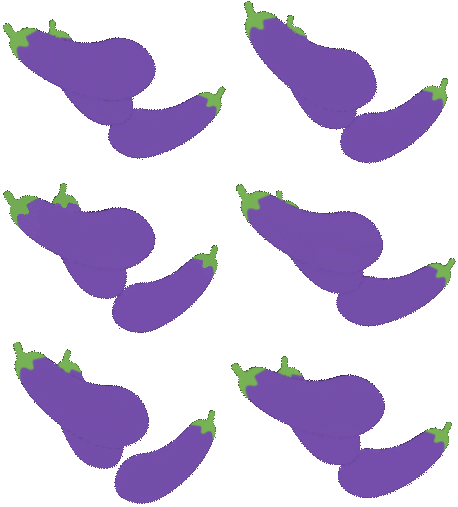
Usage: gif crowd [OPTIONS]
(⟃ ͜ʖ ⟄) ͜ʖ ͡°)( ° ͜ʖ( ° ͜ʖ °)                   Options:            -n             crowd size (default 3)       --flip     🌀 flip (default true)   -x             🌀 x (default 0.5)   -y             🌀 y (default 0.25)   -s, --scale    🌀 [0.0,1.0] (default 0.25)   -r, --rotate   🌀 [0.0,1.0] (default 0.1)   -a, --alpha    🌀 [0.0,1.0] (default 0)   -o, --offset   🌀 [0.0,1.0] (default 1)
erase
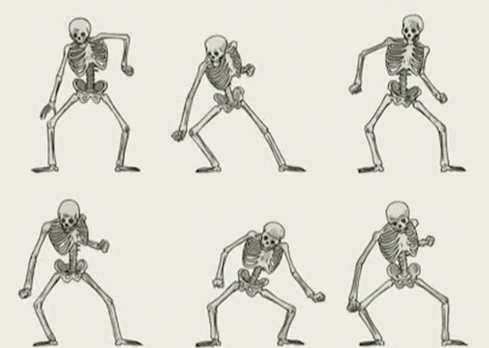
Usage: gif erase [OPTIONS]
( ͡° ͜ʖ ͡°)=ε/̵͇̿̿/'̿̿ ̿ ̿ ̿ ̿ ̿                      Options:               -x, --sample-x    (default 3)   -y, --sample-y    (default 3)   -t, --tolerance   (default 0.2)   -u                (default 1)   -s                (default 0.5)   -l                (default 1)
chop
Usage: gif chop COMMAND [arg...]
✂️( ͡°Ĺ̯ ͡° )🔪                     Commands:             shuffle             dup, duplicate      drop                rev, reverse                          Run 'gif chop COMMAND --help' for more information on a command.
text
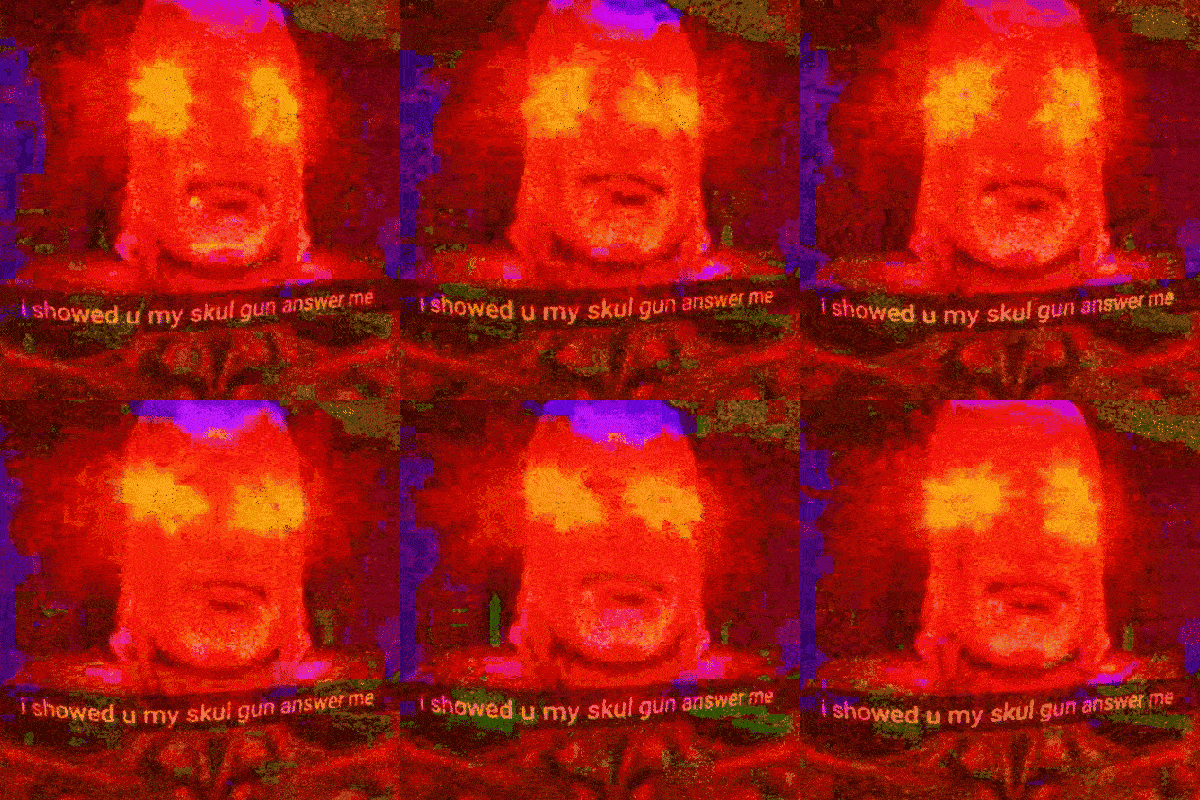
woke | text | fried
Usage: gif text [OPTIONS] [TEXT]
🅰️乁(˵ ͡☉ ͜ʖ ͡☉˵)┌🅱️                               Arguments:                      TEXT                       (default "#yeetgif")                               Options:                        -a, --background-alpha     (default 0.7)   -s, --font-size            (default 18.5)   -y, --text-y               (default 0.3)   -p, --background-padding   (default 3)
emoji

emoji | compose <(emoji) | compose <(emoji) | wobble | fried
Usage: gif emoji [OPTIONS] EMOJI...
╰( ͡° ͜ʖ ͡° )つ──☆*🤔                       Arguments:              EMOJI              one or more glob expressions                       Options:                -e, --exact        match the query exactly   -p, --pipe         overlay the emoji over input images (instead of just creating one)   -l, --list-only    just list matches   -s, --size         (default [128])   -a, --pipe-alpha   (default [1])
rain
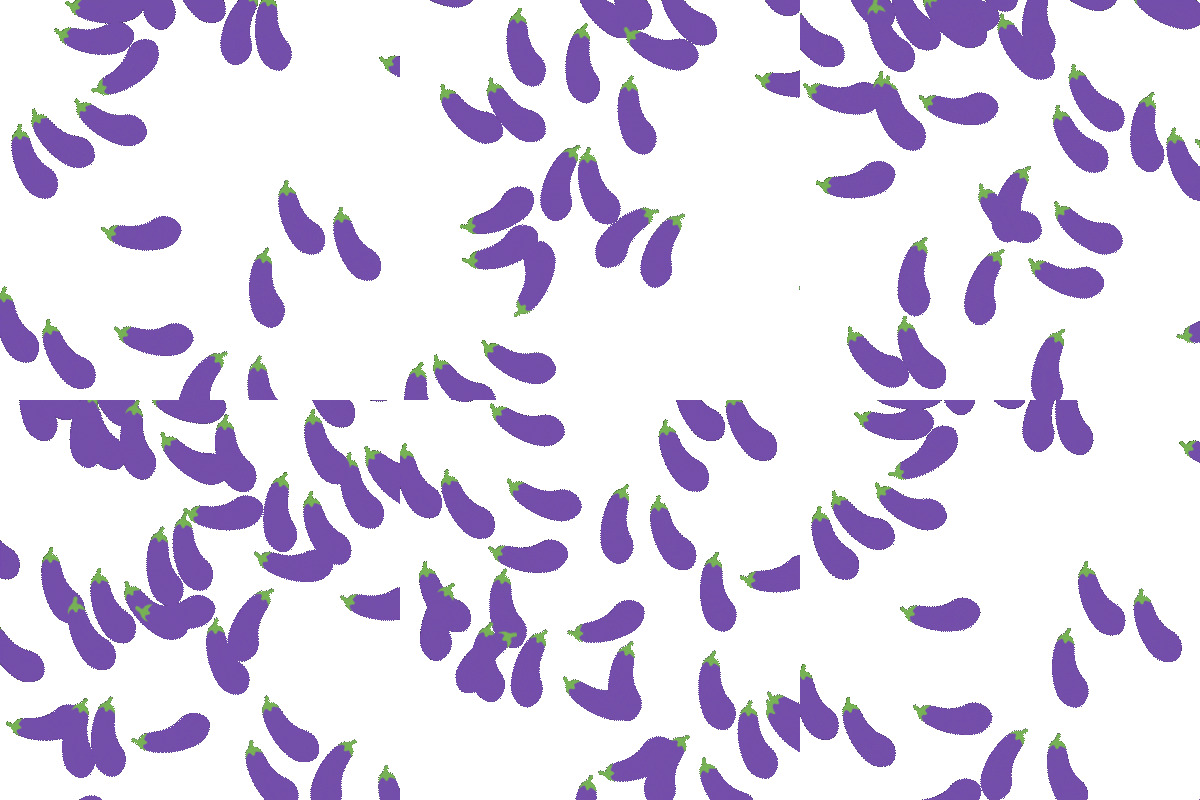
emoji | rain

emoji | roll | rain <(emoji) <(emoji)
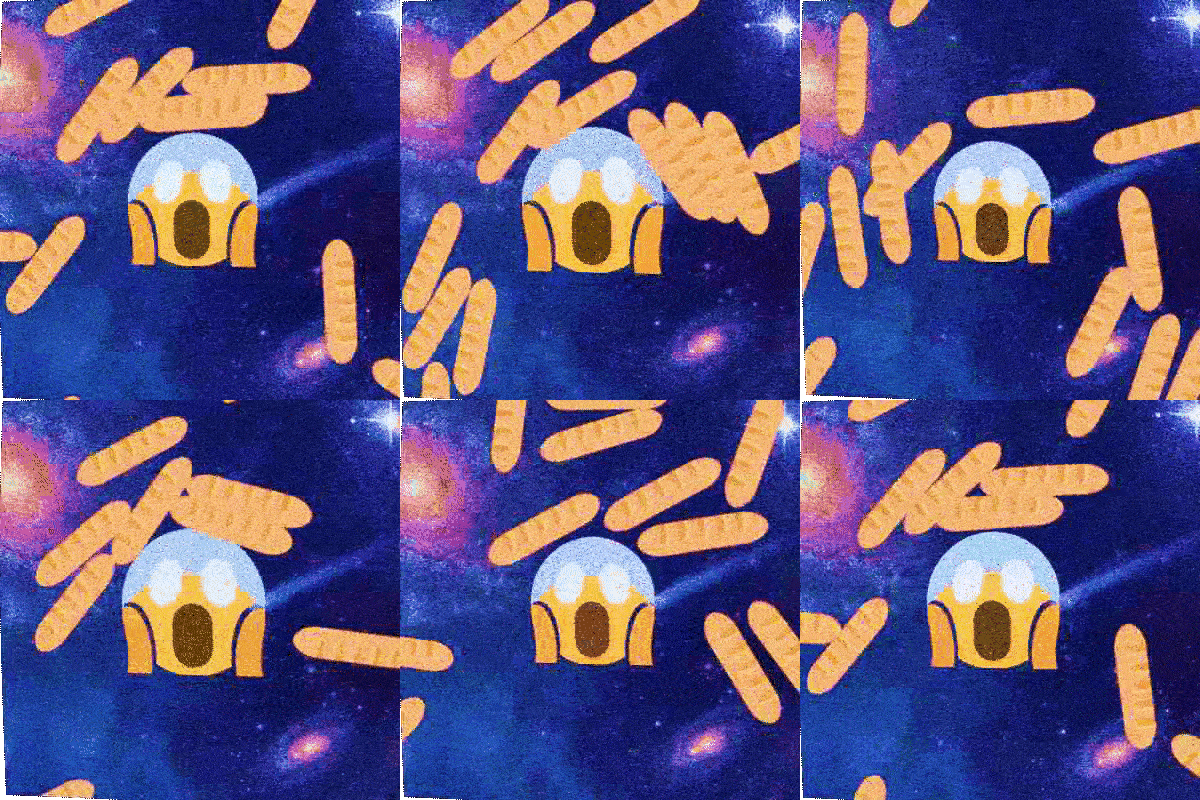
emoji | pulse | rain <(emoji) | compose | fried
Usage: gif rain [OPTIONS] [INPUT...] [OPTIONS]
。°。°( ͡° ͜ʖ ͡ °)°。°。°                                     Arguments:                            INPUT                                                                 Options:                              -d, --density                    (default 0.75)   -b, --bounciness                 (default [0.3])   -g, --gravity                    (default 900)   -s, --size                       (default 400)   -a, --bounds-alpha-threshold     (default 0.0625)   -v, --initial-linear-velocity    (default 300)   -l, --animation-length-factor    (default 1)   -x, --static-x                   (default 0.5)   -y, --static-y                   (default 0.5)       --wrap-max-overlap           (default 48)       --wrap-max-overlap-frames    (default 24)       --initial-angular-velocity   (default 2)       --bounds-points              (default 16)
cat
Usage: gif cat [INPUT...]
/ᐠ。ꞈ。ᐟ\                 Arguments:        INPUT        <filename>
meta
$ <doc/yeet.gif gif meta show
[2018-10-05T13:08:57+02:00] gif fried [2018-10-05T13:08:58+02:00] gif wobble [2018-10-05T13:08:58+02:00] gif crop [2018-10-05T13:08:58+02:00] gif optimize -x 0
$ <doc/yeet.gif gif meta show -p
gif fried | gif wobble | gif crop | gif optimize -x 0
$ <doc/yeet.gif gif meta show --raw
{"appName":"gif","timestamp":"2018-10-05T13:08:57+02:00","args":["fried"],"version":"1.0.0-244bcd73467a0979cb872f0e90ba8a69d4764410"} {"appName":"gif","timestamp":"2018-10-05T13:08:58+02:00","args":["wobble"],"version":"1.0.0-244bcd73467a0979cb872f0e90ba8a69d4764410"} {"appName":"gif","timestamp":"2018-10-05T13:08:58+02:00","args":["crop"],"version":"1.0.0-244bcd73467a0979cb872f0e90ba8a69d4764410"} {"appName":"gif","timestamp":"2018-10-05T13:08:58+02:00","args":["optimize","-x","0"],"version":"1.0.0-244bcd73467a0979cb872f0e90ba8a69d4764410"}
Usage: gif meta COMMAND [arg...]
(🧠 ͡ಠ ʖ̯ ͡ಠ)┌                 Commands:         show         show 🧠   add          add 🧠   clear        remove 🧠                 Run 'gif meta COMMAND --help' for more information on a command.
Licensing
yeetgifitself & any original code: MIT License- Modified copy of
github.com/disintegration/imaging: MIT License - Modified copy of
github.com/fogleman/gg: MIT License - Roboto Regular TrueType Font: Apache License 2.0
- Twemoji by Twitter: CC BY 4.0
- Modified portion of
github.com/ByteArena/box2dby ByteArena (Go port)/Erin Catto (C++ original): MIT License


