
Offensive web security scanner — OWASP Top 10 · MCP server · CLI · Go
frameseven
A CLI-first offensive web security scanner for authorized security testing.
frameseven maps a target's attack surface and runs active checks for common web vulnerabilities and misconfigurations, then produces structured reports. It also ships an MCP server so AI agents can drive the same Framework v1 tooling.


[!WARNING]
Only scan systems that you own or have explicit permission to test. Framework
v1 performs active requests and may send methods or payloads that affect a
target application.
Highlights
- Attack-surface mapping — recon, crawling, port and banner discovery, and
- Active vulnerability checks — XSS, SQL injection, LFI, SSRF, SSTI, XXE,
- Misconfiguration and content audits — security headers, exposed content,
- Structured reporting — generates reports under a configurable output
- Authenticated scans —
-auth-browseropens a browser to log in before the
- MCP server — exposes versioned Framework v1 tools to AI agents over stdio
- Standard-library focused — a small, explicit Go codebase that is easy to
Video Demo
Watch a walkthrough and demonstration of frameseven in action:
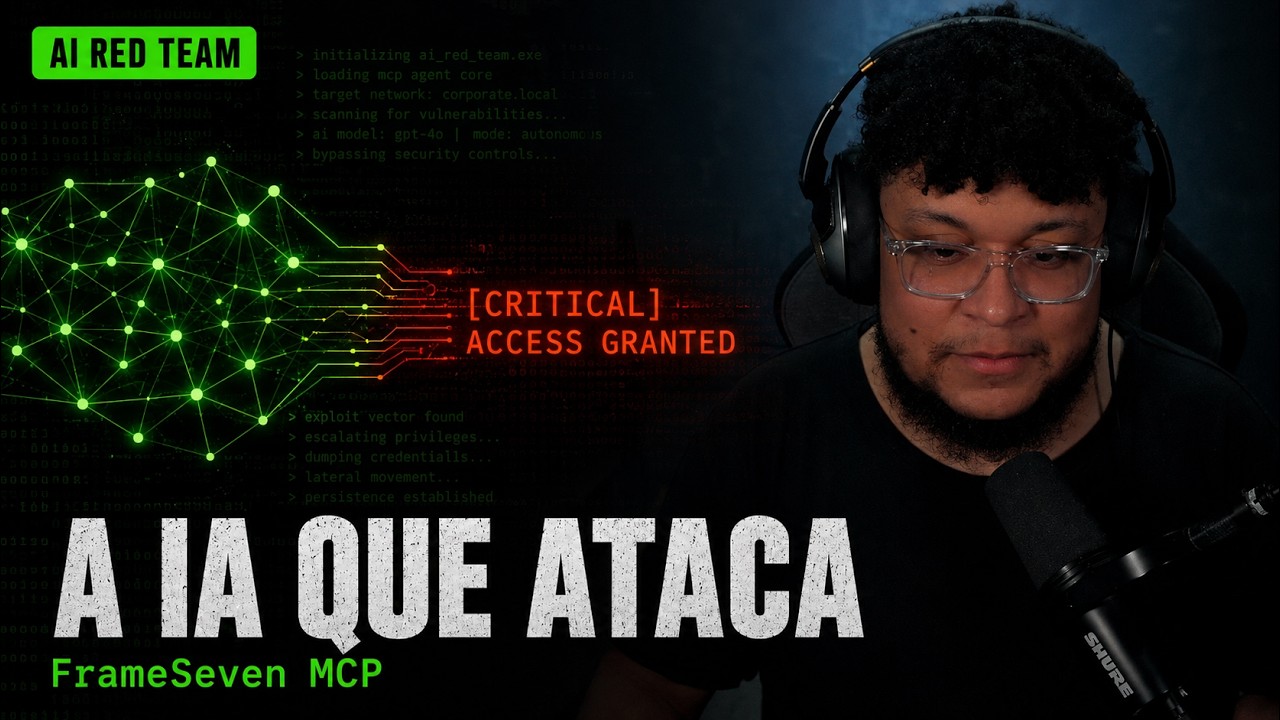
Recommended: frameseven demo on YouTube
Get Frameseven
frameseven is distributed through three clear paths:
- GitHub Releases and pre-releases are the recommended option for most
- Docker is the easiest way to run the scanner with a self-contained
- Source builds are best for development, local changes, or when you need
See Installation v1 for the full distribution matrix and platform-specific instructions.
Source Build Requirements
- Go 1.26.5 or later in the Go 1.26 release line
- Python 3 with
fpdf2for PDF report generation - Git
- Network access to the authorized target
- Linux, macOS, or another environment supported by Go
Quick Start
git clone https://github.com/sayseven7/frameseven.git
cd frameseven
Optional: enable PDF report generation for local builds
python3 -m venv .venv
.venv/bin/python -m pip install "fpdf2>=2.8"
Verify the build
go test ./...
Run a scan against an authorized target from source
go run cmd/cli/v1/main.go -url https://target.example
If you prefer a packaged release, download a stable release or pre-release artifact from GitHub Releases and run the installed frameseven command.
To run the published Docker image:
docker pull ghcr.io/sayseven7/frameseven:<version>
mkdir -p reports docker run --rm \   -v "$PWD/reports:/workspace/reports" \   ghcr.io/sayseven7/frameseven:<version> \   -url https://target.example \   -out /workspace/reports
Run without -url in a terminal to open the interactive setup wizard:
go run cmd/cli/v1/main.goBuild an installable binary from source:
go build -o bin/frameseven/cli/v1 cmd/cli/v1/main.go
./bin/frameseven/cli/v1 -url https://target.example
Usage
frameseven -url https://target.example [flags]| Flag | Default | Description | |---|---|---| | -url | required | Absolute HTTP or HTTPS target URL | | -tools | default | Comma-separated Framework v1 tools to run, default, or all | | -timeout | 10s | Timeout applied to each HTTP request | | -tool-timeout | 30s | Maximum runtime for each scanner tool | | -concurrency | 1 | Scanner tools to run in parallel after recon | | -rate | 50 | Requests sent by the rate-limit tool | | -ua | random agent | User-Agent header sent by the scanner | | -out, -o | reports | Directory for generated reports and the scan log | | -interactive, -i | disabled | Configure the scan with an interactive wizard | | -yes, -y | disabled | Skip the wizard's final confirmation | | -auth-browser | disabled | Open a browser to log in before the scan | | -quiet, -q | disabled | Hide banner and progress messages | | -verbose, -v | disabled | Show HTTP request and response debug logs | | -list-tools | disabled | List all Framework v1 scanner tools | | -version | disabled | Print the installed build version |
See CLI v1 for the complete flag reference and environment variables.
Scanner tools
recon, crawler, ports, bannergrab, subdomain, external, content, misconfig, access, auth, xss, sqli, lfi, ssrf, ssti, xxe, cmdi, redirect, ratelimit.
List them at any time:
frameseven -list-toolsReports
PDF reports are rendered by the Go wrapper through Python. The wrapper uses FRAMESEVEN_PYTHON when set, otherwise it looks for .venv/bin/python, then falls back to python3. If Python or fpdf2 is missing, PDF generation returns a clear error instead of silently producing a broken report.
See Report Format v1 for the output contract.
MCP Server
frameseven includes an MCP server at cmd/mcp that exposes versioned Framework v1 tools to AI agents.
# stdio transport
go run ./cmd/mcp -transport stdio
Streamable HTTP transport
go run ./cmd/mcp -transport http -addr 127.0.0.1:8080
[!CAUTION]
Scanner tools send active security probes. Do not expose the HTTP MCP endpoint
openly to the internet; place it behind an access-controlled network, reverse
proxy, tunnel, or firewall rule.
See MCP Server and MCP configuration for client setup.
Documentation
- Documentation overview
- Installation v1
- Getting started v1
- CLI v1
- Report format v1
- MCP server
- Prompt suggestions — ready-to-use mission prompts to run in your own agents
- GitHub Releases
- Go reference
Contributing
Contributions are welcome. Please read CONTRIBUTING.md and the Code of Conduct before opening a pull request. Project conventions and agent rules live in AGENTS.md.
License
Released under the MIT License.


