
pcap/pcapng analyzer

Pcapviewer








Overview
PcapViewer is a powerful, multi-platform tool that simplifies network traffic analysis, bringing essential PCAP/PCAPNG file inspection capabilities directly into your preferred environment: Visual Studio Code, Terminal UI, a standalone Desktop Application, or a dedicated Web Service.
It enables users to dive into network traffic and inspect various protocol layers, from the Ethernet layer to the application layer, providing a streamlined alternative to full-scale tools like Wireshark. With its lightweight nature, it’s ideal for developers, network administrators, and engineers who need quick insights into network packets.
🌟 Features
- Native Integration: Seamless operation as a custom editor within VS Code.
- Multi-format Support: Handles
.pcap,.pcapng, and.capfiles. - High Performance: Utilizes WASM and Rust for fast and efficient packet analysis.
- Extensible Design: Open to contributions and improvements via the modular architecture.
🔌 Protocol Support
- File Formats: PCAP, PCAPNG - Link Layer: Ethernet II, PPPoE, IEEE 1905.1a, IEEE 802.11, SSL - Network Layer: IPv4, IPv6, ARP, RARP, ICMP, IGMP - Transport Layer: TCP, UDP - Application Layer: TLS, HTTP, DNS, DHCP, SSDP, SIP
📦 Online Demo
Try out PcapViewer in your browser.
🚀 Features in Action
Demo

Overview

IP Packet List
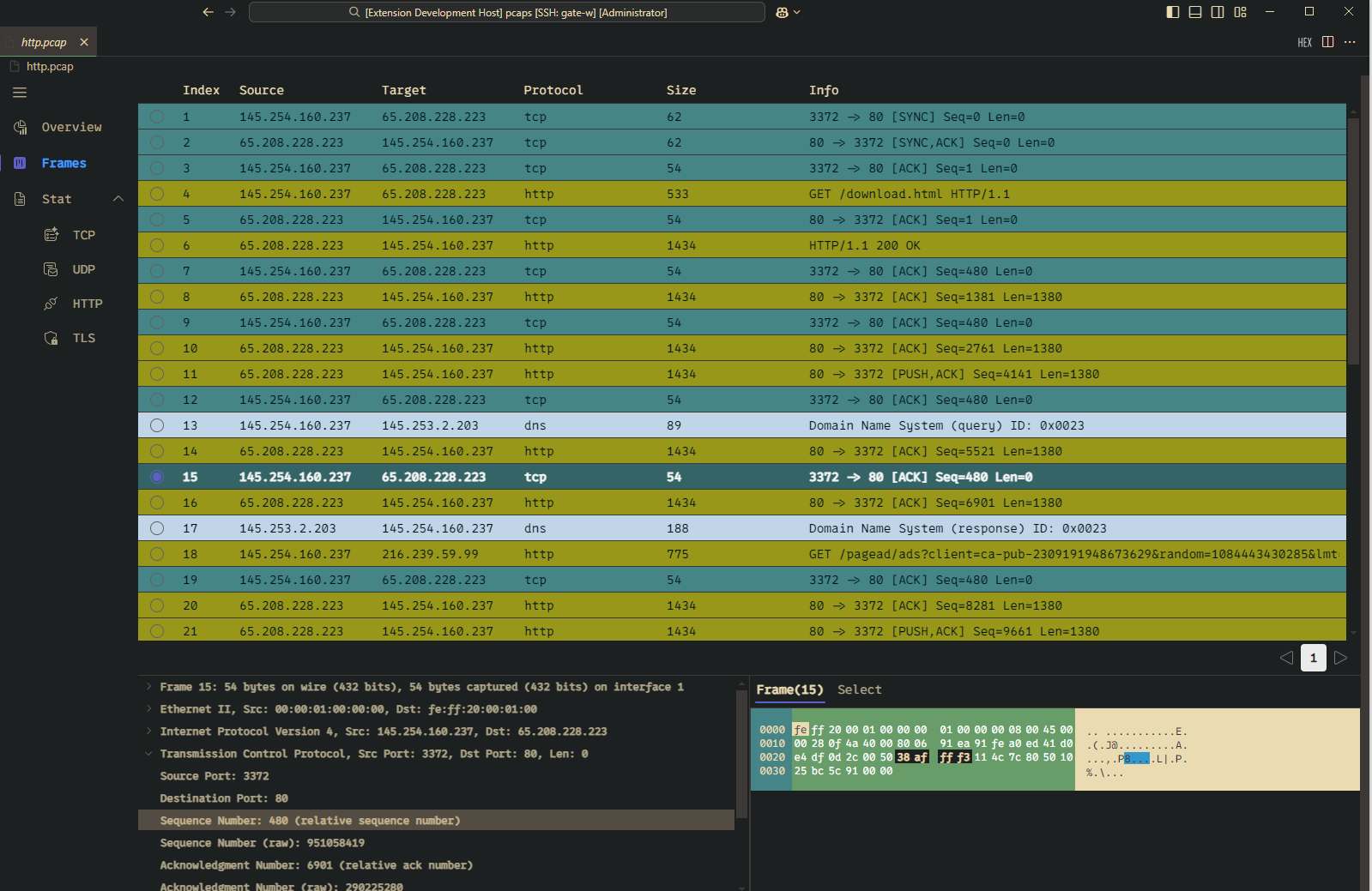
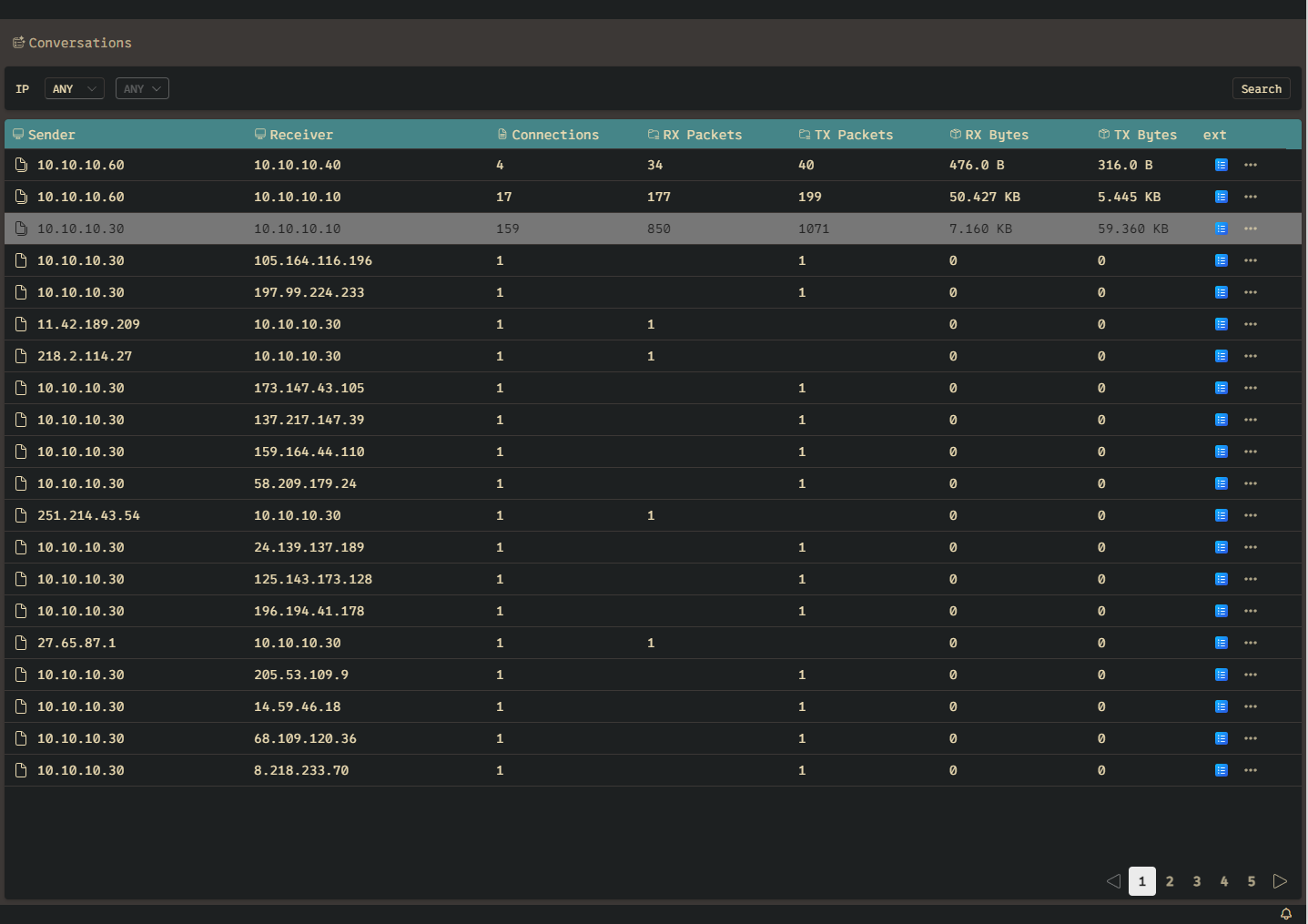
TCP Conversations
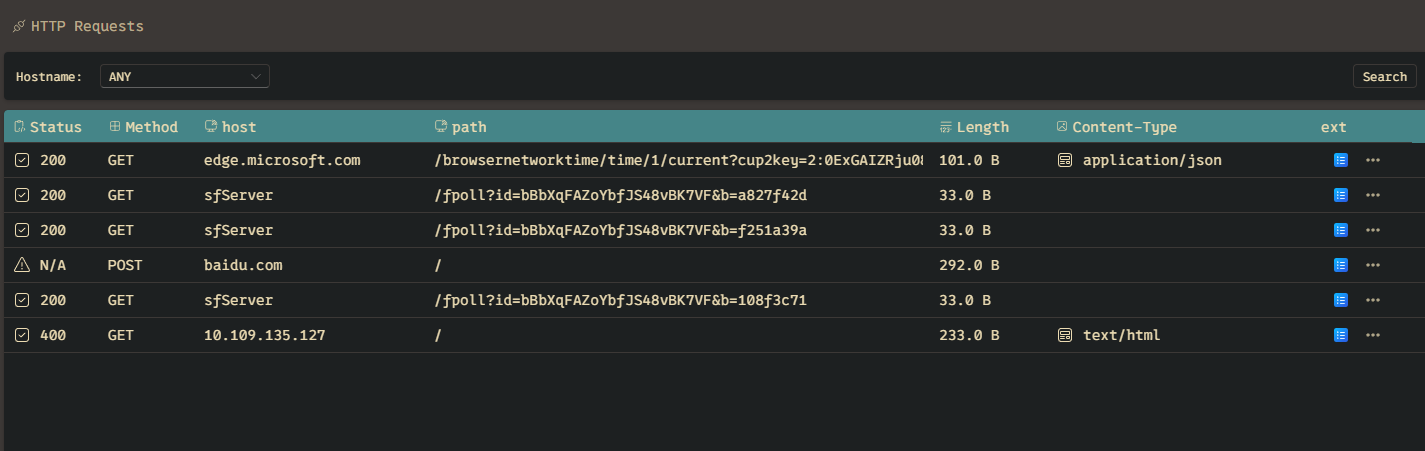
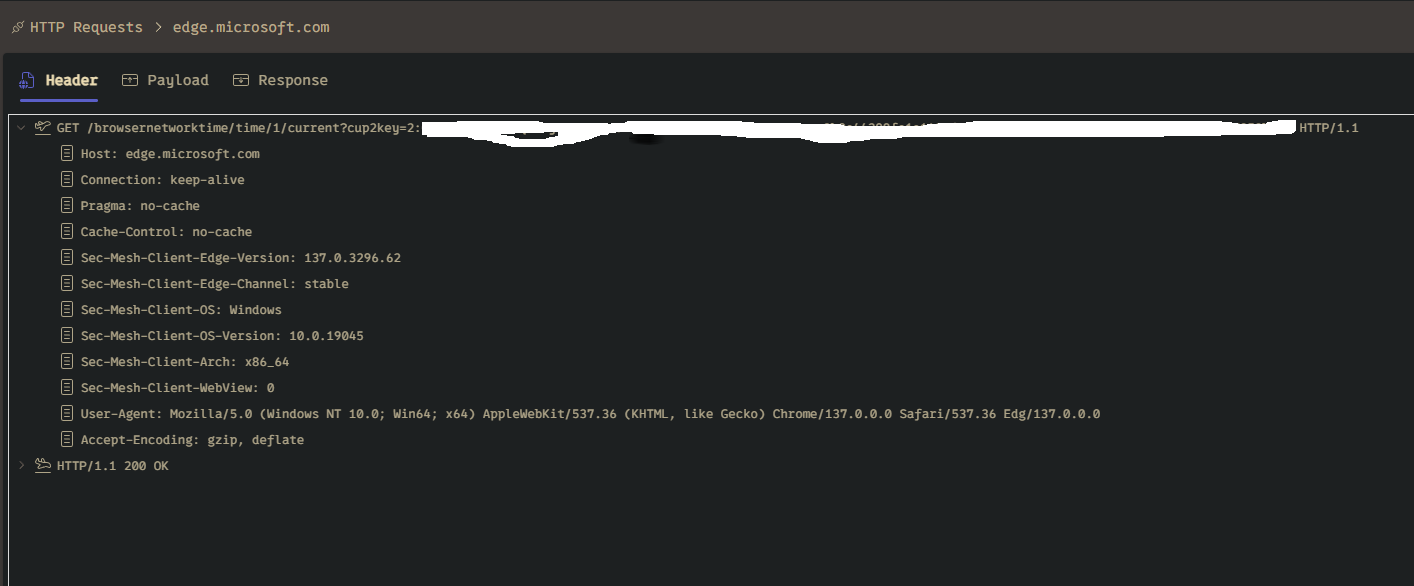
HTTP Connection
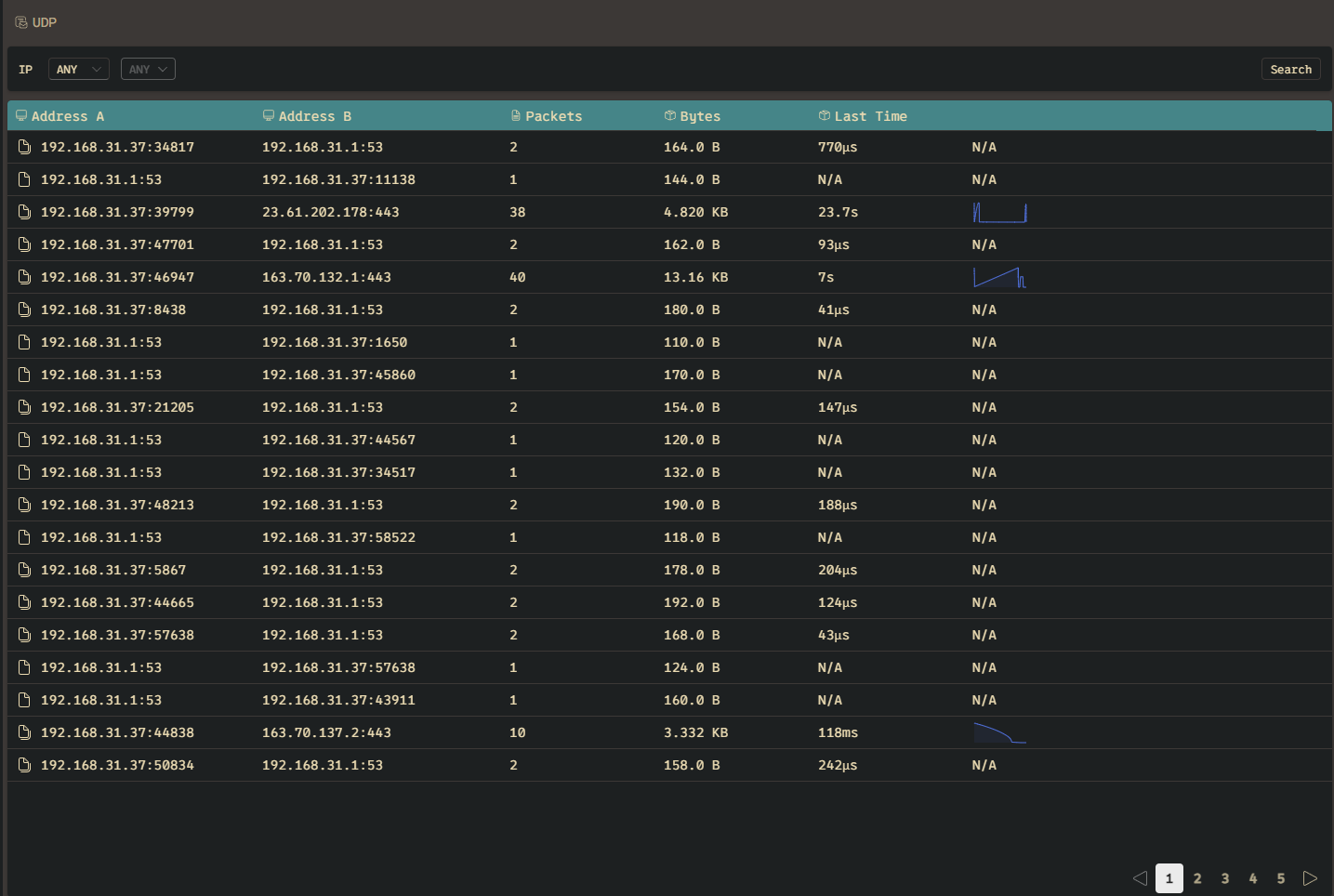
UDP Statistics
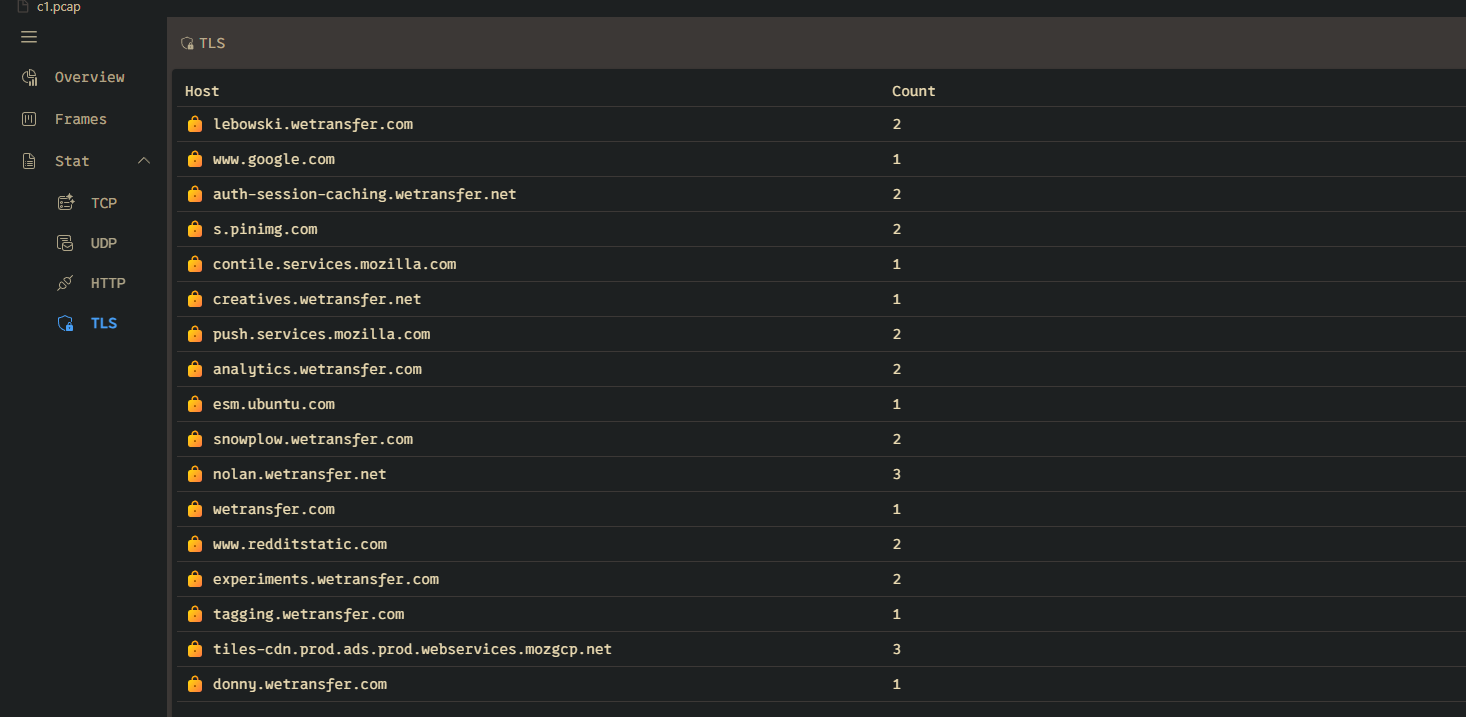
TLS Host
💻 Installation & Usage
1\. VS Code Extension
Install the PcapViewer extension from the VSCode Marketplace for seamless integration into your Visual Studio Code environment.
2\. TUI

- Installation: Download from Releases
- Execution: Run the executable with the
--fileargument pointing to your file:
pcaps -f <filepath>
3\. Desktop Application (Standalone GUI)
For users who prefer a dedicated, cross-platform graphical application.
* Installation: Download the installer/binary for your operating system (Windows, macOS, Linux) from the Releases page. * Usage: Launch the application and use the file dialog to open your PCAP file for analysis.
4\. Web Service (Browser Access)
Launch a local web server to analyze a specific PCAP file and access the UI through your web browser. This is ideal for remote access or containerized environments.
- Execution: Run the executable with the
--fileargument pointing to your file:
pcap-web -f /path/to/your/traffic.pcap -p 8080- Access: Open your web browser and navigate to the address displayed in the console (typically
http://127.0.0.1:8080or similar).
🤝 Contributing
We welcome all community involvement and appreciate your interest in making PcapViewer better\!
Please take a moment to review our official guidelines before contributing:
* Contribution Guidelines: For details on submitting Pull Requests, reporting bugs, and suggesting new features, please see the CONTRIBUTING.md file. * Code of Conduct: To ensure a welcoming and inclusive community for everyone, all participants are expected to adhere to our CODEOF_CONDUCT.md.
📜 License
This project is licensed under the MIT License.


