
AI agent web app platform
MindRoot
Build, operate, and embed tool-using AI agents without locking your application to one model, vendor, or interface.

MindRoot is a self-hostable Python agent platform with a web UI, REST API, Python SDK, and an extensible plugin runtime. It turns models into operational agents by connecting them to typed tools, internal services, pipelines, knowledge bases, persistent context, custom interfaces, and external systems.
It is designed for teams that need more than a chat wrapper:
- Application developers can embed agents through an API or Python SDK.
- AI engineers can swap model, speech, retrieval, and tool providers without rebuilding the agent layer.
- Platform teams can control which capabilities each agent receives.
- Product teams can ship purpose-built interfaces rather than exposing a generic chatbot.
- Plugin authors can package backend logic, HTTP routes, frontend components, and agent tools as independently installable Python projects.
MindRoot is broad by design, but not monolithic: most capabilities live in plugins, and agents receive only the commands and services enabled for them.
Why MindRoot
Many agent frameworks stop at a Python loop. MindRoot includes the surrounding application and operating layer needed to turn that loop into a usable system:
| Capability | What it provides | |---|---| | Agent runtime | Multi-turn model execution, tool dispatch, command results, conversation state, and task completion | | Provider abstraction | Swappable local or hosted LLM, image, speech, retrieval, and automation providers | | Capability controls | Commands and services can be enabled per agent instead of exposing every integration globally | | Plugin runtime | Installable Python packages can add tools, services, pipelines, FastAPI routes, static assets, templates, and Web Components | | Interactive UI | Streaming chat, command status, rich results, custom components, and replaceable application layouts | | Programmatic access | REST task API and the mrsdk Python client | | Knowledge and memory | Plugin-based RAG, reusable knowledge bases, session context, and persistent memory | | Operations | Admin UI for agents, plugins, providers, users, API keys, and configuration | | Extensibility | Hooks and ordered pipelines can inspect or transform prompts, messages, context, and results |
The practical result is a system in which an agent capability can be built once and used from the standard chat UI, a custom plugin UI, a backend API call, or another application.
Architecture
flowchart LR
    subgraph Clients
        CHAT[Streaming Web UI]
        APP[Custom Plugin UI]
        API[REST API]
        SDK[Python SDK]
    end
subgraph MindRoot["MindRoot Runtime"]         AUTH[Users, sessions and API keys]         AGENT[Agent loop<br/>persona, policy and context]         ROUTER[Model and service resolution]         TOOLS[Command dispatcher]         EVENTS[SSE event stream]         PIPE[Pipelines and hooks]         LOG[Conversation and task trace]     end
subgraph Plugins["Installable Plugins"]         CMD[Agent commands]         SVC[Internal services]         ROUTES[FastAPI routes]         UI[Lit components<br/>templates and assets]         KB[Knowledge and memory]     end
subgraph Providers["Local or Hosted Providers"]         LLM[LLMs]         MEDIA[Speech, image and video]         DATA[Databases and retrieval]         AUTO[Browser, desktop and shell]         EXT[Business APIs and MCP]     end
CHAT --> AUTH     APP --> AUTH     API --> AUTH     SDK --> API     AUTH --> AGENT     AGENT <--> ROUTER     AGENT --> TOOLS     AGENT <--> PIPE     AGENT --> LOG     AGENT --> EVENTS     EVENTS --> CHAT     EVENTS --> APP     TOOLS --> CMD     ROUTER --> SVC     PIPE --> Plugins     CMD --> Providers     SVC --> Providers     KB --> AGENT     ROUTES --> APP     UI --> APP     ROUTER --> LLM
Execution model
- A user or application invokes an agent through chat, the REST API, or the SDK.
- MindRoot loads that agent's instructions, model configuration, context, and enabled capabilities.
- The selected model can return an answer or invoke a registered command.
- MindRoot validates and executes the command, records its result, and feeds the result back into the agent loop.
- Partial commands, running state, results, media, and completion events can stream to the UI over SSE.
- The agent returns a final task result and, for API callers, an optional trace of the commands executed.
What you can build
MindRoot is intended for real applications rather than one narrow agent pattern. Examples include:
- Internal research and operations assistants
- Document extraction and report-generation systems
- Knowledge-base and RAG applications
- Browser, desktop, and shell automation
- Background and bulk-processing workflows
- Voice and multimodal agents
- Database-backed business assistants
- Rich data viewers, dashboards, and generated workspaces
- Domain-specific products with a completely custom UI
The plugin ecosystem changes faster than this README. Use the admin plugin index or install a compatible plugin directly from GitHub to inspect the currently available integrations.
Quick start
Requirements
- A supported Python 3 environment
- A virtual environment is strongly recommended
- Credentials for at least one model provider, unless you configure a local provider
- On some Linux systems,
libgl-devmay be required
1. Install
python -m venv .venv
source .venv/bin/activate
pip install mindroot
2. Configure
Set a secret and the credentials required by your chosen provider:
export JWTSECRETKEY="replace-with-a-long-random-value"
export ANTHROPICAPIKEY="..."
or OPENAIAPIKEY, or credentials for another installed provider
Optional email verification:
export REQUIREEMAILVERIFY=trueSee the SMTP plugin documentation for mail configuration.
3. Create the first administrator and start MindRoot
mindroot --admin-user admin --admin-password 'replace-this-password'For subsequent starts:
mindrootTo use another port:
mindroot -p 8001MindRoot stores configuration relative to its working environment, so start it consistently from the same deployment directory.
4. Configure an agent
Open /admin and:
- Install a model-provider plugin.
- Configure its required environment variables.
- Create or select an agent.
- Enable only the commands that agent should be allowed to use.
- Restart MindRoot after installing or changing plugins when prompted.
Use MindRoot from an application
REST API
Run an agent as a long-running task:
curl -X POST \
  "http://localhost:8010/task/Assistant?apikey=${MINDROOTAPI_KEY}" \
  -H "Content-Type: application/json" \
  -d '{"instructions":"Inspect this request, use the enabled tools, and return a concise report."}' \
  --max-time 300
A successful response includes the final result, task trace, and conversation log identifier:
{
  "status": "ok",
  "results": "Final textual or structured result",
  "full_results": [
    {
      "cmd": "some_command",
      "args": {},
      "result": "..."
    }
  ],
  "log_id": "..."
}
See API documentation for authentication, task-agent configuration, endpoint behavior, and additional examples.
Python SDK
pip install mrsdkfrom mrsdk import MindRootClient
client = MindRootClient( apikey="yourapi_key", base_url="http://localhost:8010", )
result = client.run_task( agent_name="Assistant", instructi, )
print(result["results"])
See the mrsdk repository for SDK details and task-trace access.
The plugin model
A MindRoot plugin is a normal installable Python package that can contribute one or more layers of an application:
my_plugin/
├── plugin_info.json          # Metadata, commands and services
├── pyproject.toml
└── src/my_plugin/
    ├── mod.py                # Agent commands and internal services
    ├── router.py             # Optional FastAPI routes
    ├── static/               # JavaScript, CSS and other assets
    ├── templates/            # Plugin-owned pages
    ├── inject/               # Add content to existing template blocks
    └── override/             # Replace existing template blocks
A minimal agent command
from lib.providers.commands import command
@command() async def lookuporder(orderid: str, context=None):     """Return order status for an order ID."""     return {         "orderid": orderid,         "status": "in_transit",     }
List the command in plugin_info.json, install the package, and enable it for the desired agent in the admin UI. The function signature becomes the command contract exposed to the model.
Commands can:
- call external APIs or internal services;
- read and update session context;
- return structured data for subsequent reasoning;
- publish partial and final events;
- feed custom result components;
- delegate work or initiate background jobs.
Full-stack plugins
Plugins are not limited to tools. They can add FastAPI routes and complete frontend experiences using Jinja2 and Lit Web Components. The standard chat UI exposes command lifecycle events such as partial output, running state, final results, media, and completion. A plugin can register a renderer for its command and turn structured output into a chart, table, editor, approval form, or other interactive interface.
This allows domain applications to live with the agent rather than maintaining a disconnected frontend and orchestration stack.
See Plugin documentation for package structure, decorators, routes, template injection, component integration, SSE events, pipelines, and development guidance.
Capability and provider composition
MindRoot separates several concerns that are often hard-coded together:
- Agents define behavior, instructions, model choices, and permitted commands.
- Commands are capabilities the model may invoke.
- Services are reusable implementations consumed by commands or other services.
- Providers satisfy capabilities using local or remote infrastructure.
- Pipelines and hooks modify data at execution boundaries.
- UI plugins decide how interactions and results are presented.
Knowledge, memory, and long-running work
MindRoot's plugin architecture supports:
- Retrieval-augmented generation and reusable knowledge bases
- Pre-generated embeddings and document collections
- Session-scoped state and conversation history
- Persistent agent memory
- Background jobs and bulk task processing
- Full task traces for application-side inspection
runvnc/mrkb from Admin → Plugins → Install from GitHub. A step-by-step custom-agent example is available in agents.md.
Administration and operation
The admin interface centralizes:
- Agent definitions and personas
- Per-agent command access
- Model and service configuration
- Plugin installation
- Users and API keys
- Knowledge and application configuration
For a durable deployment, run MindRoot behind a process supervisor and reverse proxy, provide secrets through your deployment environment, use persistent storage, and expose it over TLS.
Design principles
Model and infrastructure choice
MindRoot supports hosted and local services through plugins. Application code should not need to be rewritten merely because the preferred model or inference provider changes.
Explicit capabilities
Tools are registered and enabled per agent. A research agent, support agent, and infrastructure agent can share one deployment without receiving the same permissions.
Full-stack extensibility
The same plugin can own business logic, agent commands, routes, and presentation. Extensibility does not stop at a model-tool adapter.
Inspectable execution
Programmatic task responses can include both a final result and the command trace that produced it. The web interface also surfaces command lifecycle activity as it happens.
Open distribution
Plugins, agents, personas, models, and knowledge assets can be distributed through configurable registries or directly as independent repositories. The public registry at registry.agenthost.org is a work in progress and can be replaced with a user-specific registry.
Gallery
Admin interface
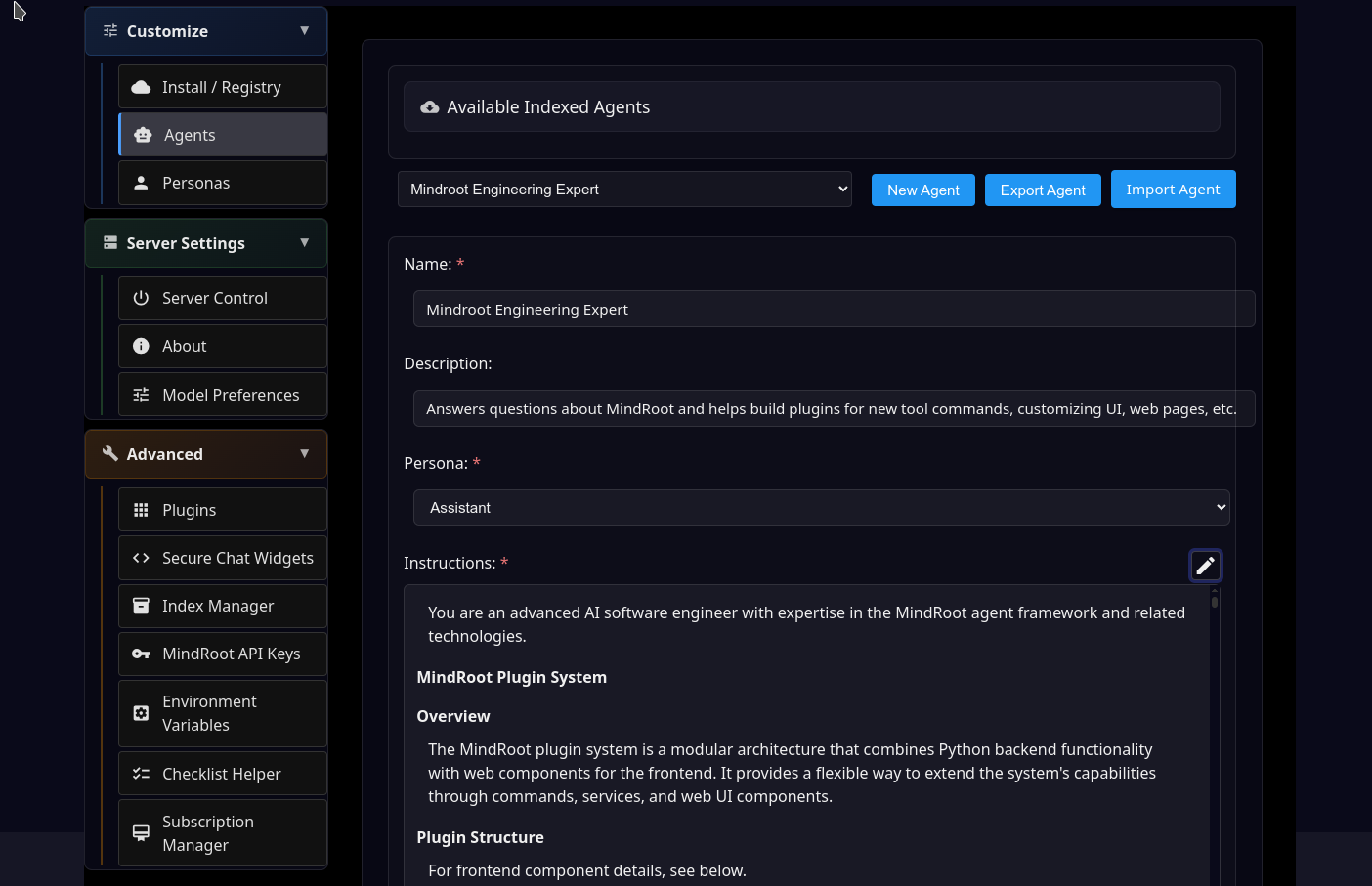
Plugin management

Computer use
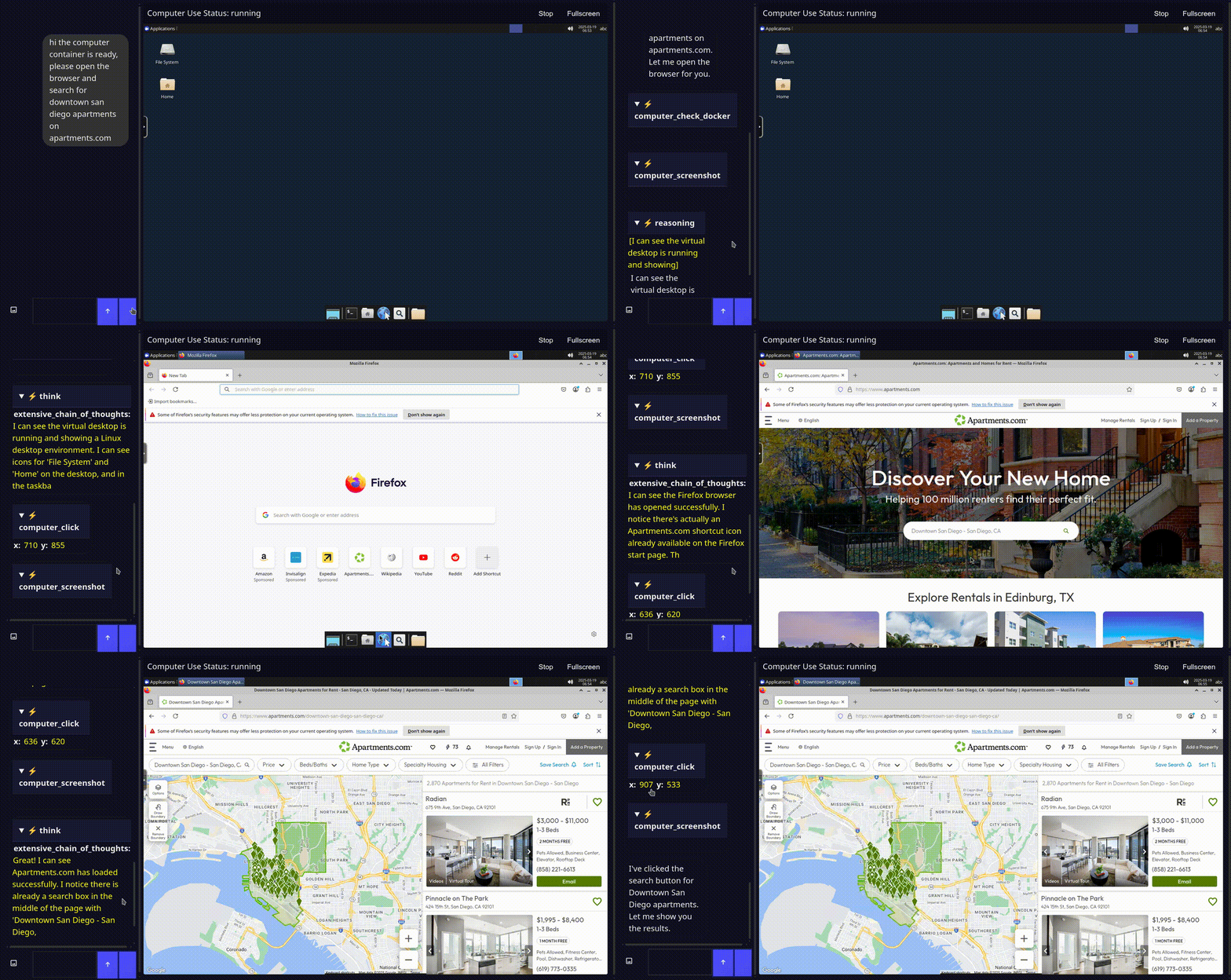
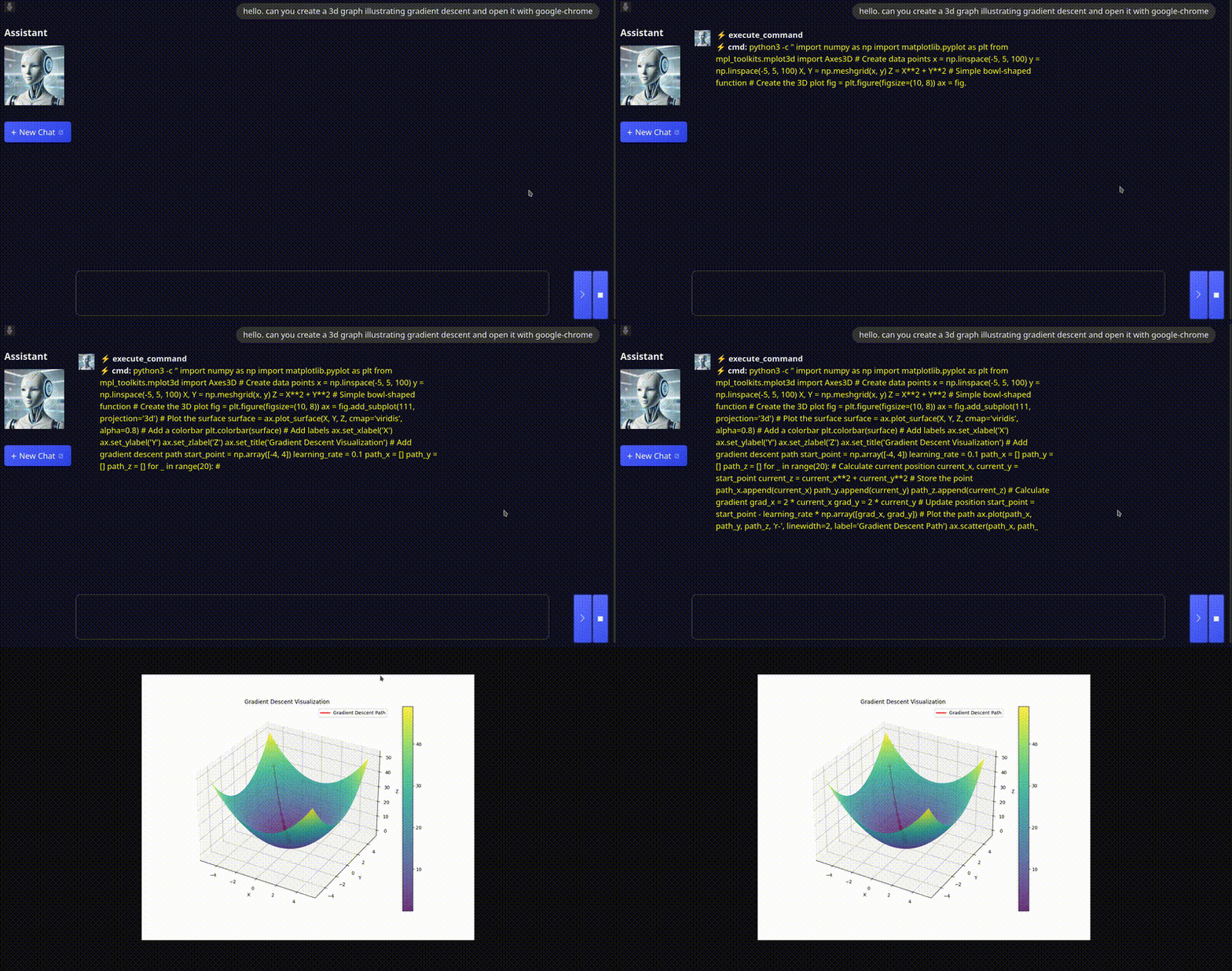
3D graph visualization
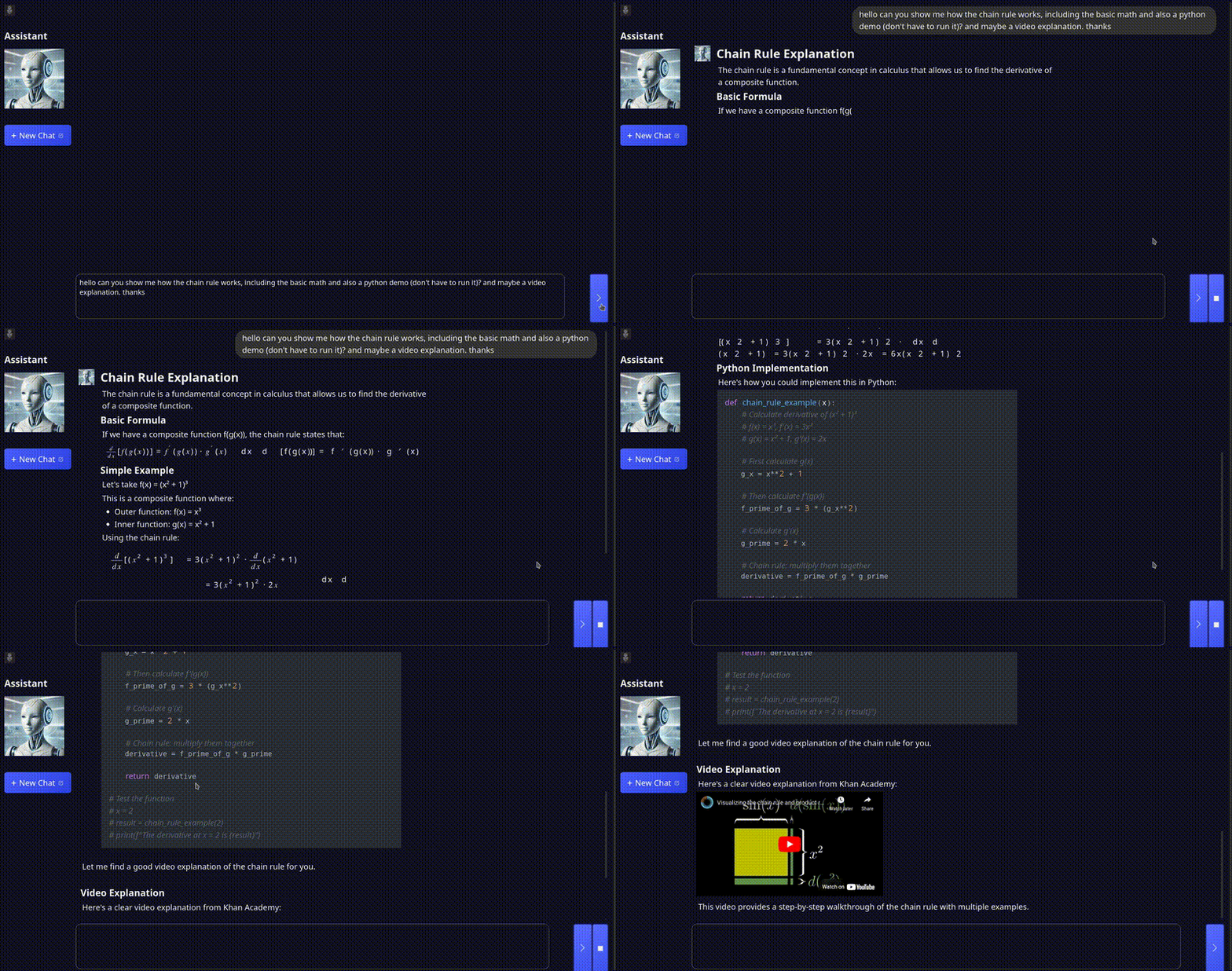
Technical explanation
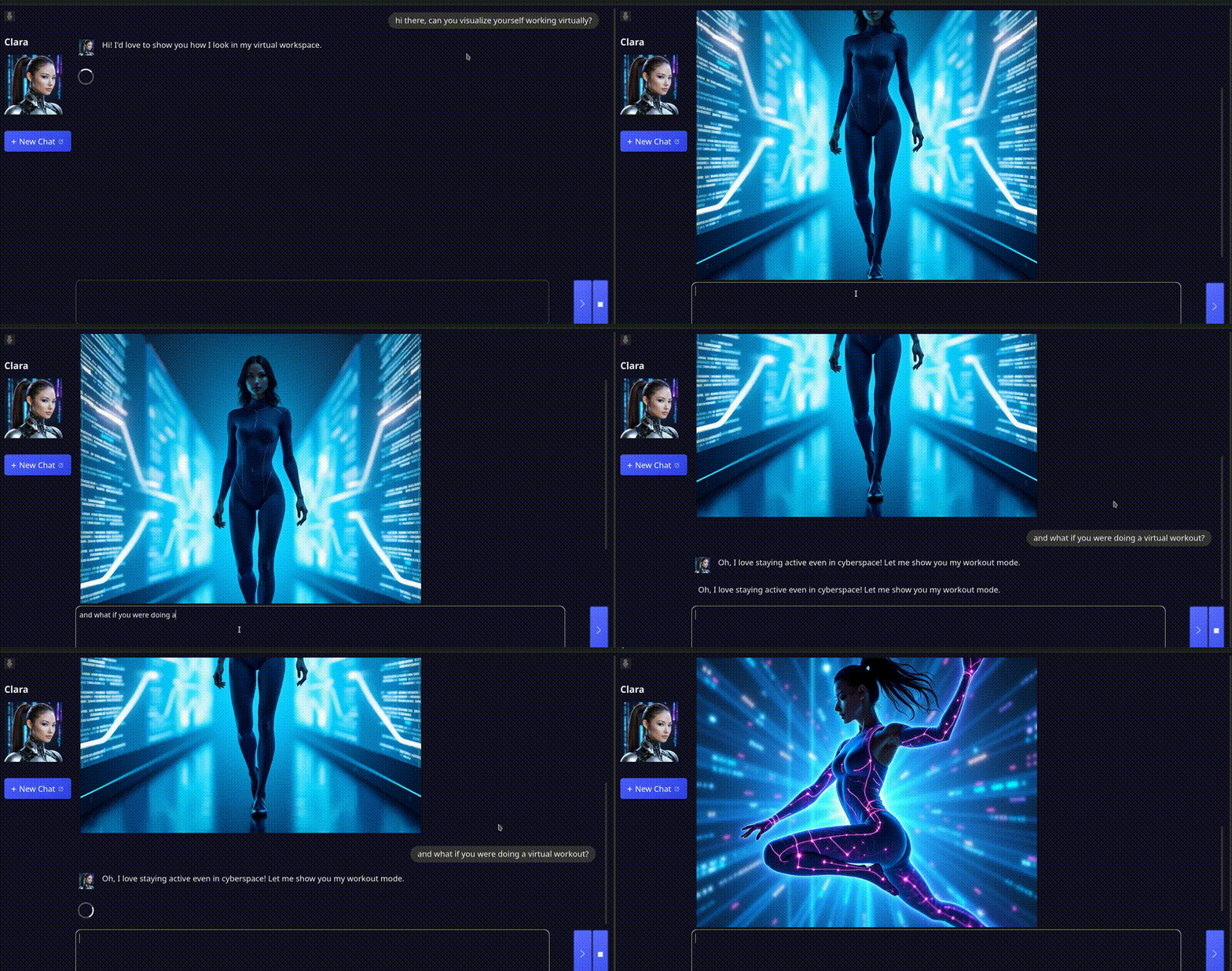
Character generation
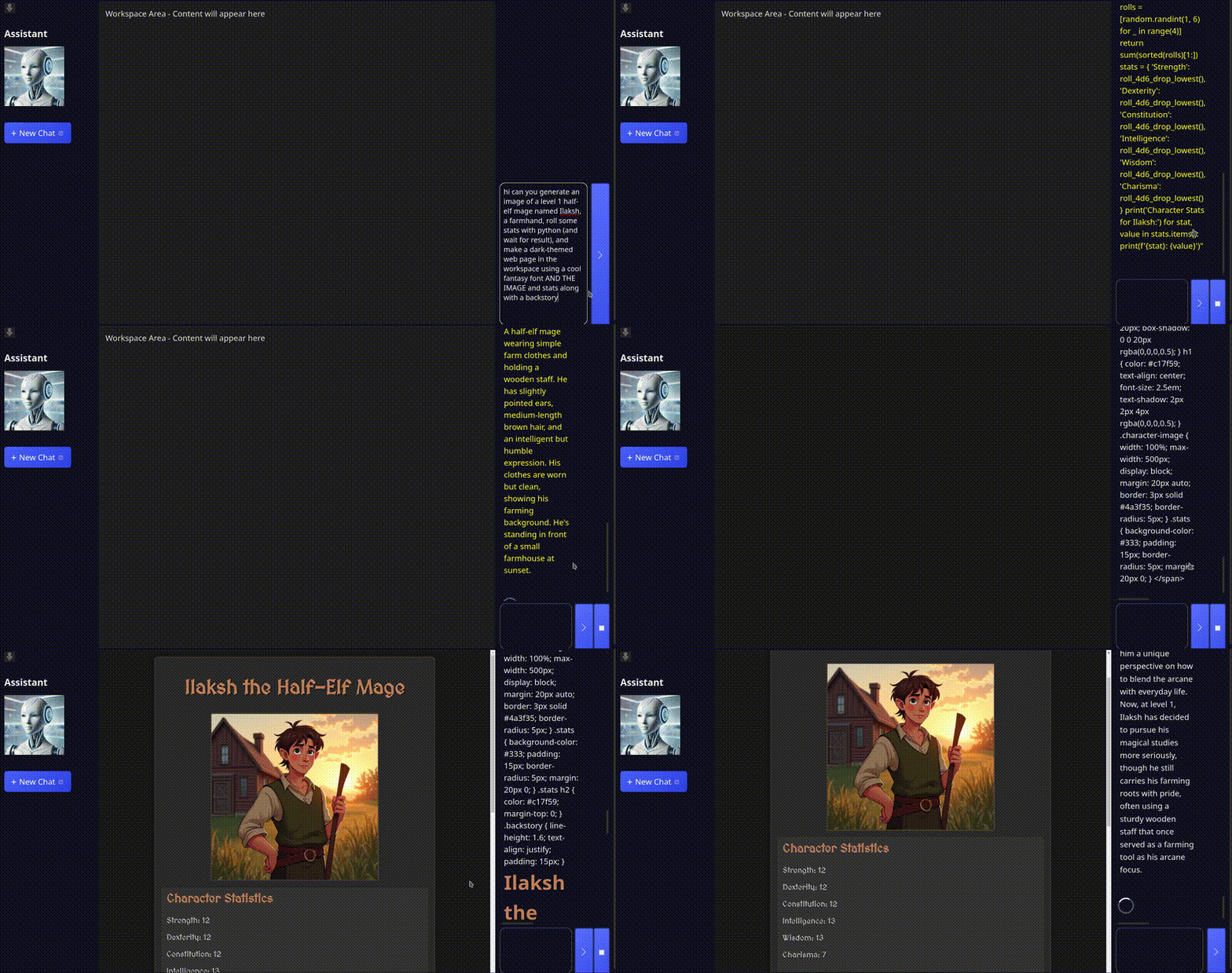
Fantasy character creation
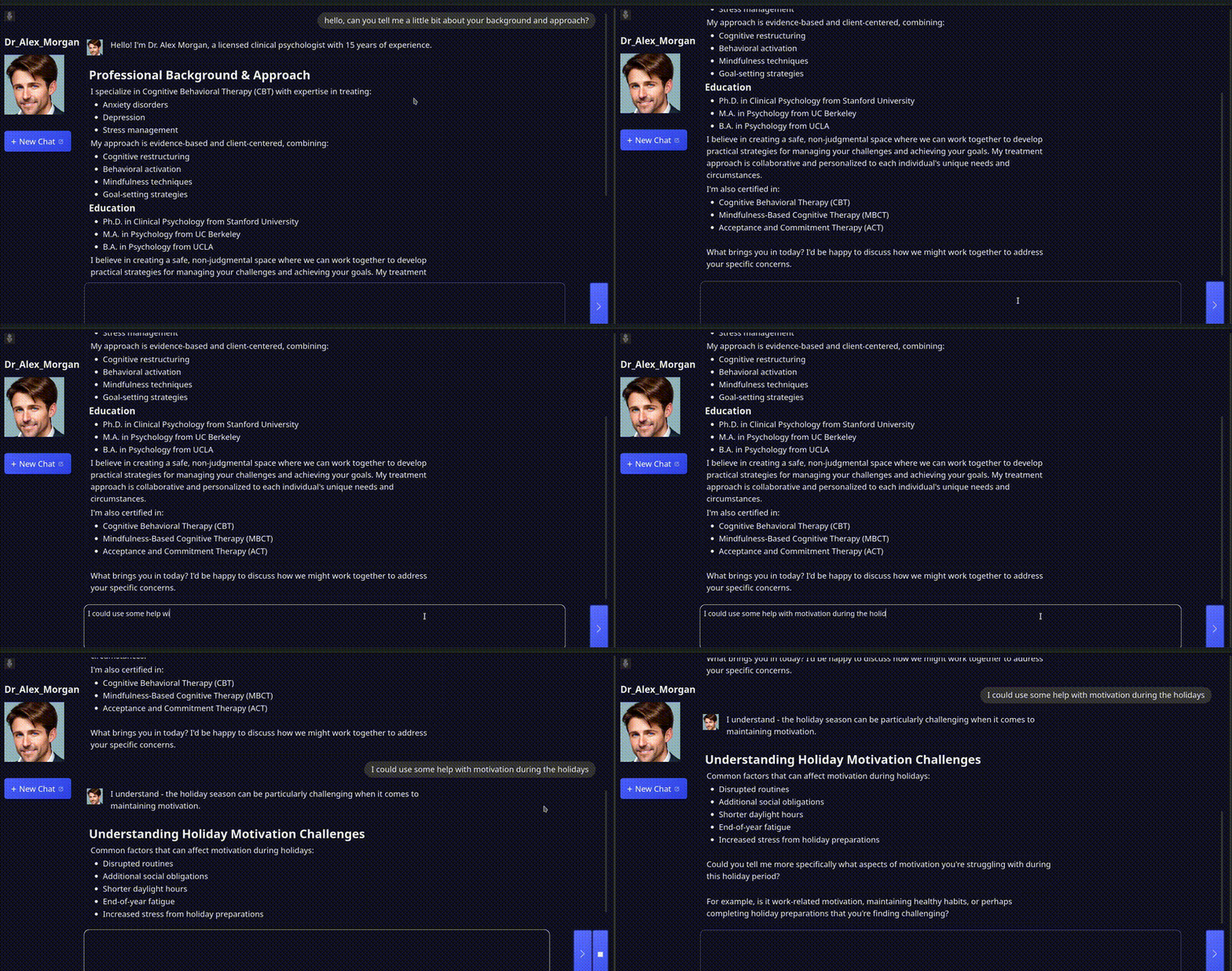
Morgan's Method
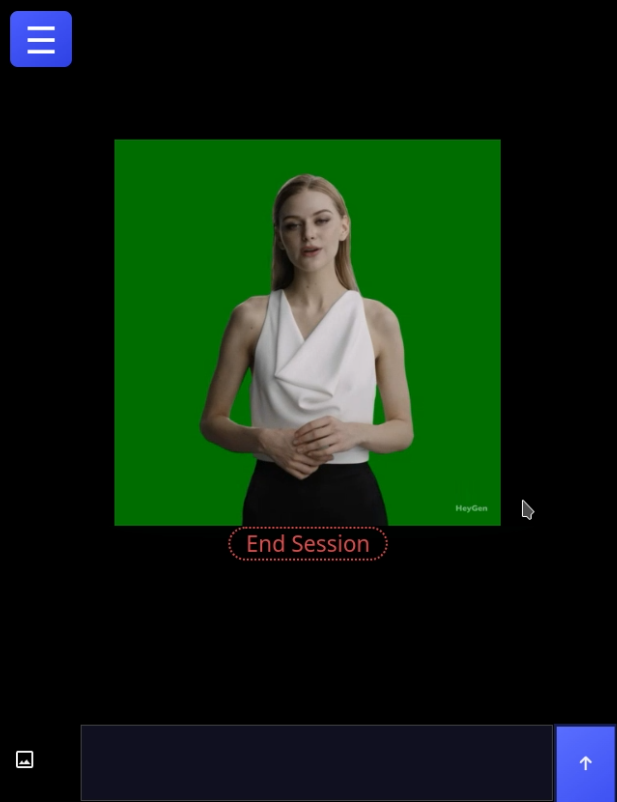
HeyGen integration
Documentation
- Agent and knowledge-base walkthrough
- Plugin development
- REST API
- Python SDK
- SMTP and email verification
Project status
MindRoot is an actively developed, extensible platform. APIs, plugin conventions, and operational guidance may evolve. For production deployments, pin the MindRoot and plugin versions you have validated and review release changes before upgrading.


