
✂️ passwordless, anonymous SSH-powered pastebin with a human-friendly TUI and web UI
snips.sh ✂️
SSH-powered pastebin with a human-friendly TUI and web UI
Features • Quick Start • Examples • Docs • Credits

Features
- ⚡ Zero-install: use from any machine with SSH client installed - 🌐 Web UI: syntax-highlighted code with short links and Markdown rendering - 💻 TUI: never leave your terminal for snippet management/viewing - 🔑 No passwords: all you need is an SSH key - 🕵️ Anonymous: no sign ups, no logins, no email required - ⏰ URLs with TTL: time-limited access for sensitive sharing - 📦 Self-hostable: containerized and light on resources - 🧠 ML language detection: intelligently identify source code
Quick Start
If you have an SSH key, you can upload:
echo '{ "hello" : "world" }' | ssh snips.shTo access the TUI:
ssh snips.shExamples
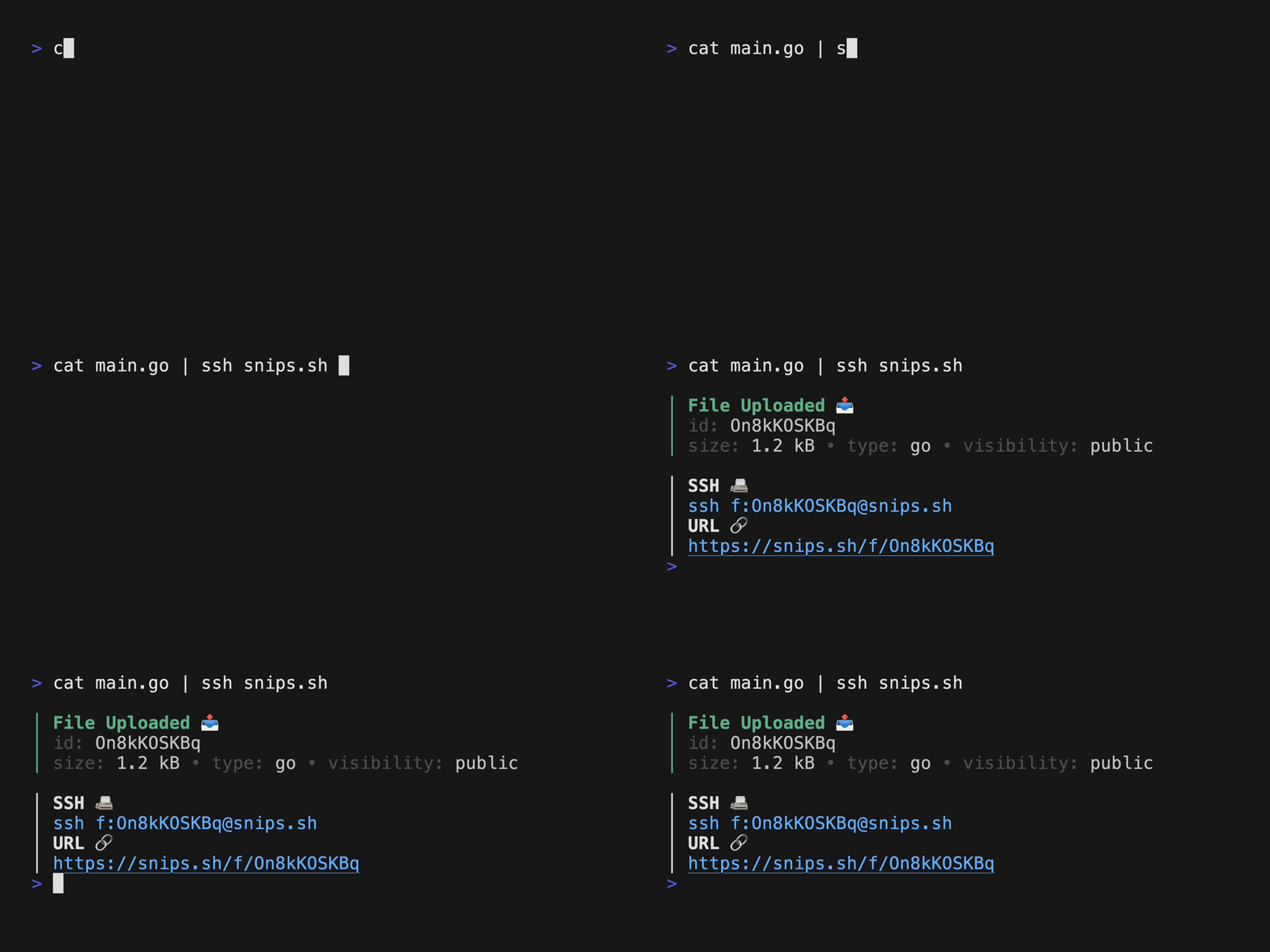
| Upload from any machine, no install necessary. |
|
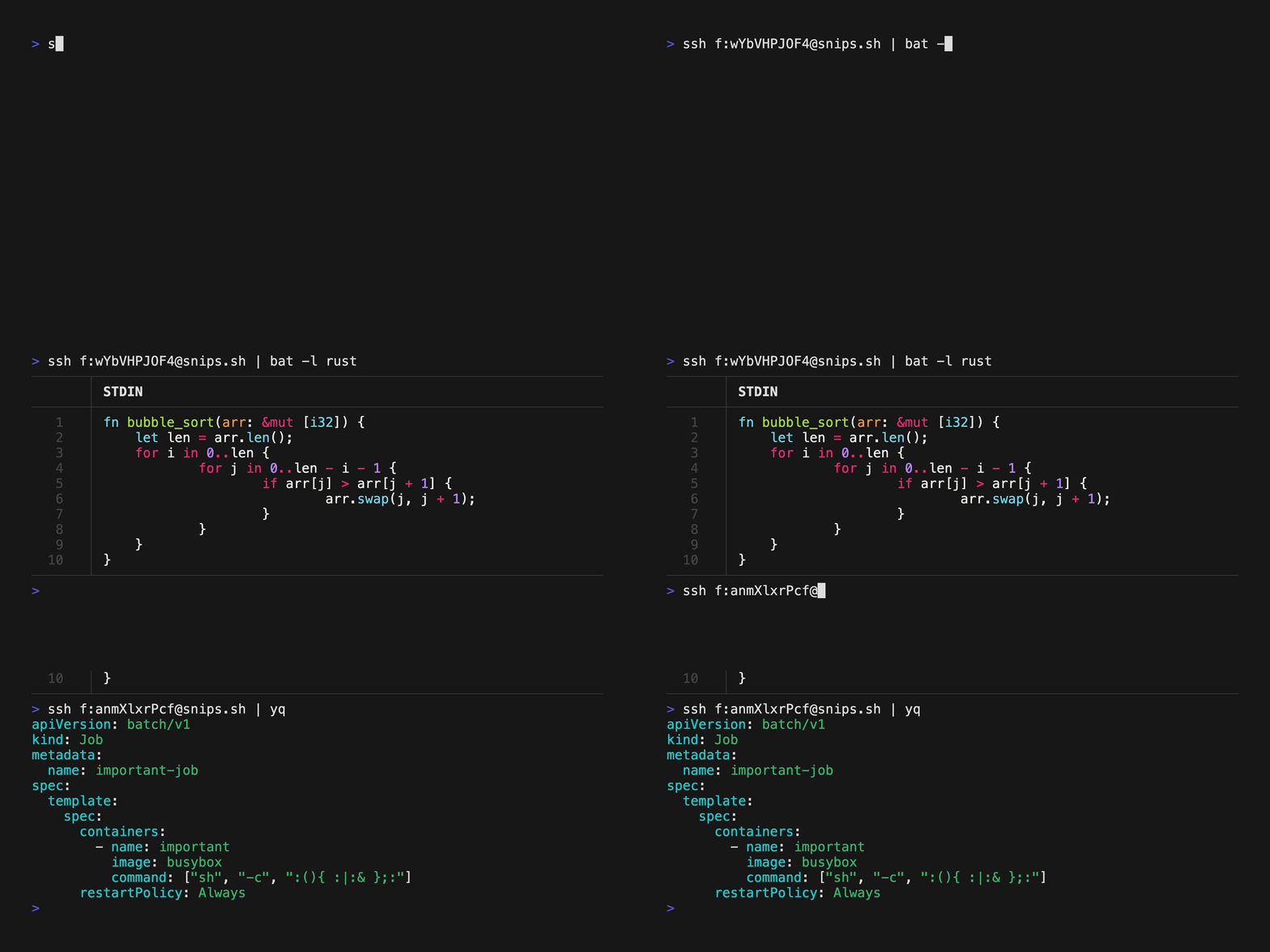
Download files and pipe into your favorite $PAGER. |
|
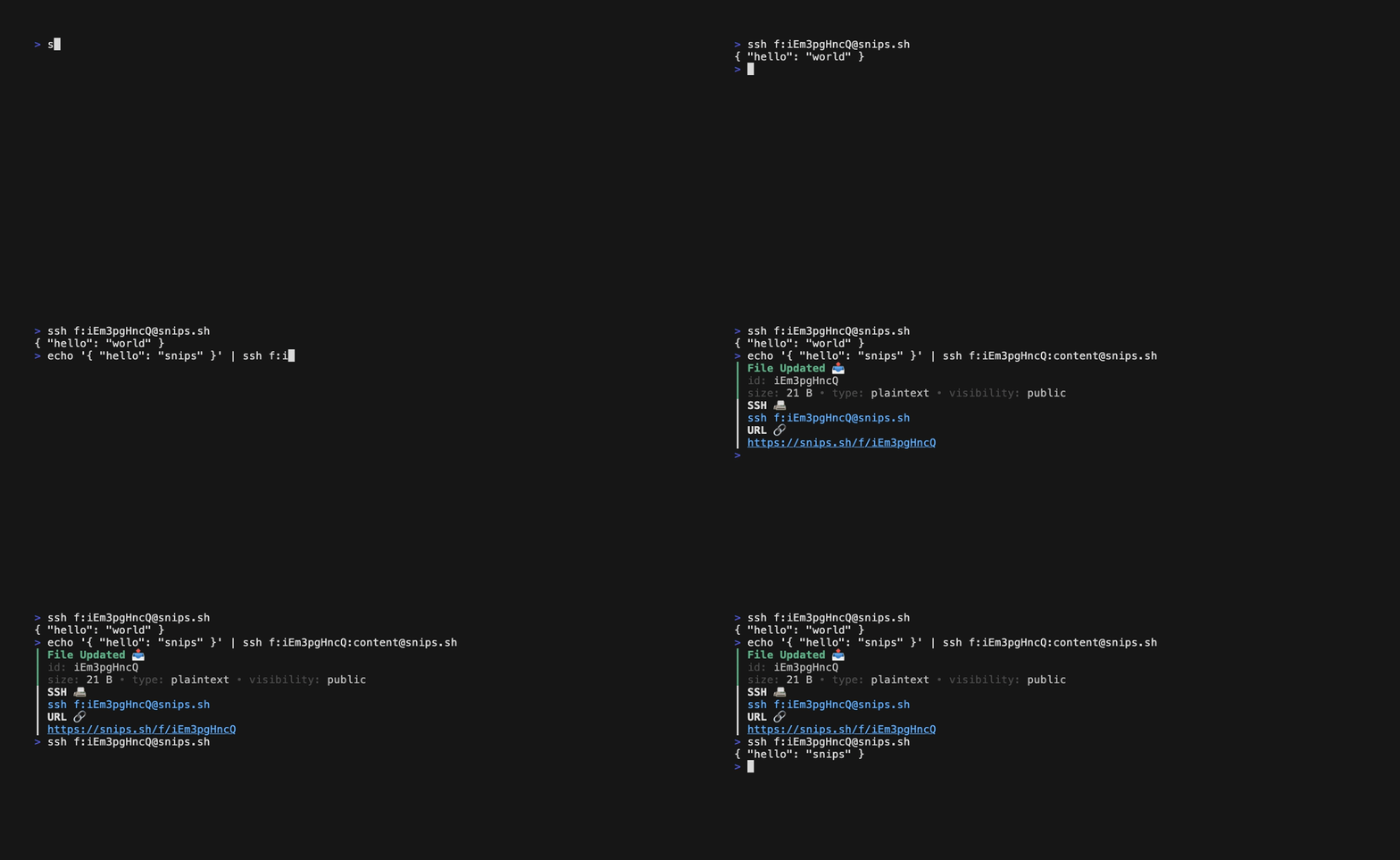
| Update an existing snip in place, each diff is saved as a revision. |
|
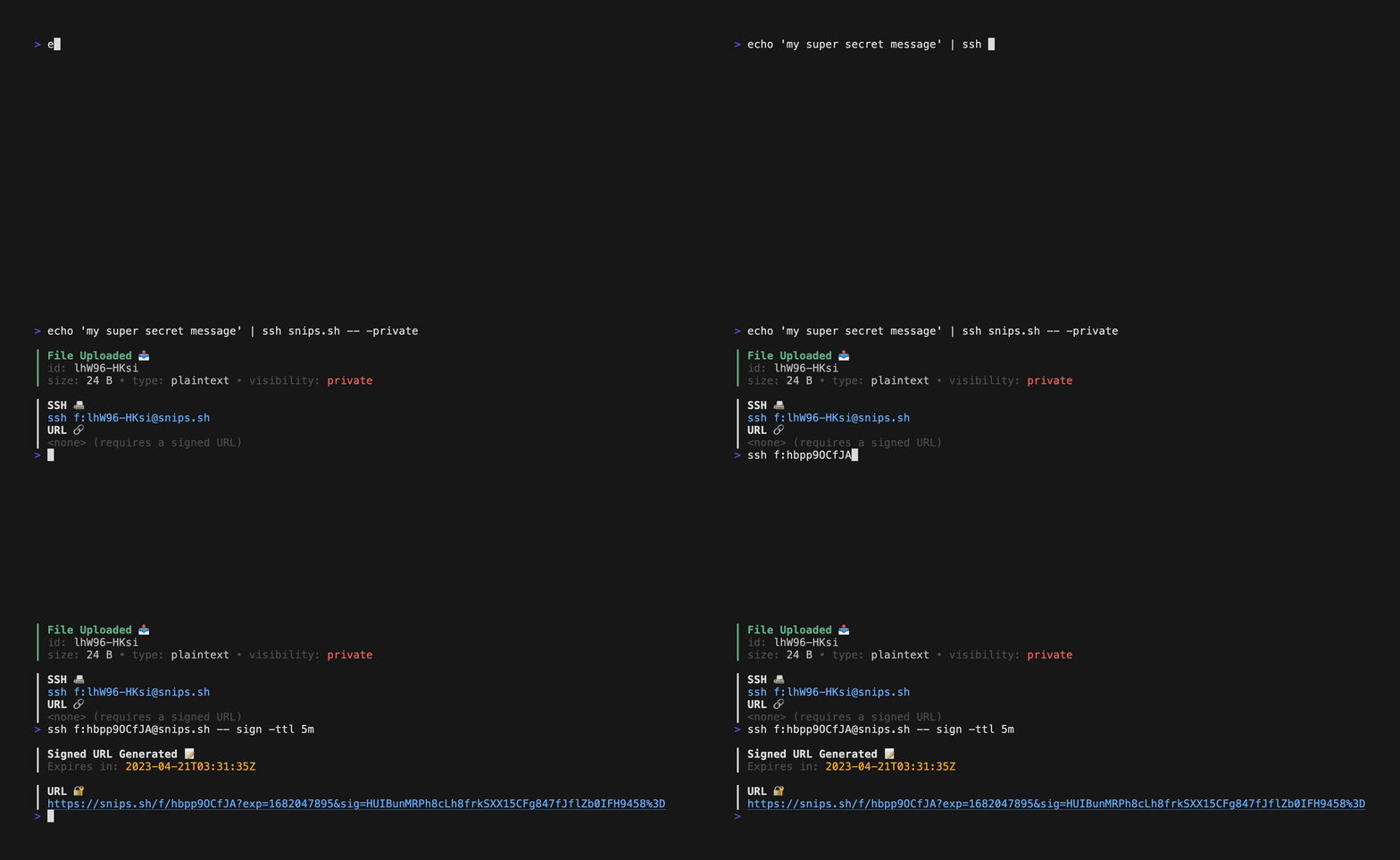
| Something secret to share? Create a temporary, time-bound URL for restricted access. |
|
Docs
- Usage: How to upload, download, edit, delete, and share snippets
- Contributing: How you can contribute to snips.sh
- Database: How snips.sh stores it's data
- Self Hosting: How to host your own instance of snips.sh
- Terms of Service: What we (snips.sh provider) and you can/can't do
- Acceptable Use Policy: What you can/can't upload
Contributors
Credits
The technology behind snips.sh is powered by these amazing projects:
-charmbracelet/wish: SSH server
- charmbracelet/bubbletea: TUI framework
google/magika: AI-powered file type detection
robherley/magika-go
alecthomas/chroma: Syntax Highlighteryuin/goldmark: Markdown Parsermicrocosm-cc/bluemonday: HTML Sanitizertdewolff/minify: Minifier


