
Golang+Vue3 application starter, Simple but functional.
Last updated Jun 14, 2026
603
Stars
132
Forks
27
Issues
0
Stars/day
Attention Score
56
Topics
Language breakdown
No language data available.
▸ Files
click to expand
README
Weave




English | 中文
Weave is a Go + Vue3 application starter, simple but functional, supported by gin, gorm, redis, postgres, vue, element-plus, websocket and much more.
See Demo.
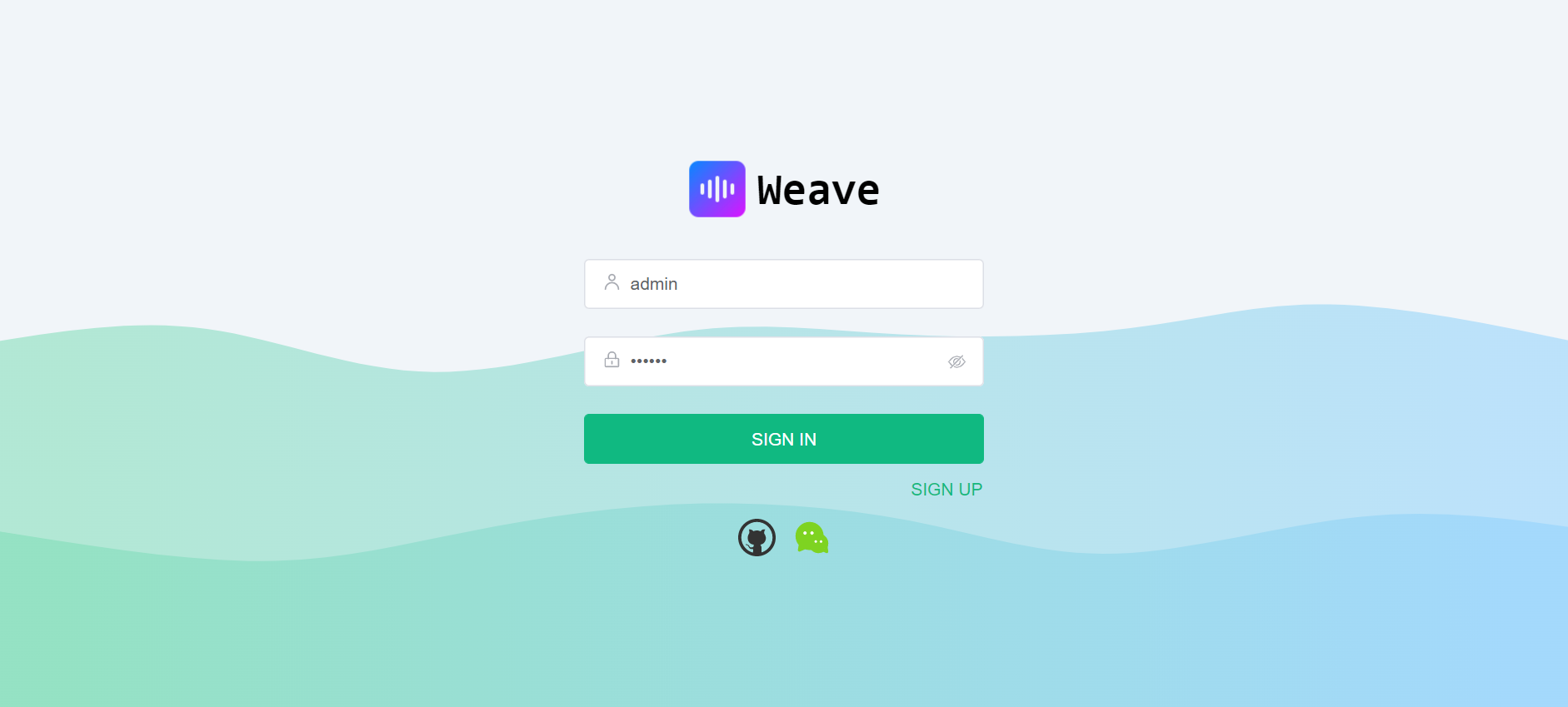
| Login | Home |
 |
 |
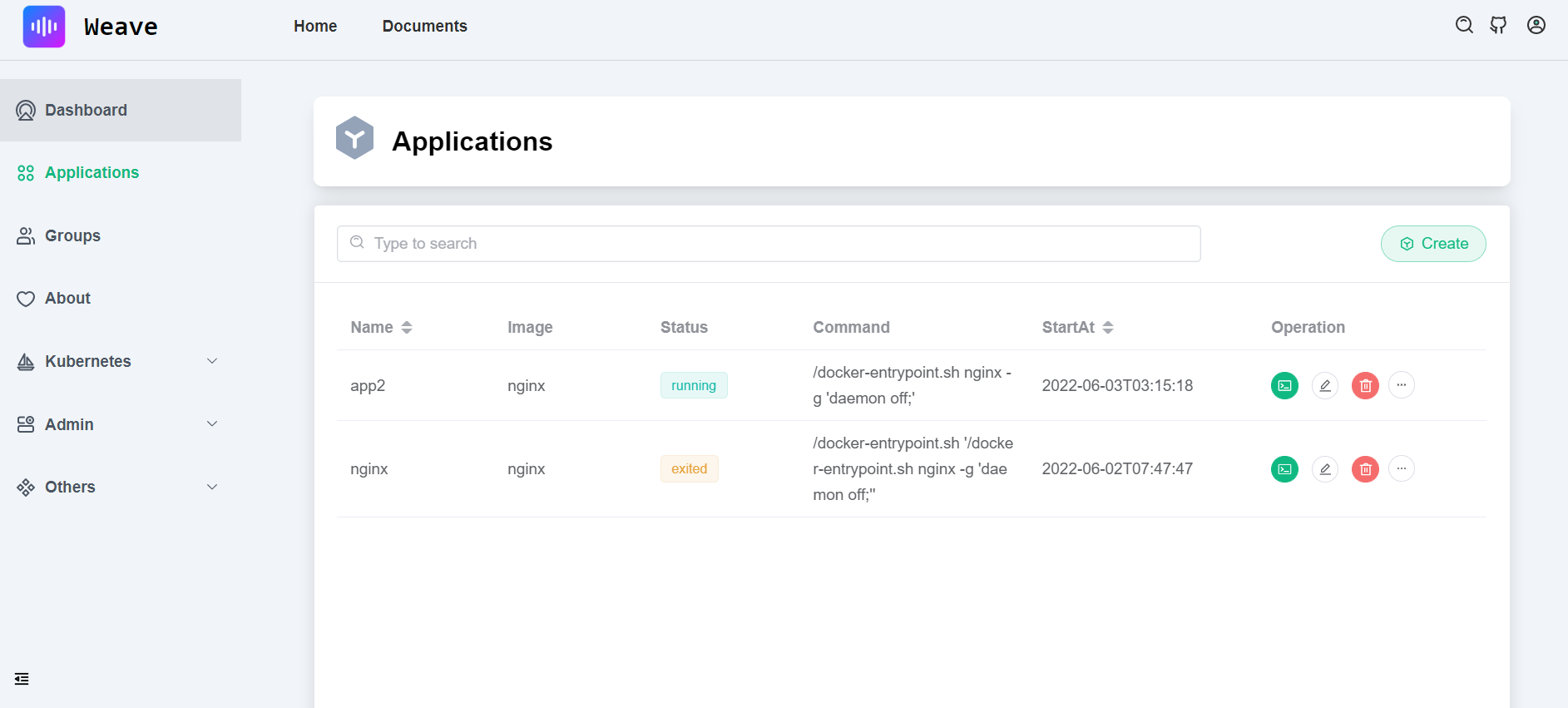
| Dashboard | App |
 |
 |
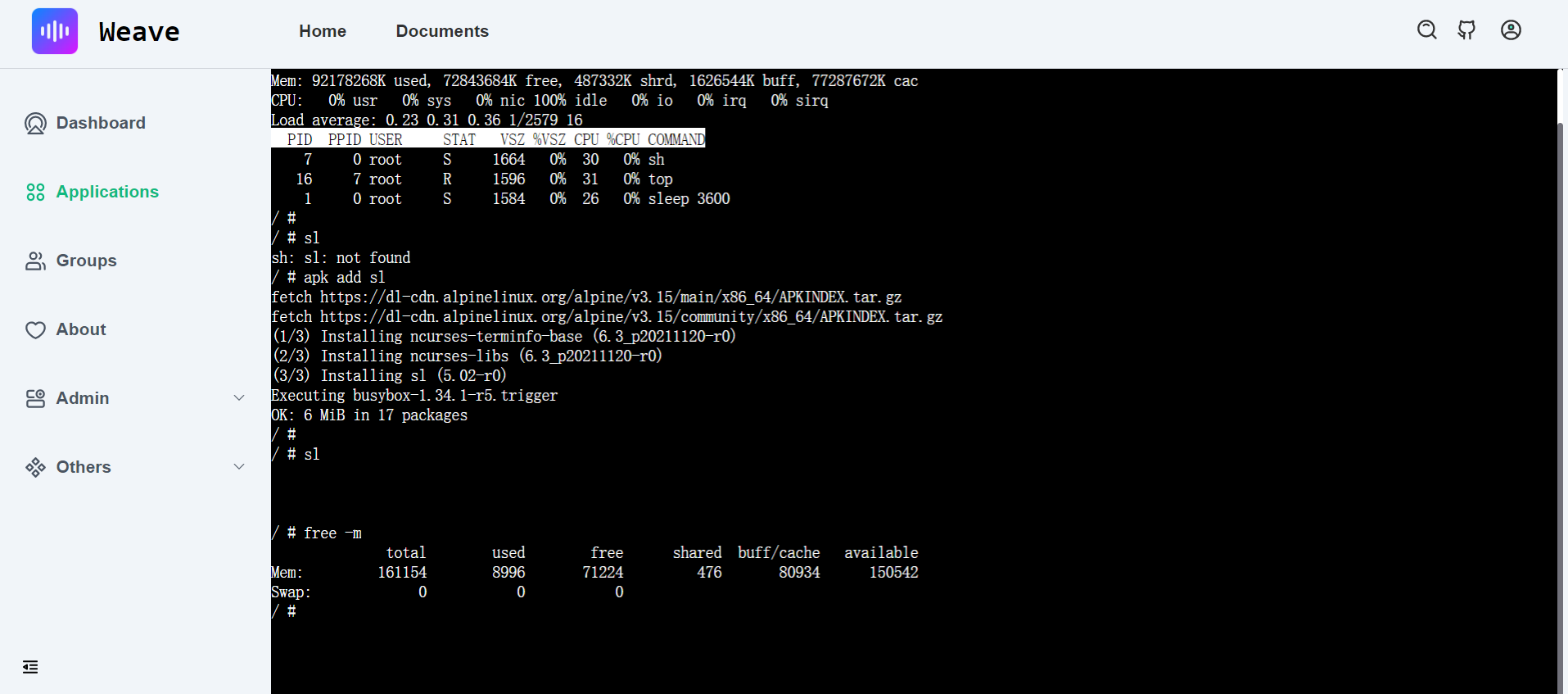
| Web Shell | Web Code Editor |
 |
 |
Demo
Demo website: see https://qingwave.github.io/weave/
Run ui with docker(no server and databases)
docker run -d -p 8080:80 --name weave-frontend qingwave/weave-frontend:mockFeatures
Server support features:- Restful api, write by gin
- MVC structure
- Postgres storage, via gorm
- Swagger doc, support by swag
- Structured log, support by logrus
- Prometheus monitor
- PProf debug
- Graceful shutdown
- Authentication, support jwt
- Request rate limit, server level or user ip
- OAuth Login and store hashed password
- Redis cache
- RBAC supported
- Container application management, support docker and kubernetes
- Post management
- Vue3 supported
- UI with element-plus
- Build with vite
- Charts integration, support by echarts
- WebShell supported
- Windi CSS
- OAuth Login
- Web code editor, support by codemirror
- MarkDown preview and editor
- [x] Redis cache
- [x] Request rate limit
- [x] Authentication
- [x] WebSocket
- [x] Trace
- [x] UI
- [x] WebShell
- [ ] Dark theme
- [ ] Mobile UI
Get started
Before starting, you should already install golang, docker and nodejs in your develop env.Run server
Env:
- golang (1.18 or later)
make initrun locally
make runrun server in docker
# build image make docker-build-server run server
make docker-run-serverFor Windows, you can run script in Makefile manually
Test api
See more api in http://localhost:8080/index See swagger http://localhost:8080/swagger/index.html#/Register user
curl -XPOST http://localhost:8080/api/v1/auth/user -d '{"name": "zhang3", "email": "zhang3@t.com","password": "123456"}'Login, get jwt token
Only admin user can access any apis, other user need create RBAC policy
curl -XPOST http://localhost:8080/api/v1/auth/token -d '{"name": "admin", "password": "123456"}'Authorization Header { "code": 200, "msg": "success", "data": { "token": "xxx", "describe": "set token in Authorization Header, [Authorization: Bearer {token}]" } }Get users
token=xxx curl -X 'GET' 'http://localhost:8080/api/v1/users' -H "Authorization: Bearer $token"Run UI
Assume you have installedNodejs, if not, install it by nvm
Run ui with mockjs
cd web npm run mockIf your frontend deploy in the remote, please change server.host and server.https in vite.config.js.
Run ui with command make ui or
cd web npm i npm run devDefault admin user admin/123456 or demo user demo/123456
Only admin user can access all api, other user must config RBAC at first
Explore in http://127.0.0.1:8081
run frontend in docker
# build image make docker-build-ui run frontend
make docker-run-uiMore ui in img
- Login page
- Dashboard page
- App page
- Webshell page
- Blog list
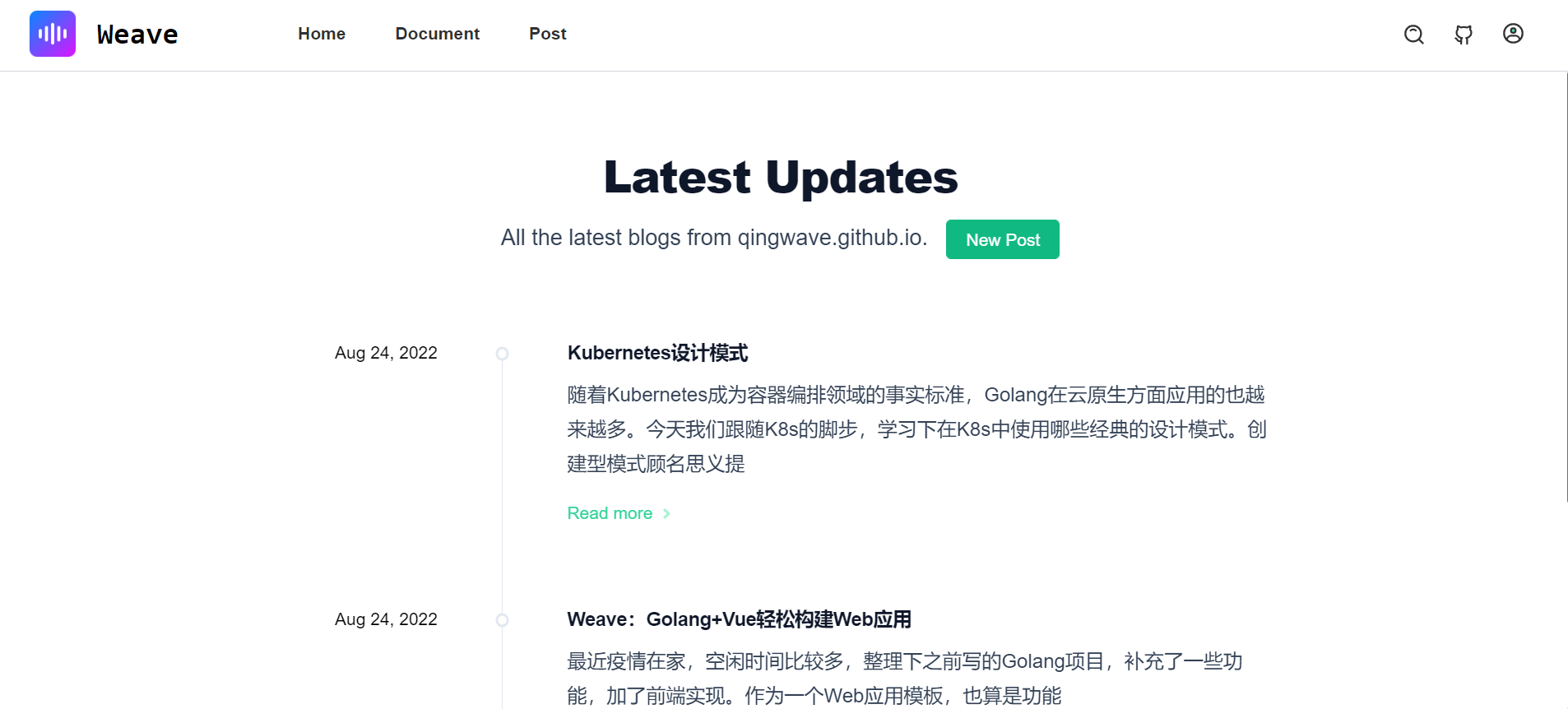
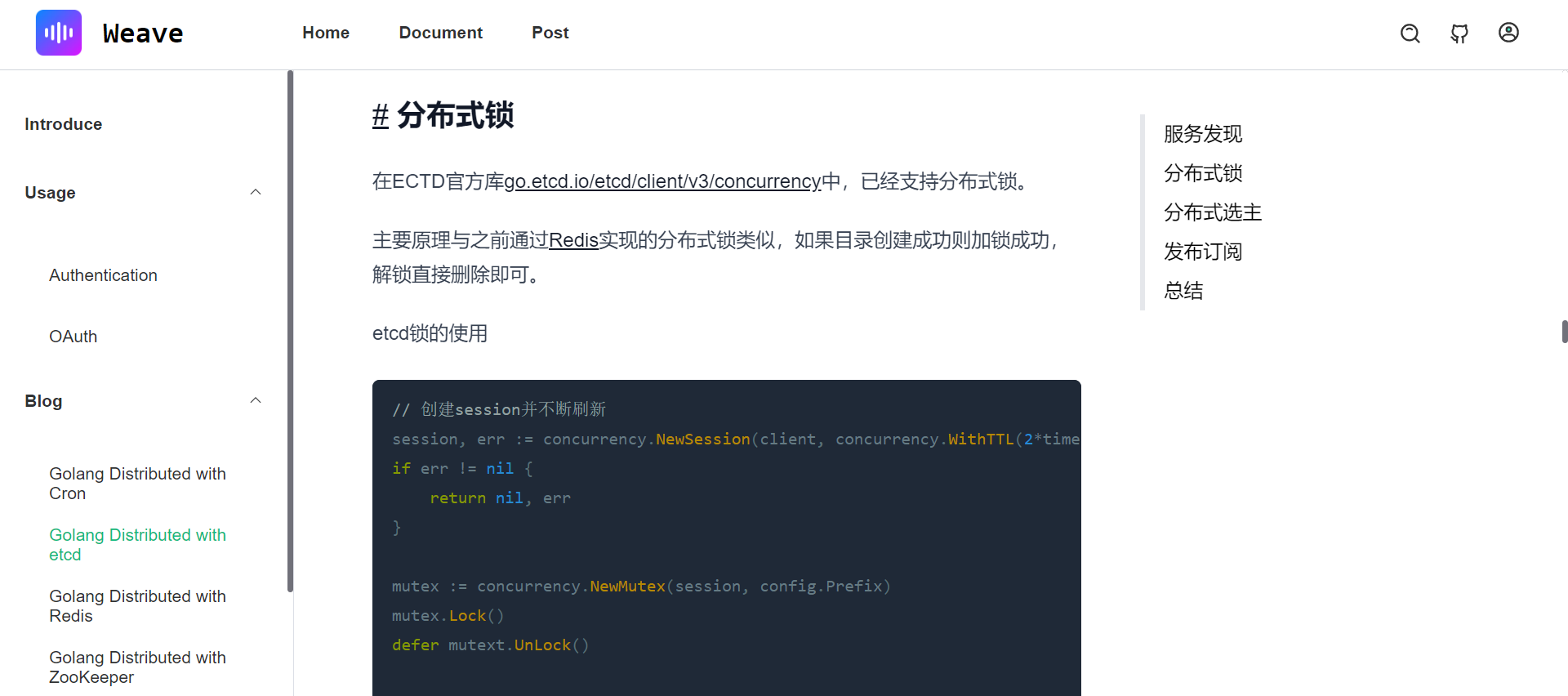
- Article
Documents
- Contributing, contributing details
- Config, your can enable docker/kubernetes in config
- OAuth
- RBAC


