
Cryptocurrencies price data collection, price tickers, signals notifications, charts, Telegram bot and more.
XTCryptoSignals

XTCryptoSignals is a Python library that includes the following 3 services:
- #### Tasks
(Web Push Notifications are implemented with ServiceWorker that is compatible with the most known web browsers.)
- #### RESTFul Server API
- #### Website
Roadmap
- [x] Add crypto-currencies exchanges (Dec 2018)
- [x] Implement RESTFul API and socket.io to access price data in real time (Jan 2019)
- [x] Build website (Jan 2019)
- [x] Add Gunicorn to make it production ready (March 2019)
- [x] Building Unit, functional and end-to-end testing for existing and future features (Jan 2019)
- [x] User account creation, Session and Assets Management (Oct 2019)
- [x] Implement web push notification signals for price range, price change,
- [x] Implement Telegram bot to broadcast notifications (Feb 2020)
- [x] Create nice features and make platform improvements on-the-fly (From 2020 onwards)
- [ ] Create more Test cases and setup a more meaningful CI/CD Github Actions
Getting Started
Pre-requisites
Installation
Install from source
Clone project repository:git clone https://github.com/pantunes/xtcryptosignals.git
cd xtcryptosignalsSetup Python virtual environment:
virtualenv venv -p python3 source venv/bin/activateInstall package in develop mode:
pip install -e .Path to the settings file
Before runningxt-server, xt-client, xt-tasks and tests the env var SETTINGS_APP
should be set to the path of its settings file.
This can be achieved inline SETTINGS_APP=<path to configuration> followed by the app cli or
executing export SETTINGS_APP=<path to configuration> before running any of the command line
.
Example of xt-client settings file client.dev.env:
SECRET_KEY='bRdzq6ZMQ;HGB3JWVxs&WQ4>6r{' GATRACKINGID='UA-12341343-2'Example of xt-server or xt-tasks settings file server.dev.env:
SECRET_KEY='MfYfEeom6)EyhcKcFh@+WGx8hvhP/,K67hA6' CORSALLOWEDORIGINS=('https://mydomain.com',) M MONGODB_PORT=27017 MRun tests:
SETTINGS_APP=server.dev.env python setup.py test or
SETTINGS_APP=server.dev.env pytestInstall from PyPi
Create folder project:mkdir xtcryptosignals
cd xtcryptosignalsSetup Python virtual environment:
virtualenv venv -p python3 source venv/bin/activateInstall package:
pip install xtcryptosignalsRun database migrations
It will populate some collections with data:FLASKENV=development SETTINGSAPP=server.dev.env mongodb-migrate --url mongodb://127.0.0.1:27017/XTC-Dev --migrations xtcryptosignals/server/migrations/Install from docker-compose (the simplest way):
Clone project repository:git clone https://github.com/pantunes/xtcryptosignals.git
cd xtcryptosignalsdocker-compose buildTasks
Start service
Development:
SETTINGS_APP=server.dev.env xt-tasks
to test 1 tick
SETTINGS_APP=server.dev.env xt-tasks --test
Production:
SETTINGS_APP=server.prod.env xt-tasks --log-ticker-minimalTo get a list of supported exchanges:
SETTINGS_APP=server.prod.env xt-tasks --list-config exchangesbinance binance_dex uphold okex idex switcheo hotbit bibox okcoin bithumb coinbene dcoin bitmax bilaxy bitstamp kucoin coinbase_proCommand line help:
xt-tasks --helpUsage: xt-tasks [OPTIONS]
Use this tool to start all or part of the tasks.
Options: --test Process 1 iteration for all configured coins and/or tokens. (Useful for testing purposes)
--list-config [exchanges|currencies] List 'exchanges' or 'currencies' (coins or tokens) per exchange that are currently supported.
-t, --task [cfgi|project|tether|ticker|notifications|order_book] Task to be executed. If this parameter is omitted all tasks will be started
-q, --queue TEXT Queue name to execute indicated tasks. --disable-ticker-messaging Disable ticker message broadcasting. --log-ticker-minimal Only log ticker errors and important warnings in stdout.
--version Show version. -h, --help Show this message and exit.
Setup
There is already an initial setup with some crypto-currencies (coins and tokens) that can be added or/and removed in settings_exchanges.py.
BIBOX: {
    'pairs': [
        ('ONT', 'USDT'),
        ('ONT', 'BTC'),
        ('ONT', 'ETH'),
        ('NEO', 'USDT'),
        ('NEO', 'BTC'),
        ('NEO', 'ETH'),
        ('LTC', 'USDT'),
        ('LTC', 'BTC'),
        ('CARD', 'ETH'),
    ]
}
UPHOLD: {     'pairs': [         ('BTC', 'USD'),         ('ETH', 'USD'),         ('LTC', 'USD'),         ('XRP', 'USD'),     ] }
Initial setup to create dynamic MongoDB collections for data segmentation categorized by Exchanges pooling frequency in settings.py.
HISTORY_FREQUENCY = ( '10s', '30s', '1m', '10m', '30m', '1h', '2h', '3h', '4h', '12h', '1d', '4d', '1w', '2w', '4w', '12w', '24w', '1y', )Results
The Ticker service is highly performant as can take advantage of multi-processing multi-core CPU.RESTFul Server API
Start service
Development:
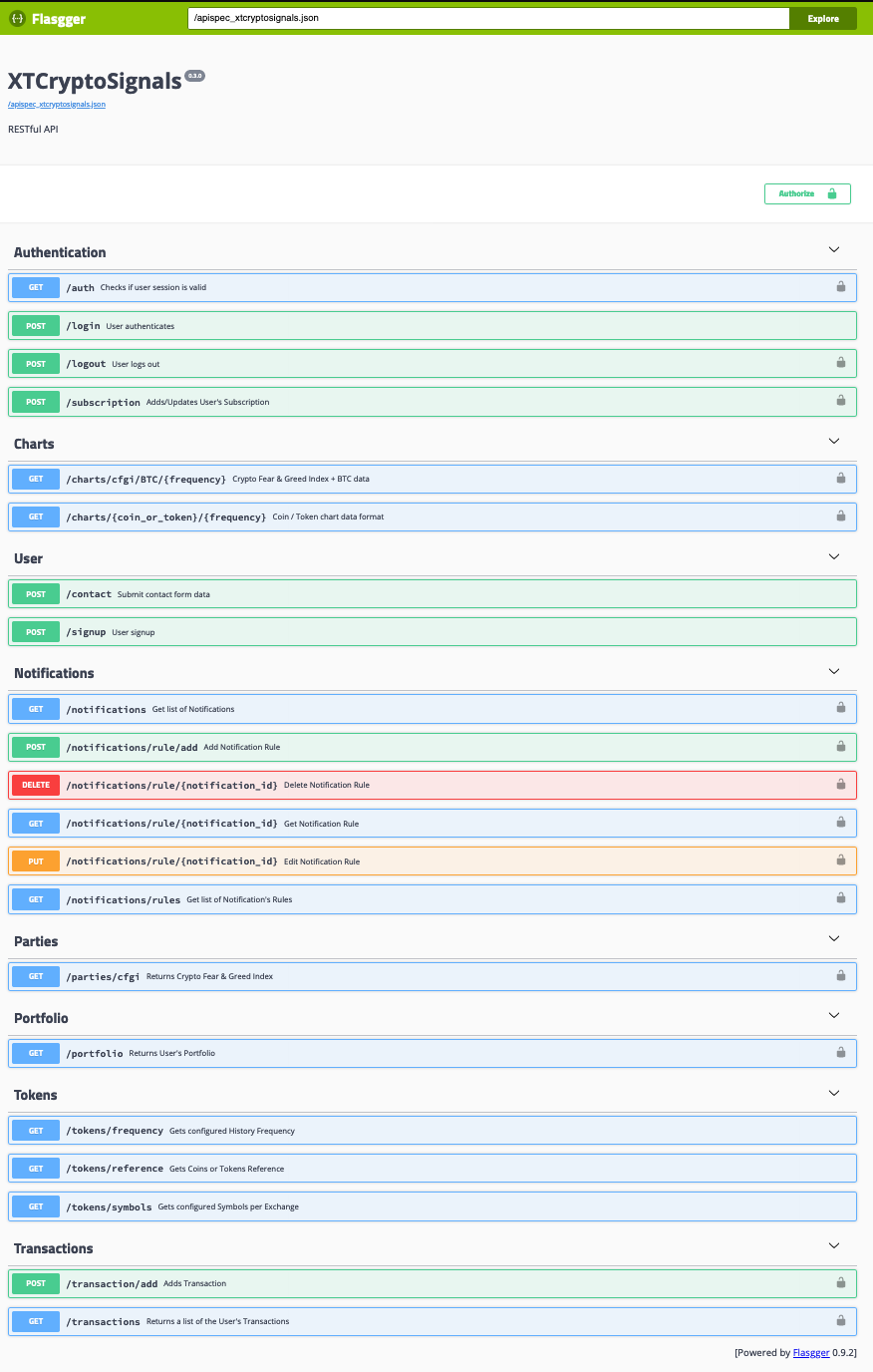
FLASKENV=development SETTINGSAPP=client.dev.env xt-serverSwagger API endpoints accessible at http://127.0.0.1:5000/apidocs:
Production:
FLASKENV=production SETTINGSAPP=client.prod.env xt-serverWebsite
Start service
Development:
FLASKENV=development SETTINGSAPP=client.dev.env xt-clientProduction:
FLASKENV=production SETTINGSAPP=client.prod.env xt-client --num-workers=NRun all services at once
Embed command line:
xt-all --helpUsage: xt-all [OPTIONS] [copy-config-files|start|stop|restart]
Options: -h, --help Show this message and exit.
xt-all copy-config-files should be executed on first place to copy default config files to the folder /config. The configuration should be reviewed and changed, before running xt-all start to start all 3 services: xt-server, xt-client and xt-tasks.
Docker Compose (the simplest way):
With the following command all services will be started and running:docker-compose uphttp://127.0.0.1:5000 to load the Platform client UI, nothing more is necessary...
Screenshots
Open the browser with the URL http://127.0.0.1:8000:
Overview | Pairs :-------------------------:|:-------------------------: 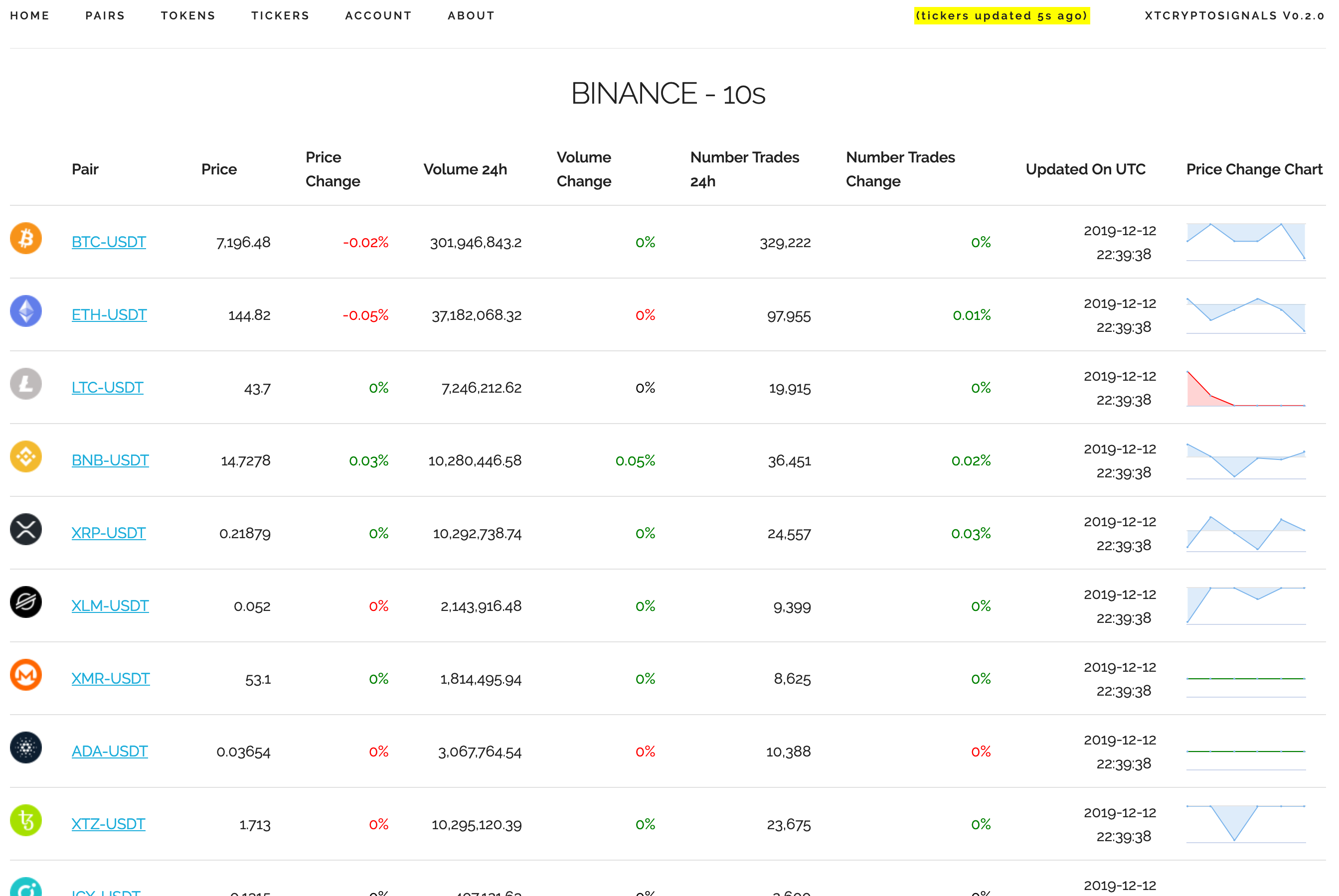 |
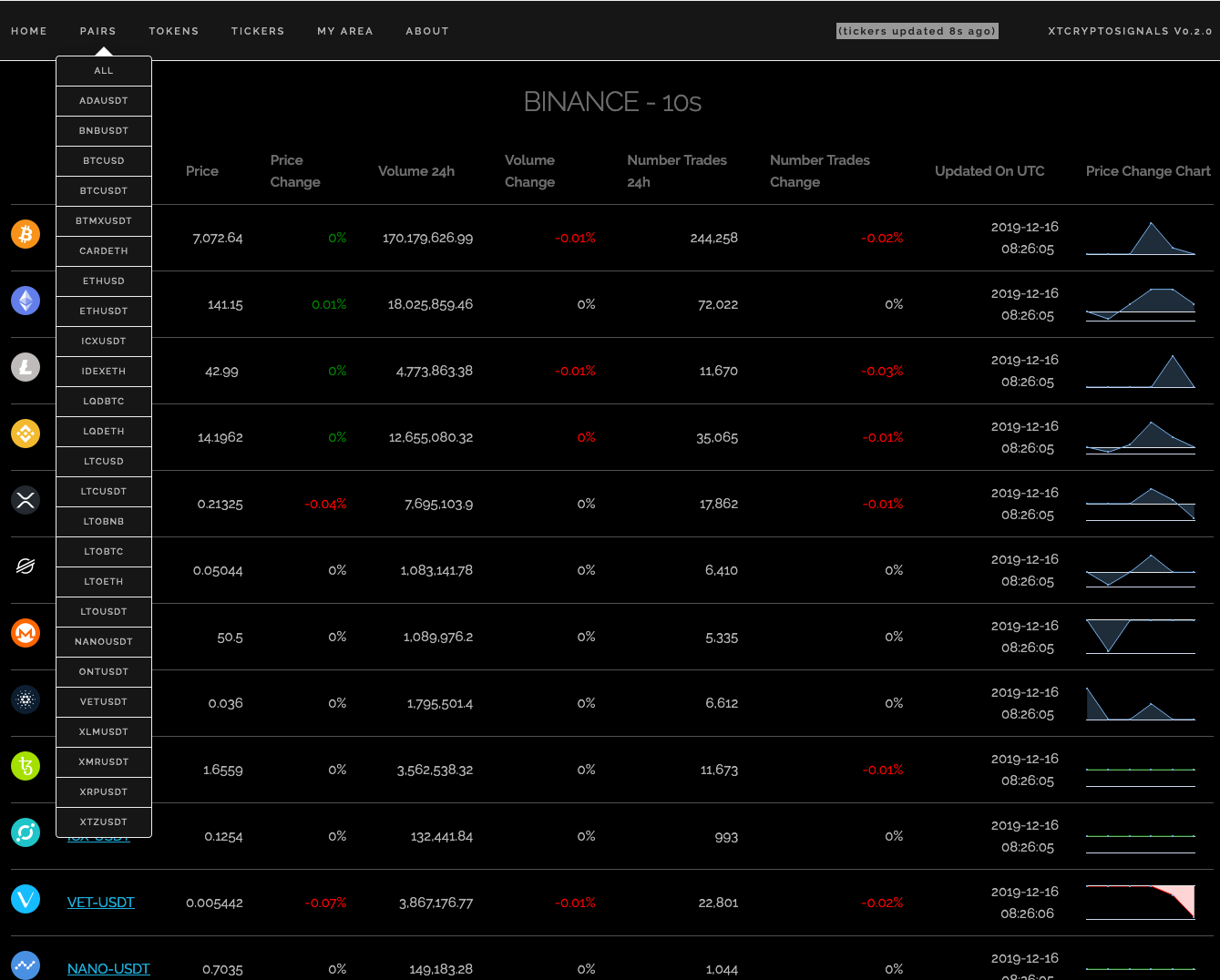
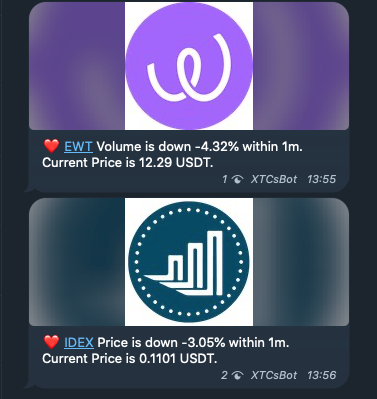
|  Coins/Tokens | Dark Theme
  |
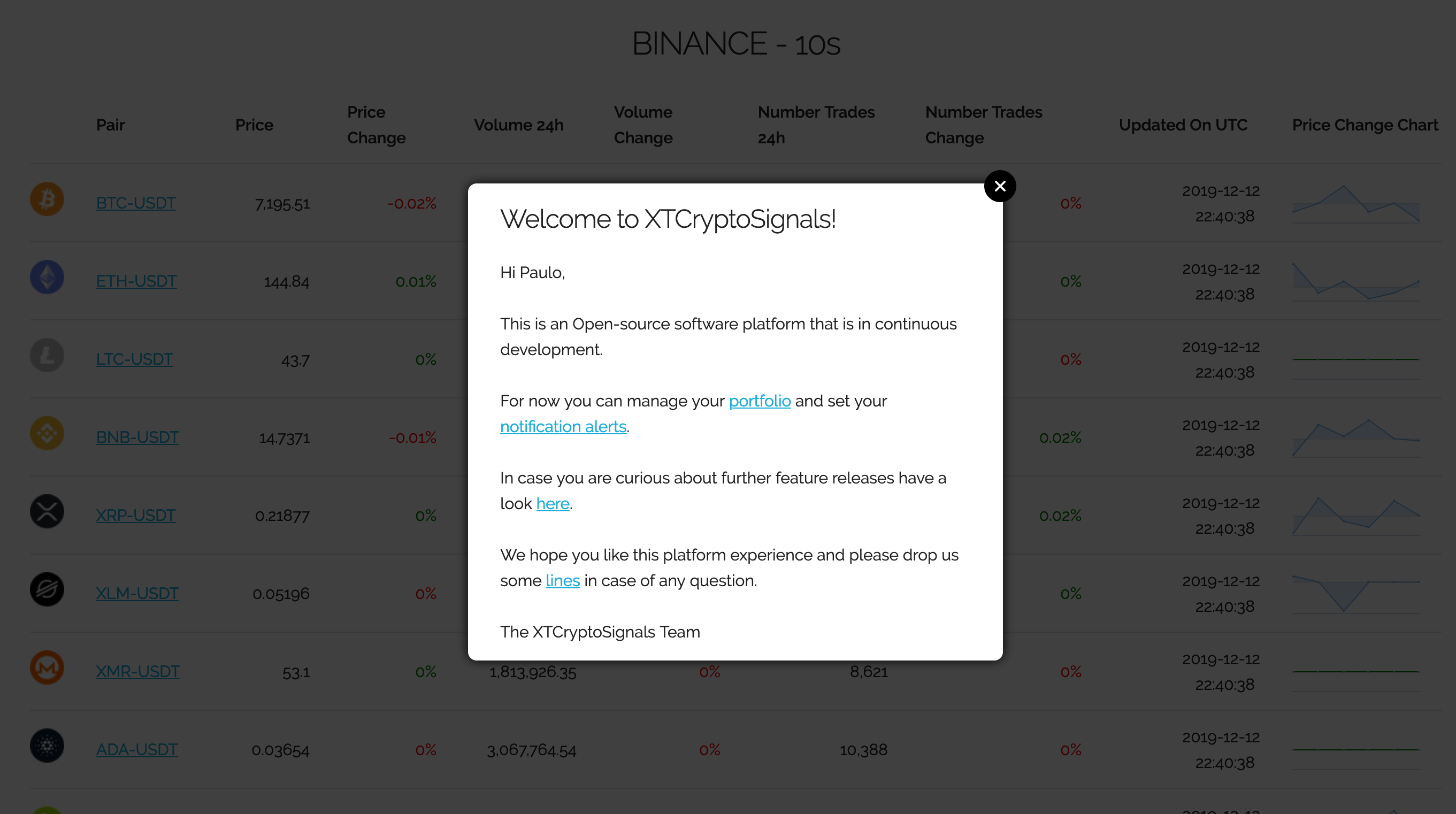
|  Login | Portfolio
  |
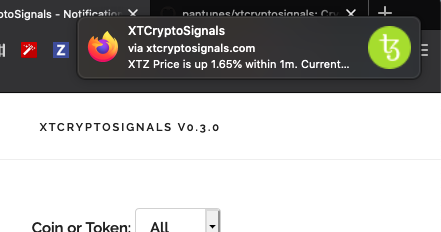
| 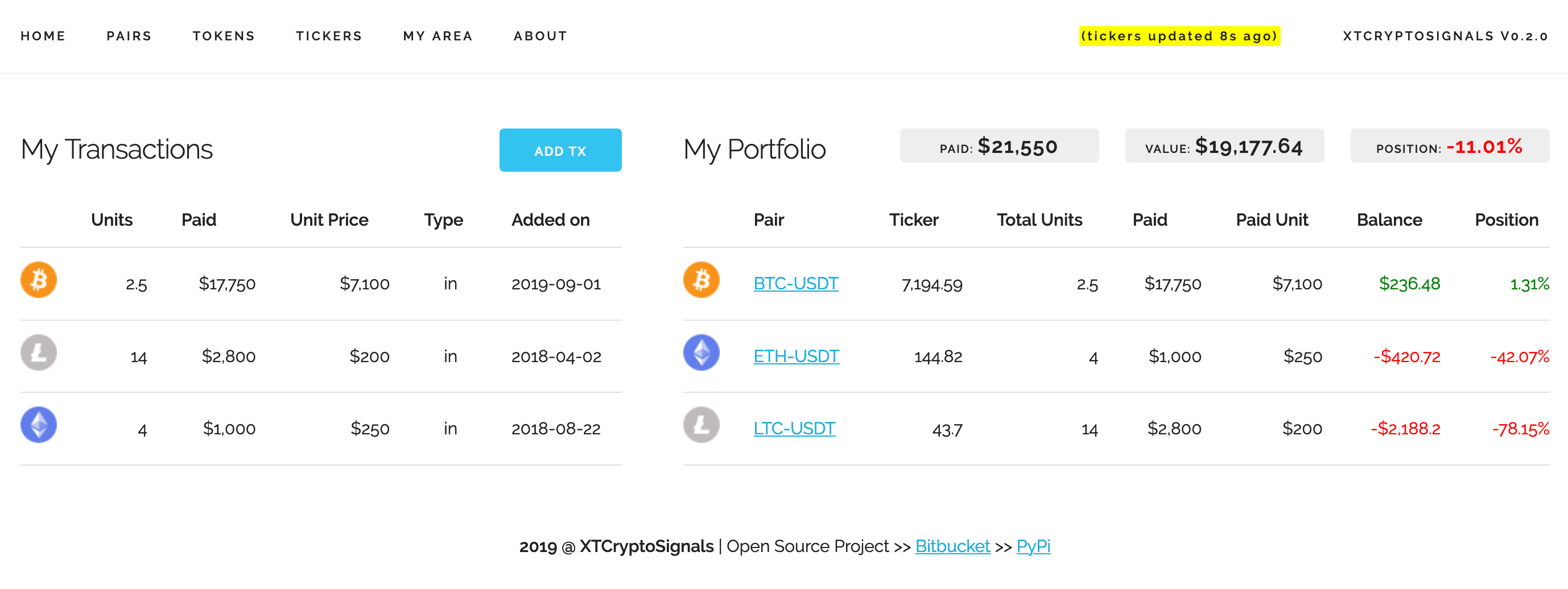 Alerts Setup | Web Push Notification |
 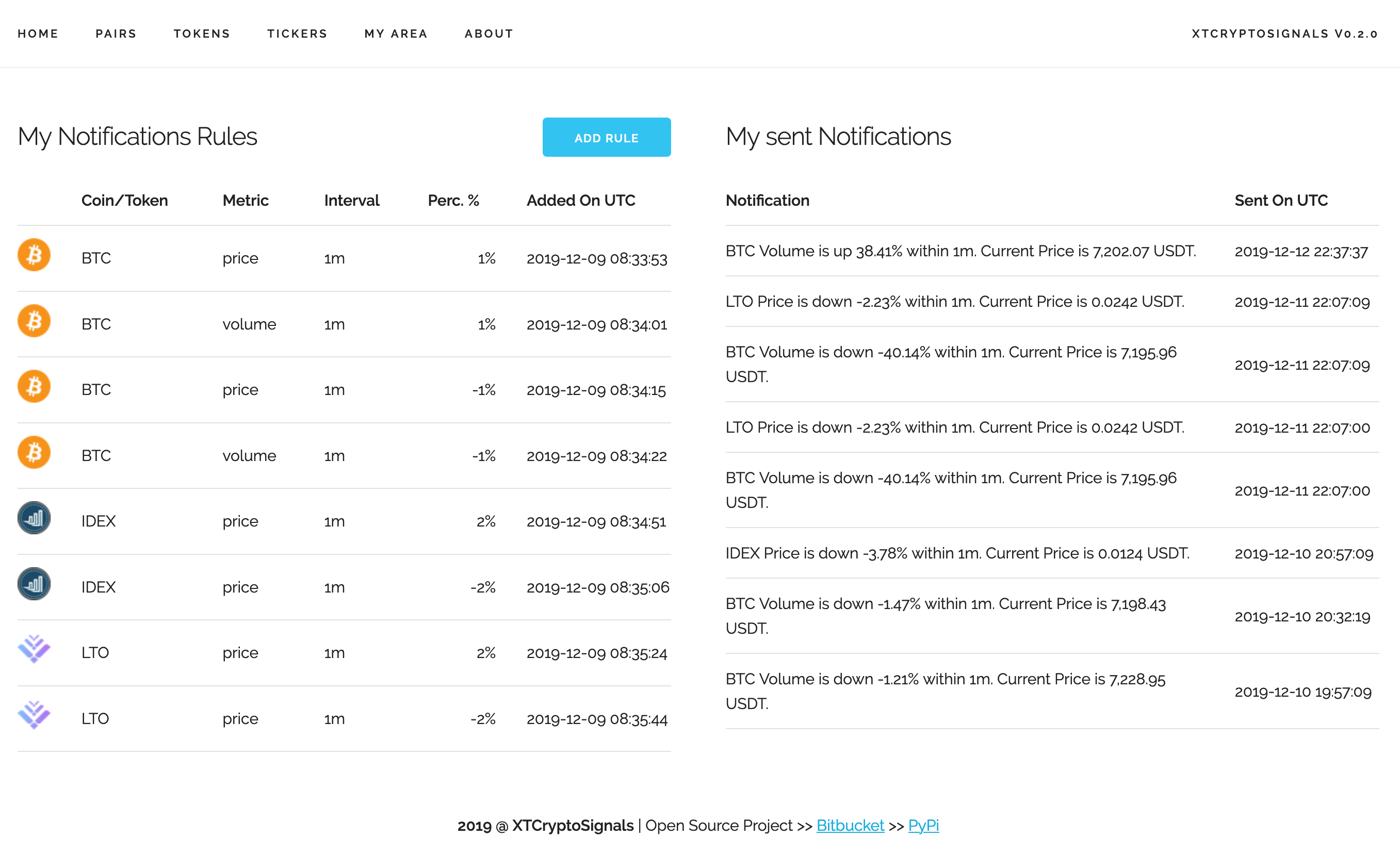 |
|  Twitter Chart | Crypto Fear & Greed Index Chart |
 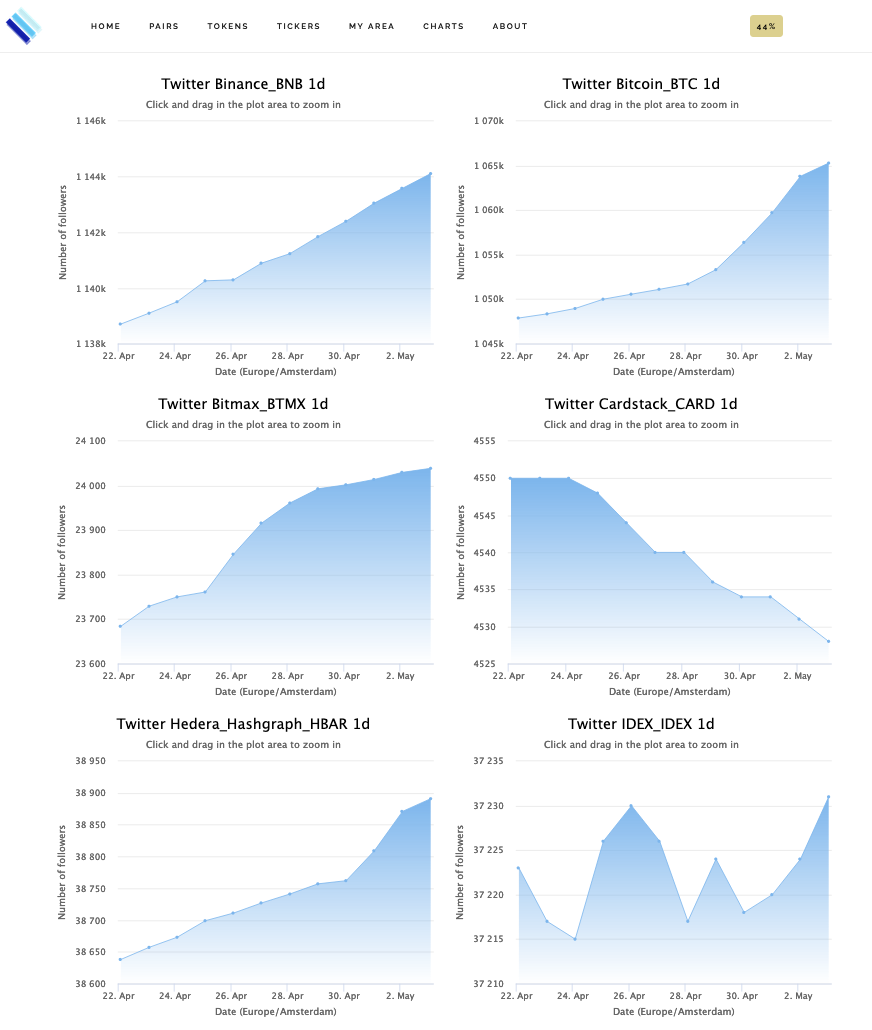 |
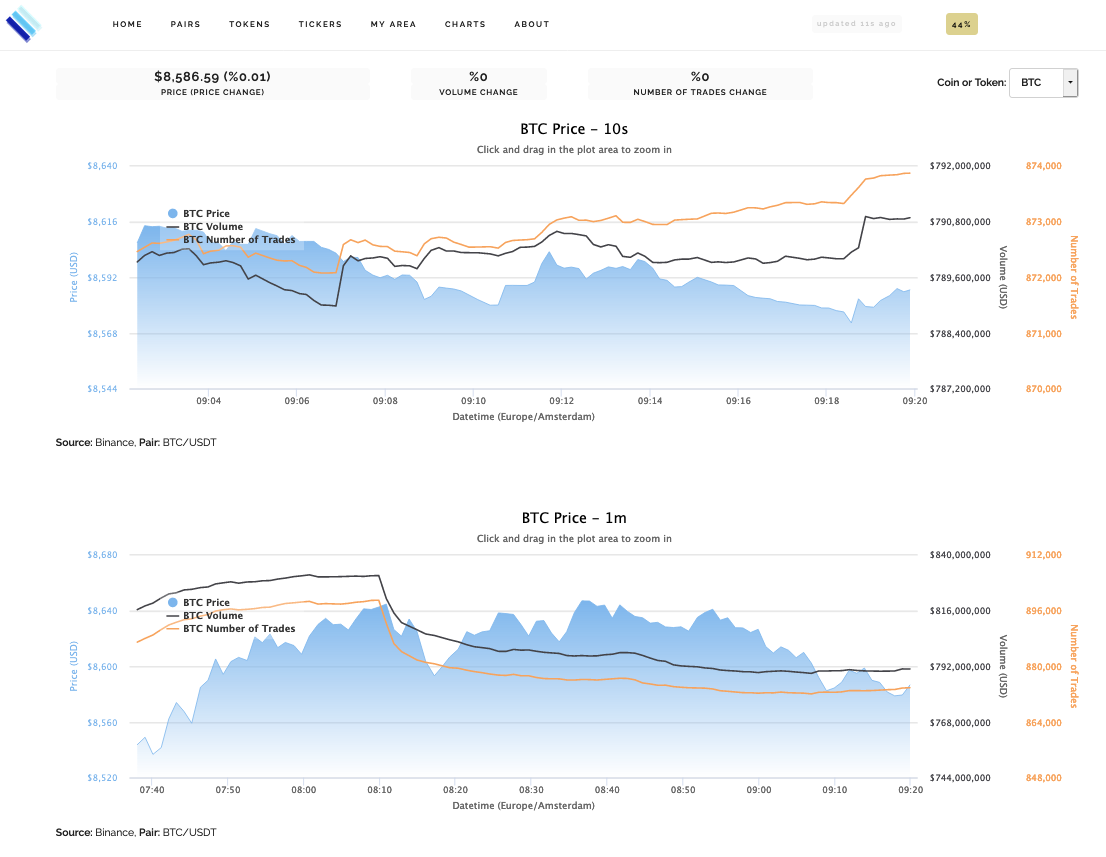
| 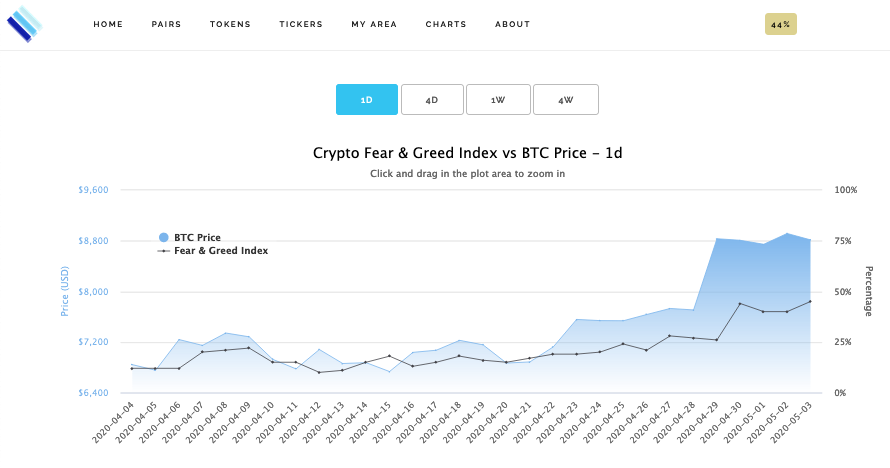 Tether Chart | Coin / Token Chart |
 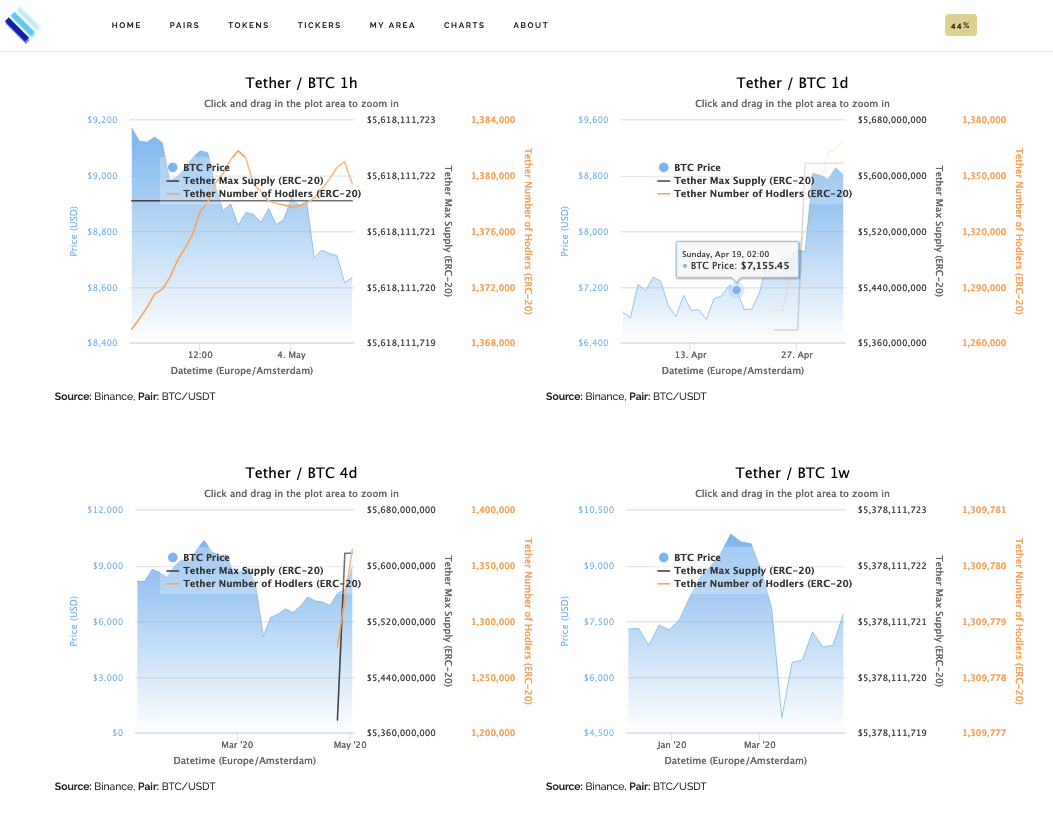 |
|  Market Depth | Telegram Notifications |
 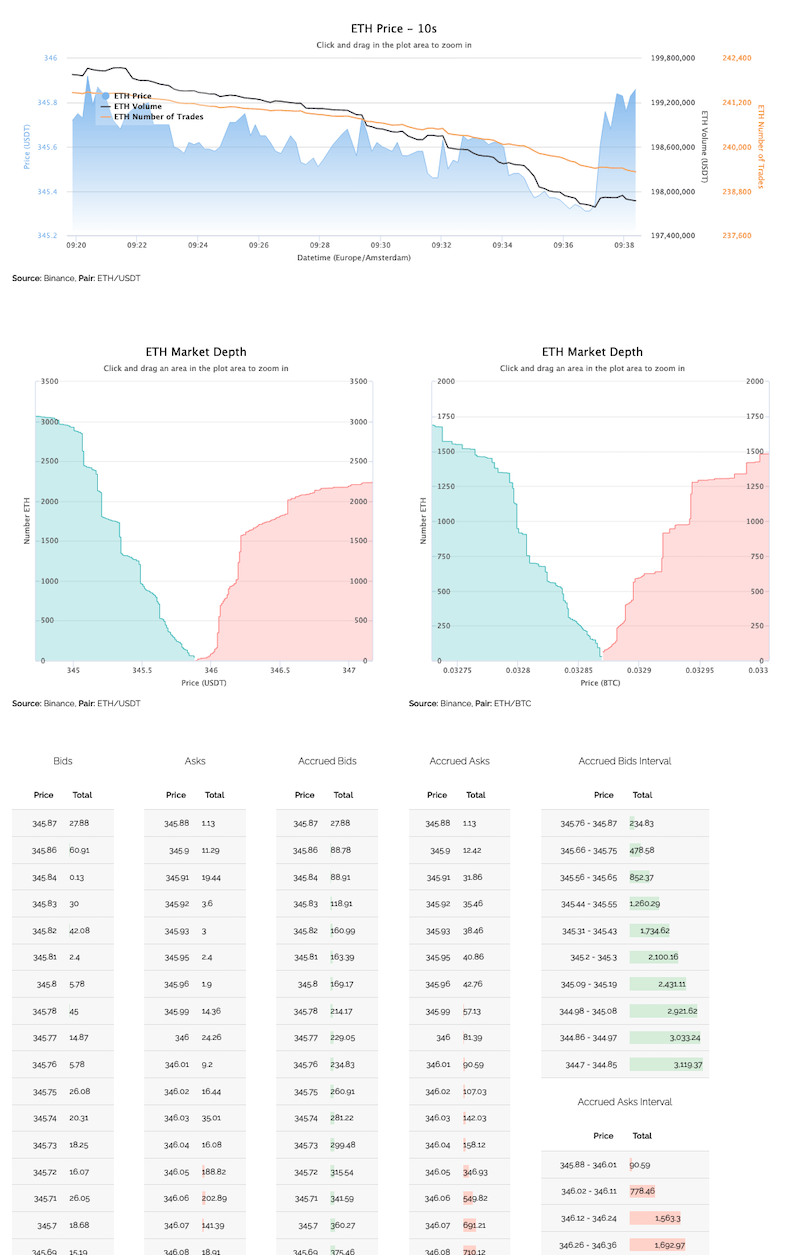 |
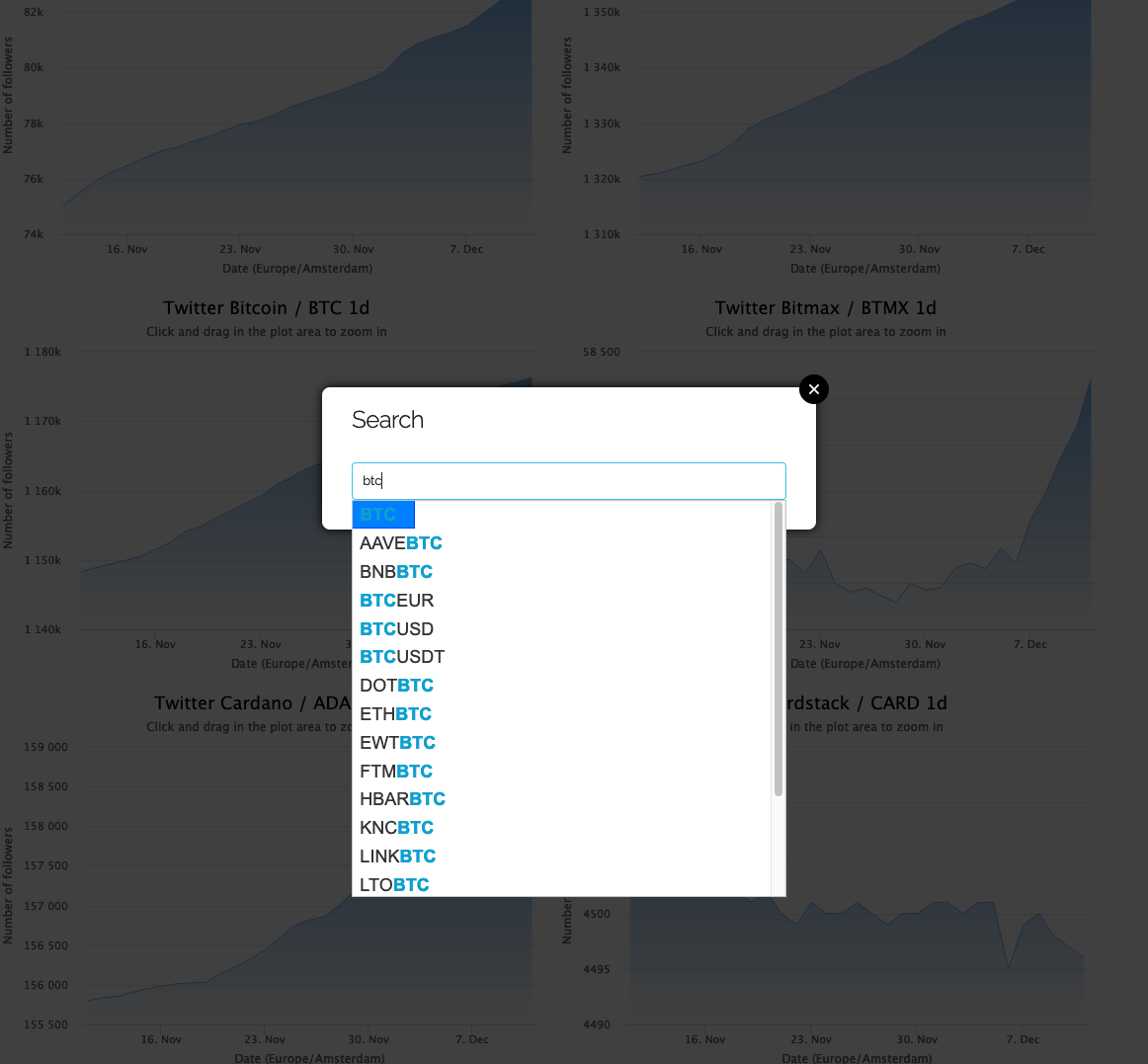
|  Spotlight Search | |
  |
|
Example of added Feature
Pull Request to show how easy is to Add Kyber Network, Aave and Ren Projects/Tokens.Disclaimer
This project is work in progress and when it comes to trading use it at your own risk.
License
This project is licensed under the GNU License.
Contact
Through the website xtcryptosignals.com.
Acknowledgments
 Thanks to Jetbrains in order to support us with an Open Source license.
Donation
In case this project helped you in some way I'm accepting a small donation to keep this open-source project on-🔥 :
- BTC: bc1qheg9zjhezsvnzywvnj9tunsj39llslqp33ekrs
- ETH: 0x2e9B4409d40d2605361Ea1278B1514C74c66Eac3


