
Pastebin and artifact storage system designed for developers
Relic - Artifact Storage Service
A modern, feature-rich artifact service with immutable relics, complete version history, and smart content processing. Built with FastAPI (Python), Svelte, and Tailwind CSS.
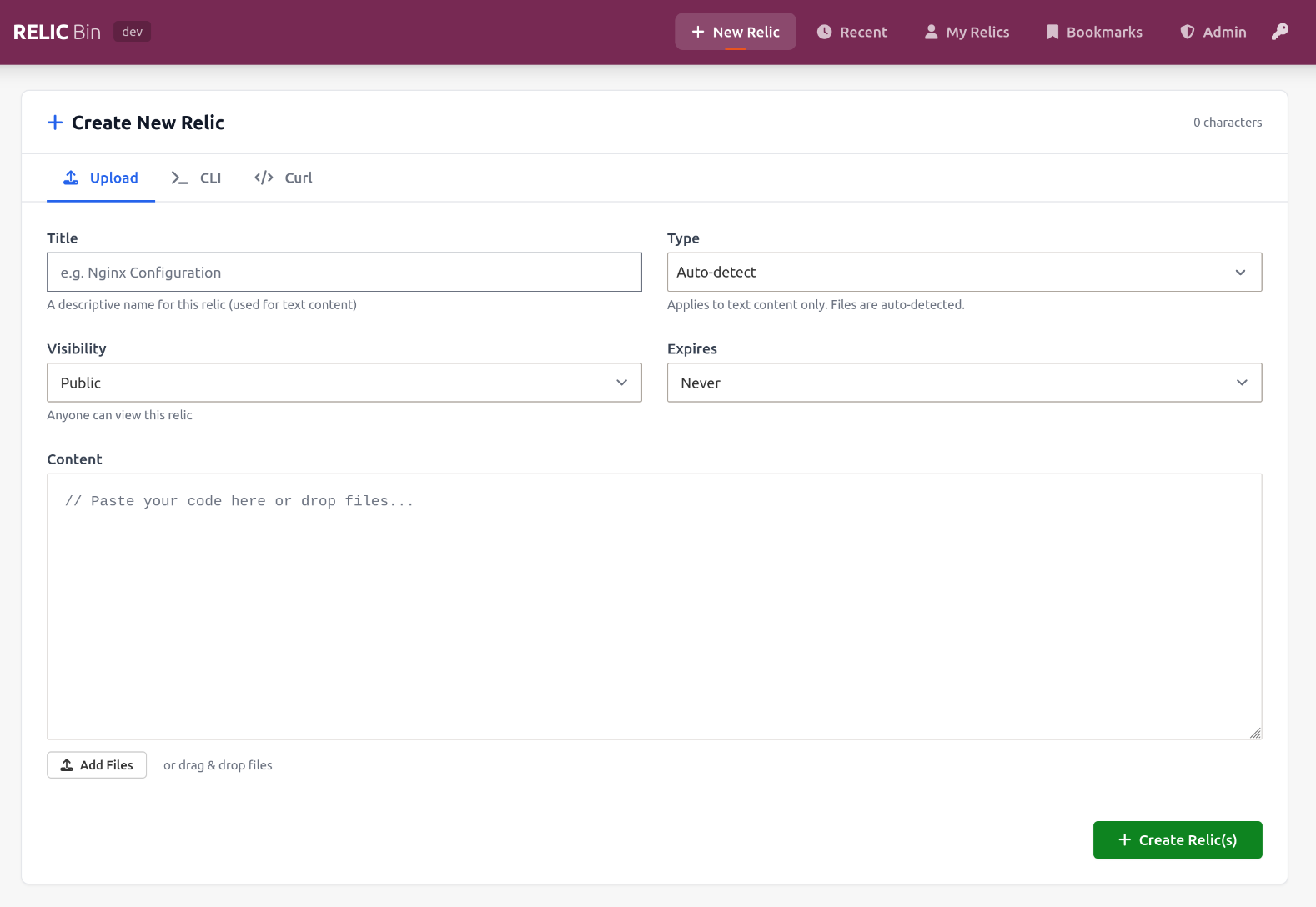
Overview
Relic is a self-hosted pastebin and artifact storage system designed for developers. It goes beyond simple text storage by supporting binary files, archives, images, and providing rich previews for various content types. With a focus on immutability and versioning, Relic ensures your shared snippets and files are safe, trackable, and easy to manage.
Key Features
- Immutable Artifacts: Each relic is permanent. Edits create new versions via forking with complete history preserved.
- Version Comparison: Visually analyze additions and deletions across text and code lineage through rich diffing.
- Universal Content Support:
- Spaces: Organize relics into curated dynamic collections with access controls and filtering.
- Tagging & Discovery: Easily organize and search relics using tags.
- Bookmarks: Save important relics using the bookmark functionality to easily find them later.
- Comments & Collaboration: Discuss code snippets and collaborate directly on relics.
- CLI Tool: Powerful command-line interface for quick uploads from terminal.
- Relic Indexes: Create file-based curated collections of relics (
.rixfiles). - Access Control: Public and private relics.
- Expiration: Set relics to expire after 1h, 24h, 7d, 30d, or never.
- Admin Panel: Manage users, view system stats, and moderate content.
Visual Tour
Rich Code Viewing
Syntax highlighting with line numbers, copy-to-clipboard, and raw view options.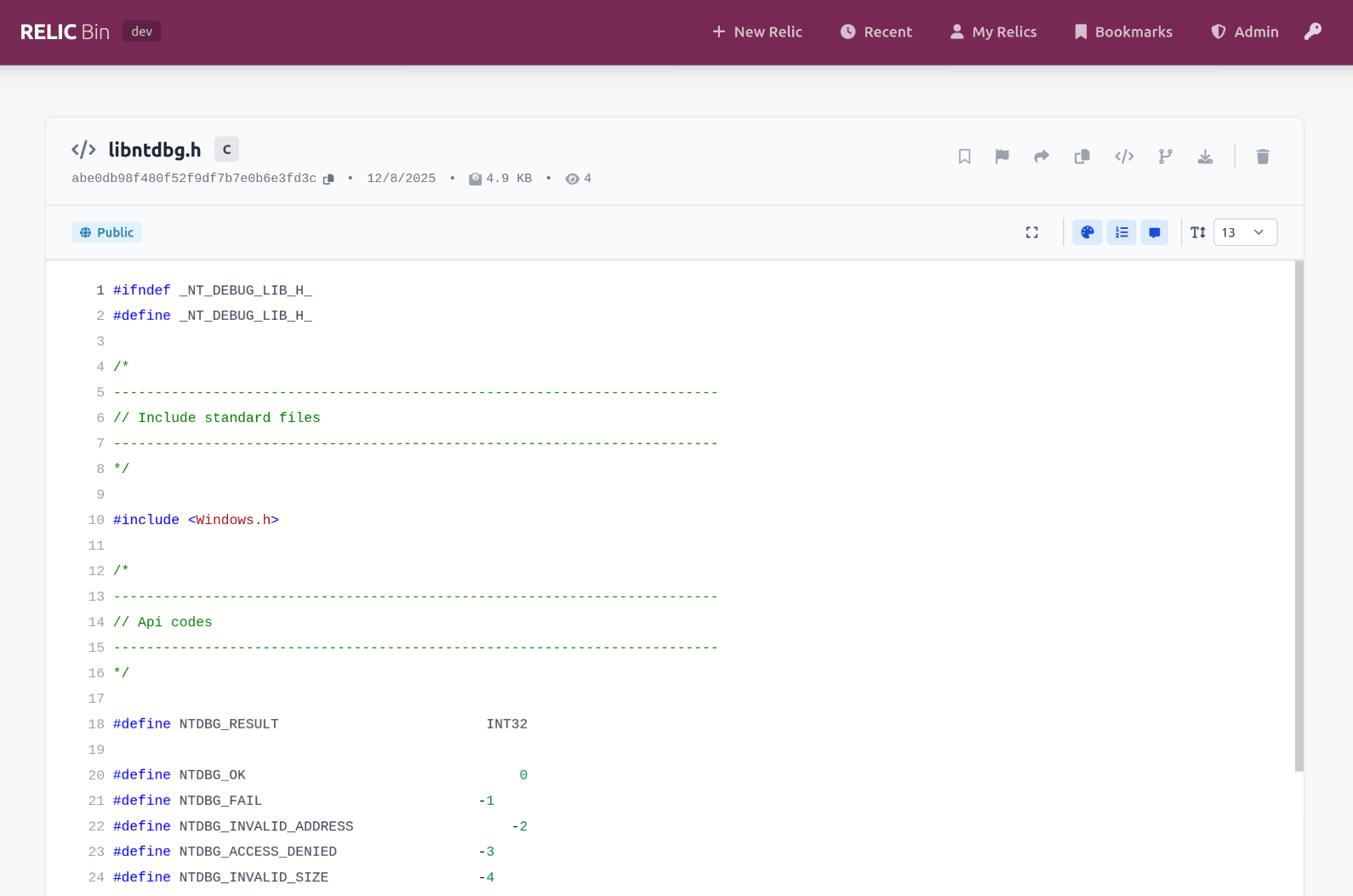
Image Previews
Direct image rendering.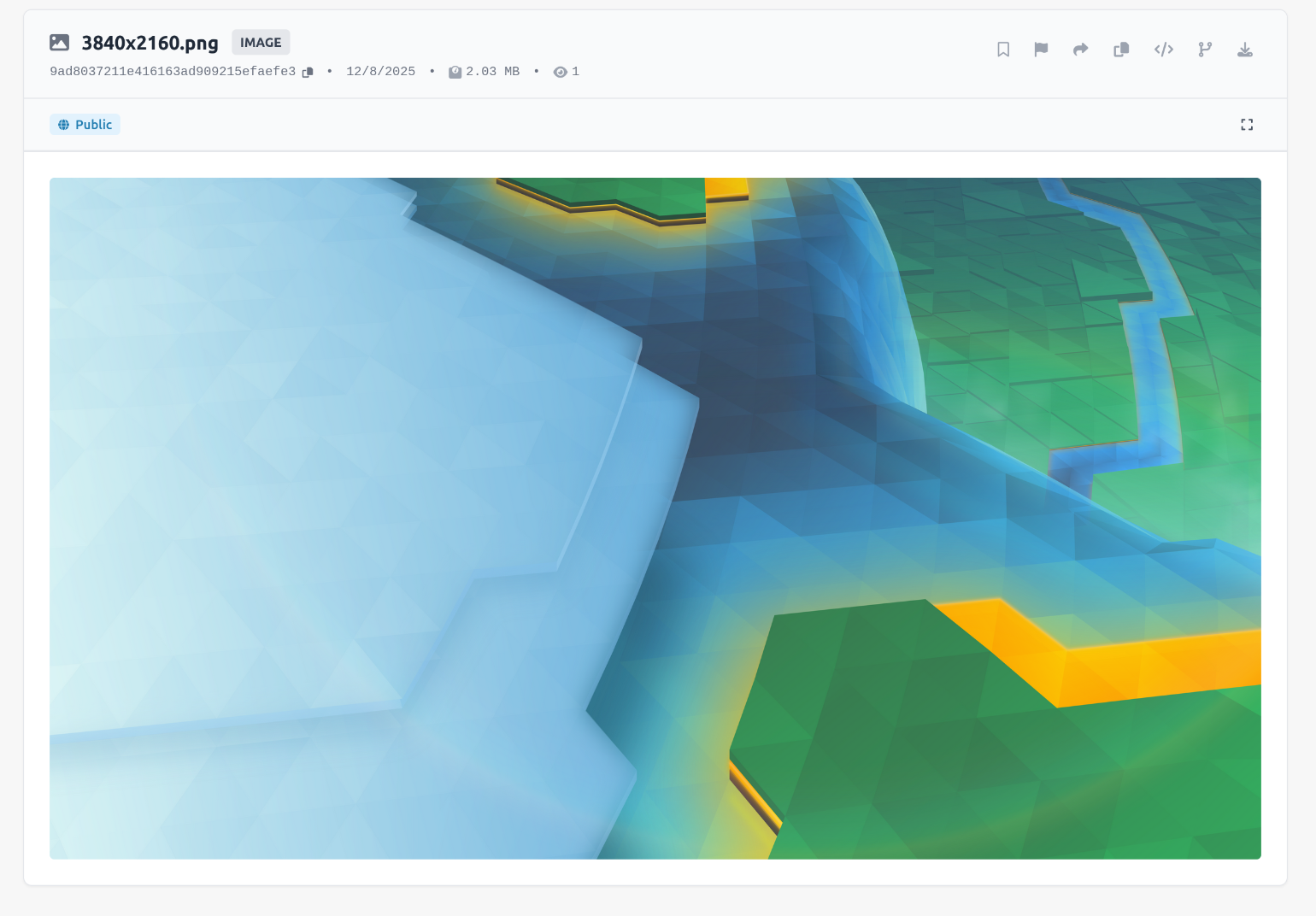
Archive Explorer
Browse the contents of ZIP and TAR files without downloading them.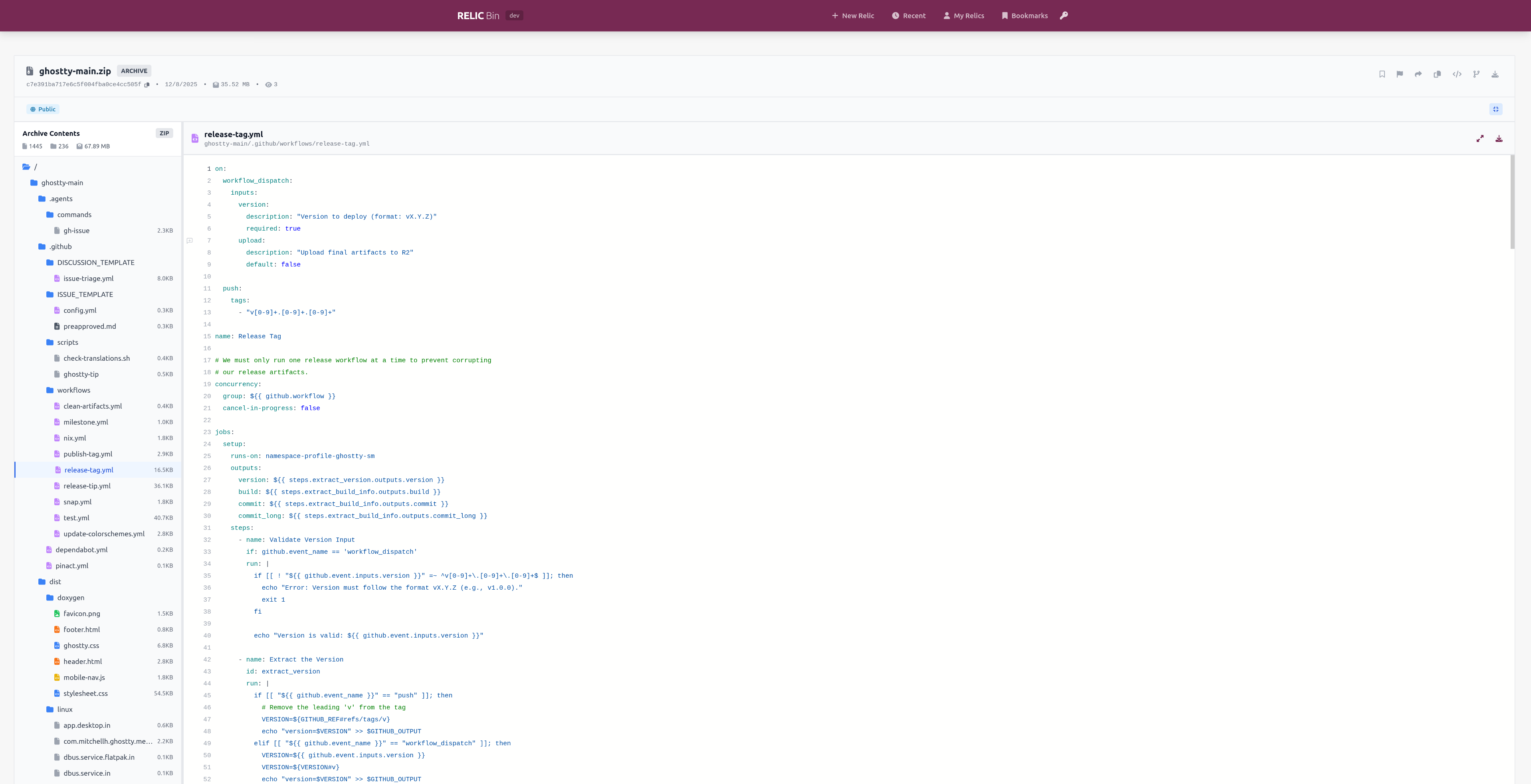
Structured Data Explorer
Visually navigate and explore JSON, YAML, TOML, and XML structured data directly in the browser.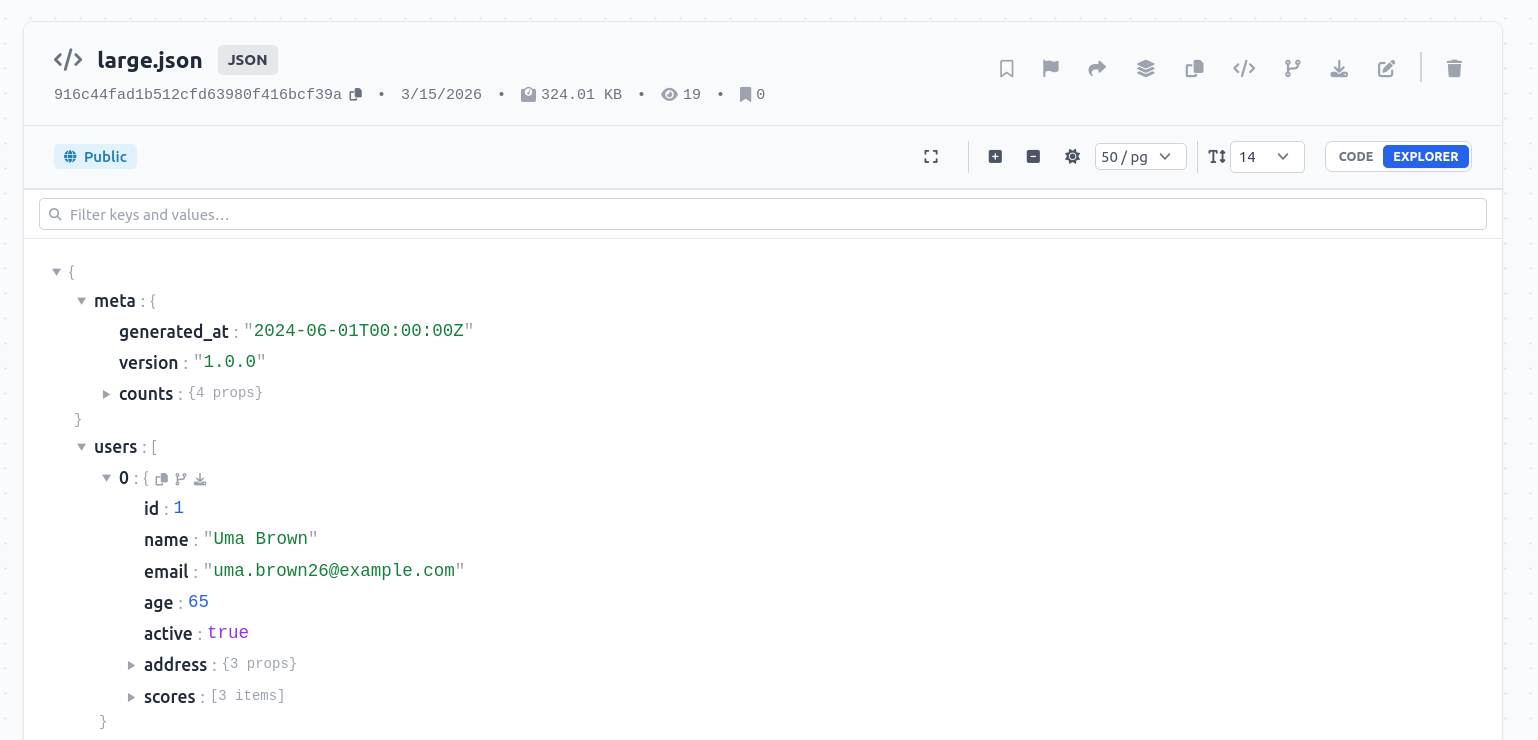
Recent Relics & Management
View recently created public relics or manage your own.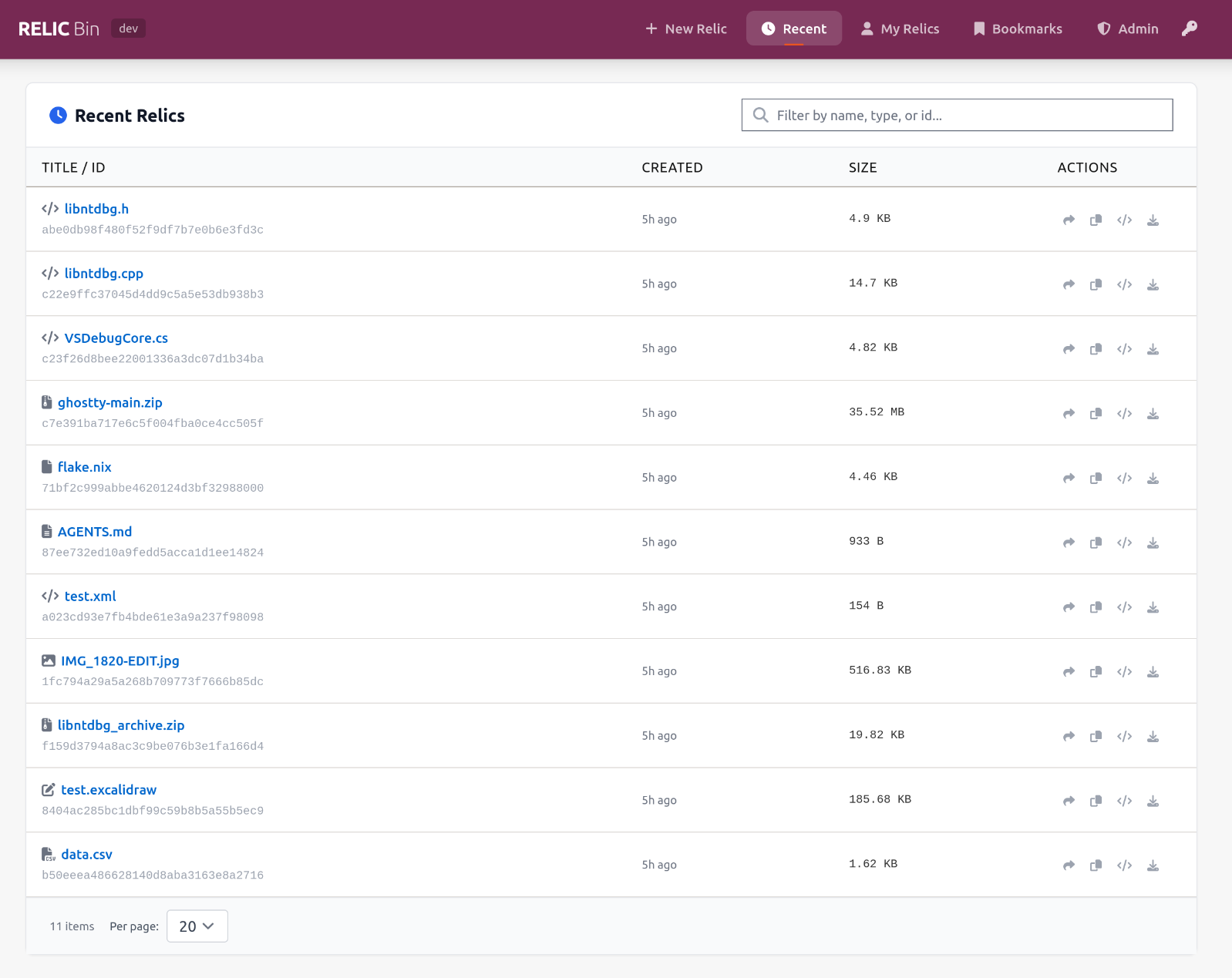
Spaces
Organize your relics into specialized spaces.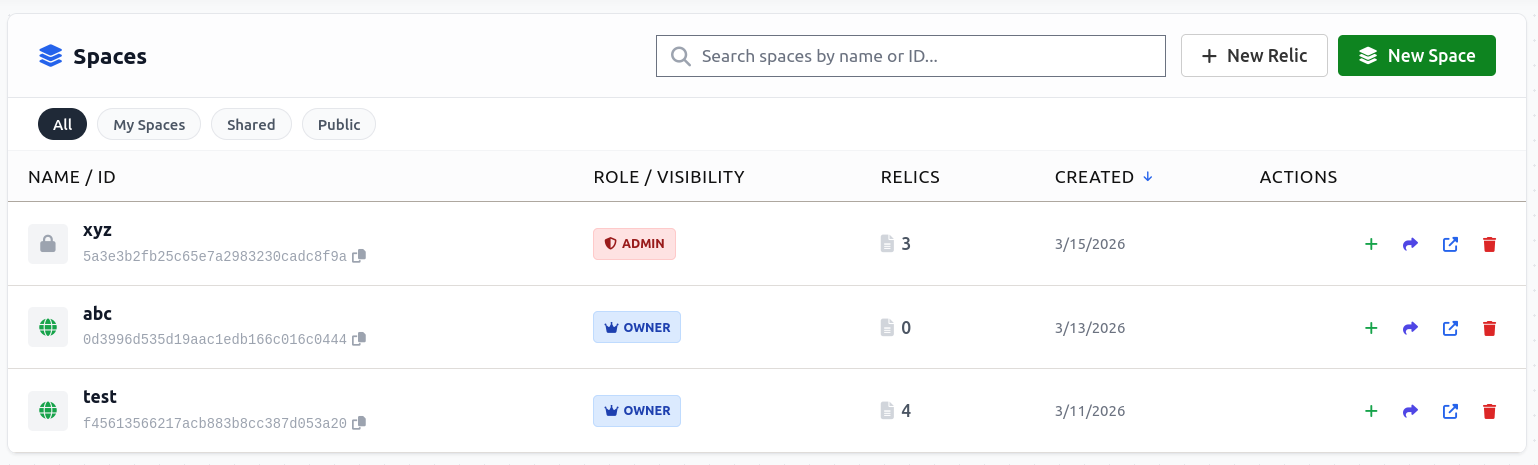
Space Management
View, search, and manage relics within your curated collections.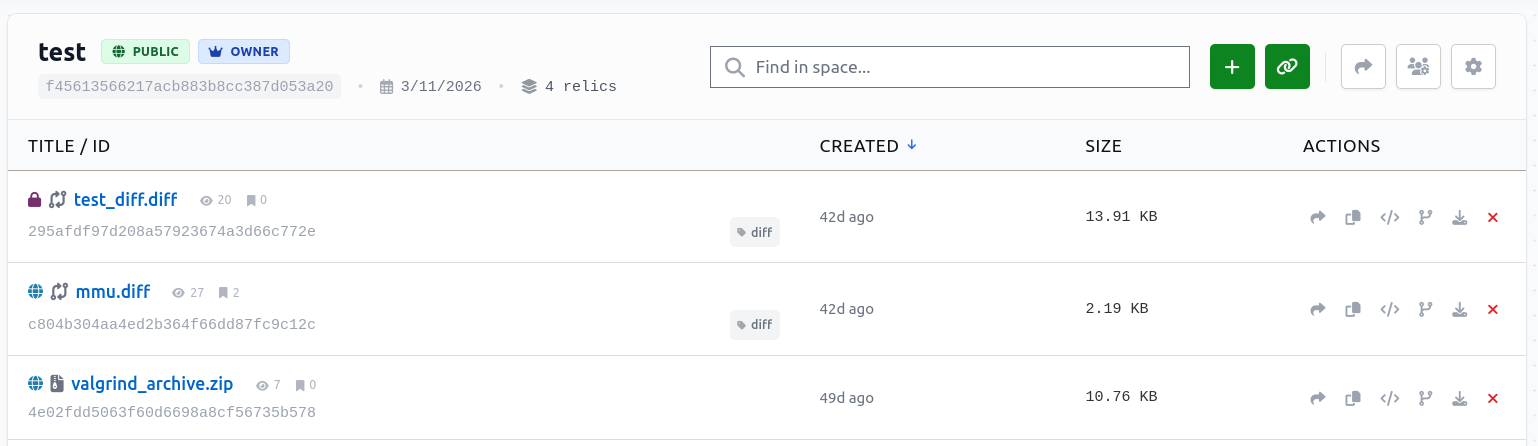
Diff viewer
Compare and diff changes effortlessly across different text and code versions.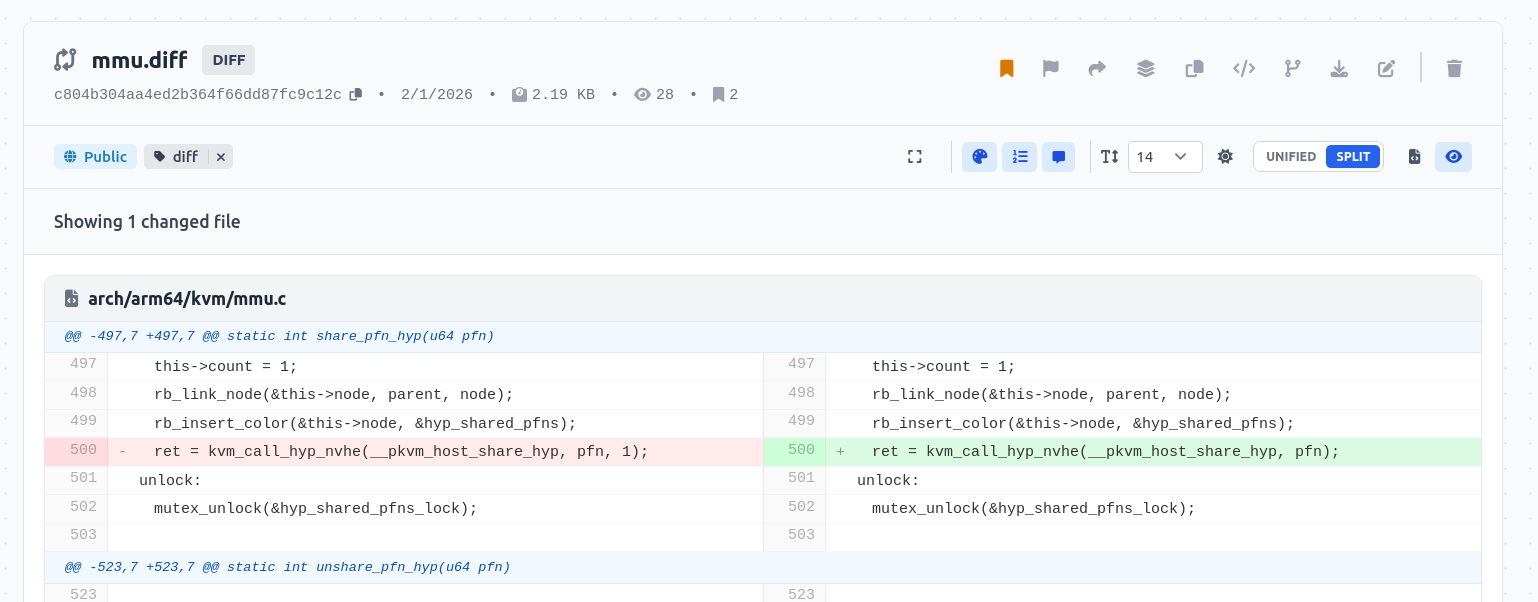
Comments & Collaboration
Discuss code snippets and artifacts directly on the relic page.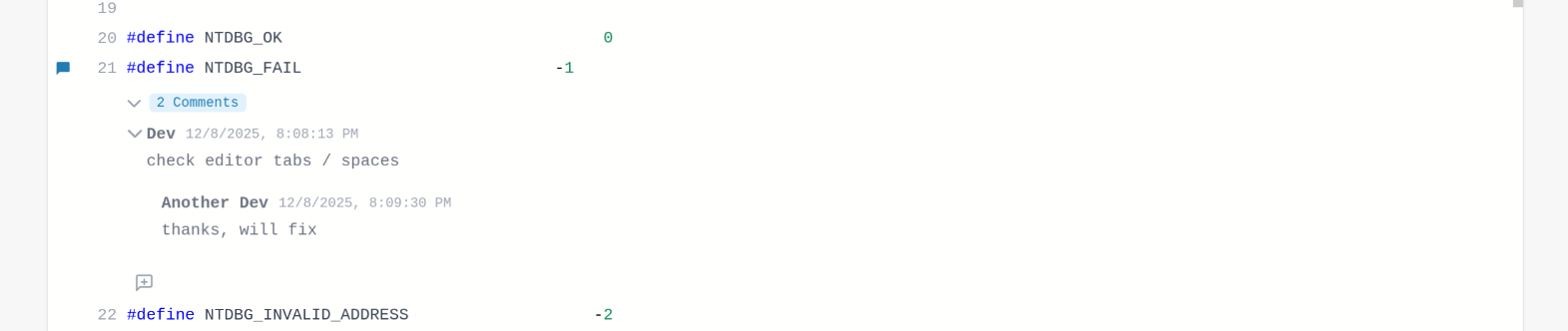
Admin Dashboard
Monitor system usage, storage, and manage relics.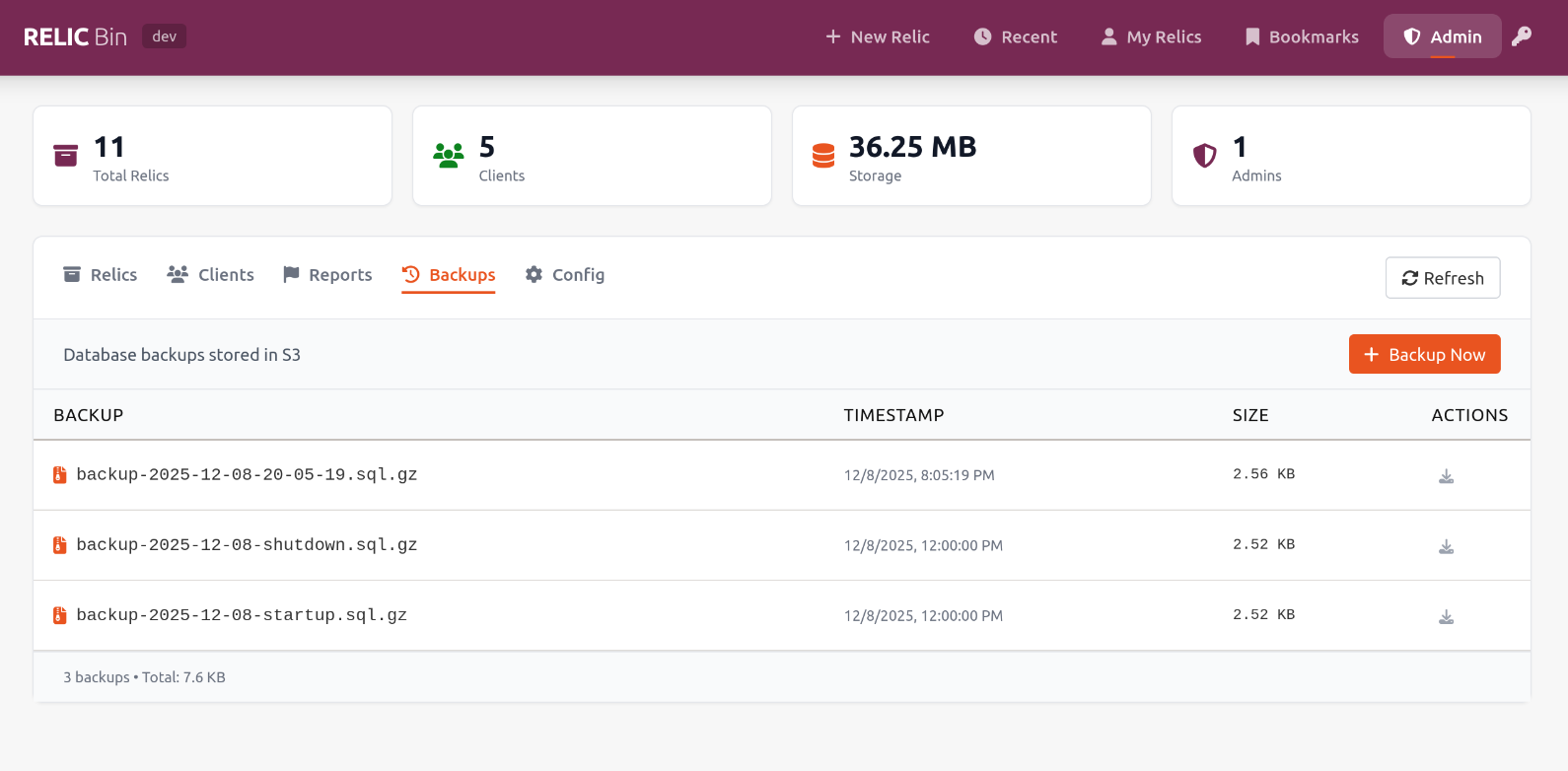
CLI Tool
Relic comes with a powerful CLI tool for terminal-based workflows.
Quick Install
curl -sSL https://your-domain.com/install.sh | bashUsage
# Upload from stdin
echo "Hello World" | relic
Upload a file
relic myfile.txt
Upload with options
relic --name "My Script" --private --expires 24h script.py
Push a relic into a space
relic --space <space_id> script.py
Manage spaces
relic spaces create "My Cool Space" --visibility public
Quick Start
Prerequisites
- Docker and Docker Compose
- Make (optional, but recommended)
Production Deployment (Recommended)
For production/release deployments, use the default configuration:
- Start production services
make upOr without Make:
docker compose -f docker-compose.prod.yml up -d --build- Access the application
- Application: http://localhost
- MinIO Console: http://localhost:9001 (minioadmin/minioadmin)
- View logs
make logs- Stop services
make downDevelopment Setup
For local development with hot-reload:
- Start development services
make dev-upOr without Make:
docker compose -f docker-compose.dev.yml up -d- Access the application
- Frontend: http://localhost (with hot-reload)
- Backend: http://localhost/api (with auto-reload)
- API Docs: http://localhost/api/docs
- MinIO Console: http://localhost:9001 (minioadmin/minioadmin)
- View logs
make dev-logs- Stop services
make dev-downNote: Development mode mounts your local code directories as volumes, enabling hot-reload for both frontend and backend. Changes to code will be reflected immediately without rebuilding.
Admin Setup
Relic supports admin users with elevated privileges (view all relics, delete any relic, manage clients, view statistics).
Setting Up an Admin User
- Get your Client ID
localStorage.getItem('relicclientkey')This will output your client ID, which looks like: 5cdb7b79c38385db9f5b5f6ad884c8ef
- Configure Admin in Production
docker-compose.prod.yml and set the ADMINCLIENTIDS environment variable:
backend:
     environment:
       ADMINCLIENTIDS: "5cdb7b79c38385db9f5b5f6ad884c8ef"
For multiple admins, use comma-separated values:
ADMINCLIENTIDS: "5cdb7b79c38385db9f5b5f6ad884c8ef,a1b2c3d4e5f6789012345678abcdef01"- Restart Services
make down
make up- Access Admin Panel
Development Environment
For development mode, edit docker-compose.dev.yml instead and use:
make dev-down make dev-upRelic Indexes
Relic indexes (.rix files) allow you to create curated collections of relics.
title: My Project Documentation
description: A collection of documentation files.
relics:
  - id: f47ac10b58cc4372a5670e02b2c3d479
    title: API Reference
  - id: a1b2c3d4e5f678901234567890abcdef
API Endpoints
All API endpoints are prefixed with /api/v1.
Create Relic
curl -X POST http://localhost/api/v1/relics \ -F "file=@myfile.txt" \ -F "name=My File"Get Relic
curl http://localhost/api/v1/relics/{id}Fork Relic
curl -X POST http://localhost/api/v1/relics/{id}/fork \ -F "file=@new.txt"Architecture
- Frontend: Svelte, Tailwind CSS, Vite
- Backend: FastAPI, SQLAlchemy, Pygments
- Storage: PostgreSQL (Metadata), MinIO (Content)
- Infrastructure: Docker, Nginx
License
MIT


