
A feature-rich, highly customizable AI Web App Template, empowered by Next.js.
Last updated Mar 15, 2026
188
Stars
49
Forks
0
Issues
0
Stars/day
Attention Score
6
Language breakdown
TypeScript 87.6%
PLpgSQL 7.9%
CSS 2.5%
JavaScript 2.0%
▸ Files
click to expand
README
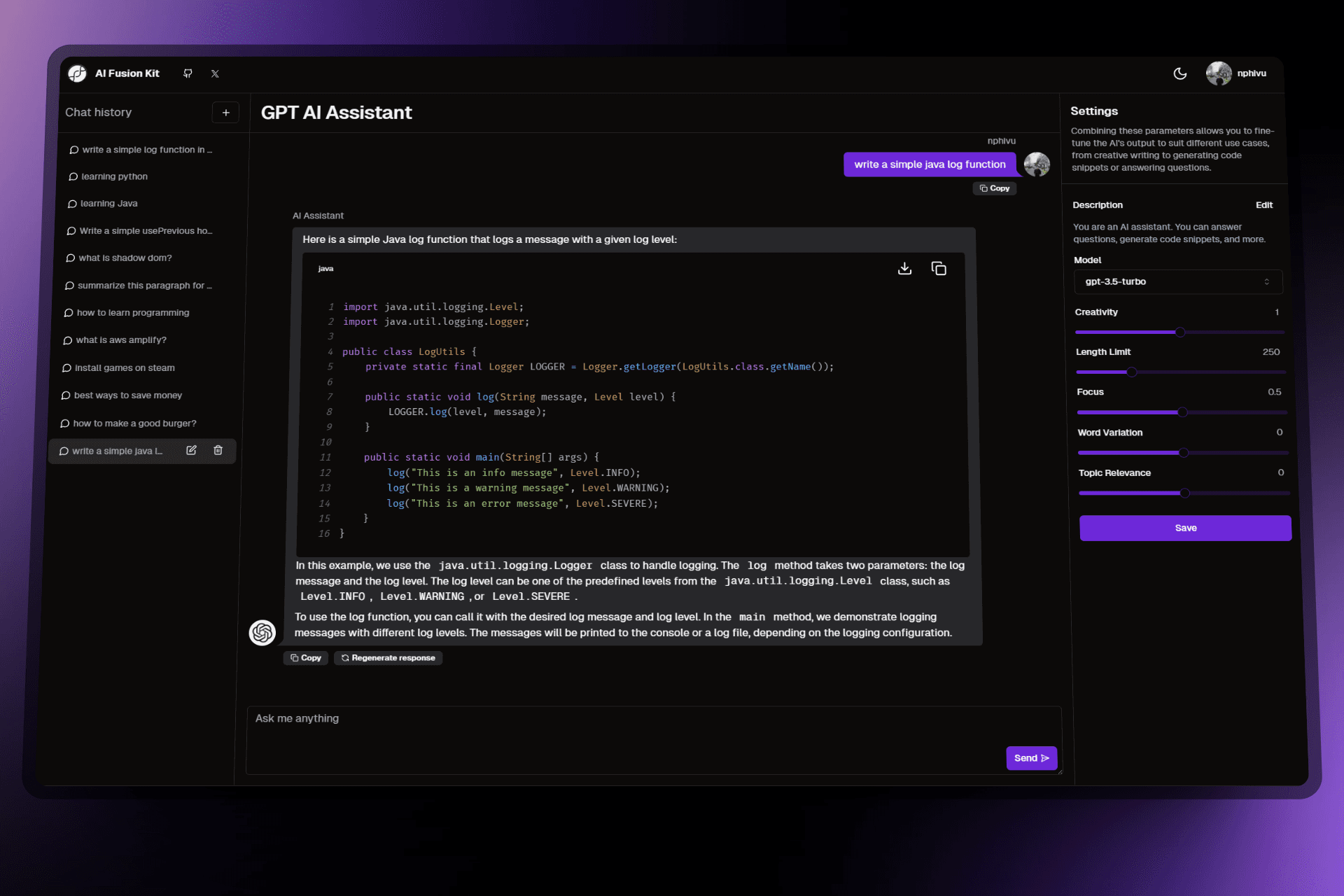
A feature-rich, highly customizable AI Web App Template, empowered by Next.js.
Tech stacks · Installation · Run Locally · Authors
Tech stacks
- Typescript - ReactJS - NextJS - Supabase - Open AI API - Vercel AI SDK - TailwindCSS - Shadcn UI - Aceternity UI - Next.js AI ChatbotInstallation
- Clone the repo
git clone https://github.com/nphivu414/ai-fusion-kit- Install dependencies
yarn install- Setup Supabase local development
supabase startStarted supabase local development setup.
API URL: http://localhost:54321 DB URL: postgresql://postgres:postgres@localhost:54322/postgres Studio URL: http://localhost:54323 Inbucket URL: http://localhost:54324 anon key: eyJh...... service_role key: eyJh......
NEXTPUBLICSUPABASE_URL in .env.local - For more information about how to use Supabase on your local development machine: https://supabase.com/docs/guides/cli/local-development
- Get an account from OpenAI and generate your own API key
- Rename
.env.exampleto.env.localand populate with your values
.env file or it will expose secrets that will allow others to control access to your various OpenAI and authentication provider accounts.
Run Locally
- Go to the project directory
cd ai-fusion-kit- Start the web app
yarn dev


