
play wordle in your command line
Wordle CLI
Play Wordle in your command line!
Screenshots
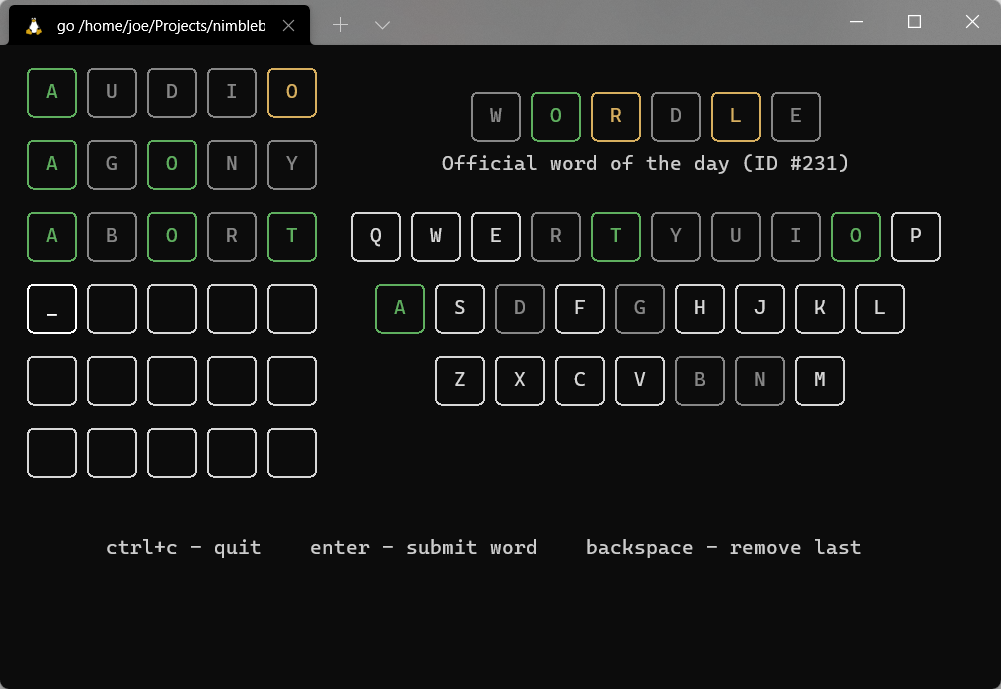
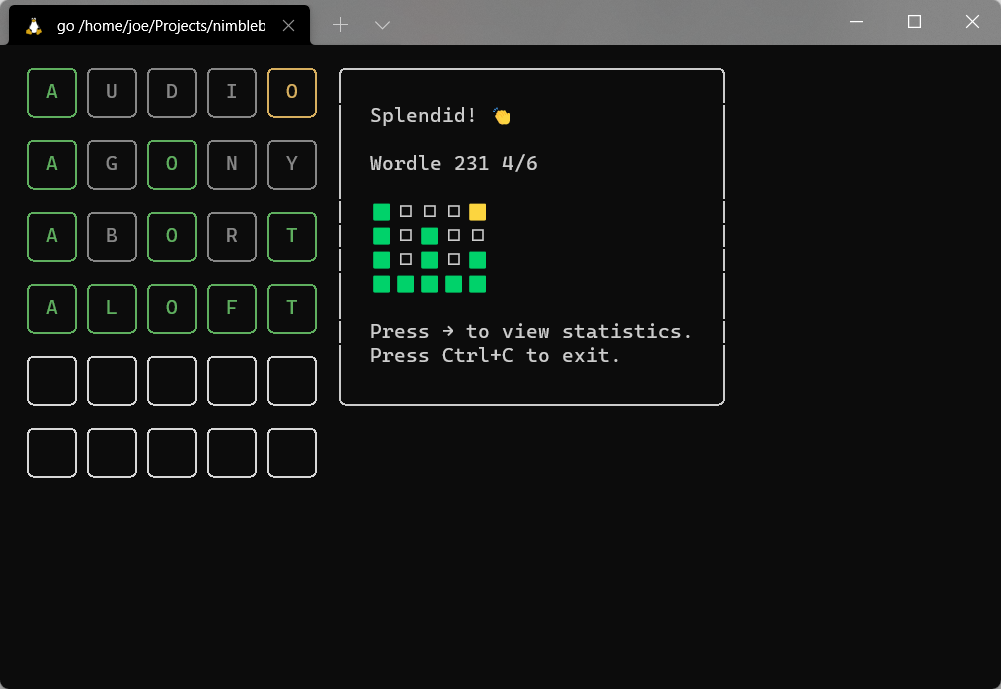
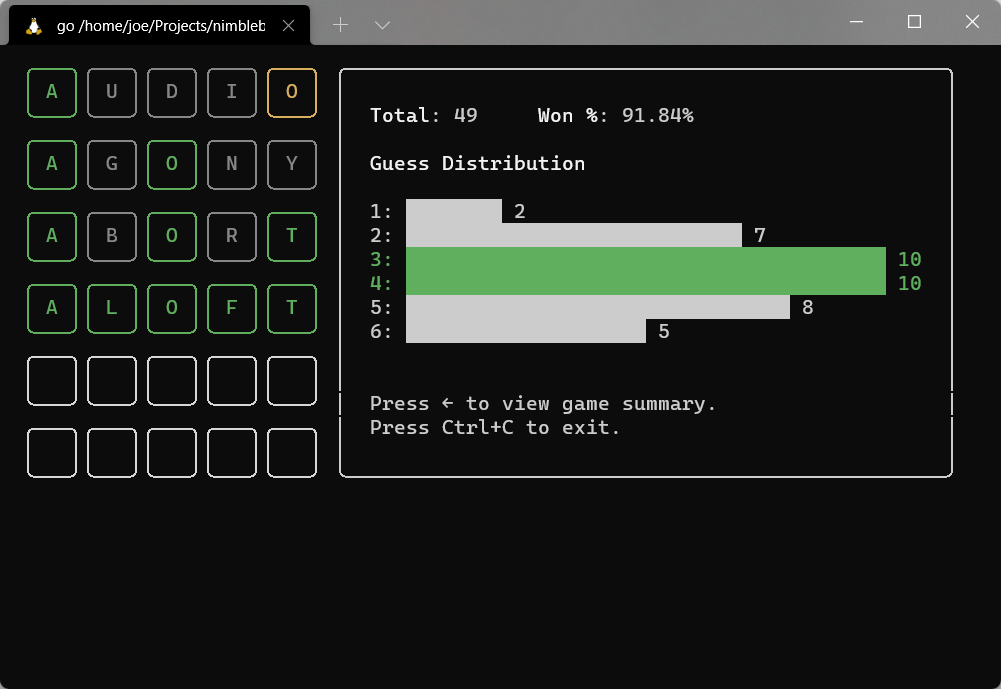
Download
You can download the latest binary from the [GitHub releases page][gh-releases]. Placing the binary somewhere in your PATH will make it available system-wide.
For Debian users
If you have Debian or a Debian-based system, you can use our Debian package repository to install and update Wordle CLI globally.
Run the following commands in succession:
echo "deb https://deb.nimblebun.works/debian stable main" | sudo tee /etc/apt/sources.list.d/nimblebun.list
sudo apt-key adv --keyserver keyserver.ubuntu.com --recv-keys 033D0D4895F432D1
sudo apt update
sudo apt install wordle-cli
For Arch Linux users
If you have Arch Linux or an Arch-based system (e.g. Manjaro), you can install Wordle CLI globally through [AUR][aur-link].
Example using yay:
yay -S wordle-cli-binUsage
./wordle          # play today's official word
./wordle daily    # play today's Wordle CLI word
./wordle random   # play a random word
In-game you can press CtrlC to quit anytime. You can press Enter to validate your current word (note: invalid words will not be validated). Pressing Backspace will remove the last letter.
Once you're on the finish screen you can use the → key to view your statistics for the chosen Wordle type. You can then use the ← key to return to the game overview. Note: random mode does not have statistics.
In random mode, you can press CtrlN on the finish screen to play a new random word.
Credits
- Charm: TUI and tooling
- Official Wordle
License
MIT.
[gh-releases]: https://github.com/nimblebun/wordle-cli/releases/latest [aur-link]: https://aur.archlinux.org/packages/wordle-cli-bin


