
Blockchain Based Certificate Validation
Last updated Jul 6, 2026
139
Stars
83
Forks
21
Issues
+1
Stars/day
Attention Score
60
Topics
Language breakdown
JavaScript 97.7%
Java 1.4%
HTML 0.5%
CSS 0.3%
▸ Files
click to expand
README
E-Certify
Blockchain Based Certificate Validation






E-Certify : About
- It is a blockchain based project for online certificate validation.
- The major problem of counterfeit certificates can be tackled with the help of E-Certify, as it provides a solution to preserve the genuineness of a certificate.
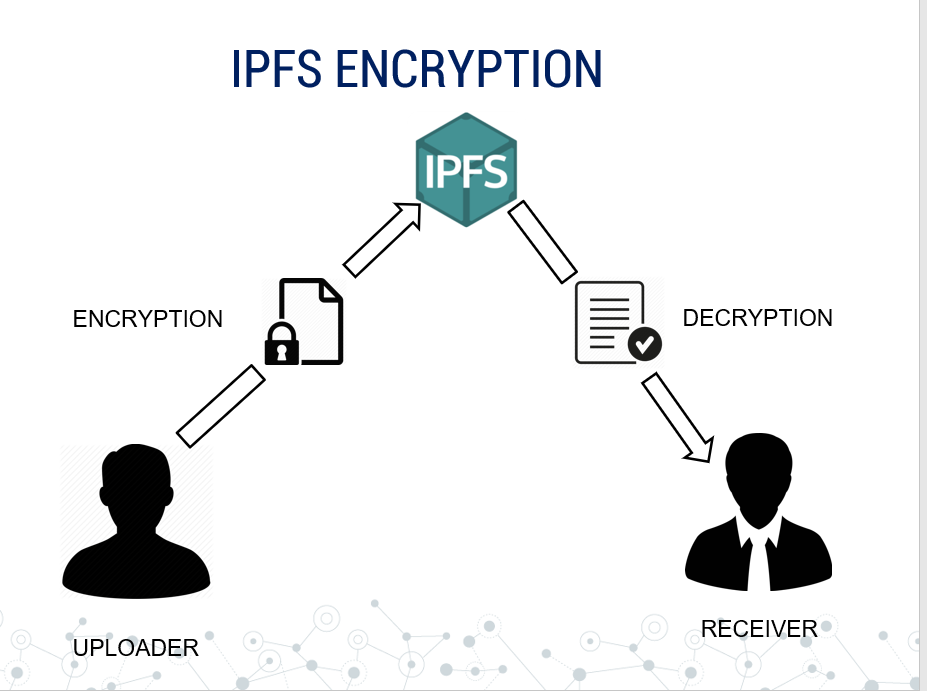
- It works on the idea that: “Only the issuer can upload the certificate and the rest people can only view it.” The entire process works on the blockchain in partnership with the IPFS(to provide data security).
- Does Everything for Certificates : Storing ,Validating and Sharing .
- Thus this is a modern and hassle-free solution to manage certificates and verify them!
- This Project was made at SIH 2019
Insight
- It is D-App on Ethereum.
- Back-End has Smart Contract
- Front-end of our Web-App is made with React.Js and our complete frontend components are available at @gauravsharma-gs /dapper-ui (visit)
- All User-Data is stored on IPFS also every data is first encryted locally and then send to ipfs to have more security
- It create Multi-Sig Wallets for every student where both Student and his/her Institute is Owner.
- We are using Metamask Browser Extension to work with Ethereum.
- We have used Truffle for testing our project
How to Use
Login
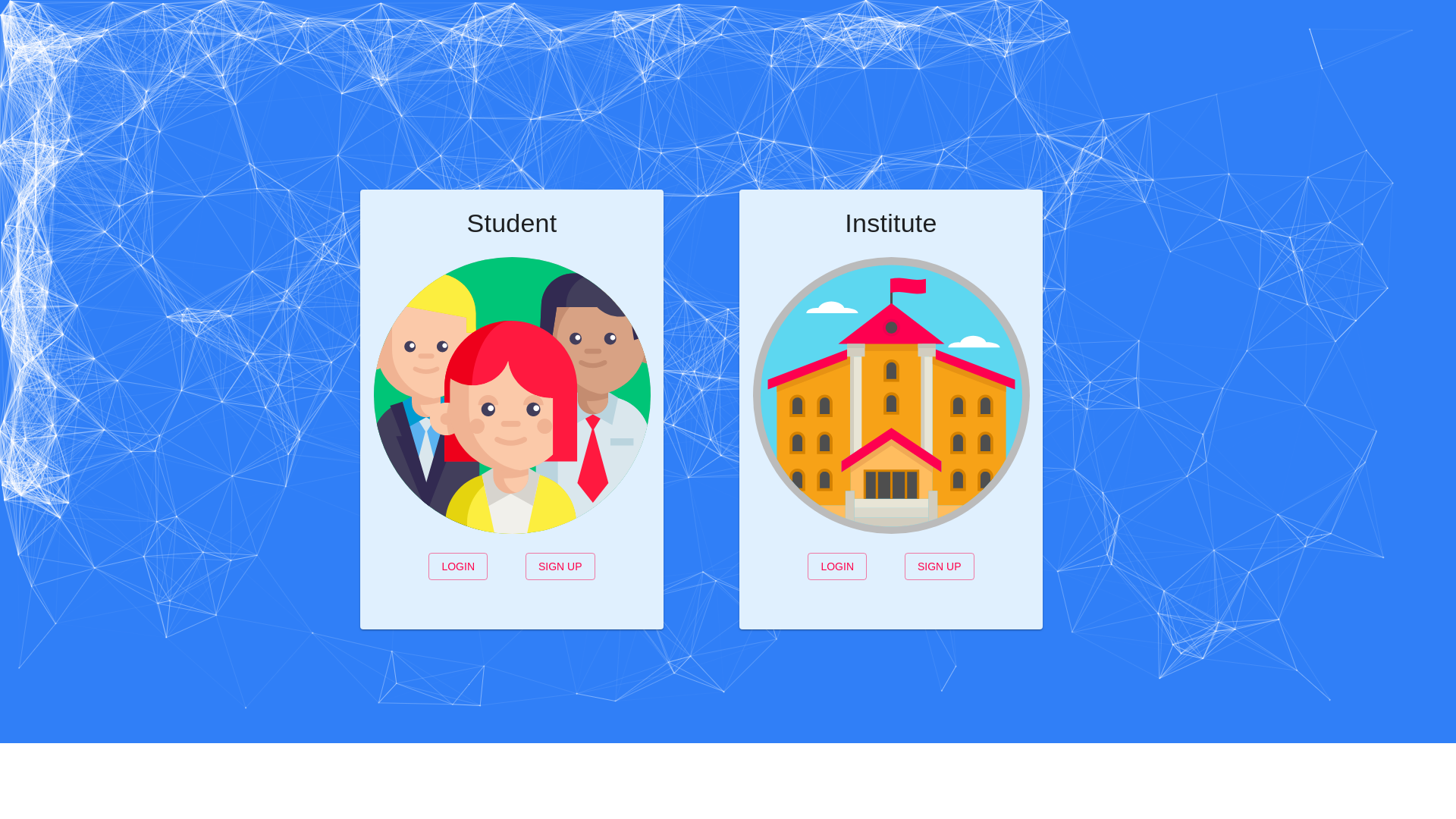
- There are two ways to login
Student
- Login as Institute
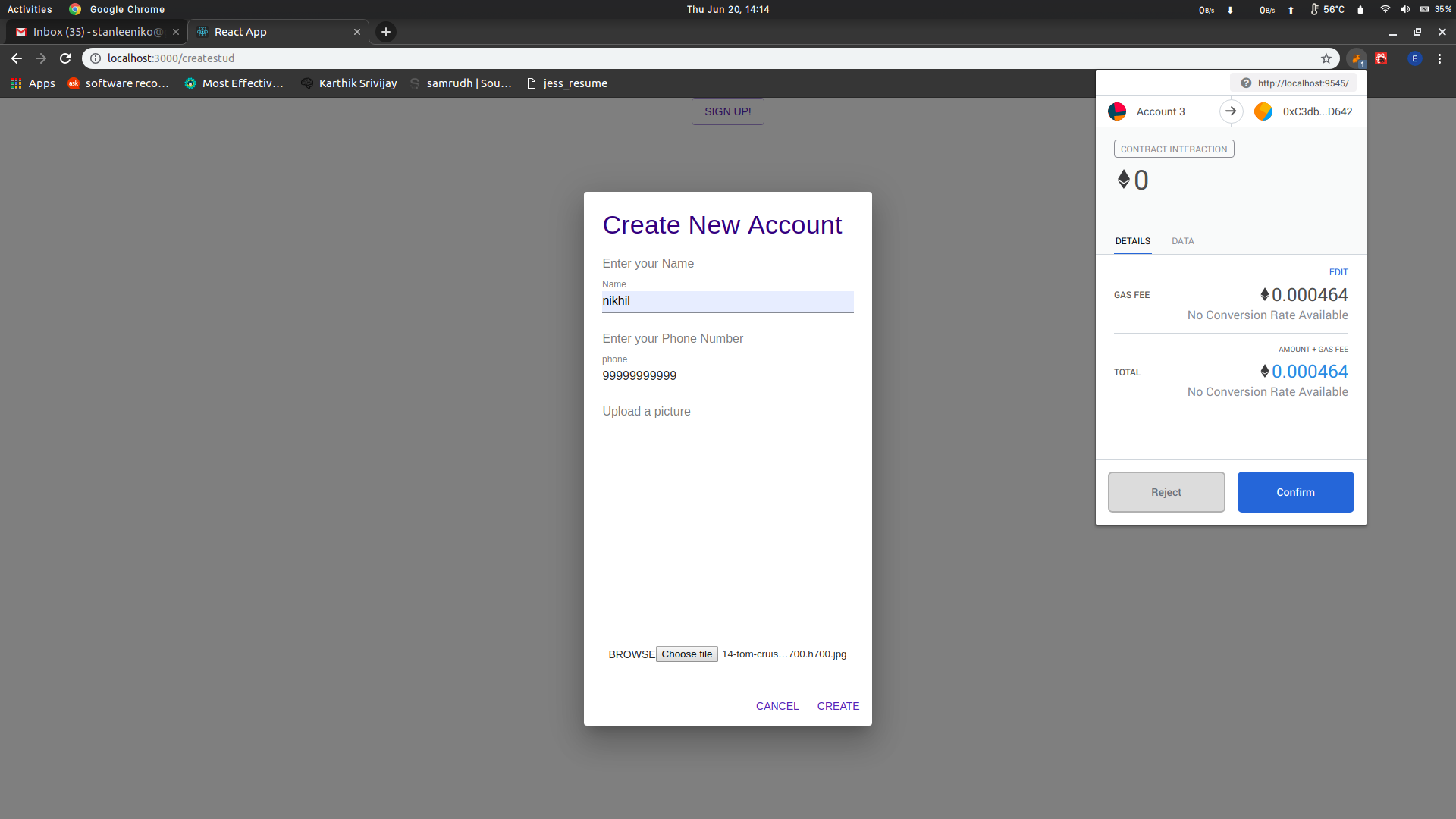
- Upon First Signup Metamask will ask permission to connect your wallet with App.
- There is an additional security by using
OTPfor Signup . - For
Student
- For
Institute
Dashboard
#### Student Dashboard
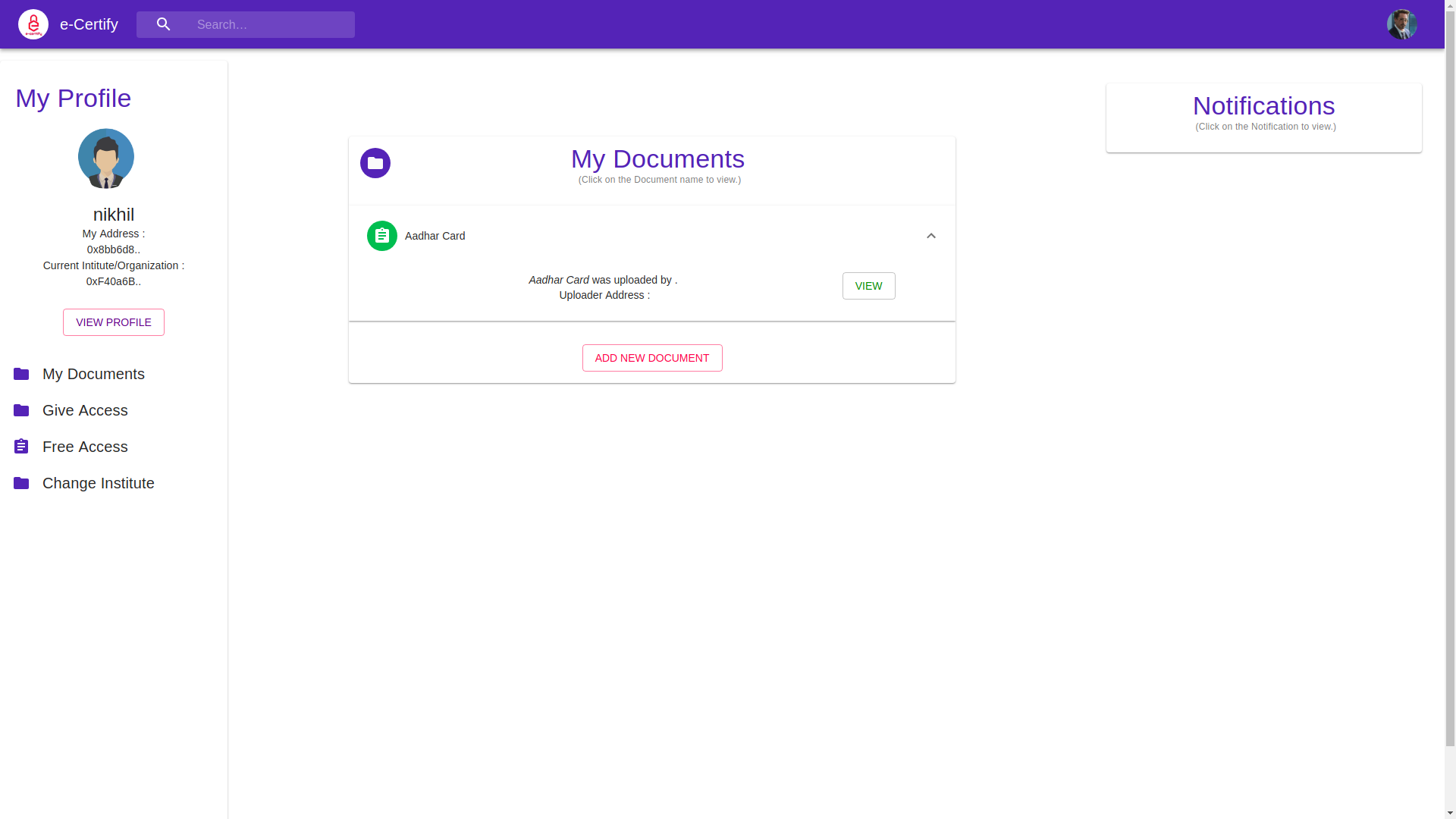
- Student Dashboard have these options :
My Documents
- Students can upload their Certificates themselves but these certificates need to be verified by Institute side ,only then certificates will appear in my documents section.
- Give Access
- Students can give access to any other institute/organisation to his/her certificates , access is only given for limited time (24hr)
- Change Institute
- Students can request change of institute , this request is sent to current institute ,Upon approval students institute is changed.
#### Institute Dashboard
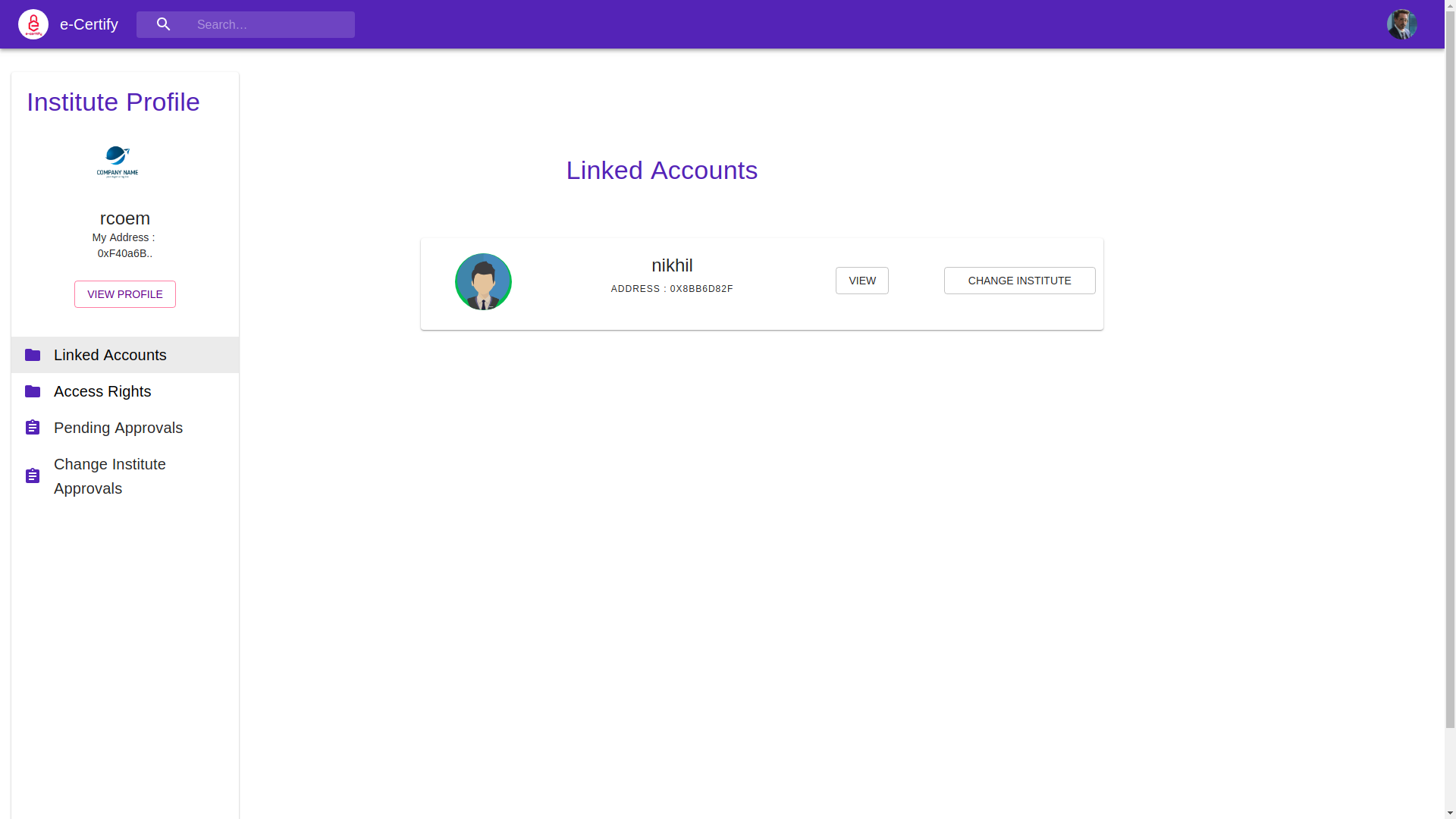
Linked Accouts
- In this section all student accounts linked to institute are shown.
- Institute can students certificates from here.
- Also institute can upload new certificates to students from here.
- Access Rights
- It shows all the student accounts to whom institute has access ,to see their certificates.
- Pending Approvals
- Student requests for certificates approvals appear here .
- Change Institute Approvals
- Student requests for change of institute appear here .


