An open source tool focused on software supply chain security. 墨菲安全专注于软件供应链安全,具备专业的软件成分分析(SCA)、漏洞检测、专业漏洞库。
中文 | EN
MurphySec CLI is used for detecting vulnerable dependencies from the command-line, and also can be integrated into your CI/CD pipeline.





Features
- Analyze dependencies being used by your project, including direct and indirect dependencies
- Detect known vulnerabilities in project dependencies
Screenshots
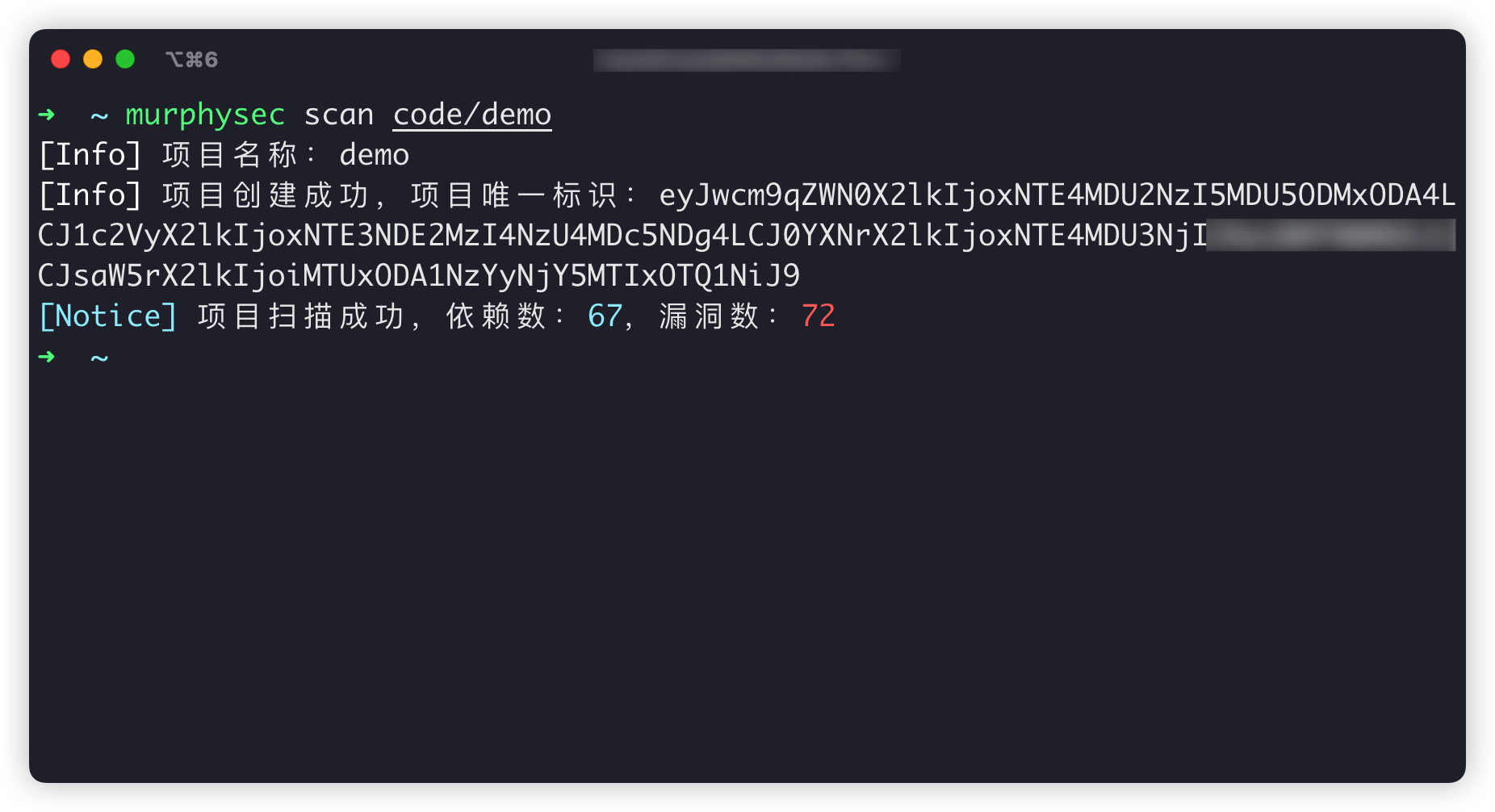
- CLI scan result
- scan result page
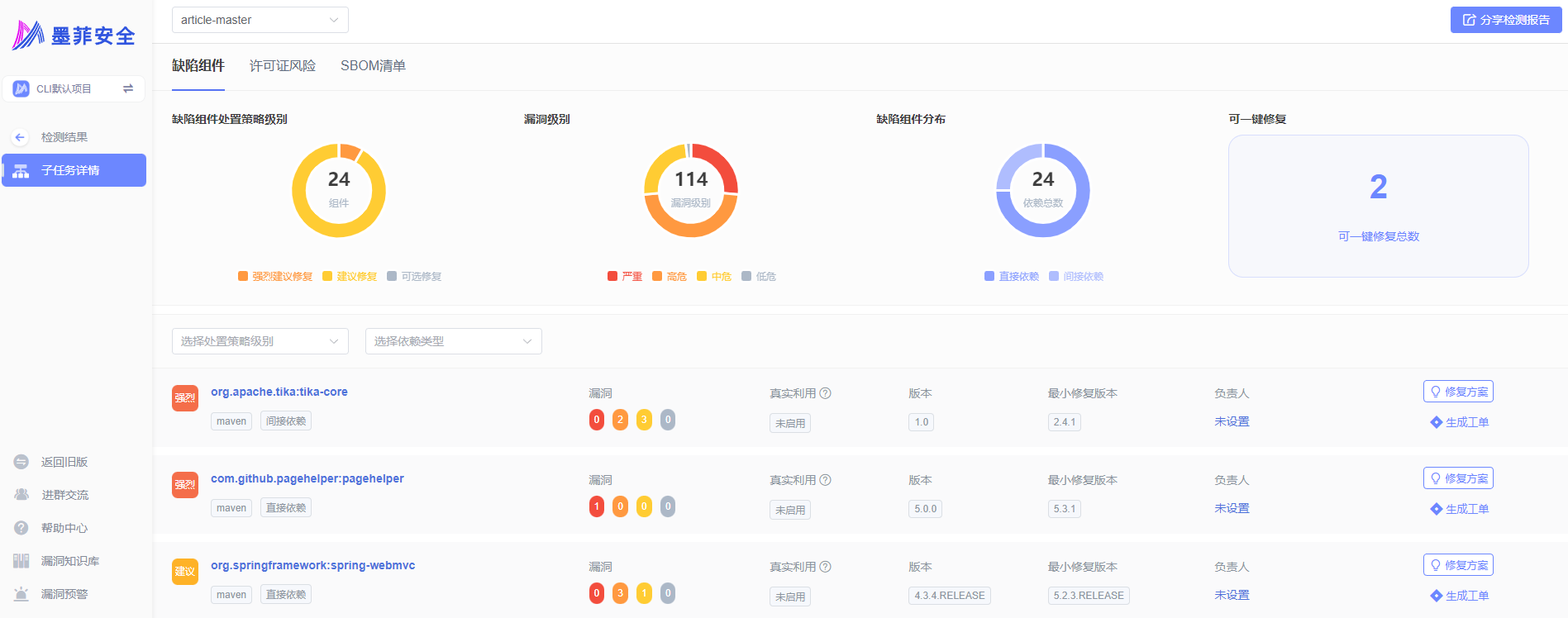
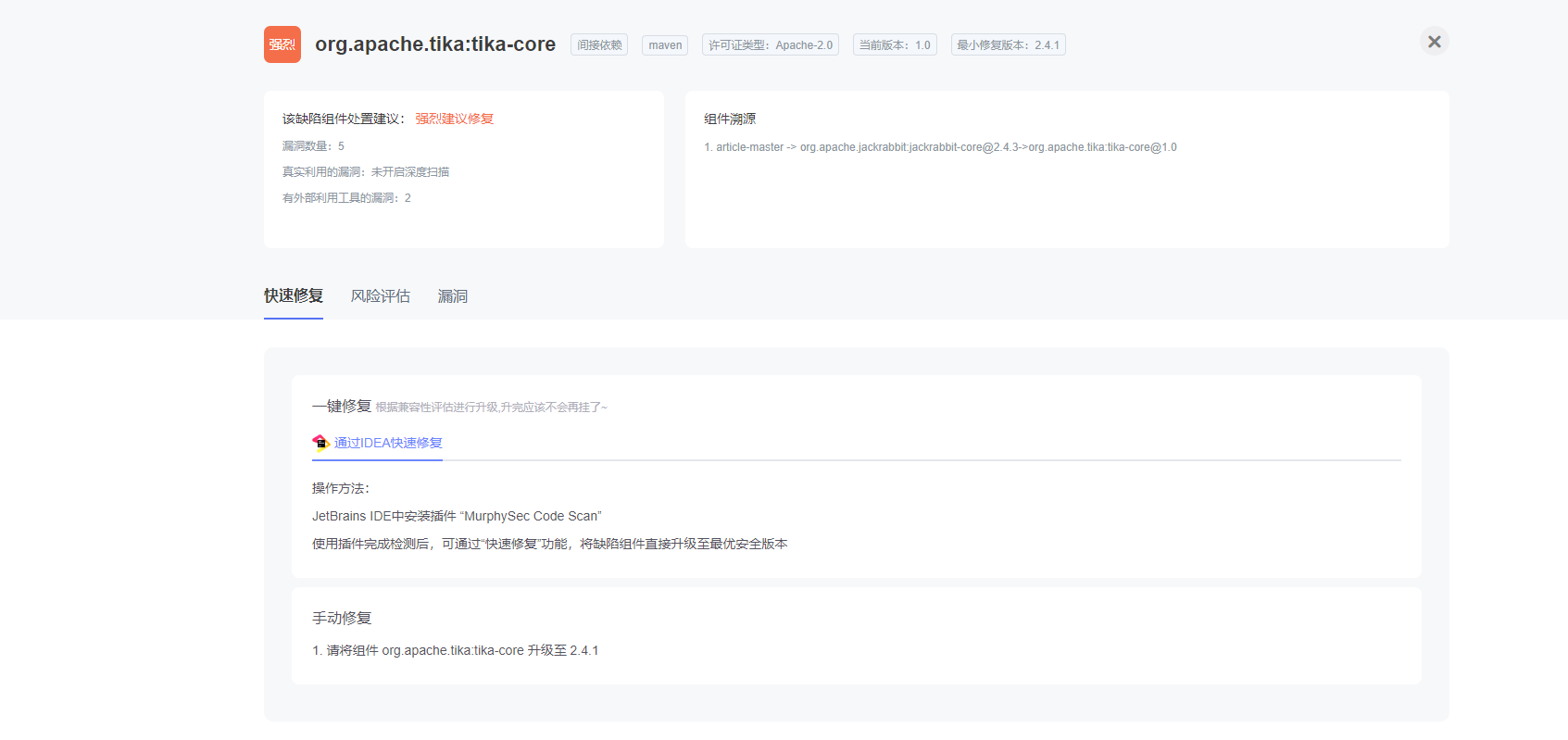
Table of Contents
- Supported languages
- How it works
- Working Scenarios
- Getting Started
- Command Introduction
- Communication
- License
Supported languages
Currently supports Java, JavaScript, Golang. Other development languages will be gradually supported in the future.
Want to learn more about language support? check out our documentation
How it works
- MurphySec CLI obtains the dependency information of your project mainly by building the project or parsing the package manifest files.
- The dependency information of the project will be uploaded to the server, and the dependencies with security issues in the project will be identified through the vulnerability knowledge base maintained by MurphySec.
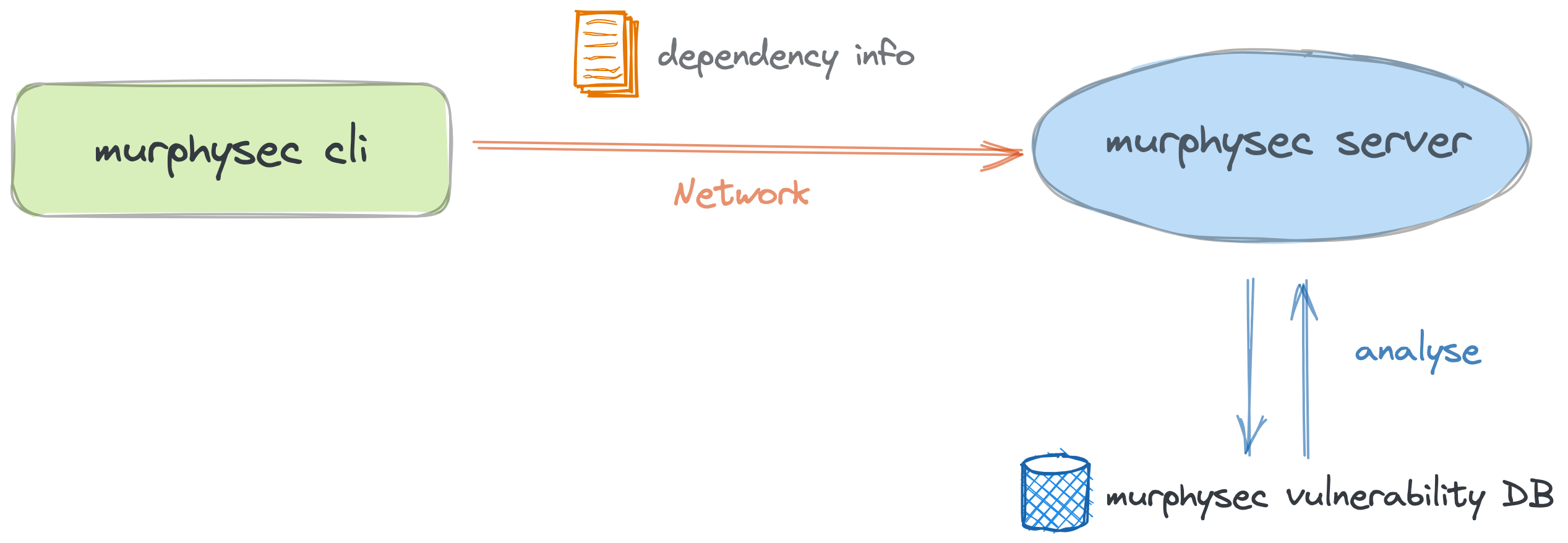
Note: MurphySec CLI will only send the dependencies and basic information of your project to server for identifying the dependencies with security issues, and will not upload any code snippets.
Working Scenarios
- To detect security issues in your code locally
- To detect security issues in CI/CD pipeline
Getting Started
1. Install MurphySec CLI
Visit the GitHub Releases page to download the latest version of MurphySec CLI, or install it by running:Linux
wget -q https://s.murphysec.com/release/install.sh -O - | /bin/bashOSX
curl -fsSL https://s.murphysec.com/release/install.sh | /bin/bashWINDOWS
powershell -Command "iwr -useb https://s.murphysec.com/release/install.ps1 | iex"2. Get access token
MurphySec CLI requires an access token from your MurphySec account for authentication to work properly. What is an access token?
Go to MurphySec platform - Access Token, click the copy button after the Token, then the access token is copied to the clipboard.
3. Authentication
There are two authentication methods available:Interactive authentication and Parameter authentication
Interactive authentication
Executemurphysec auth login command and paste the access token.
If you need to change the access token, you can repeat this command to overwrite the old one.
Parameter Authentication
Specify the access token for authentication by adding the--token parameter
4. Detection
To perform detection using themurphysec scan command, you can execute the following command.
murphysec scan [your-project-path]Available parameters
--token: Specify the access token--log-level: Specify the log level to be printed on the command line output stream, no log will be printed by default, optional parameters aresilent,error,warn,info,debug--json: Specify the output of the result as json format, not showing the result details by default
5. View results
MurphySec CLI does not show the result details by default, you can view the results in MurphySec platform.Command Introduction
murphysec auth
Mainly used for the management of certification
Usage:
  murphysec auth [command]
Available Commands:   login   logout
murphysec scan
Mainly used to run detections
Usage:
  murphysec scan DIR [flags]
Flags:   -h, --help   help for scan       --json   json output
Global Flags:       --log-level string      specify log level, must be silent|error|warn|info|debug       --no-log-file           do not write log file       --server string         specify server address       --token string          specify API token   -v, --version               show version and exit       --write-log-to string   specify log file path
Communication
Contact our official WeChat account, and we'll add you into the group for communication.