
File manager for Neovim. Better than NERDTree.
CHADTree
File Manager for Neovim, Better than NERDTree.
Features Illustrated
See full list of screen captures here
I like speed
- Parallel Filesystem Scan
- React Like Reconciling Difference Minimizing Rendering engine
- Never blocks
I like power
- Visual mode selections
- Create, Copy, Paste, Delete, Rename, gotta do them all
- Quickfix integration

I like 21st century
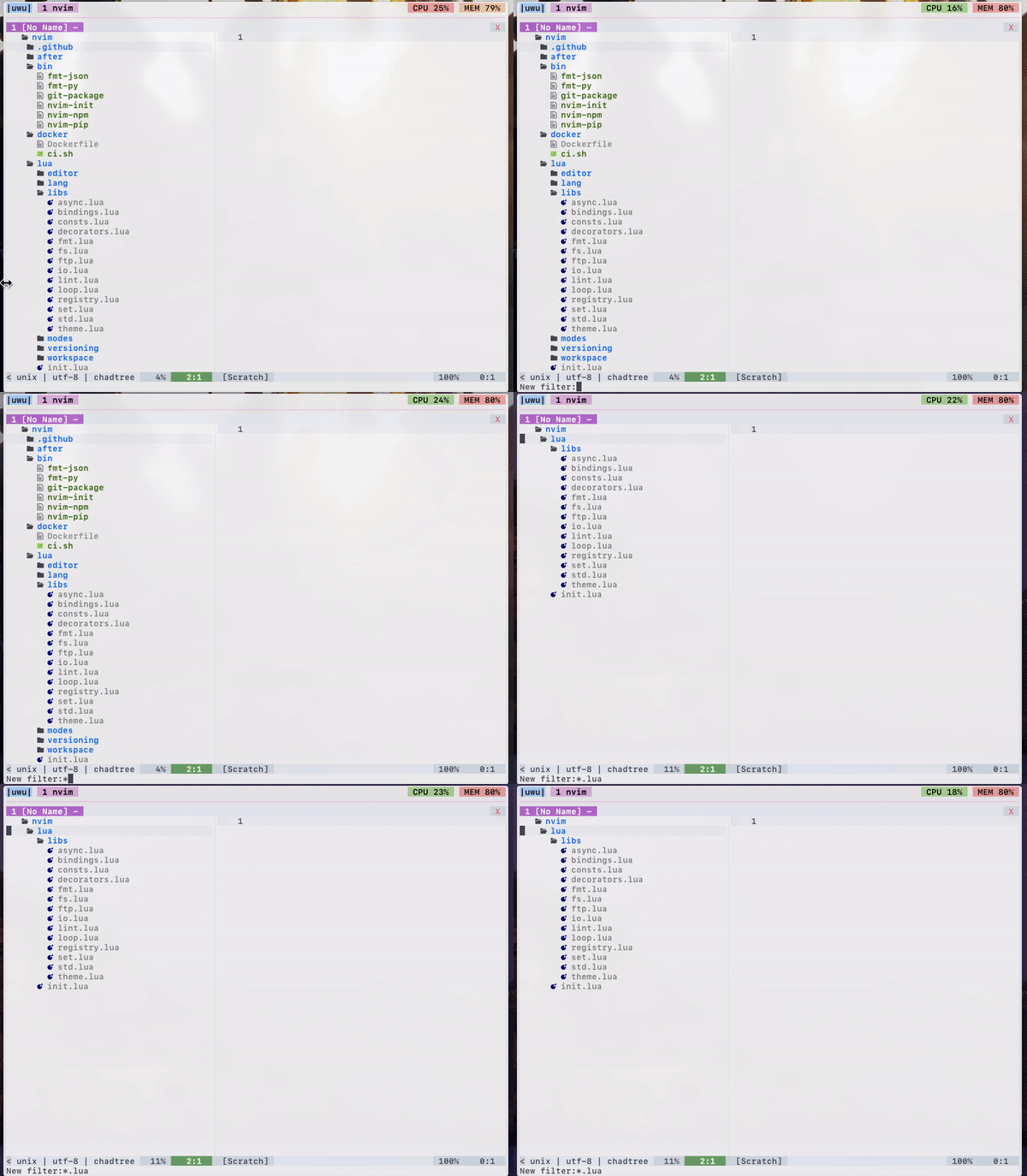
- Filtering by glob
- Follow mode
- Session support (save open folders to disk, pick up where you left off)
ls -lstatistics
- Correct! handling of symlinks
I like version control
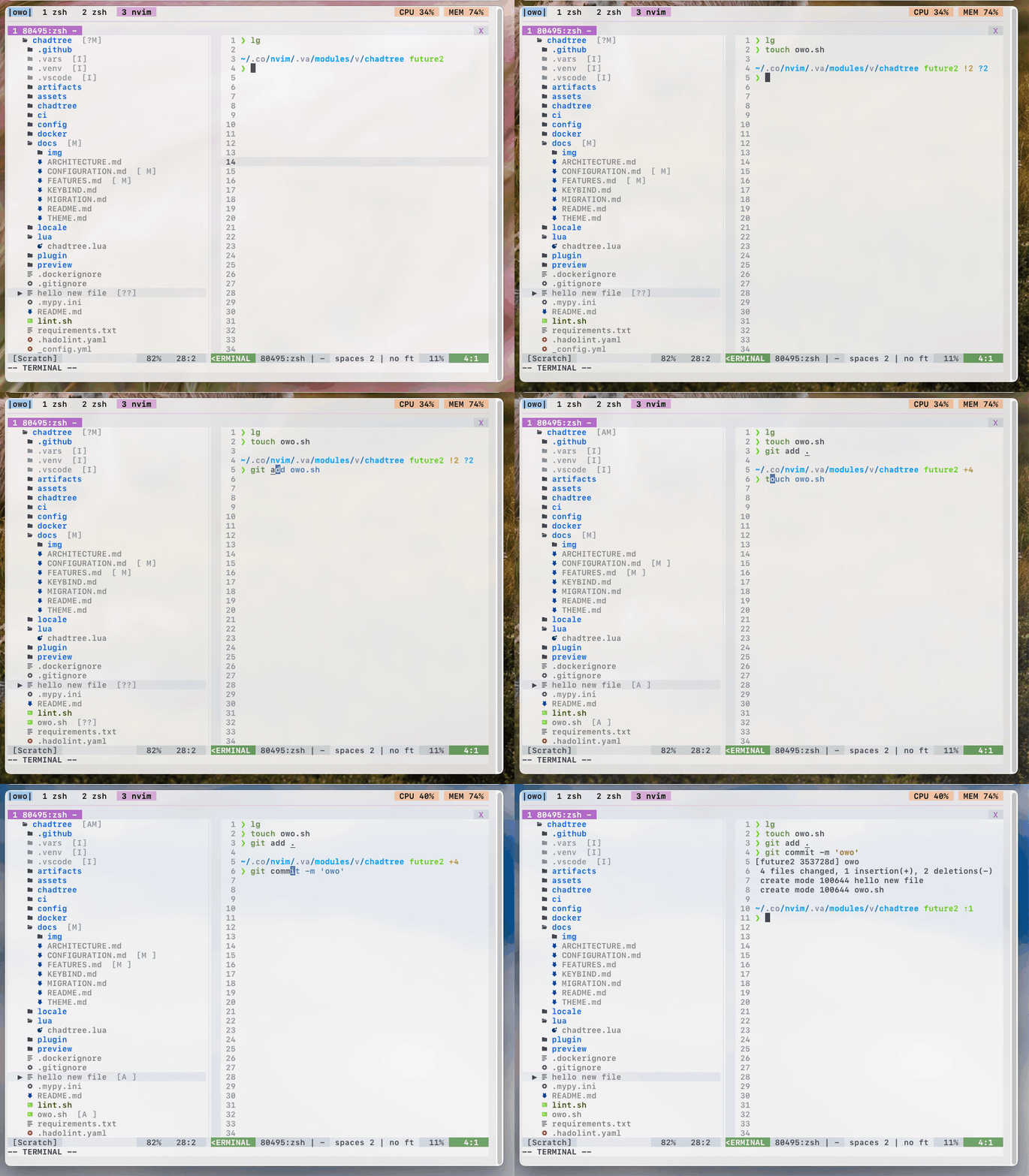
- Asynchronous parse git status (untracked, modified, staged)
- Full support for git submodules
I like colours
- Full
$LS_COLORsupport! (shows same colours as unixls&treecommands)
- Github coloured icons (over 600 colours!)
- Three different sets of icons out of the box
- Four built-in themes - nord, solarized, trapdoor, vim-syntax


I like refinement
- Maintain cursor position on relevant files even when during movements.
- Maintain selection when copying, moving files
- Mimetype warning (so you don't accidentally open an image)
- Validating config parser (notice, I added an extra
"dog"param)


I like documentation
- Built-in help command in a floating window!
- Over 1000 lines of meticulous docs covering every option / function!
:CHADhelp to view documentation
Use :CHADhelp --web to open documentation in your browser! (If you have one installed)
Install
Minimum version: python: 3.8.2, nvim: 0.4.3, make sure to have virtualenv installed (e.g.: sudo apt install --yes -- python3-venv)
Install the usual way, ie. VimPlug, Vundle, etc
Plug 'ms-jpq/chadtree', {'branch': 'chad', 'do': 'python3 -m chadtree deps'}You will have to run :CHADdeps when installing / updating. This will install CHADTree's dependencies locally inside chadtree/.vars/runtime.
doing rm -rf chadtree/ will cleanly remove everything CHADTree uses on your computer.
Usage
To toggle CHADTree run command :CHADopen. Set it to a hotkey for convenience.
nnoremap <leader>v <cmd>CHADopen<cr>To see a list of hot keys:
Either use :CHADhelp keybind or open in browser using :CHADhelp keybind --web
FAQ
Q: Sometimes Windows will get stuck with CHADTree decorations when I do not want them to be, how do I resolve this?
A: Run :CHADrestore
Recommendations
Add a hotkey to clear quickfix list:
nnoremap <leader>l <cmd>call setqflist([])<cr>If you like this...
Also check out
sad, its a modernsedthat does previews with syntax highlighting, and lets you pick and choose which chunks to edit.
coq.nvim, it's a FAST AS FUCK completion client with shit tons of features.
- isomorphic-copy, it's a cross platform clipboard that is daemonless, and does not require third party support.
Special Thanks
CHADTree does not define it's own colours beyond some minimal defaults, all themes are imported from other open source projects.
The base icons are imported from the vim-devicon
All emoji icons are imported from the vim-emoji-icon-theme
Some themes are imported from dircolors-solarized
Some themes are imported from nord-dircolors
Some themes are imported from LS_COLORS
Some themes are imported from vim-nerdtree-syntax-highlight


