
tempat backup konfigurasi desktopku dengan bantuan GNU/stow dan git subtree
                      /\ \        /\ \  /'\  /\ \
                      \\ \    \ \ ,\/\ \//\\\//\ \          __
                      /'_ \  / \ \ \/\ \ ,\/\ \ \ \ \   /'\ /',\
                     /\ \L\ \/\ \L\ \ \ \\ \ \/\ \ \ \\ \/\  //\, \
                     \ \,\ \/\ \\\ \\  \ \\/\_\ \\/\_/
                      \/, /\//  \// \//   \//\//\//\/_/
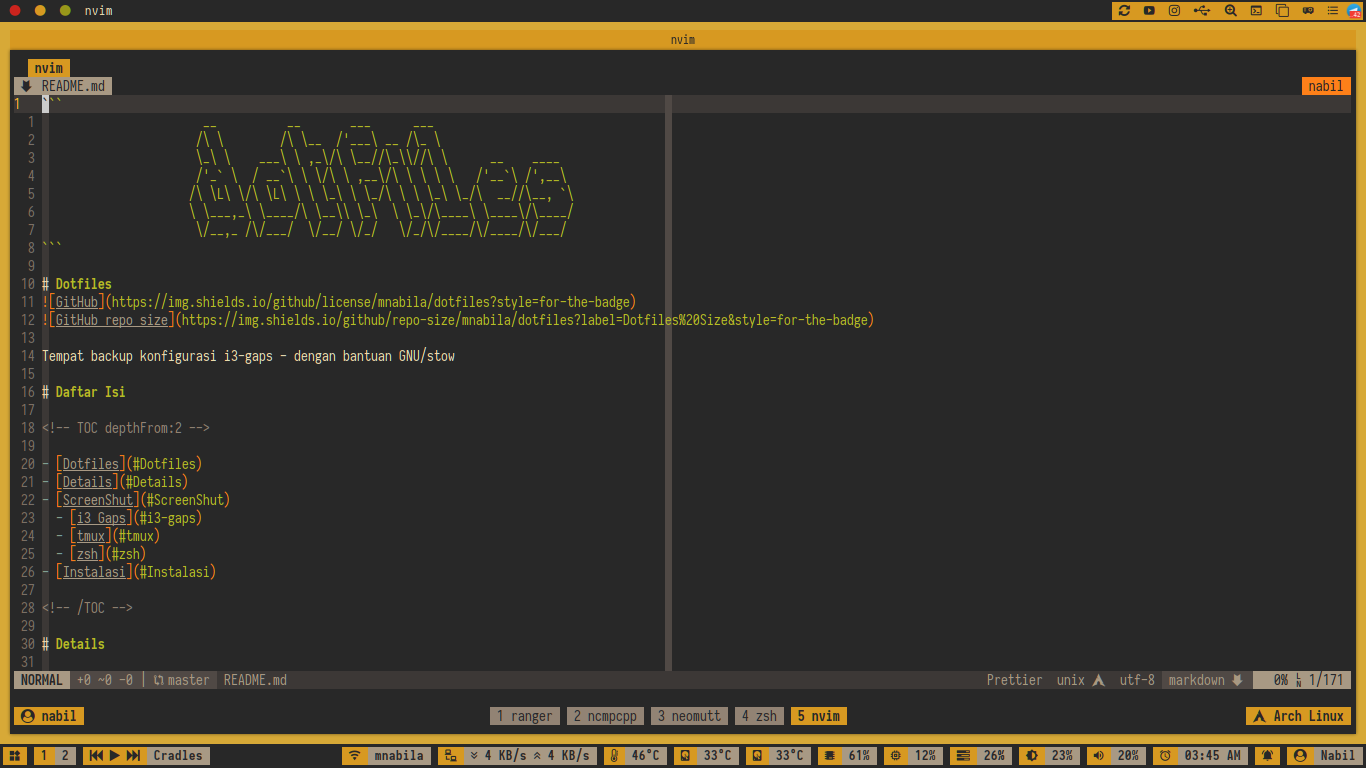
Dotfiles


Tempat backup konfigurasi desktop - dengan bantuan GNU/stow
Daftar Isi
- Instalasi GNU/Stow di Arch Linux - Download Folder KonfigurasiDetails
| Item | Value | | :-------------------: | :---------------------------------------------- | | OS | ArchLinux | | WM | i3-gaps, bspwm, awesomewm | | Shell | zsh (zimfw)_ | | DM | lightdm, SLIM | | Font | iosevka, iosevka nerd font | | Compositor | picom(compton fork),xcompmgr | | Notification | dunst | | Terminal | urxvt, Termite, Suckless terminal | | Launcher | rofi, dmenu, jgmenu, j4-dmenu-desktop | | Bar | polybar | | Wallpaper | feh | | Lock Screen | i3lock, mantablockscreen, slimlock | | Logout / Shutdown | script | | Volume Control | pulsemixer, amixer | | Brightness Controller | light | | Network Applet | nm-applet, connman-gtk | | Text Editor | neovim |
ScreenShut
i3-gaps
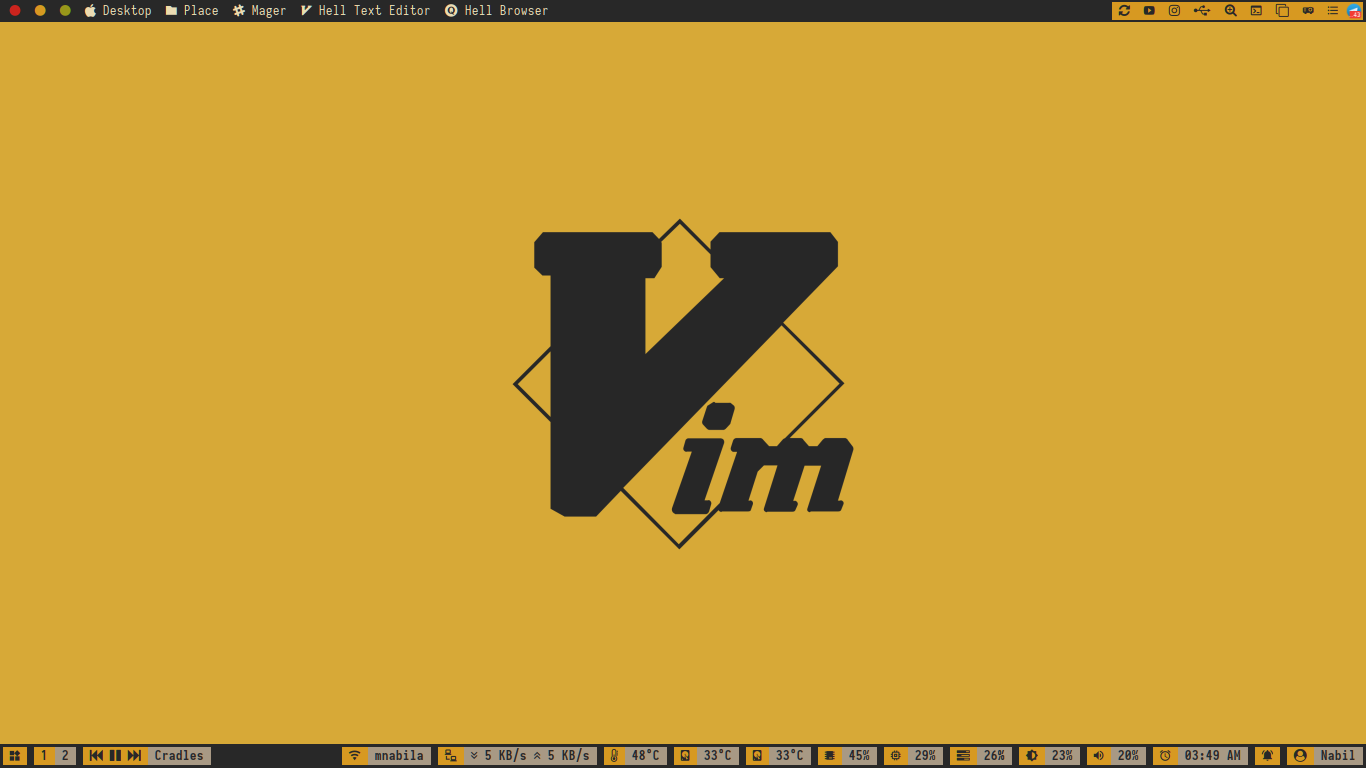
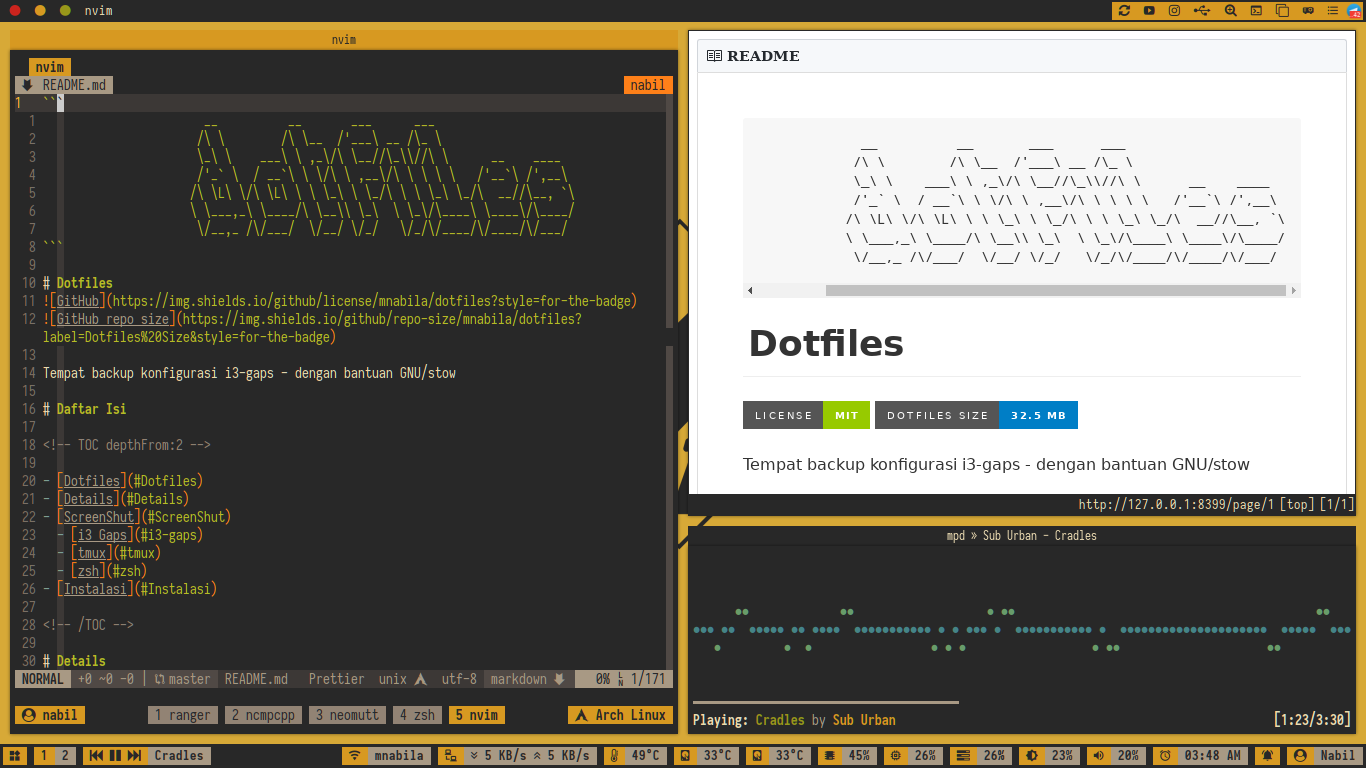
bspwm
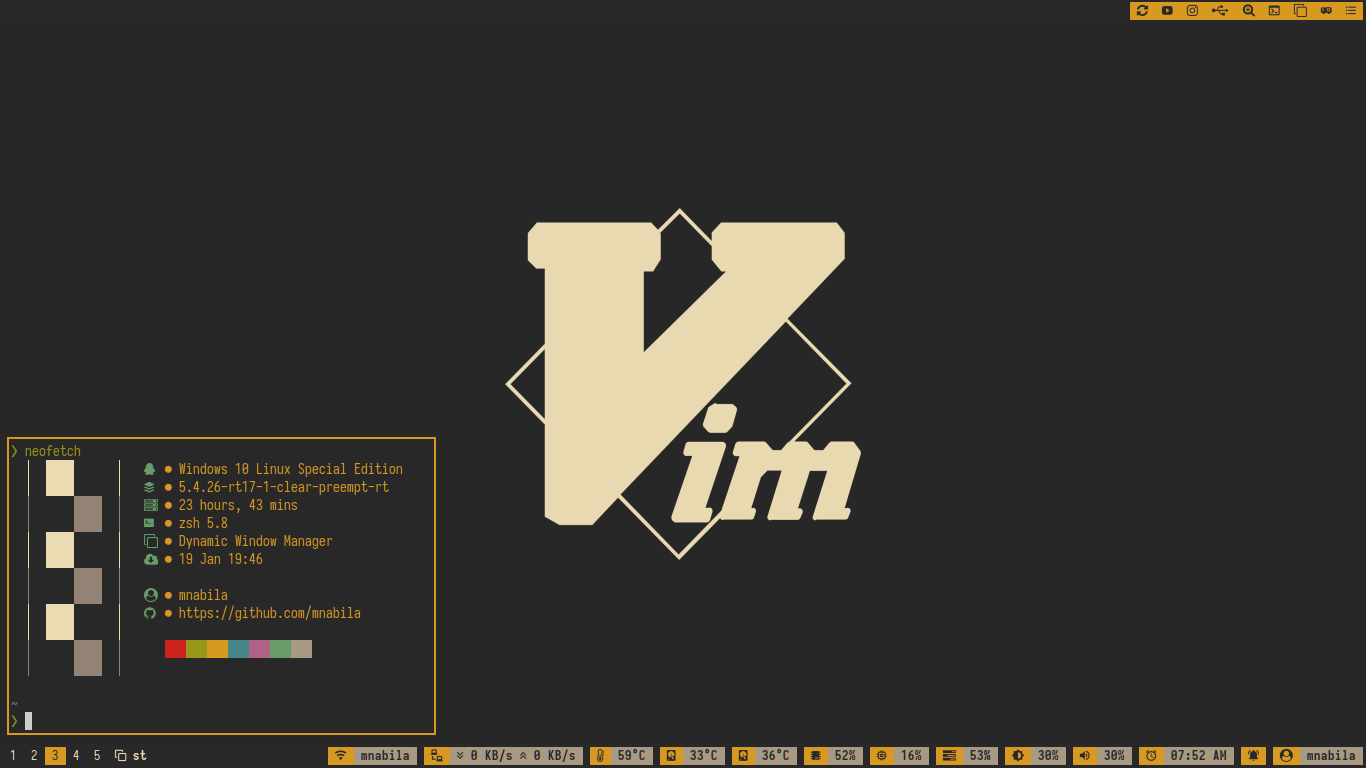
awesomewm
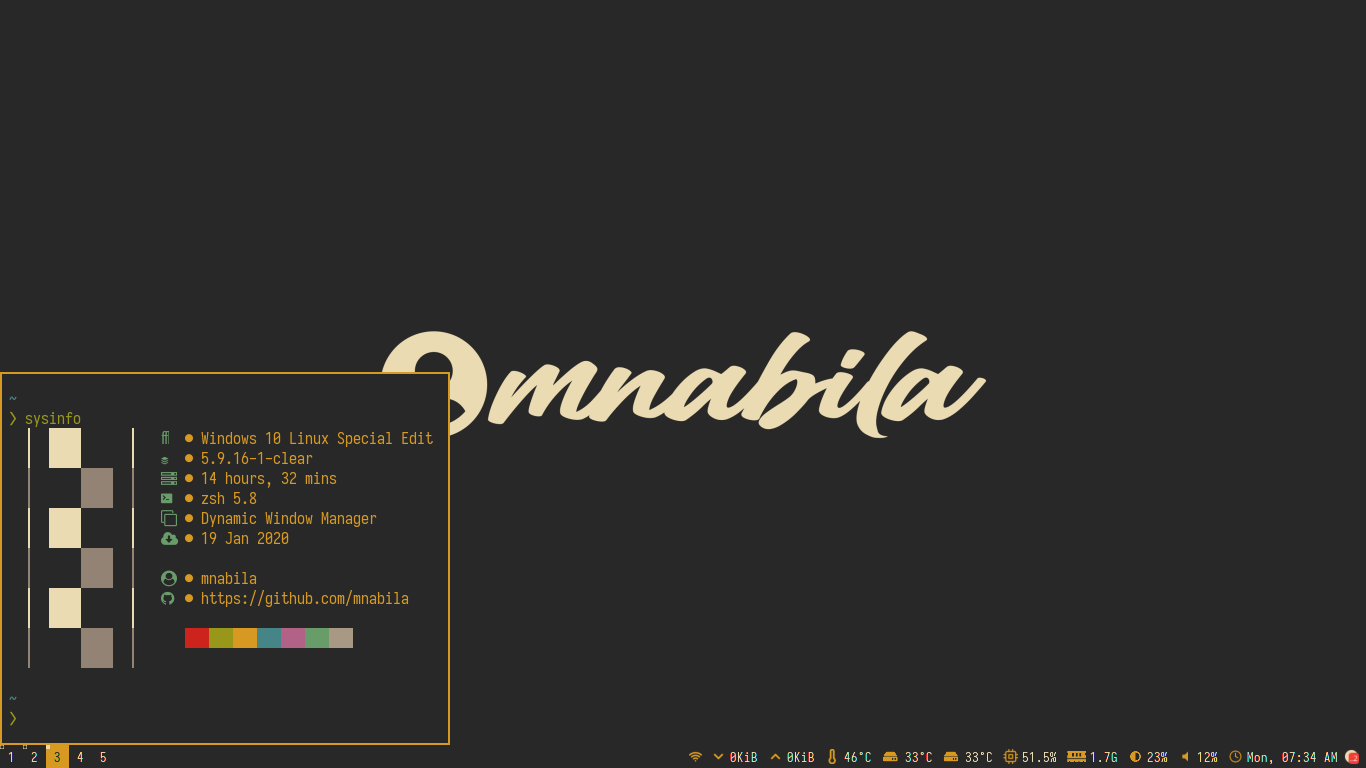
tmux
zsh
Instalasi
Instalasi GNU/Stow di Arch Linux
Apa sih GNU/Stow itu ?>
GNU/Stow merupakan sebuah symlink farm manager atau lebih mudah dipahami dengan symlink
manager sehingga pengguna tidak direpotkan lagi mengetikkan semua pathnya apabila ingin
melakukan symlink dari folder asal ke folder tujuan.
Perbedaan perintah GNU/Stow dan perintah ln untuk membuat symlink ? (contoh tmux)>
ln>
$ ln -s /path/folder/asal/tmux/ /path/folder/tujuan/tmuxGNU/Stow>
$ stow tmuxuntuk menghapus symlink yang di hasilkan bagaimana ?>
ln>
$ unlink /path/folder/tujuan/tmuxGNU/Stow>
$ stow -D tmuxKenapa sih harus menggunakan GNU/Stow ?>
Dikarenakan banyaknya configurasi yang ada adakalanya pengguna sangat direpotkan uuntuk memanagementnya ketika bermigrasi dari sistem operasi satu ke operasi yang lain.
Dengan adanya GNU/Stow ini pengguna sedikit terbantu karna tidak perlu lagi copy manual config dari folder dotfiles ke folder configurasi yang ada.
Cukup dengan membuat symlink dari folder dotfiles ke folder configurasi sehingga ketika ada perubahana juga cukup mudah managementnya.
install paket GNU/Stow di Arch Linux
$ sudo pacman stowdaftar perintah di GNU/Stow
stow (GNU Stow) version 2.3.1
SYNOPSIS:
stow [OPTION ...] [-D|-S|-R] PACKAGE ... [-D|-S|-R] PACKAGE ...
OPTIONS:
-d DIR, --dir=DIR     Set stow dir to DIR (default is current dir)     -t DIR, --target=DIR  Set target to DIR (default is parent of stow dir)
-S, --stow            Stow the package names that follow this option     -D, --delete          Unstow the package names that follow this option     -R, --restow          Restow (like stow -D followed by stow -S)
--ignore=REGEX        Ignore files ending in this Perl regex     --defer=REGEX         Don't stow files beginning with this Perl regex                           if the file is already stowed to another package     --override=REGEX      Force stowing files beginning with this Perl regex                           if the file is already stowed to another package     --adopt               (Use with care!)  Import existing files into stow package                           from target.  Please read docs before using.     -p, --compat          Use legacy algorithm for unstowing
-n, --no, --simulate  Do not actually make any filesystem changes     -v, --verbose[=N]     Increase verbosity (levels are from 0 to 5;                             -v or --verbose adds 1; --verbose=N sets level)     -V, --version         Show stow version number     -h, --help            Show this help
Report bugs to: bug-stow@gnu.org Stow home page: <http://www.gnu.org/software/stow/> General help using GNU software: <http://www.gnu.org/gethelp/>
Memasang Dotfiles
Langkah pertama yakni clone dulu dotfiles yang ada. dengan perintah dibawah ini
Note:
pastikan folder tujuan nya berada di folder /home/\$USER agar mudah managementnya
$ git clone https://github.com/mnabila/dotfiles.git ~/DotfilesUntuk memasang confignya cukup mudah ketikkan perintah dibawah ini.
kita ambil contoh ingin memasang config tmux
$ stow tmuxDownload Folder Configurasi
sebelum melakukan download folder configurasi yang perlu kita persiapkan yakni git dan subversion
$ sudo pacman -S git subversionlalu tambahkan custom function dibawah ini pada bashrc atau zshrc kalian
git-svn(){
  if [[ ! -z "$1" && ! -z "$2" ]]; then
          echo "Starting clone/copy ..."
          repo=$(echo $1 | sed 's/\/$\|.git$//')
          svn export "$repo/trunk/$2"
  else
          echo "Use: git-svn <repository> <subdirectory>"
  fi
}function git-svn --description "Download subfolder in git repository"
set repository $argv[1]
set subfolder $argv[2]
if test -n $repository && test -n $subfolder
echo "Starting clone/copy ..."
set repo (echo $repository | sed 's/\/$\|.git$//')
svn export "$repo/trunk/$subfolder"
else
echo "Use: git-svn <repository> <subdirectory>"
end
enduntuk menggunakan cukup ketikkan perintah seperti dibawah ini
$ git-svn "url repository yang kalian inginkan" "folder yang ada di repository"kita ambil contoh ingin download configurasi tmux saja
$ git-svn https://github.com/mnabila/dotfiles tmuxBegitulah sedikit tutorial dari pemilik dotfiles


