
Alfred workflow to open a new Terminal/iTerm window in the current space. Holding the alt key, the new window will be opened in the current frontmost Finder folder.
Alfred Workflow - New Terminal Window ==========================
Alfred workflow to open a new Terminal/iTerm window in the current space. Holding the alt key, the new window will be opened in the current frontmost Finder folder.
How to use
Install the workflow and type one of the following keyword on Alfred:
iTerm
- tw: open a new iTerm window - tw pressing enter together with the alt key: open the current Finder folder in a new iTerm window
The workflow will also suggest all the available profiles for iTerm.
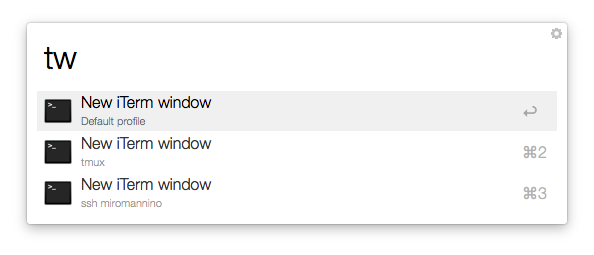
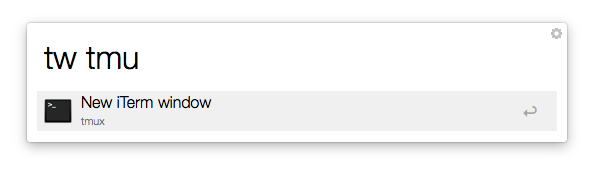
One can also open iTerm directly with a profile in this way:
tw myprofilename
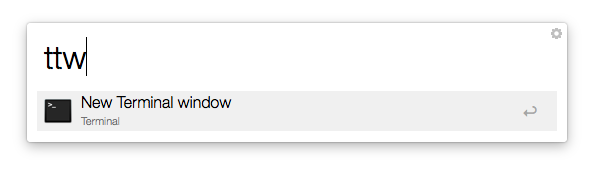
Terminal
- ttw: open a new Terminal window - ttw pressing enter together with the alt key: open the current Finder folder in a new Terminal window
General notes
- Compatible with Alfred 2, 3 and 4
- The new window is placed in the current desktop
- Once the workflow has been imported, feel free to change the default keywords if you don't like them. For example you can have tw for the terminal instead of iTerm.
- For high performances, the default iTerm profile will appear instantaneously, while the other will appear


