
Linux Guide. Learn about Linux Hardware vendors, Linux in the Cloud, Desktop Environments, Window Mangers, Linux Distributions, Linux Security, Graphics (AMD/NVIDIA/Intel ARC), and Software Apps.

Linux Guide


A guide covering Linux including it's multiple Desktop enviroments, Window managers, Tools, and Applications that will make you a better and more efficient Linux user.
Note: You can easily convert this markdown file to a PDF in VSCode using this handy extension Markdown PDF. # Table of Contents
* Linux Software Repositories & Package Managers * Linux kernel * Systemd * Linux YouTube Channels * Linux Podcasts * Microsoft Office Alternatives* Secure & Privacy-focused Web Browsers * Privacy & Security Focused Browser extensions * Privacy-focused Search Engines * Backups * Storage Health * Improving Battery Life
* Copy/Transfer files to your Linux System * Running Android Apps on your Linux system * Running Windows Apps on your Linux system * Professional Audio/Video Editing * Setting up OBS Studio * Useful OBS Studio 3rd party Plugins & Themes
- Linux Gaming Resources & Tweak Tools - Game Controllers - Steam - ProtonDB - Lutris * Epic Games Store integration * Blizzard Battle.net integration * EA Play integration * Origin integration * Ubisoft Connect integration * GOG Galaxy integration - Playnite - GameHub - Epic Games Store - Game Streaming * Cloud Game Streaming * Local Game Streaming - Game Emulators * Emulator Frontends * Nintendo GameCube & Wii * Nintendo Switch * Nintendo 64 * Nintendo 3DS * Nintendo DS * Super Nintendo Entertainment System (SNES) * Nintendo Entertainment System (NES) * Game Boy Advance * DOS * Atari * Sega Dreamcast * PlayStation Portable * PlayStation 1 * PlayStation 2 * PlayStation 3 * Xbox * MAME - Hardware Performance(CPU, GPU, Gaming Peripherals) * NVIDIA * AMD * Intel ARC * Gaming Peripherals - Performance Benchmarks - WINE - Security Standards, Frameworks and Benchmarks - Security Tools 
Linux Learning Resources
* Contribute to FOSS by Jason Evangelho, is an entensive Wiki page on how to contribute to the Linux and FOSS community.
* The Open Source Computer Science Degree by Forrest Knight
* My Windows Subsystem for Linux(WSL) Guide
* SUSE Training and Certification Program * Red Hat Training and Certification Program
* Linux Foundation Training and Certification Program
Linux Professional Institute(LPI) is a non profit organization. Linux Professional Institute (LPI) is the global certification standard and career support organization for open source professionals. With more than 175,000 certification holders, it's the world's first and largest vendor-neutral Linux and open source certification body.
Linux Foundation is home to Linux, Node.js and other mission critical projects that form the backbone of modern internet services, including Pinterest. Joining The Linux Foundation is a great way for established companies like ours to support those communities.
Cloud Native Computing Foundation (CNCF) hosts critical components of the global technology infrastructure. CNCF brings together the world's top developers, end users, and vendors and runs the largest open source developer conferences. CNCF is part of the nonprofit Linux Foundation.
RISC-V Foundation is a non-profit corporation controlled by its members to drive forward the adoption and implementation of the free and open RISC-V instruction set architecture (ISA).
Open Source Security Foundation (OpenSSF) is a cross-industry collaboration that brings together leaders to improve the security of open source software by building a broader community, targeted initiatives, and best practices. The OpenSSF brings together open source security initiatives under one foundation to accelerate work through cross-industry support. Along with the Core Infrastructure Initiative and the Open Source Security Coalition, and will include new working groups that address vulnerability disclosures, security tooling and more.
Free Software Foundation (FSF) is a nonprofit with a worldwide mission to promote computer user freedom.
Linux Software Repositories & Package Managers
Back to the Topdpkg(Debian Package) is the package management system in Debian and its OS derivatives.
DEB is a Debian Software Package file used on Debian-based Linux systems such Debian, Ubuntu, Linux Mint, and Pop!OS.
APT (Advanced Package Tool)) is a higher-level package management systemtool, that is more commonly used than dpkg as it can fetch packages from remote locations.
Nala is a commandline frontend for the APT package manager.
Synaptic Package Manager is a graphical package management tool based on APT.
PPA(Personal Package Archive) is a set of software repositories that can distribute software and updates directly to Ubuntu users. Create your source package, upload it and Launchpad will build binaries and then host them in your own apt repository.
PackageKit is a suite of software applications designed to provide a consistent and high-level front end for a number of different package management systems on Linux.
EPEL (Extra Packages for Enterprise Linux) is an free and open source community-based repository project from the Fedora team which provides 100% high-quality add-on software packages for Linux distribution including RHEL (Red Hat Enterprise Linux) and CentOS Stream.
DNF(Dandified Packaging Tool) is a software package manager that installs, updates, and removes packages on Fedora and is the successor to YUM (Yellow-Dog Updater Modified). DNF makes it easy to maintain packages by automatically checking for dependencies and determines the actions required to install packages.
Micro DNF is a lightweight C implementation of DNF, designed to be used for doing simple packaging actions when you don't need full-blown DNF and you want the tiniest useful environments possible. Checkout the Micro DNF GitHub.
Fedora Updates System is a place to create, test, and publish package updates for Fedora.

Fedora Updates System
RPM Package Manager (RPM) is a powerful package management system capable of building computer software from source into easily distributable packages installing, updating and uninstalling packaged software querying detailed information about the packaged software, whether installed or not.
YUM (Yellowdog Updater, Modified) is a software package-management utility for Linux operating system using the RPM Package Manager.
RPM Fusion is a software repository provides software that the Fedora Project or Red Hat doesn't want to ship. That software is provided as precompiled RPMs for all current Fedora versions and current Red Hat Enterprise Linux or clones versions; you can use the RPM Fusion repositories with tools like yum and PackageKit.
ROM OSTree is a hybrid image/package system. It combines libostree as a base image format, and accepts RPM on both the client and server side, sharing code with the dnf project; specifically libdnf. Thus bringing many of the benefits of both projects together.
YaST is a installation and configuration tool for openSUSE and the SUSE Linux Enterprise distributions. It features an easy-to-use interface and powerful configuration capabilities.
Zypper is a command line package manager which makes use of libzypp. It provides functions like repository access, dependency solving, package installation, etc. Zypper repositories are similar to the ones used in YaST, which also makes use of libzypp.
Pacman is a utility which manages software packages in Arch Linux. It uses simple compressed files as a package format, and maintains a text-based package database (more of a hierarchy), just in case some hand tweaking is necessary.
Arch Linux User Repository (AUR) is a software repository that contains thousands build scripts, for compiling nearly 68,000 installable packages from source using the Arch Linux makepkg application.
Linux Kernel
The Linux kernel is the main component of a Linux operating system (OS) and is the core interface between a computer’s hardware and its processes. It communicates between the 2, managing resources as efficiently as possible.

Linux kernel layout
Categories for Linux Kernel Releases:
- Prepatch: Prepatch or "RC(Realease Candidate)" kernels are mainline kernel pre-releases that are mostly aimed at other kernel developers and Linux enthusiasts. They must be compiled from source and usually contain new features that must be tested before they can be put into a stable release. Prepatch kernels are maintained and released by Linus Torvalds.
- Mainline: Mainline tree is maintained by Linus Torvalds. It's the tree where all new features are introduced and where all the exciting new development happens. New mainline kernels are released every 9-10 weeks.
- Stable: After each mainline kernel is released, it is considered "stable." Any bug fixes for a stable kernel are backported from the mainline tree and applied by a designated stable kernel maintainer. There are usually only a few bugfix kernel releases until next mainline kernel becomes available -- unless it is designated a "longterm maintenance kernel." Stable kernel updates are released on as-needed basis, usually once a week.
- Longterm: There are usually several "longterm maintenance" kernel releases provided for the purposes of backporting bugfixes for older kernel trees. Only important bugfixes are applied to such kernels and they don't usually see very frequent releases, especially for older trees.
Systemd
Back to the Topsystemd is a suite of basic building blocks for a Linux system. It provides a system and service manager that runs as PID 1 and starts the rest of the system. It provides aggressive parallelization capabilities, uses socket and D-Bus activation for starting services, offers on-demand starting of daemons, keeps track of processes using Linux control groups, maintains mount and automount points, and implements an elaborate transactional dependency-based service control logic. systemd supports SysV and LSB init scripts and works as a replacement for SysVinit.

Systemd Overview
init is parent of all Linux processes with PID or process ID of 1. It is the first process to start when a computer boots up and runs until the system shuts down. init stands for initialization.

Linux Boot Process
Linux YouTube Channels
* DistroTube * Chris Titus Tech * Level1Techs * Level1Linux * The Linux Experiment * Learn Linux TV * TechHut * Gardiner Bryant | TLG * LinuxScoop * Linux For Everyone * InfinitelyGalactic * Diolinux(Brazil) * Switched to linux * DorianDotSlash * This Week in Linux * The Linux Cast ### Linux Podcasts Back to the Top * Jupiter Broadcasting * Destination Linux * Late Night Linux * Linux Game Cast
Linux Desktop Environments

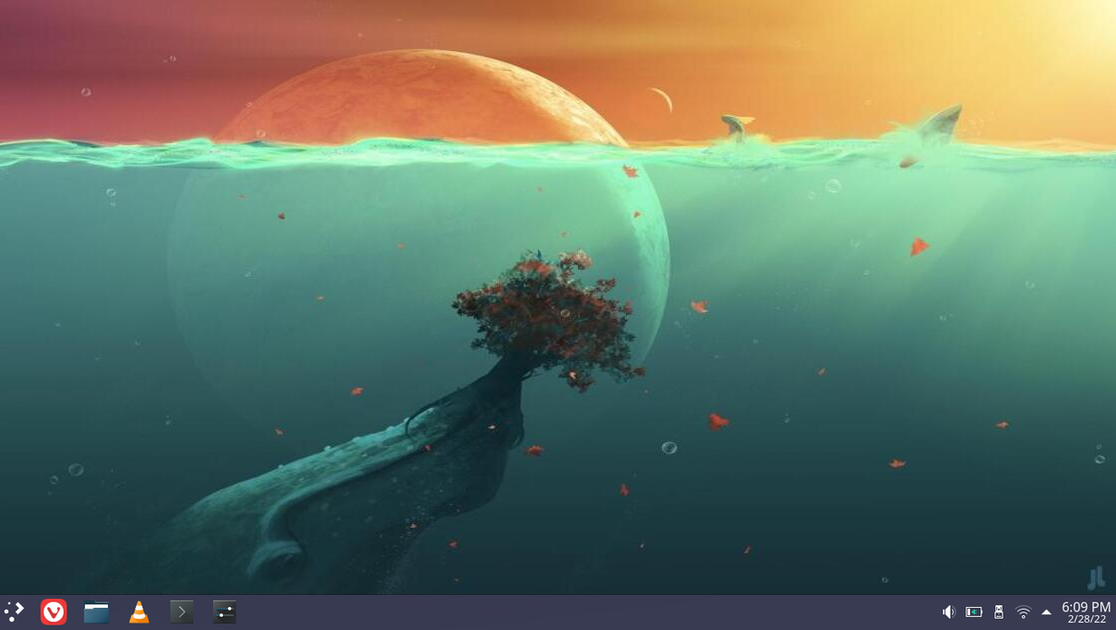
KDE Plasma Desktop
KDE Plasma Desktop, is a beautiful Windows-like desktop that you use to surf the web, keep in touch with colleagues, friends and family, manage your files, enjoy music and videos; and get creative and productive at work. The KDE community develops and maintains more than 200 applications which run on any Linux desktop, and often other platforms too.

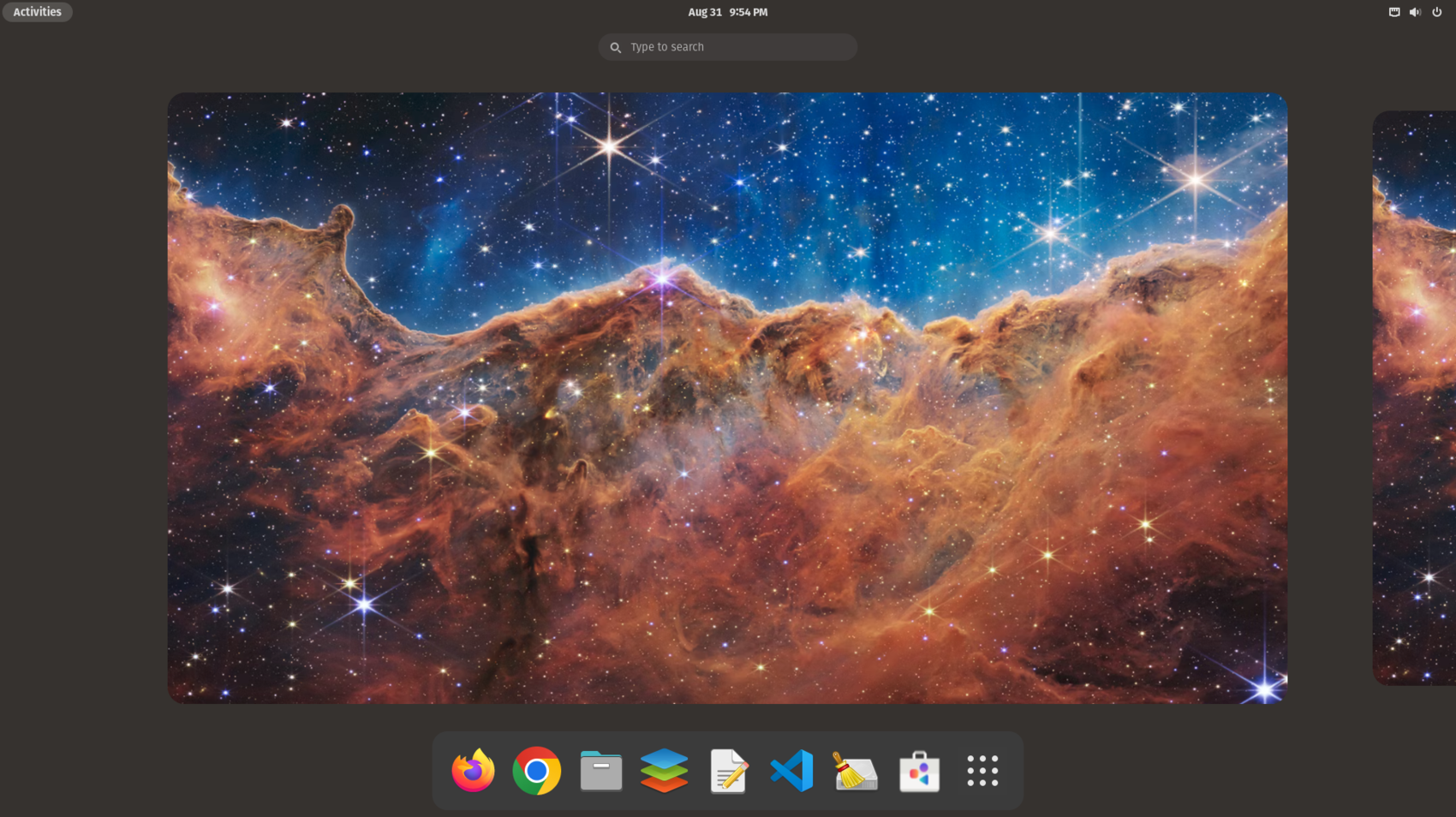
GNOME Desktop
GNOME Desktop, An easy and elegant way to use your computer, GNOME is designed to put you in control and get things done.

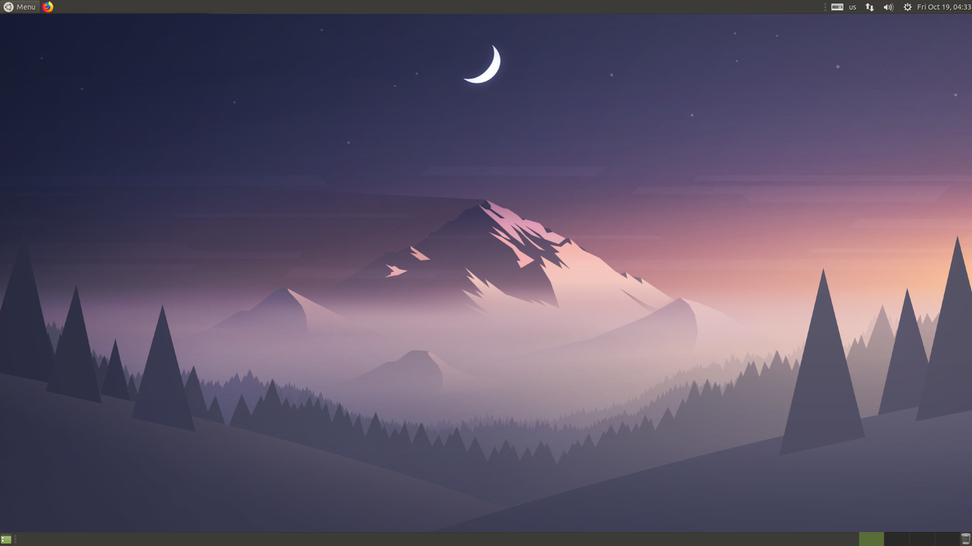
MATE Desktop
MATE Desktop, is the continuation of GNOME 2 desktop environment.

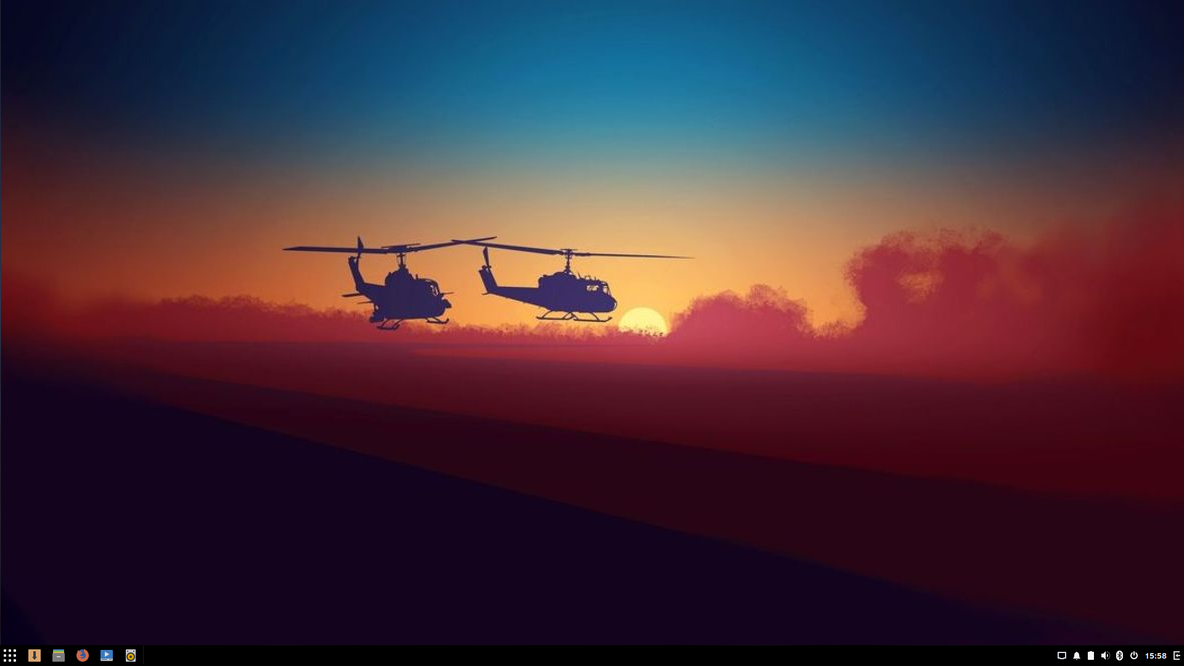
Budgie Desktop
Budgie Desktop, a feature-rich, modern desktop designed to keep out the way of the user.

XFCE Desktop
XFCE Desktop, a lightweight desktop environment for UNIX-like operating systems.
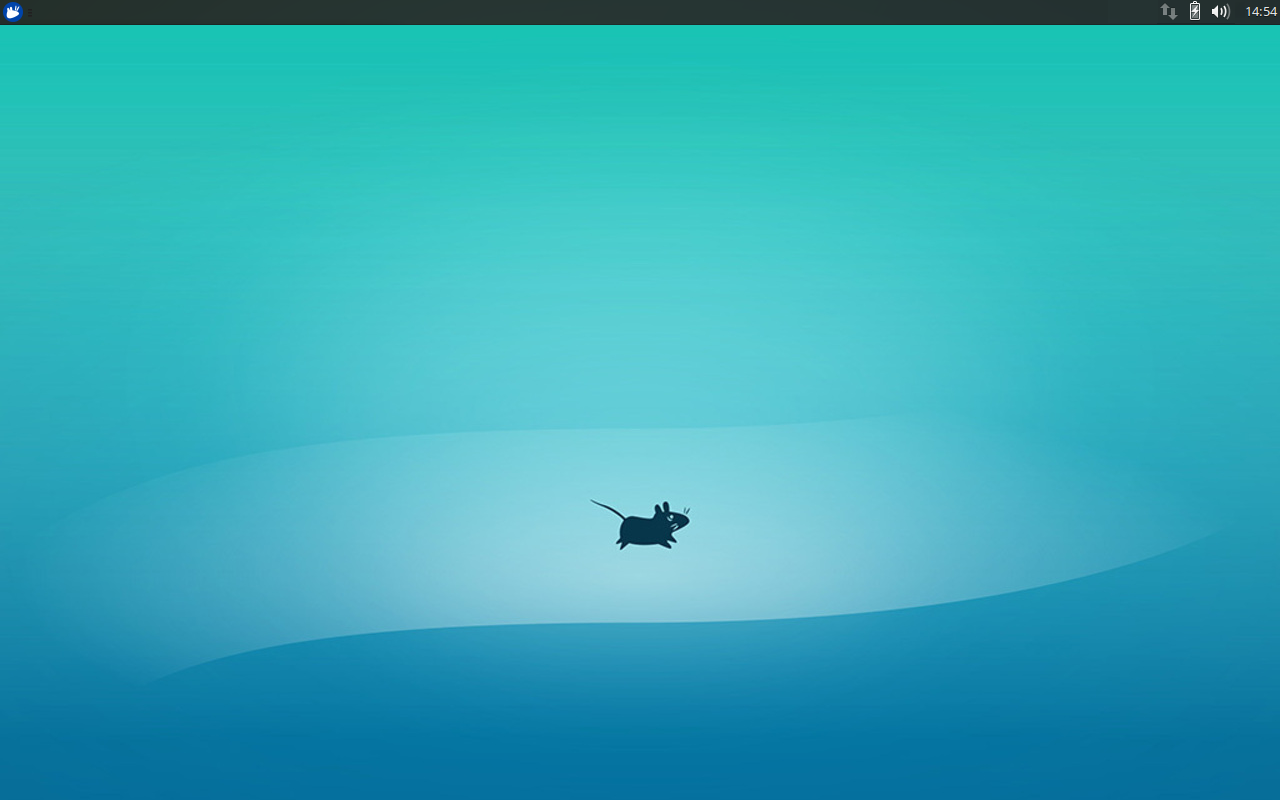

Cinnamon Desktop
Cinnamon Desktop, a Linux desktop which provides advanced innovative features and a traditional user experience.
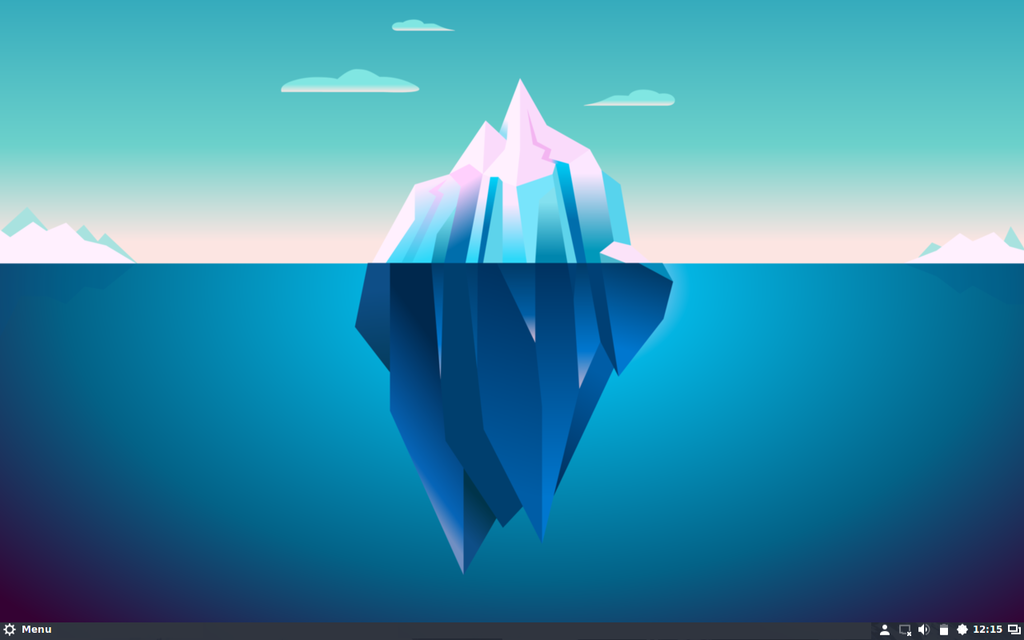

LXQt Desktop
LXQt Desktop,the Lightweight Qt Desktop Environment.
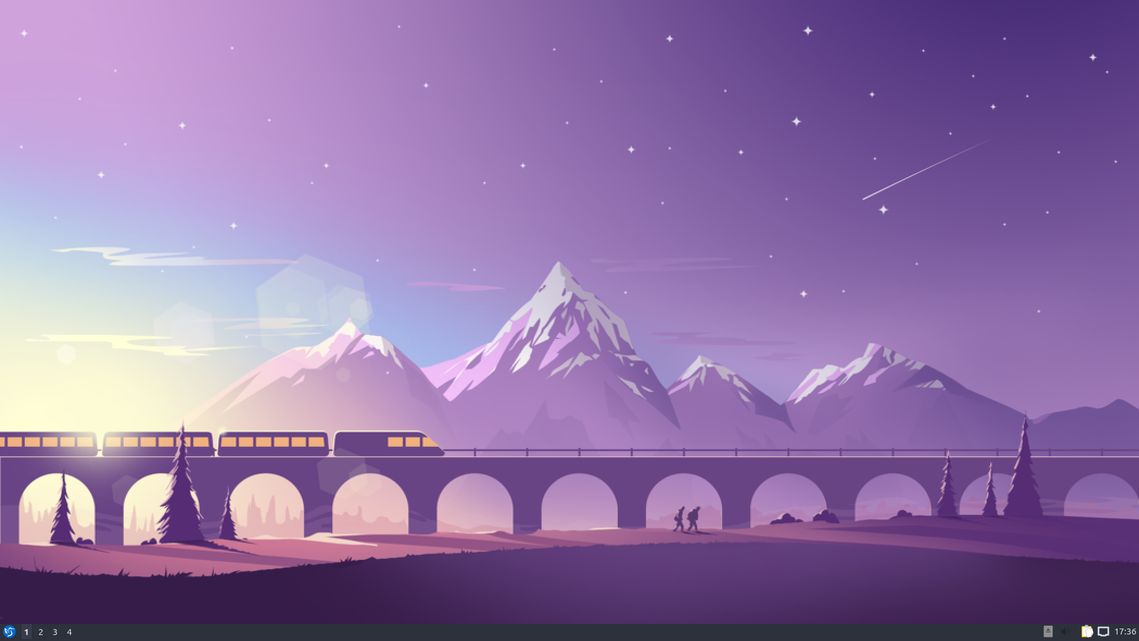

Pantheon Desktop
Pantheon Desktop, a GTK desktop based on the GNOME software base maintained by the elementary OS developers.
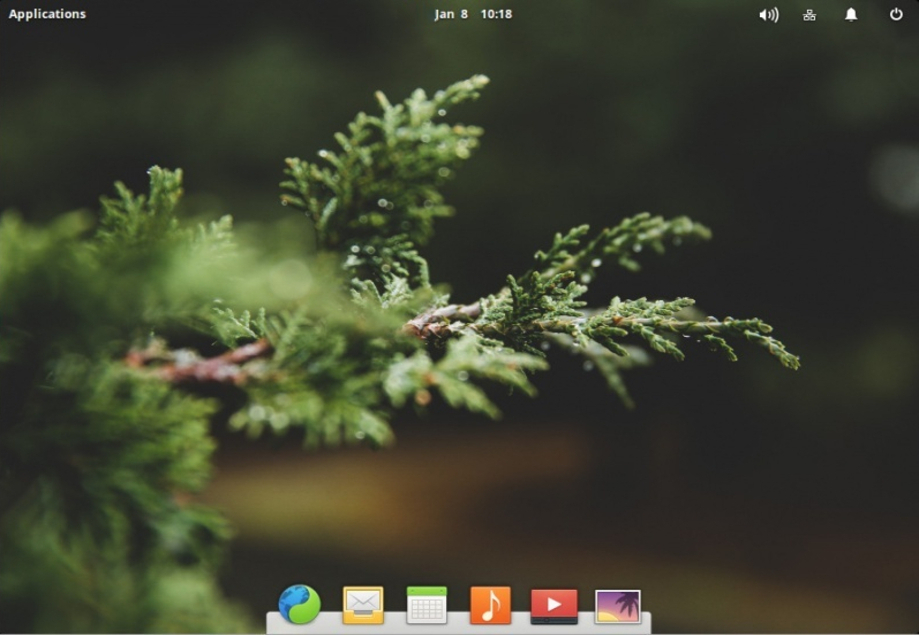

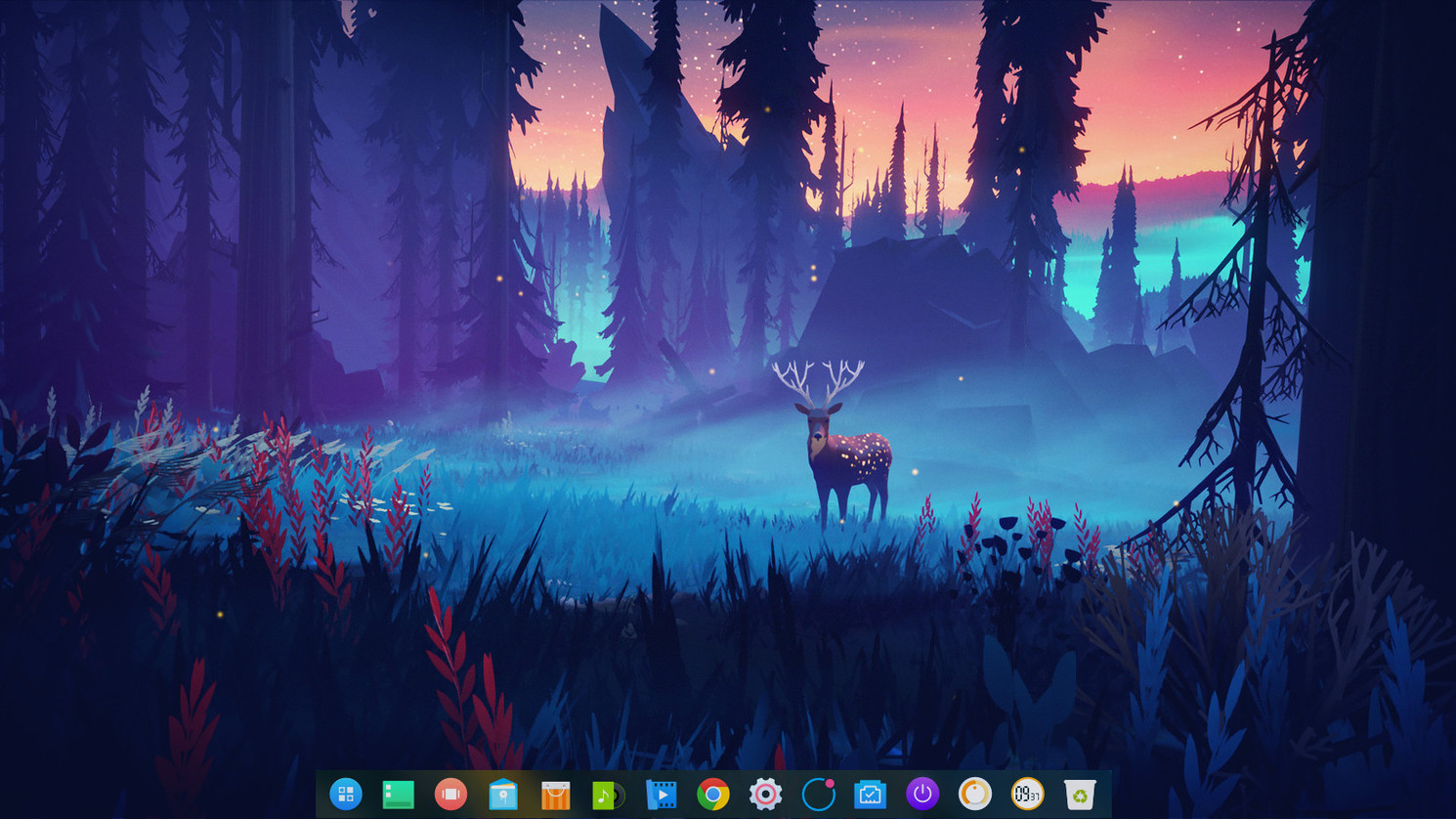
Deepin Desktop
Deepin Desktop, an elegant, easy to use and reliable domestic desktop environment.

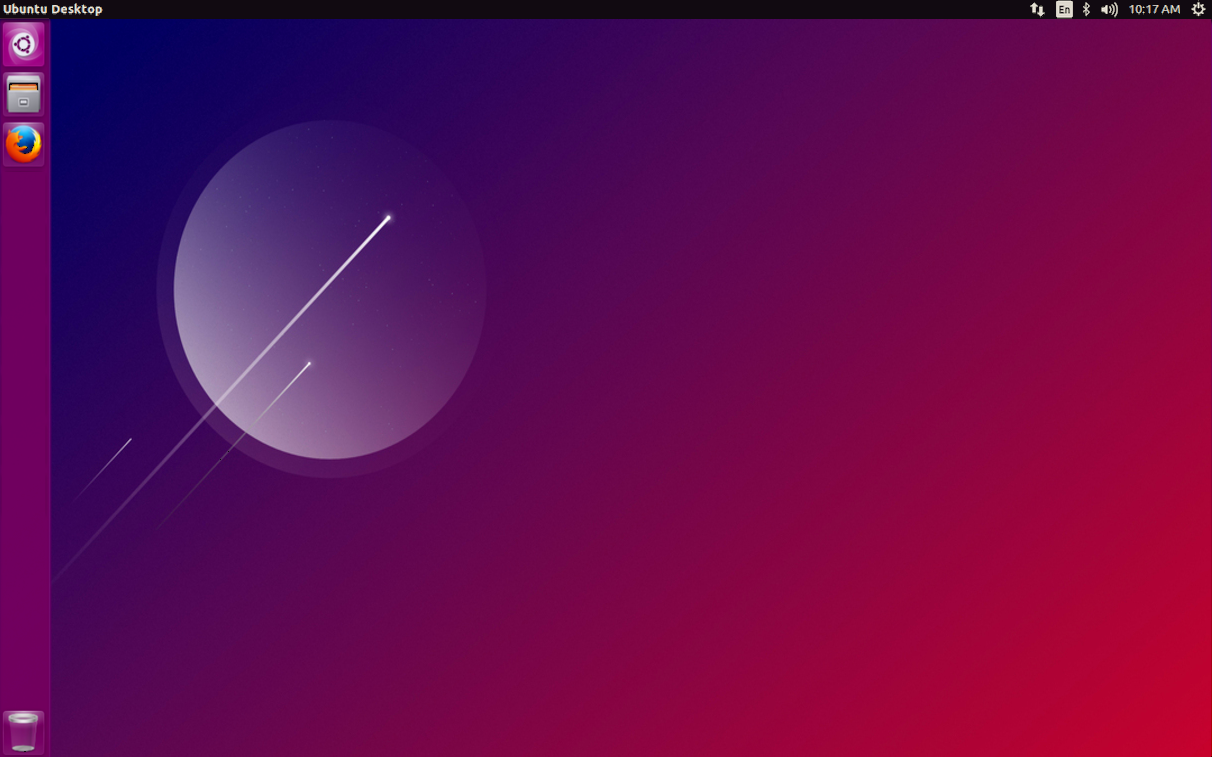
Unity Desktop
Unity Desktop, a graphical shell for the GNOME desktop environment originally developed by Canonical Ltd.
Linux Window Managers
KWin WM
KWin is the window manager for the KDE Plasma Desktop. It gives you complete control over your windows, making sure they're not in the way but aid you in your task. It paints the window decoration, the bar on top of every window with (configurable) buttons like close, maximize and minimize.
Mutter WM
Mutter is a Wayland display server and X11 window manager and compositor library. When used as a Wayland display server, it runs on top of KMS and libinput. It implements the compositor side of the Wayland core protocol as well as various protocol extensions.

FluxBox
Fluxbox is a stacking window manager for the X Window System, which based upon Blackbox.
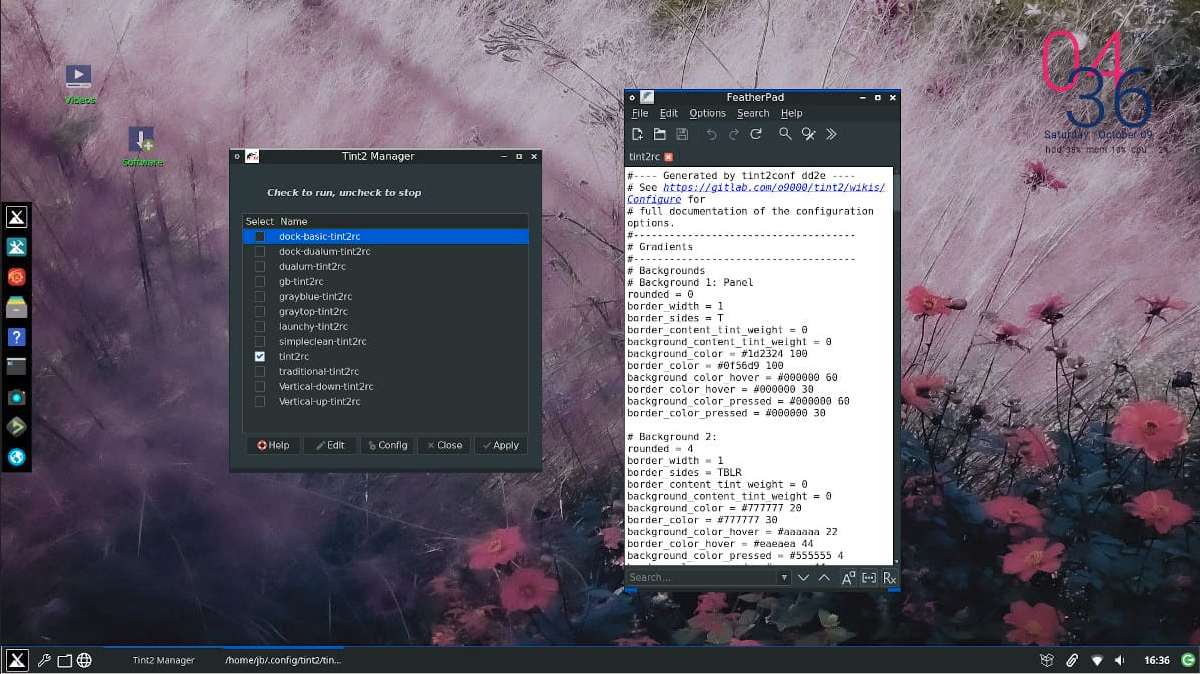

OpenBox
Openbox is a lightweight, powerful, and highly configurable stacking window manager with extensive standards support.
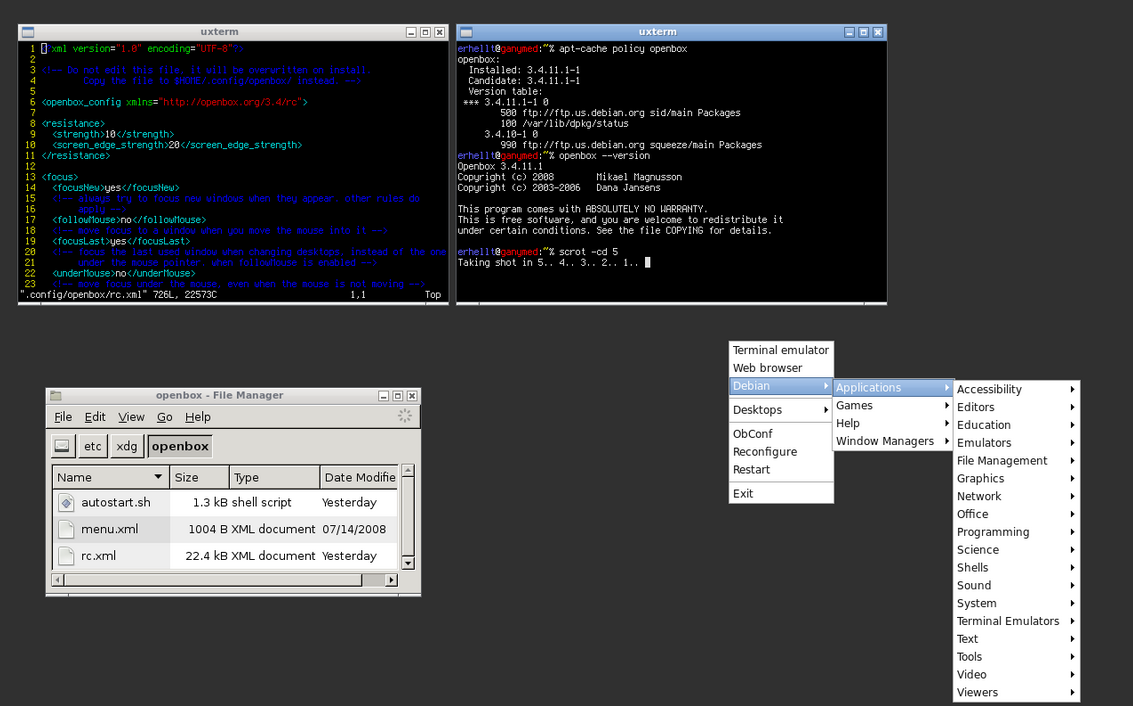
Tiling Windows Managers

i3 wm
i3-wm, a tiling window manager for X11.
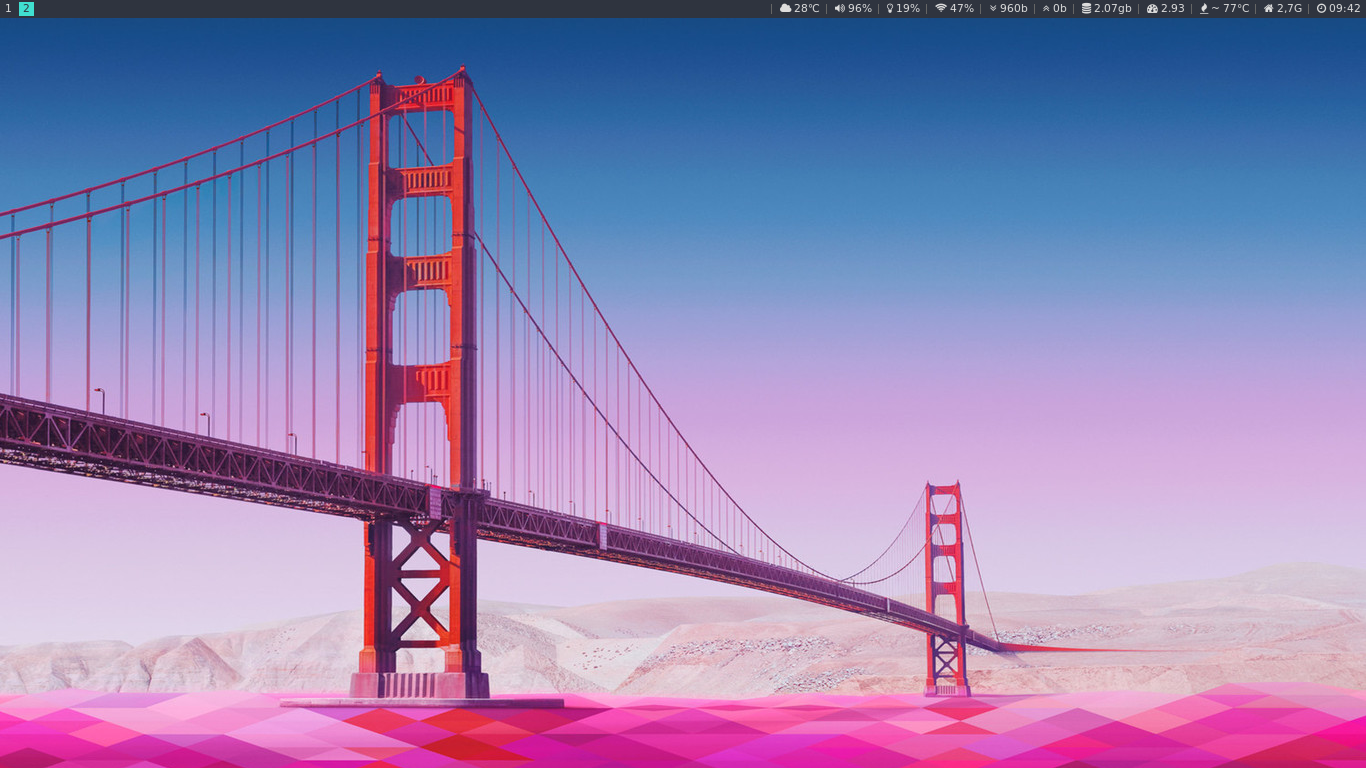

awesome wm
Awesome, a highly configurable, next generation framework window manager for X.
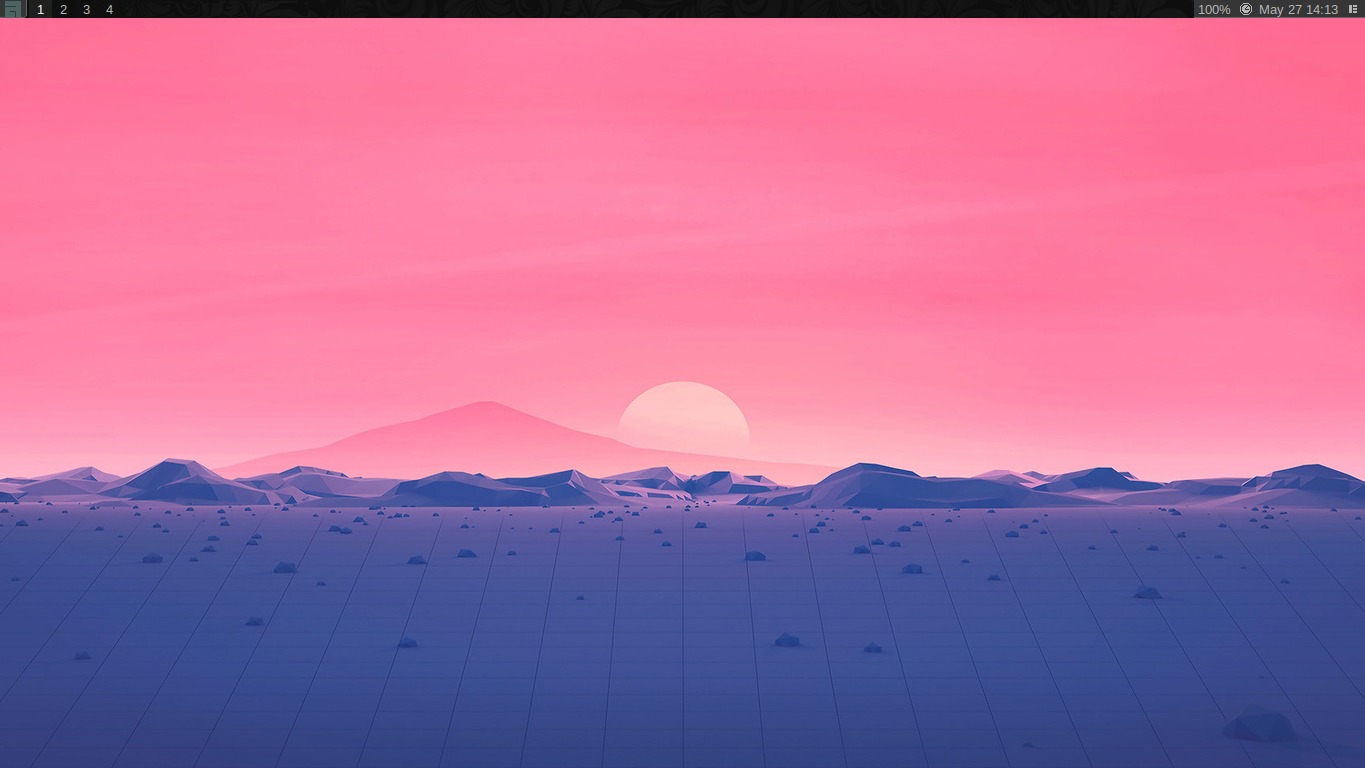

Bspwm
Bspwm, a tiling window manager based on binary space partitioning with a focus on resource efficiency.
Linux Companies
* Red Hat makers of Red Hat Enterprise Linux and sponsors to the Fedora Project.
* Canonical makers of Ubuntu Desktop and Server.
* SUSE makers of SUSE Enterprise Linux.
* Manjaro makers of Manjaro Linux.
Linux Hardware Vendors
* Valve makers of the Steam Deck.
* System76
* Lenovo
* HP
* Dell * Framework Laptop, Please note that you will have to install Linux on your device it does not ship with the laptop.
Linux in the Cloud
Amazon Linux 2 a next generation of Amazon Linux, a Linux server operating system from Amazon Web Services (AWS). It provides a secure, stable, and high performance execution environment to develop and run cloud and enterprise applications. With Amazon Linux 2, you get an application environment that offers long term support with access to the latest innovations in the Linux ecosystem.
Amazon Linux AMI is a supported and maintained Linux image provided by Amazon Web Services for use on Amazon Elastic Compute Cloud (Amazon EC2). It is designed to provide a stable, secure, and high performance execution environment for applications running on Amazon EC2.
Bottlerocket is a Linux-based open-source operating system that is purpose-built by Amazon Web Services for running containers on virtual machines or bare metal hosts. Most customers today run containerized applications on general-purpose operating systems that are updated package-by-package, which makes OS updates difficult to automate.
* Getting Started with Bottlerocket and Certified AWS Partners
* Using Bottlerocket with Amazon ECS
CBL-Mariner is an internal Linux distribution for Microsoft’s cloud infrastructure and edge products and services. CBL-Mariner is designed to provide a consistent platform for these devices and services and will enhance Microsoft’s ability to stay current on Linux updates. This initiative is part of Microsoft’s increasing investment in a wide range of Linux technologies, such as SONiC, Azure Sphere OS and Windows Subsystem for Linux (WSL).
SONiC is an open source network operating system based on Linux that runs on switches from multiple vendors and ASICs. It offers a full-suite of network functionality, like BGP and RDMA, that has been production-hardened in the data centers of some of the largest cloud-service providers.
Azure Sphere is a secured, high-level application platform with built-in communication and security features for internet-connected devices. The platform consists of the integration of hardware built around a secured silicon chip; the Azure Sphere OS, a custom high-level Linux-based operating system; and the Azure Sphere Security Service, a cloud-based security service that provides continuous security.
* Creating a Linux VM in the Azure portal
* Creating a virtual Linux workstation in Google Cloud.
* Preparing Linux VMs migrating to Google Cloud with Migrate for Compute Engine
* Understanding OpenStack on Red Hat
* Understanding OpenStack on Ubuntu
* Tutorials for Setting up Linux workspaces on DigitalOcean
* Linode
Getting Software
GNOME Software Center

KDE Plasma Discover Software Center

Note: All this software is also available in other popular Linux distributions such as Debian, Linux Mint, elementary OS, Pop!OS, Fedora, Manjaro Linux, EndeavourOS and Arch Linux. Also, if you scroll down further you'll see other easy ways to get software applications through Flathub, Snap Store, and AppImages.**
App Outlet
App Outlet is a Universal application store(Flatpaks, Snaps, and AppImages) inspired by the Linux App Store online service.

Flatpaks
FlatHub is a build and distribution service for Flatpak applications.
Flatseal is a graphical utility to review and modify permissions from your Flatpak applications. Get it on Flathub store.
## Snaps
Snap Store is a build and distribution service for Snap applications.


AppImages
AppImageHub is a build and distribution service for AppImage applications.
AppImage Manager is a package manager for AppImages.

Microsoft Office Alternatives
Back to the TopOnlyOffice is a secure offline/online office suite highly compatible with MS Office formats for Windows, Mac and Linux.

OnlyOffice
FreeOffice is a secure office suite highly compatible with MS Office formats for Windows, Mac and Linux.

FreeOffice
LibreOffice is a free and open-source office productivity software suite similar to Microsoft Office.

LibreOffice
Secure & Privacy Focused Web Browsers
Back to the TopMozilla Firefox is a free and open-source web browser developed by the Mozilla Foundation.

Firefox
LibreWolf is designed to increase protection against tracking and fingerprinting techniques, while also including a few security improvements. It remove all the telemetry, data collection and annoyances, as well as disabling anti-freedom features like DRM.

LibreWolf
Brave is a fast, private and secure web browser for PC, Mac and mobile. It comes with Brave Search, which is a private search engine that puts you first, not big tech for those that don't want to use Google Search.

Brave
Ungoogled-Chromium is a lightweight approach to removing Google web service dependency.

Ungoogled-Chromium
Vivaldi is a fast, private and secure web browser for PC, Mac and mobile. It comes with built-in features like Notes, Screen Capture, Image Properties and (a lot) more. Please note that Vivaldi is proprietary and not open source.

Vivaldi
Ghostery Dawn is a fast, private and secure web browser for PC, Mac and mobile. It comes with the complete Ghostery Privacy Suite including Ghostery Glow a private search engine that does not log your search history, which means you get served objective results, not results that are filtered by the likelihood you’ll click on them.

Ghostery Dawn
Privacy & Security Focused Browser extensions
UBlock Origin is a free and open-source, cross-platform browser extension for content filtering primarily aimed at neutralizing privacy invasion in an efficient, user-friendly method.
* Firefox extension * Chrome extension
Privacy Badger is a browser extension that automatically learns to block invisible trackers.
* Firefox extension * Chrome extension
DuckDuckGo Privacy Essentials is an extension that seamlessly helps prevent your personal information from being exposed during everyday online activity.
* Firefox extension * Chrome extension
Ghostery is a comprehensive privacy protection Ad Blocker browser extension.
* Firefox extension * Chrome extension
HTTPS Everywhere is an extension created by EFF and the Tor Project which automatically switches thousands of sites from insecure "http" to secure "https".
* Firefox extension * Chrome extension
CleanURLs is an extension will automatically remove tracking elements from URLs to help protect your privacy when browsing through the Internet.
* Firefox extension * Chrome extension
PixelBlock is an Gmail extension that blocks email tracking attempts used to detect when you open and read emails.
Sitejabber is an extension for consumers to find trustworthy online businesses and avoid scams.
1Password is a password manager that provides a place for users to store various passwords, software licenses, and other sensitive information in a virtual vault that is locked with a PBKDF2-guarded master password.
* Firefox extension * Chrome extension
Bitwarden is a free and open-source password management service that stores sensitive information such as website credentials in an encrypted vault.
* Firefox extension * Chrome extension
Guardio is a lightweight extension designed to help you browse quickly and securely. It will clean your browser, speed it up, and protect your private information.
OneTab is an extension that converts your tabs to a list and speeds up your browser.
* Firefox extension * Chrome extension
Privacy-focused Search Engines


* Qwant

* Ecosia


* searX

* Mojeek

Backups
TimeShift is a system restore tool for Linux. Creates filesystem snapshots using rsync+hardlinks, or BTRFS snapshots. Supports scheduled snapshots, multiple backup levels, and exclude filters.
Vorta is a backup client for macOS and Linux desktops. It integrates the mighty Borg Backup with your favorite desktop environment to protect your data from disk failure, ransomware and theft. Available as a Flatpak on Flathub
Pika Backup is a backup tool that is designed to save your personal data and does not support complete system recovery. Pika Backup is powered by the well-tested BorgBackup software. Available as a Flatpak on Flathub
Storage Disk Health
Dirstat-rs is a fast, cross-platform disk usage CLI, similar to Windirstat.
Dutree is a tool to analyze file system usage written in Rust.
Scrutiny is a WebUI tool for smartd S.M.A.R.T monitoring, Historical Trends & Real World Failure Thresholds.

Scrutiny UI
Improving Battery Life
Back to the Top auto-cpufreq is an automatic CPU speed & power optimizer for Linux based on active monitoring of laptop's battery state, CPU usage, CPU temperature and system load. Ultimately allowing you to improve battery life without making any compromises.TLP is a free open source, feature-rich and command line tool for advanced power management, which helps to optimize battery life in laptops powered by Linux.
TLPUI is a GTK user interface for TLP written in Python.

TLPUI
Tools to Copy/Transfer files to your Linux System
Back to the Top KDE Connect is a tool that lets you easily link up your phone to your computer, your computer to your tablet; or your computer to your Steam Deck device. It can be used to share files across devices, read and send SMS directly from your laptop, and lock up your computer remotely.Warpinator is a free, open-source tool for sending and receiving files between computers that are on the same network. Warpinator Flatpak
FileZilla Client is a fast and reliable cross-platform FTP, FTPS and SFTP client with lots of useful features and an intuitive graphical user interface. FileZilla Flatpak
Dragit is an application for intuitive file sharing between devices. It's useful for when you want to send file from one computer to another with minimal effort. Dragit automatically detects devices in the local network with help of mDNS protocol and allows you to send file immediately. Dragit Flatpak
WinFsp is a set of software components for Windows computers that allows the creation of user mode file systems. In this sense it is similar to FUSE (Filesystem in Userspace), which provides the same functionality on UNIX-like computers.
SSHFS-Win is a minimal port of SSHFS to Windows. Looking under the hood it uses Cygwin for the POSIX environment and WinFsp for the FUSE (Filesystem in Userspace) functionality.
RiftShare is a cross platform (Windows, MacOS, Linux) file sharing tool that supports fully encrypted transfers both on the local network and off network using a simple passphrase. RiftShare uses magic-wormhole under the hood and is compatible with other magic-wormhole clients. It is also fully open source and licensed under the GPLv3. RiftShare Flatpak
SyncThing is a continuous file synchronization program. It synchronizes files between two or more computers in real time, safely protected from prying eyes. Works with Mac OS X, Windows, Linux, FreeBSD, Solaris, OpenBSD, Android, and many others. Downloadable in Discover. It's also open source and licensed under the MPL-2.0 license.
Usermode FTP Server is a tool that let's you start an FTP server as user and transfer files with any FTP client. Allowing you to access your files directly with many file browsers' builtin FTP support: Windows File Explorer, Thunar, Gnome Files, Dolphin and many more. Usermode FTP Server on FlatHub
Running Android Apps on your Linux System
Back to the TopWaydroid is a container-based approach to boot a full Android system on a regular Linux system. Make sure to checkout the Waydroid Arch wiki page.

Anbox is a container-based software for running a full Android system on Linux distributions. Make sure to checkout the Anbox Arch wiki page.
Running Windows Apps on your Linux System
Back to the TopBottles is a software tool that let's you run Windows software on Linux. It's built-in dependency installation system grants automatic software compatibility access. The download manager can download the official components such as: the runner (Wine, Proton), DXVK, dependencies, etc. Available on FlatHub or throught KDE Discover store.

Professional Audio & Video Editing

H.264(AVC) is a video compression standard based on block-oriented and motion-compensated integer-DCT coding that defines multiple profiles (tools) and levels (max bitrates and resolutions) with support up to 8K.
H.265(HEVC) is a video compression standard that is the successor to H.264(AVC). It offers a 25% to 50% better data compression at the same level of video quality, or improved video quality at the same bit-rate.
FFmpeg is a leading multimedia framework that can decode, encode, transcode, mux, demux, stream, filter and play pretty much anything that humans and machines have created. It supports the most obscure ancient formats up to the cutting edge ones on multiple platforms such as Windows, macOS, and Linux.
HandBrake is a tool for transcoding video from almost any format with a selection of widely supported codecs. It is supported on Window, macOS, and Linux. Dynamic Adaptive Streaming over HTTP (DASH) is an adaptive streaming protocol that allows for a video stream to switch between bit rates on the basis of network performance, in order to keep a video playing.
OpenMAX™ is a cross-platform API that provides comprehensive streaming media codec and application portability by enabling accelerated multimedia components to be developed, integrated and programmed across multiple operating systems and silicon platforms.
DaVinci Resolve is the world’s only solution that combines professional 8K editing, color correction, visual effects and audio post production all in one software tool! You can instantly move between editing, color, effects, and audio with a single click. DaVinci Resolve Studio is also the only solution designed for multi user collaboration so editors, assistants, colorists, VFX artists and sound designers can all work live on the same project at the same time.
Blender comes with a built-in video sequence editor allows you to perform basic actions like video cuts and splicing, as well as more complex tasks like video masking or color grading. The Video Editor includes: Live preview, luma waveform, chroma vectorscope and histogram displays. Audio mixing, syncing, scrubbing and waveform visualization.
Kdenlive is an open source video editing tool that supports unlimited multimedia files. It's based on the MLT Framework, KDE and Qt. People who are looking for a very versatile video editing tool that comes packed with features. The latest 20.08 release is out with nifty features like Interface Layouts, Multiple Audio Stream support, Cached data management and Zoombars in the Clip Monitor and Effects Panel but one may argue that the highlights of this release are stability and interface improvements.
OpenShot is an open-source video editing tool that's designed for users new in the editing environment. It has simple features such as a simple drag-and-drop function, it provides an easy-to-use and quick-to-learn user interface. The powerful video editor offers tons of efficient ways to cut and trim down your videos. You can freely utilize the unlimited tracks, video effects engine, title editor, 3D animations, slow motion, and time effects. It supports commonly used video codecs that are supported by FFmpeg like WebM (VP9), AVCHD (libx264), HEVC (libx265) and audio codecs like mp3 (libmp3lame) and aac (libfaac). The program can render MPEG4, ogv, Blu-ray and DVD video, and Full HD videos for uploading to the internet video websites like YouTube.
Lightworks is a non-linear video editing appluication for editing and mastering digital video used by the film industry. Its professional edition has been used for box office hits, such as Shutter Island, Pulp Fiction, and Mission Impossible. Intimidating user interface. Like professional video editors, such as Adobe Premiere Pro, Lightworks is rather complicated to use for new users.
Shotcut is an open source multi-platform video editor. You can perform various actions such as video editing (including 4K video quality), add effects, create new movies, import most image files formats, export to almost any file format and much more.
Olive is a free non-linear video editor aiming to provide a fully-featured alternative to high-end professional video editing software.
Natron is a powerful Digital Compositor that can handle all of your 2D/2.5D needs. Its robust OIIO file formats and OpenFX architecture is what make Natron the most flexible open source compositor for the visual effects community. Its interface and functionally are the same across all platforms such as MacOS, Linux and Windows.
OBS (Open Broadcaster Software) is free and open source software for video recording and live streaming. Stream to Twitch, YouTube and many other providers or record your own videos with high quality H264 / AAC encoding.
REAPER is a complete digital audio production application for computers, offering a full multitrack audio and MIDI recording, editing, processing, mixing and mastering toolset.REAPER supports a vast range of hardware, digital formats and plugins, and can be comprehensively extended, scripted and modified.
JACK Audio Connection Kit AKA JACK is a professional sound server daemon that provides real-time, low-latency connections for both audio and MIDI data between applications that implement its API. JACK can be configured to send audio data over a network to a "master" machine, which then outputs the audio to a physical device. This can be useful to mix audio from a number of "slave" computers without requiring additional cables or hardware mixers, and keeping the audio path digital for as long as possible.
Bitwig Studio is a digital audio workstation that has linear and non-linear workflows for sound design, recording, live performance, and more. Along with 90+ instruments, effects, and other creative tools. It is supported Windows, macOS, and Linux.
PipeWire is a server and user space API to deal with multimedia pipelines.It provides a low-latency, graph based processing engine on top of audio and video devices that can be used to support the use cases currently handl
README truncated. View on GitHub


