
Packet communication investigator
Last updated Jun 15, 2026
91
Stars
12
Forks
4
Issues
0
Stars/day
Attention Score
34
Language breakdown
No language data available.
▸ Files
click to expand
README
Packet Communication Investigator
THIS PROJECT IS ARCHIVED ITS NOW MAINTAINED -> https://github.com/kubeek-sec/pci/
Simply import network traffic into a graphtool to analyse packet interactions between machines and network on a graph approach to help investigate what's happening on your network. 3 modes are available:
- pcap packet analysis: if you already have pcap you can upload to a graph database
- live capture: you can live capture (no history backed up)
- live ring capture*: same has live capture but keep a ring of pcap file on db/pcap directory.
From neo4j browser available at localhost:7474 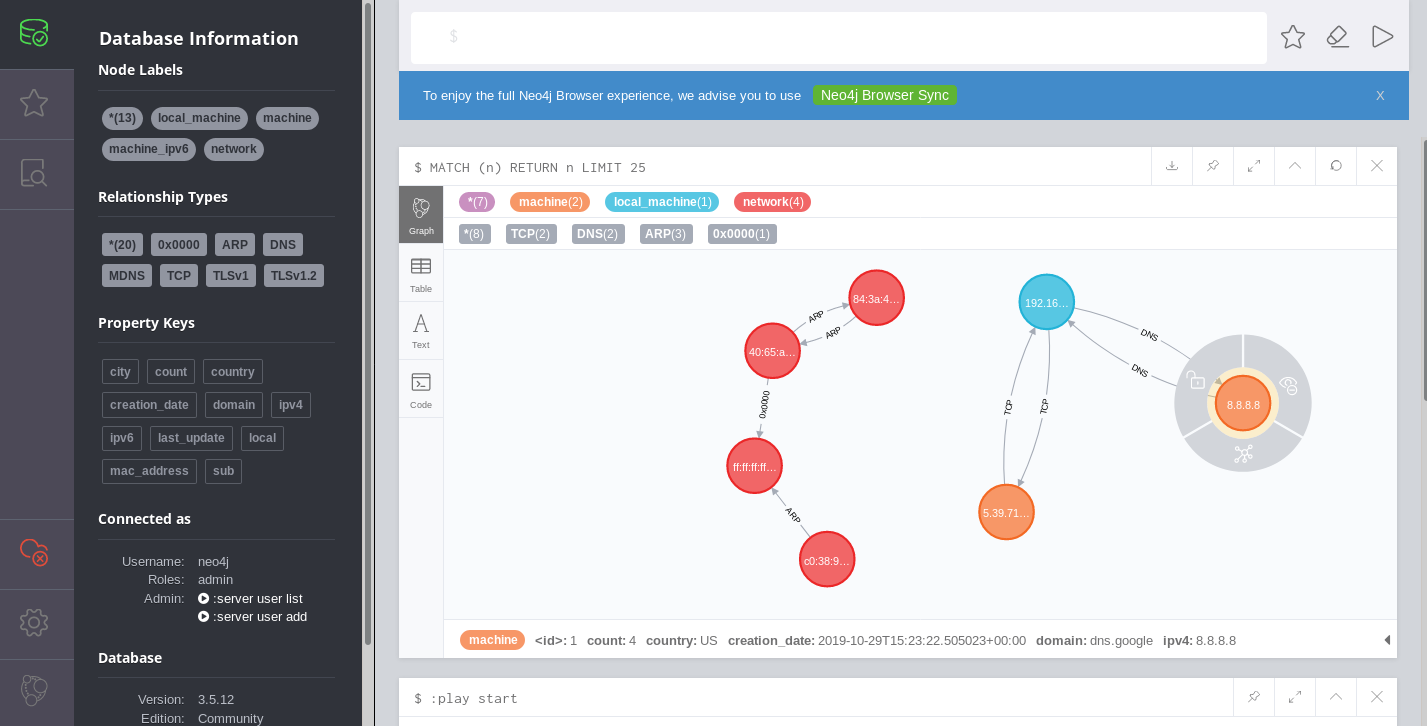
From www/index.html (auto update every minutes for a 3d visualization) 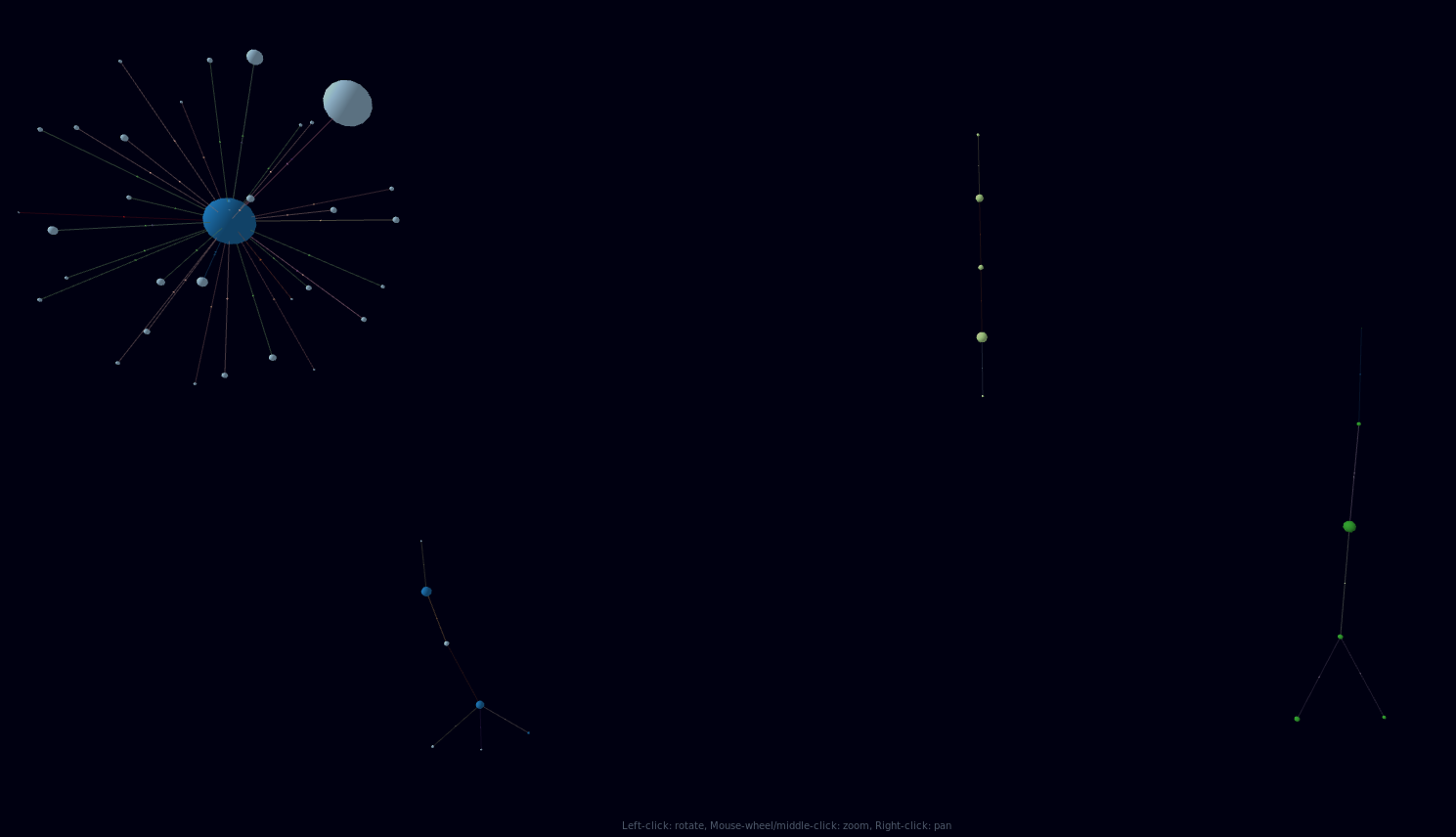
nb* in the live ring capture you'll need to modify pyshark project in liveCapture.py line 68
#params += ['-r', '-']Prerequesites
You'll need: - python3 - docker installed or already a Neo4j installed - wireshark and tshark - pipenv (like it but you can modify this project to do in other ways)nb1: Docker
to help running docker I made some scripts for newbies:- build.sh to build the image of Neo4j (with the best password ever)
- start.sh to start a container
nb2: Tshark / Wireshark
If you are getting a ‘Permission Denied’ error when running wireshark or tshark as local user, you can add the user account to wireshark to avoid running pci.py with sudo// permit all user to analyse traffic (by being part of wireshark's group)
$ sudo dpkg-reconfigure wireshark-common
// add your local user to analyse traffic
$ sudo usermod -a -G wireshark $USER
// logout and login to update your account
$ gnome-session-quit --logout --no-promptHow to use it?
1.setup.sh
A script to download geoip database in the right spot2.start neo4j server (docker)
in neo4j-docker ./build.sh and then ./start.sh3.run pci.py script
then you can run ./pci.py (pipenv shell!)- live Capture: i= interface to monitor (for example, wlp3s0)
./pci.py -i wlp3s0- live ring Capture i= interface to monitor (for example, wlp3s0), r= ring option
./pci.py -i wlp3s0 -r- pcap analysis: f=path to the file (for example, db/pcap/pci0000120191029095803.pcapng )
./pci.py -f db/pcap/pci0000120191029095803.pcapngclean.sh
Just a script to clean directories before commitFaq:
- Q:What the login/password for neo4j browser (http://localhost:7474)
- A:it's set to neo4j/password1
- Q:I don't know neo4j do you have some request examples
- A:Yes look at the neo4j-script directory (delete all nodes, show last 10min). You can also import manually those file into neo4j (you can find in the ui left menu)
- Q:In the graph, I don't have Ip shown in the bubbles.
- A:It's normal. The first time you have to define colours, labels,... Sorry can't do automatically. After that setting it will be ok. Just select the type you want to tune (for ex: machine_local) and select at the bottom of the frame the colour, label, ... It works the same way for the links
Tested
- debian10


