
Official Matplotlib cheat sheets
Last updated Jul 7, 2026
7.7k
Stars
918
Forks
15
Issues
+1
Stars/day
Attention Score
89
Language breakdown
Python 56.7%
TeX 40.3%
Makefile 2.9%
Shell 0.2%
▸ Files
click to expand
README
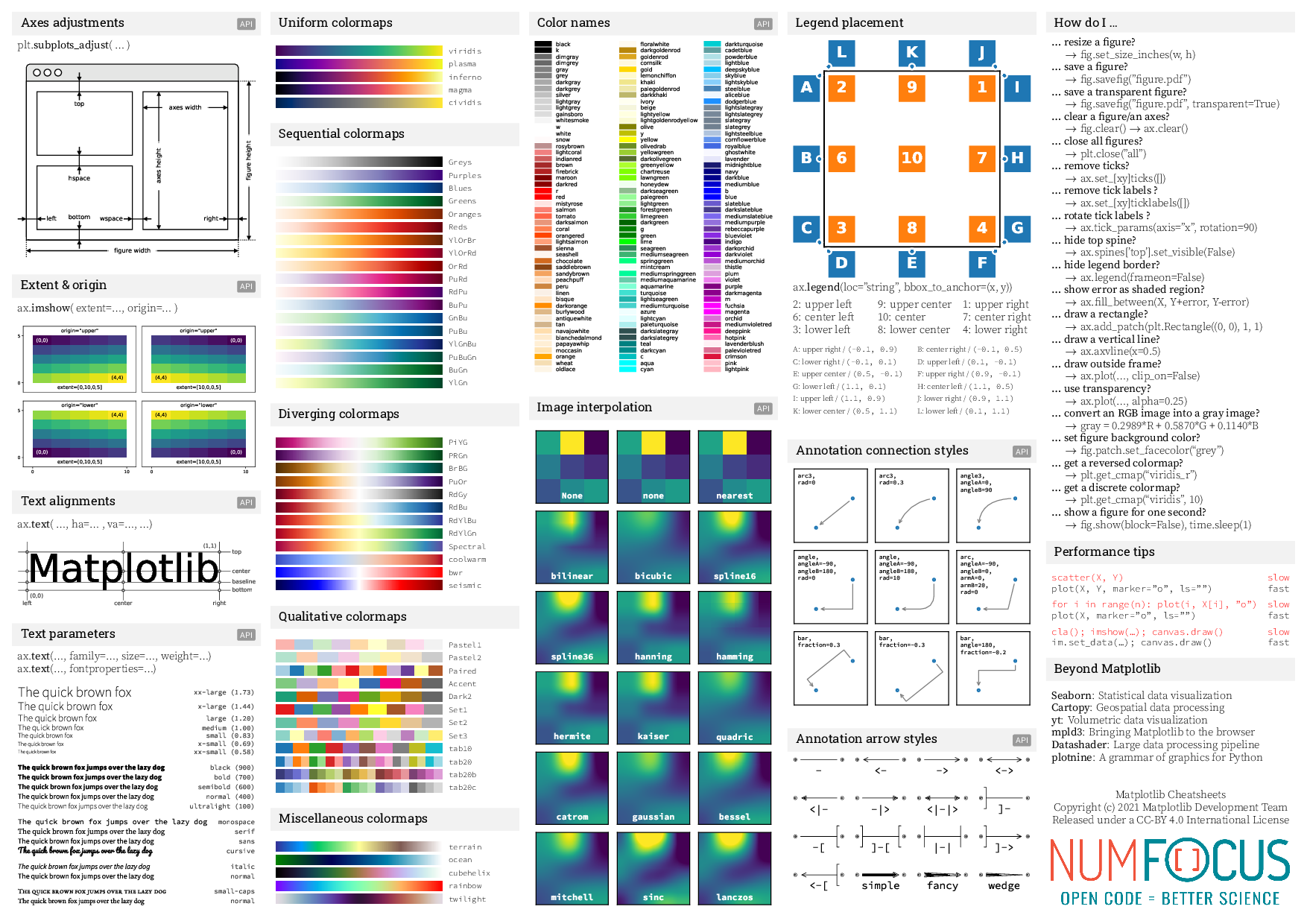
Cheatsheets for Matplotlib users
Cheatsheets
Cheatsheet (download pdf) | | :------------------------------------------------------------------------------:|:----------------------------------------------------------: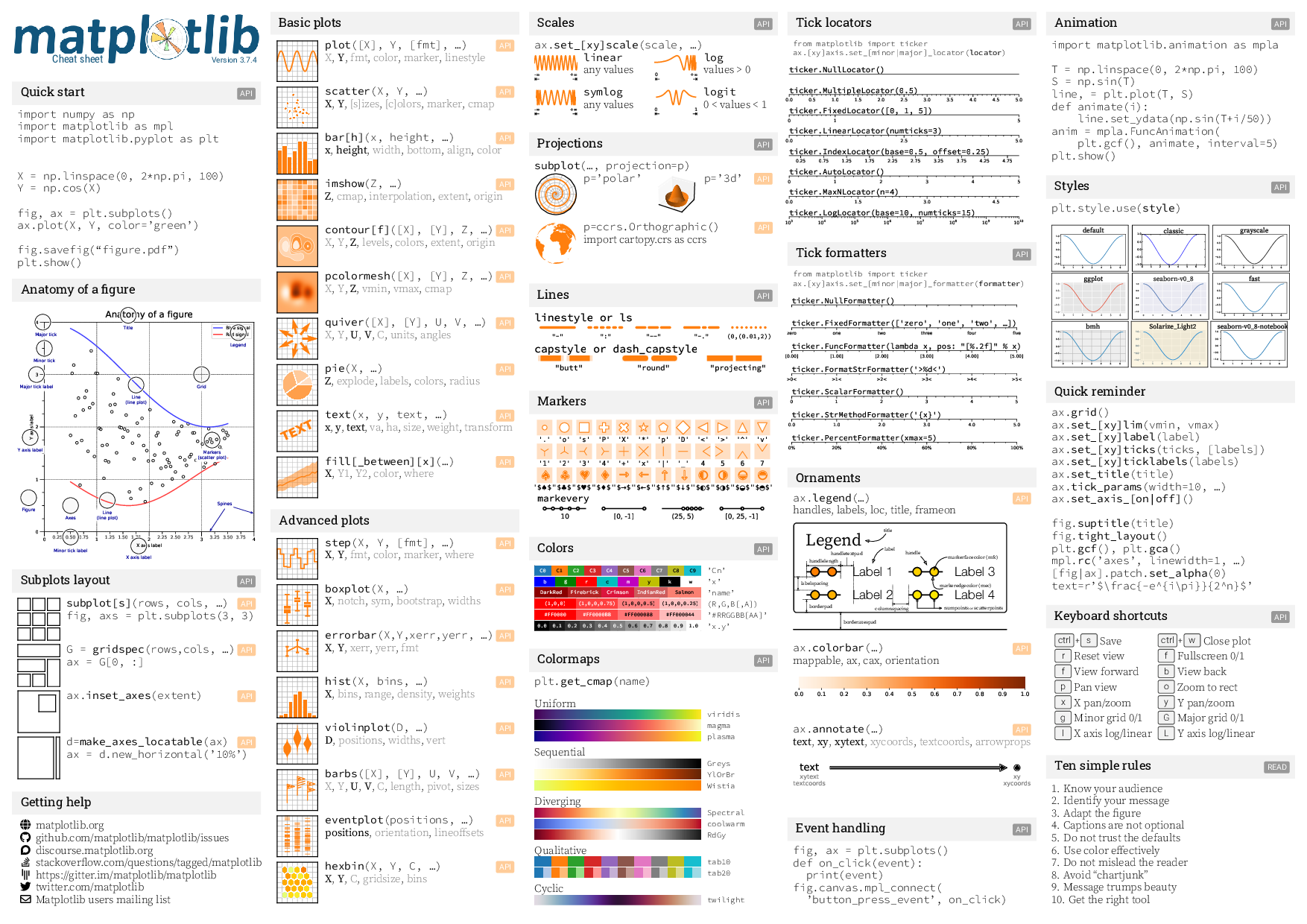 |
| 
Handouts
Beginner handout (download pdf) | Intermediate handout (download pdf) | Tips handout (download pdf) :-----------------------------------------------------------------------------------------:|:--------------------------------------------------------------------------------------------------:|:----------------------------------------------------------------------------------: 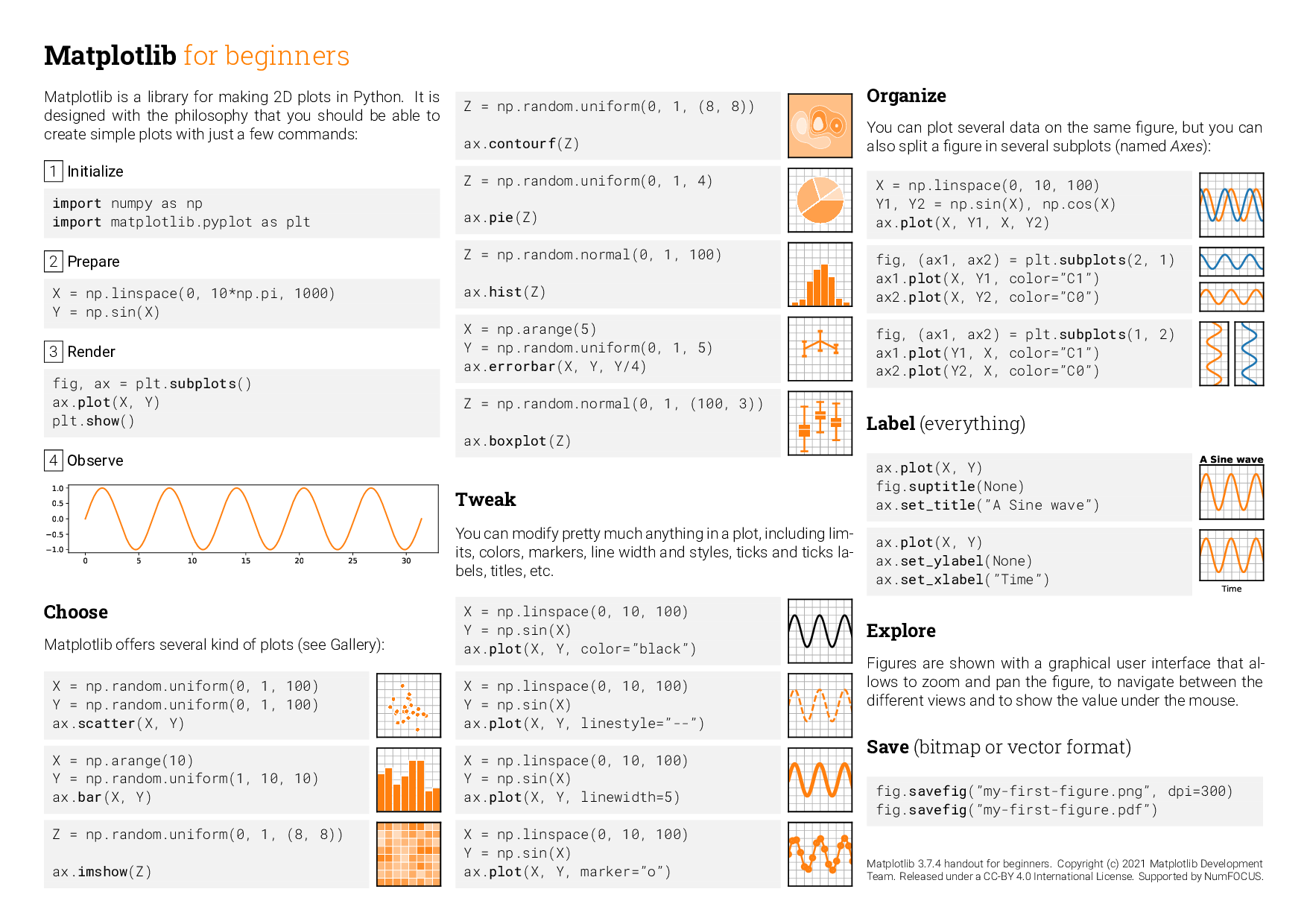 |
| 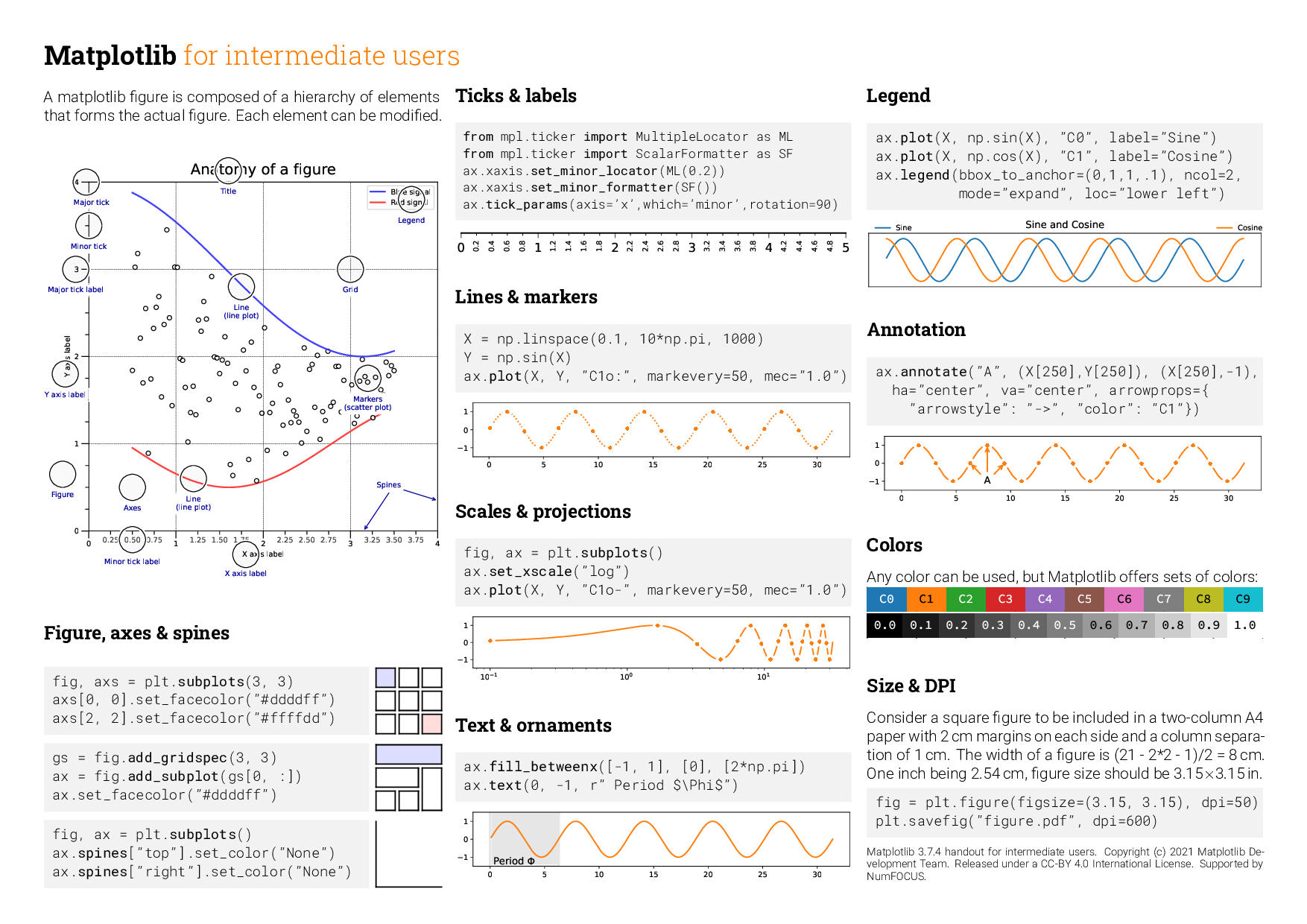 |
| 
For contributors to the cheatsheets
How to compile
- You need to create a
fontsrepository with:
fonts/roboto/ : See https://fonts.google.com/specimen/Roboto
or https://github.com/googlefonts/roboto/tree/master/src/hinted
fonts/roboto-slab/ : See https://fonts.google.com/specimen/Roboto+Slab
or https://github.com/googlefonts/robotoslab/tree/master/fonts/static
fonts/source-code-pro/ : See https://fonts.google.com/specimen/Source+Code+Pro
or https://github.com/adobe-fonts/source-code-pro/tree/release/OTF
fonts/source-sans-pro/ : See https://fonts.google.com/specimen/Source+Sans+Pro
or https://github.com/adobe-fonts/source-sans-pro/tree/release/OTF
fonts/source-serif-pro/ : See https://fonts.google.com/specimen/Source+Serif+Pro
or https://github.com/adobe-fonts/source-serif-pro/tree/release/OTF
fonts/pacifico/ : See https://fonts.google.com/download?family=Pacifico
On Linux, with make installed, the fonts can be set up with the following command:
make -C fontsThe fonts can be made discoverable by matplotlib (through fontconfig) by creating the following in $HOME/.config/fontconfig/fonts.conf (see here):
<?xml version="1.0"?>
<!DOCTYPE fontconfig SYSTEM "fonts.dtd">
<fontconfig>
<dir>/path/to/cheatsheets/fonts/</dir>
...
</fontconfig>- You need to generate all the figures:
$ cd scripts
$ for script in *.py; do python $script; done
$ cd ..- Compile the sheet
$ xelatex cheatsheets.tex
$ xelatex cheatsheets.tex


