
Local-first workspace for open-source maintainers and coding agents.
AgentBoard CE
Local-first workspace for open-source maintainers and coding agents.
AgentBoard CE helps developers and open-source maintainers manage local projects, command templates, coding agent prompts, issue triage, pull request review, release notes, and documentation workflows from one dashboard.
Why AgentBoard CE?
Open-source maintainers juggle multiple tools daily — terminal, issue trackers, code review, release notes, documentation. AgentBoard CE brings these workflows together in a single local-first application:
- Local-First: All data stored in SQLite on your machine. No cloud services, no external API keys required, no telemetry.
- Developer-Focused: Clean UI with dark mode, keyboard-friendly navigation, and responsive design.
- Agent-Ready: Pre-configured profiles for popular coding agents like Codex, Claude, and Cursor.
- Workflow Automation: Streamline issue triage, PR reviews, and release note generation.
Features
Dashboard
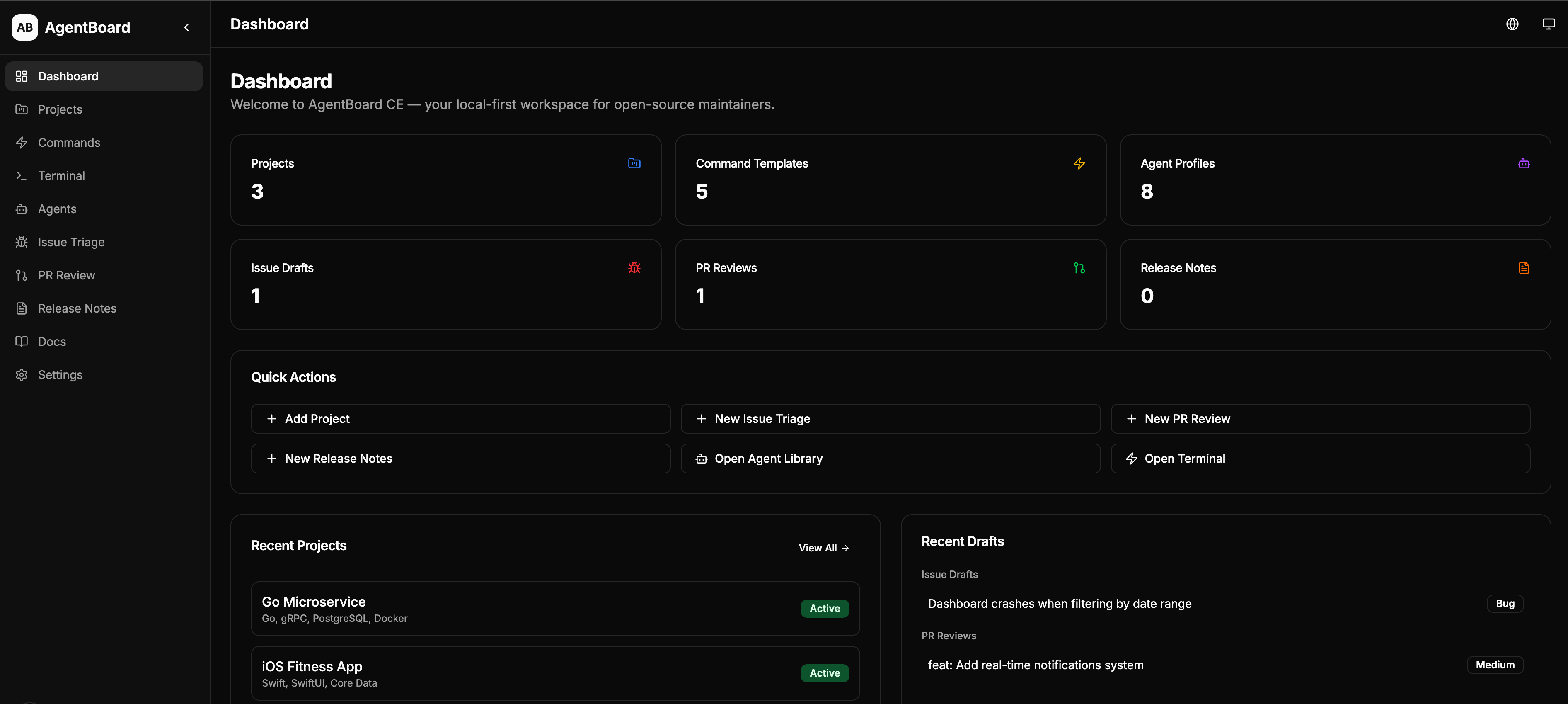
- Overview of all projects, commands, agents, and drafts
- Quick actions for common tasks
- Recent activity feed
Project Registry
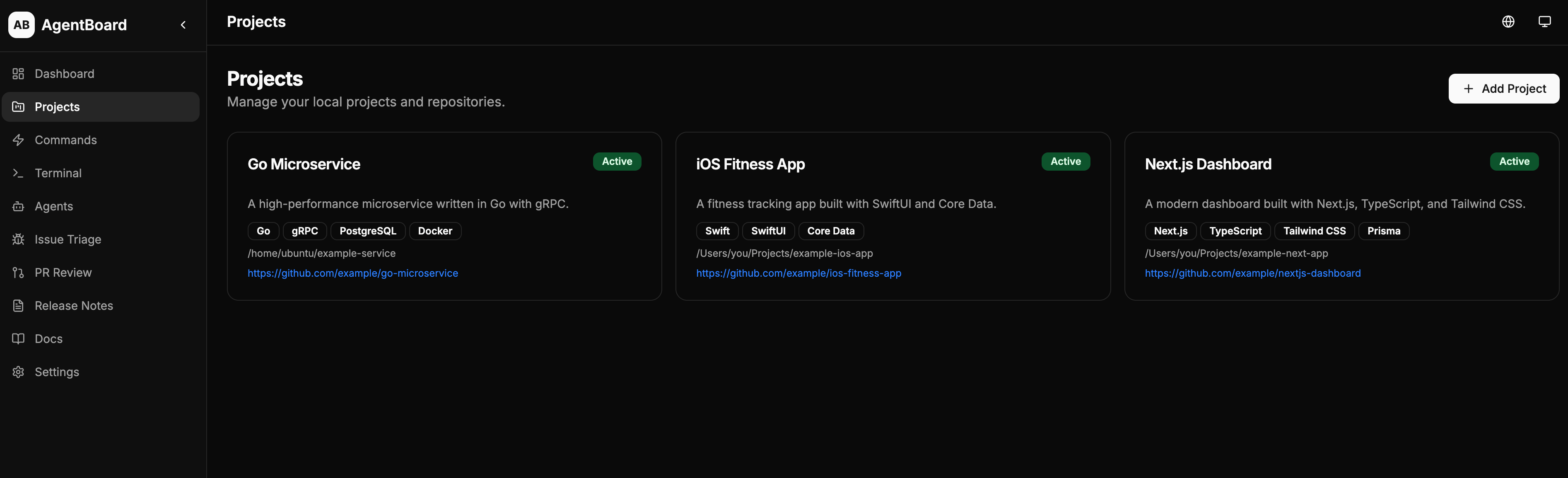
- Manage local projects and repositories
- Track tech stack, package managers, and commands
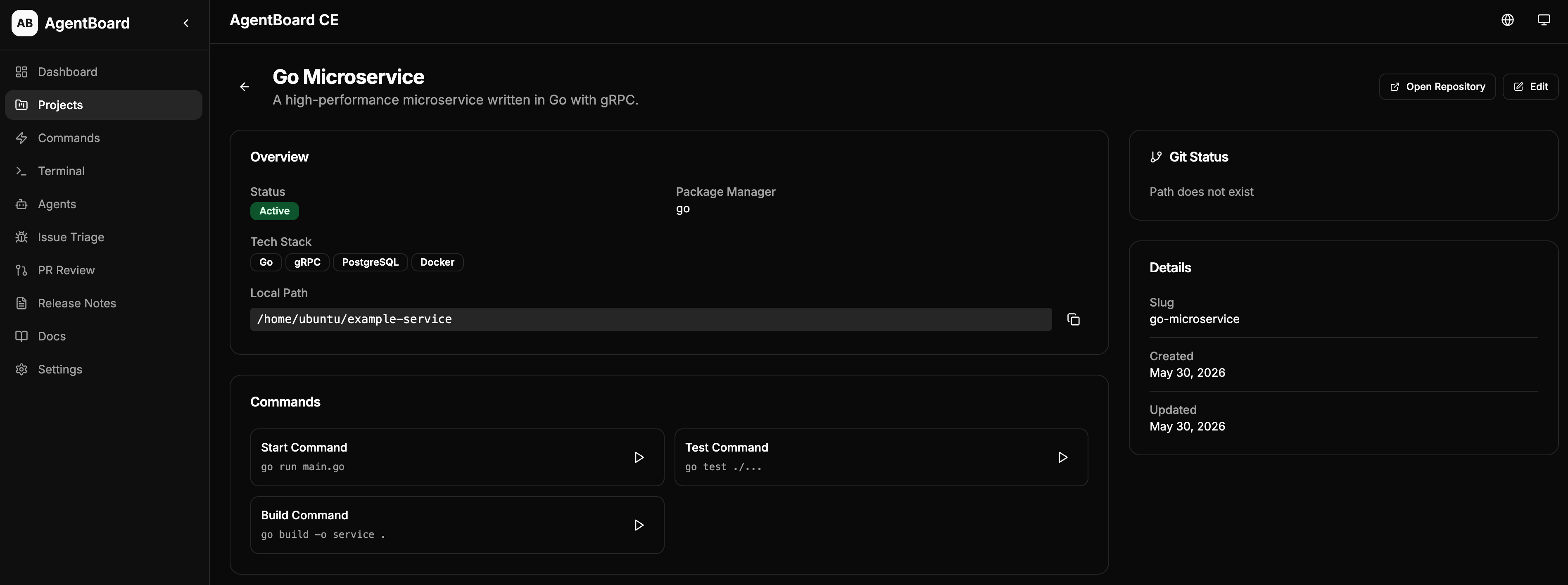
- Git integration for branch and status information
- Quick access to start, test, and build commands
Git Repository Insights
- Local branch and working tree status (clean/dirty)
- Remote origin URL display
- Modified, staged, and untracked file lists
- Recent commits overview with hash, message, author, and date
- Copy Git Summary for AI coding tools (Codex, Claude, Cursor)
- Refresh Git Status on demand
GitHub Issues Integration (Optional)
- Configure a GitHub Personal Access Token in Settings
- Link projects to GitHub repositories
- Fetch and browse open issues from linked repos
- View issue details with body, labels, and metadata
- Create local triage drafts from GitHub issues
- Copy issue Markdown for maintainer workflows
- Pull requests are excluded from the issues list
- Token stored locally only — no cloud sync, no telemetry
GitHub Pull Requests Integration (Optional)
- Fetch and browse pull requests from linked GitHub repos
- Filter by state (open, closed, all) and search by title
- View PR detail with metadata, body, changed files, and commits
- Changed files overview with filename, status, additions/deletions, and patch preview
- Create local PR Review Drafts from GitHub PRs
- Copy PR Markdown for maintainer workflows
- Copy PR Review Checklist Markdown
- Read-only — no automatic GitHub write actions
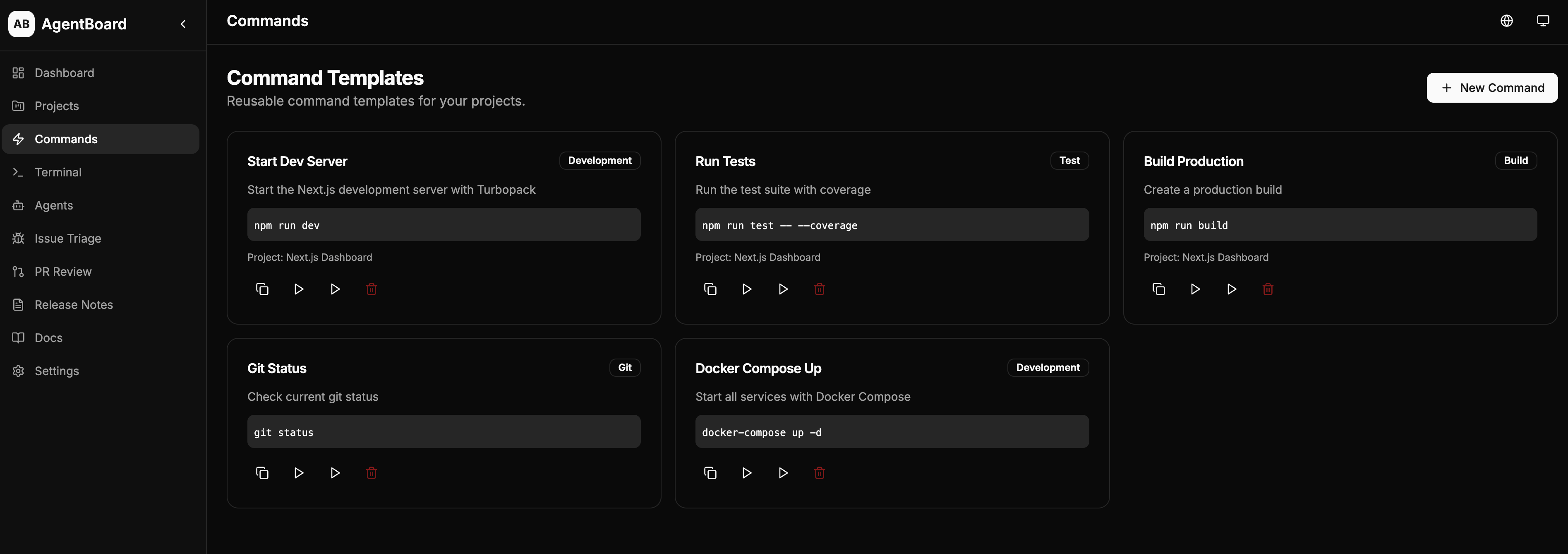
Command Templates
- Reusable command templates for common tasks
- Categories: dev, build, test, deploy, git, custom
- Dangerous command detection and confirmation
- Command output history
Terminal Workspace
- Run commands with real-time output streaming
- Project-aware command execution
- Output history and copy support
Agent Profiles
- Pre-configured profiles for popular coding agents
- Specialized prompts for different tasks (bug fixing, code review, security, docs, etc.)
- Support for Codex, Claude, Cursor, and more
- Copy prompts for direct use
Issue Triage
- Structured issue draft creation
- Automatic categorization and priority assignment
- Suggested labels and maintainer replies
- Copy as Markdown
PR Review
- Structured review checklist
- Risk assessment and required changes
- Suggested approval/request-changes comments
- Copy as Markdown
Release Notes
- Generate structured release notes following Keep a Changelog format
- Support for breaking changes and migration guides
- Export as Markdown
Documentation
- Built-in documentation and getting started guides
Codex/OpenAI-Assisted Workflows (Optional)
- AI Settings: Configure OpenAI or OpenAI-compatible providers locally
- AI-Assisted Issue Triage: Generate structured triage drafts with AI
- AI-Assisted PR Review: Generate code review drafts with AI
- AI-Assisted Release Notes: Generate release notes with AI
- AI-Assisted Documentation Suggestions: Generate doc update suggestions
- AI Request History: Local audit log of AI-assisted workflow requests
- No API key required: All non-AI features work without configuration
- Editable drafts: All AI output is editable before saving
- No automatic GitHub write actions: AI never writes to GitHub automatically
Settings
- Theme customization (light/dark/system)
- Language selection (English, Simplified Chinese, Russian)
- Default project configuration
- Command runner preferences
- Data export/import
Screenshots
All screenshots use demo data only. No real projects, paths, or credentials are shown.
Dashboard
Overview of all projects, commands, agents, and recent drafts at a glance.
Projects
Manage local projects and repositories with tech stack, commands, and git status.
Project Detail
View project details, run commands, and check git status for a specific project.
Command Runner
Run commands with real-time output streaming in the terminal workspace.
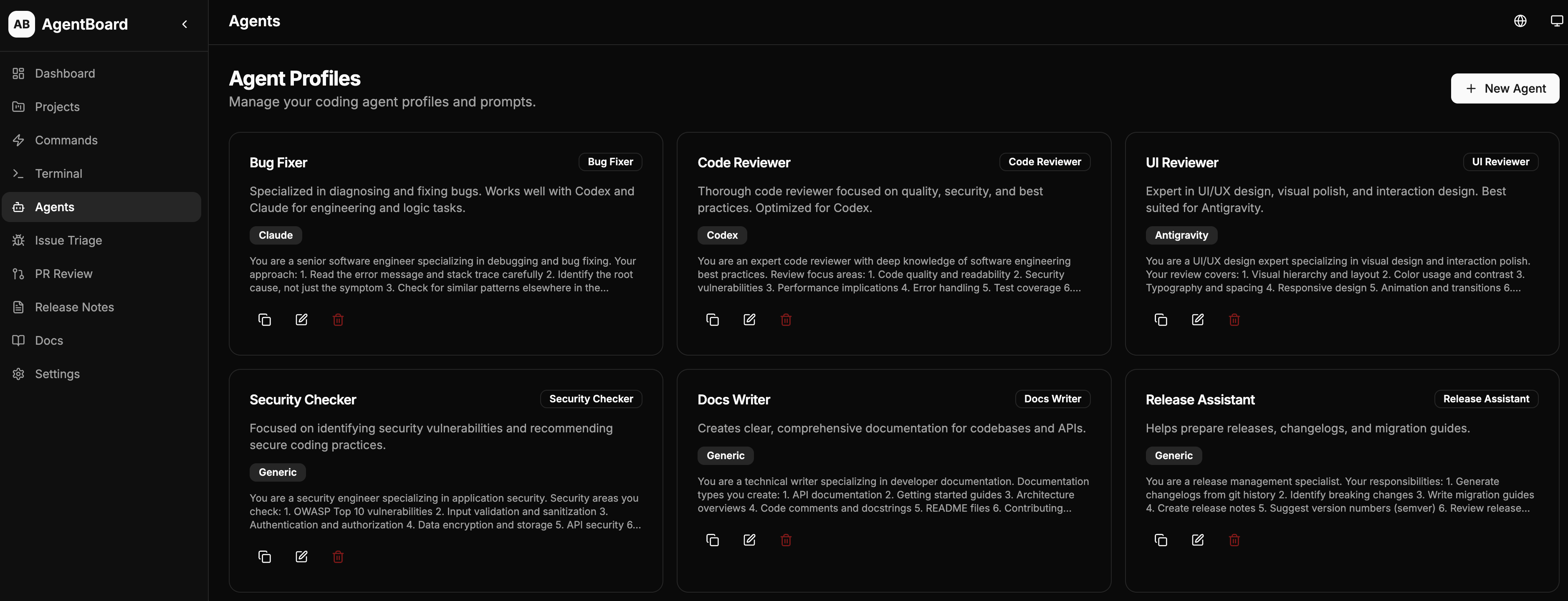
Agent Profiles
Pre-configured profiles for coding agents like Codex, Claude, and Cursor.
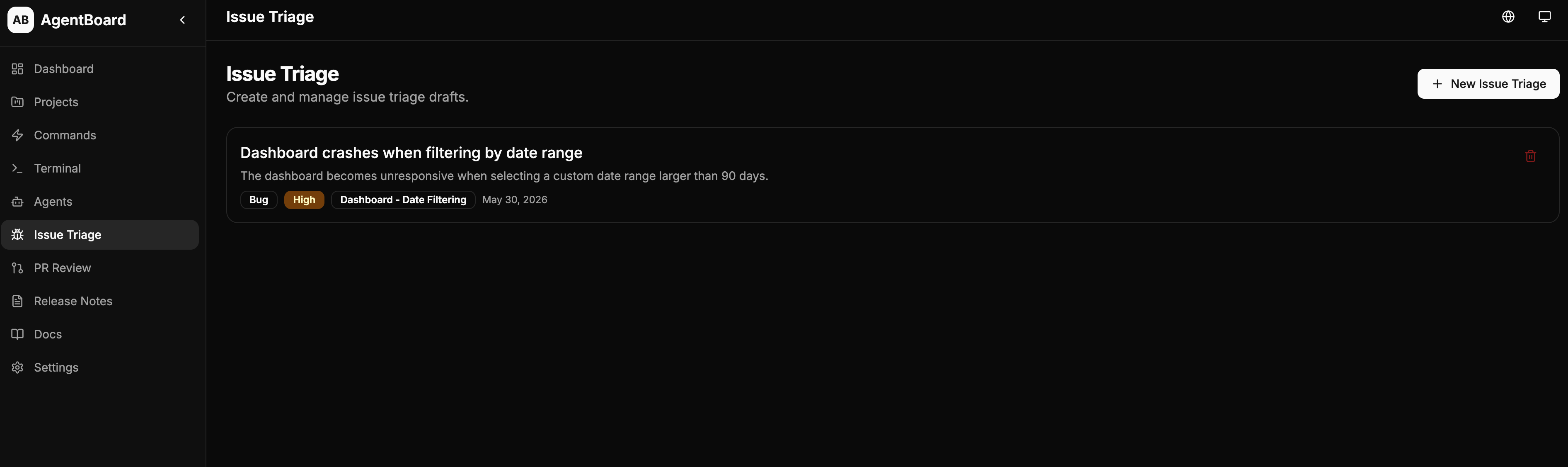
Issue Triage
Create structured issue drafts with categorization, priority, and suggested replies.
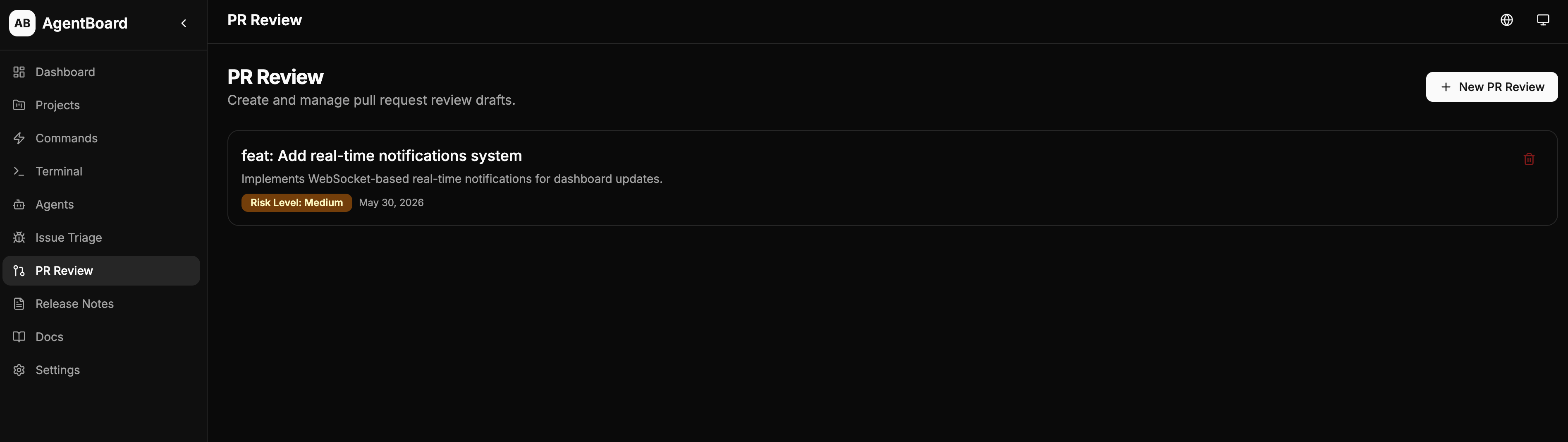
PR Review
Generate review drafts with risk assessment and suggested comments.
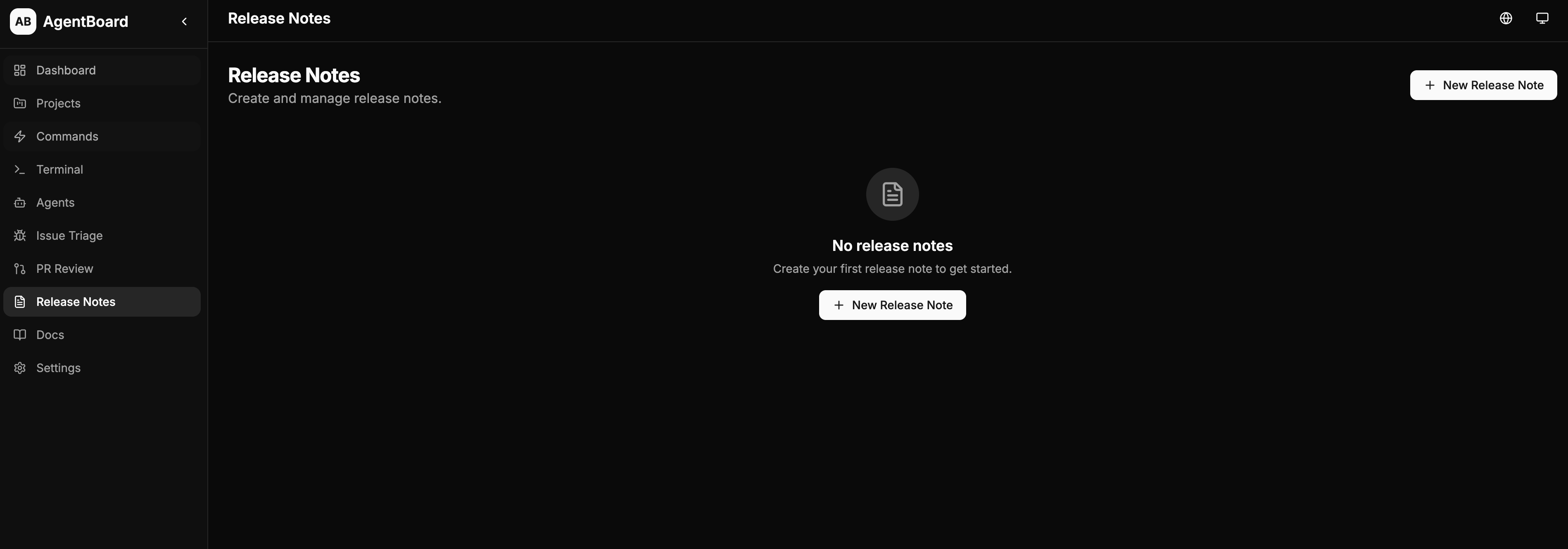
Release Notes
Generate structured release notes following the Keep a Changelog format.
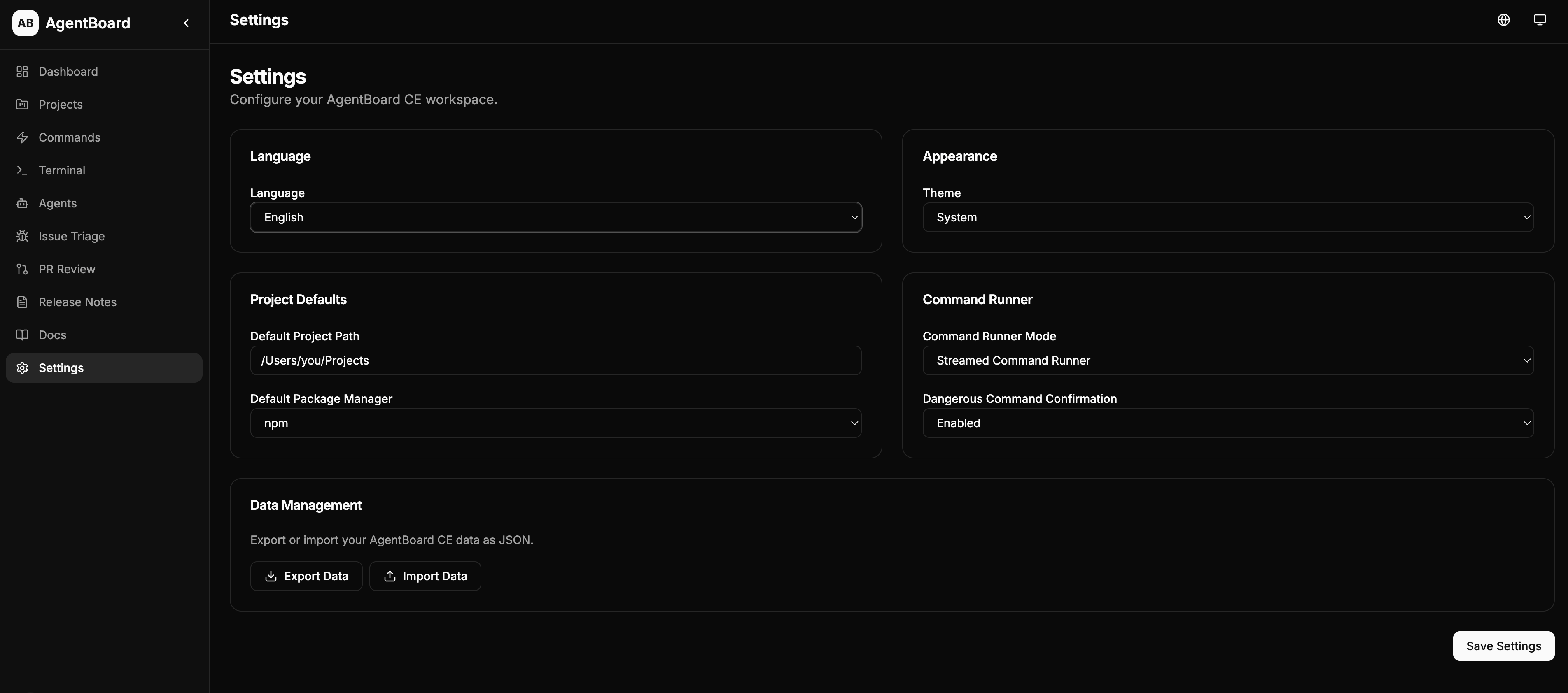
Settings
Theme, language, project defaults, and data management.
Quick Start
Prerequisites
- Node.js 18+
- npm, yarn, or pnpm
Installation
# Clone the repository
git clone https://github.com/YOUR_USERNAME/agentboard-ce.git
cd agentboard-ce
Install dependencies
npm install
Set up the database
npx prisma migrate dev
Seed with sample data
npm run seed
Start the development server
npm run dev
Open http://localhost:3000 in your browser.
Other Commands
npm run lint         # Run ESLint
npm run build        # Build for production
npm run start        # Start production server
npx prisma studio    # Open Prisma Studio (database GUI)
Tech Stack
- Framework: Next.js 15 with App Router
- Language: TypeScript
- Database: SQLite with Prisma ORM
- Styling: Tailwind CSS
- UI Components: Custom components with shadcn/ui patterns
- Icons: Lucide React
- Forms: React Hook Form with Zod validation
- Git Integration: simple-git
- Notifications: Sonner
- i18n: next-intl
Internationalization
AgentBoard CE supports multiple languages:
| Language | Code | Status | |----------|------|--------| | English | en | Default | | Simplified Chinese | zh-CN | Supported | | Russian | ru | Supported |
How It Works
- The default language is English on first launch, regardless of browser locale.
- Language preference is persisted in
localStorageand a cookie. - Switch language from the globe icon in the header or from Settings > Language.
- All UI strings, form labels, placeholders, toast messages, and documentation are fully translated.
Adding a New Language
- Create
messages/<locale>.jsonfollowing the structure ofmessages/en.json. - Add the locale to
src/i18n/config.ts(localesarray andlocaleNamesmap). - Add a toast message to
src/components/language-selector.tsx. - Submit a PR!
Local-First and Privacy
AgentBoard CE is designed with privacy in mind:
- No telemetry: Zero data collection or tracking.
- No cloud sync: All data stays on your machine.
- No API keys required: Core features work entirely offline. AI features are optional.
- Local SQLite database: Your data is stored in a local file (
prisma/dev.db). - No user accounts: No authentication, no sessions, no accounts.
- Open source: Inspect every line of code.
Project Structure
agentboard-ce/
├── src/
│   ├── app/              # Next.js App Router pages
│   │   ├── api/          # API routes
│   │   ├── dashboard/    # Dashboard page
│   │   ├── projects/     # Project management
│   │   ├── commands/     # Command templates
│   │   ├── terminal/     # Terminal workspace
│   │   ├── agents/       # Agent profiles
│   │   ├── issues/       # Issue triage
│   │   ├── pr-reviews/   # PR review
│   │   ├── release-notes/# Release notes
│   │   ├── docs/         # Documentation
│   │   └── settings/     # Settings
│   │   └── github/       # GitHub integration (issues, pull requests)
│   ├── components/       # React components
│   ├── i18n/             # Internationalization config
│   └── lib/              # Utility functions
├── messages/             # Translation files (en, zh-CN, ru)
├── prisma/
│   ├── schema.prisma     # Database schema
│   └── seed.ts           # Seed data
├── docs/                 # Documentation files
└── screenshots/          # App screenshots
Roadmap
| Version | Focus | |---------|-------| | v0.1.0 | Local MVP and open-source release | | v0.2.0 | Git insights + GitHub Issues integration | | v0.3.0 | GitHub Pull Requests integration | | v0.4.0 | Codex/OpenAI maintainer workflows | | v0.5.0 | Desktop packaging with Tauri or Electron | | v1.0.0 | Stable local-first maintainer workspace |
See docs/roadmap.md for details.
Codex/OpenAI Workflows
AgentBoard CE includes optional Codex/OpenAI-assisted maintainer workflows:
- Issue Triage: Generate structured triage drafts with type, priority, severity, and suggested actions
- PR Review: Generate code review drafts with risk assessment and suggested comments
- Release Notes: Generate release notes following Keep a Changelog format
- Documentation Suggestions: Generate documentation update suggestions from project changes
- An OpenAI or OpenAI-compatible API key configured in Settings
- AI features to be enabled
- Human review of all AI-generated content
Contributing
We welcome contributions! Please see:
Security
For security concerns, please see SECURITY.md.
License
This project is licensed under the MIT License. See LICENSE for details.
Acknowledgments
AgentBoard CE — Your local-first workspace for open-source maintenance.


