
A python based desktop voice assistant capable of executing system-level commands, integrating speech recognition and text-to-speech, and handling asynchronous user interactions.
Jarvis Desktop Voice Assistant🔥
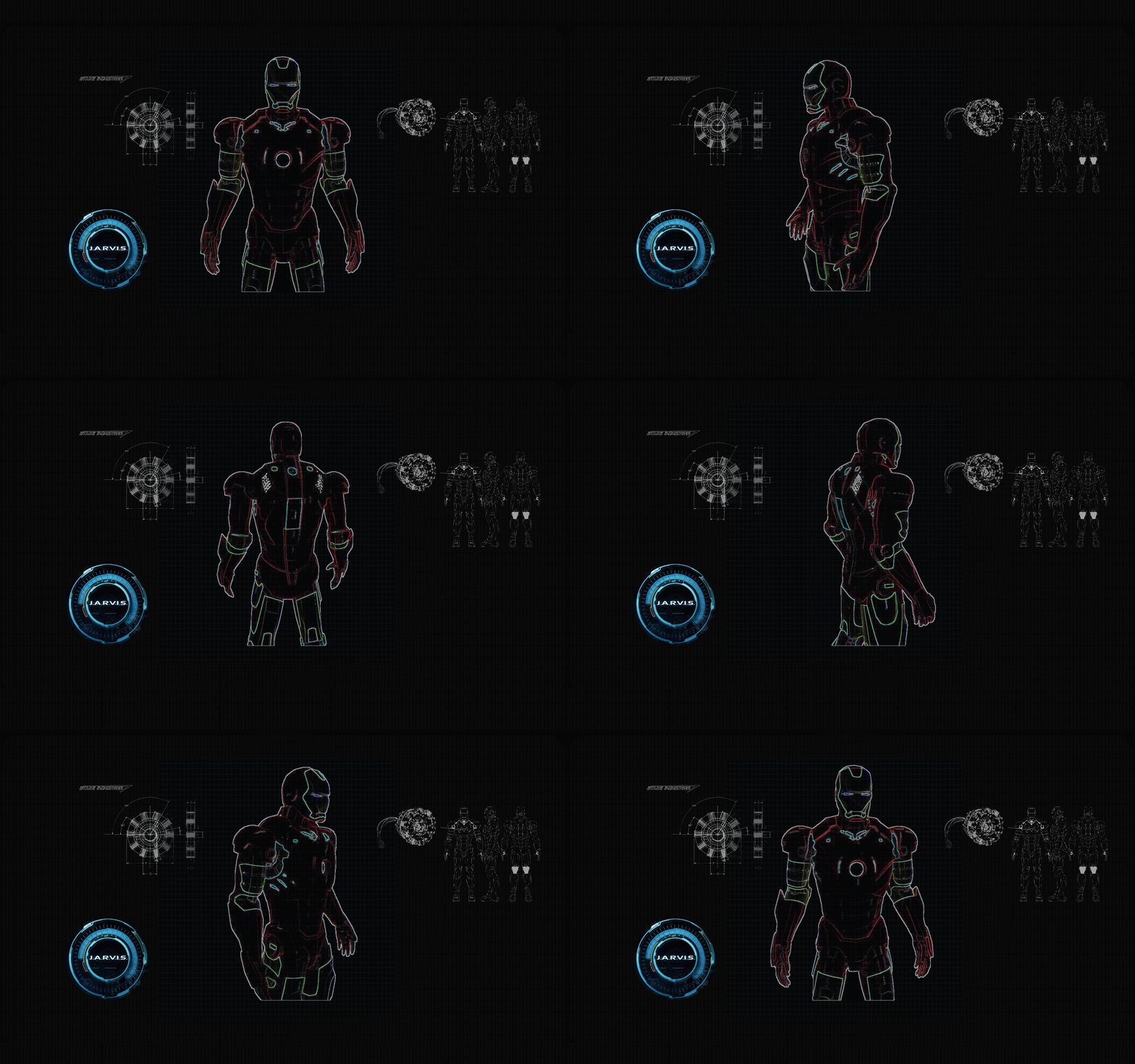
Have you ever wondered how cool it would be to have your own assistant? Imagine how easier it would be doing Wikipedia searches without opening web browsers, and performing many other daily tasks like playing music with the help of a single voice command, opening different browsers in just a voice command.
This project is simple desktop voice assistant built with python named as “Jarvis Desktop Voice Assistant”. This project is fully completed and error free. It was compiled in VS Code Editor.
🔸 Let's be honest, it's not as intelligent as in the movie, but it can do a lot of cool things and automate your daily tasks you do on your personal computers/laptops.
📌Built with
📌Features
It can do a lot of cool things, some of them being:
- Greet user
- Tell current time and date
- Launch applications/softwares
- Open any website
- Tells about any person (via Wikipedia)
- Can search anything on Google
- Plays music
- Take important note in text file
- Can take screenshot and save it with custom filename
- Can tell jokes
Requirements
Python 3.6+
📌Installation
- Fork The Repository
- Clone The Repository
git clone <URL>
cd Jarvis-Desktop-Voice-Assistant- Create and Activate a Virtual Environment
python -m venv .venv.venv\Scripts\activatesource .venv/bin/activate(venv) directory/of/your/project>
- Install Requirements
pip install -r requirements.txt
- Install PyAudio
- Run the Assistant
python jarvis.py- Deactivate the Virtual Environment
deactivate📌Contributing
Pull requests are welcome. For major changes, please open an issue first to discuss what you would like to change.
📌Author
👤 Kishan Kumar Rai
- Twitter: @kishan_rajput23
- Github: @kishanrajput23
- LinkedIn: @kishan-kumar-rai
📌Show your support
Please ⭐️ this repository if this project helped you!
📌License
This project is MIT licensed.
📌Learning Resources to Extend This Project
To build this project further and enhance its capabilities, a strong understanding of the following areas is recommended:
🐍 Python Fundamentals
Python is the core language behind this project. A solid grasp of syntax, control flow, functions, and error handling will help you modify and extend the assistant’s functionality. 👉 Python Programming Course🎙️ Voice Processing & NLP
Voice commands are processed using speech and text-based techniques. Understanding Natural Language Processing (NLP) concepts such as tokenization and text analysis can help improve voice interaction. 👉 Introduction to NLP🤖 Intelligence & Generative AI
Currently, the assistant follows predefined logic. By integrating Generative AI concepts, it can be enhanced into a conversational assistant capable of generating intelligent responses and performing web-based tasks. 👉 Introduction to Generative AI👁️ Computer Vision
To make the assistant more advanced, computer vision can be introduced for features like face detection and gesture control. Learning image and video processing fundamentals is a good starting point. 👉 Computer Vision Essentials📄 Related Reading
For a conceptual overview of building voice assistants in Python, you can refer to this article: CLICK HERESome learning resources mentioned above are shared as part of an educational collaboration.


