
NodeJS CLI to convert pixel art to an SVG
pixel-perfect-svg


This is a CLI written in Typescript as a yak shave for IntelliJ Pokémon Progress Bar. It converts images (PNG, GIF, or JPEG) into an SVG with pixel perfect precision.
The original intended use case for this was creating easily scalable versions of pixel art images.
Example
Command
curl \
  https://upload.wikimedia.org/wikipedia/commons/9/93/ICWatermellon.png \
  --output - \
| psvg -p -o eg/example.svg
Result

Features
- handles PNG, GIF, and JPEG images
- handles alpha channel transparency, including partial
- can handle animated inputs by specifying a frame to look at (default is the first frame)
- can trim the output SVG
- input can be a filename or stdin, output can be a filename or stdout
- file size is somewhat optimized, can be further reduced by ensuring
--prettyis off and turning--no-metadataon - enhanced logging available with
--verbose
Installing the CLI
The CLI can be installed from NPM:
npm install -g pixel-perfect-svgUsing the CLI
psvg --help # to print usage guide
psvg [ -i <input> | -o <output> | -F <frame> | -qVpmT | -l <amount> | -r <amount> | -t  <amount> | -b  <amount> | -w  <amount> | -h  <amount>]
Options:       --help             Show help                                     [boolean]   -v, --version          Show version number                           [boolean]   -i, --input            input PNG, JPEG, or GIF file                   [string]   -o, --output           output SVG file                                [string]   -F, --frame            frame of the input image to use   [number] [default: 0]   -q, --quiet            turn off logging             [boolean] [default: false]   -V, --verbose          turn on verbose logging      [boolean] [default: false]   -p, --pretty           nicely format the output SVG [boolean] [default: false]   -m, --no-metadata      do not add metadata tag      [boolean] [default: false]   -T, --trim             trim blank space on output   [boolean] [default: false]   -l, --max-left-trim    maximum amount to trim on the left             [number]   -r, --max-right-trim   maximum amount to trim on the right            [number]   -t, --max-top-trim     maximum amount to trim on the top              [number]   -b, --max-bottom-trim  maximum amount to trim on the bottom           [number]   -w, --min-width        minimum width of the image after trimming      [number]   -h, --min-height       minimum width of the image after trimming      [number]
Examples:   psvg -i in.png -o out.svg  input from arg, output to file   psvg -o out.svg            input from stdin, output to file   psvg -i in.png -q          input from arg, output to stdout (-q/--quiet                              recommended)   psvg -q                    input from stdin, output to stdout (-q/--quiet                              recommended)
takes a PNG, GIF, or JPEG file and outputs a pixel perfect SVG pixel-perfect-svg from https://github.com/kagof/pixel-perfect-svg
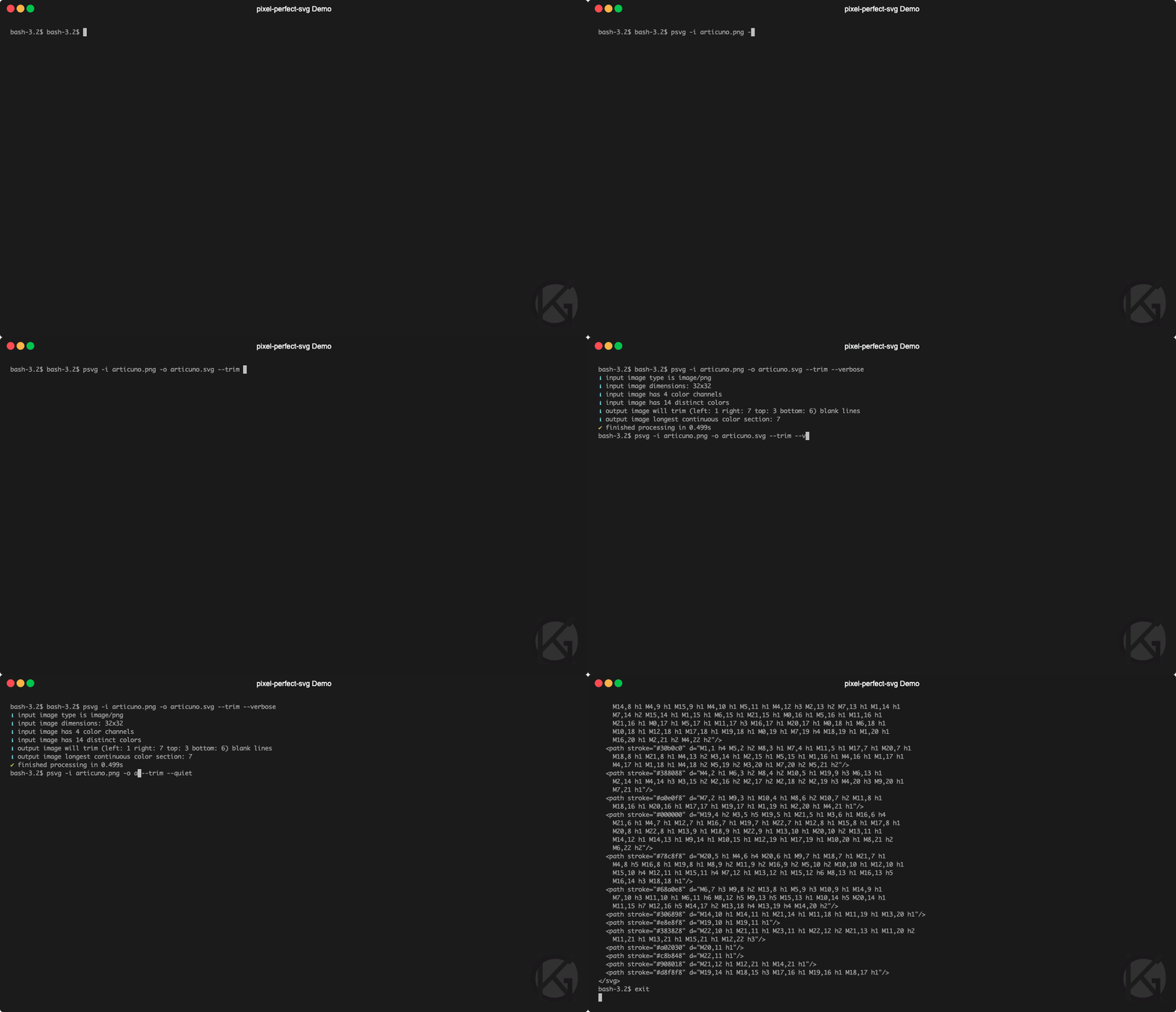
psvg -i input.png -o output.svgcat input.png | psvg -q > output.svgTesting
This package uses jest for its tests. They can be run with
npm testThis will also run ESLint.


