
Curses-backed terminal interface for Signal using signal-cli
Last updated May 20, 2026
77
Stars
9
Forks
9
Issues
0
Stars/day
Attention Score
16
Language breakdown
Python 96.7%
Makefile 3.3%
▸ Files
click to expand
README
signal-curses
Curses-backed terminal interface for Signal using signal-cli and npyscreen.Setup ===== On Debian-based systems, make install should properly set up the required dependencies.
- Install signal-cli (see Installation). Because signal-curses depends on JSON output features, only versions of signal-cli >= 0.6.1 will work.
- Install libunixsocket-java (see DBus service)
- Install pydbus dependencies, if needed (see Requirements)
- Install python deps with
. If pipenv is not installed, runinstall
.install pipenv - Run with
, giving your Signal phone number with country code (e.g. +1)main.py -u '+12345678901' - If signal-cli has not been run before, you will be prompted to link your phone with your computer. Scan the given terminal QR code in the Signal app under Settings > Linked Devices, and restart signal-curses. Your contacts and groups should appear, and you should be able to send messages.
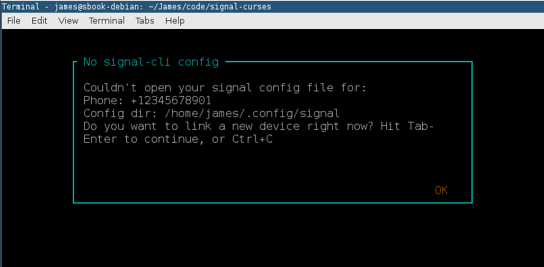
Setup dialog
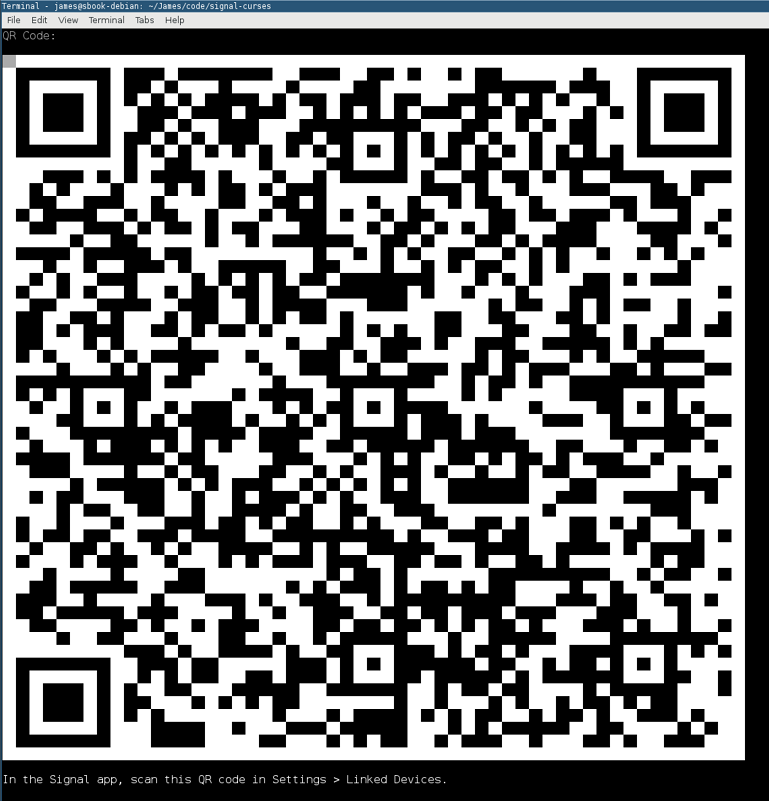
Link dialog
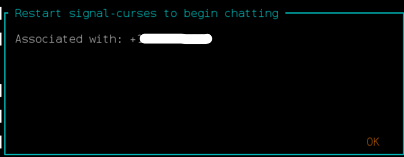
Setup finished message
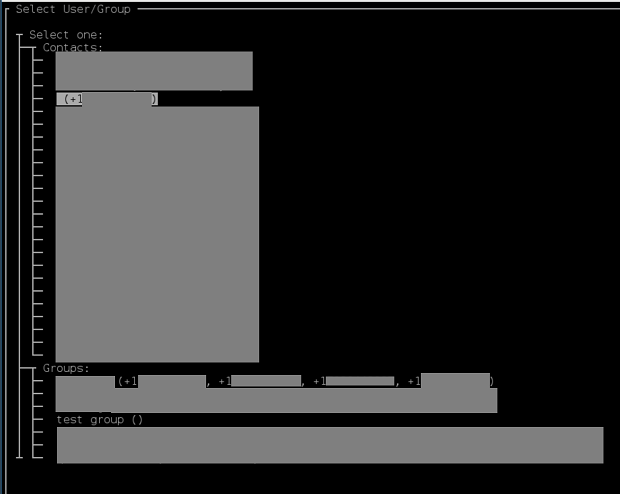
User and group list
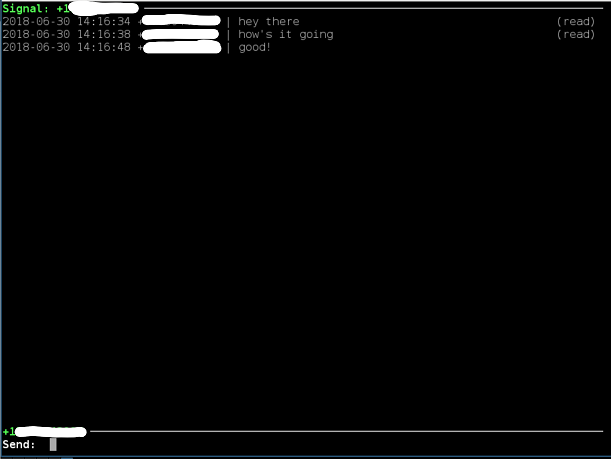
In-message UI
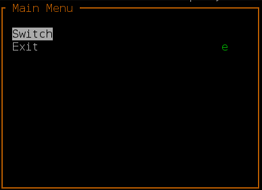
Ctrl-X menu


