
C and C++ headers, C# and Python classes, Rust files and Go package for icon fonts Font Awesome, Fork Awesome, Google Material Design icons and symbols, Pictogrammers Material Design icons, Kenney game icons, Fontaudio, Codicons and Lucide.
Support the development and maintenance of IconFontCppHeaders through GitHub Sponsors or Patreon.
IconFontCppHeaders
https://github.com/juliettef/IconFontCppHeaders
C and C++ headers, C# and Python classes, Rust files and Go packages for icon fonts Font Awesome, Fork Awesome, Google Material Design, Pictogrammers Material Design icons, Kenney game icons, Fontaudio, Codicons and Lucide.
A set of language files for using icon fonts in C, C++, C#, Python, Rust and Go, along with the python script we used to create the files.
Each language file contains defines for one font, with each icon code point defined as ICON_, along with the min, max and max 16 bit* code points for font loading purposes. The min excludes the ASCII characters code points. The max 16 bit is for use with libraries that only support 16 bit code points, for example Dear ImGui.
In addition you can use the python script to convert ttf font files to C and C++ headers. Each ttf icon font file is converted to a C and C++ header file containing a single array of bytes. To enable conversion, run the GenerateIconFontCppHeaders.py script with ttf2headerC = True.
Language Files
The following table lists all the language files for each icon font included in the IconFontCppHeaders repository. | Abbr | Icon Font | C, C++ | C# | Python | Go (*) | Rust | - | - | - | - | - | - | - | FA | Font Awesome 4 | IconsFontAwesome4.h | IconsFontAwesome4.cs | IconsFontAwesome4.py | IconsFontAwesome4.go | IconsFontAwesome4.rs | FA | Font Awesome 5 free | IconsFontAwesome5.h IconsFontAwesome5Brands.h | IconsFontAwesome5.cs IconsFontAwesome5Brands.cs | IconsFontAwesome5.py IconsFontAwesome5Brands.py | IconsFontAwesome5.go IconsFontAwesome5Brands.go | IconsFontAwesome5.rs IconsFontAwesome5Brands.rs | FA | Font Awesome 5 pro | IconsFontAwesome5Pro.h IconsFontAwesome5ProBrands.h | IconsFontAwesome5Pro.cs IconsFontAwesome5ProBrands.cs | IconsFontAwesome5Pro.py IconsFontAwesome5ProBrands.py | IconsFontAwesome5Pro.go IconsFontAwesome5ProBrands.go | IconsFontAwesome5Pro.rs IconsFontAwesome5ProBrands.rs | FA | Font Awesome 6 free | IconsFontAwesome6.h IconsFontAwesome6Brands.h | IconsFontAwesome6.cs IconsFontAwesome6Brands.cs | IconsFontAwesome6.py IconsFontAwesome6Brands.py | IconsFontAwesome6.go IconsFontAwesome6Brands.go | IconsFontAwesome6.rs IconsFontAwesome6Brands.rs | FA | Font Awesome 7 free | IconsFontAwesome7.h IconsFontAwesome7Brands.h | IconsFontAwesome7.cs IconsFontAwesome7Brands.cs | IconsFontAwesome7.py IconsFontAwesome7Brands.py | IconsFontAwesome7.go IconsFontAwesome7Brands.go | IconsFontAwesome7.rs IconsFontAwesome7Brands.rs | FK | Fork Awesome | IconsForkAwesome.h | IconsForkAwesome.cs | IconsForkAwesome.py | IconsForkAwesome.go | IconsForkAwesome.rs | MD | Google Material Design | IconsMaterialDesign.h | IconsMaterialDesign.cs | IconsMaterialDesign.py | IconsMaterialDesign.go | IconsMaterialDesign.rs | MS | Google Material Symbols | IconsMaterialSymbols.h | IconsMaterialSymbols.cs | IconsMaterialSymbols.py | IconsMaterialSymbols.go | IconsMaterialSymbols.rs | MDI | Pictogrammers Material Design | IconsMaterialDesignIcons.h | IconsMaterialDesignIcons.cs | IconsMaterialDesignIcons.py | IconsMaterialDesignIcons.go | IconsMaterialDesignIcons.rs | KI | Kenney Game | IconsKenney.h | IconsKenney.cs | IconsKenney.py | IconsKenney.go | IconsKenney.rs | FAD | Fontaudio | IconsFontaudio.h | IconsFontaudio.cs | IconsFontaudio.py | IconsFontaudio.go | IconsFontaudio.rs | CI | Codicons | IconsCodicons.h | IconsCodicons.cs | IconsCodicons.py | IconsCodicons.go | IconsCodicons.rs | LC | Lucide | IconsLucide.h | IconsLucide.cs | IconsLucide.py | IconsLucide.go | IconsLucide.rs(* For Go see also font.go and go.mod)
Icon Fonts
Font Awesome FA
Font Awesome 4
Font Awesome 5+
Font Awesome versions 5 and above split the different styles of icons into different font files with identical codepoints for regular, solid and light (pro only) styles, and a different set of codepoints for brands. We have put the brands into separate language files.5 Free
- github.com/FortAwesome/Font-Awesome/tree/5.x
- icons.yml
- fa-brands-400.ttf
- fa-regular-400.ttf
- fa-solid-900.ttf
6 Free
- github.com/FortAwesome/Font-Awesome/tree/6.x
- icons.yml
- fa-brands-400.ttf
- fa-regular-400.ttf
- fa-solid-900.ttf
7 Free
- github.com/FortAwesome/Font-Awesome/tree/7.x
- icons.yml
- You may need to convert the
.woff2files to.ttfdepending upon your loader
Pro
- Refer to the section on Font Awesome pro language files
Fork Awesome FK
Google Material Design Icons MD and Material Symbols MS
Material Design Icons MD
Material Symbols MS
- fonts.google.com/icons?icon.set=Material+Symbols
- Codepoints
- [MaterialSymbolsOutlined[FILL,GRAD,opsz,wght].ttf](https://github.com/google/material-design-icons/blob/master/variablefont/MaterialSymbolsOutlined%5BFILL,GRAD,opsz,wght%5D.ttf)
- [MaterialSymbolsRounded[FILL,GRAD,opsz,wght].ttf](https://github.com/google/material-design-icons/blob/master/variablefont/MaterialSymbolsRounded[FILL,GRAD,opsz,wght].ttf)
- [MaterialSymbolsSharp[FILL,GRAD,opsz,wght].ttf](https://github.com/google/material-design-icons/blob/master/variablefont/MaterialSymbolsSharp[FILL,GRAD,opsz,wght].ttf)
Pictogrammers Material Design Icons MDI
- pictogrammers.com/library/mdi
- github.com/Templarian/MaterialDesign-Webfont
- materialdesignicons.css
- materialdesignicons-webfont.ttf
Kenney Game Icons and Expansion KI
- kenney.nl/assets/game-icons and kenney.nl/assets/game-icons-expansion
- github.com/nicodinh/kenney-icon-font
- kenney-icons.css
- kenney-icon-font.ttf
Fontaudio FAD
Codicons CI
- microsoft.github.io/vscode-codicons/dist/codicon
- github.com/microsoft/vscode-codicons
- codicon.css
- codicon.ttf
Lucide LC
Ionicons
- Unsupported as of 29 Apr 2020. See Issue #16.
Generating Font Awesome Pro Language Files
Font Awesome Pro is a commercial product. We only support version 5. The following steps show how we generated the language files: 1. Download the Font Awesome Pro 5 Web package from fontawesome.com. 2. To generate the language files, drop icons.yml in the same directory as GenerateIconFontCppHeaders.py and run the script. (You'll find icons.yml under ..\fontawesome-pro-n.n.n-web\metadata\icons.yml where n.n.n is the version number.) 3. Use the language files with the following icon files: * ..\fontawesome-pro-n.n.n-web\webfonts\fa-brands-400.ttf * ..\fontawesome-pro-n.n.n-web\webfonts\fa-light-300.ttf * ..\fontawesome-pro-n.n.n-web\webfonts\fa-regular-400.ttf * ..\fontawesome-pro-n.n.n-web\webfonts\fa-solid-900.ttf
For versions 6 and above the process should be similar. You'll find an example for Font Awesome 6 Pro on @jakerieger's fork.
Example Code
Using Dear ImGui as an example UI library:
#include "IconsFontAwesome5.h"
ImGuiIO& io = ImGui::GetIO(); io.Fonts->AddFontDefault(); float baseFontSize = 13.0f; // 13.0f is the size of the default font. Change to the font size you use. float iconFontSize = baseFontSize * 2.0f / 3.0f; // FontAwesome fonts need to have their sizes reduced by 2.0f/3.0f in order to align correctly
// merge in icons from Font Awesome static const ImWchar iconsranges[] = { ICONMINFA, ICONMAX16FA, 0 }; ImFontConfig icons_config;  icons_config.MergeMode = true;  icons_config.PixelSnapH = true;  icons_config.GlyphMinAdvanceX = iconFontSize; io.Fonts->AddFontFromFileTTF( FONTICONFILENAMEFAS, iconFontSize, &iconsconfig, iconsranges ); // use FONTICONFILENAMEFAR if you want regular instead of solid
// in an imgui window somewhere... ImGui::Text( ICONFAPAINT_BRUSH "  Paint" ); // use string literal concatenation // outputs a paint brush icon and 'Paint' as a string.
Projects Using the Font Icon Language Files
Avoyd
The Voxel Editor user interface uses Dear ImGui with Font Awesome icon fonts. www.avoyd.com
bgfx
Cross-platform rendering library bkaradzic.github.io/bgfx/overview github.com/bkaradzic/bgfxglChAoS.P
Real time 3D strange attractors scout www.michelemorrone.eu/glchaosp github.com/BrutPitt/glChAoS.P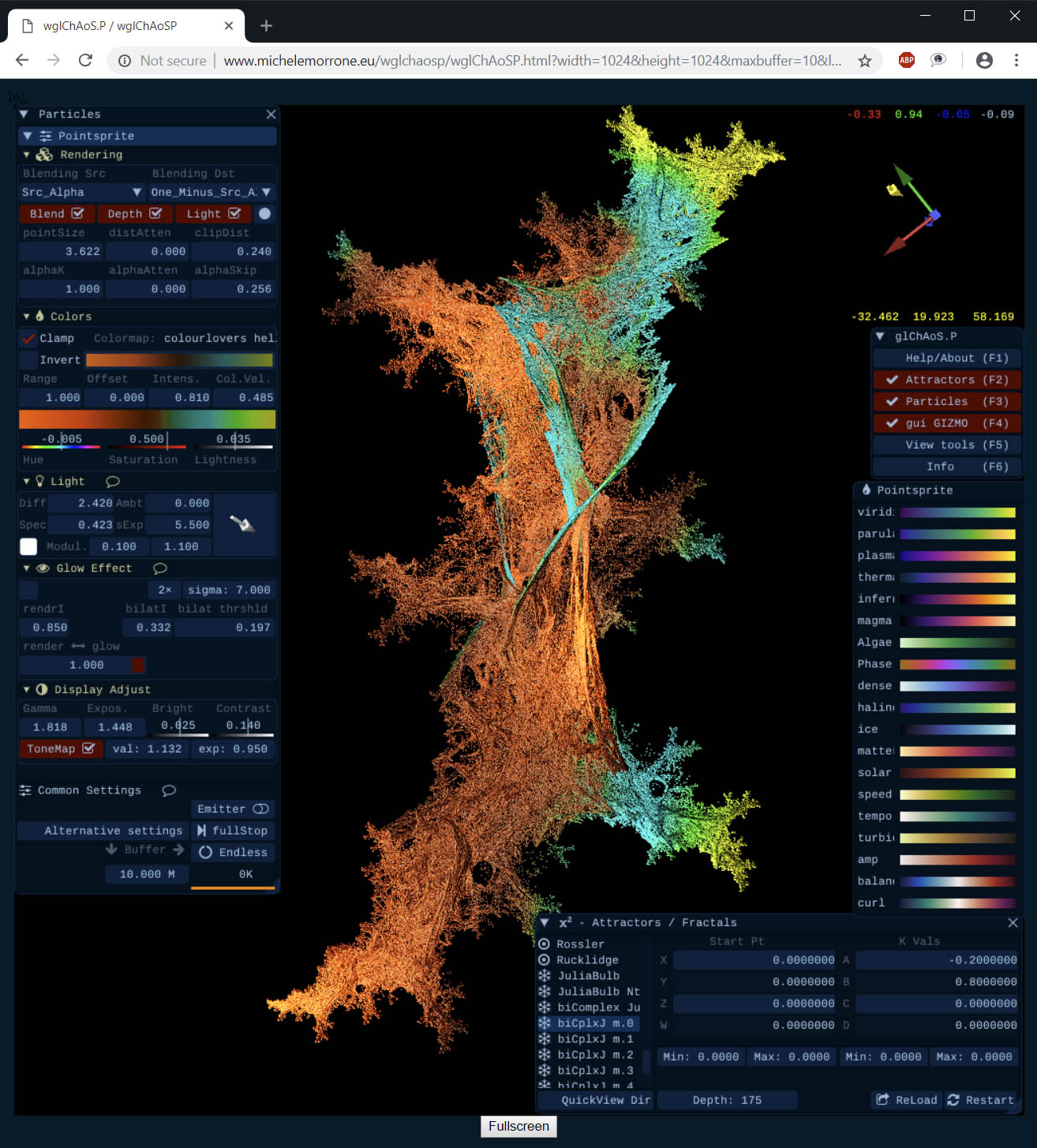
iPlug2
Cross platform C++ audio plug-in framework iplug2.github.io github.com/iplug2/iplug2Lumix Engine
3D C++ open source game engine github.com/nem0/LumixEngine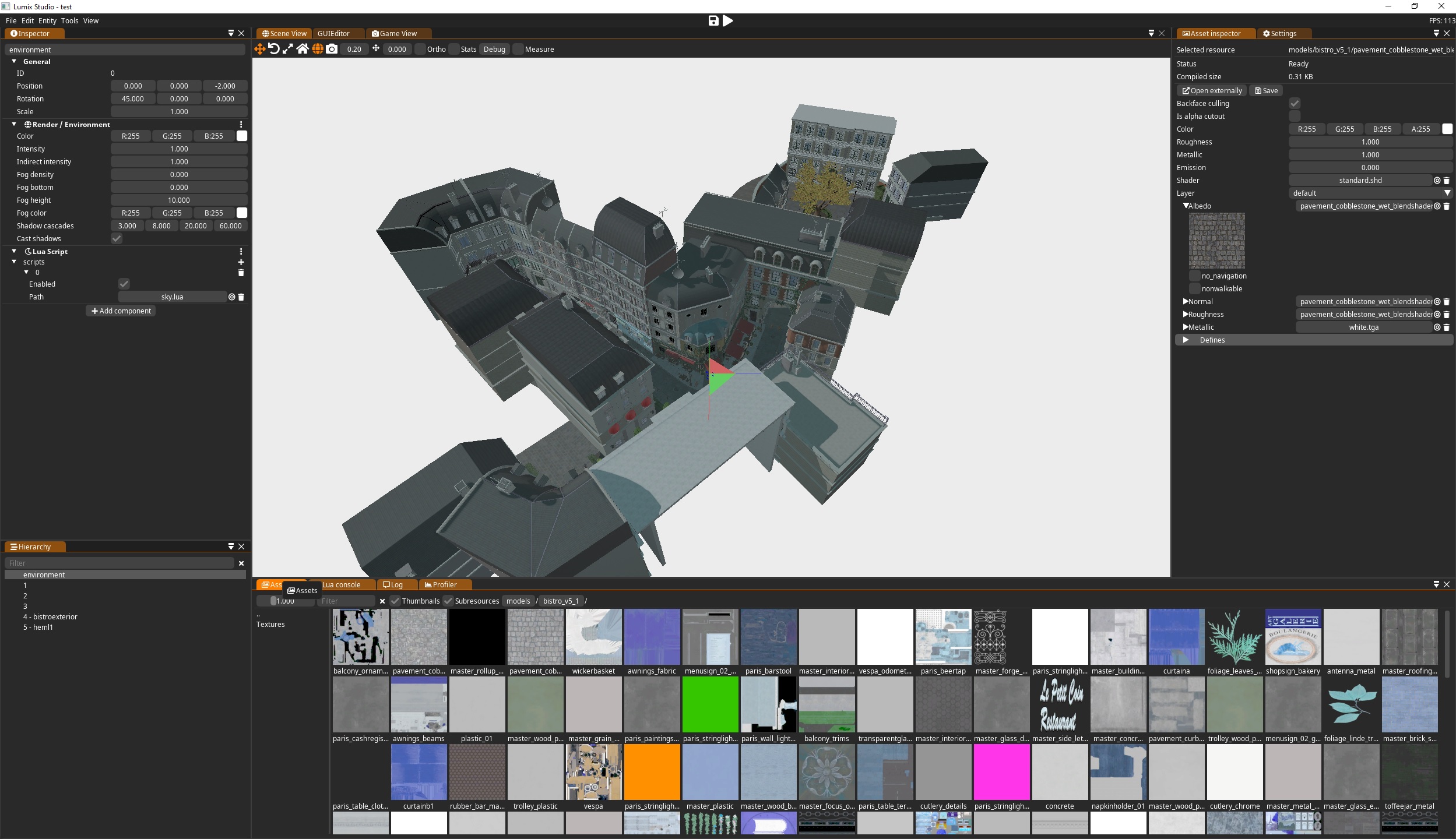
Tracy Profiler
Real time, nanosecond resolution, remote telemetry frame profiler for games and other applications. bitbucket.org/wolfpld/tracy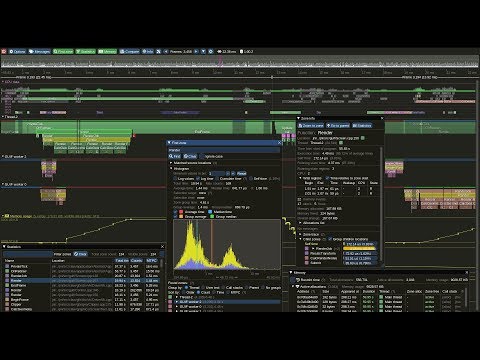
Visual 6502 Remix
Transistor level 6502 Hardware Simulation floooh.github.io/visual6502remix github.com/floooh/v6502rGames
Related Tools
ImGuiFontStudio
Create font subsets github.com/aiekick/ImGuiFontStudioContributing
Thanks to everyone who has contributed to IconFontCppHeaders so far. In order to make things easier please bear in mind the following:
- I regularly update the repository. If you urgently need an update and can't run the generator yourself, raise an issue specifying the icon set(s) you need updated.
- Before submitting a PR, please raise an issue describing the problem or the enhancement you suggest. If you're able, propose an implementation.
- If you use IconFontCppHeaders and would like your project to be featured on this page, raise an issue or email me at juliette@enkisoftware.com.
Credits
Development - Juliette Foucaut - @juliettef Requirements - Doug Binks - @dougbinks None language implementation and refactoring - Leonard Ritter - @paniq Suggestion to add a define for the ttf file name - Sean Barrett - @nothings Initial Font Awesome 5 implementation - Codecat - @codecat Suggestion to add Fork Awesome - Julien Deswaef - @xuv Suggestion to add Ionicons - Omar Cornut - @ocornut C# language implementation - Rokas Kupstys - @rokups Suggestion to add Material Design Icons - Gustav Madeso - @madeso Fontaudio implementation - Oli Larkin - @olilarkin Initial ttf to C and C++ headers conversion implementation - Charles Mailly - @Caerind Python language implementation - Hang Yu - @yhyu13 Go language implementation - Matt Pharr - @mpp Codicons implementation - Robert Ryan - @rtryan98 Rust language implementation - Gaeel Bradshaw-Rodriguez - @Bradshaw Pictogrammers Material Design icons implementation - Bobby Anguelov - @BobbyAnguelov Lucide icons implementation - Lucide Contributors - @lucide-icons


