
Example of a multi-pipeline monorepo with Azure Pipelines
azure-pipelines-monorepo
Use Case
This is not a recommendation to use a monorepo, just an example of how to implement it. Although uncommon, there are valid reasons to have a monorepo, especially for projects just migrating to the cloud.
In this scenario, we want to have multiple independent Azure DevOps pipelines in a single git repository.
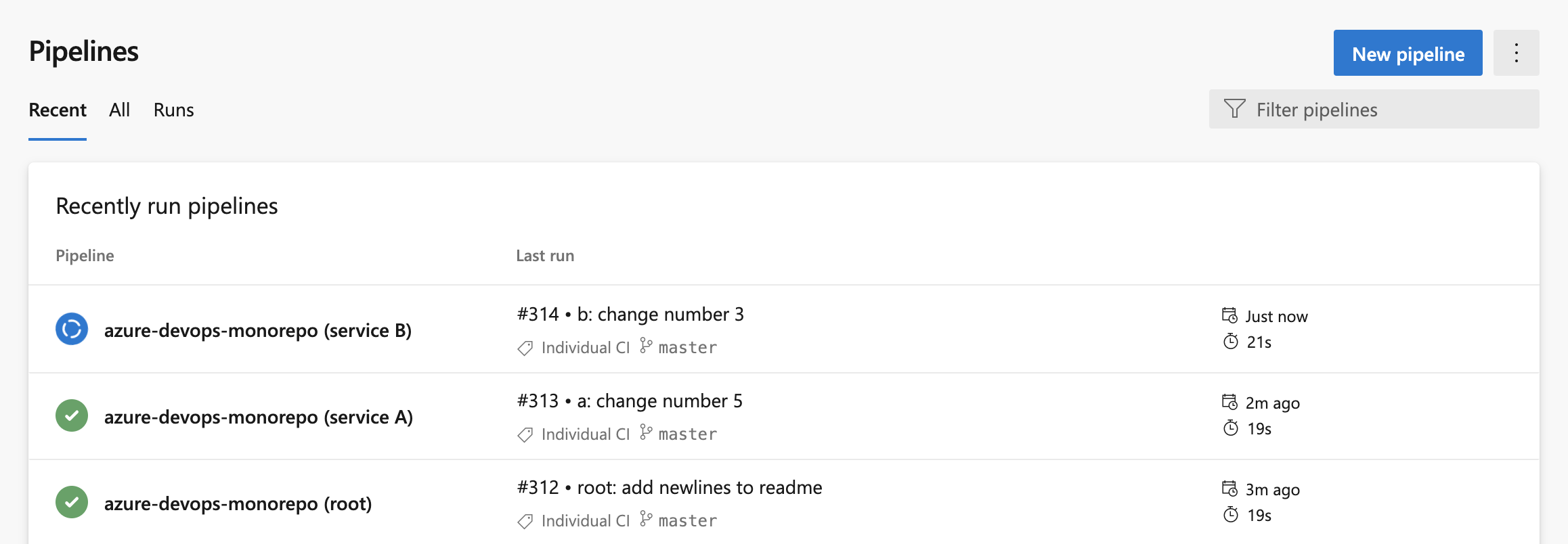
Monorepo Structure
This project has 3 different YAML pipelines, one in the project root and two in subfolders as shown:
.
├── README.md
├── azure-pipelines.yml
├── service-a
|── azure-pipelines-a.yml
│   └── …
└── service-b
    |── azure-pipelines-b.yml
    └── …
Steps Required in Azure DevOps UI
In short, the trick is that you name your pipeline as code YAML file whatever you want - which was not true when Azure DevOps was first released. Given that, we create three different pipelines.
Fork the Repository (optional)
This is a public repository so you should be able to add this repository into your Azure DevOps account. Note: you may need to create a service connection to GitHub even though this is a public repository.
If you have issues, fork the repo.
Add the Pipeline
- Go to a project
- click "New Pipeline" blue button
- Select the repository
- Under "Configure your Pipeline", select "Existing Azure Pipelines YAML file". Run these steps 1-4 three times, each time selecting a different YAML file:
azure-pipelines.yml
- service-a/azure-pipelines-a.yml
- service-b/azure-pipelines-b.yml
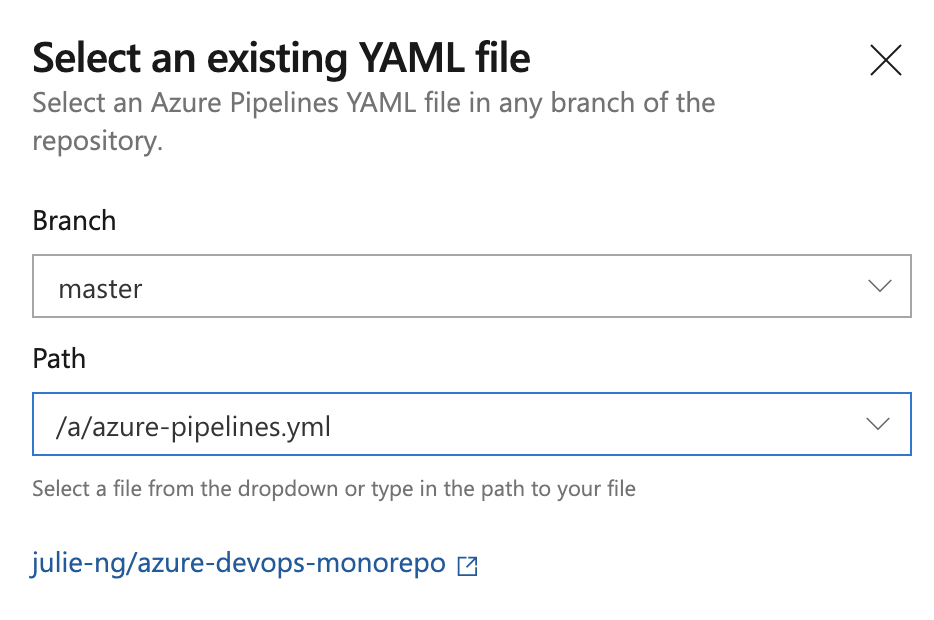
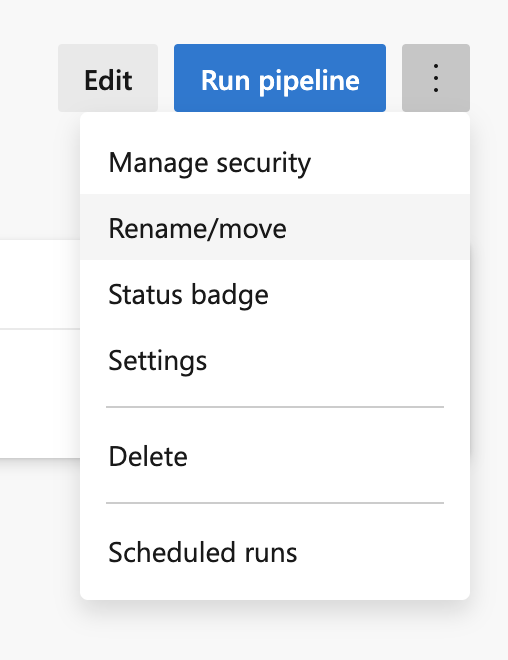
Rename your pipelines
The default names Azure DevOps are not great:
- julie-ng.azure-devops-monorepo
- julie-ng.azure-devops-monorepo (1)
- julie-ng.azure-devops-monorepo (2)
- azure-devops-monorepo (root)
- azure-devops-monorepo (Service A)
- azure-devops-monorepo (Service B)
Then you will have the setup in the first screenshot above.
How It Works
Root Pipeline
The pipeline in the root folder is defined to ignore changes in the subfolders:
trigger:
  paths:
    exclude: # Exclude!
      - 'service-a/*'
      - 'service-b/*'
Sub-project Pipelines
Each subfolder has a pipeline that is (CI) triggered by changes in its own directories.
trigger:
  paths:
    include: # Include!
      - 'service-a/' # or 'service-b/'
Note: the paths are always defined relative to the project root, not the location of the file.
Caveats!
There's a reason why monorepos are not common. If you choose this setup…
- Be Aware of Other Triggers, not just CI ones
- Are we Building A or B or both?
- Keep your Working Directory in Mind, e.g. running
npm installdoesn't work from root. So you may need to setworkingDirectoryin each step.


