
A simple reader with GUI, for pickle files.




picklevw (pronounced pickleview) is a simple Python web application, designed to read and display pickle files using pandas and streamlit.
Try it live on picklevw.streamlit.app
Getting Started
Installation
Clone the repository and install the required dependencies (possibly on a virtual environment):
git clone https://github.com/jonathanciapetti/picklevw.git
cd picklevw
python3 -m venv ./venv
source venv/bin/activate
pip install -r requirements.txt
Running the App
To start the application, run:
streamlit run src/picklevw.pyHere's a screenshot of the app displaying the unpickled content of a legit pickle, that doesn't use any 3rd-party package:
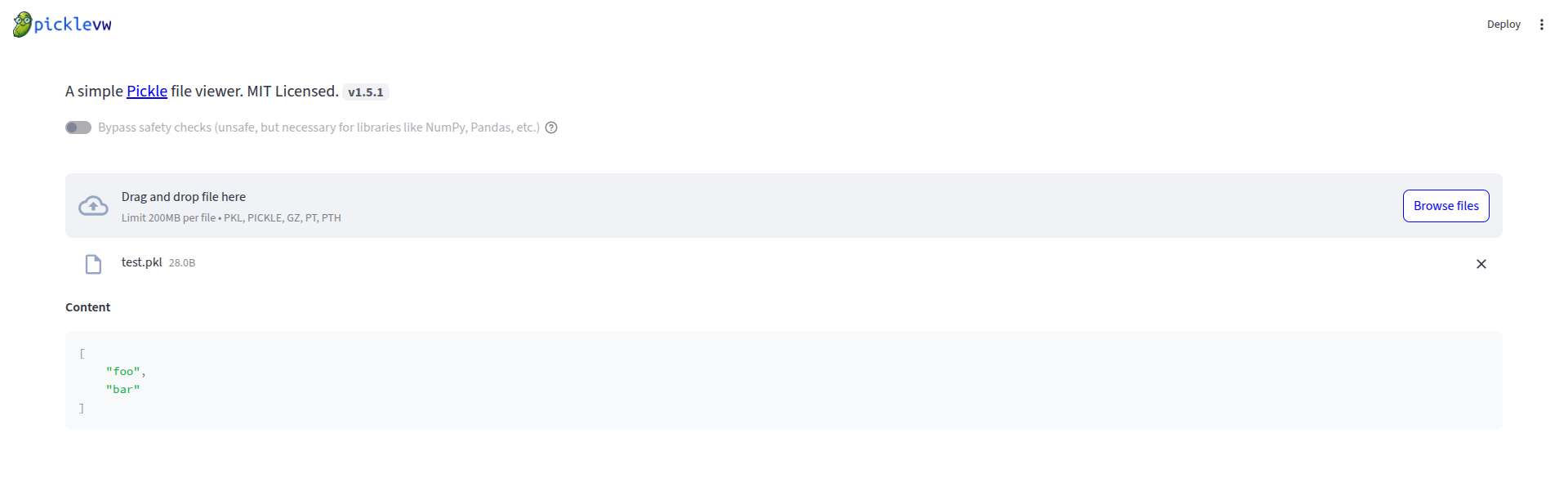
If you try to open a pickle with 3rd party packages (like Numpy or Pandas) without toggling the Bypass safety checks button or try to open a malicious pickle, you'll see this:
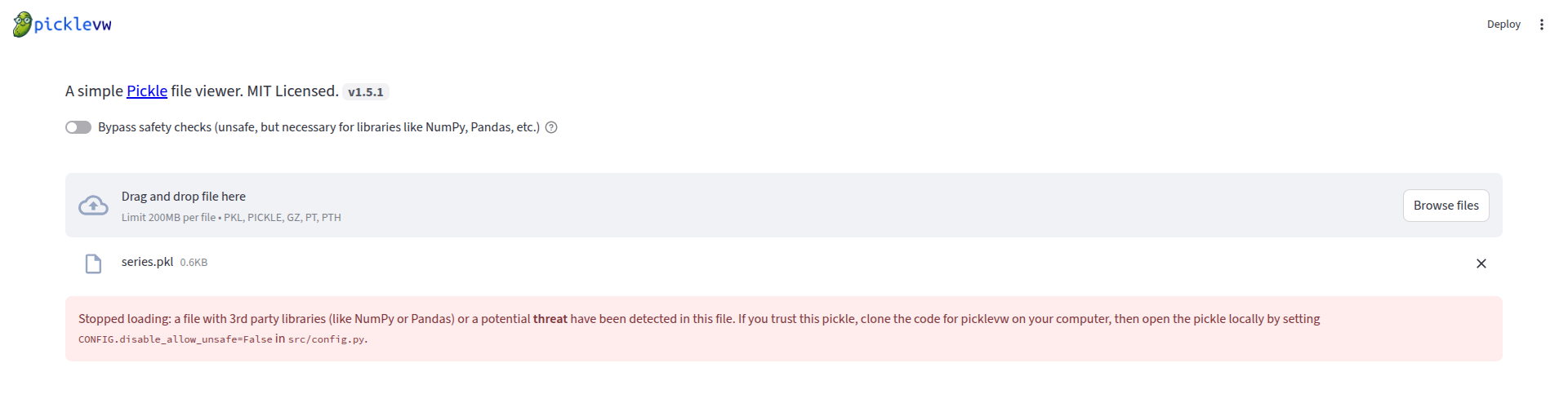
Here there is a screenshot of PickleVW displaying the content of a legit pickle storing a Numpy ndrray (notice the toggled safety button):
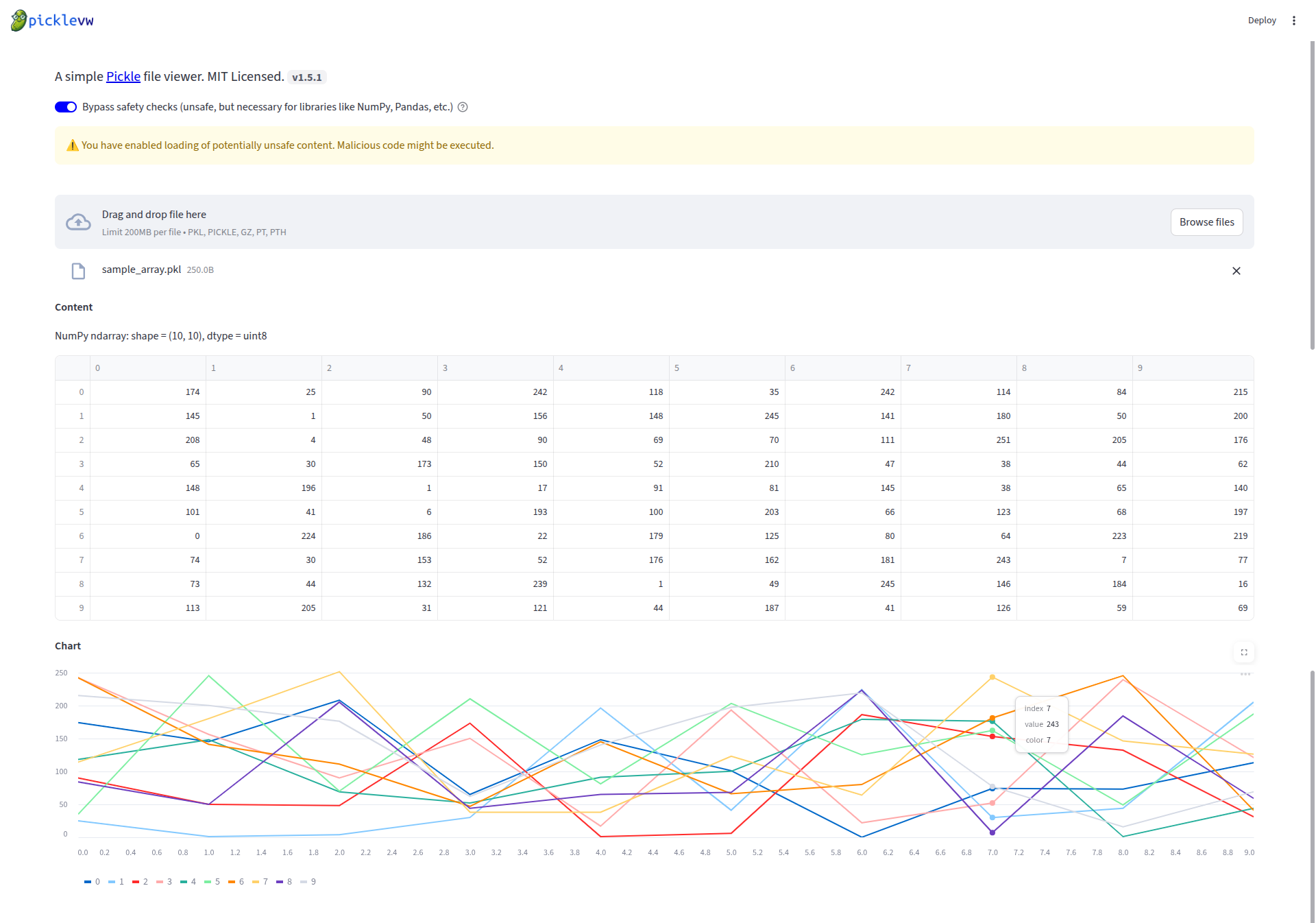
Safetey checks
picklevw relies on Fickling to detect potentially malicious pickles. fickling depends on distutils which is only available up to Python 3.11. Therefore, Python 3.11 is the latest version that picklevw supports.
Contributing
Contributions are welcome! If you have any ideas, suggestions, or bug reports, please open an issue or submit a pull request.
License
This project is licensed under the MIT License - see the LICENSE.txt file for details.


