
Automated face warping tool.




PyChubby
Tool for automated face warping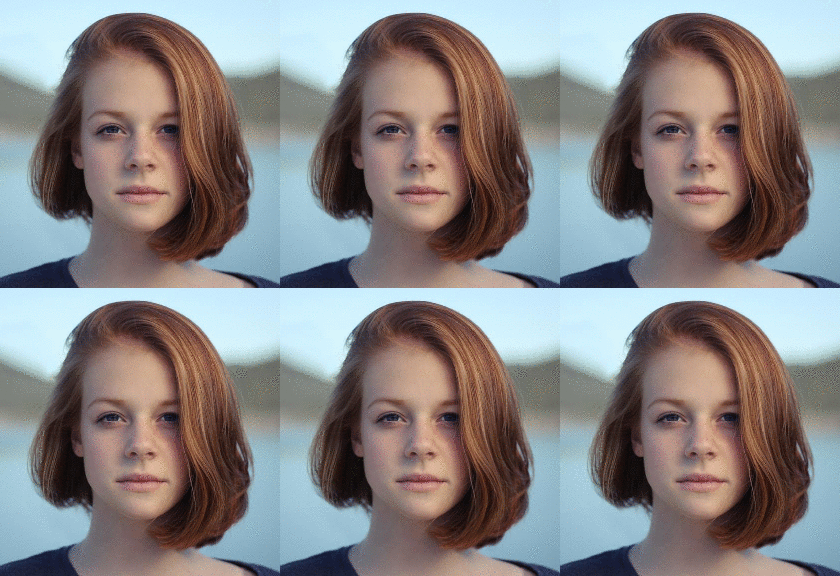
Installation
pip install pychubbyIf you get an error FileNotFoundError: [Errno 2] No such file or directory: 'cmake': 'cmake', you need to make sure cmake is installed. If you're on OSX you can install this via Homebrew with:
brew install cmakeFor other platforms please consult the Cmake documentation at
Description
For each face in an image define what actions are to be performed on it,pychubby will do the rest.
Documentation
Minimal Example
import matplotlib.pyplot as plt
from pychubby.actions import Chubbify, Multiple, Pipeline, Smile from pychubby.detect import LandmarkFace
img_path = 'path/to/your/image' img = plt.imread(img_path)
lf = LandmarkFace.estimate(img)
aperface = Pipeline([Chubbify(), Smile()]) aall = Multiple(aper_face)
newlf,  = a_all.perform(lf) newlf.plot(showlandmarks=False, show_numbers=False)
CLI
pychubby also comes with a CLI that exposes some
of its functionality. You can list the commands with pc --help:
Usage: pc [OPTIONS] COMMAND [ARGS]...
Automated face warping tool.
Options:   --help  Show this message and exit.
Commands:   list     List available actions.   perform  Take an action.
To perform an action (Smile in the example below) and plot the result on the screen
pc perform Smile INPUTIMGPATHor if you want to create a new image and save it
pc perform Smile INPUTIMGPATH OUTPUTIMGPATHDevelopment
git clone https://github.com/jankrepl/pychubby.git
cd pychubby
pip install -e .[dev]


