
Automatically activate the correct input source.

SwitchKey
Automatically use the correct input source.
Ever hassled by wrong input source when switching application? SwitchKey can automatically activate your choice for you.
Download & Install
Manually:
Download (macOS): 
Via Homebrew (thanks to @fanvinga):
brew install --cask switchkeyUsage
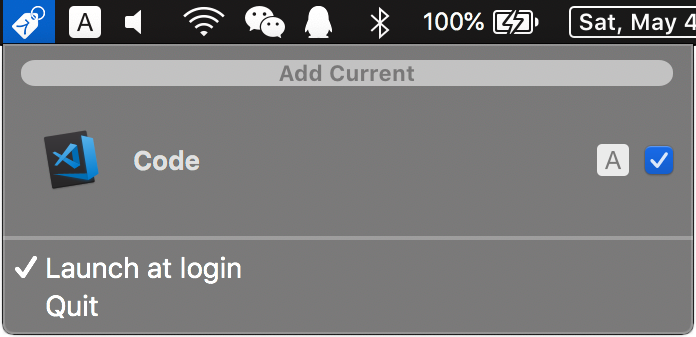
- Save current input source choice for frontmost application:
- Enable/disable automatic switch for saved application:
- Remove saved choice:
Not working? See below.
First Run
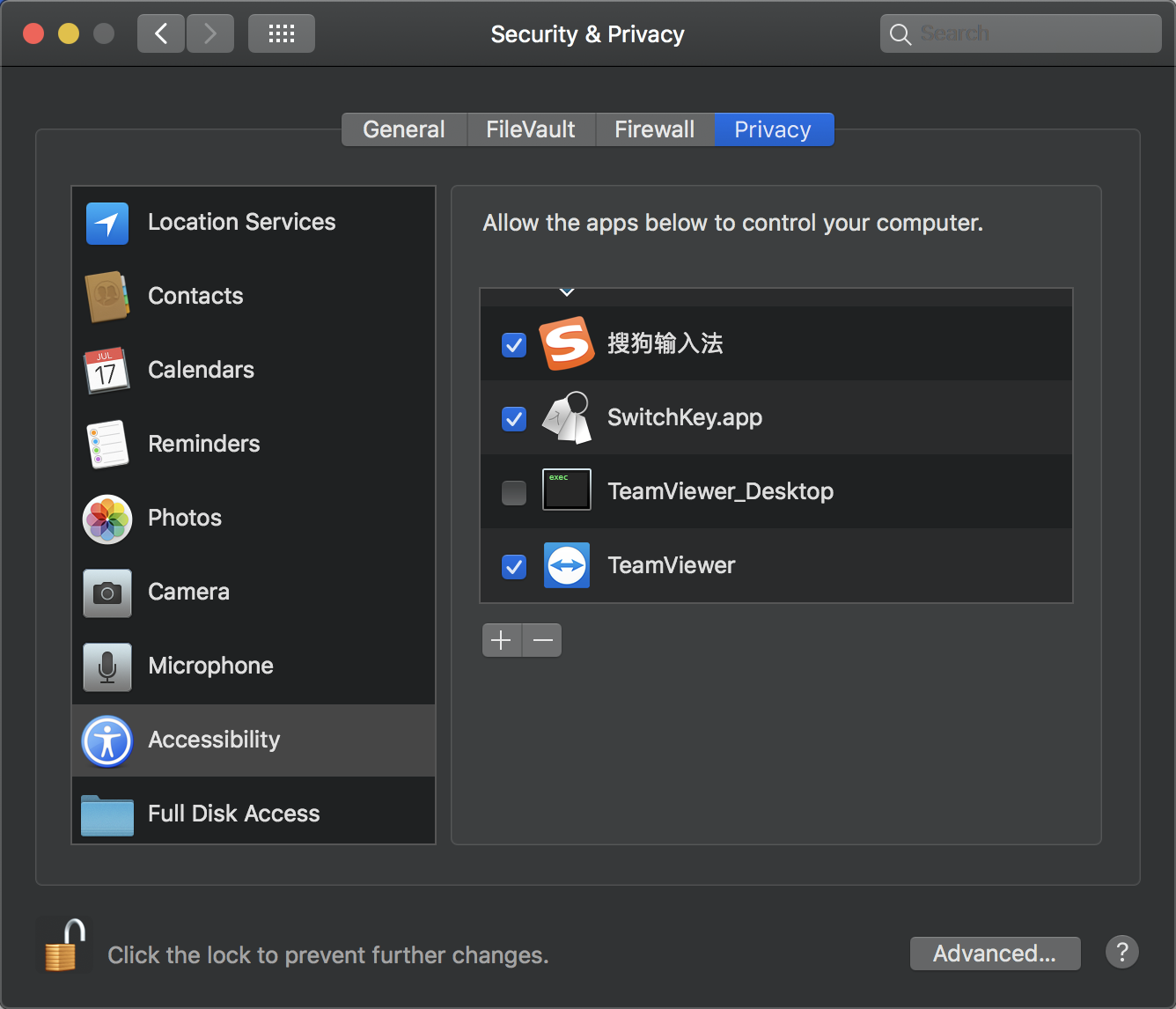
Upon first launch, SwitchKey will ask for accessibility permission. SwitchKey will open accessibility page, and exit. After you grant permission, re-launch SwitchKey again. The same will happen if you reject the permission later.
Purchase
I wrote this because I tried some other tools. They are either buggy or too cumbersome to configure. I payed money and time for them. So you don't have to pay for them anymore.
Bug Report & Feature Request
Welcome! Please click here.


