
AWS superpowers with the power of bedrock and speed of rust


From the minds behind k8sgpt

Isotope scans AWS services and makes suggestions on how to improve them using AWS Bedrock (Artificial Intelligence).
We leverage the high fidelity corpus of data inputted and trained by AWS to give you the best recommendations possible on how to secure your VPC. Our mission is to provide high quality analysis without needing to subscribe to specialist services. All the information and clear actions you could need, right on your CLI.
Key benefits
- No exfiltration of data beyond your AWS account
- Discrete examination of your services within AWS
- Simplistic remediation steps designed for humans.
Example
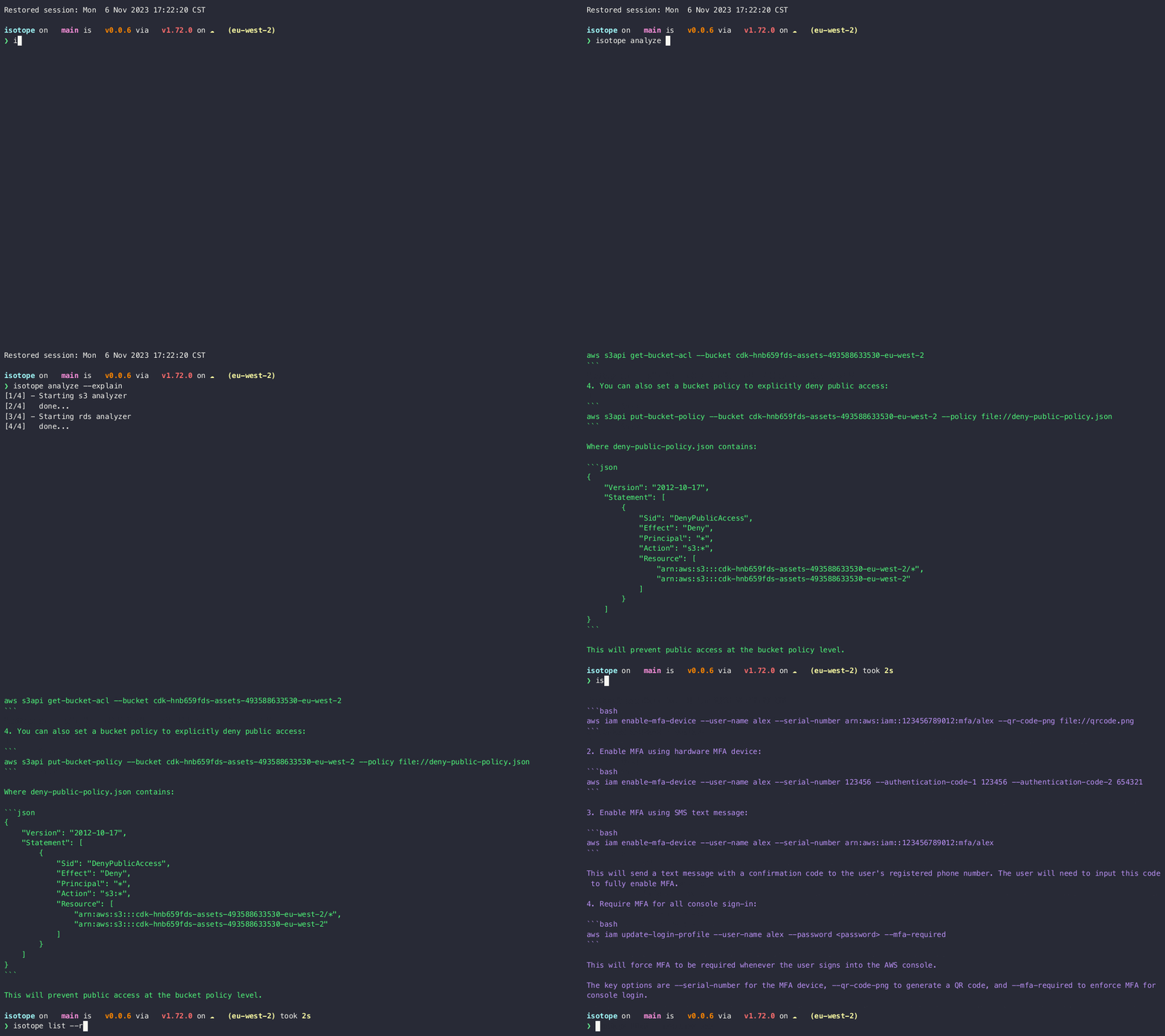
❯ isotope analyze --explain
Current AWS region: eu-west-2
Running STS analyzer
Running S3 analyzer
MFA is not enabled for user alex
Here are a few ways to enable MFA for a user called 'alex' using the AWS CLI:
- Enable virtual MFA device:
aws iam create-virtual-mfa-device --virtual-mfa-device-name "alex"
This will create a virtual MFA device for the user. You can then retrieve the seed and QR code to configure the MFA app:
aws iam enable-mfa-device --user-name alex --serial-number arn:aws:iam::123456789012:mfa/alex --authentication-code1 123456
Installation
brew install isotope-rs/homebrew-isotope/isotopeOr with Cargo
cargo install isotopeSetup
Set environment variables for AWS access
export AWSACCESSKEY=""
export AWSSECRETACCESS_KEY=""
export AWS_REGION="" ( e.g. eu-west-2 //wherever your VPC is )
export BEDROCK_REGION="eu-central-1"  ( e.g. us-east-1,us-west-2, ap-southeast-1, ap-northeast-1 )
export BEDROCK_MODEL="anthropic.claude-v2" ( e.g. anthropic.claude-v2, anthropic.claude-v1, anthropic.claude-instant-v1 )
Usage
Run all isotope analyzers
isotope analyzeOptionally for a single analyzer
isotope analyze -a S3Use Bedrock AI
isotope analyze --explainDebug in interactive mode
isotope analyze --explain --interactiveAnalyzers
- S3
- STS
- RDS
- EBS
- SG
- EC2
- IAM
Community
Find us on K8sGPT Slack Isotope channel


