
A modern cross-platform GUI for yt-dlp. Download videos from YouTube, Bilibili, TikTok and 1000+ sites. Built with Tauri + Vue.
yt-dlp GUI
A modern, beautiful desktop GUI for yt-dlp.
Download videos from YouTube, Bilibili, Twitter/X and 1000+ websites with ease.



English | 简体中文
Why yt-dlp GUI?
yt-dlp is powerful, but its command-line interface can be intimidating. yt-dlp GUI wraps it in a clean, native desktop app — no terminal needed.
- Zero config to start — paste a link, pick a quality, click download
- Native & lightweight — built with Tauri 2 + Rust, ~10 MB installer, low memory usage
- Cross-platform — Windows, macOS, and Linux
- Multilingual — 7 languages with auto-detection
Features
Core
- Paste a video URL and instantly preview title, thumbnail, duration, and available formats
- Choose video quality, audio-only, or video-only downloads
- Download queue with pause / resume / cancel controls
- Real-time progress with speed and ETA display
- Playlist support — download all or selected items
- Configurable concurrent downloads and fragment threading
Toolbox
- Thumbnail Downloader — browse and save all available cover images in any resolution
- Subtitle Extractor — download subtitles in SRT / VTT / ASS / LRC, with bilingual merge support
- Live Chat Archiver — extract YouTube live chat replay, filter with regex, export as JSON / CSV
- Plugin Manager — install yt-dlp plugins (e.g. ChromeCookieUnlock) with one click
- Browser Extension — companion Chrome / Edge extension that sends the page URL and required cookies to the app with one click (details)
Advanced
- Custom filename templates with rich variables (title, author, date, resolution, etc.)
- Time-based clip trimming — download only a segment of the video
- Re-encode to MP4 / MKV / WebM / MP3 / AAC / FLAC and more
- Embed subtitles, thumbnails, metadata, and chapters into the output file
- SponsorBlock integration — automatically skip sponsored segments
- Cookie authentication for age-restricted or members-only content
- Proxy support (HTTP / SOCKS)
- Download speed limiter
- Light / Dark / Auto theme
- Download completion notifications (in-app and/or system)
Screenshots
| Home (Dark) | Home (Light) | |:-:|:-:| | 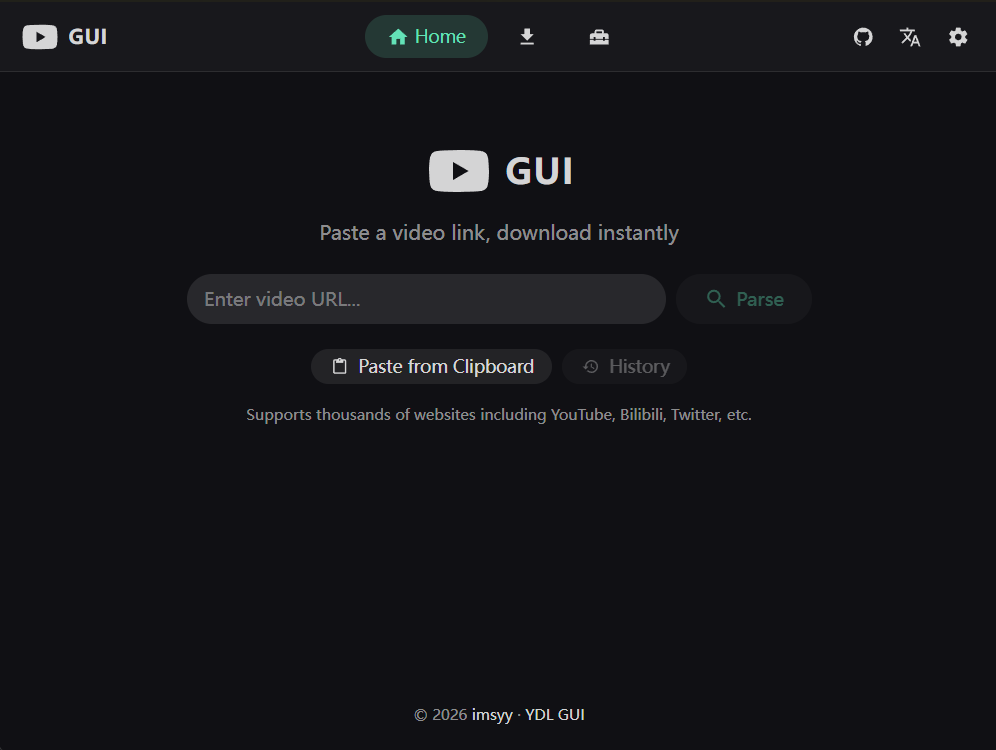 |
| 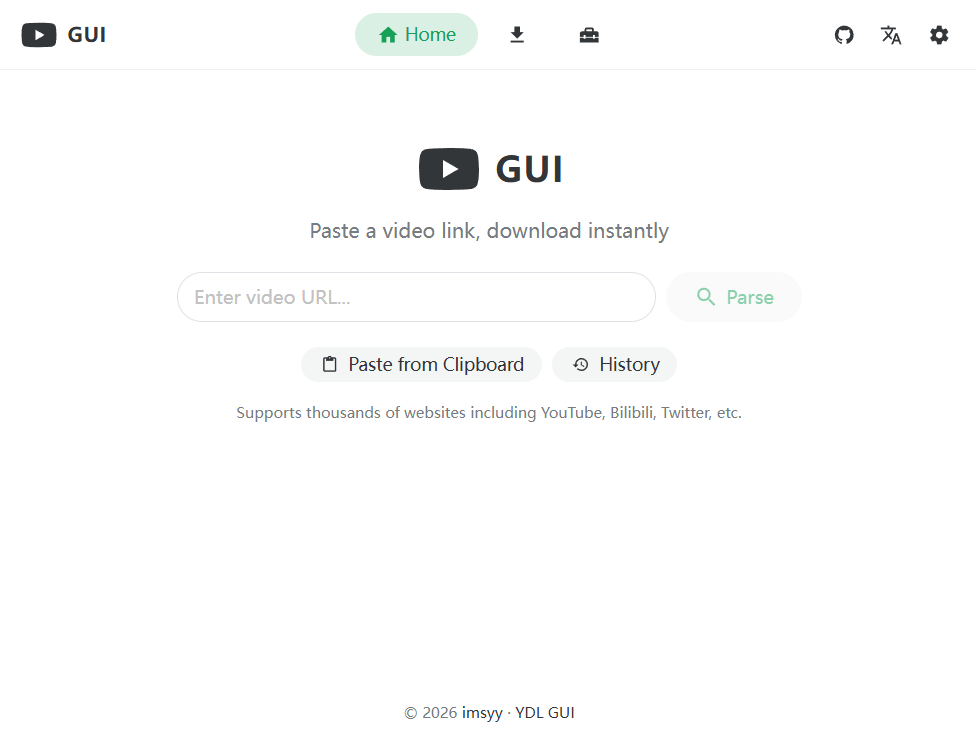 |
|
| Download Options | Extra Options | |:-:|:-:| | 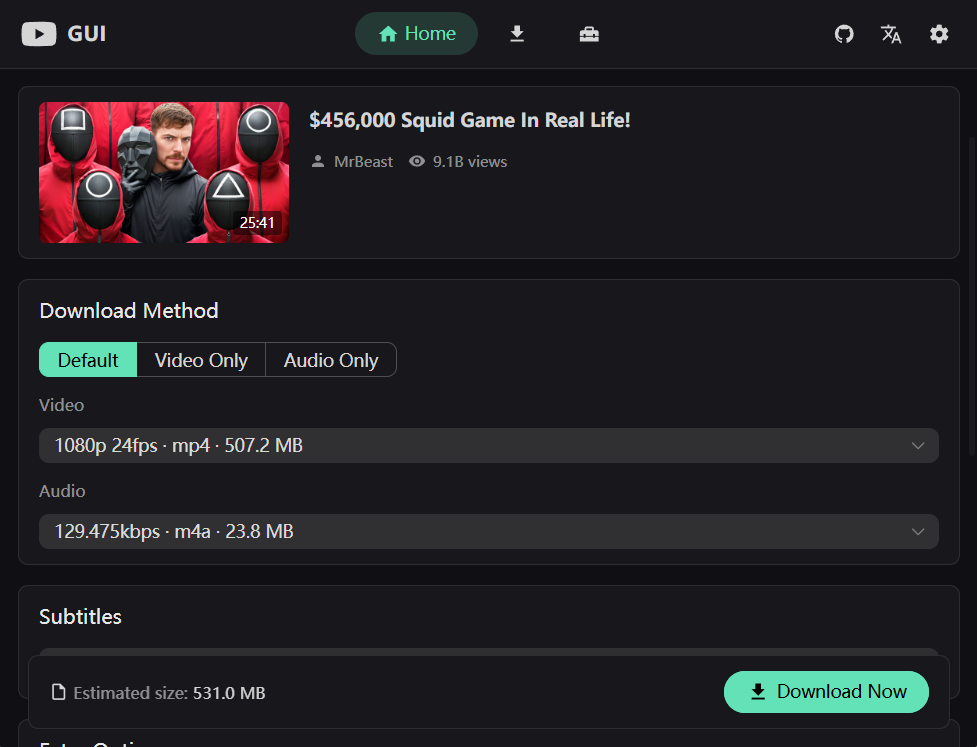 |
| 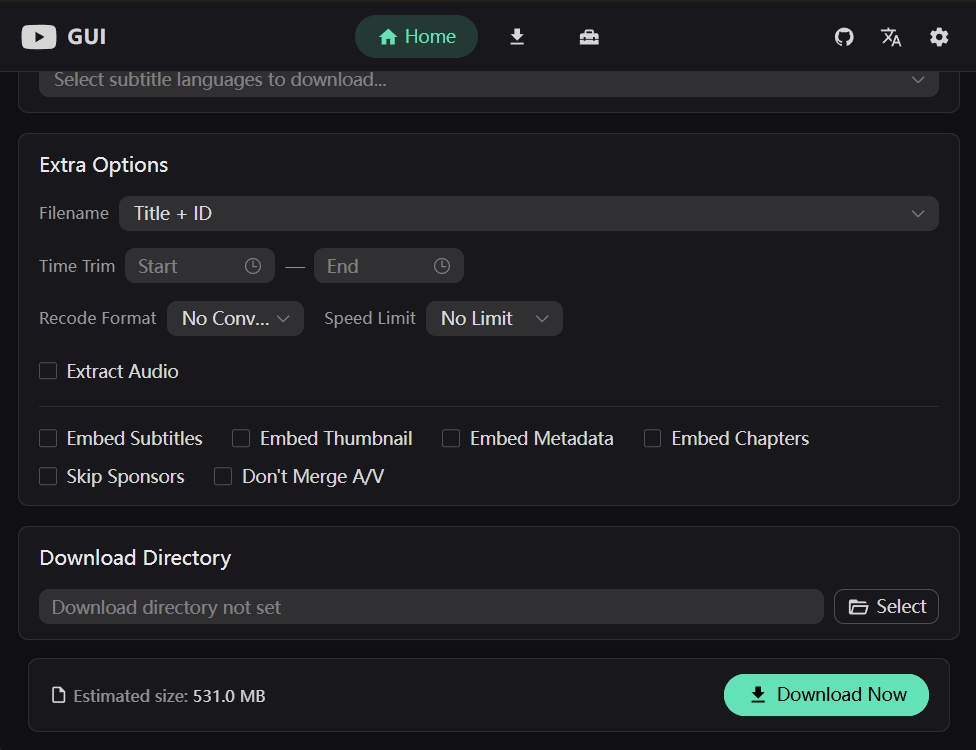 |
|
| Downloading | Tools | |:-:|:-:| | 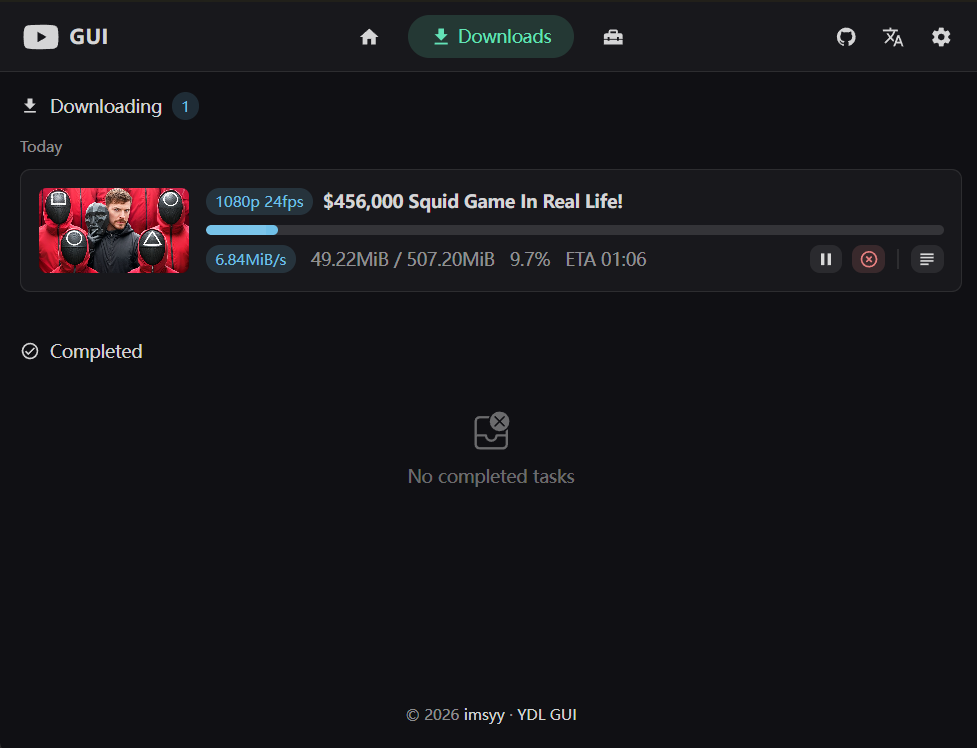 |
| 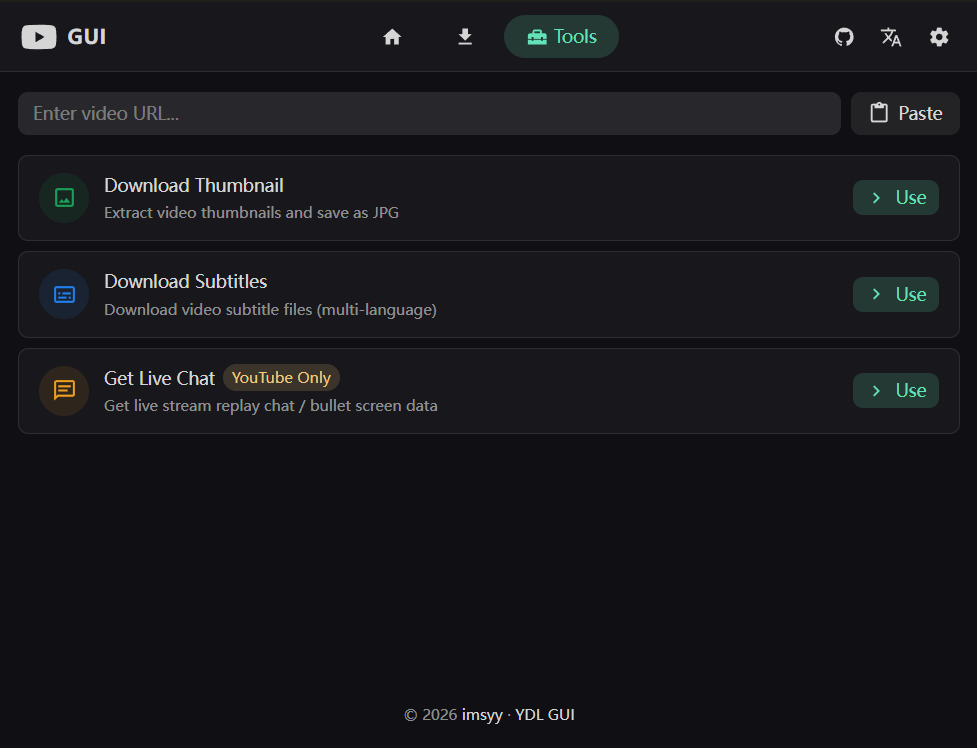 |
|
Getting Started
Download
Grab the latest release for your platform from Releases:
| Platform | File | |----------|------| | Windows | .exe installer | | macOS | .dmg | | Linux | .AppImage / .deb |
First Launch
- Open the app and go to Settings
- Click Download next to yt-dlp — the binary is fetched automatically
- (Optional) Install Deno runtime for full YouTube format support
- Set your download directory
- Go back to the home page, paste a URL, and start downloading
[!TIP]
If you encounter login-required videos, configure Cookie in settings using Netscape format text or a cookie file.
Browser Extension
A companion YDL GUI Helper browser extension lives in browser-extension/. It sends the current tab's URL and required cookies straight to the desktop app via a local protocol handler (ytdlp-gui://) — no copy-paste, no extra cookie export.
Highlights
- One-click send from the popup, or right-click context menu (
Send page to YDL GUI/Download link with YDL GUI/Send selected URL to YDL GUI) - Action badge lights up automatically on supported video sites
- Auto light / dark theme that follows your system
- Cookies are processed locally — passed straight to the app via the local protocol, never uploaded anywhere
Install (Chrome / Edge / Brave / Vivaldi etc.)
The extension is bundled with the app — no separate download required.
- In the app, open Toolbox → Browser Extension and click Open extension folder.
- Open
chrome://extensions(oredge://extensions) and turn on Developer mode in the top-right. - Click Load unpacked and select the folder revealed in step 1.
- Pin the YDL GUI Helper icon next to the address bar.
Use
- Open a supported video page (YouTube, Bilibili, Twitch, Vimeo, Twitter/X, TikTok, Instagram, Facebook, Reddit, SoundCloud, etc.).
- Click the YDL GUI icon, or right-click the page / a video link and choose Send to YDL GUI.
- The desktop app comes to the front automatically with the URL and cookies pre-filled.
[!NOTE]
Make sure the YDL GUI desktop app is installed and running for the protocol handler to fire.
Tech Stack
| Layer | Technology | |-------|-----------| | Backend | Tauri 2 + Rust | | Frontend | Vue 3 + TypeScript | | UI | Naive UI | | State | Pinia with persistence | | Build | Vite | | i18n | Vue I18n — zh-CN, zh-TW, en-US, ja-JP, ko-KR, es-ES, ru-RU |
Development
Prerequisites
Setup
# Clone the repository
git clone https://github.com/imsyy/yt-dlp-gui.git
cd yt-dlp-gui
Install dependencies
pnpm install
Run in development mode (Vite + Tauri)
pnpm tauri:dev
Build for production
pnpm tauri:build
Contributing
Contributions are welcome! Feel free to open an issue or submit a pull request.


