
Upload and install iOS ipa and Android apk in web.
ipa-server
ipa-server is updated to v2, to older version v1
Upload and install Apple .ipa and Android .apk in web.
Demo
Key features
- Automatic parse packet information
- Automatically generate icons
- Parse icons from
Assets.car - Out of the box
- Free depoly, use
Herokuas runtime andAli OSSas storage, Both of them provide HTTPS access for free - The generated files are completely stored in external storage. Currently, it supports
S3QiniuAlibaba Cloud OSS - A single binary build-in all you need
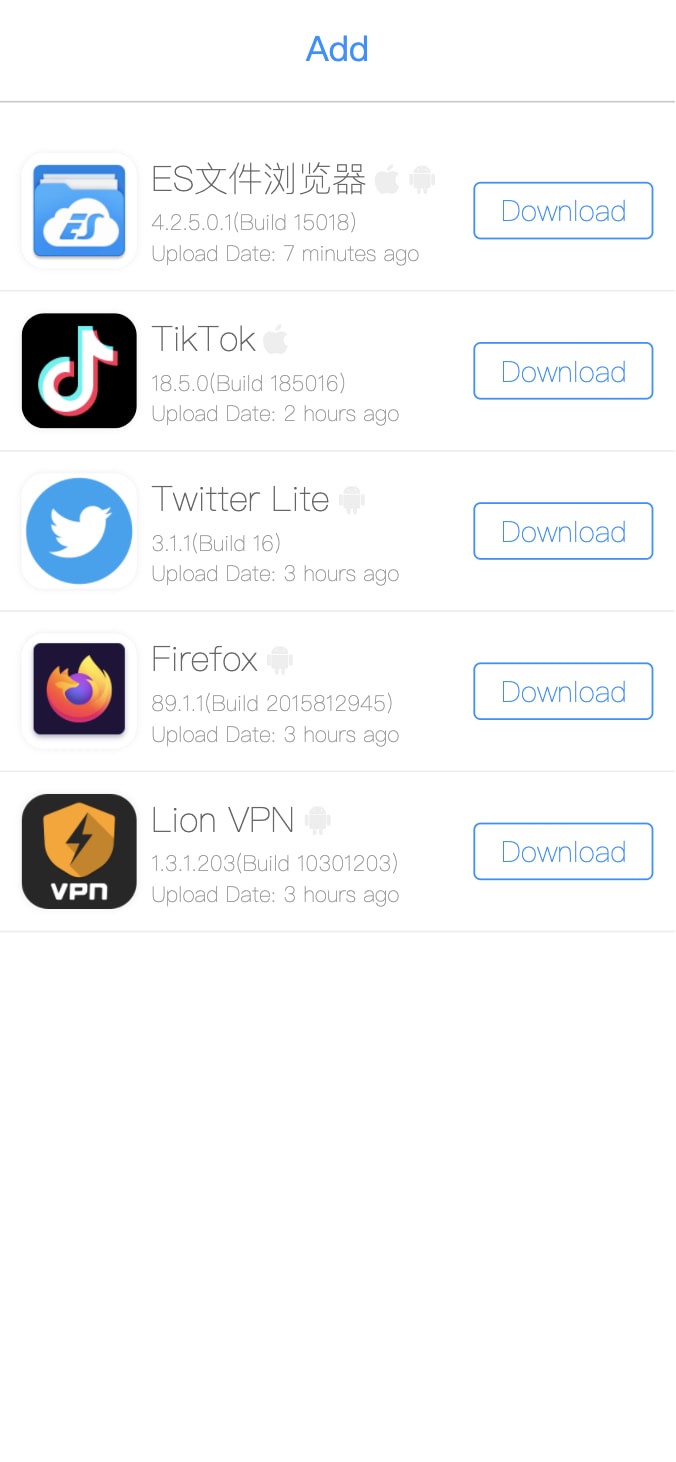 |
| 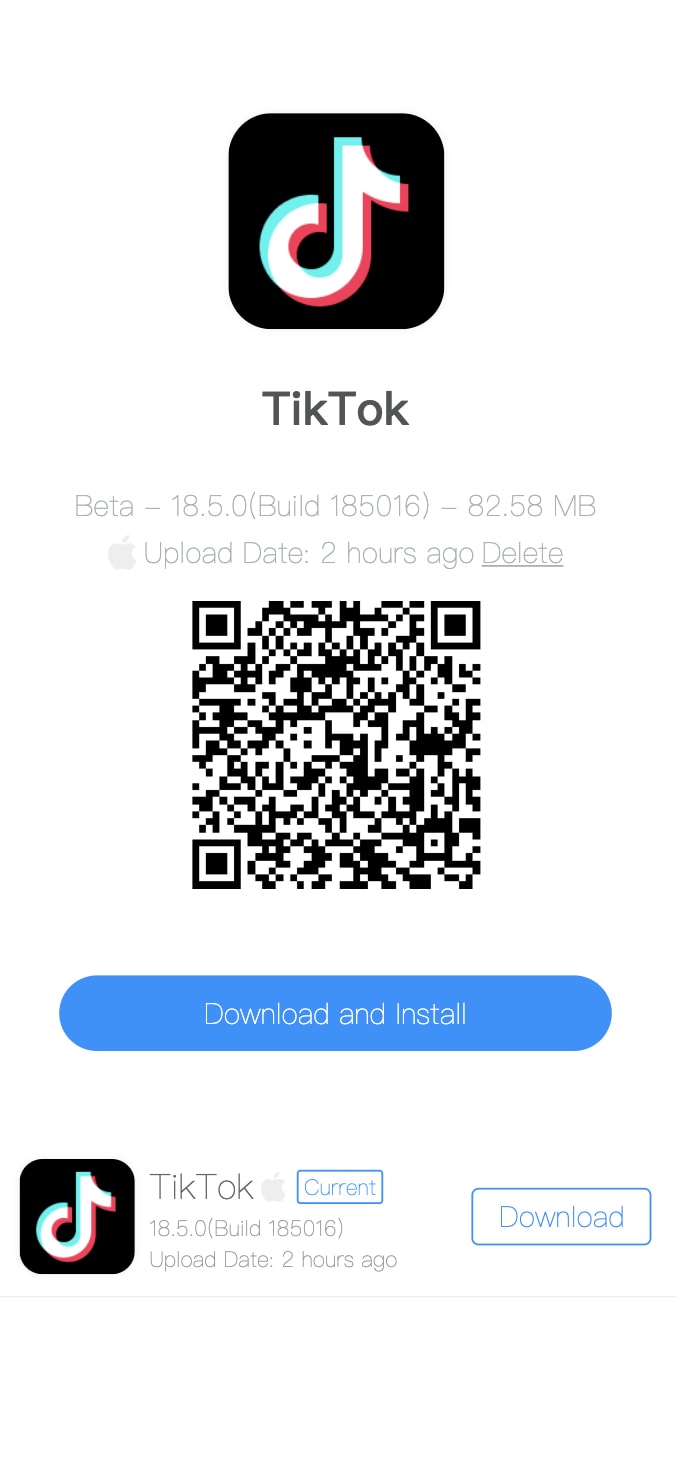 |
|
Install for local trial
# clone
git clone https://github.com/iineva/ipa-server
build and start
cd ipa-server
docker-compose up -d
than open http://localhost:9008 in your browser.
Heroku Deploy
config
- PUBLIC_URL: public URL for this server, empty to use
$DOMAIN - REMOTE: remote storager config,
s3://ENDPOINT:AK:SK:BUCKETalioss://ENDPOINT:AK:SK:BUCKETqiniu://[ZONE]:AK:SK:BUCKET - REMOTE_URL: remote storager public url, https://cdn.example.com
- DELETE_ENABLED: delete app enabled,
truefalse

Docker Deploy
- This server is not included SSL certificate. It must run behide the reverse proxy with HTTPS.
- After deployed, you can access https://\
- There is a simple way to setup a HTTPS with replace
docker-compose.ymlfile:
#  Replace ALL <YOUR_DOMAIN> to you really domain
version: "3" services:   web:     image: ineva/ipa-server:latest     container_name: ipa-server     restart: unless-stopped     environment:       # server public url       - PUBLICURL=https://<YOURDOMAIN>       # option, remote storager config, s3://ENDPOINT:AK:SK:BUCKET, alioss://ENDPOINT:AK:SK:BUCKET, qiniu://[ZONE]:AK:SK:BUCKET       - REMOTE=       # option, remote storager public url, https://cdn.example.com       - REMOTE_URL=       # option, metadata storage path, use random secret path to keep your metadata safer in case of remote storage       - META_PATH=appList.json       # delete app enabled, true/false       - DELETE_ENABLED="false"       # upload app disabled, true/false       - UPLOAD_DISABLED="true"       # meta data filter, string list, comma separated       - METADATAFILTER="key1,key2"       # If set, login user for upload and delete Apps.       - LOGIN_USER=       - LOGIN_PASS=     volumes:       - "/docker/data/ipa-server:/app/upload"   caddy:     image: ineva/caddy:2.4.1     restart: unless-stopped     ports:       - 80:80       - 443:443     entrypoint: |       sh -c 'echo "$$CADDY_CONFIG" > /srv/Caddyfile && /usr/bin/caddy run --config /srv/Caddyfile'     environment:       CADDY_CONFIG: |         <YOUR_DOMAIN> {           reverse_proxy web:8080         }
Build or run from source code
# install golang v1.16 first
git clone https://github.com/iineva/ipa-server
build and start
cd ipa-server
build binary
make build
run local server
make


