
An E-Commerce Microservices Application using Spring Boot
Last updated Jun 16, 2026
89
Stars
61
Forks
0
Issues
0
Stars/day
Attention Score
33
Topics
Language breakdown
No language data available.
▸ Files
click to expand
README
Micro Marketplace: An E-commerce Microservices Application
Solution Overview
Micro Marketplace is a robust e-commerce application built on a microservices architecture using Spring technologies and other open-source tools.
- This platform leverages the power of Spring Boot, Netflix Eureka, Spring Cloud Gateway, and KeyCloak for service development, discovery, gateway management, and security, respectively.
- It incorporates Resilience4j for resilient synchronous communication, and Apache Kafka for seamless event-driven asynchronous communication between services.
- It offers extensive observability into the application using Micrometer and Zipkin for distributed tracing, and Prometheus and Grafana for monitoring and visualization.
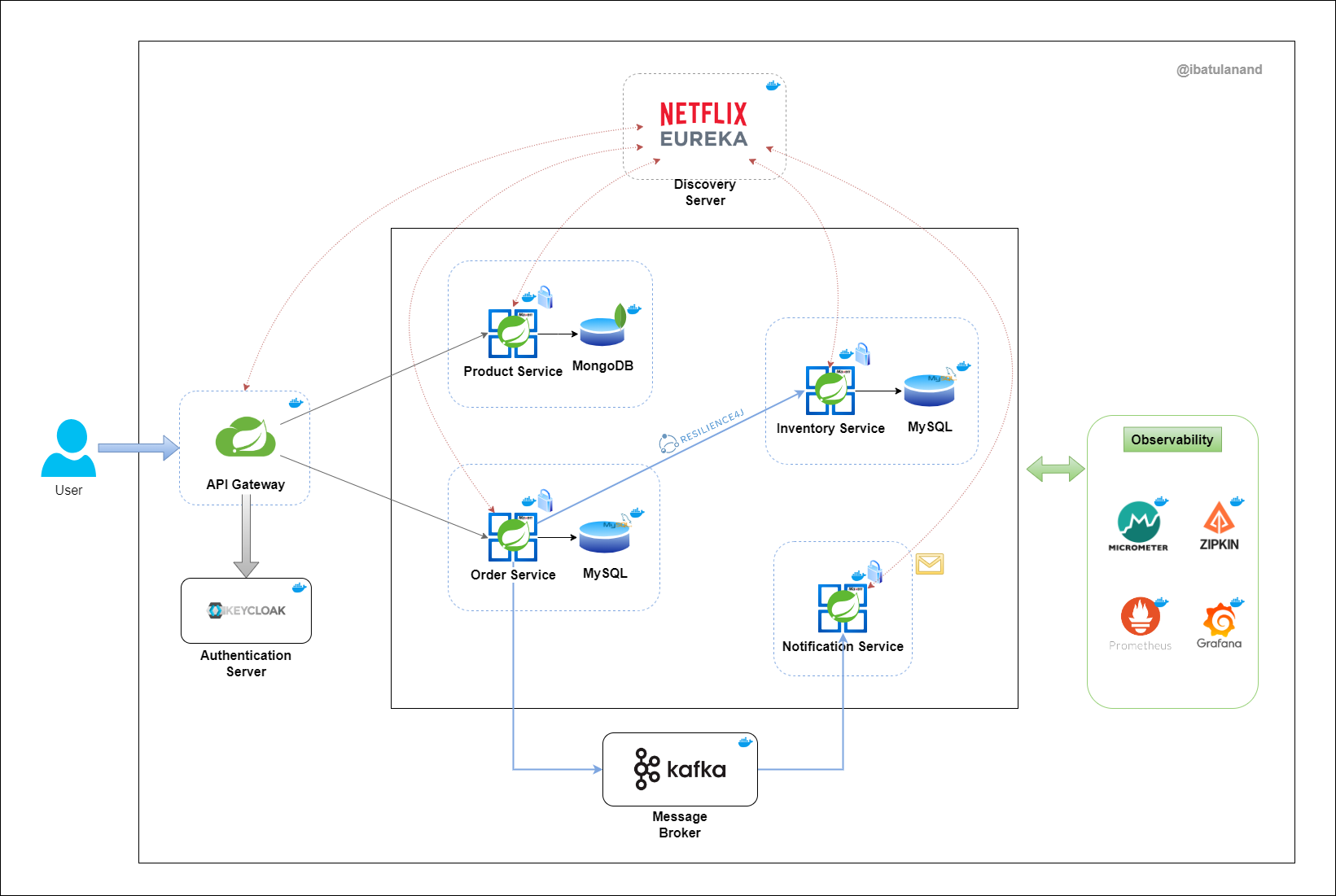
Solution Architecture
Services
- Product Service: Responsible for managing product information, including creation, retrieval, and updates. It uses a MongoDB database.
- Order Service: Handles order management, including creating and retrieving orders. It uses a MySQL database.
- Inventory Service: Manages products inventory. It also uses a MySQL database.
- Notification Service: A stateless service responsible for sending notifications to users regarding their orders or other relevant updates.
Major Components
- Discovery Server: Netflix Eureka is employed for service registration and discovery, allowing microservices to locate and interact with each other dynamically.
- API Gateway: Spring Cloud Gateway is deployed to serve as the entry point for all external requests, effectively routing traffic to the appropriate microservices.
- Auth Server: For robust authentication and authorization mechanisms, KeyCloak is used to secure the microservices and protect sensitive data.
- Circuit Breaker: Resilience4j is used to maintain system reliability by preventing cascading failures in microservices through circuit-breaking mechanisms.
- Message Broker: Apache Kafka forms the backbone of Micro Marketplace's event-driven architecture, facilitating asynchronous notification for orders.
- Observability Stack: Distributed tracing is implemented to monitor and troubleshoot requests as they traverse different microservices, using Micrometer for metrics and Zipkin for tracing.
Tech Stack Used
| Languages & Frameworks |


|
| Databases & Message Queue |



|
| API Gateway |

|
| Service Discovery |

|
| Circuit Breaker |

|
| Security |

|
| Observability |


|
| Build & Containerization |


|
Getting Started
Prerequisites
- Docker and Docker Compose should be installed.
- Docker should be running.
Deployment
- Navigate to the project directory:
cd ecommerce-microservices- Start the containers:
docker compose up -d- Confirm that the containers are up and running:
docker psUsage
Interacting with Application
- Getting Credentials from KeyCloak
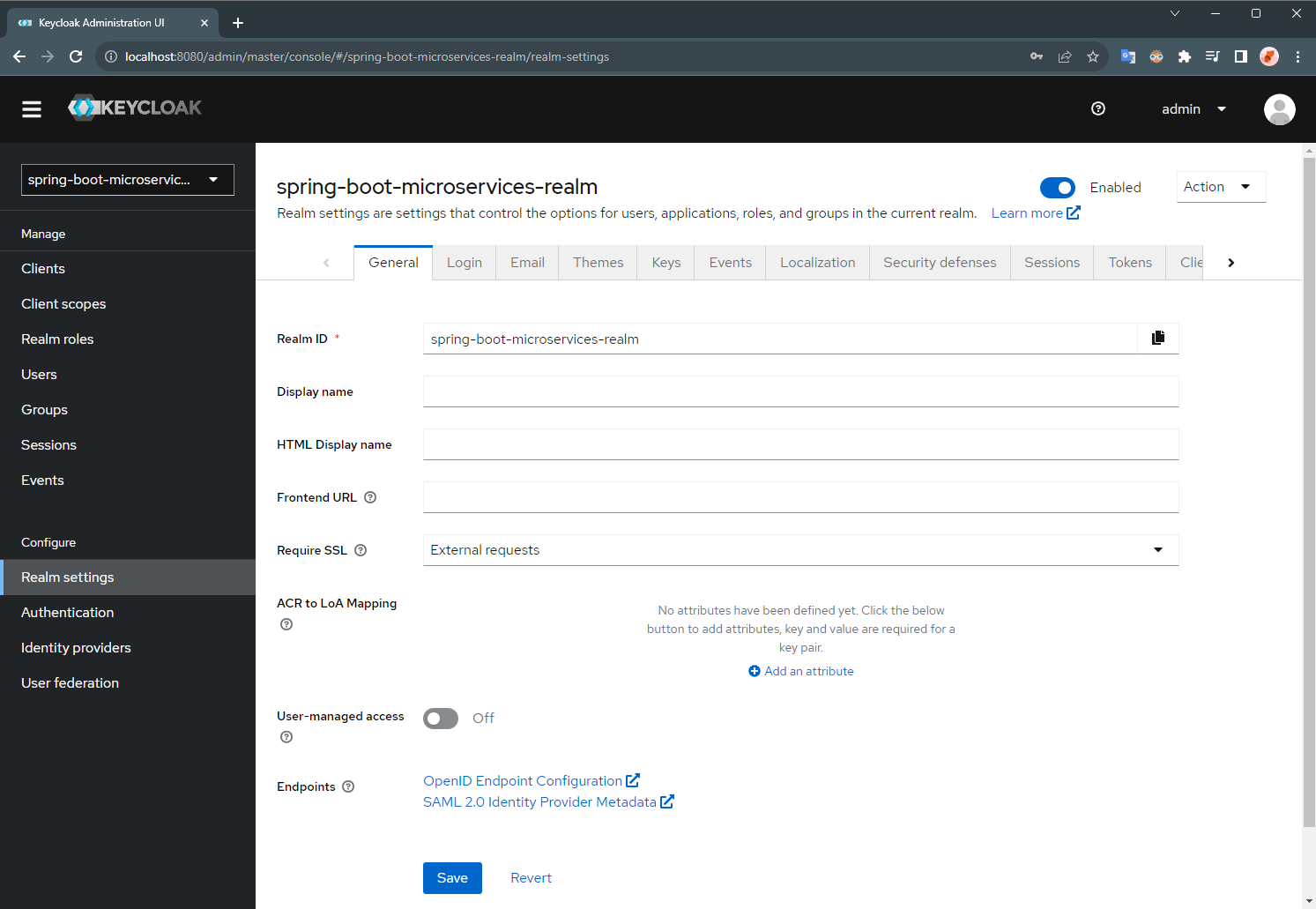
spring-boot-microservices-realm
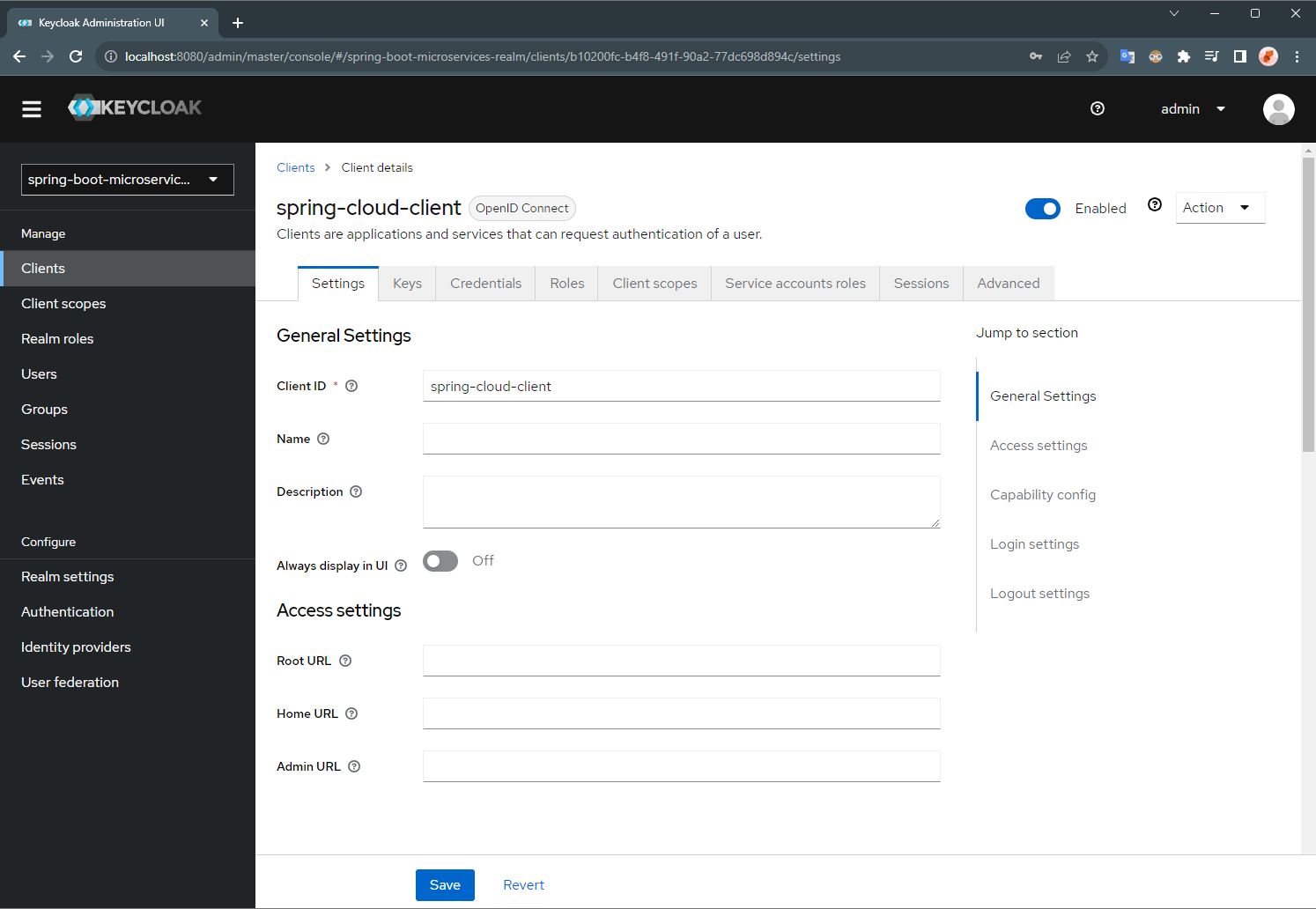
- Go to the Client spring-cloud-client
- Go the the 'Credentials' section, and get the 'Client Secret'
- Setup Postman Authentication [Required in the next steps]
OAuth 2.0
- Configure New Token with:
- Token Name: token
- Grant Type: Client Credentials
- Access Token URL: http://keycloak:8080/realms/spring-boot-microservices-realm/protocol/openid-connect/token
- Client ID: spring-cloud-client
- Client Secret: <client-secret> (which you copied in the last step from KeyCloak)
- Click on "Get New Access Token" and then click "Use Token"
> NOTE: For getting the access token from the keycloak container with the local machine, it is required to add a row with 127.0.0.1 keycloak in the file: C:\Windows\System32\drivers\etc\hosts or /etc/hosts
- Accessing API Endpoints
{
         "name": "Iphone 15",
         "description": "Apple Iphone 15",
         "price": 1500
      }
 - GET /api/product
- Method: GET
- Endpoint: http://localhost:8181/api/product
- Authorization: Use the OAuth 2.0 token fetched, following the previous step.
- Output:
- GET /api/product
- Method: GET
- Endpoint: http://localhost:8181/api/product
- Authorization: Use the OAuth 2.0 token fetched, following the previous step.
- Output:
 - POST /api/order
- Method: POST
- Endpoint: http://localhost:8181/api/order
- Authorization: Use the OAuth 2.0 token fetched, following the previous step.
- Body:
- POST /api/order
- Method: POST
- Endpoint: http://localhost:8181/api/order
- Authorization: Use the OAuth 2.0 token fetched, following the previous step.
- Body:
{
         "orderLineItemsDtoList": [
           {
              "skuCode": "iphone15pro",
              "price": 2000,
              "quantity": 1
            }
         ]
      }


Components UI
- KeyCloak Admin UI
spring-boot-microservices-realm
 - Client:
 spring-cloud-client
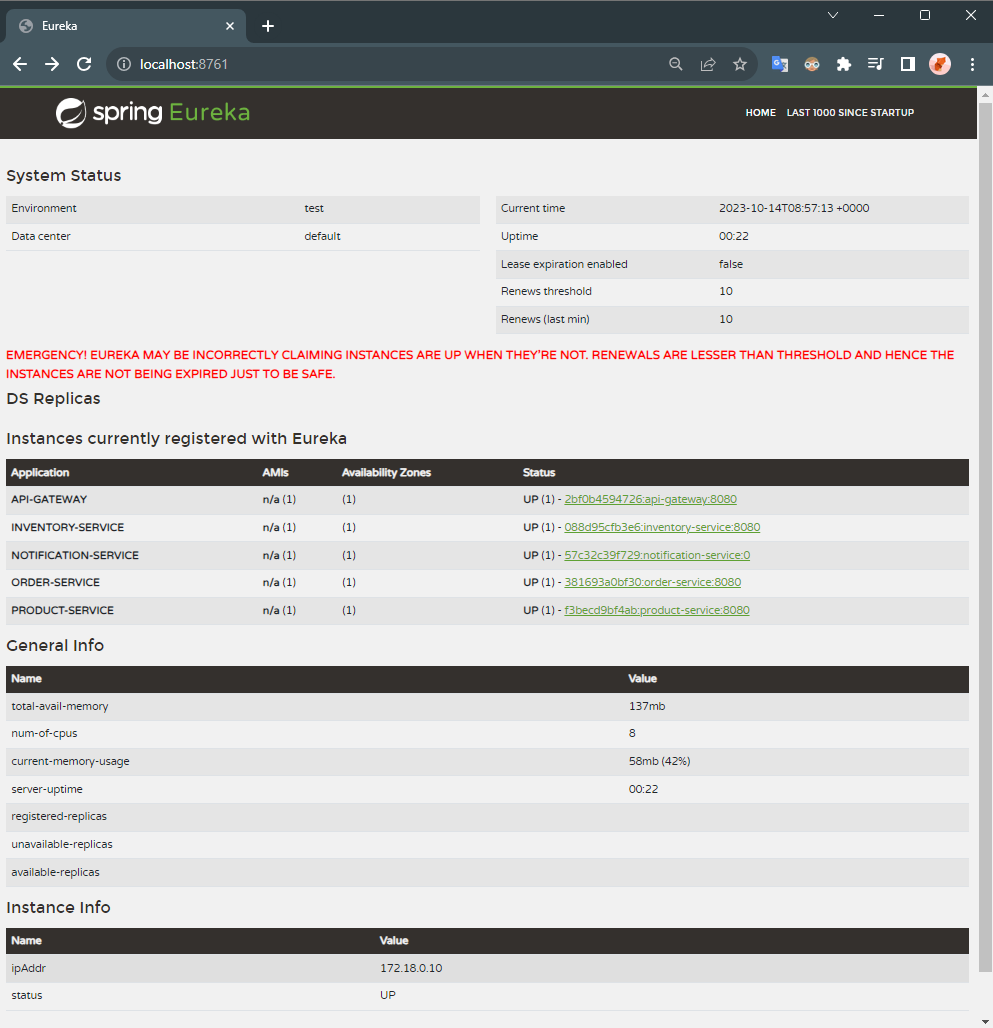
- Eureka Dashboard
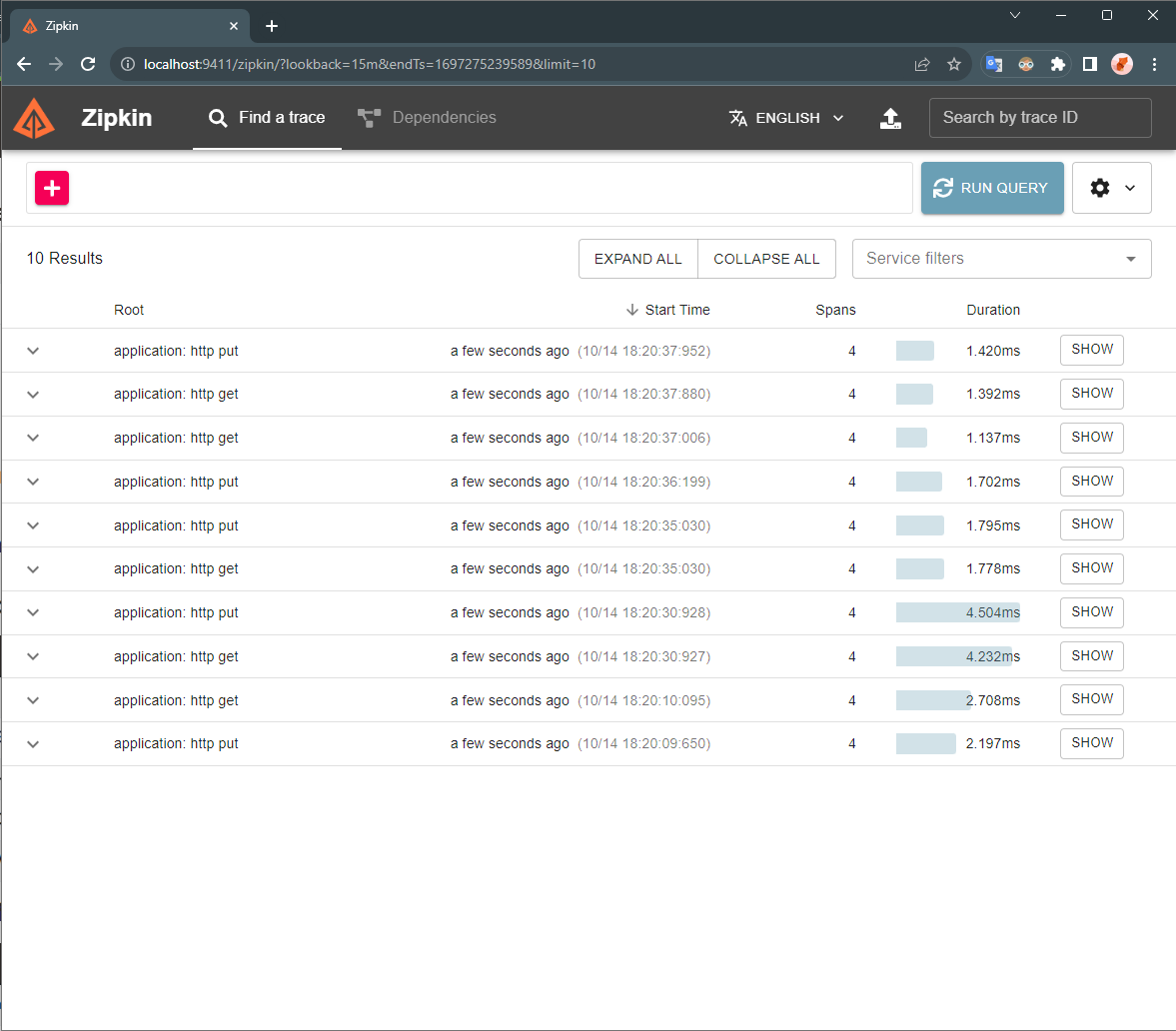
- Zipkin UI
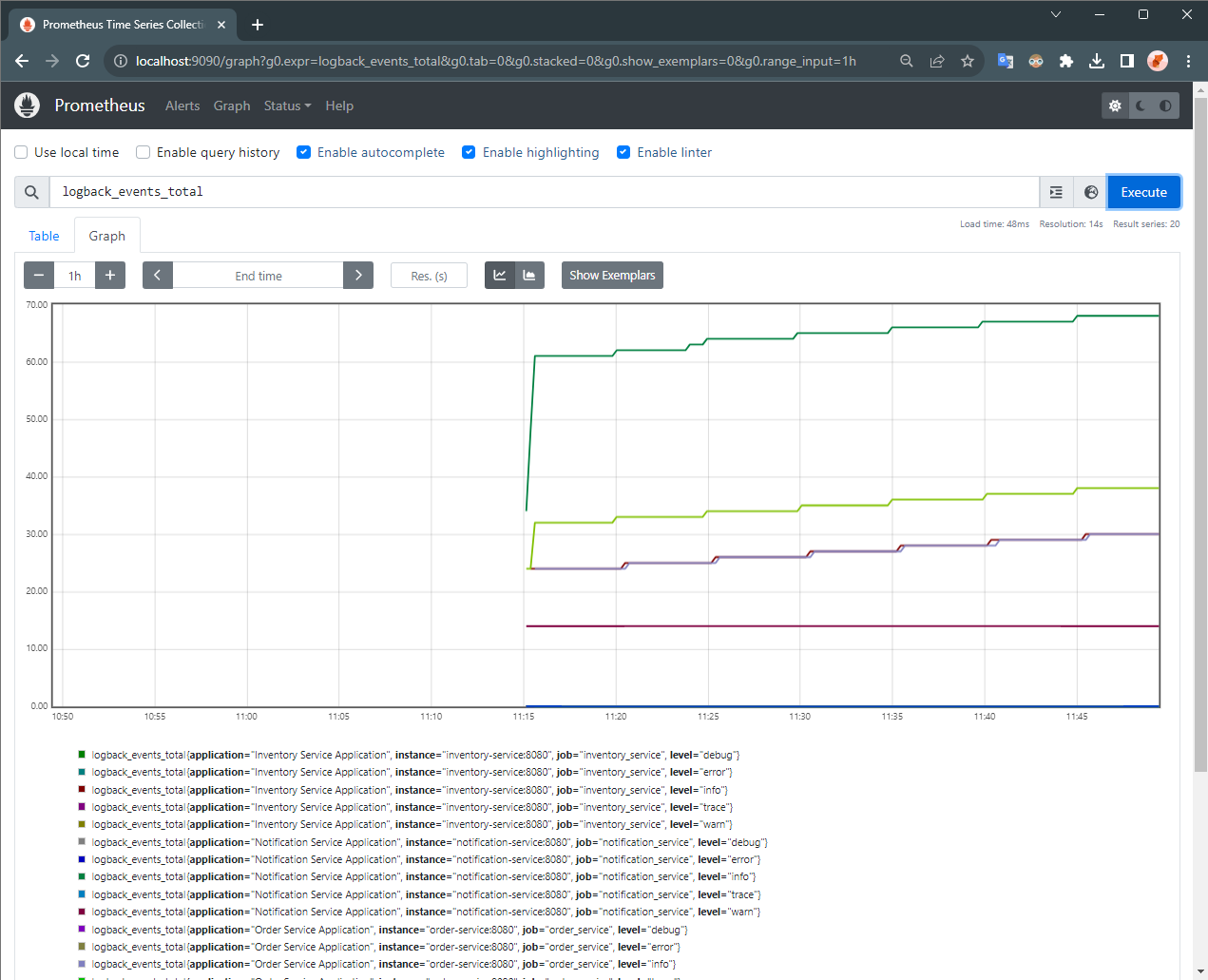
- Prometheus UI
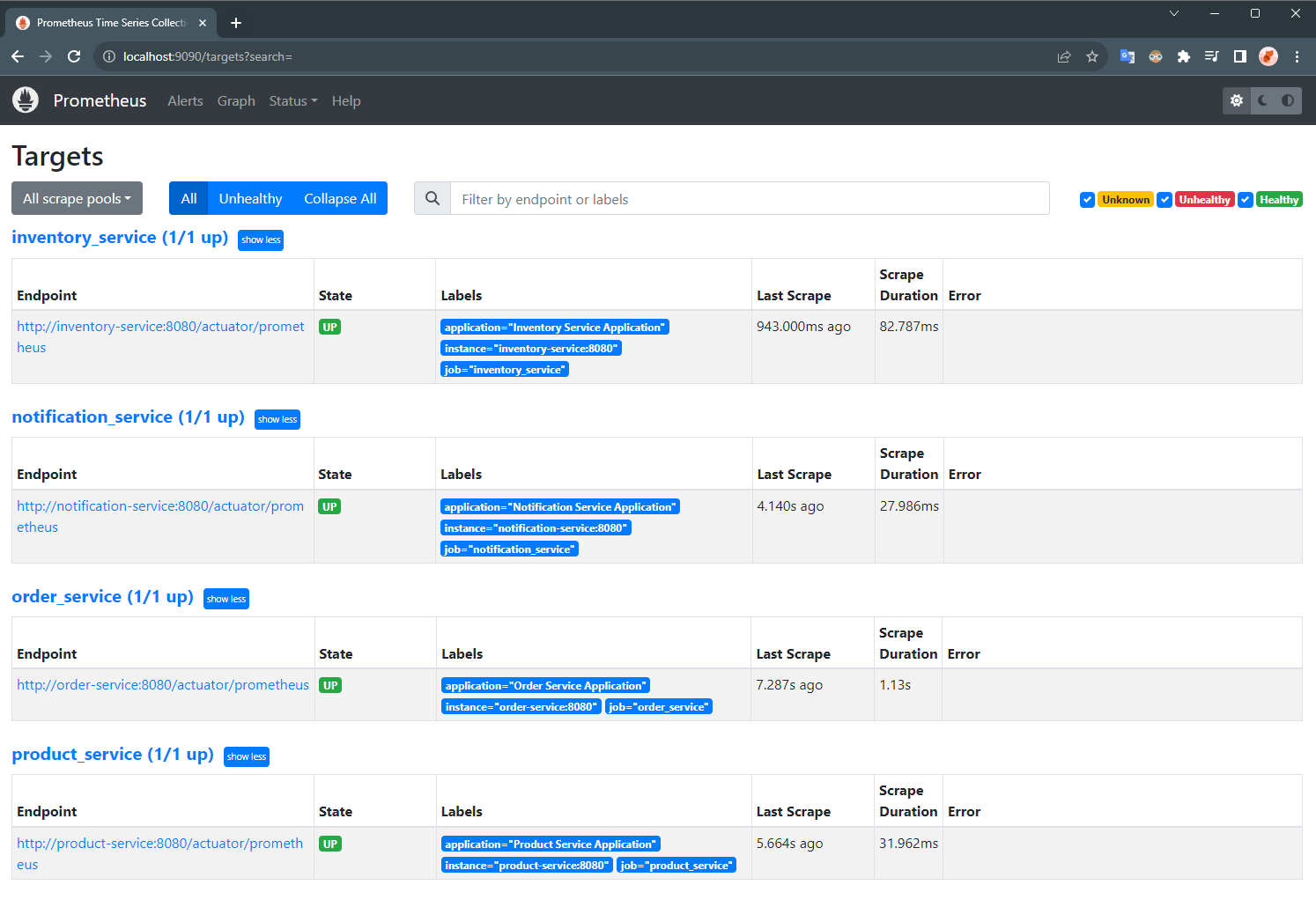
 - Prometheus Targets Health
 - Prometheus Service Discovery Status

- Grafana Dashboard
grafana-dashboard.json file.
- Data Source
 - Dashboard [Collapsed]
 - Dashboard


Environment Cleanup
- To completely stop and remove the containers and other resources (network, volume, etc.), run the following command:
docker compose down -v


