
Continuously track your internet speed
Speedtest Tracker








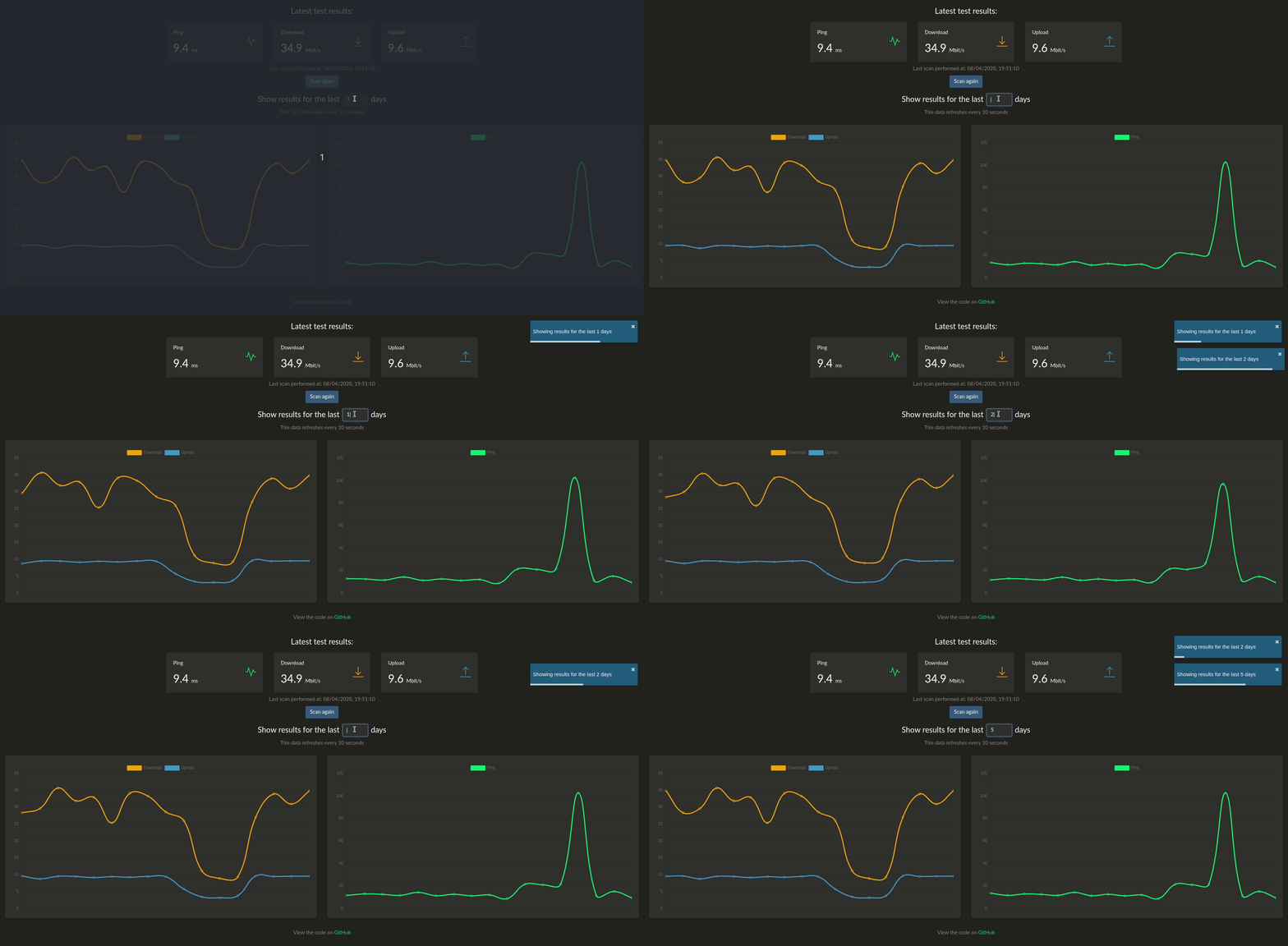
This program runs a speedtest check every hour and graphs the results. The back-end is written in Laravel and the front-end uses React. It uses the Ookla's speedtest cli package to get the data and uses Chart.js to plot the results.
A demo can be found here
Disclaimer: You will need to accept Ookla's EULA and privacy agreements in order to use this container.
Features
- Automatically run a speedtest every hour
- Graph of previous speedtests going back x days
- Backup/restore data in JSON/CSV format
- Slack/Discord/Telegram notifications
- healthchecks.io integration
- Organizr integration
- InfluxDB integration (currently v1 only, v2 is a WIP)
Installation & Setup
Using Docker
A docker image is available here, you can create a new conatiner by running:
docker create \
      --name=speedtest \
      -p 8765:80 \
      -v /path/to/data:/config \
      -e OOKLAEULAGDPR=true \
      --restart unless-stopped \
      henrywhitaker3/speedtest-tracker
Using Docker Compose
version: '3.3'
services:
    speedtest:
        container_name: speedtest
        image: henrywhitaker3/speedtest-tracker
        ports:
            - 8765:80
        volumes:
            - /path/to/data:/config
        environment:
            - TZ=
            - PGID=
            - PUID=
            - OOKLAEULAGDPR=true
        logging:
            driver: "json-file"
            options:
                max-file: "10"
                max-size: "200k"
        restart: unless-stopped
Images
There are 2 different docker images:
| Tag | Description | | :----: | --- | | latest | This is the stable release of the app | | dev | This release has more features, although could have some bugs |
Parameters
Container images are configured using parameters passed at runtime (such as those above). These parameters are separated by a colon and indicate <external>:<internal> respectively. For example, -p 8080:80 would expose port 80 from inside the container to be accessible from the host's IP on port 8080 outside the container.
| Parameter | Function | | :----: | --- | | -p 8765:80 | Exposes the webserver on port 8765 | | -v /config | All the config files reside here. | | -e OOKLAEULAGDPR | Set to 'true' to accept the Ookla EULA and privacy agreement. If this is not set, the container will not start | | -e SLACK_WEBHOOK | Optional. Put a slack webhook here to get slack notifications when a speedtest is run. To use discord webhooks, just append /slack to the end of your discord webhook URL | | -e TELEGRAMBOTTOKEN | Optional. Telegram bot API token. | | -e TELEGRAMCHATID | Optional. Telegram chat ID. | | -e PUID | Optional. Supply a local user ID for volume permissions | | -e PGID | Optional. Supply a local group ID for volume permissions | | -e AUTH | Optional. Set to 'true' to enable authentication for the app | | -e INFLUXDB_RETENTION| Optional. Sets the InfluxDB retention period, defaults to 30d | | -e INFLUXDBHOSTTAG | Optional. Sets the InfluxDB host tag value, defaults to speedtest |
Authentication
Authentication is optional. When enabled, unauthenticated users will only be able to see the graphs and tests table. To be able to queue a new speedtest, backup/restore data and update instance settings you will need to log in. To enable authentication, pass the AUTH=true environment variable in docker or run php artisan speedtest:auth --enable for manual installs (same command with --disable` to turn it off).
The default credentials are:
| Field | Function | | --- | --- | | username | admin@admin.com | | password | password | After enabling, you should change the password through the web UI.
Manual Install
For manual installations, please follow the instructions here.
Kubernetes
There is a 3rd party helm chart available here.


