
A theme-driven, out-of-the-box modern configuration of neovim (HardHackerNvim)💎

oh-my-nvim

A theme-driven, out-of-the-box modern configuration of neovim 💎
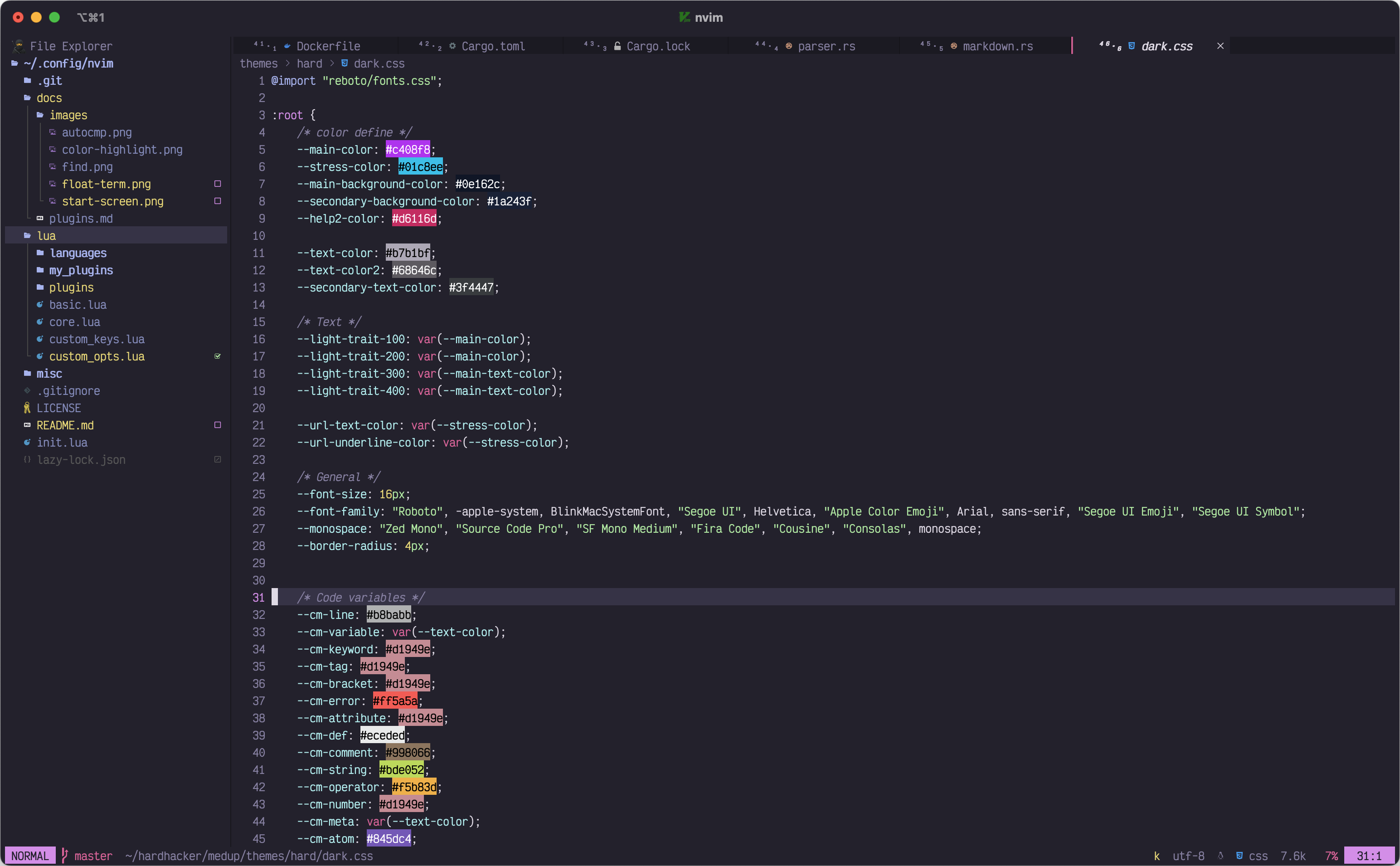
We developed a theme called HardHacker, which we thought was pretty and eye friendly, but we found that many neovim plugins have their own color scheme, so we made a neovim integration environment that matches the hardhacker theme.
📦 Features
- Session load and switch
- File explorer
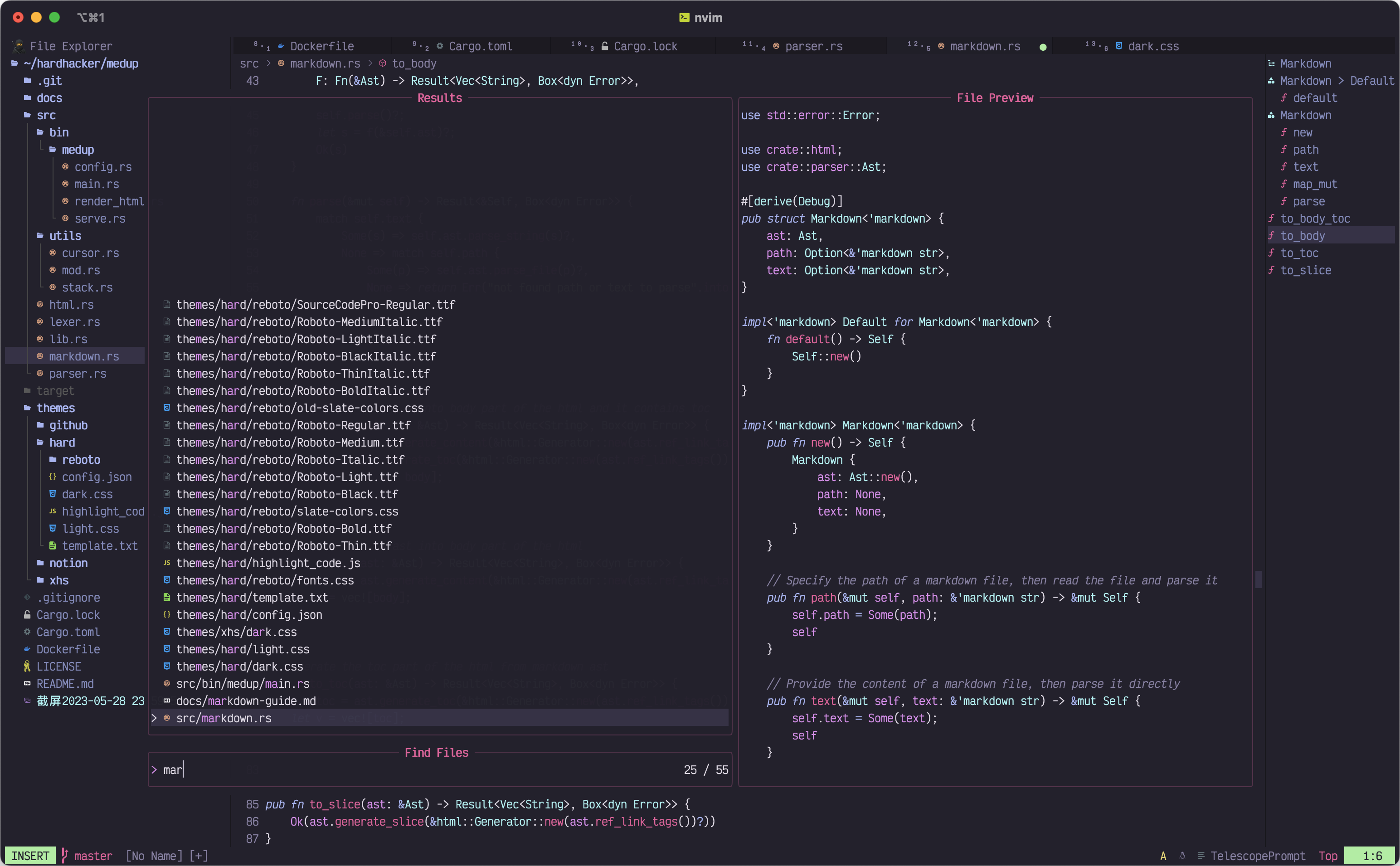
- File find and search
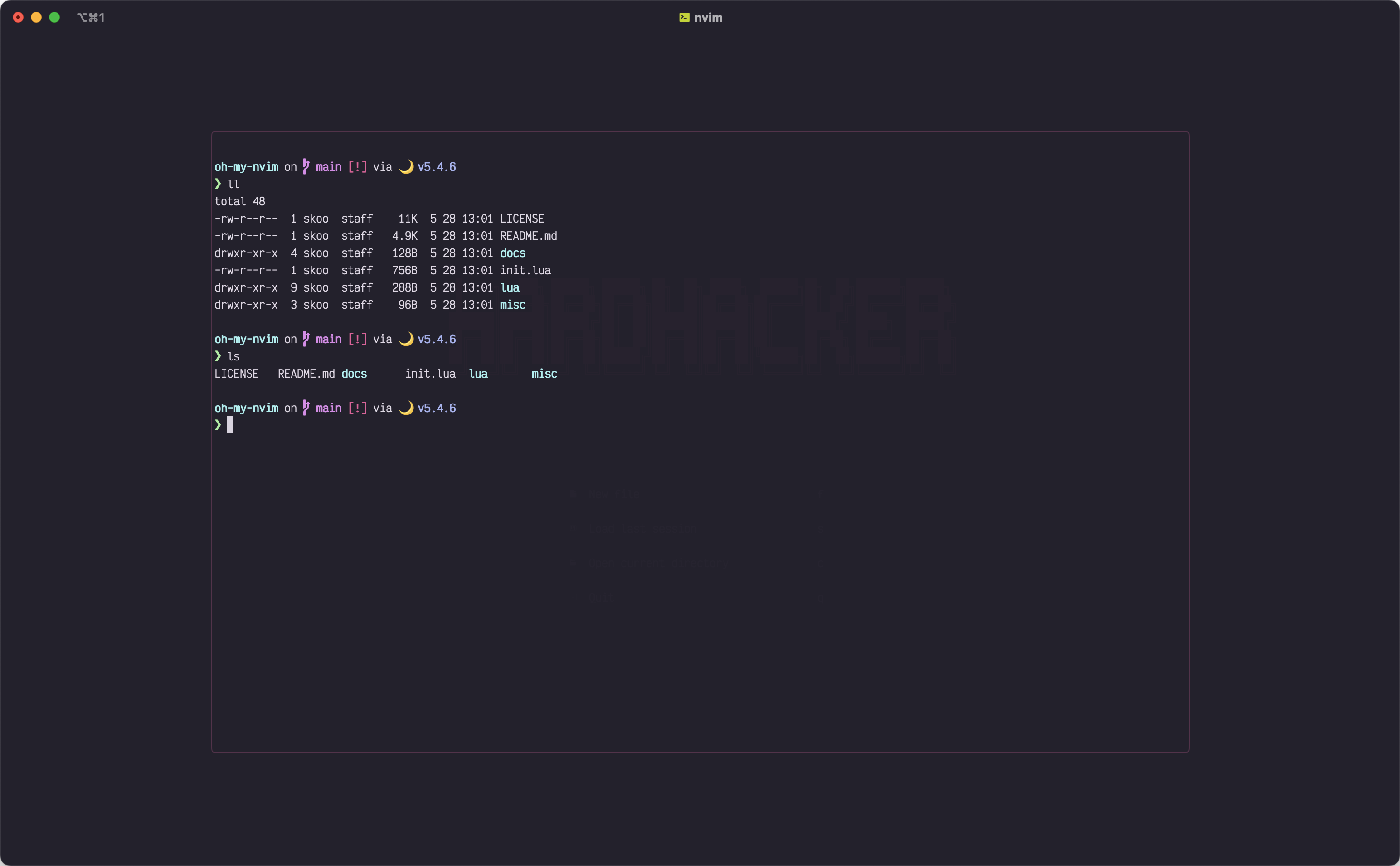
- Terminal
- LSP
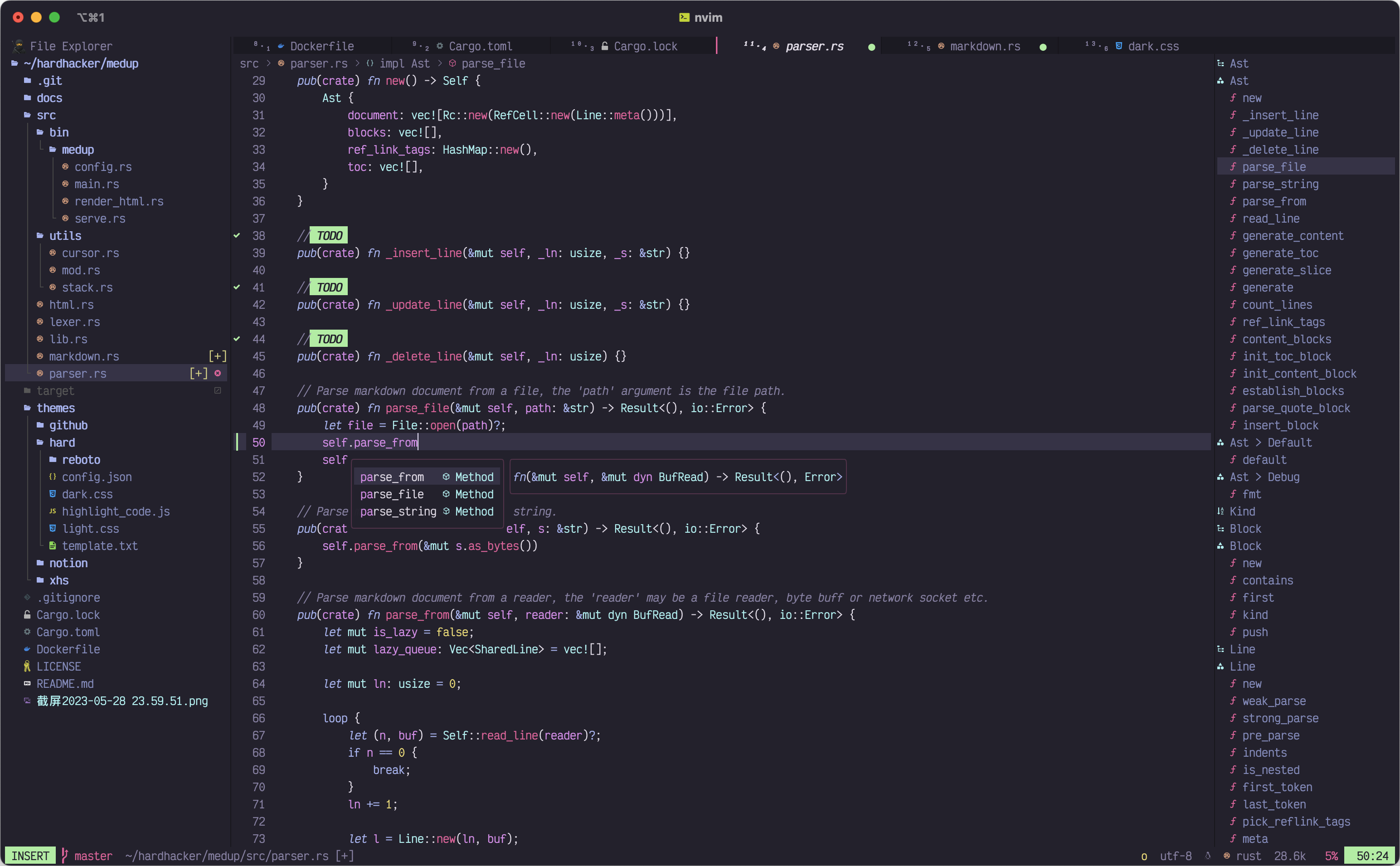
- Pretty Code highlighting, Colors highlighting
- Auto completion
- Languages
- Git integration
- Git diff view
- Pretty Tabline, Statusline, Winbar, Outline
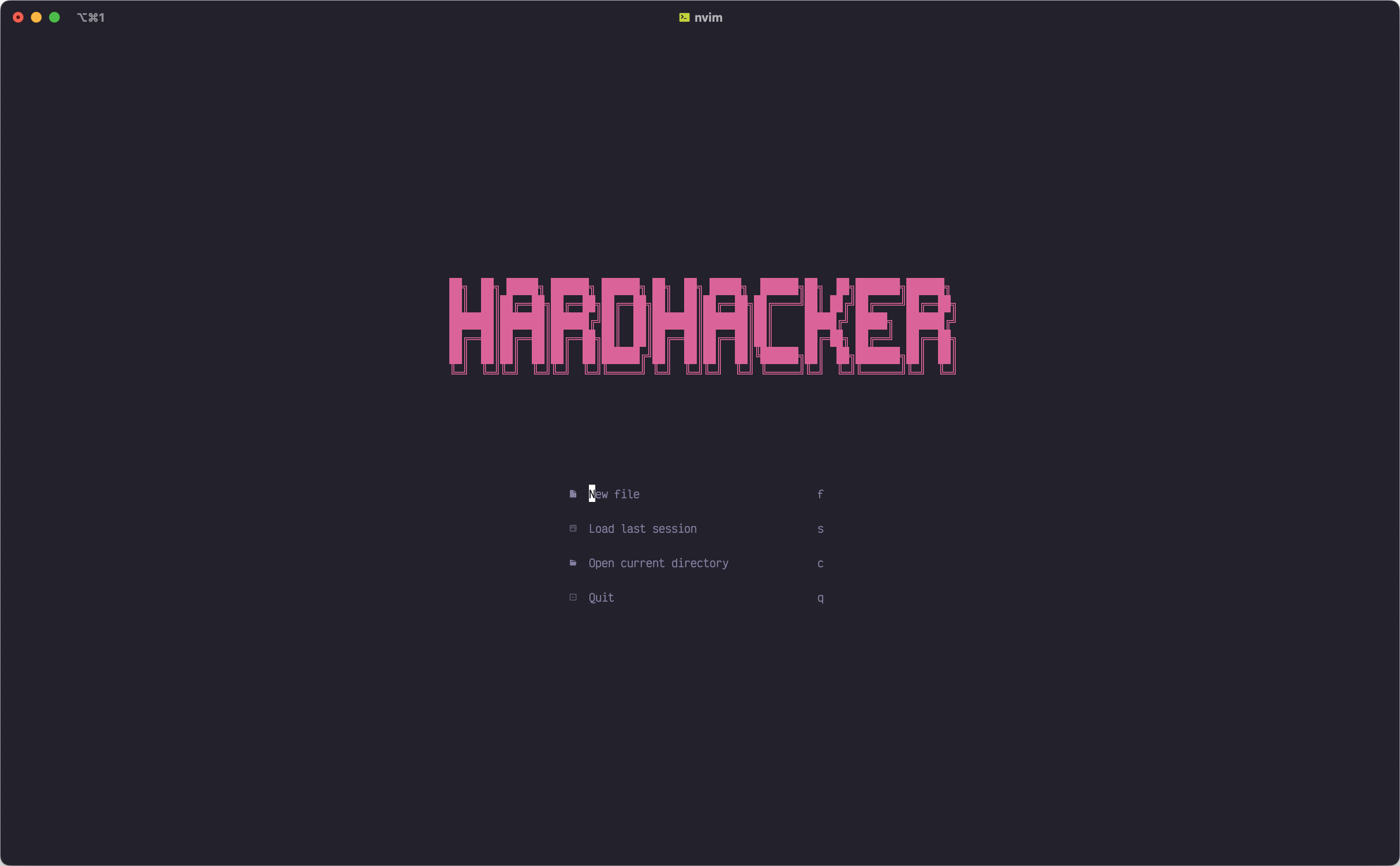
- Starting screen
- Quick resize the window
- Zen mode
- Markdown Preview via your browser
- ...
🎆 Preview
📌 Requirements
- Neovim 0.8+
- Not required, but recommended
🚧 Install
MacOS/Linux
0️⃣ Backup your current nvim
mv ~/.config/nvim       ~/.config/nvim.bak
mv ~/.local/share/nvim  ~/.local/share/nvim.bak
1️⃣ Clone oh-my-nvim repo
git clone https://github.com/hardhackerlabs/oh-my-nvim.git ~/.config/nvim2️⃣ Start nvim in your terminal, then automatically install and setup all plugins
3️⃣ Restart nvim and enjoy it 🍻
4️⃣ Keep updated
⌛️ Update
You should keep updated, it's great.
You can use git pull to update it. If you've edited something, you may need to merge the content manually, just like a normal git operation.
🧱 Languages
Install LSP Server
Use command :LspInstall to download and install a server, e.g. :LspInstall rust_analyzer.
Install TreeSitter Parser
Use command :TSInstall to download and install a parser, e.g. :TSInstall rust.
🏠 Custom
🔍 Configuration structure
~/.config/nvim/
├── init.lua
├── lazy-lock.json
└── lua/
    ├── plugins/
    │   └── ...
    ├── languages/
    │   └── ...
    ├── my_plugins/
    │   └── ...
    ├── basic.lua
    ├── custom.lua
    ├── custom_keys.lua
    ├── custom_opts.lua
└── settings.lua- ~/.config/nvim/lua/my_plugins/
- ~/.config/nvim/lua/custom.lua
⌨️ Shortcut Keys
👉 View the default shortcut settings
You can edit the default settings of the shortcut keys in this configuration file (~/.config/nvim/lua/custom_keys.lua).
😍 Add the plugins you want
If you want to add your own plugins, you can create a pluginname.lua file in the directory ~/.config/nvim/lua/myplugins. Setup the plugins in this file.
The plugin configuration in the plugin_name.lua file refers to the following template (lazy.nvim syntax):
return {
    -- Your Plugin1
    {
        'hardhacker/plugin1',
        config = function() ... end
    },
-- Your Plugin2     {'hardhacker/plugin2'}, }
💯 Recommended plugins
Some useful plugins are configured by default in the directory ~/.config/nvim/misc/recommended, but they are not loaded into neovim by default , so if you need them, you can copy them into the directory ~/.config/nvim/lua/my_plugins/.
Example:
cp ~/.config/nvim/misc/recommended/markdown.lua ~/.config/nvim/lua/my_plugins/🧩 Plugins
Use lazy.nvim to manage plugins.


