
TidyAI -A lightweight, console AI-powered file organization tool for Windows for your messy folders using ChatGPT lives in your context menu
Last updated Jul 4, 2026
43
Stars
6
Forks
0
Issues
0
Stars/day
Attention Score
9
Topics
Language breakdown
No language data available.
▸ Files
click to expand
README
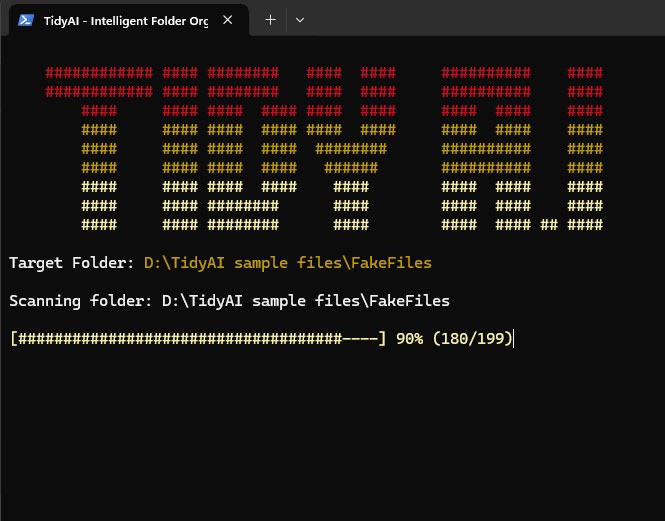
############ #### ########   ####  ####     ##########    ####
    ############ #### ########   ####  ####     ##########    ####
        ####     #### ####  #### ####  ####     ####  ####    ####
        ####     #### ####  #### ####  ####     ####  ####    ####
        ####     #### ####  ####  ########      ##########    ####
        ####     #### ####  ####   ######       ##########    ####
        ####     #### ####  ####    ####        ####  ####    ####
        ####     #### ########      ####        ####  ####    ####
        ####     #### ########      ####        ####  #### ## ####
There is a version in Bash for Unix-based systems. Check it out here.
AI-powered file organization for Windows
Features
- 🤖 AI-Powered - Uses ChatGPT to intelligently organize files
- 📁 Right-Click Integration - Works directly from Windows Explorer
- 🛡️ Safe - Never renames/deletes files, only moves them into folders
- 🔄 Undo System - Easily revert organization with one click
- 📦 Batch Processing - Handles large folders by processing files in batches
- 💰 Cost-Effective - Uses GPT-4 Mini model, very cheap to run
- ⚡ Pure PowerShell - No external dependencies, runs on any Windows machine
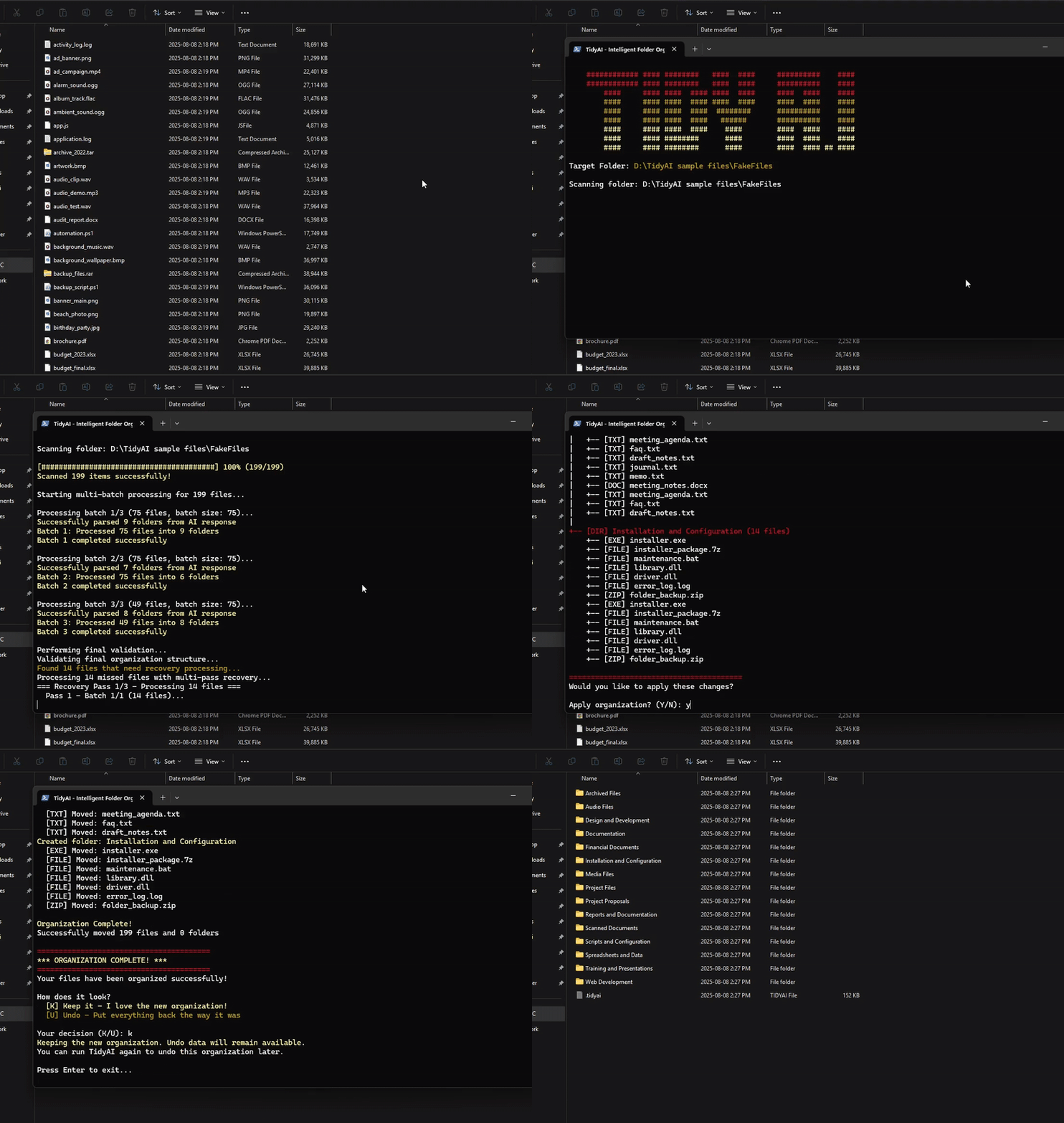
🎬 TidyAI in Action
Install
- Right-click
setup.bat→ "Run as administrator" - Get OpenAI API key from platform.openai.com
- Set key during installation or
setx TidyAIOpenAIAPIKey "your-key-here"
Use
Right-click any folder → "🧹 Tidy Up with TidyAI"🔄 Undo System
TidyAI includes a powerful undo system that makes organization completely safe and reversible:How It Works
- Automatic Backup: Before organizing, TidyAI saves your current folder structure to a hidden
.tidyaifile - Undo: After organizing, TidyAI offers to undo if you dont like the result
- Smart Detection: When you run TidyAI on a previously organized folder, it detects the backup and offers to undo
Uninstall
appwiz.cpl → Remove "TidyAI" or run Uninstall-TidyAI.ps1
Contribute
Pull requests welcome!Created by Geet


