
Automatically monitor the evolving performance of Flask/Python web services.
Last updated Jul 5, 2026
828
Stars
166
Forks
74
Issues
0
Stars/day
Attention Score
69
Language breakdown
Python 63.1%
JavaScript 17.2%
HTML 15.7%
CSS 3.5%
Shell 0.4%
SCSS 0.1%
▸ Files
click to expand
README

Flask Monitoring Dashboard
A dashboard for automatic monitoring of Flask web-services.





Key Features • How to use • Live Demo • Feedback • Documentation • Screenshots • License
Motivation

Key Features
The Flask Monitoring Dashboard is an extension for Flask applications that offers four main functionalities with little effort from the Flask developer:- Monitor the performance and utilization:
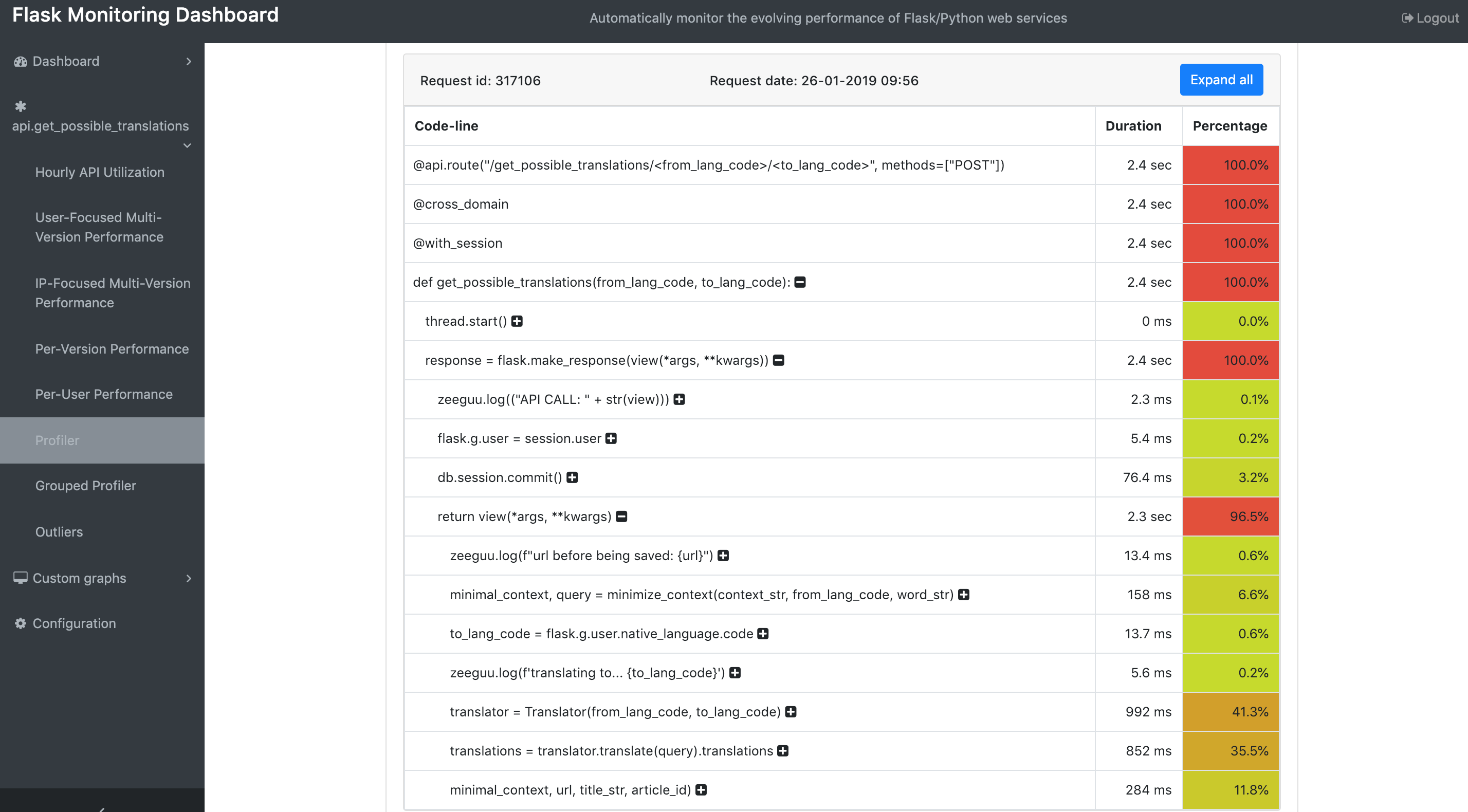
- Profile requests and endpoints:
- Collect extra information about outliers:
- Collect additional information about your Flask-application:
- Exception Monitoring and Capturing
To capture handled exceptions manually and save them for displaying in the exception dashboard:
try: # Your code except Exception as e: dashboard.capture(e) # Logs exception with stack trace for debuggingFor more advanced documentation, take a look at the information on this site.
How to use
Installation
To install from source, download the source code, then run this:python setup.py installpip install flask_monitoringdashboardSetup
Adding the extension to your Flask app is simple:from flask import Flask
import flask_monitoringdashboard as dashboard
app = Flask(name)
@app.route("/test") def test(): return 'ok'
dashboard.bind(app) # Should be added after all endpoints have been defined app.run()
Live Demo
To view a live deployment of the Flask-MonitoringDashboard, check this site. Use the credentials u:admin, p:admin to log in.
Feedback
In order to improve our Flask-MonitoringDashboard, we would like to hear from you! Therefore, we made a questionnaire with a few questions. Filling in this form takes less than 3 minutes. You can find the form here.Alternatively, feel free to write to our email-address.
Documentation
For more advanced documentation, see this site. If you run into trouble migrating from version 1.X.X to version 2.0.0, this site will help you solve this too.Screenshots
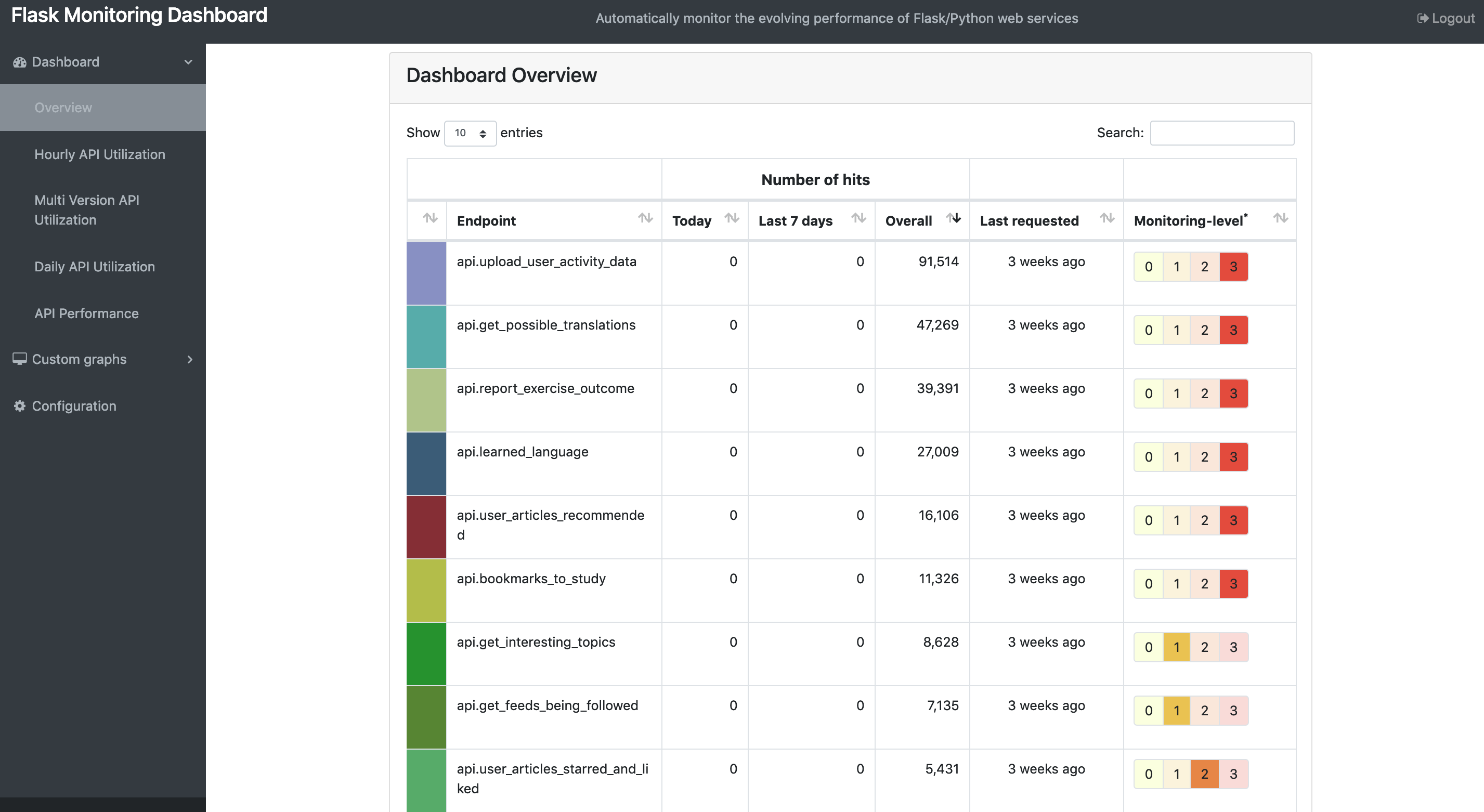
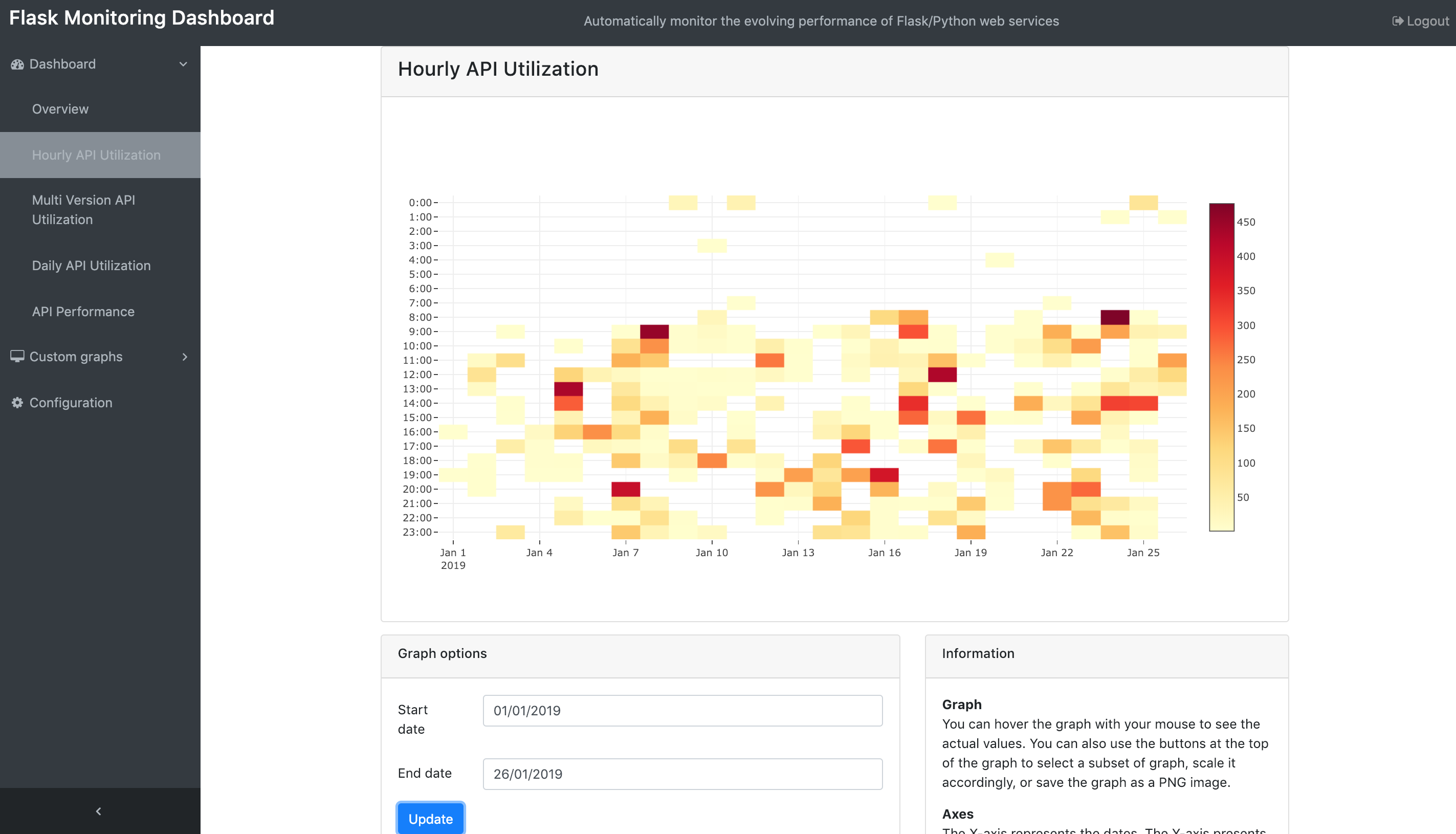
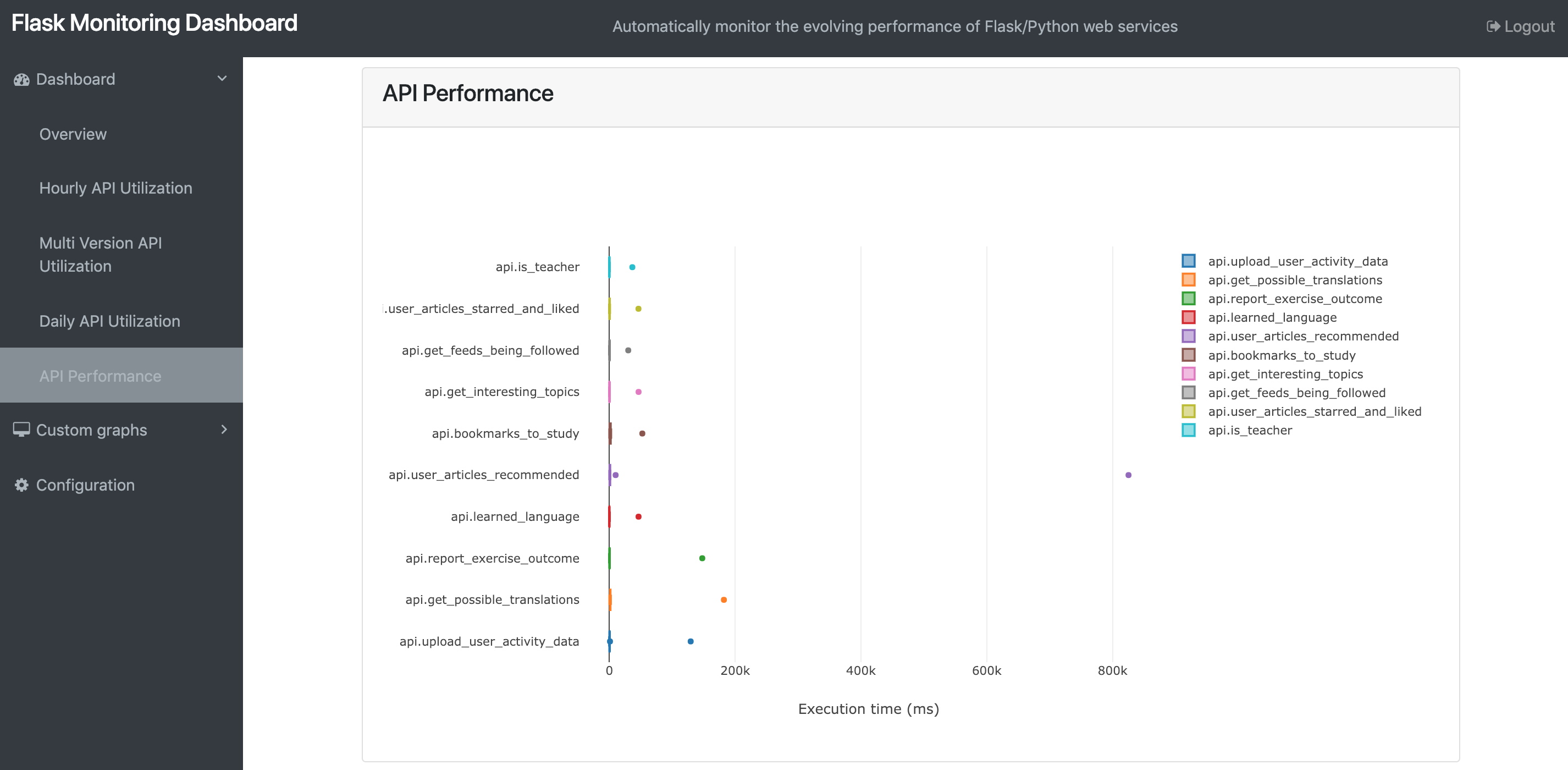
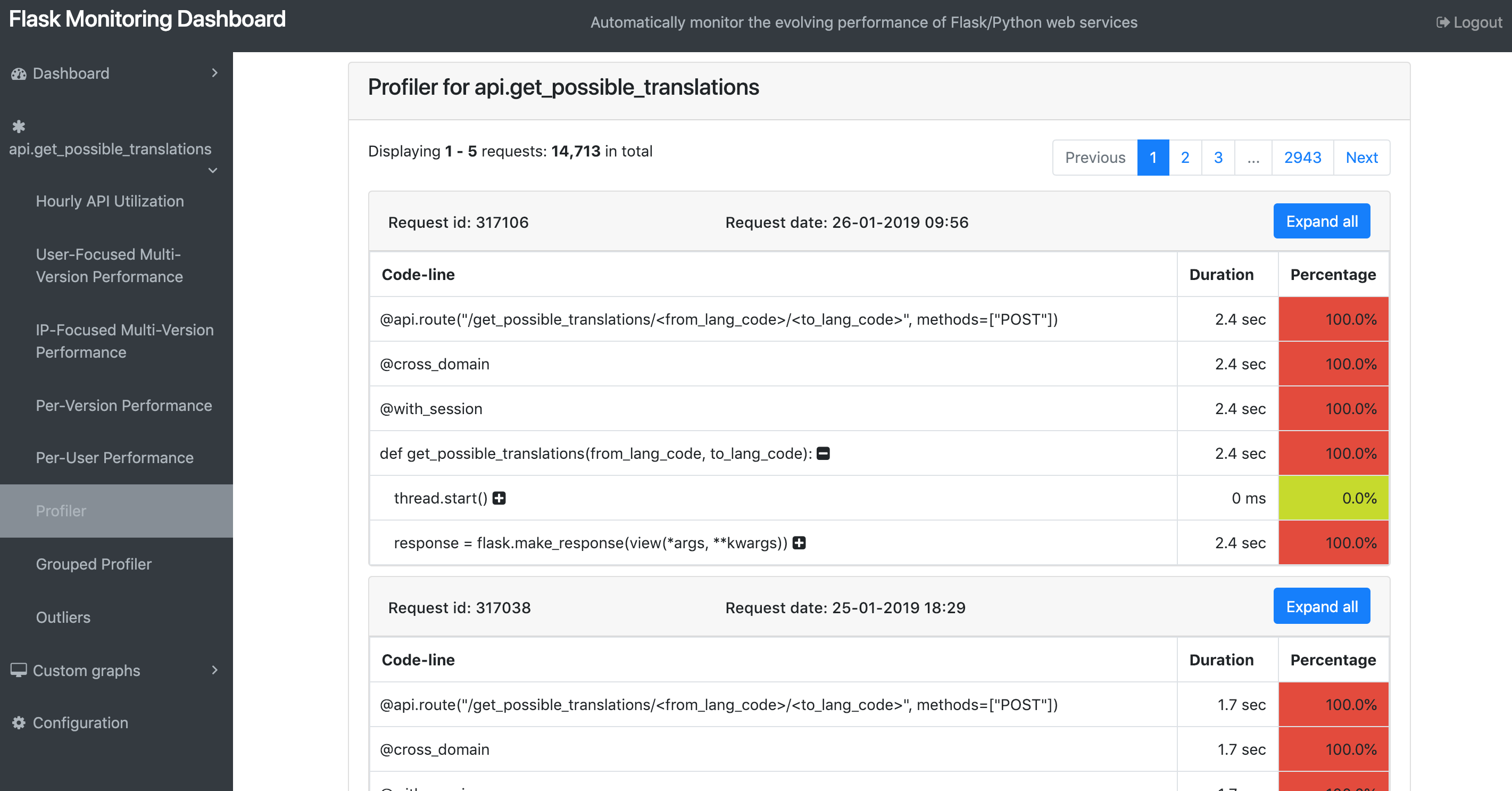
Development
If you like our project, and willing to contribute, you can get started by cloning it and then running the following command:. ./config/install.sh
For more information, check this page.


