
[DEPRECATED] A browser extension to block likers, retweeters, list members and Twitter ads and share your block lists with others. - say NO to hate speech!
[DEPRECATED] Likers Blocker
⚠️ THIS REPOSITORY IS DEPRECATED AND WILL NO LONGER BE MAINTAINED. TWITTER IS DEAD SINCE A FAR-RIGHT BRAIN-WASHED BILLIONAIR DESTROYED IT. JUST GET TF OUTA THERE AND CONSIDER MOVING TO A MORE COMMUNITY-BASED AND MODERATED SOCIAL NETWORK LIKE MASTODON, BLUESKY OR, IN GENERAL, LOOKUP "FEDIVERSE".

A browser extension to block likers, retweeters, list members and Twitter ads and share your block lists with others.
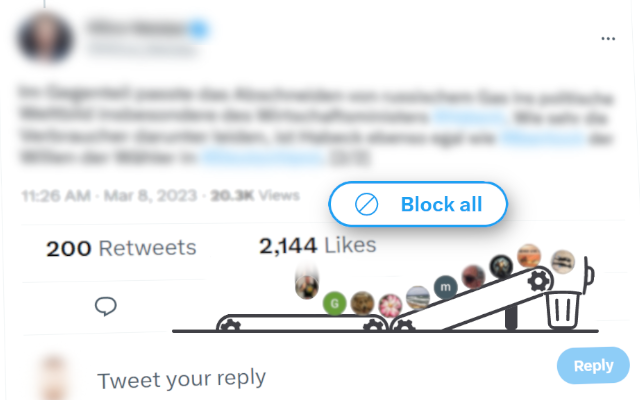
Inspired by Mario Sixtus (@sixtus):
In Übrigen wünsche ich mir für solche Fälle ein Twitter-Add-On, das alle Liker eines bestimmten Tweets blockt, weil es nur Arschlöcher sein können. Wer programmiert es?
– 10:41 am · 22 Feb. 2020
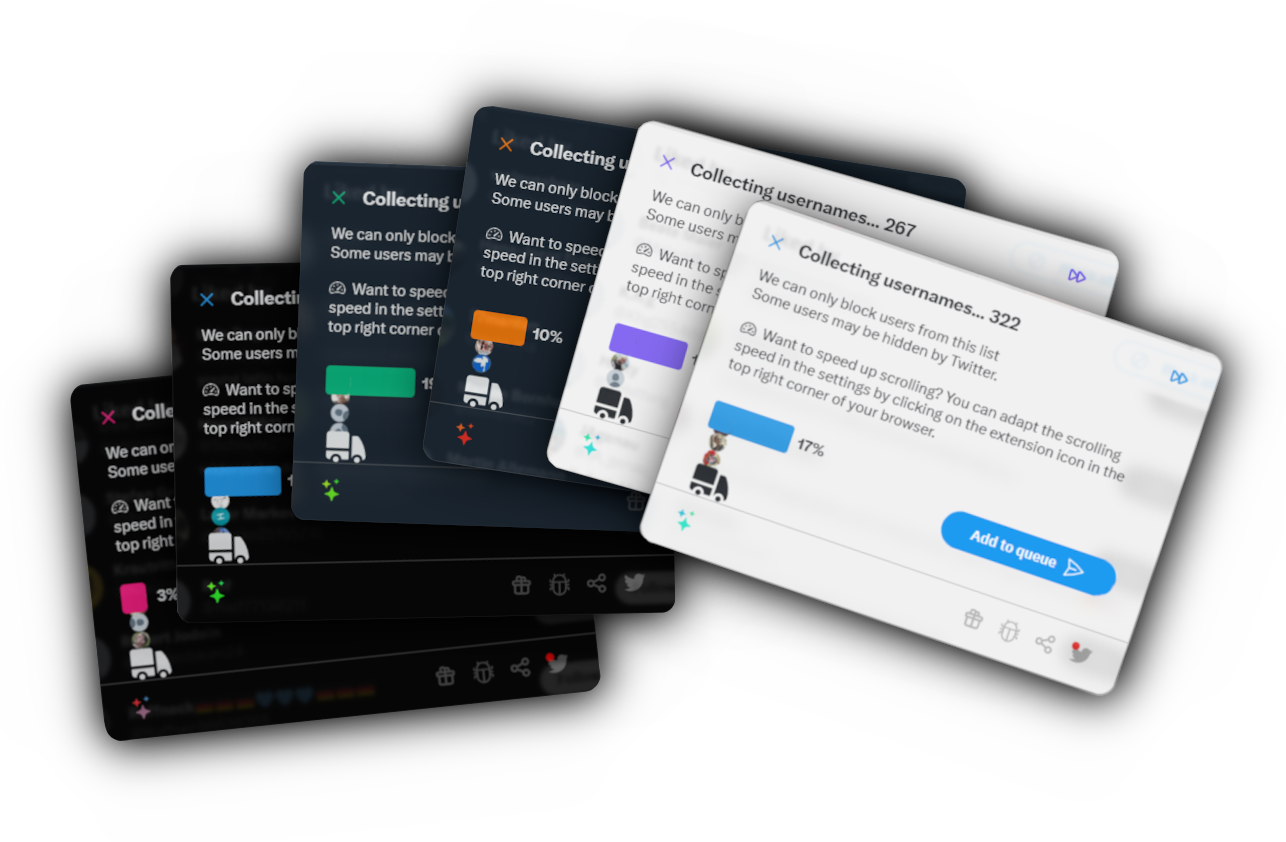
Installation
 Install for Mozilla Firefox
 Install for Google Chrome
 Install for Opera
 Install for Microsoft Edge
Usage
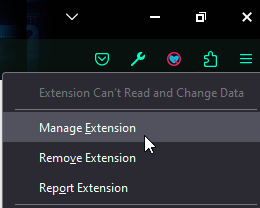
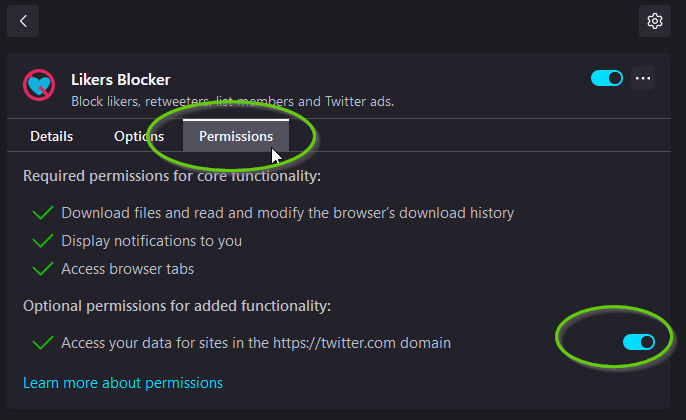
⚠️ IMPORTANT: If you use Firefox, please right-click the extension icon after installing, click "manage extension", go to "Permissions" and enable all permissions to make sure the extension works.
Block likers or retweeters of a tweet
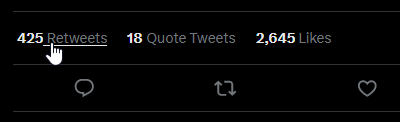
- Once you click on a tweet, there is a link which indicates how many people liked this tweet.
- Click on that link to get the list of all likers (or, to block the retweeters on the "retweeters" count)

- Then click on the new button on the top which says "Block all", wait until Likers Blocker has collected all accounts (or skip if a smaller portion is fine for you
 ) and confirm to add the users to the blocking queue.
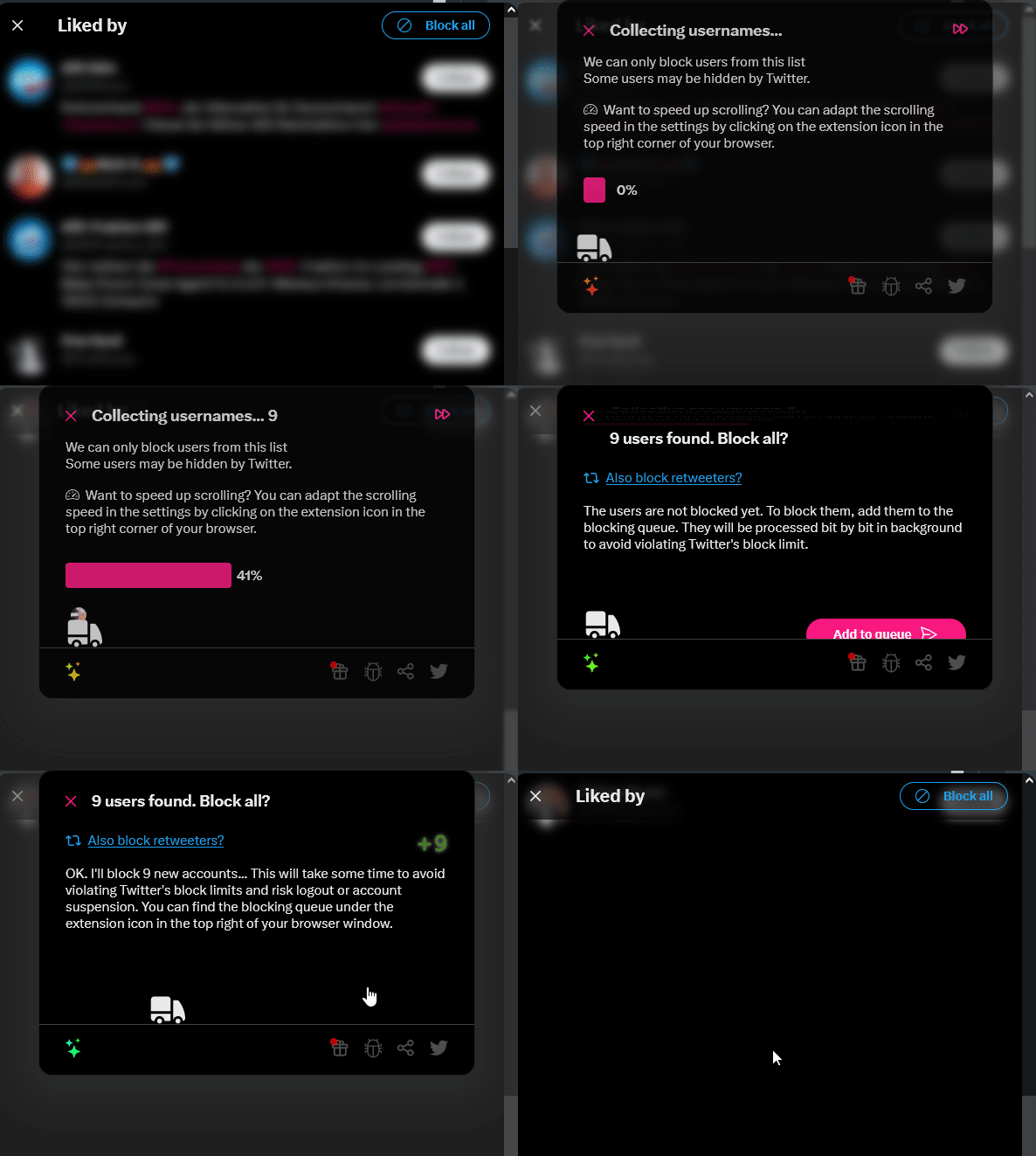
- ✔ DONE. LikersBlocker will process the blocking queue bit by bit in the background.
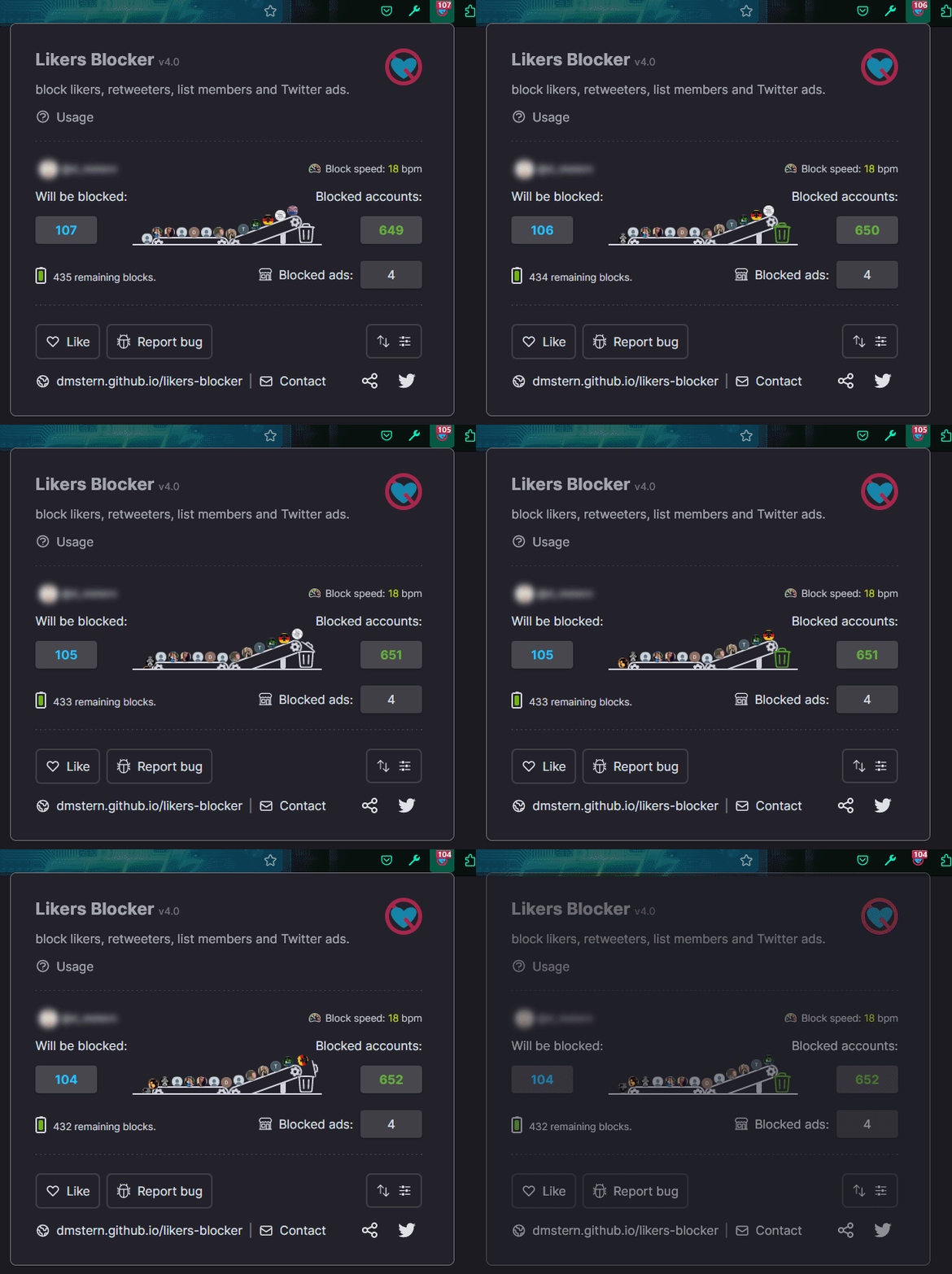
Block all members or followers of a list
- Click on a list of twitter users
- Click on the number of members (or followers)
- Proceed with point three above ("Block all")
Preferences
Import / Export
Only blocked by LikersBlocker
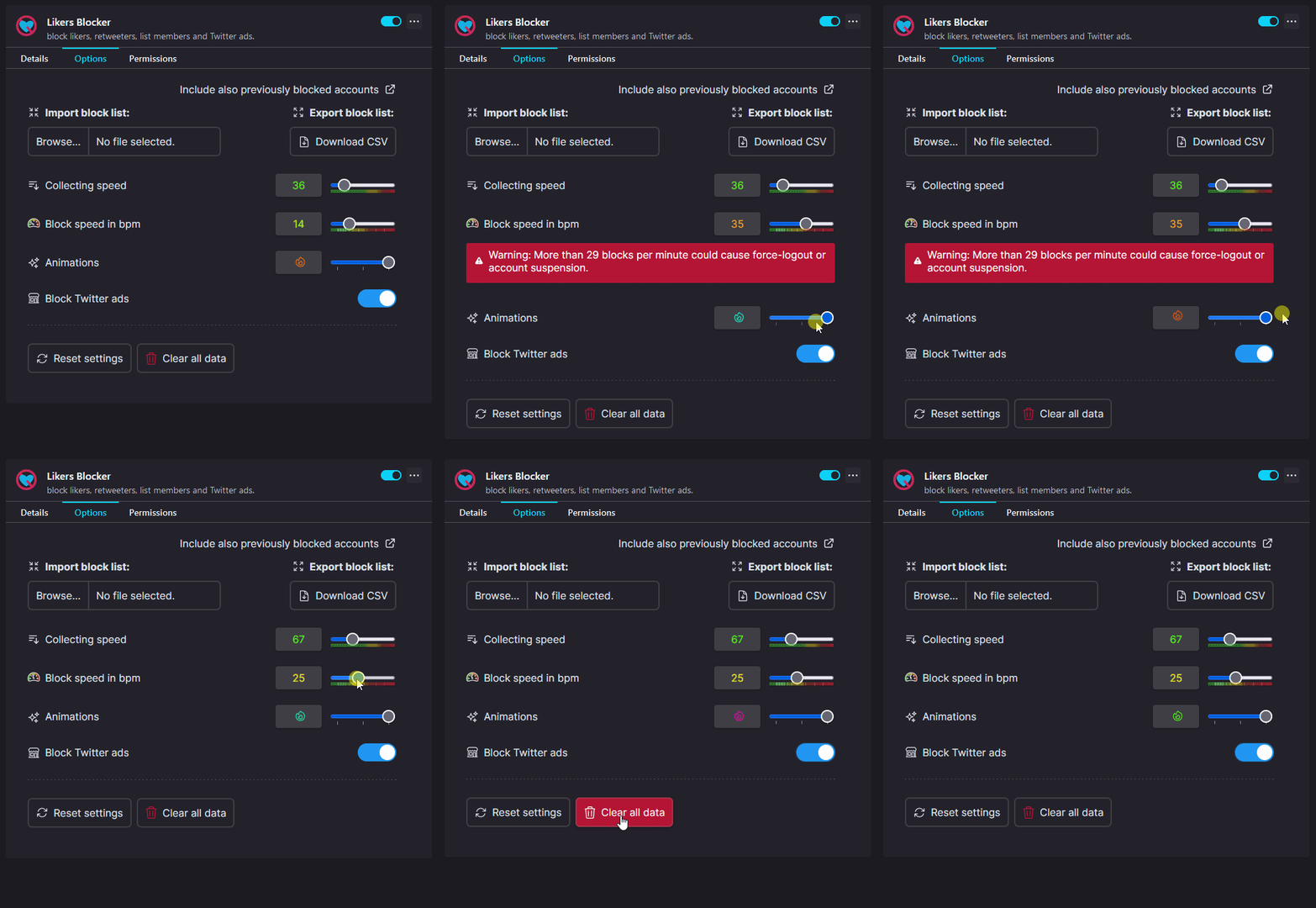
- Go to the extension options by clicking on the options button in the bottom right corner of the extension popup:
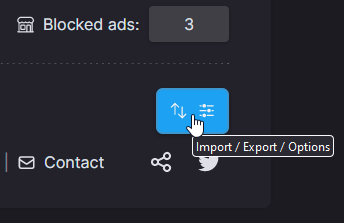
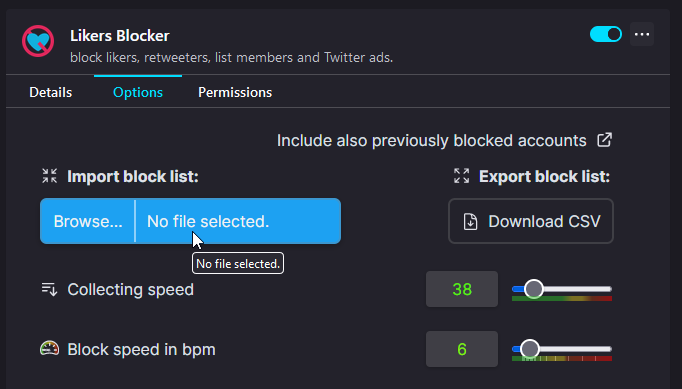
- On the top of the options page you can find a file select button to import a CSV file and an export button to export your block list. This will download a CSV file with all accounts that were blocked by the extension.
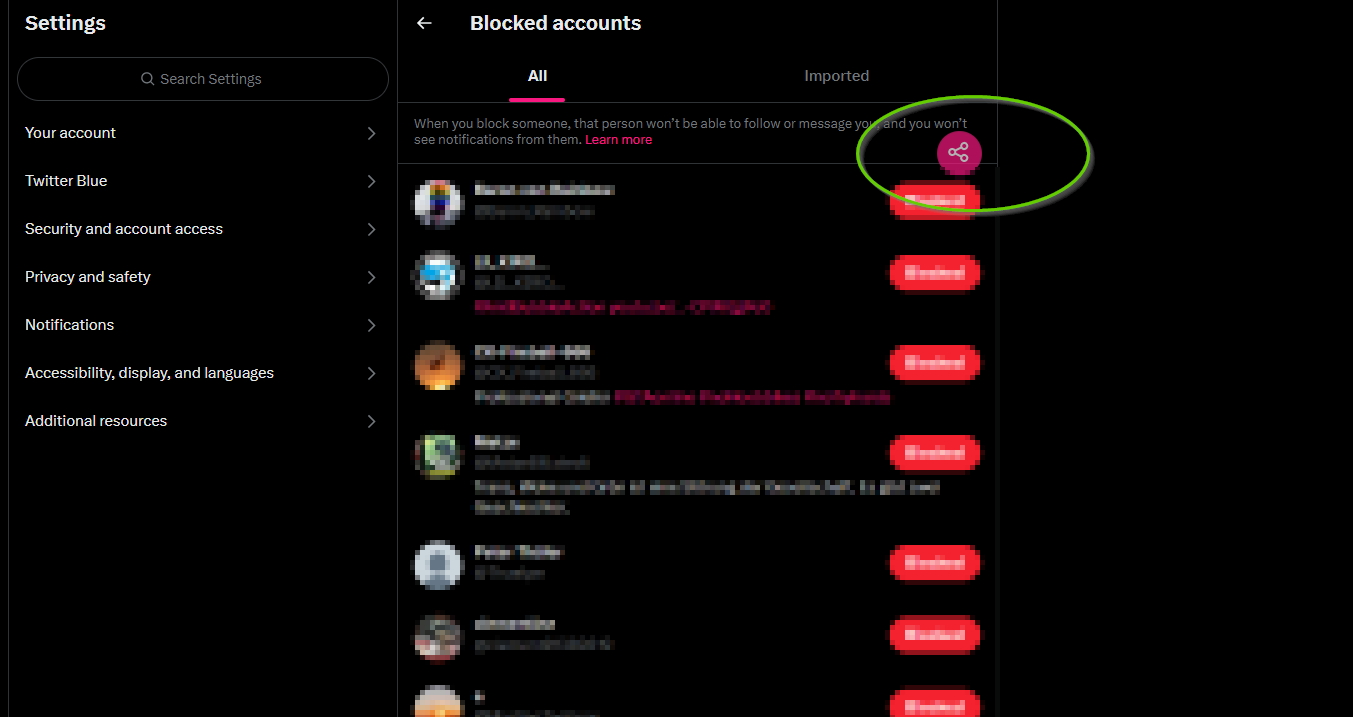
All blocked from Twitter settings
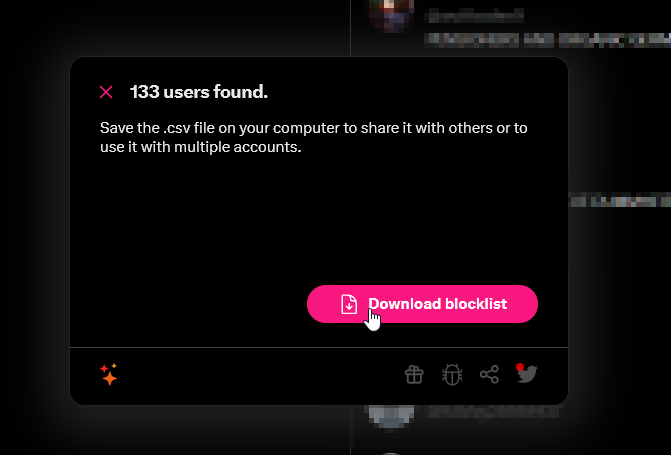
- Alternatively, you can "visually" collect all previously blocked accounts by clicking on the first link on the options page (which opens the Twitter settings) and then on the share button.
- Wait a moment until all accounts from your list are collected (make sure to leave the tab in the foreground to avoid stopping the automatic down scrolling)
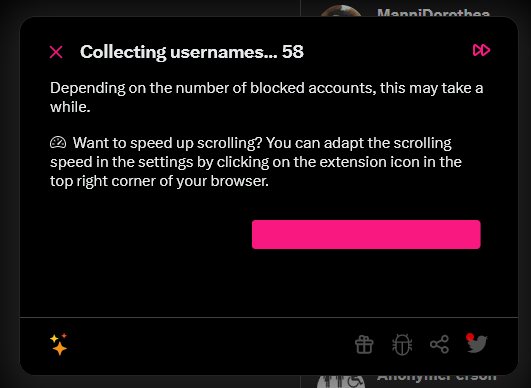
- After the collecting you can download the CSV file which includes all collected blocked accounts
Found an error or want to suggest a feature?
If you find a bug or want to suggest new features, please file a new issue.
Contribution
see CONTRIBUTION.md.
Support
Glad that you appreciate our work! 😃
We do this in our free time. This tool is and remains free for everyone and free from ads. We would highly appreciate if you considered donating a little tip, rate this extension in your browser or tell others about it.
Donate
Rate
⭐⭐⭐⭐⭐ Rate this extension in the Chrome Web Store, on Firefox Add-Ons, Opera Add-Ons, Edge Add-Ons.
Share
🐦 Tweet about this extension and tell your friends!
Follow us on Twitter
💬 Don't miss version updates or bugfixes and join the conversation!
 @LikersBlocker
 @pkreissel
 @dmstern
 All information on this site is licensed under the Creative Commons Attribution-NonCommercial-ShareAlike 4.0 International License.


