
Neovim plugin to display Marks in the gutter
GutterMarks.nvim



A Neovim plugin that displays marks in the buffer gutter as signs. Keep track of your marks visually with customizable appearance and behavior.
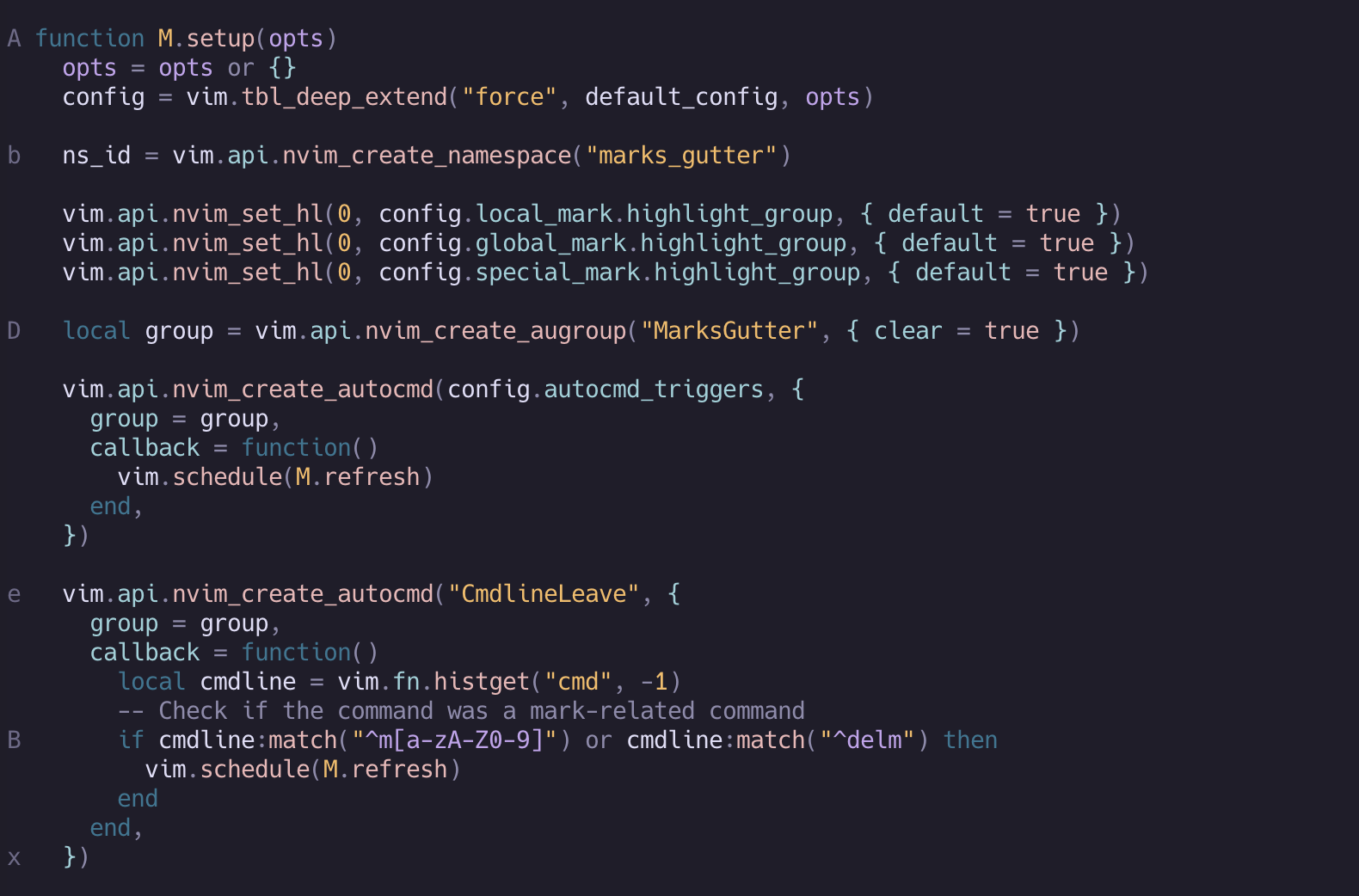
Features
- Display local marks (a-z) in the gutter
- Display global marks (A-Z) in the gutter
- Optional display of special marks (numbers, symbols)
- Configurable sign text and highlight groups
- Automatic refresh on text changes
- Utility actions for enhanced marks workflow
Why this plugin
Read the launch blog postI've been using marks.nvim and others to display marks in the gutter, but I don't need all the extra bells and whistles that those other plugins added. This is a fast, simple implementation that doesn't get in the way, and does not change nvim default behavior. Further, I worked a bit to benchmark and make sure this plugin is fast and the implementation does not impact Neovim performances.
Installation
Using vim.pack (Neovim 0.12+)
vim.pack.add({
  'https://github.com/dimtion/guttermarks.nvim',
})
Using lazy.nvim
{
  "dimtion/guttermarks.nvim",
  event = { "BufReadPost", "BufNewFile", "BufWritePre", "FileType" },
}
Using vim-plug
Plug 'dimtion/guttermarks.nvim'Configuration
Optionally use setup(opts) function to configure the plugin:
require("guttermarks").setup({
  global_mark = { enabled = false },
})
See full default configuration:
{ local_mark = { enabled = true, sign = nil, highlight_group = "GutterMarksLocal", priority = 10, }, global_mark = { enabled = true, sign = nil, highlight_group = "GutterMarksGlobal", priority = 11, }, special_mark = { enabled = false, sign = nil, marks = { "'", "^", ".", "[", "]", "<", ">", '"', ""{", "}", "(", ")"", "0", "1", "2", "3", "4", "5", "6", "7", "8", "9" }, highlight_group = "GutterMarksSpecial", priority = 10, }, excluded_filetypes = { "NvimTree", "" }, excluded_buftypes = { "terminal", "prompt", "quickfix" }, -- Advanced: Customize Autocmd events that trigger a refresh autocmd_triggers = { "BufEnter", "BufWritePost", "TextChanged", "TextChangedI", }, }</code></pre>:GutterMarks toggleCommands
| Command | Description | |---------|-------------| |
| Toggle guttermarks display on/off | |:GutterMarks enable| Enable guttermarks display | |:GutterMarks disable| Disable guttermarks display | |:GutterMarks refresh| Force refresh guttermarks display |init.luaCustomizing Highlights
You can customize the default highlight groups in your colorscheme or
:specialmark<pre><code class="lang-lua">vim.api.nvimsethl(0, "GutterMarksLocal", { fg = "#ffff00" }) vim.api.nvimsethl(0, "GutterMarksGlobal", { fg = "#ff0000", bold = true }) vim.api.nvimsethl(0, "GutterMarksSpecial", { fg = "#00ff00", italic = true })</code></pre>
Advanced Configuration
Enable Special Marks (disabled by default)
<pre><code class="lang-lua">require("guttermarks").setup({ special_mark = { enabled = true }, })</code></pre>
Enable Extra Special Marks
By default, even withenabled, someextra_ special marks are not enabled, those aremarks which move with every cusor movement. To avoid refreshing the gutter at each movement those are disabled by default. However, they can be re-enabled manually with the following config:", "0", "1", "2", "3", "4", "5", "6", "7", "8", "9", "{", "}", "(", ")" }, }, autocmd_triggers = { "BufEnter", "BufWritePost", "TextChanged", "TextChangedI", "CursorMoved", }, })<pre><code class="lang-lua">require("guttermarks").setup({ special_mark = { enabled = true, marks = { "'", "^", ".", "[", "]", "<", ">", '"', "
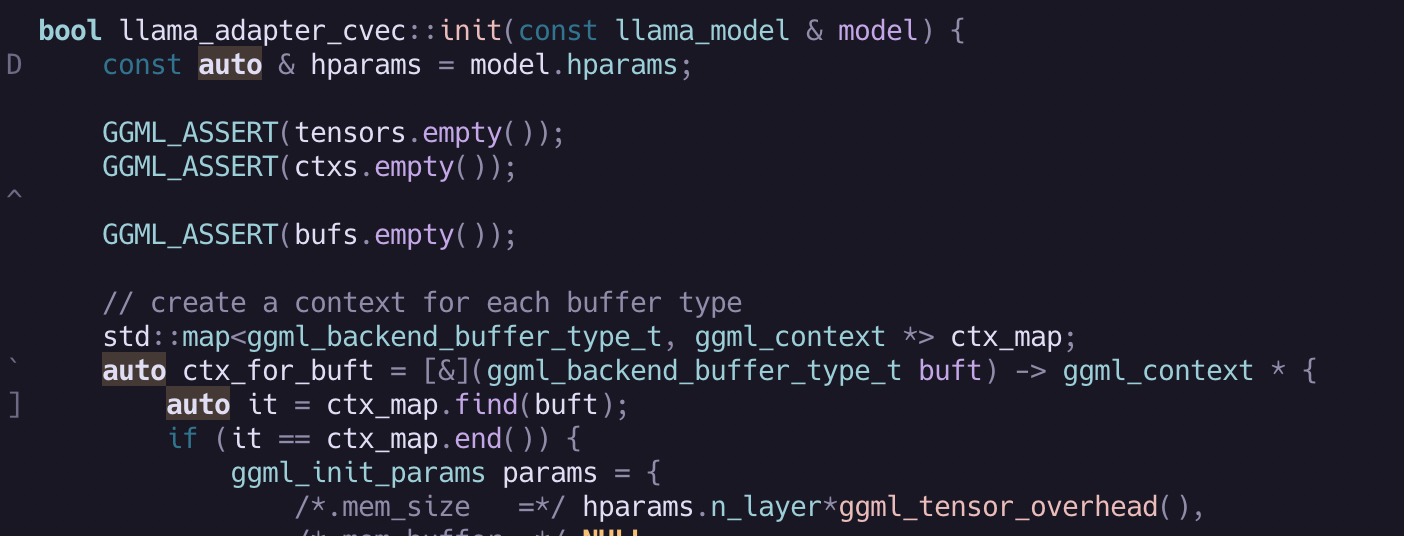
Using Custom Signs
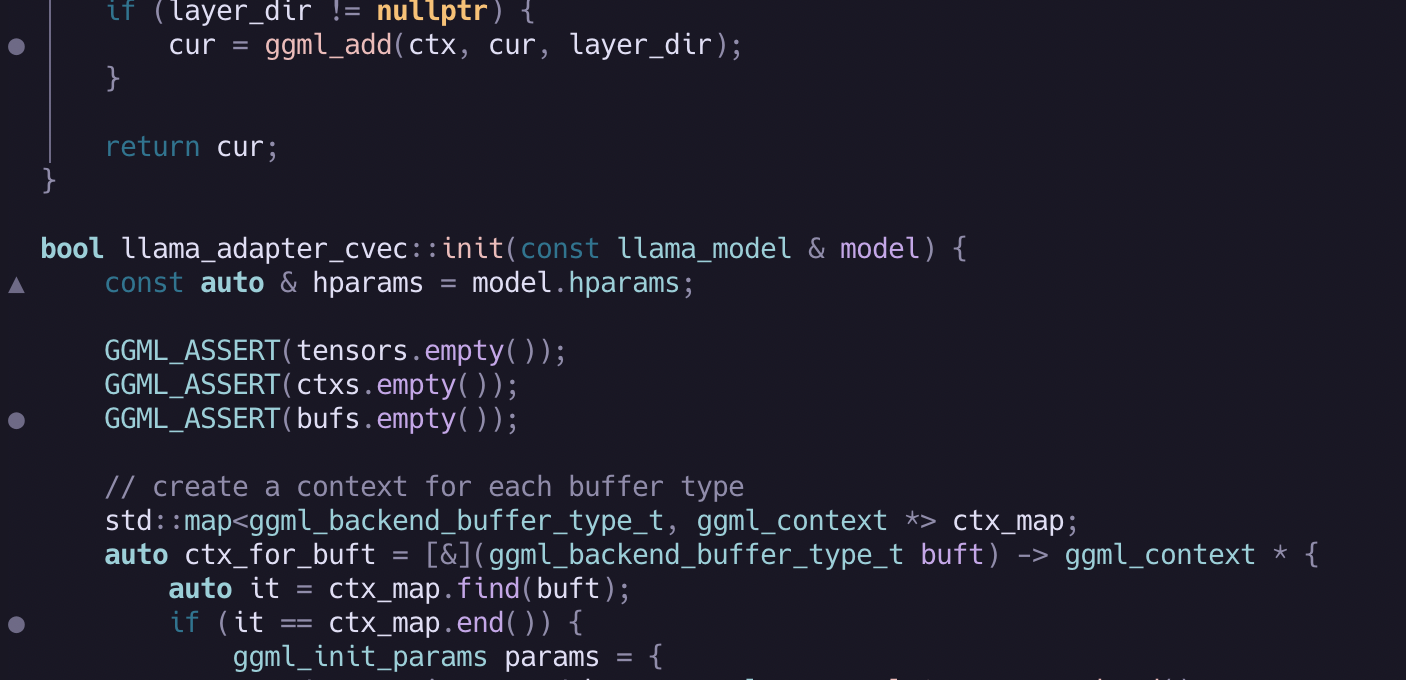
require("guttermarks").setup({
  local_mark = { sign = "▶" },
  global_mark = { sign = "▲" },
  special_mark = {
    enabled = true,
    sign = "●",
  },
})
Local Marks Only
require("guttermarks").setup({
  global_mark = { enabled = false },
  special_mark = { enabled = false },
})
Function Passed For Sign
require("guttermarks").setup({
  global_mark = {
    sign = function(mark)
      -- Show the mark letter with a prefix
      return "G" .. mark.mark
    end,
  },
})
GutterMarks Actions
To make marks more effective in vim, GutterMarks comes with a few actions that can be used by creating key mappings:
vim.keymap.set("n", "m;", require("guttermarks.actions").delete_mark, { desc = "Delete mark under cursor" })
vim.keymap.set("n", "]m", require("guttermarks.actions").nextbufmark, { desc = "Next mark in current buffer" }) vim.keymap.set("n", "[m", require("guttermarks.actions").prevbufmark, { desc = "Previous mark in current buffer" })
vim.keymap.set("n", "<leader>mq", function()     require("guttermarks.actions").markstoquickfix()     vim.cmd("copen") end, { desc = "Send marks to quickfix" })
vim.keymap.set("n", "<leader>mQ", function()     require("guttermarks.actions").markstoquickfix({         special_mark = true,     })     vim.cmd("copen") end, { desc = "Send marks to quickfix (include special marks)" })
Vim Marks cheat-sheet
- Use
mato set local mark 'a',mAfor global mark 'A' - Jump to marks with
'a(local) or'A(global) - Use `
to jump to exact position (line and column) of mark 'a' - Delete mark 'a' with :delmarks a`


