
Track todos in Slack using custom checkbox emojis
"To do" Emojis
Abstract
This repo contains a set of "to do" emojis:
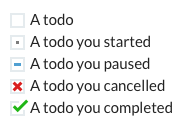
You can use them in applications to create simple text-based to-do lists, without plugins:

They were created by Dave Stewart for use in the Weekend Club Slack channel; an Indie Hackers in-person and virtual network based in London.
Usage in Slack
Installation
To get the emojis into Slack:
Use the emojis in the/high folder to support high-DPI displays.
When you add the emojis, be sure to name them the same as the filenames, i.e.:
todotodo_doingtodo_donetodo_canceltodo_pause
Create a to do list
Once added, just type :todo then choose the emoji from the list:
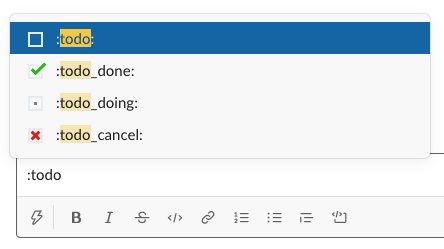
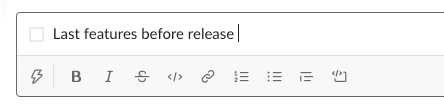
Then, add the text of the todo (and any other todo's, of course):
Share progress
You can use the todo_doing emoji to indicate you've started a task:
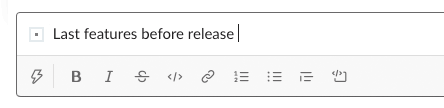
When you've completed your task, edit the message and change the emoji to todo_done:
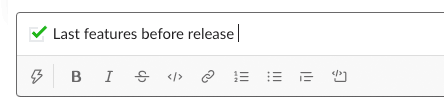
If you want to let folks know you can't complete a task, use the todopause or todocancel emoji:
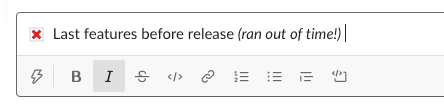
It's the simplest way to share updates in Slack!
Tips
Shortcuts
You can create checkboxes even quicker using Slack's auto-complete:
:do   ->  :todo
:don  ->  :todo_done
:doi  ->  :todo_doing
:pau  ->  :todo_pause
:ca   ->  :todo_cancel
Copy and paste is also an option!
Make a channel
Because you and your team will only be creating and updating a single message per day (or week) you may find it useful to create a dedicated channel, such as #todos, #tasks, #today or maybe #shipped.
Having a dedicated area for todo's means tasks won't get lost in a sea of other messages, and also provides a nice log of what got done and when.
Are you using Todo Emojis?
Let me know!
Share this!
It would be great if you would upvote this on Product Hunt:

Twitter is also another great place to share:
- https://twitter.com/dave_stewart/status/1309861492007862277
Artwork
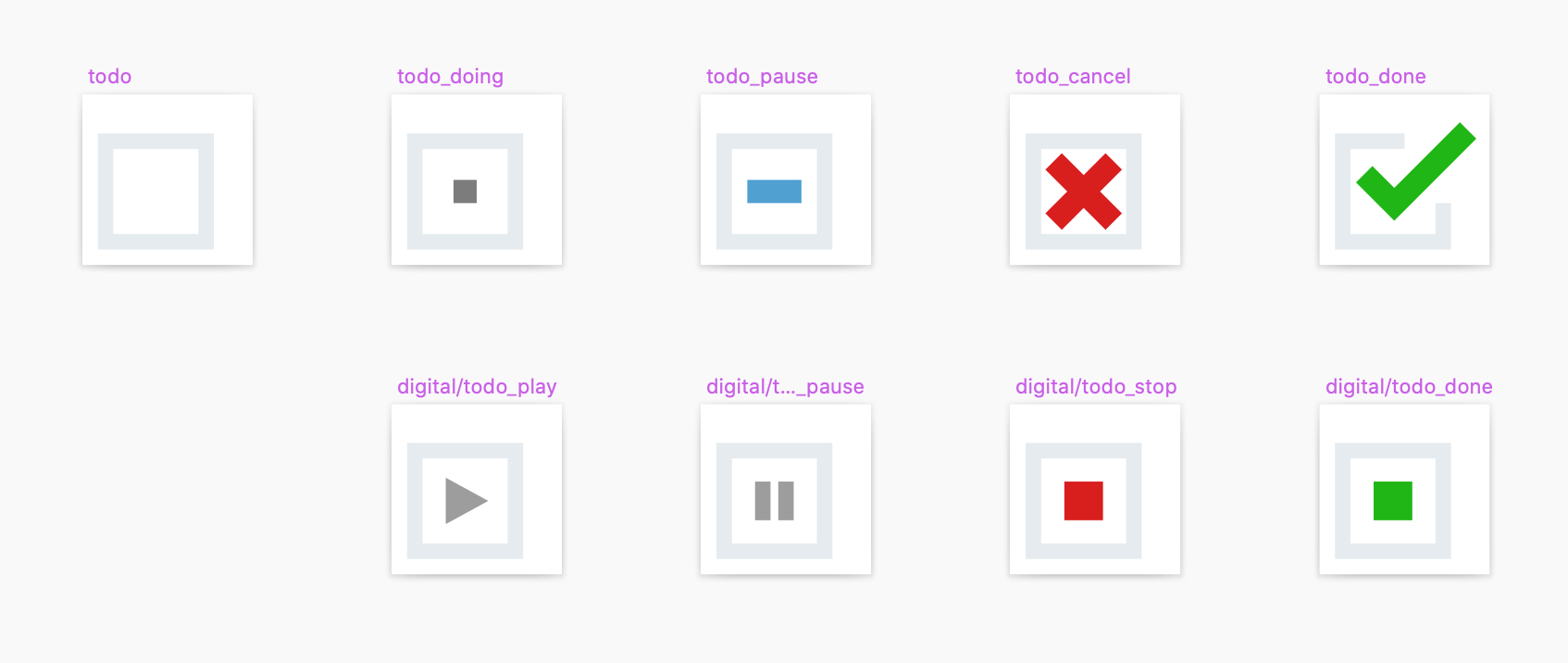
If you want to modify the emojis, the original Sketch file is in the artwork folder, along with some alternate designs:
This work is licensed as CC0 1.0 Universal (CC0 1.0).


