
✨My dotfiles on macOS or Linux for Neovim, Zsh, Kitty, Ranger, etc
Last updated Jun 17, 2026
50
Stars
3
Forks
0
Issues
0
Stars/day
Attention Score
6
Language breakdown
HTML 86.8%
Shell 11.3%
Python 0.8%
Ruby 0.4%
Lua 0.4%
CSS 0.1%
▸ Files
click to expand
README


Eugene  dotfiles


This dotfiles includes the following tools config











🧑🏾🎨 ScreenShot
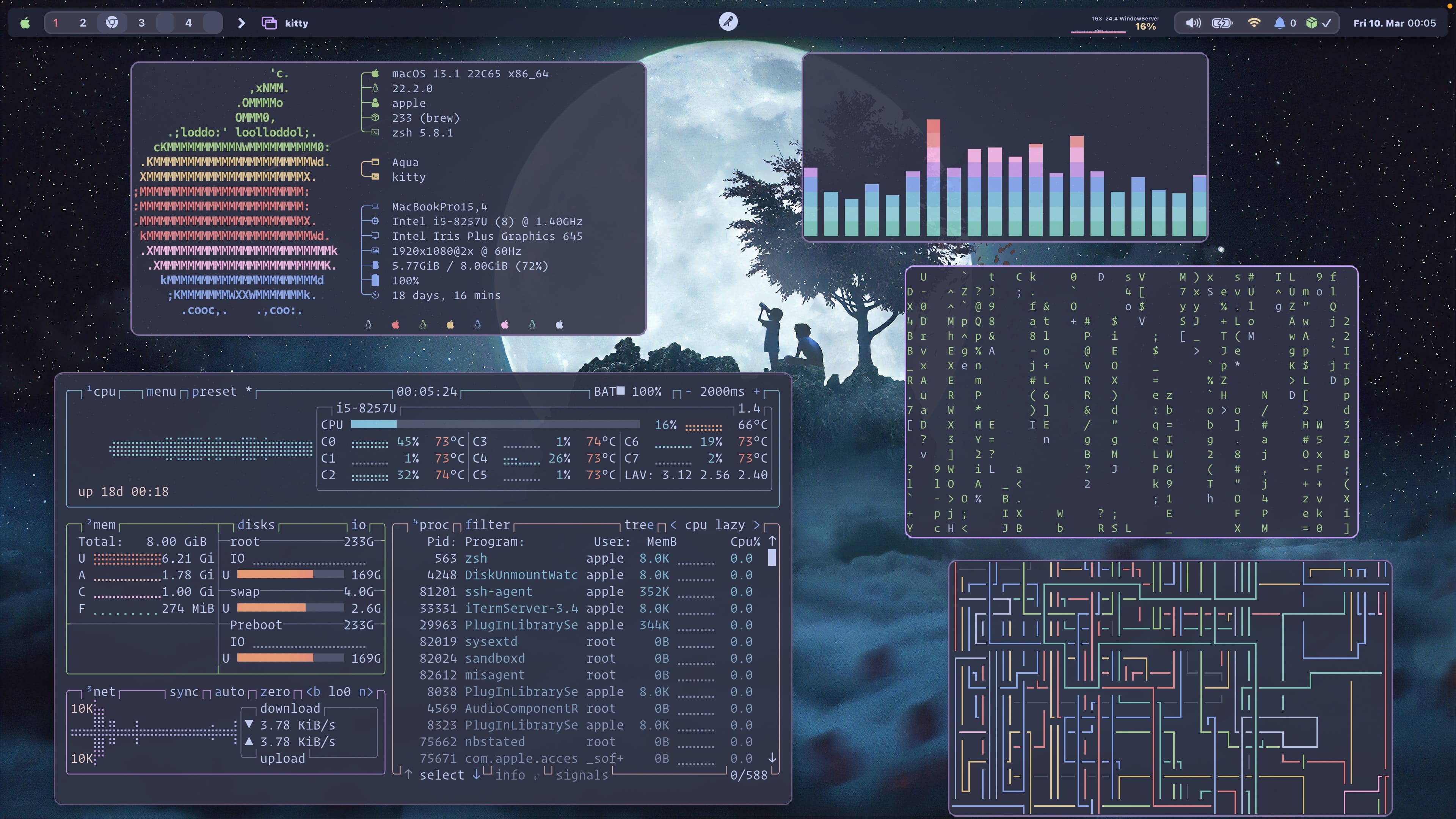
Load More (Click to expend)
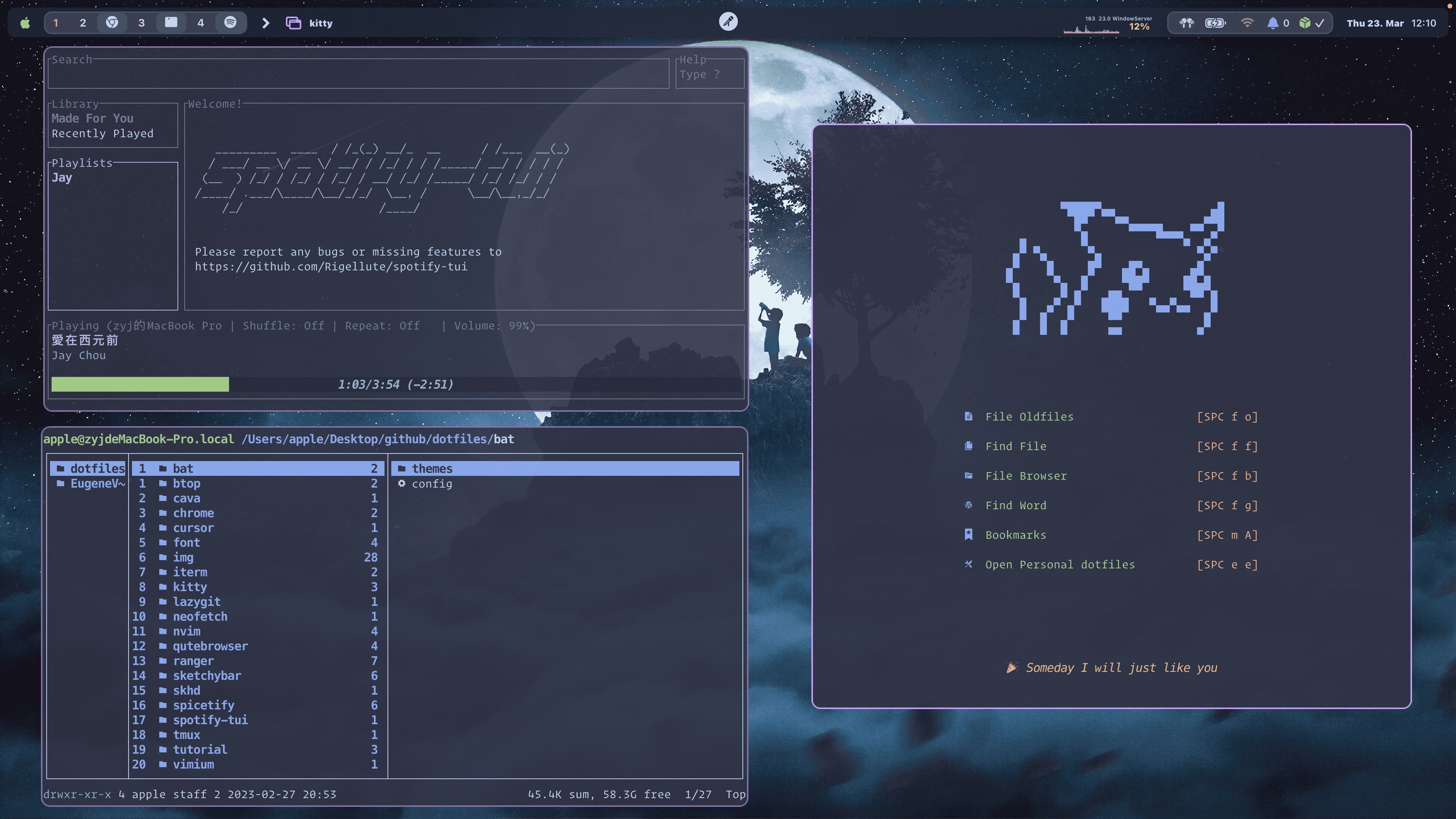
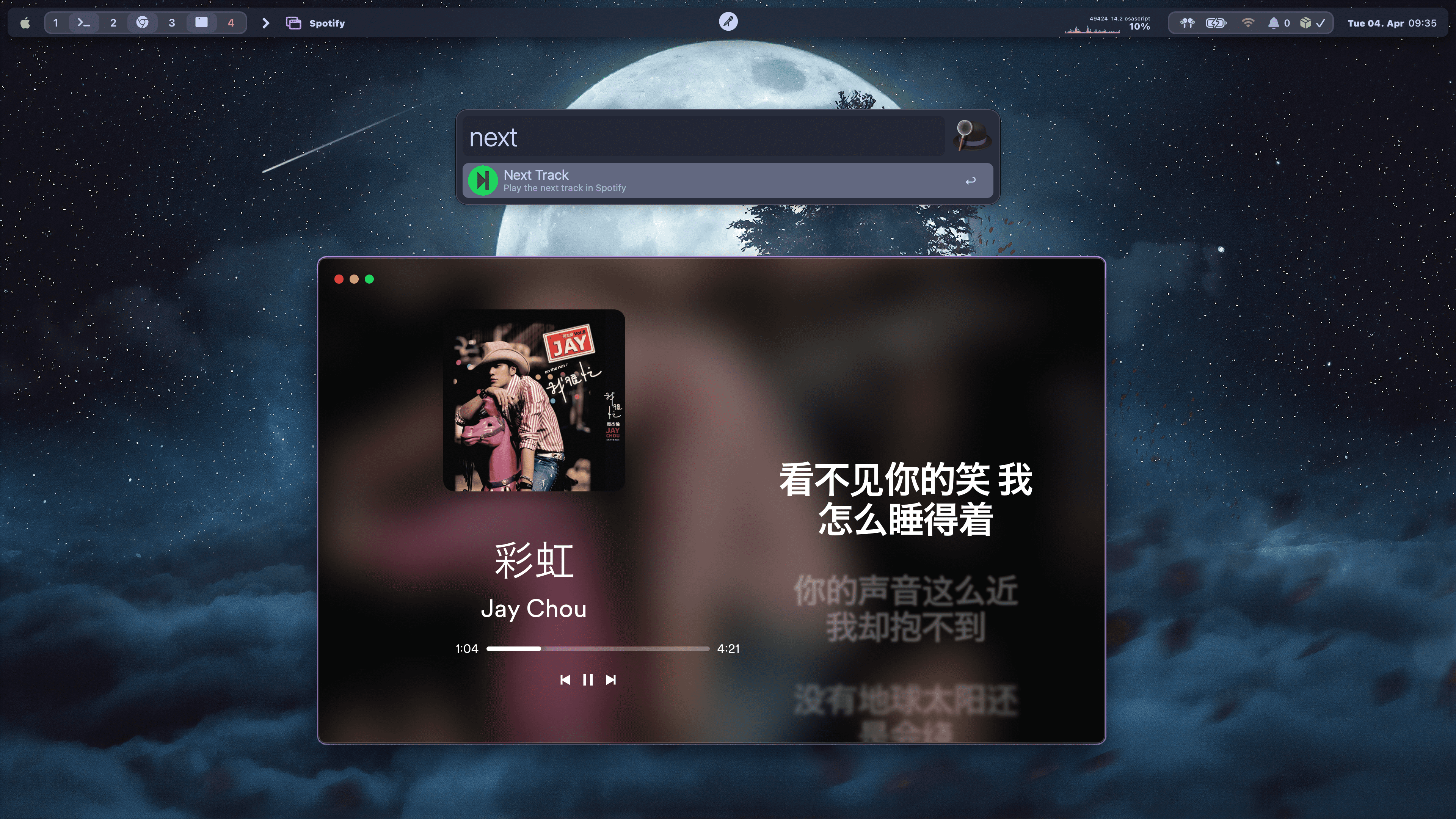
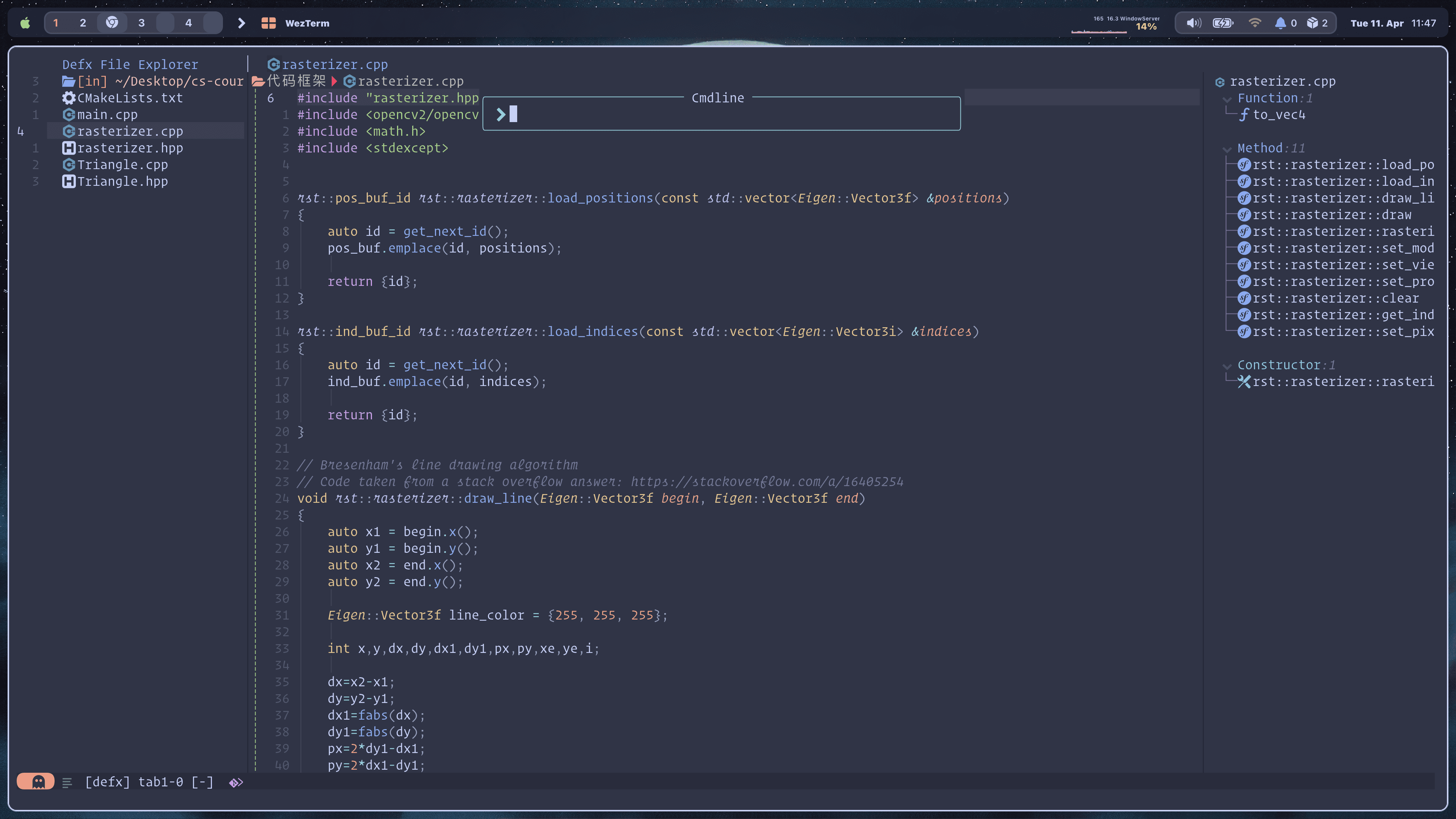
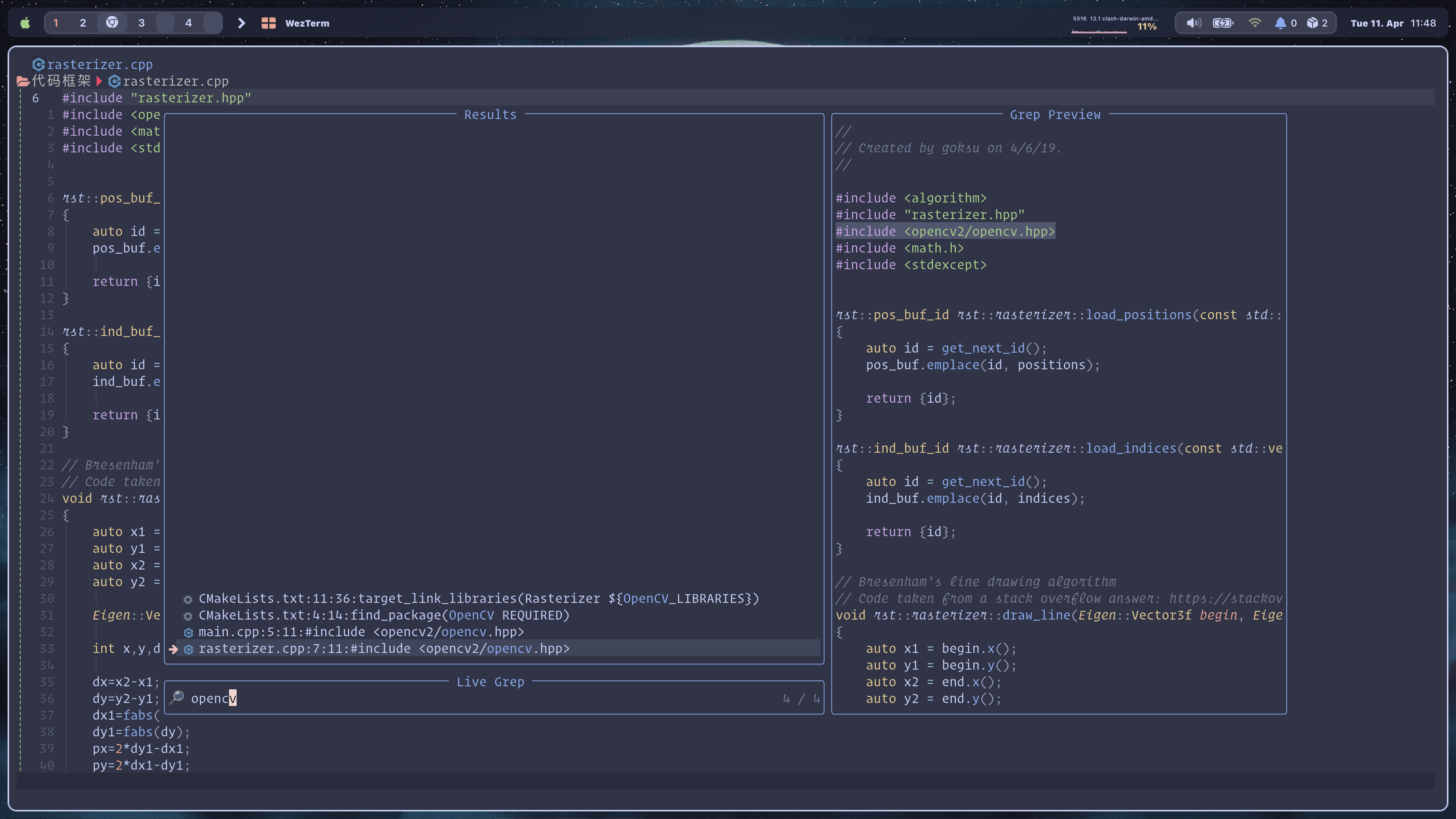
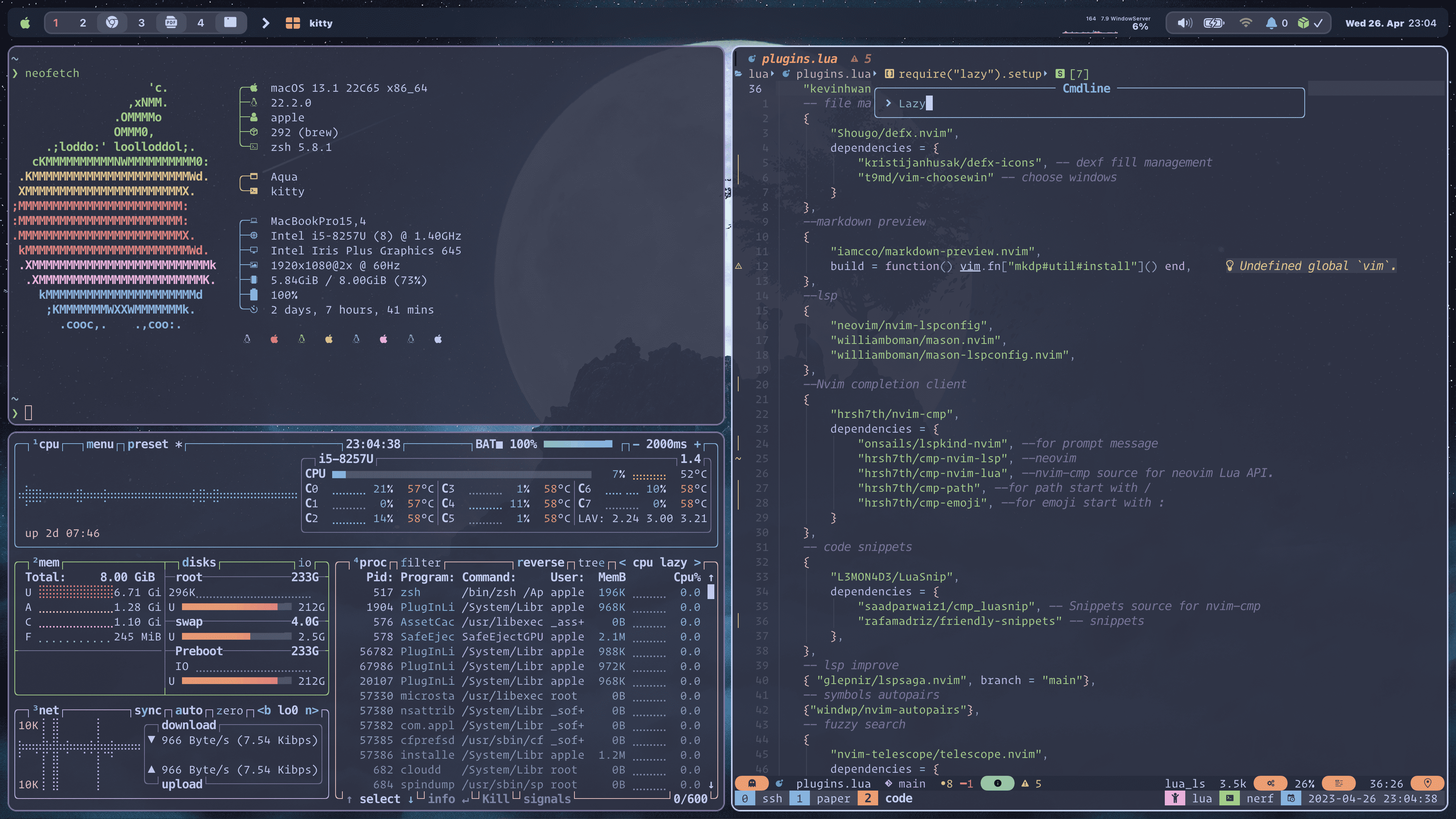
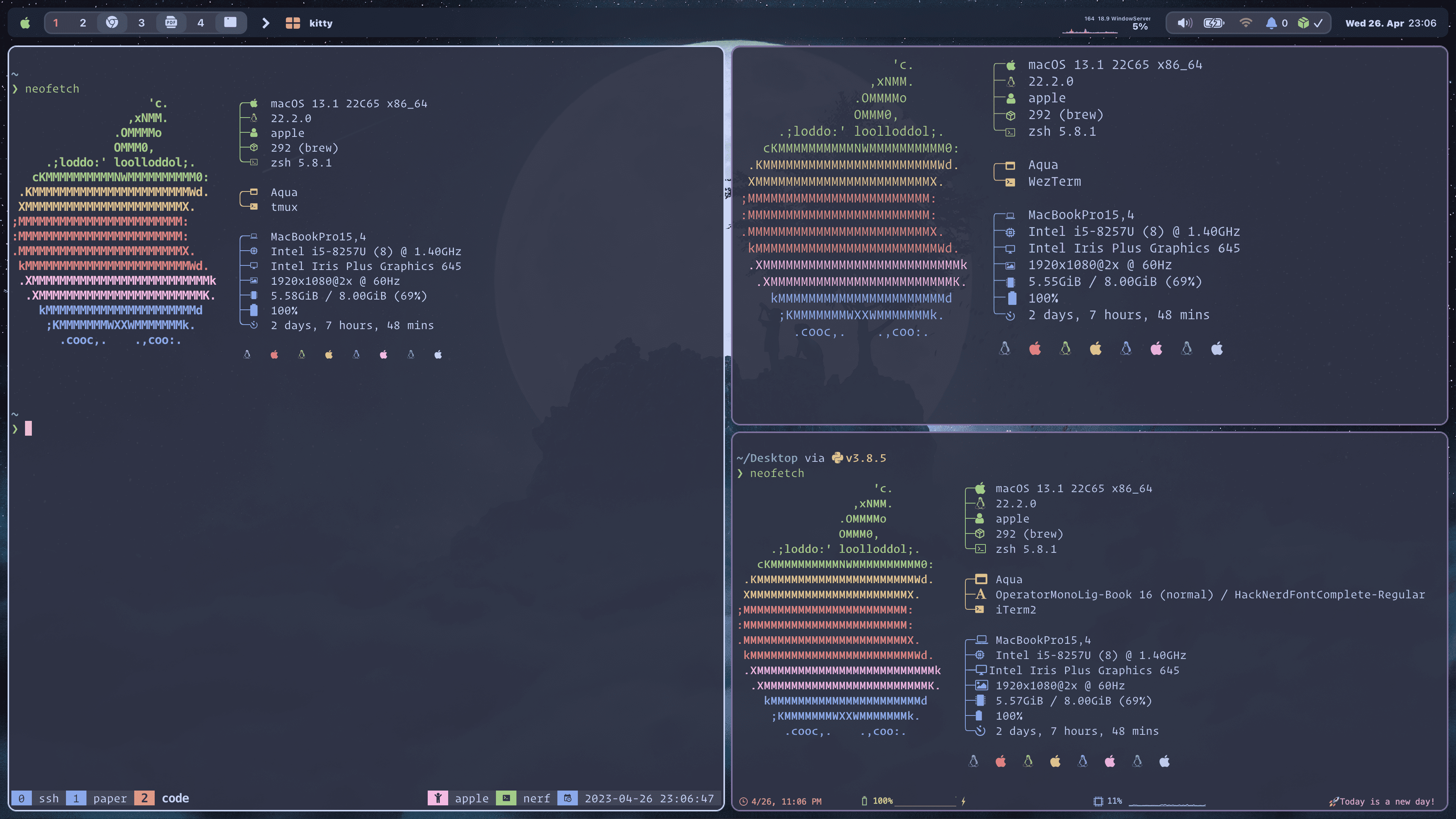
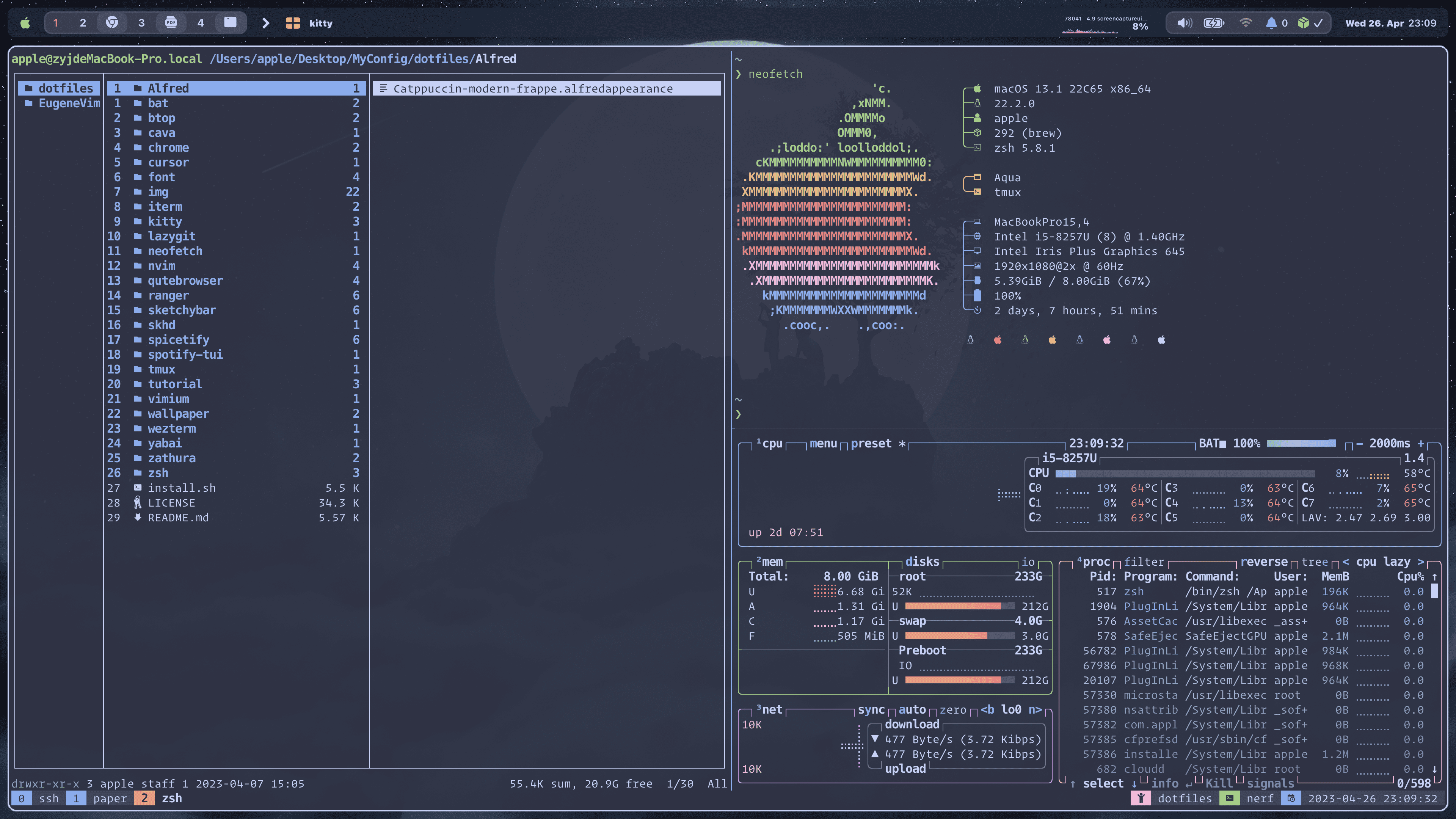
🗒️ Info
This config folder include all my environment in My OS(Just cherry pick the piece of code you totally understand).
- Terminal
Weztermkittyiterm2 - Shell
zsh - Shell Framework
ohmyzsh - Shell Theme
starship - File Management Tool
ranger - Fuzzy Finder Tool
fzf - Ls Beautification Tool
lsd - Font
HackNerdFontJetBrainsMonoOperatorMono - Theme
Catppuccin - Browser
Chromequtebrowser - The Hacker's Browser Plugin
vimium - System Information Tool
neofetch - Terminal Git Tool
lazygit - File Editor Tool
neovim - Terminal Multiplexing Tool
tmux - Windows Management Utility
yabai - Simple Hotkey Daemon
skhd - Status Bar
sketchybar - Music Player
Spotify - Spotify Client
spotify-tuispicetify - Cross-platform Audio Visualizer
cava - PDF Viewer
zathura for MacOSorzathura - Application Launcher
Alfred - System resource monitor
btop - Cat with syntax highlighting and Git integration
bat
🔨 Dependencies
📦 Packages
bash
brew install --cask kitty
brew install --cask iterm2
brew install --cask wezterm
More Packages (Click to expend)
✍️ Fonts
brew tap homebrew/cask-fonts
brew install --cask font-hack-nerd-font
brew tap homebrew/cask-fonts
brew install --cask font-jetbrains-mono
🐚 zsh
brew install ranger
brew install lsd
brew install fzf
brew install starship
brew install zsh
sh -c "$(wget -O- https://raw.githubusercontent.com/ohmyzsh/ohmyzsh/master/tools/install.sh)"
🎵 Music
brew install --cask background-music
brew install cava
brew install --cask spotify
brew install khanhas/tap/spicetify-cli
brew install spotify-tui
🦇 Yabai & skhd
brew install koekeishiya/formulae/yabai
brew install koekeishiya/formulae/skhd
🌥️ Sketchybar
brew tap FelixKratz/formulae
brew install sketchybar
brew install jq
brew install gh
brew install switchaudio-osx
brew install --cask sf-symbols
curl -L https://github.com/kvndrsslr/sketchybar-app-font/releases/download/v1.0.4/sketchybar-app-font.ttf -o $HOME/Library/Fonts/sketchybar-app-font.ttf
🤿 Neovim & Tmux
brew install llvm
brew install ripgrep
brew install neovim
brew install tmux
Other
brew install --cask alfred
brew install bat
brew install btop
brew install lazygit
brew install neofetch
brew install --cask qutebrowser
🚀 Manual Installation
1.Clone this repository.
git clone https://github.com/command-z-z/dotfiles2.See my install.sh to learn more about my config.
3.Install the required software(see Dependencies) or run install.sh script.
./install.sh4.Just copy the piece of code you really want.
🤖 Notes
neovim python dependencies.pip install neovim
pip install pyvim
pip install Ranger-fm


