:tea: easily configurable neovim system with solid defaults and a cozy editor experience.
chaivim
:tea: easily configurable neovim system with solid defaults and a cozy editor experience.
:sparkles: Features
Lazy plugin management
chaivim uses lazy.nvim to manage plugins.
integrated plugins
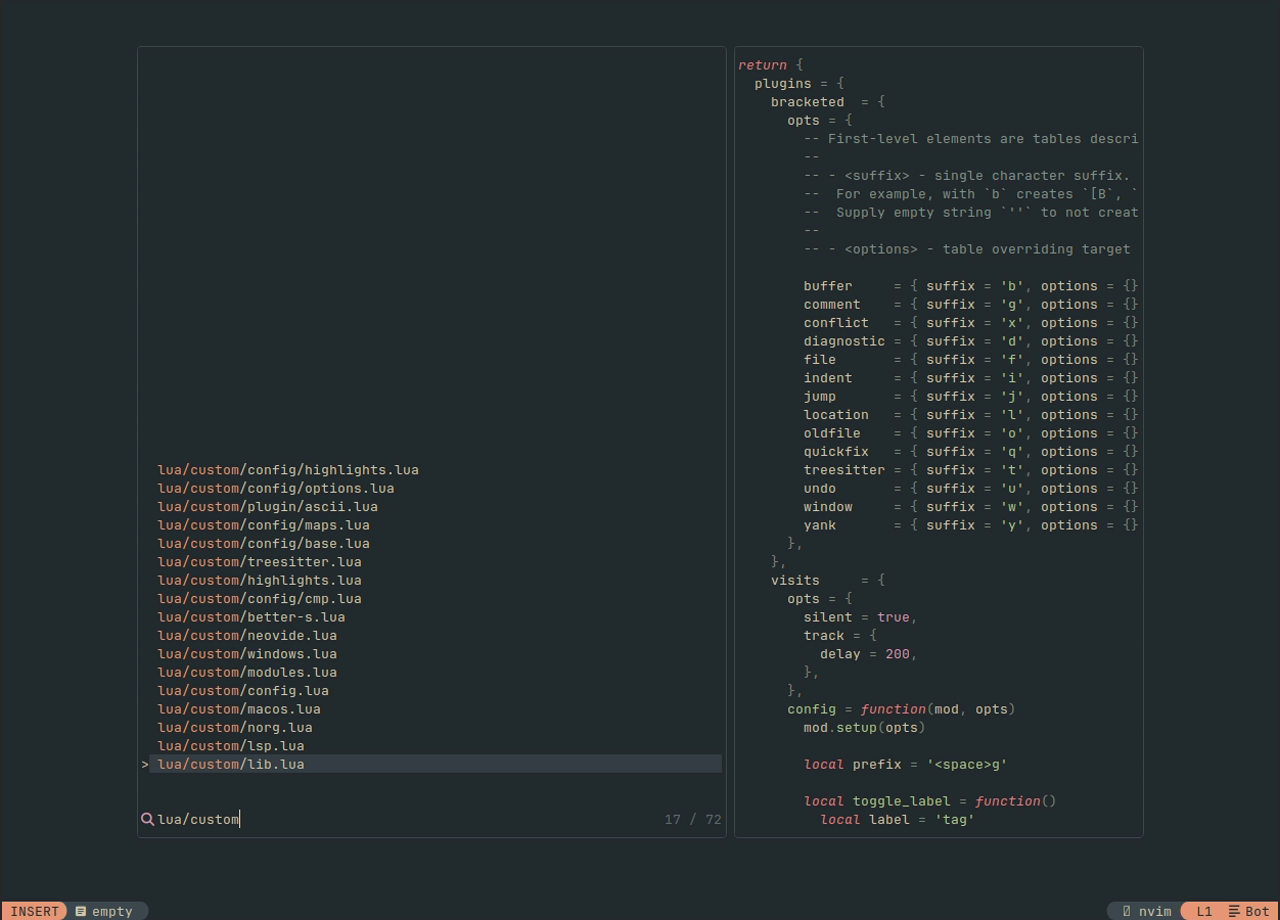
- :telescope: telescope - a highly extendable fuzzy finder.
- :evergreentree: treesitter - treesitter configurations and abstraction layer for neovim.
- :pencil: none-ls - abstraction layer for lsp diagnostics, code actions, and formatters.
- :computer: keymaps - a keymap manager for neovim.
- :airplane: lualine - a blazing fast and easy to configure neovim statusline plugin.
- :pencil: cmp - a completion plugin for neovim.
- :scissors: luasnip with friendly-snippets - a snippet engine for neovim.
- :hammer: mini.nvim - the "swiss army knife" among neovim plugins.
- :verticaltrafficlight: gitsigns - git integration for neovim.
- :scroll: which-key - a keymap ui for neovim.
- :pushpin: todo-comments - highlight, list and search todo comments in your projects.
- :construction: trouble - a diagnostics manager.
- :balloon: incline - floating statuslines for neovim.
- :straightruler: indent-blankline - indent guides for neovim.
:lock: requirements
- Neovim
>= 0.10.0(needs to be built with LuaJIT) - git
>= 2.19.0(for partial clones support) - a Nerd Font (optional)
- luarocks to install rockspecs.
:package: installation
chaivim can be installed manually or through the installer:
curl -fsSL https://github.com/comfysage/chaivim/raw/mega/utils/installer/install.sh | shmanual install
-- init.lua
local rootpath = vim.fn.stdpath("data") .. "/ch"
local chaipath = rootpath .. "/chai"
if not vim.uv.fs_stat(chaipath) then   vim.system({     "git",     "clone",     "--filter=blob:none",     "https://github.com/comfysage/chaivim.git",     chaipath,   }):wait() end
vim.opt.rtp:prepend(chaipath)
:rocket: usage
-- init.lua
require 'ch'.setup('custom.config', 'custom.modules')
-- lua/custom/config.lua return {     ui = {         colorscheme = 'evergarden',         transparent_background = false,     }, }
-- lua/custom/modules.lua return {     ch = {         {             'options',             opts = {                 cursorline = false,                 tab_width = 2,                 scrolloff = 5,             },         },         {             'dash',             opts = {                 openonstartup = true,             },         },     },     custom = {         -- your custom modules (in lua/custom/)     }, }
require 'ch'.setup 'custom' to load a custom configuration from lua/custom/init.lua: -- init.lua require 'ch'.setup 'custom'
-- lua/custom/init.lua return { ui = { colorscheme = 'evergarden', }, modules = { ch = { { 'options' }, { 'base' }, }, }, }
all config fields can be overwritten after setup():
ch.config.ui.colorscheme = 'tokyonight':gear: config modules
view example configurations for modules here.
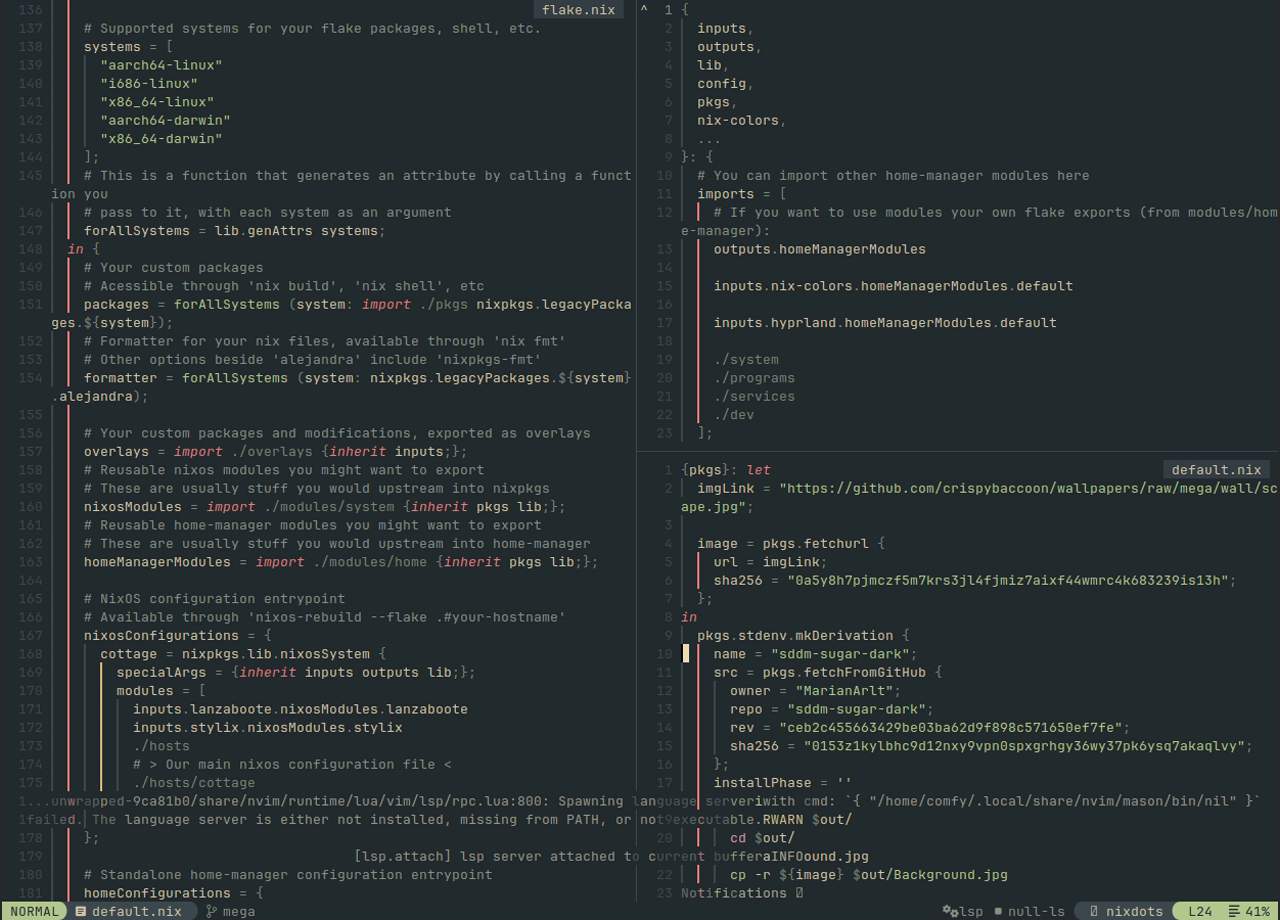
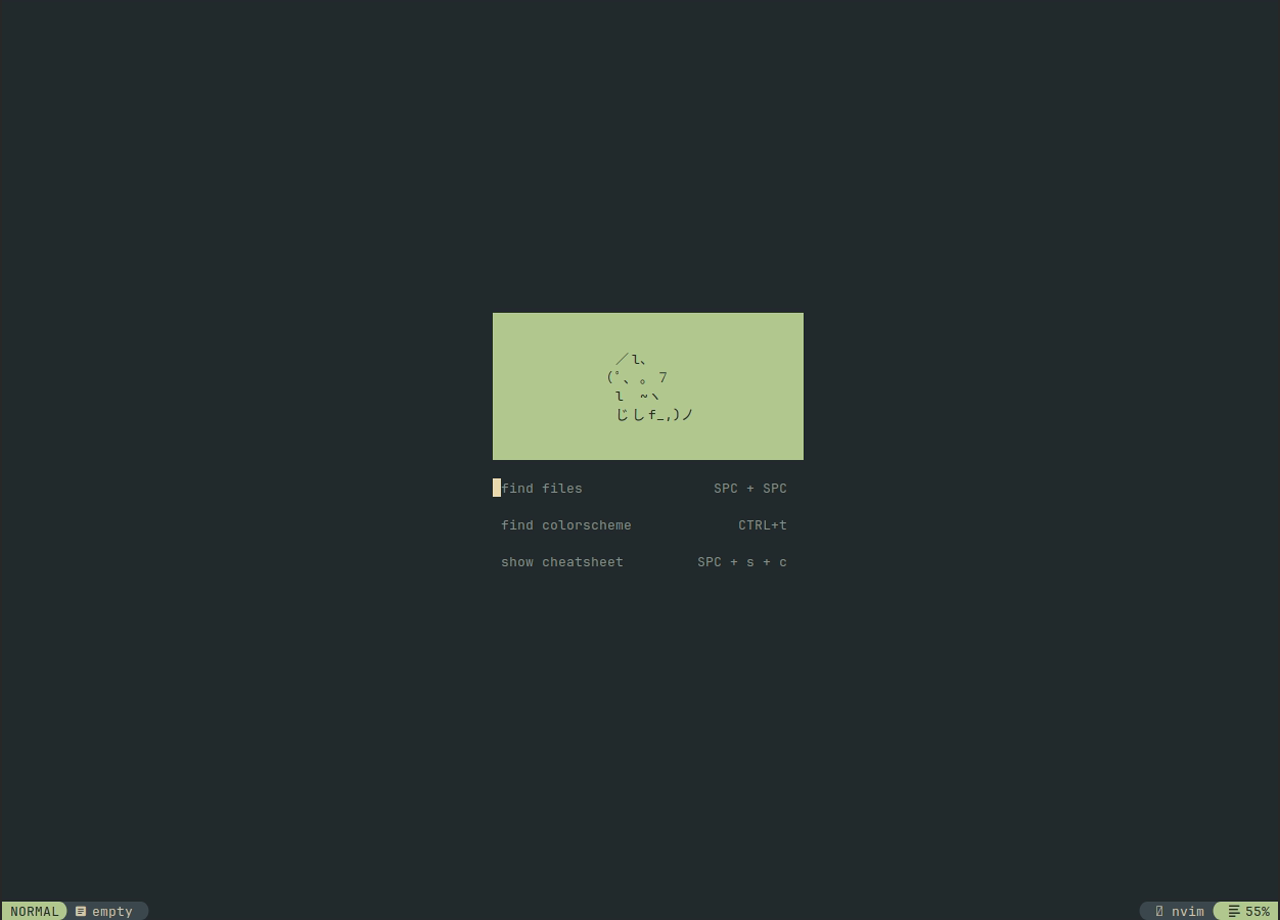
:camera: screenshots