
Python Reactive/Declarative UI Framework. PUI doesn't do UI itself, it turns imperative UI libraries into declarative flavor with virtual DOM and aims to maintain interoperability.
What is PUI
PUI is a reactive/declarative UI framework with two-way data binding. PUI doesn't do UI itself, it turns imperative UI libraries into reactive/declarative flavor with virtual DOM and aims to maintain interoperability.CPPUI: Experimental C++ Version
Installation
shell
pip install QPUIQ
Optional, for hot-reload
pip install jurigged
Optional, for PySide6 backend
pip install PySide6
Optional, for textual backend
pip install textual
Optional, for wxPython backend
pip install wxPython
Optional, for flet backend
pip install flet
Get Started
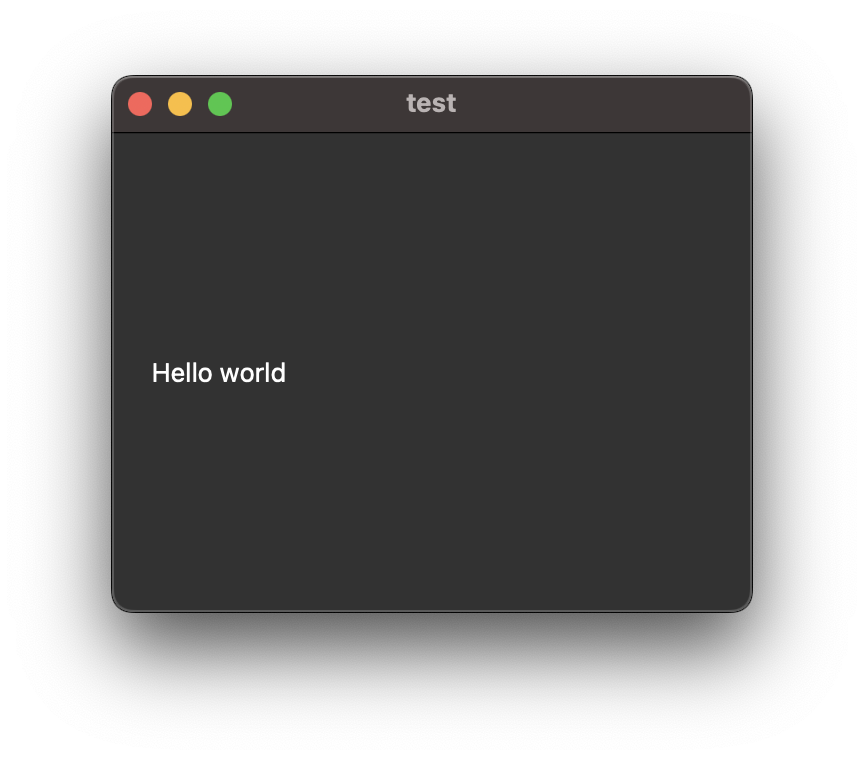
Hello World
# example/hello_world.py
from PUI.PySide6 import *
@PUIApp def Example():     with Window(title="test", size=(320,240)):         Label("Hello world")
root = Example() root.run()
State & Data Binding
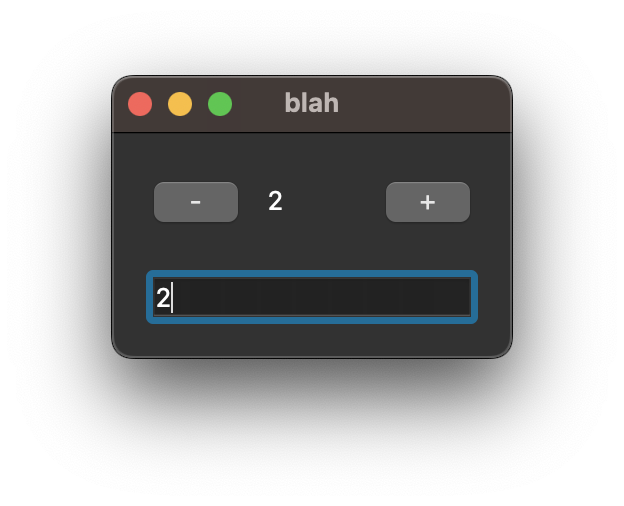
# example/generic_textfield.py
from PUI.PySide6 import *
data = State() class Example(Application):     def init(self):         super().init()         data.var = 0
def content(self):         with Window(title="blah"):             with VBox():                 with HBox():                     Button("-").click(self.on_minus)                     Label(f"{data.var}")                     Button("+").click(self.on_plus)
TextField(data("var")) # binding
def on_minus(self):         data.var -= 1
def on_plus(self):         data.var += 1
root = Example() root.run()
View Component
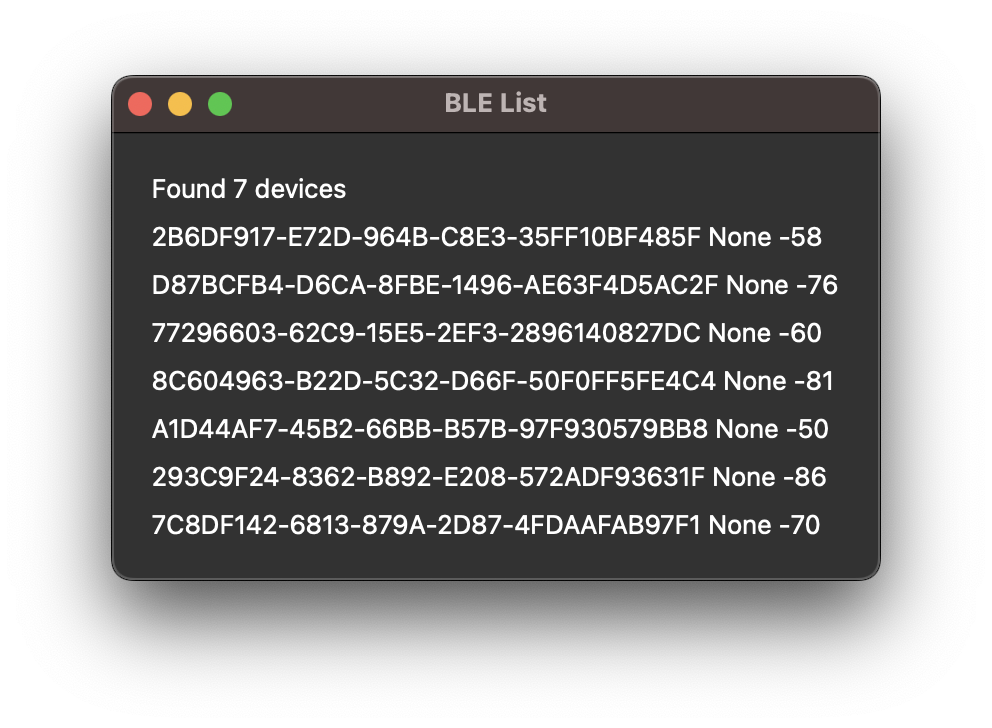
# example/bleak_list.py
....
@PUI # View Component def DeviceView(device, advertising_data):     Label(f"{device.address} {device.name} {advertising_data.rssi}")
class GUI(Application):     def init(self, state):         super().init()         self.state = state
def content(self):         with Window(title="BLE List"):             with VBox():                 Label(f"Found {len(self.state.scanned_devices)} devices")                 for device, advertisingdata in self.state.scanneddevices:                     DeviceView(device, advertising_data)
....
Layout & Styling
# example/pyside6_feedparser.py
... with VBox():     Label(title).qt(StyleSheet={"font-weight":"bold"}) # QT-specific
with HBox():         with Scroll():             with VBox():                 for i,e in enumerate(entries):                     Label(e.title).click(self.entry_selected, i)                 Spacer()
with Scroll().layout(weight=1): # Generic Layout Parameter             if 0 <= selected and selected < len(entries):                 (Text(entries[selected].description)                     .layout(padding=10) # Generic Layout Parameter                     .qt(StyleSheet={"background-color":"white", "color":"black"})) # QT-specific ...

Canvas
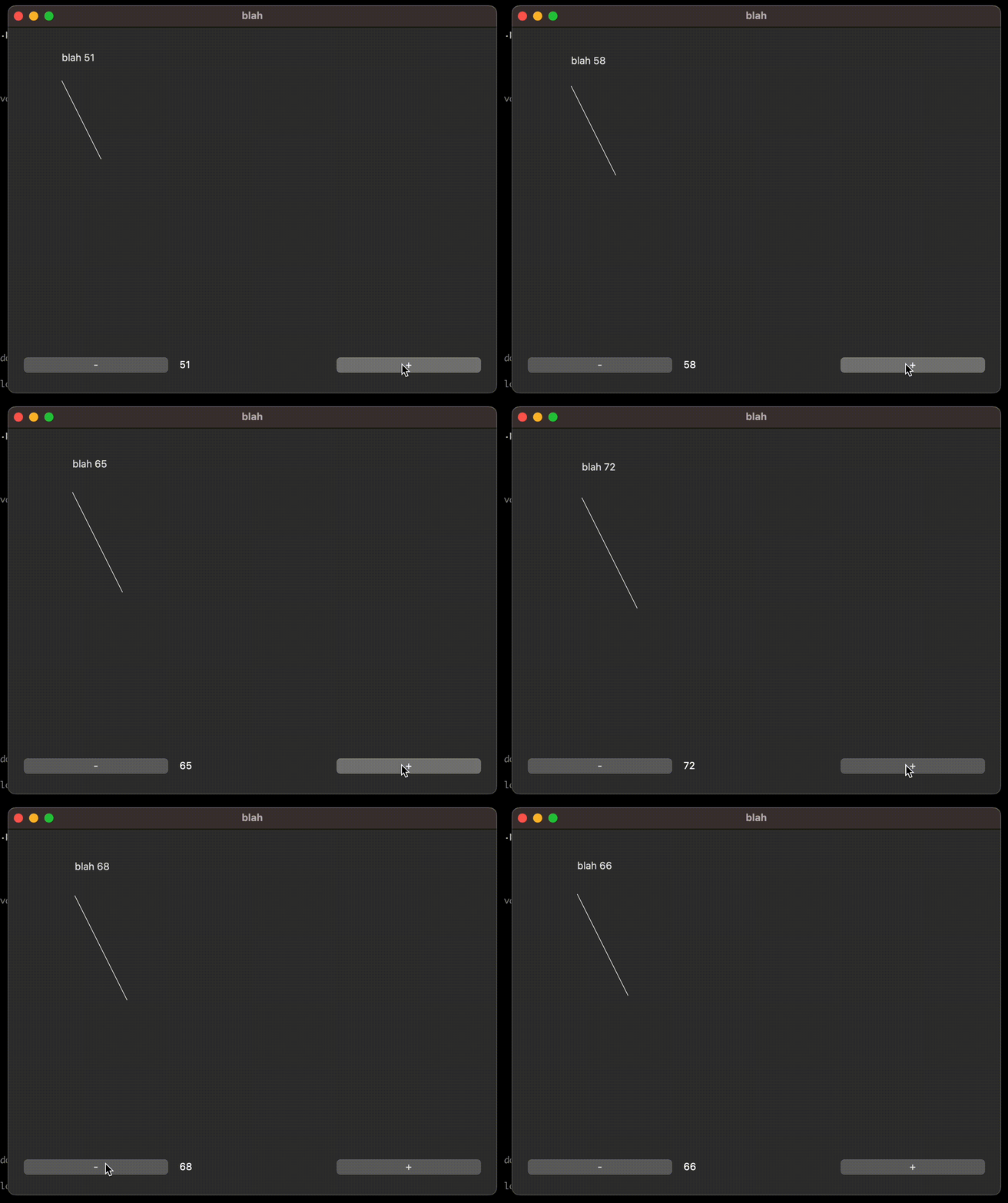
# example/generic_canvas.py
from PUI.PySide6 import *
data = State() class Example(Application):     def init(self):         super().init()         data.var = 50
def content(self):         with Window(title="blah", size=(640,480)):             with VBox():                 Canvas(self.painter, data.var)                 with HBox():                     Button("-").click(self.on_minus)                     Label(f"{data.var}").layout(weight=1)                     Button("+").click(self.on_plus)
@staticmethod     def painter(canvas, var):         canvas.drawText(var, var/2, f"blah {var}")         canvas.drawLine(var, var, var2, var3, color=0xFFFF00)
def on_minus(self):         data.var -= 1
def on_plus(self):         data.var += 1
root = Example() root.run()
Cookbook
python -m cookbook PySide6 (requires pygments for syntax highlight)
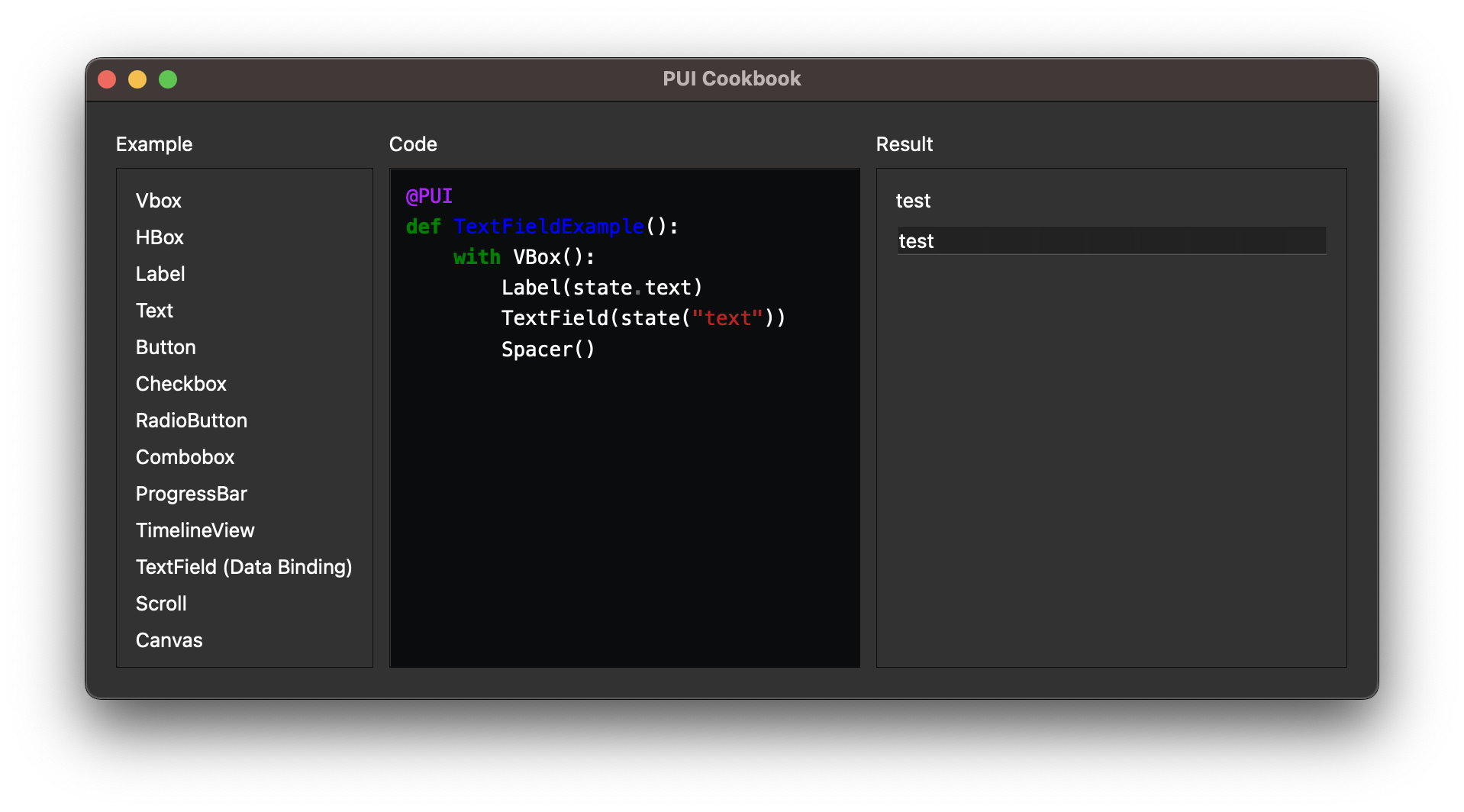
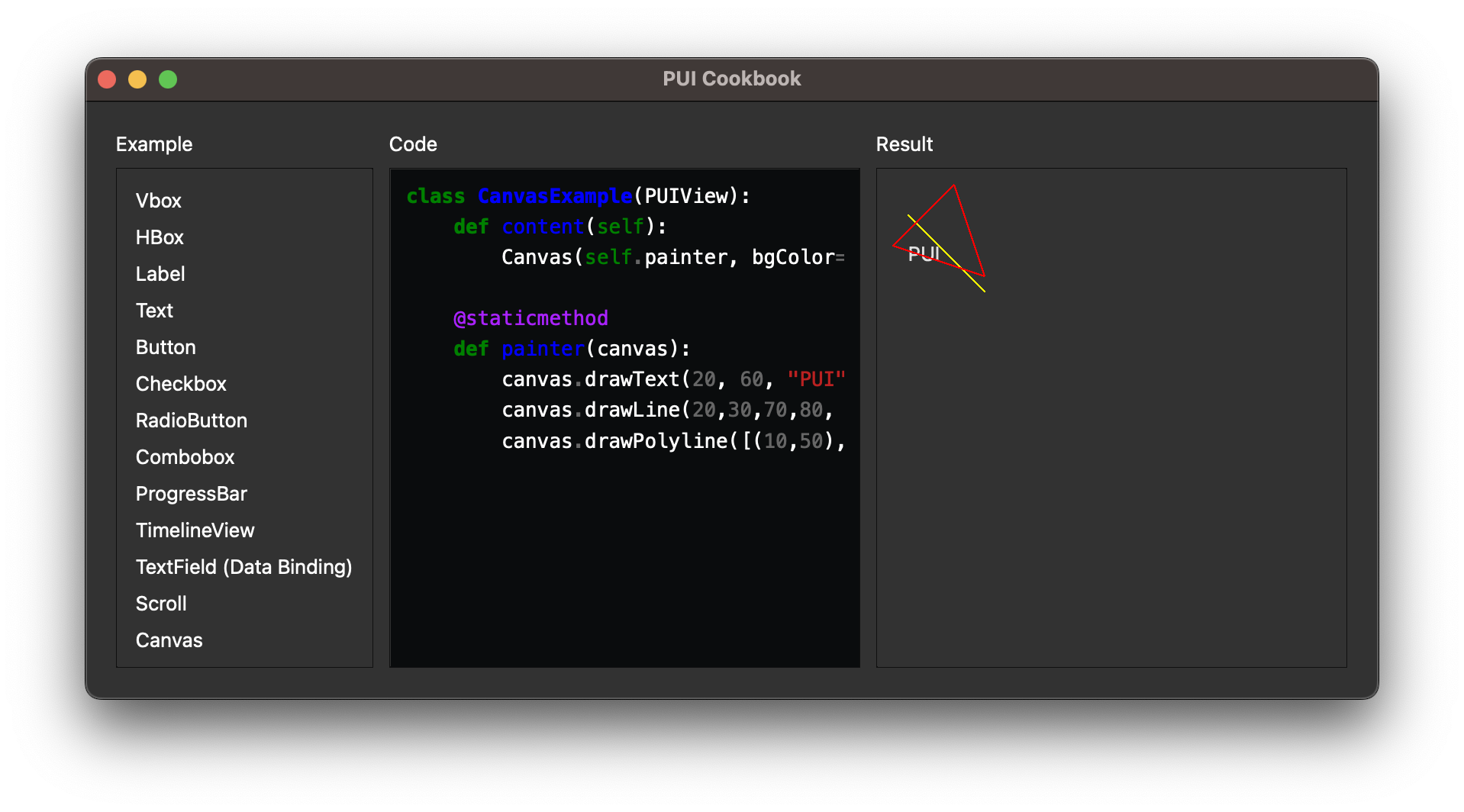
python -m cookbook textual 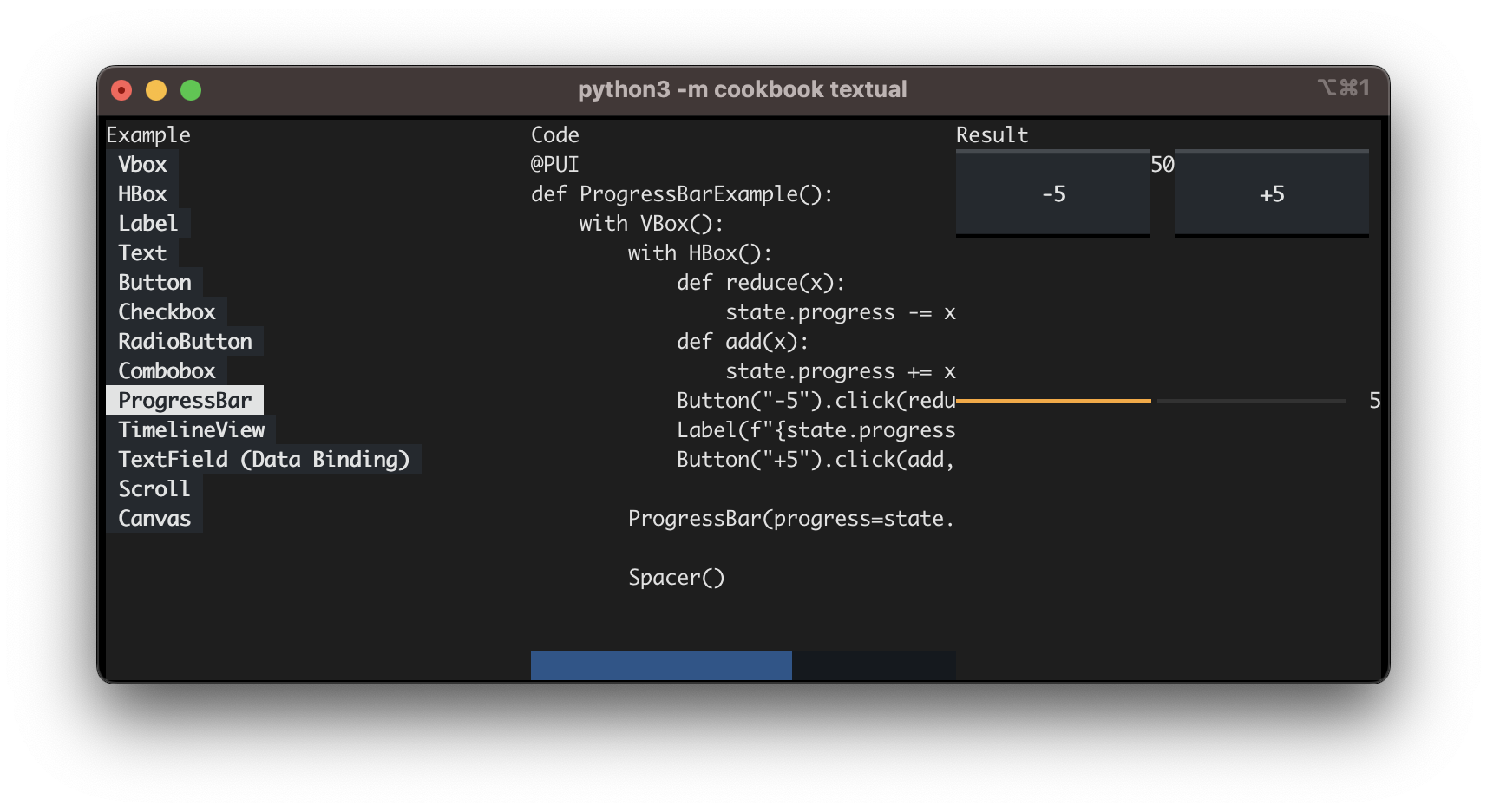
python -m cookbook flet 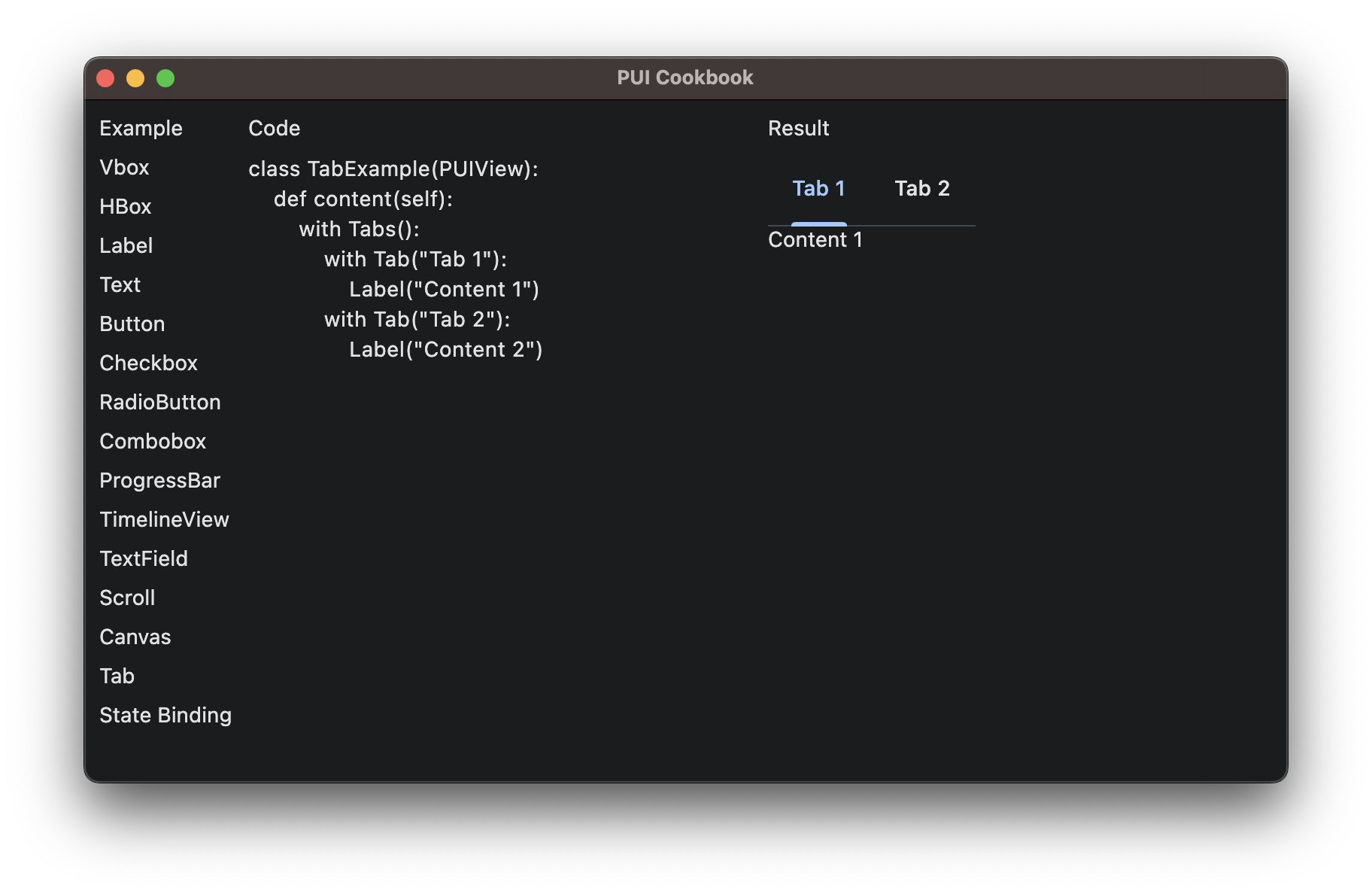
python -m cookbook tkinter 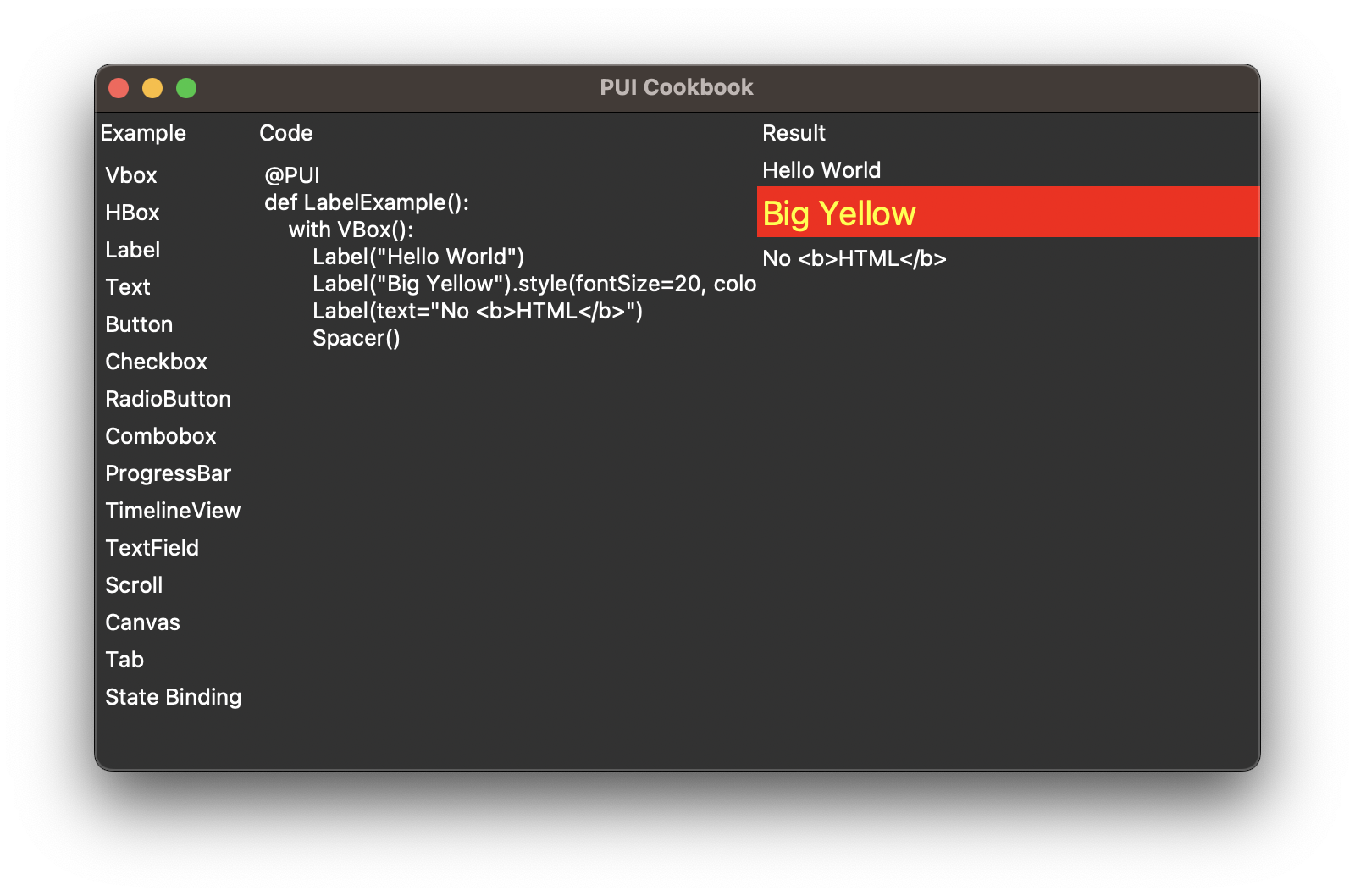
Hot Reload
shell
pip install juriggedBackends
Tier-1
- PySide6
Lower Priority
- wx
- tkinter
- flet
- textual (Text Mode)
Documents
Used by
- https://github.com/buganini/Kikakuka
- https://github.com/solvcon/modmesh
TODO
- Dump with layout parameters and add test cases
- Toga
- [ISSUE] flet layout sizing (cookbook scroll example)
- nested state trigger
- Tabs(
tabposition) - Lazy List
- UI Flow
- Layout
- Canvas
- State with Pydantic support?


