
Uses Apple Reminders as a bridge between Claude on your phone and Claude Code on your Mac, dispatching agents from new reminders.
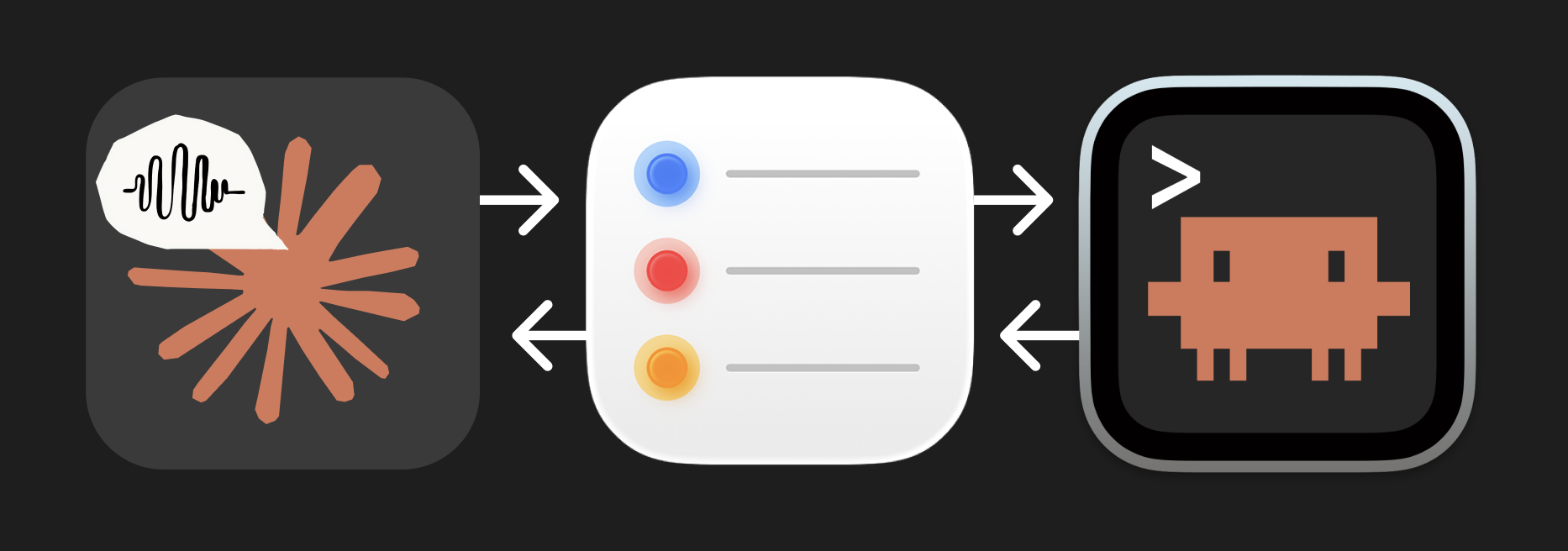
Reminders Bridge
## ⚠️ Before you start — what YOU (the human) must do>
An AI agent can run every command in this README, but a few things require you, because macOS and Apple security won't let any script do them. Read this first.>
You need installed first:
- macOS
- the claude CLI
>
Steps only a human can do (your AI agent will pause and ask for these):
- In Apple Reminders, create two lists named exactlyClaude InboxandClaude Output. (The names must match exactly — this is the message bus.)
- Approve the macOS Automation prompt for Reminders the first time it runs.
Talk to Claude on your phone. It builds on your Mac.
Claude's voice mode is great for thinking through ideas — real-time, hands-free, back-and-forth conversation. Claude Code on your Mac is great for building things. But they don't talk to each other.
Reminders Bridge connects them using Apple Reminders as a message bus. You talk through an idea with Claude on your phone, Claude drops a prompt into your Reminders, and Claude Code on your Mac picks it up, matches it to a project, and dispatches an agent to build it. Results go back to Reminders so you can check from your phone.
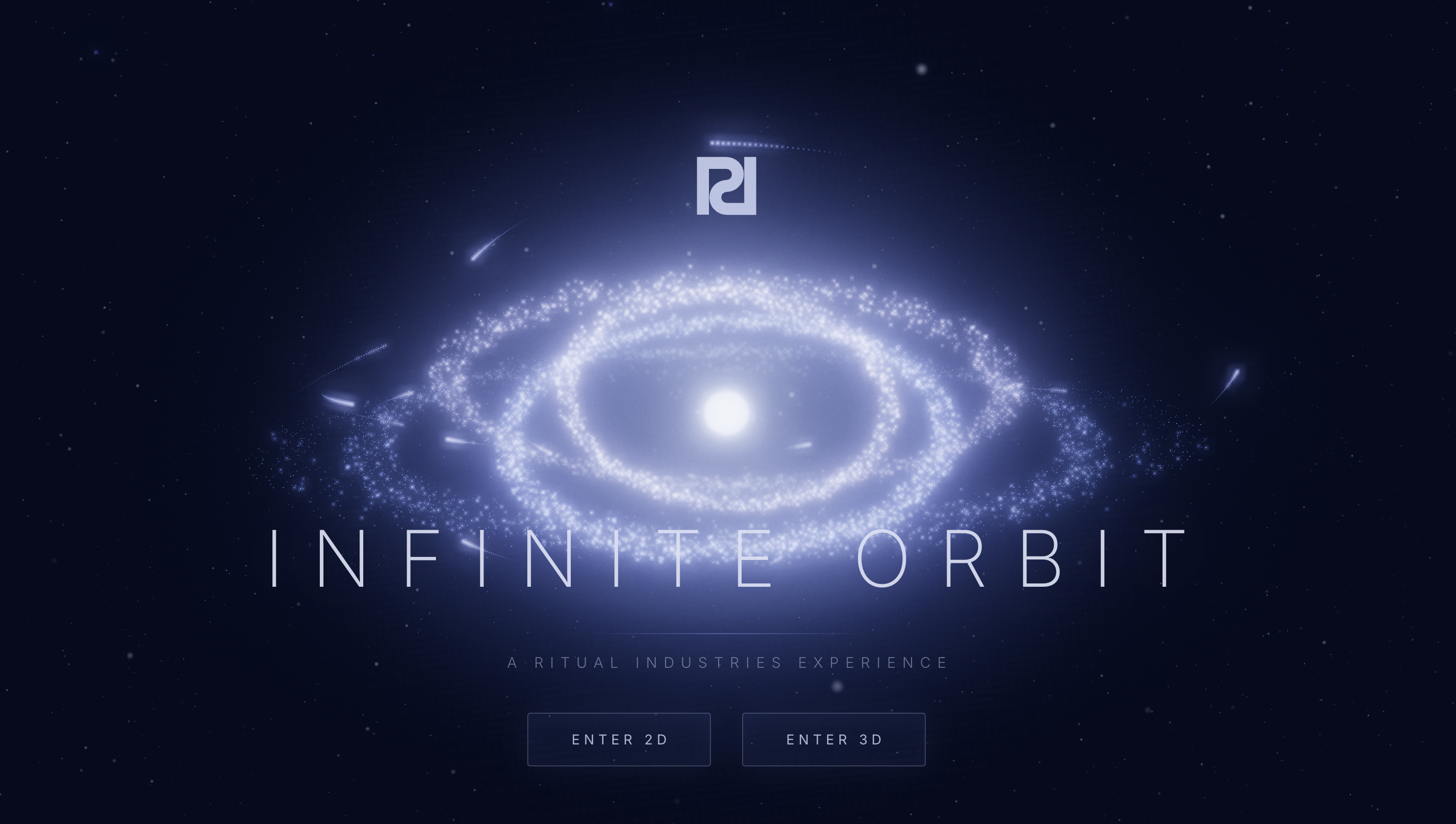
I used this to build Infinite Orbit — a gravity simulator game — mostly by voice while walking around outside.
How It Works
┌─────────────────────┐          ┌──────────────────┐          ┌─────────────────────┐
│   Claude Voice       │          │  Apple Reminders   │          │    Claude Code        │
│   (iPhone)           │          │  (iCloud sync)     │          │    (Mac)              │
│                      │          │                    │          │                       │
│  You brainstorm an   │  ──1──▶  │  "Claude Inbox"    │  ──2──▶  │  /reminders skill     │
│  idea with Claude    │          │  gets a new        │          │  detects new item     │
│  using voice mode    │          │  reminder          │          │                       │
│                      │          │                    │          │  Matches to a project │
│                      │          │                    │  ◀──3──  │  folder, dispatches   │
│  Check results on    │  ◀──4──  │  "Claude Output"   │          │  a background agent   │
│  your phone          │          │  gets the result   │          │                       │
└─────────────────────┘ └──────────────────┘ └─────────────────────┘- You + Claude Voice — Talk through your idea on your phone. Let Claude ask questions, suggest features, play devil's advocate.
- Claude writes a prompt — When the idea is ready, Claude creates a reminder in "Claude Inbox" with the full prompt.
- Claude Code picks it up — The
/remindersskill (running on a loop) detects the new item, matches it to one of your project folders, and dispatches a background agent. - The agent builds — It reads your project context (CLAUDE.md, SESSION_LOG.md), does the work, and writes a summary back to "Claude Output."
- You check from your phone — Ask voice Claude to read your Claude Output reminders, or just open the Reminders app.
Requirements
- macOS (uses AppleScript + Apple Reminders)
- Claude Code CLI installed and authenticated
- Claude Pro or Max plan (for voice mode + CLI agents)
- iPhone with Claude app (for voice conversations)
- iCloud Reminders sync enabled on both devices
Setup
1. Install
git clone https://github.com/brianharms/reminder-watch.git
cd reminder-watch
./install.sh
2. Create the Reminder Lists
Open Apple Reminders and create two lists (names must match exactly):
- Claude Inbox — where prompts from your phone land
- Claude Output — where results go back
3. Start Watching
Open Claude Code and run:
/loop 5m /reminders/loopis a built-in Claude Code command (no install needed) — it re-runs/remindersevery 5 minutes. You can also just run/remindersonce by hand to check on demand.
The first time, it'll ask where your projects folder is. Just tell it in plain English — "it's on my desktop in the projects folder" works fine. After that, it watches silently.
Usage
Sending Tasks from Your Phone
Start a voice conversation with Claude and brainstorm your idea. When it's ready:
"Send that to Claude Code as a reminder in my Claude Inbox list. Use the title for a short description and the notes for a detailed prompt."
Tips for good prompts:
- Be specific about the project name. "Work on my gravity simulator" is better than "work on that game thing."
- Push Claude for detail. Voice Claude tends to summarize. Say: "Include everything we discussed — the physics, the controls, the visual style. Don't summarize."
- One task per reminder. Don't pack multiple unrelated tasks into one reminder.
Checking Results
From your phone:
- Ask voice Claude: "Check my Claude Output reminders and read them to me"
- Or just open the Reminders app
- Run
/remindersto check manually
Voice Session Setup
Voice mode doesn't persist instructions across conversations. At the start of each voice session, say something like:
"When I tell you to send something to Claude Code, create a reminder in my Claude Inbox list. Title should be a short description, notes should be the full detailed prompt with all context."
How Project Matching Works
When a new reminder comes in, Claude Code lists your project folders and picks the best match based on the task title and notes:
- "Work on mac caps" → matches
mac-caps/ - "Let's build a new weather app" → creates
weather-app/(new folder) - "Add a feature to the portfolio site" → matches
portfolio-site/
recipe-app, say "work on recipe-app" not "work on that cooking thing."
If no existing folder matches, Claude creates a new one with a kebab-case name in your projects directory.
Configuration
After first run, your config lives at:
~/.claude/reminders-config.shIt contains one line:
PROJECTS_DIR="/path/to/your/projects"To change your projects folder, edit this file or delete it and run /reminders again.
What's Included
| File | Purpose | |------|---------| | scripts/reminder-check.sh | Queries Claude Inbox, filters seen items, outputs new/flagged | | scripts/reminder-output.sh | Writes results to Claude Output list | | skill/SKILL.md | The /reminders Claude Code skill | | install.sh | Copies scripts and skill to ~/.claude/ |
Installed File Locations
| File | Installed To | Purpose | |------|-------------|---------| | Check script | ~/.claude/reminder-check.sh | Query inbox, filter seen | | Output script | ~/.claude/reminder-output.sh | Write results | | Skill | ~/.claude/skills/reminders/SKILL.md | /reminders command | | Config | ~/.claude/reminders-config.sh | Projects directory path | | Seen tracker | ~/.claude/reminder-seen.txt | Processed reminder IDs |
Troubleshooting
Reminders aren't being detected:
- Check that the list is named exactly
Claude Inbox(capitalization matters) - Make sure iCloud sync is working (changes on phone should appear on Mac within a few seconds)
- Try running the check script manually:
~/.claude/reminder-check.sh
- Make sure you have
/looprunning:/loop 5m /reminders - Check that Claude Code CLI is authenticated:
claude --version - Try
/remindersmanually to see if it picks up the item
- Be more specific in your reminder title — use the exact folder name if possible
- Check what folders exist in your projects directory
- Tell voice Claude to mark output reminders as complete after reading them
- Apple Reminders slows down with many incomplete items that have long notes
Uninstall
Delete these files:
rm ~/.claude/reminder-check.sh
rm ~/.claude/reminder-output.sh
rm -rf ~/.claude/skills/reminders/
rm ~/.claude/reminders-config.sh    # your config
rm ~/.claude/reminder-seen.txt      # tracking file
Background
I built this because I think best when I'm moving — walking, not sitting at a desk. The technology exists to have a voice conversation that develops an idea and hands it off to a coding agent. Nobody's shipped that as a native experience yet, so I hacked it together with Apple Reminders and a few shell scripts.
It's not elegant, but it works. I hope it inspires the right people to build this properly.
For AI coding agents
This is a small, dependency-free Bash + AppleScript project. macOS-only (it talks to Apple Reminders via osascript). The folder is named reminder-watch; the user-facing product name is Reminders Bridge.
Repo layout
scripts/reminder-check.sh— Reads the Claude Inbox list for incomplete reminders, filters out IDs already recorded in~/.claude/reminder-seen.txt, marks each new one complete (so it isn't reprocessed), and also reads the Claude Output list for flagged items. Emits pipe-delimited lines (NEW|title|notes,FLAGGED|title|notes); exits1when nothing is new.scripts/reminder-output.sh— Writes a reminder into the Claude Output list. Usage:reminder-output.sh "Title" "Body" [true|false](third argtruesets priority to 1 / urgent). Called by dispatched agents to report results back to the phone.skill/SKILL.md— The/remindersClaude Code skill (frontmattername: reminders). Orchestrates the whole loop: config check → run check script → match each new task to a project folder → dispatch a background agent → report. Read this first to understand the end-to-end flow.install.sh— Copies the two scripts to~/.claude/and the skill to~/.claude/skills/reminders/, touches the seen file, and prints next steps. No daemon, no build step.README.md— User-facing docs (setup, usage, project-matching, troubleshooting).banner.png,infinite-orbit-screenshot.png— README images.- (No
docs/directory ships — git doesn't track empty folders. Add one if you write docs.) .gitignore,LICENSE(MIT),.gitignore.
Entry points
Start withskill/SKILL.md (the control flow), then scripts/reminder-check.sh (the read side) and scripts/reminder-output.sh (the write side). There is no application binary — the "runtime" is Claude Code executing the skill on a loop.
Build / run / test locally
There is nothing to compile. To exercise it:- In Apple Reminders, create two lists named exactly
Claude InboxandClaude Output. ./install.sh(copies into~/.claude/), or run the scripts straight fromscripts/for testing.- Add a reminder to
Claude Inbox, then runbash scripts/reminder-check.sh— expect aNEW|...line and exit0; run it again and expect exit1(already seen / marked complete). - Test the write side:
bash scripts/reminder-output.sh "Test" "Hello" true— a flagged reminder should appear inClaude Output. - End-to-end inside Claude Code:
/remindersonce (configures the projects folder), then/loop 5m /reminders.
Invariants — do not break
- macOS-only. All inbox/output access goes through
osascript. Don't replace AppleScript with anything that isn't present by default on macOS, and keep theuname == Darwinpreflight ininstall.sh. - Exact list names. The literal strings
"Claude Inbox"and"Claude Output"are the protocol contract between phone-Claude and desktop-Claude. Don't rename them or make them configurable without updating the README, skill, and both scripts together. - Pipe-delimited protocol tokens.
reminder-check.shemitsNEW|...andFLAGGED|..., andSKILL.mdparses exactly those prefixes. Keep the|field delimiter and\t-delimited AppleScript output (reminder id \t name \t body) in sync between the script and any consumer. - Idempotency / seen-tracking. New reminders are recorded in
~/.claude/reminder-seen.txtand markedcompletedto prevent reprocessing. Preserve this dedupe behavior; reminder id (not name) is the identity key. - Exit-code contract.
reminder-check.shreturns1for "nothing new" and0when items exist; the skill relies on1to return silently. Don't change these semantics. - AppleScript string escaping.
reminder-output.shescapes backslashes and double-quotes viaescape_as()before interpolating into the AppleScript literal. Any new user-supplied string injected into anosascriptheredoc must be escaped the same way. - Agent guardrails in the dispatch prompt. The
SKILL.mdagent prompt forbids deleting files,git push/deploy, posting to external APIs, and touching projects outside the resolvedPROJECT DIR. Keep these guardrails when editing the dispatch template. - Secrets stay out of git.
.gitignoreexcludes.env,certs/,.pem/.key/.p12,credentials.json,-seen.txt,.log, plus internal dev notes (CLAUDE.md,SESSION_LOG.md,.claude/). Never commit these or the user's seen-tracker.
Placeholdered / personal config — keep generic
- No hardcoded projects path. The projects directory is never baked in. It is resolved at first run and written to
~/.claude/reminders-config.shas a single linePROJECTS_DIR="...". Keep this parameterized — don't reintroduce a personal absolute path (e.g. anyone's~/Desktop/...) into the scripts or skill. - All state lives under
~/.claude/via${HOME}(reminder-seen.txt,reminders-config.sh, installed scripts/skill). Keep paths$HOME-relative, not user-specific. - The only personal references that should remain are the author attribution and example URLs in
README.md/script header comments (github.com/brianharms/reminder-watch, the Infinite Orbit links, MIT copyright). Example project names in the README (mac-caps,weather-app,portfolio-site) are illustrative only — don't treat them as real paths.


